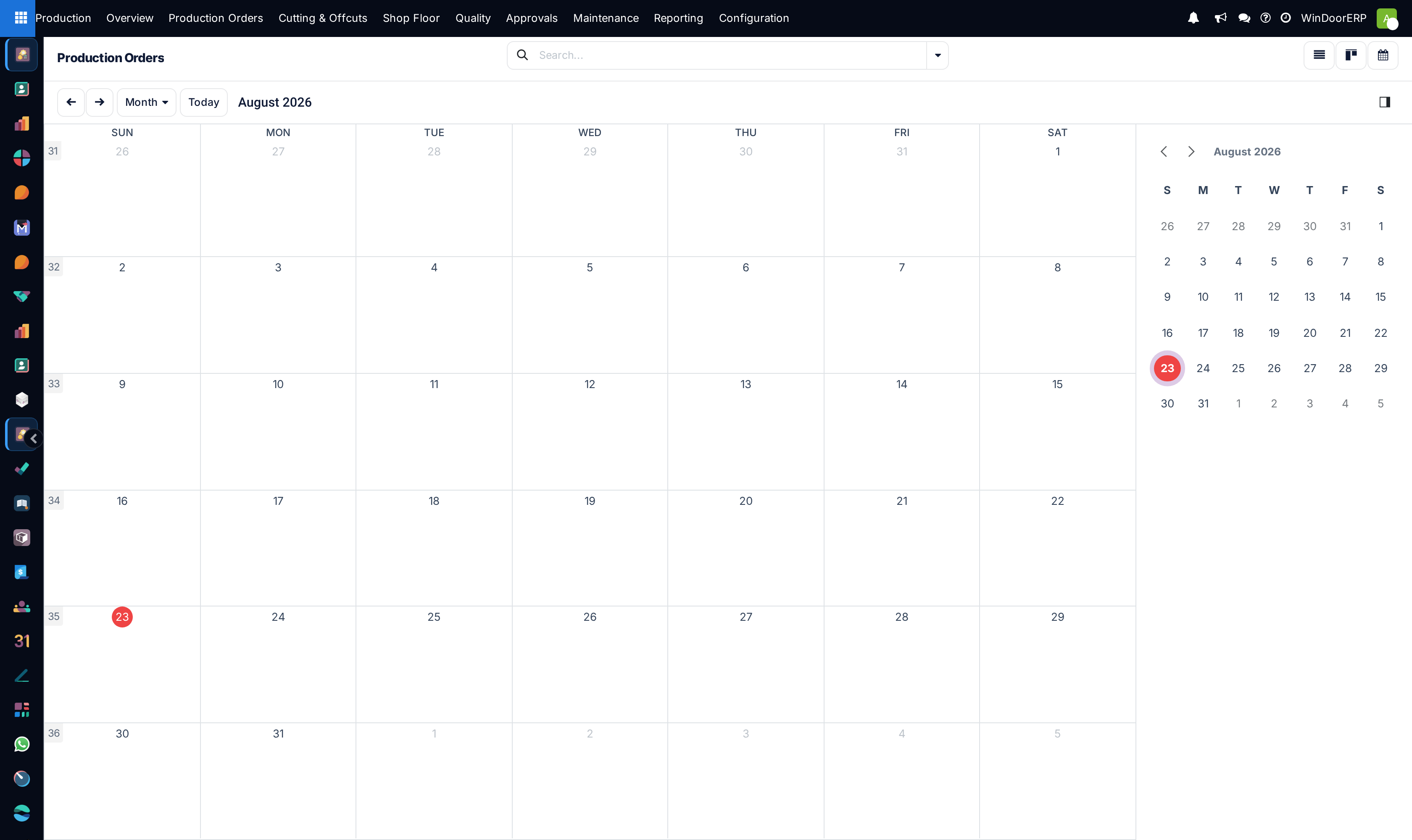
Schedule fabrication deadlines and delivery milestones on the production calendar
What this does
Provides a comprehensive visual schedule of manufacturing start dates, expected completion deadlines, and job-site installation dates.
Before you start
- Manufacturing orders must have scheduled start and end dates assigned.
Steps
Important
Coordinate production calendar completion dates at least 48 hours prior to installation mobilization to allow adequate QA inspection and protective wrapping.
-
01
Go to Production › Manufacturing Orders and select the Calendar view.
-
02
Toggle between Day, Week, and Month views to examine upcoming fabrication workloads.
-
03
Click on any scheduled block to view customer names, project tags, and window counts.
-
04
Drag orders to reschedule dates when site contractor delivery schedules shift.
Common mistakes
- Scheduling weekend fabrication runs without ensuring quality control inspector coverage.
- Over-allocating multiple heavy commercial facade orders to the same completion date.
Was this article helpful?
Thanks — your feedback helps.
Running a window or door factory?
Ask for a demo