Configure aluminum profile series, glass layups, hardware brands, handles, and RAL powder colors
What this does
Maintains the foundational parametric engineering master data governing all estimation formulas, profile extrusion weights, thermal break barriers, double/triple glass unit specifications, hardware brand kinematics, and electrostatic powder coating finishes.
Before you start
- System Technical Engineer privileges.
Steps

Important
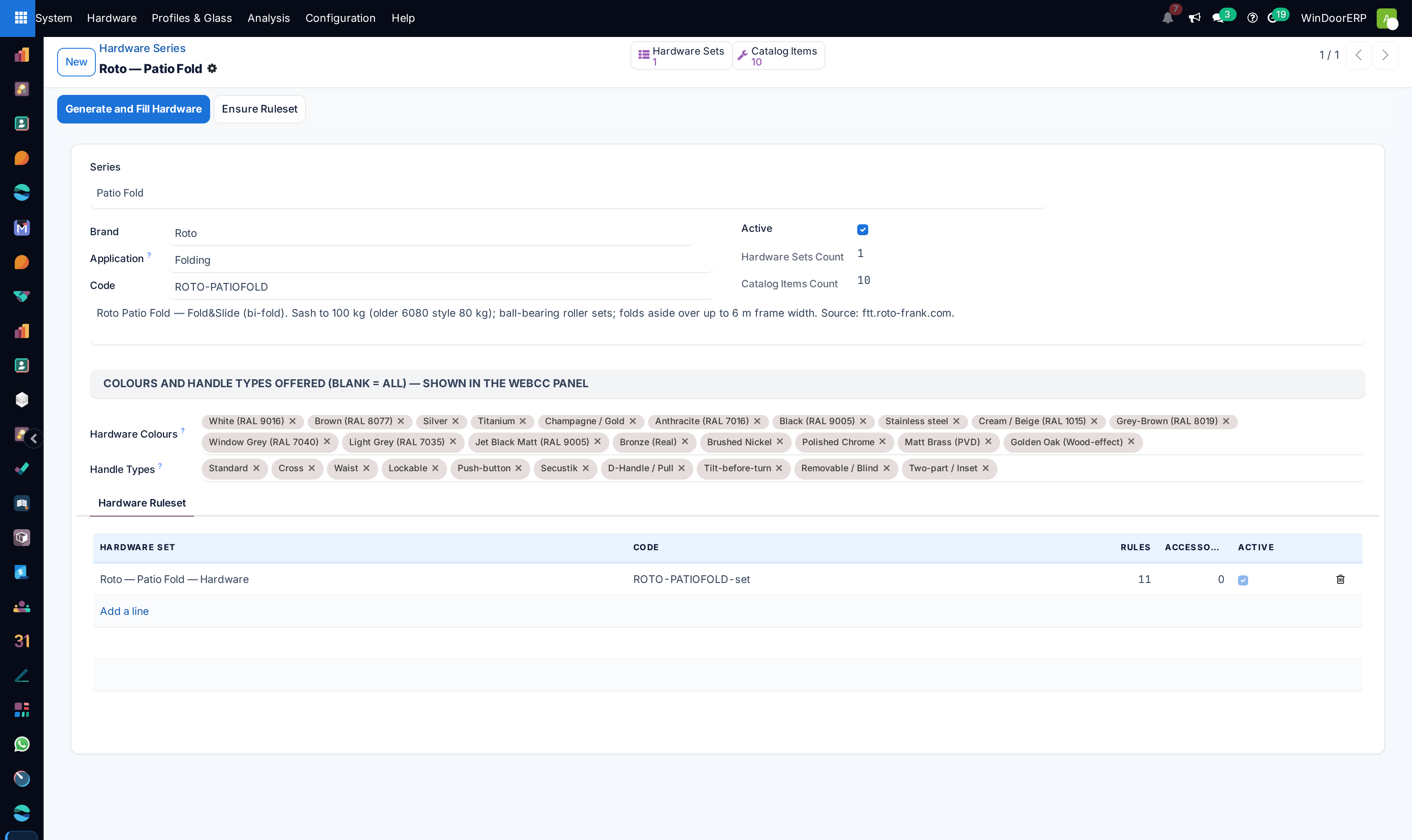
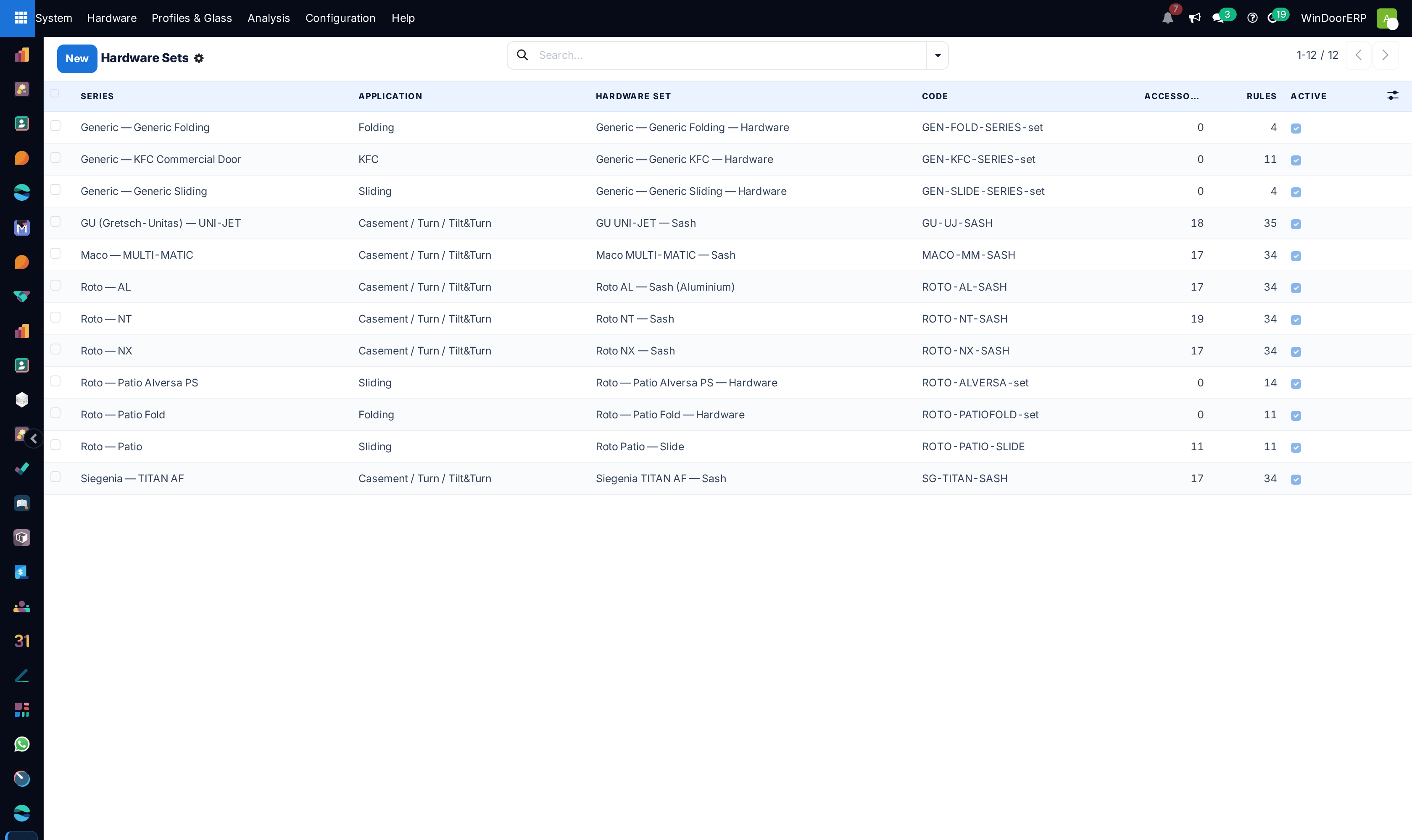
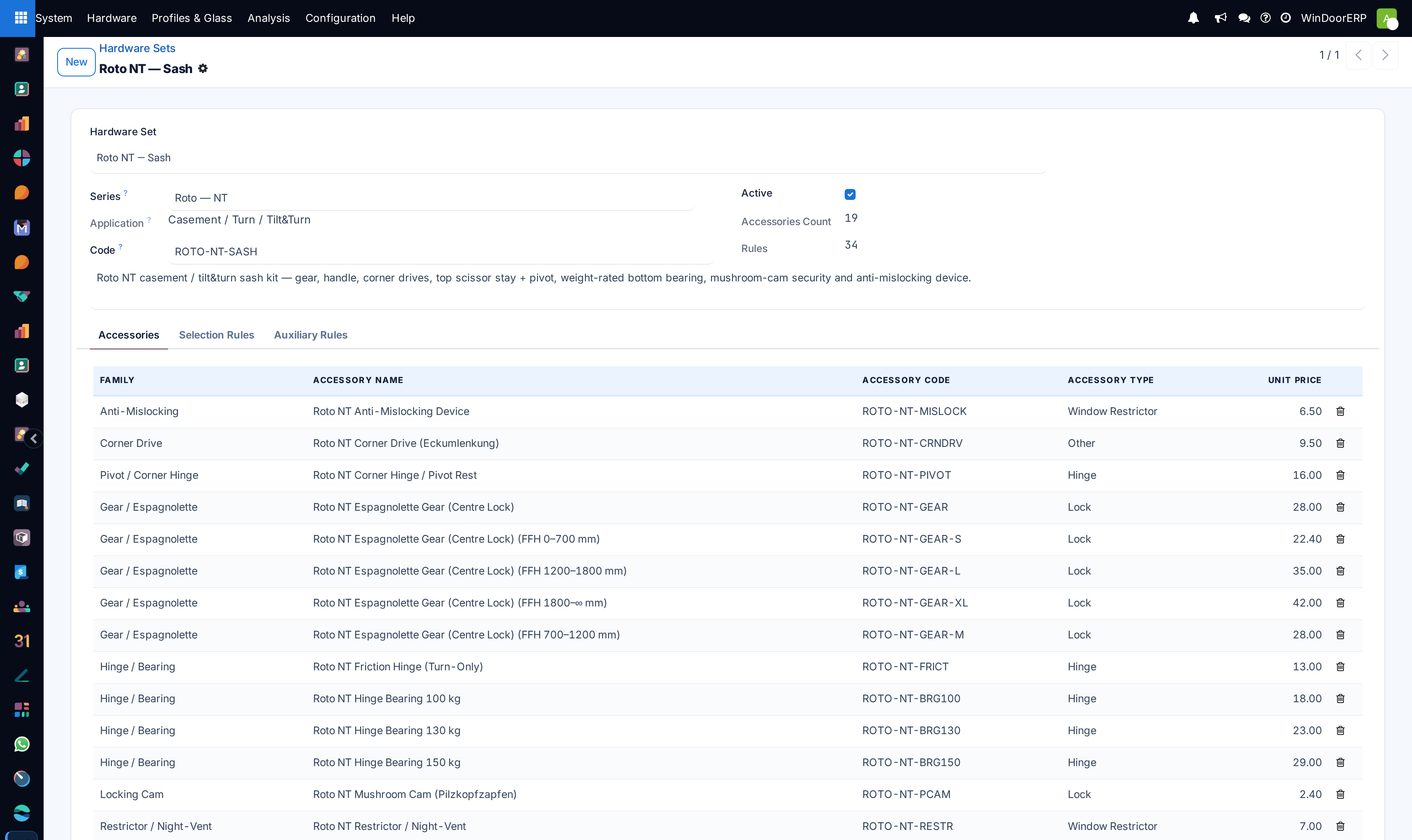
Pre-assembling Hardware Sets (e.g. Tilt & Turn perimeter gear sets with mushroom cams) ensures complete Bill of Quantities costing during automated design calculation.
-
01
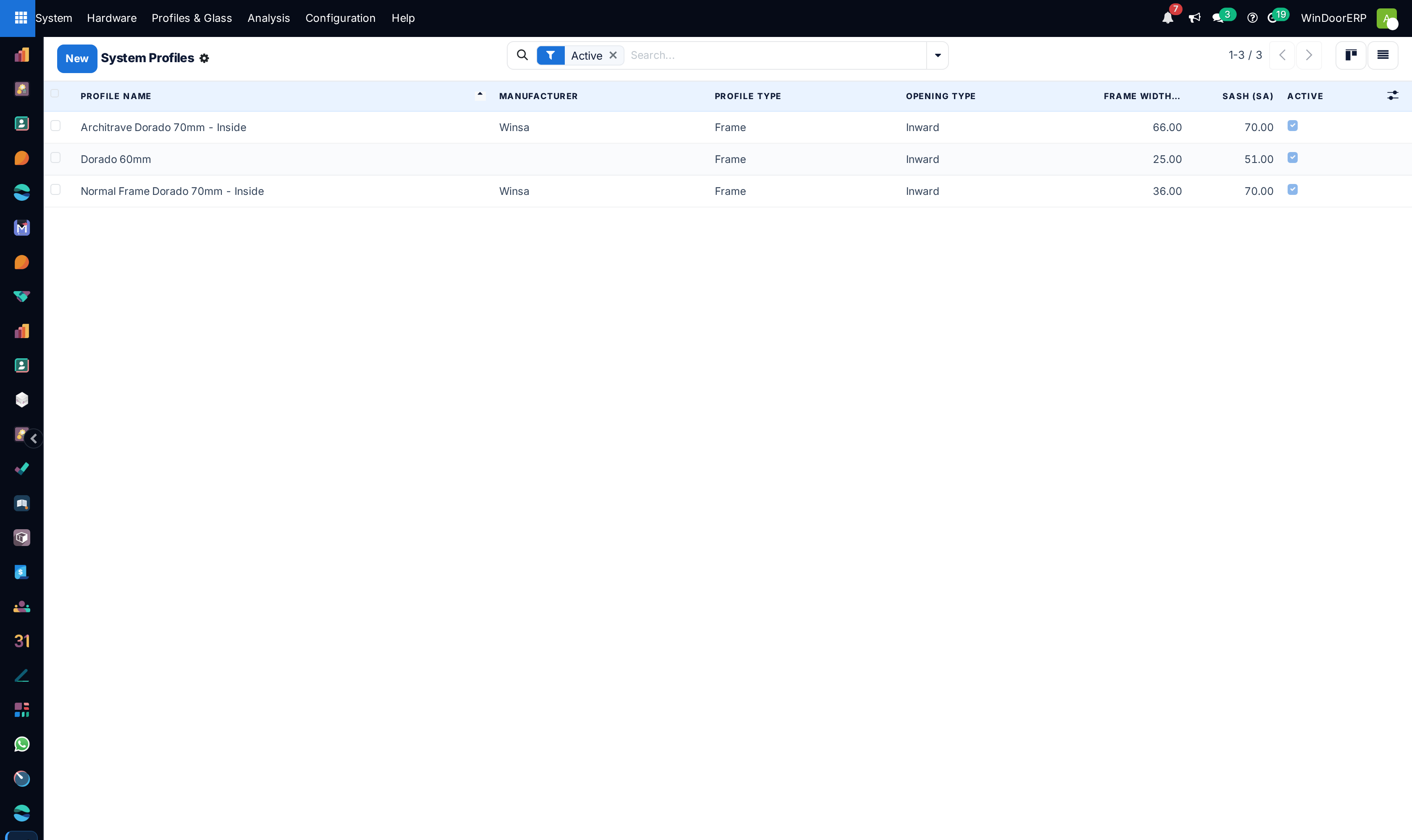
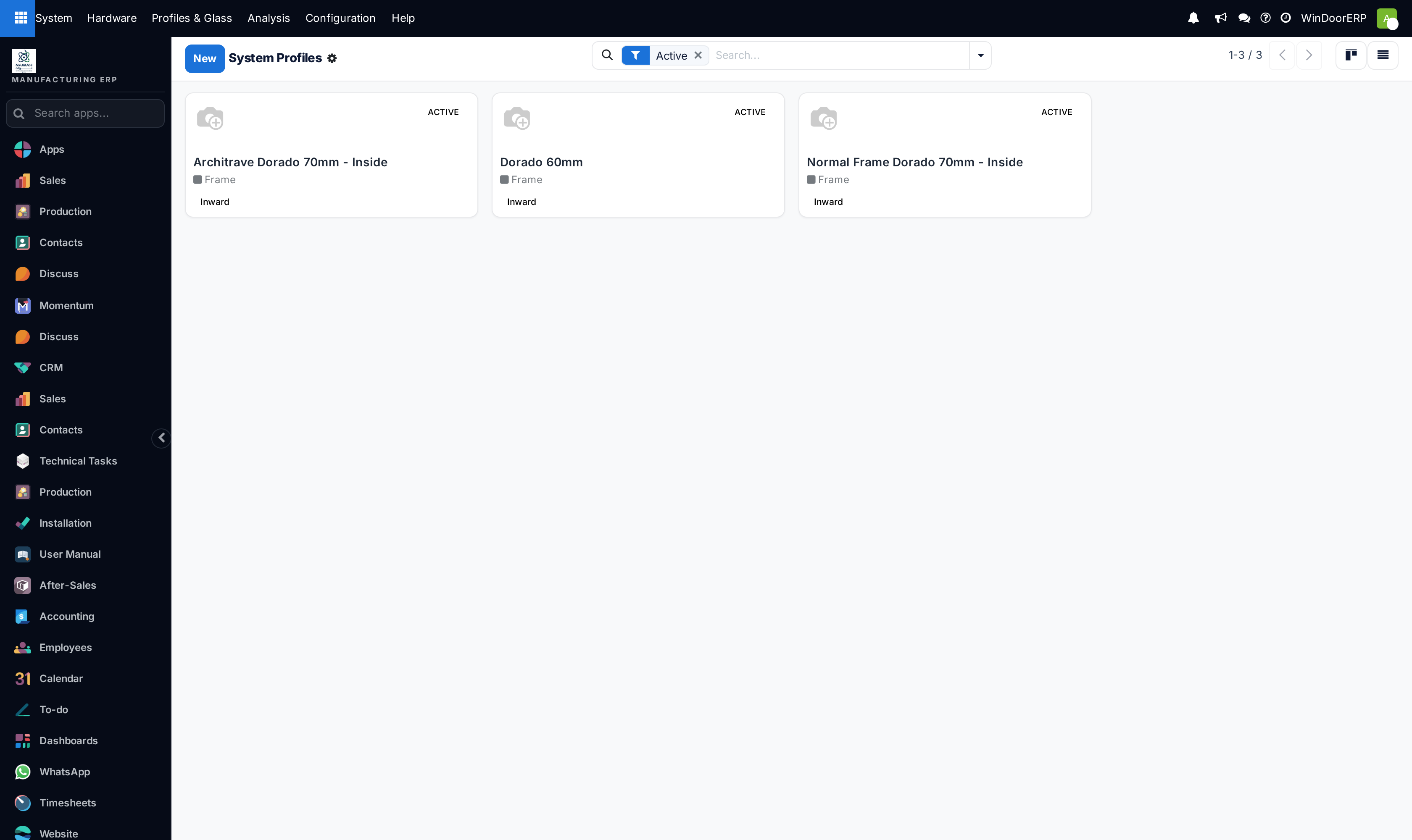
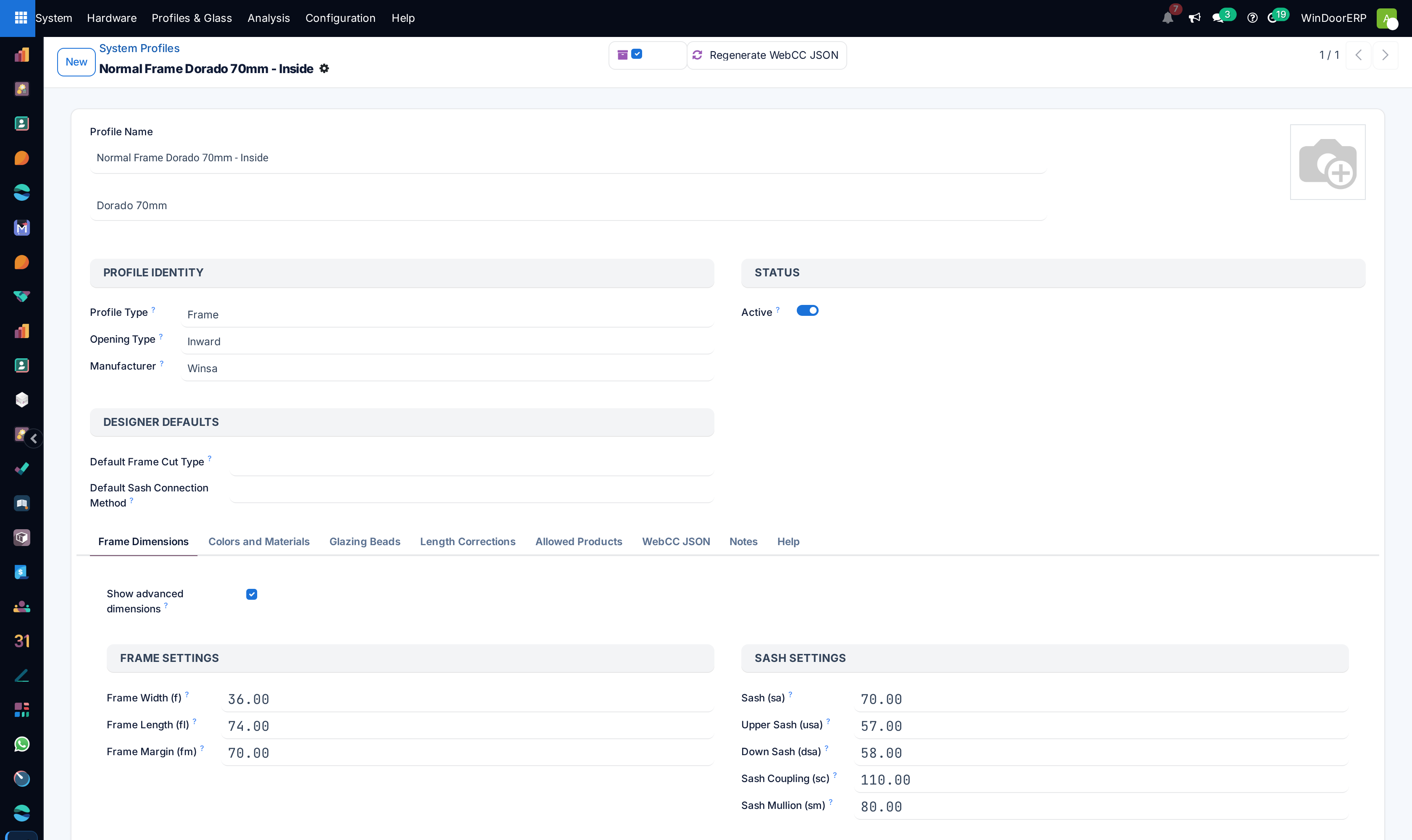
Open System › Profiles & Glass › Profiles across List and Kanban views to define profile systems (e.g. WDS-60 Thermal Break).
-
02
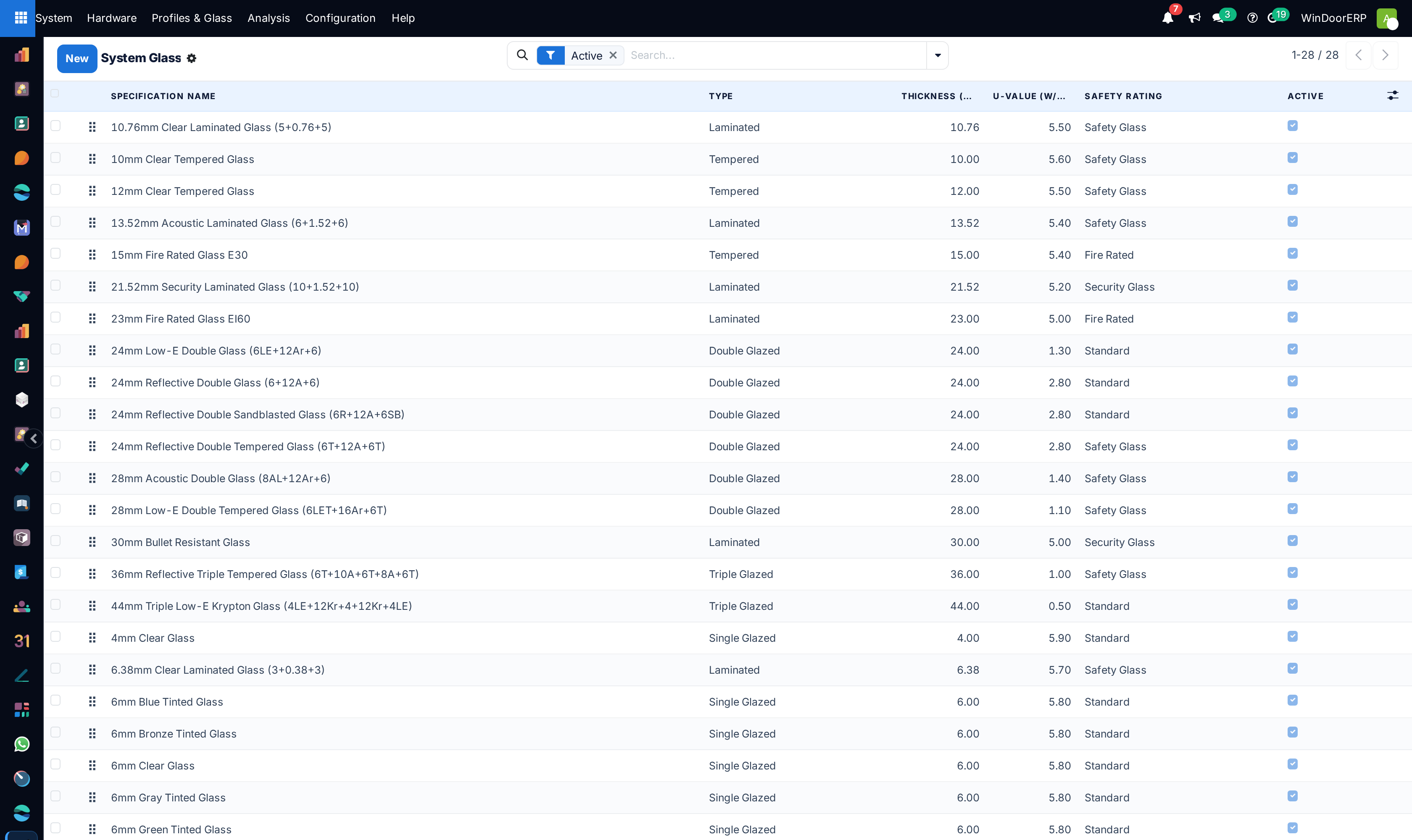
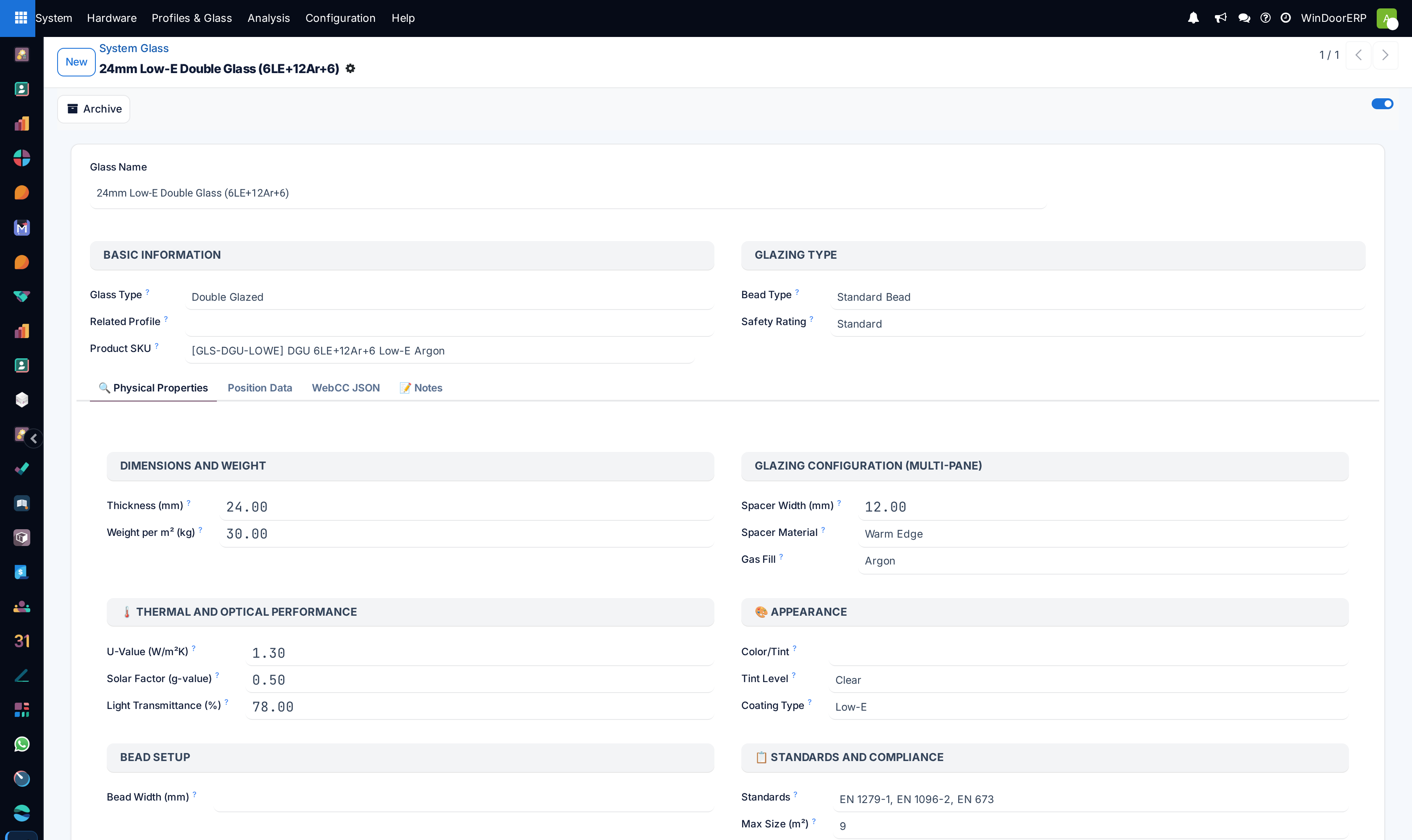
Define structural glazing layups under Glass with glass thickness, Low-E coatings, and Argon air gap spacers.
-
03
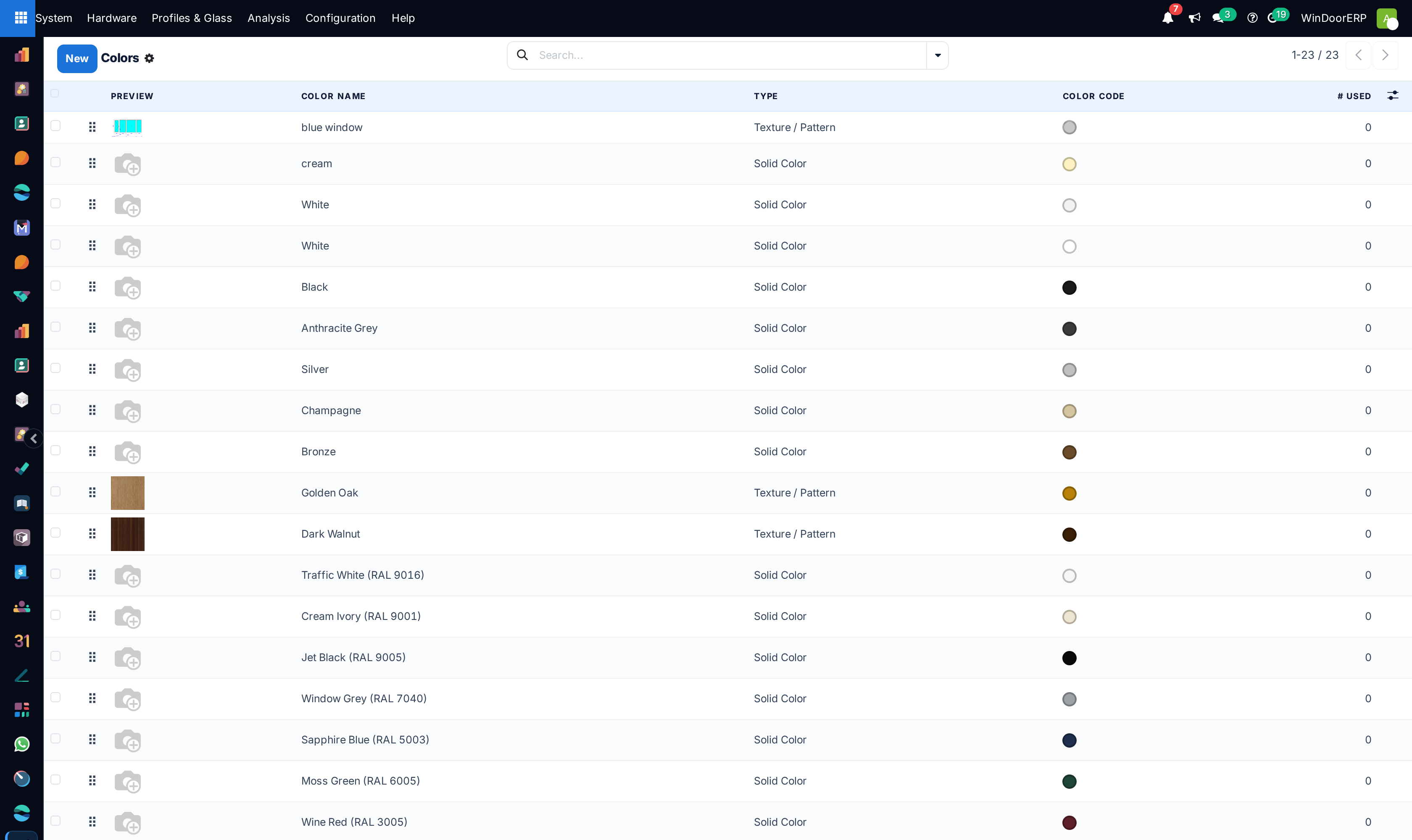
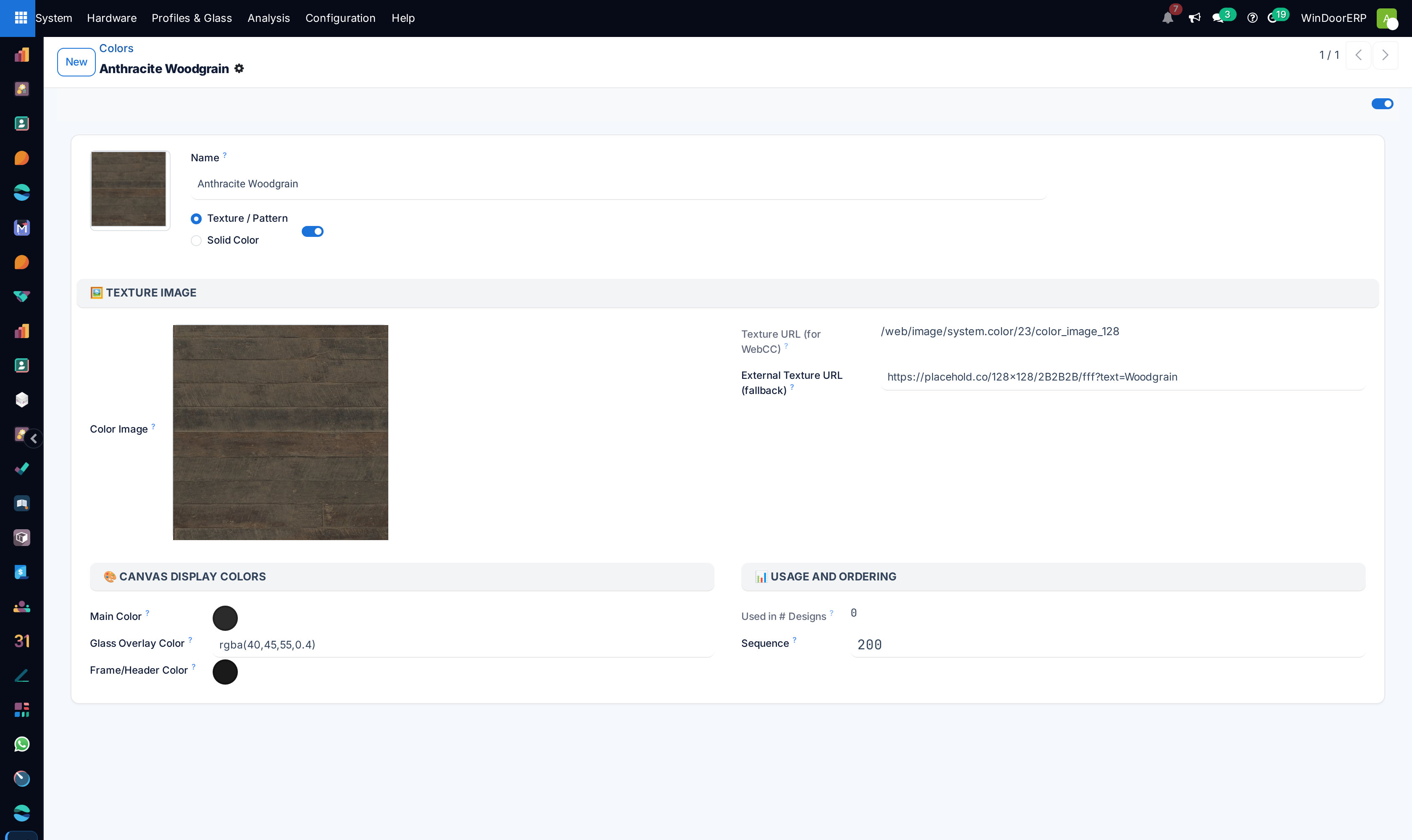
Configure certified powder coat finishes under Frame Colours with RAL codes and warranty tiers.
-
04
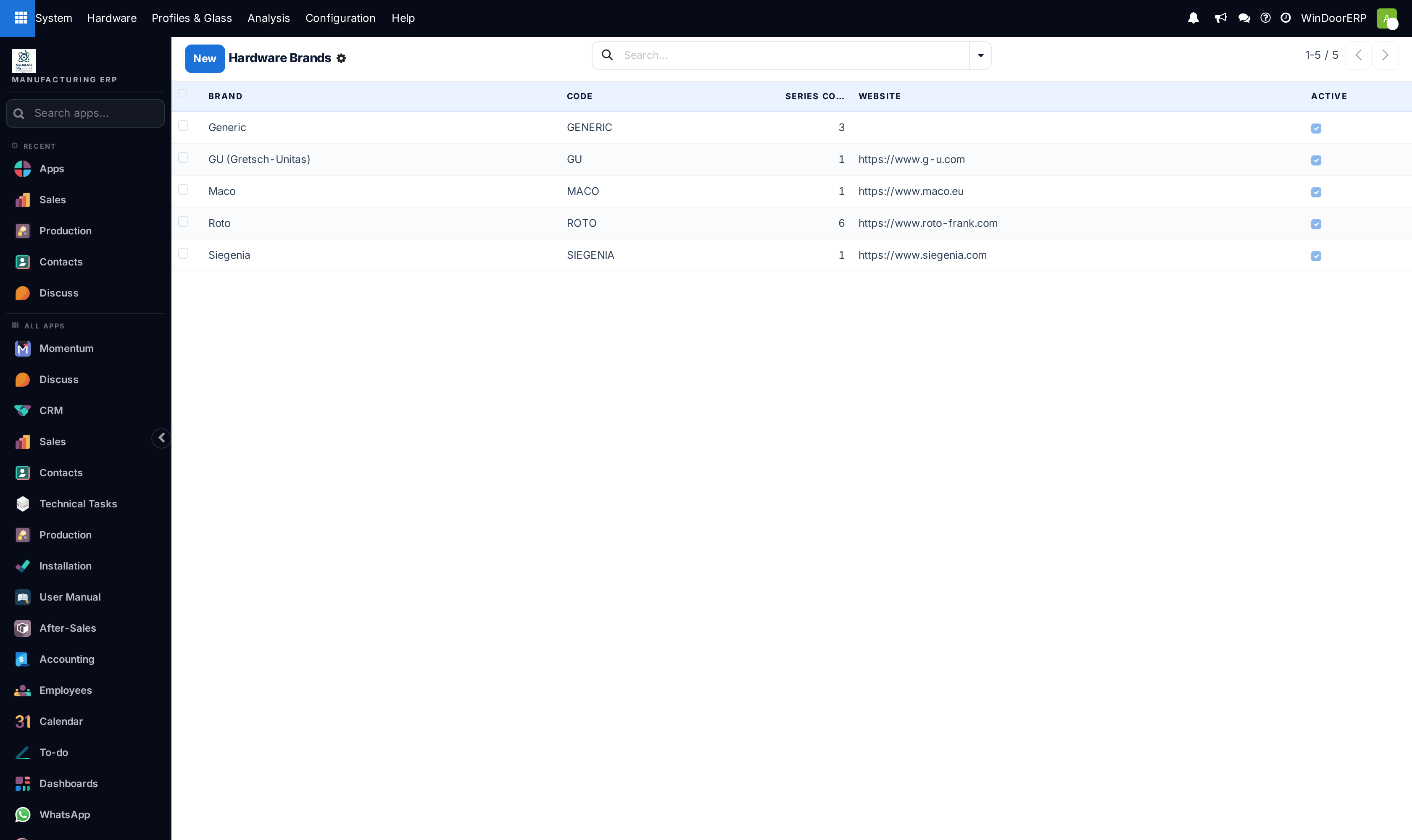
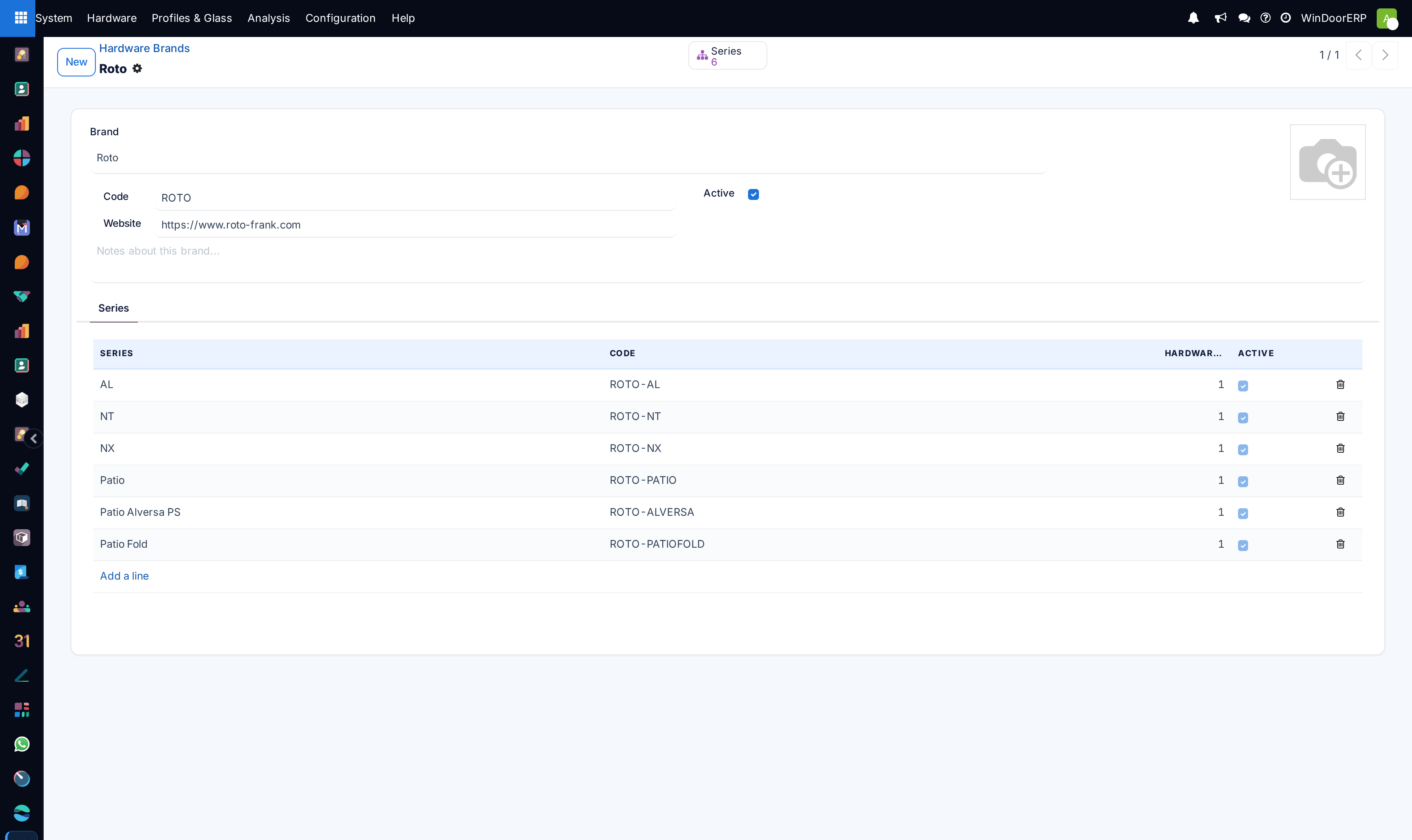
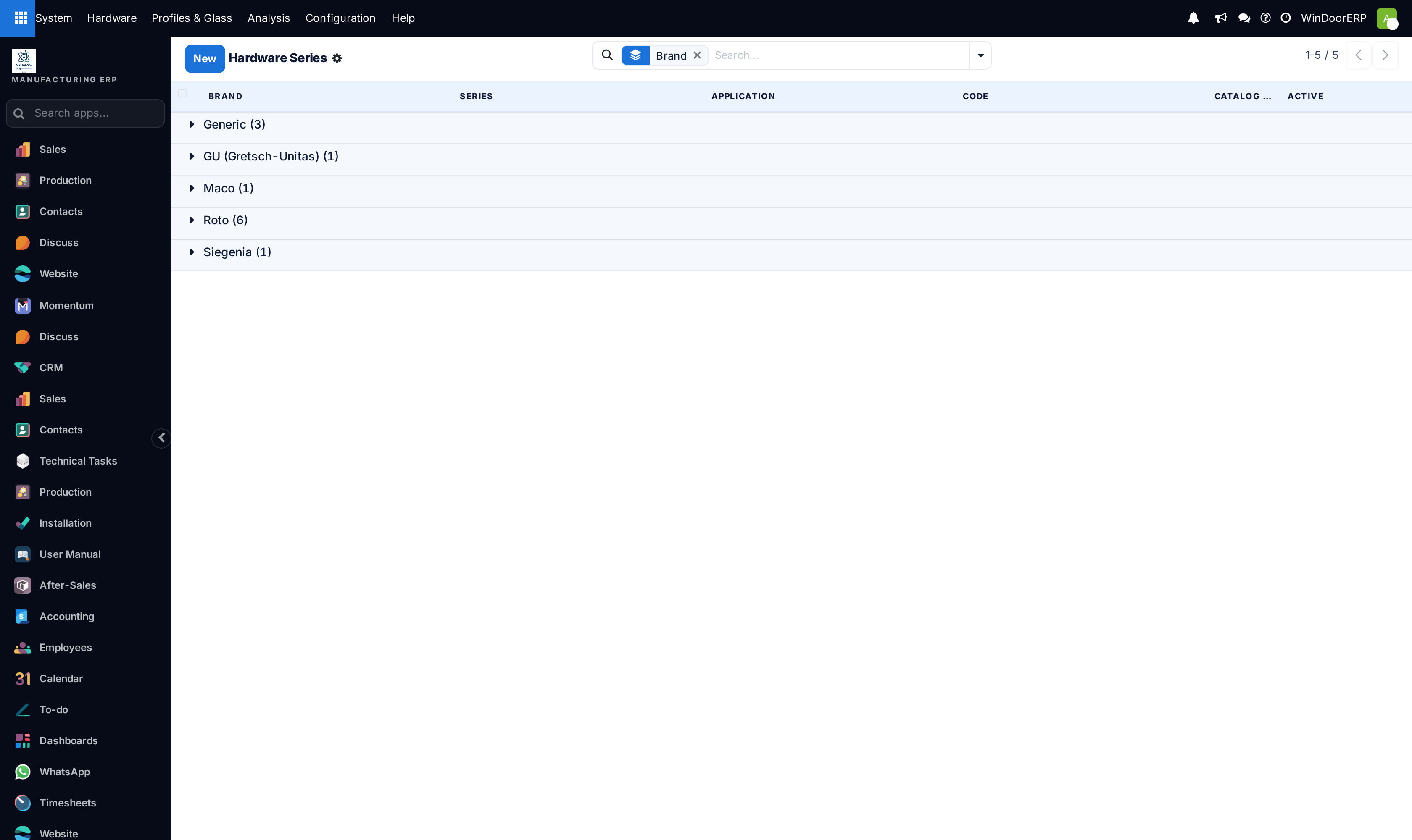
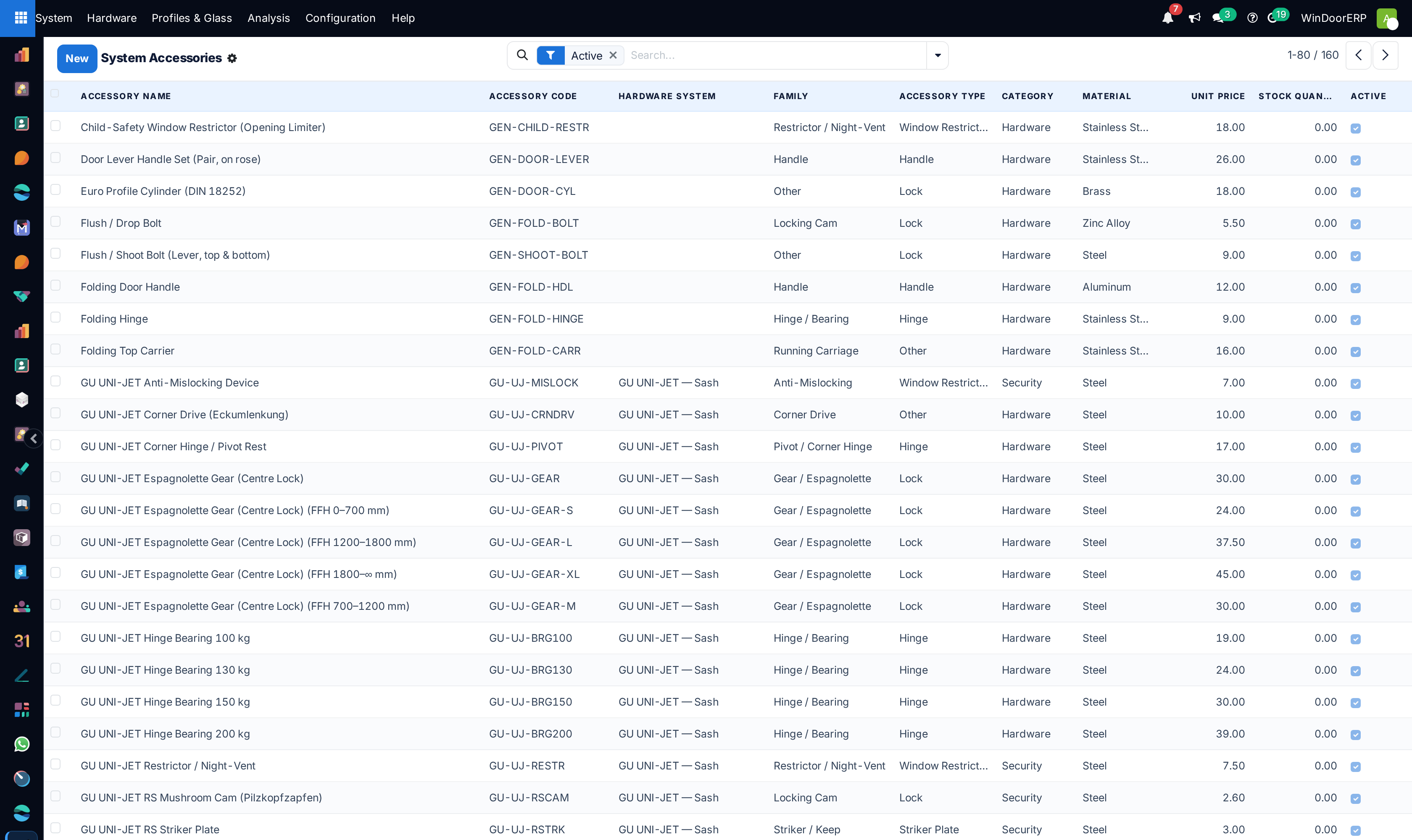
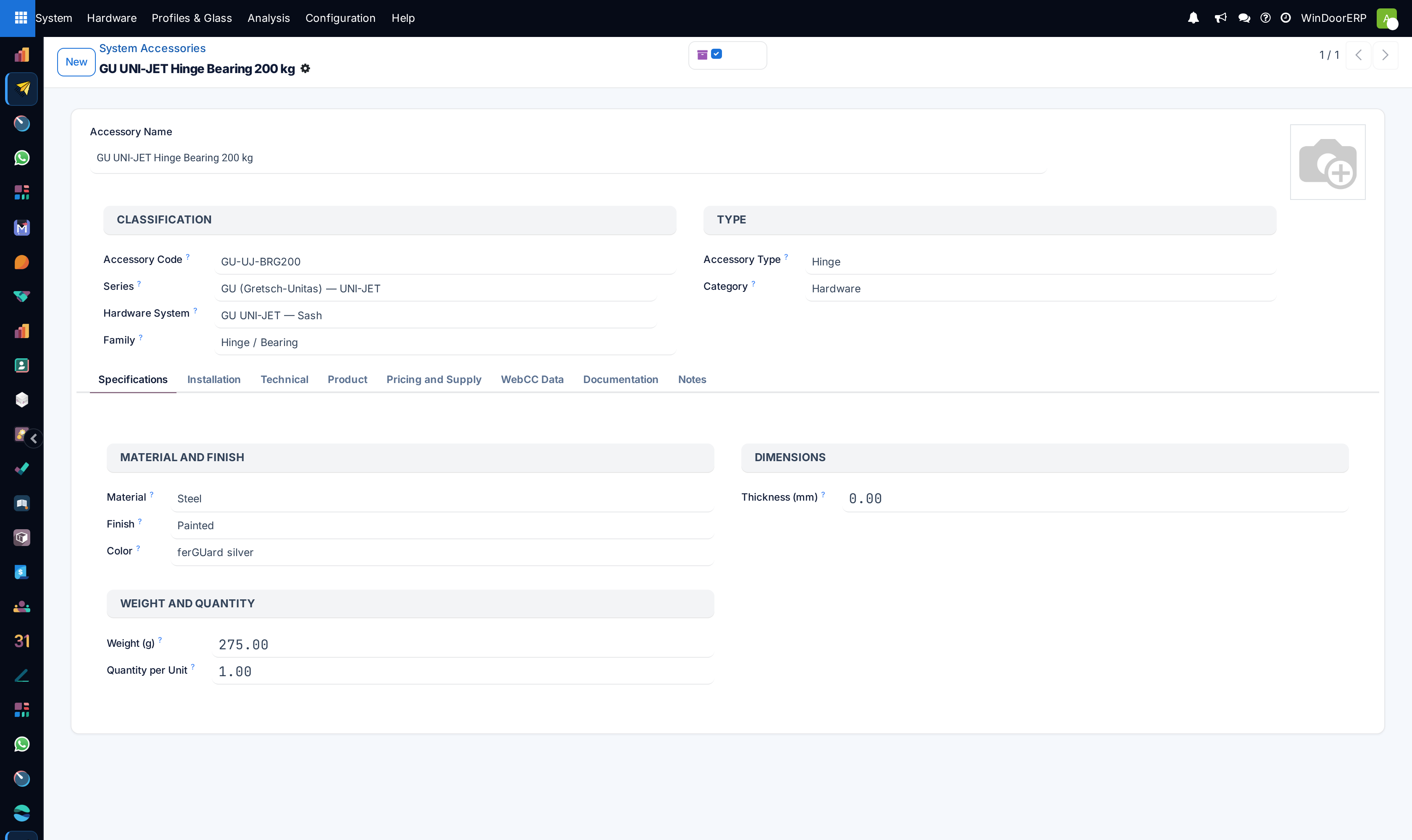
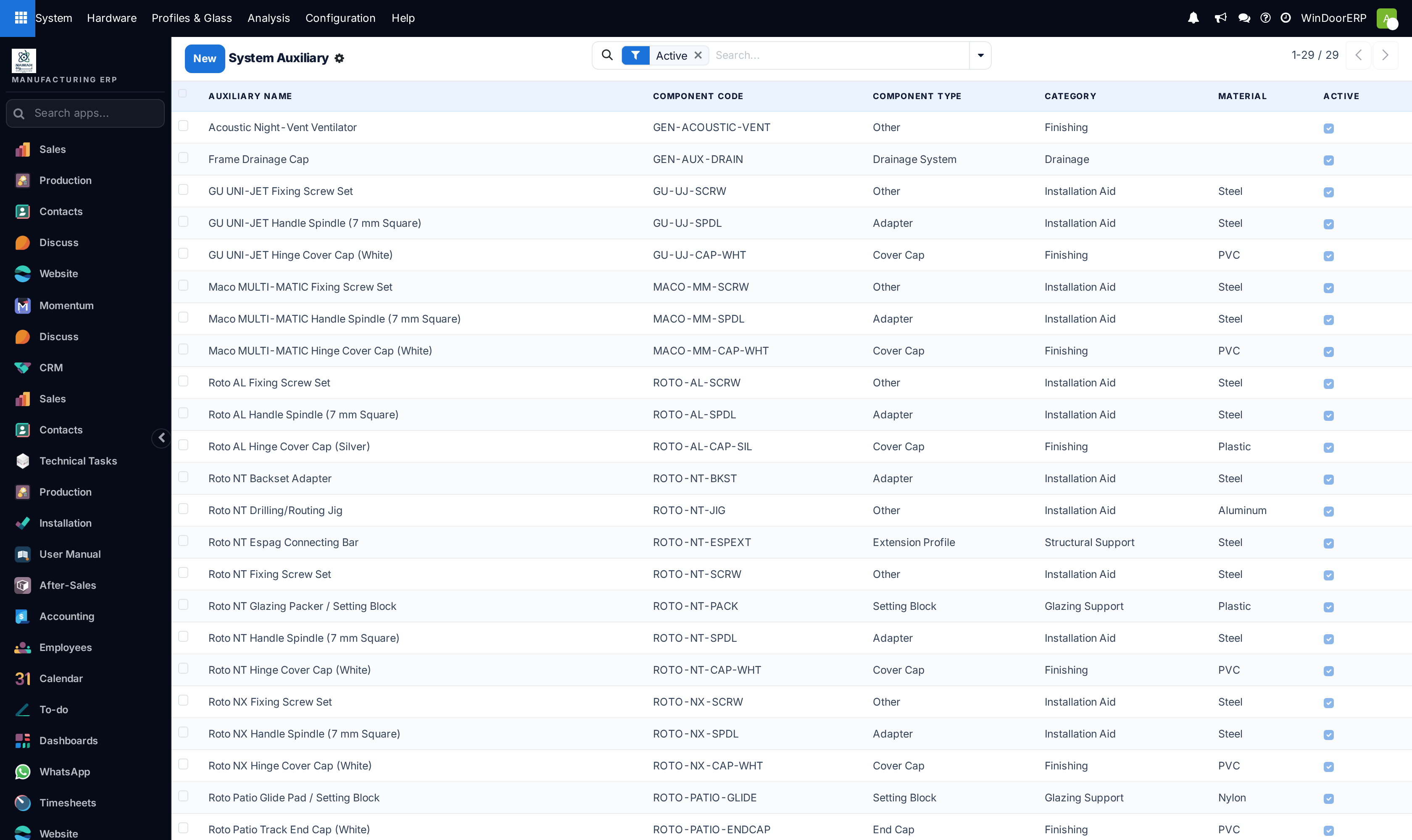
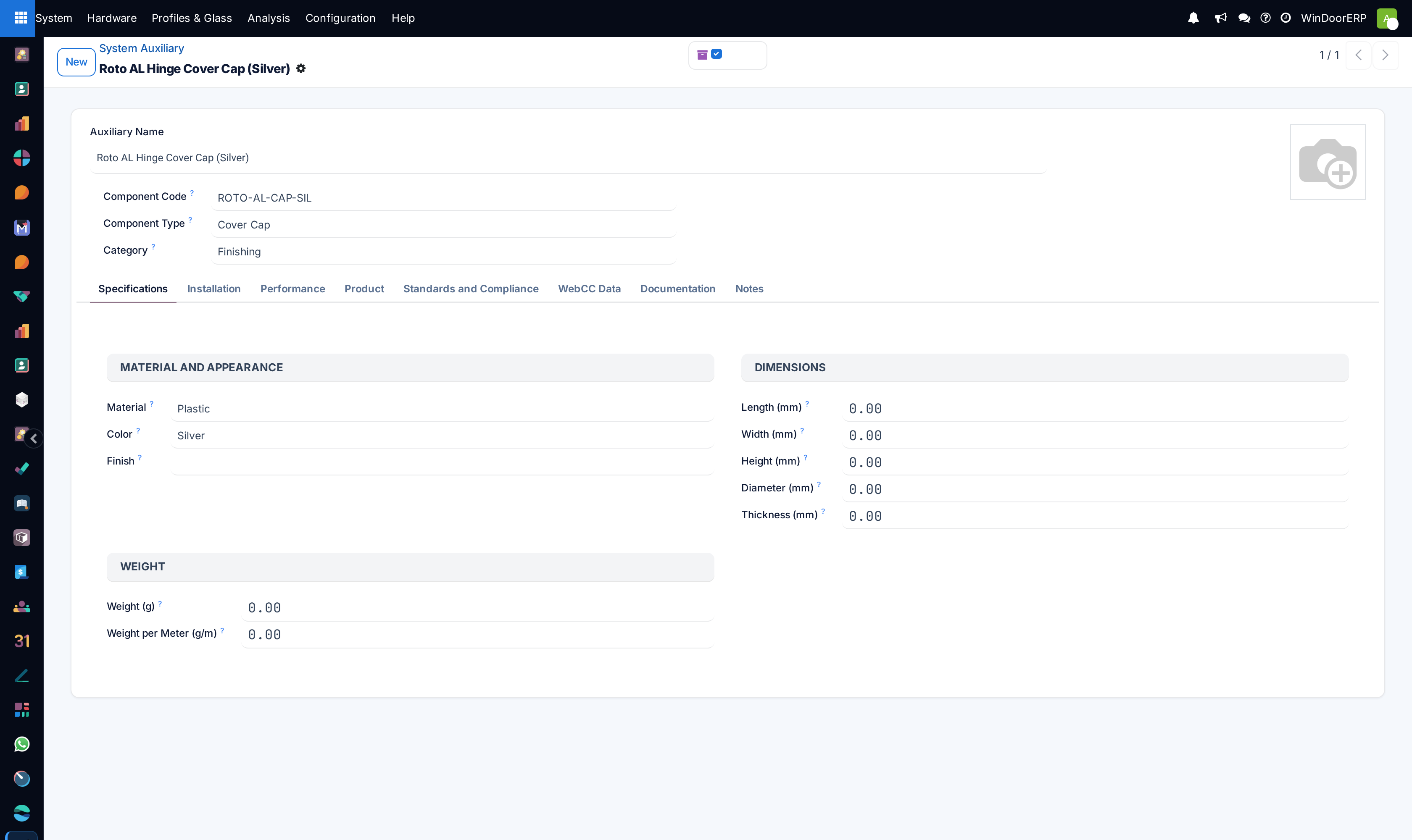
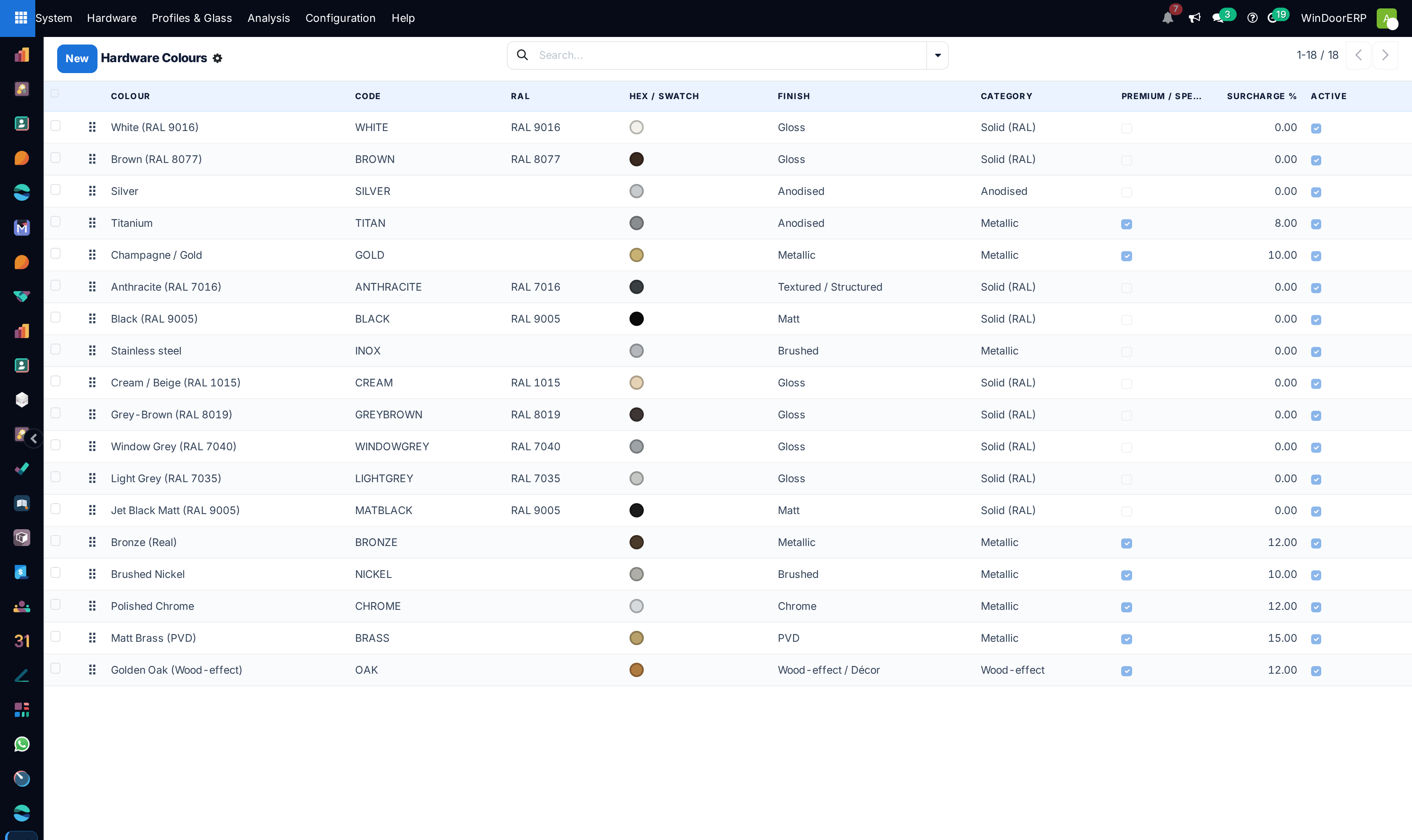
Open System › Hardware to maintain Brands, Series, Sets, Accessories, Auxiliary, Handle Types, and Hardware Colours.
-
05
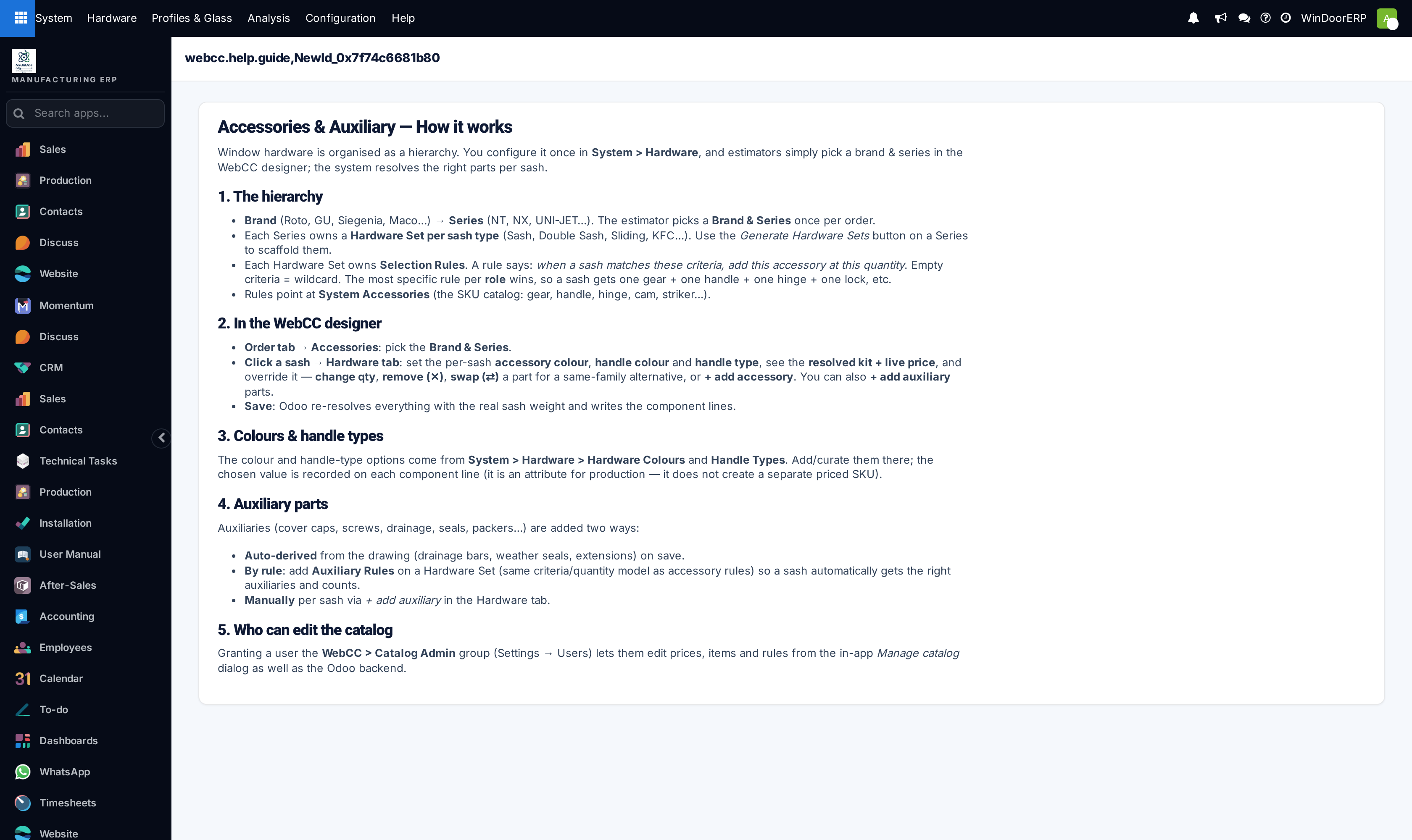
Consult the built-in engineering reference in Help › Accessories & Auxiliary Guide.
Common mistakes
- Configuring aluminum profile extrusion meter weights without factoring in powder coating paint thickness allowances.
- Creating hardware accessory records without defining compatible profile groove standards (e.g. Eurogroove standard).
Was this article helpful?
Thanks — your feedback helps.
Running a window or door factory?
Ask for a demo