Monitor work order cycle times, backlog queues, and work center bottlenecks
What this does
Delivers comprehensive flow analytics on work order cycle duration, queue waiting times, and station throughput rates across the factory.
Before you start
- Work order timestamps logged across stations.
Steps

Important
Monitoring work order queue times reveals whether delays are caused by slow machine cycle times or parts waiting for quality inspection sign-off.
-
01
Go to Production › Reporting › Work Orders.
-
02
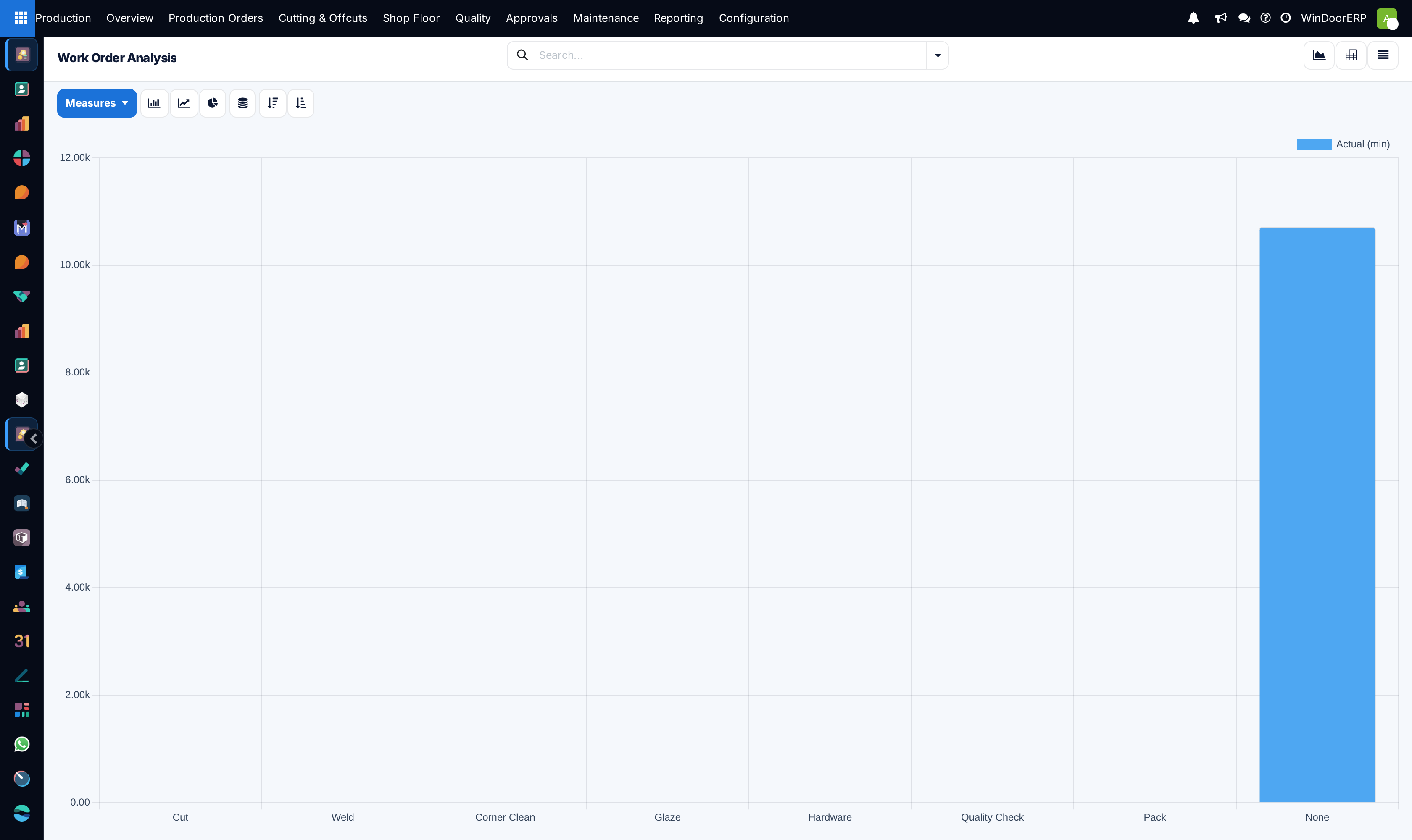
Review the bar chart showing active work order volumes across each fabrication department.
-
03
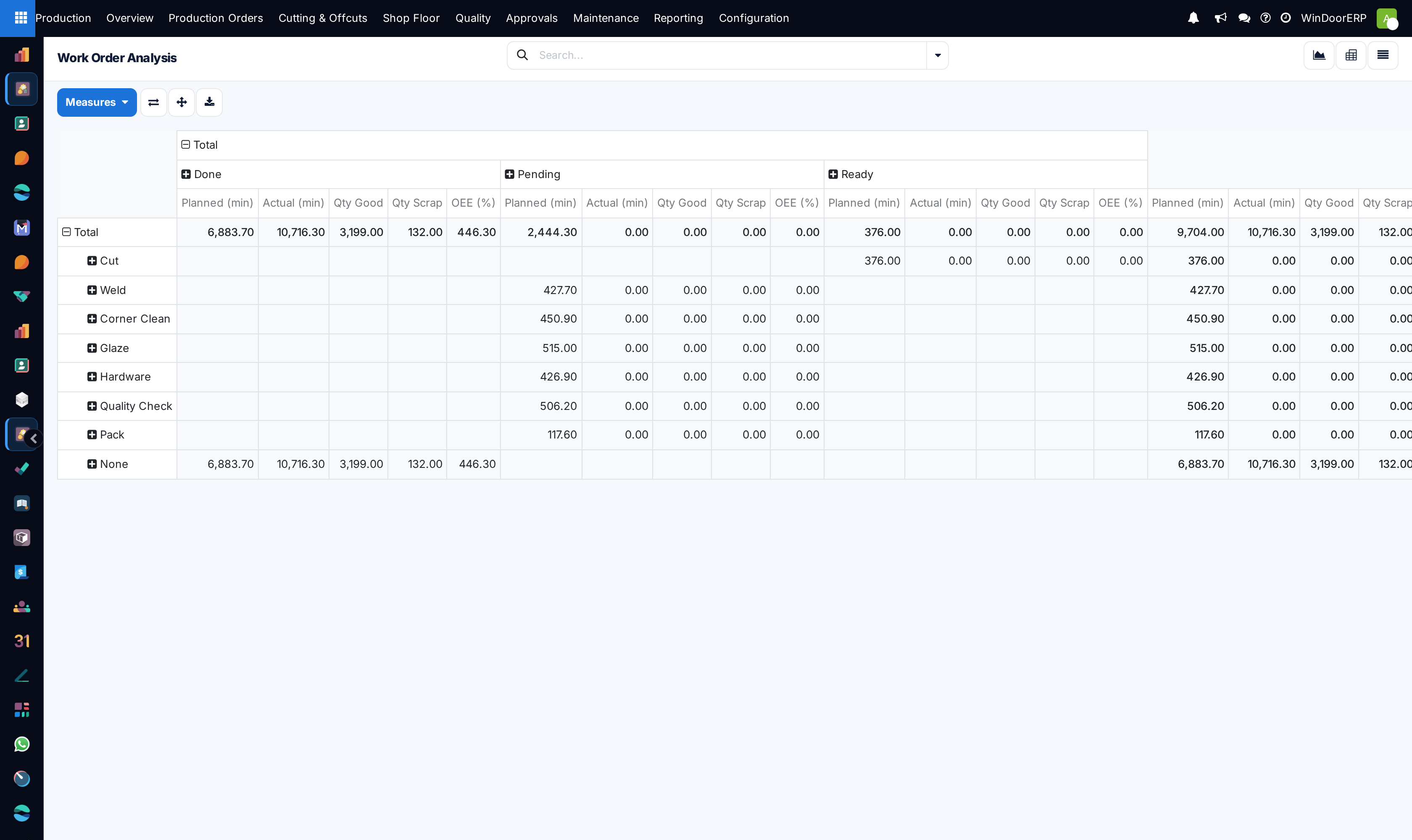
Switch to the Pivot view to calculate average cycle hours required to fabricate complete window units.
-
04
Identify stations with growing backlog queues to temporarily reallocate cross-trained operators.
Common mistakes
- Allowing work orders to remain in 'In Progress' state after physical fabrication has moved downstream.
- Ignoring rising queue times at final packaging stations.
Was this article helpful?
Thanks — your feedback helps.
Running a window or door factory?
Ask for a demo