Perform dimensional, corner crimping, and water-tightness quality inspections
What this does
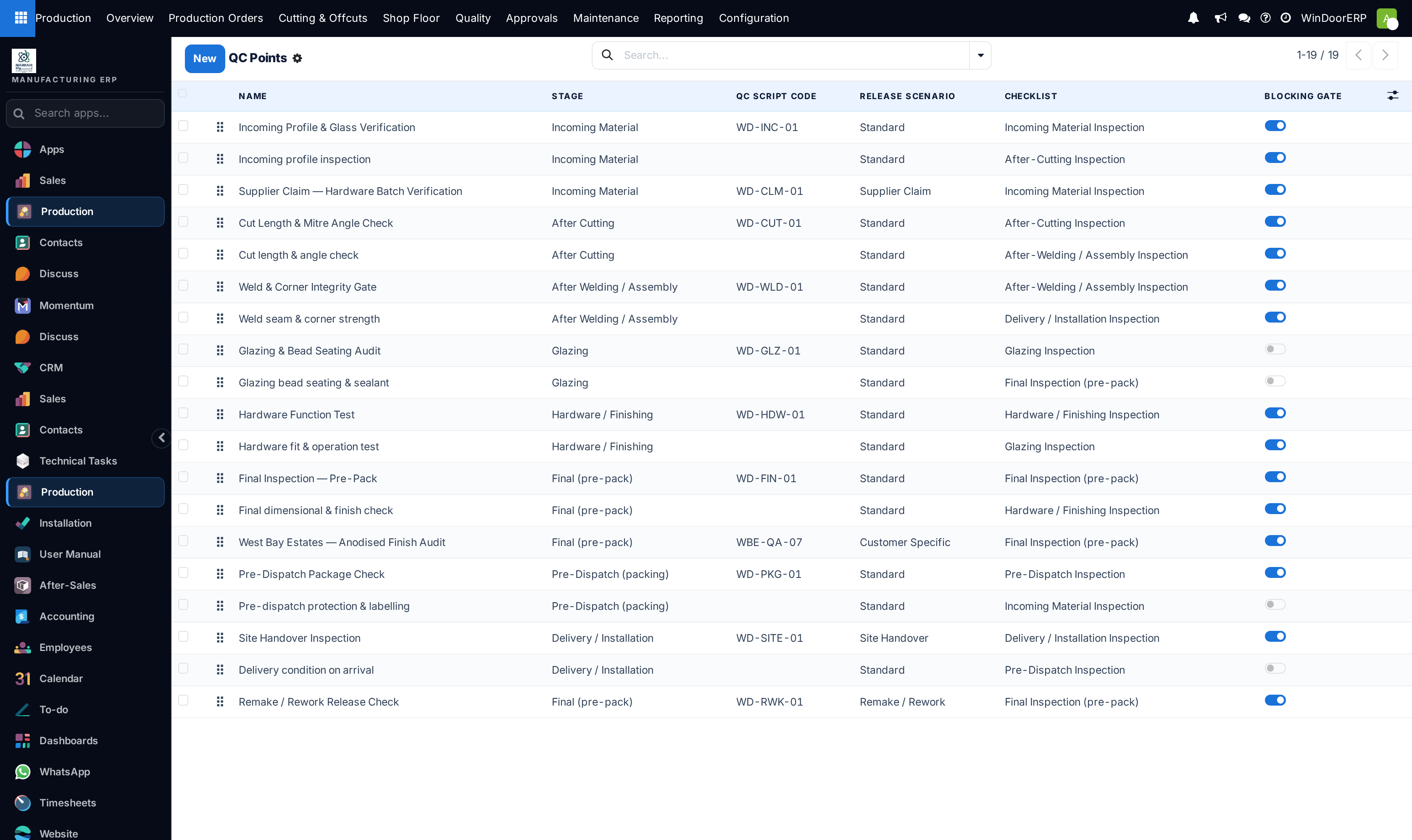
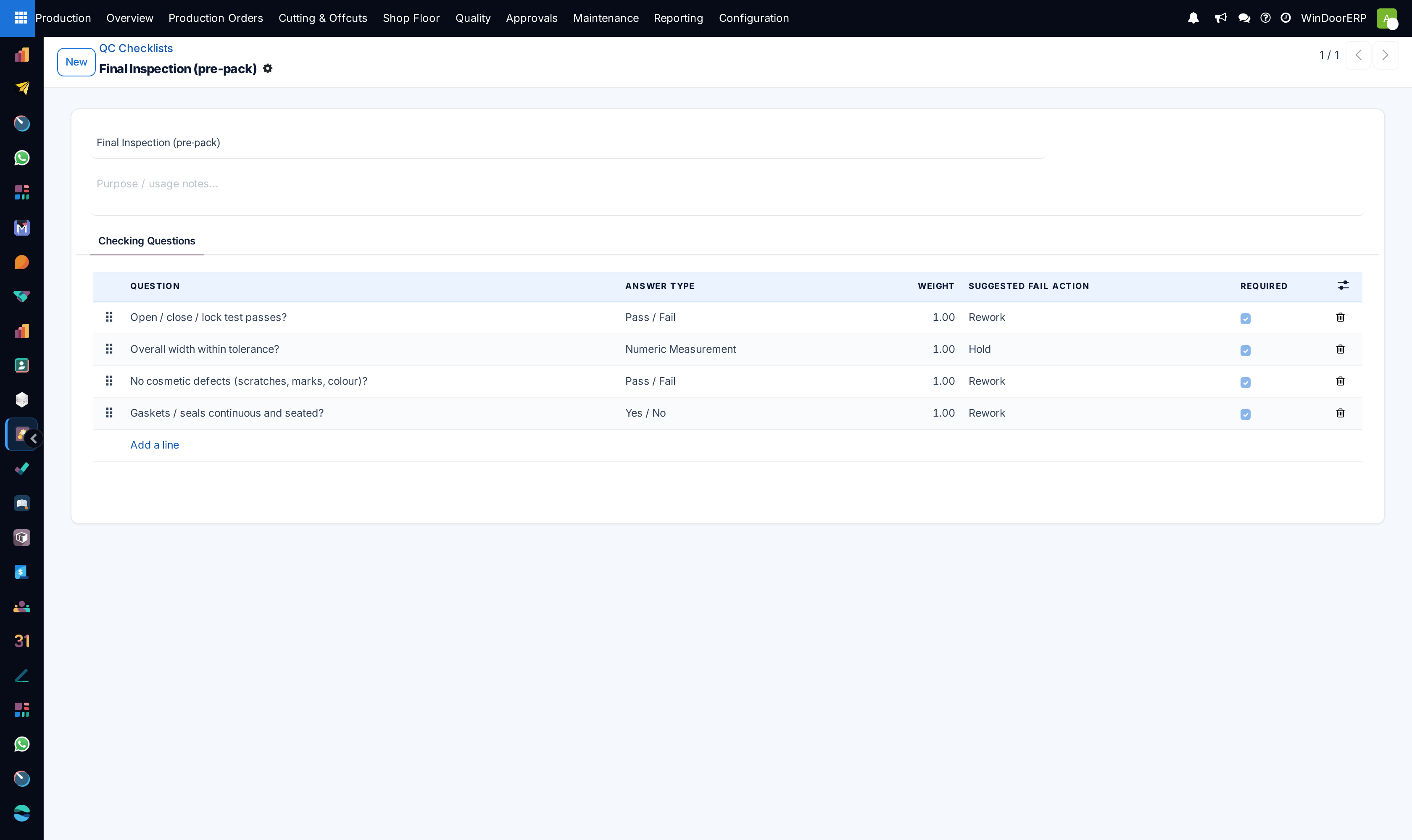
Standardizes quality inspection protocols across production milestones, verifying diagonal tolerances (+/- 1.5mm), corner alignment, gasket seatedness, and sash smooth travel.
Before you start
- QC Points and inspection checklists configured for fenestration products.
Steps
Important
Always check diagonal differences on sliding and folding doors; a diagonal variance greater than 2.0mm will result in site locking failures and air leakage.
-
01
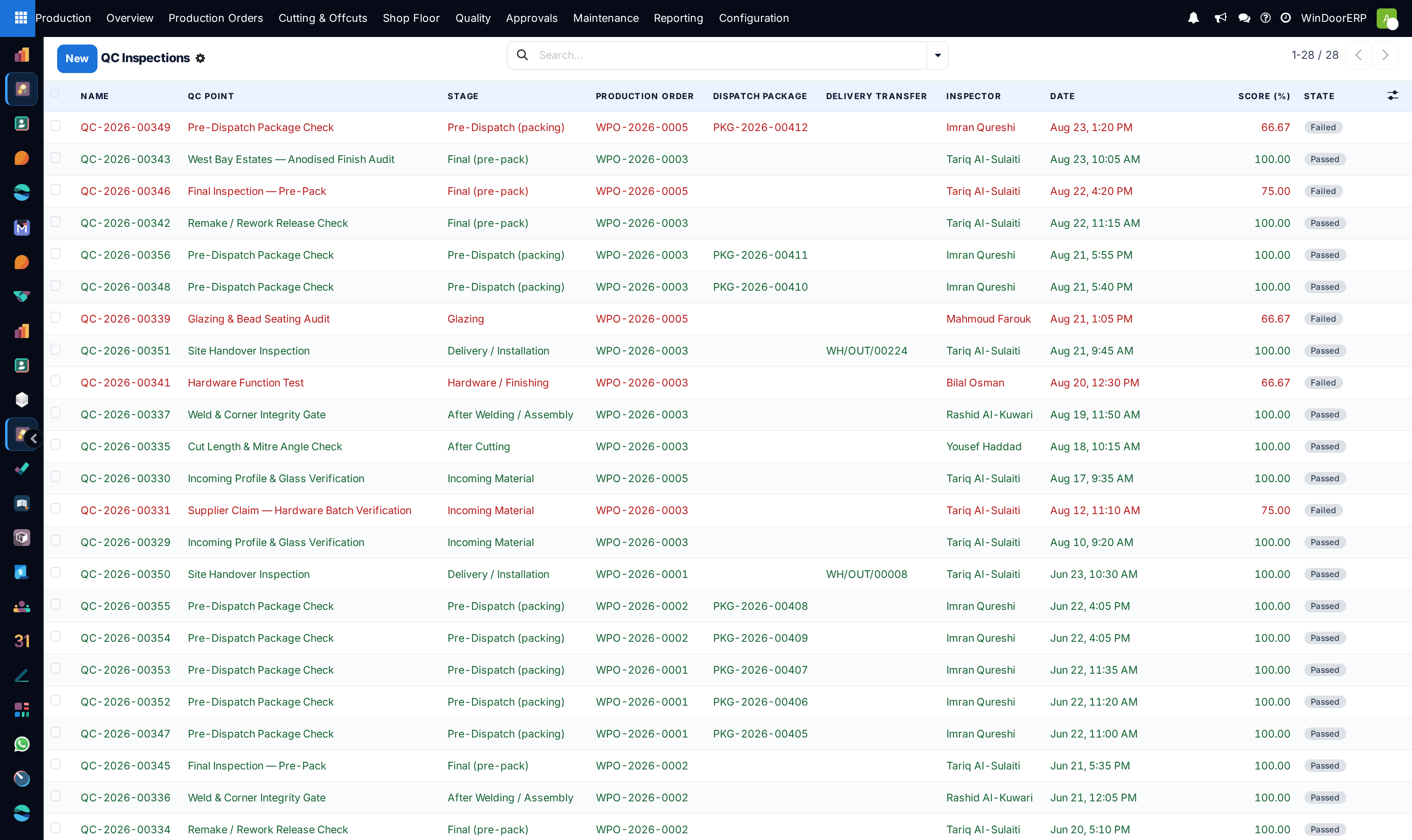
Navigate to Production › Quality › QC Inspections.
-
02
Open the pending inspection linked to the completed manufacturing order or assembly stage.
-
03
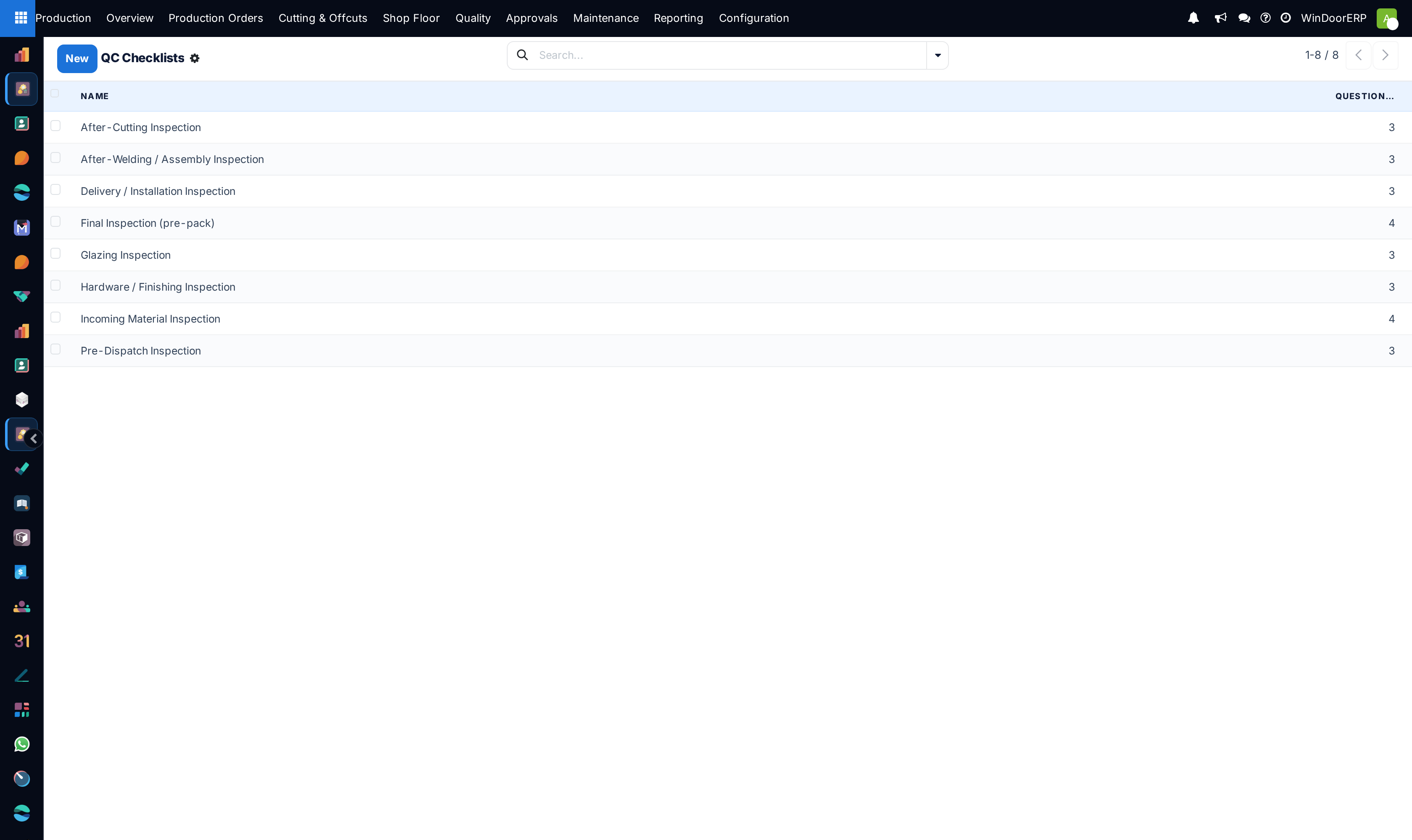
Execute mandatory checklist items: Diagonal Tolerance Verification, Corner Joint Sealing, Water Drainage Clear, Hardware Torque.
-
04
Record measured dimensions or pass/fail toggles on the tablet.
-
05
Click Approve to release the unit for final packing or Fail to trigger rework.
Common mistakes
- Signing off on quality checklists without physically measuring opening diagonals using a calibrated laser or tape.
- Skipping water spray testing on prototype custom curtain wall frame mockups.
Was this article helpful?
Thanks — your feedback helps.
Running a window or door factory?
Ask for a demo