Manage confirmed Sales Orders, manufacturing releases, and contract revisions
What this does
Oversees confirmed commercial contracts and residential orders, triggering automated Manufacturing Orders (MO), warehouse reservations, and project accounting entries.
Before you start
- Sales Administrator or Project Coordinator access.
Steps
Important
Confirming a sales order locks in material reservation in the warehouse, ensuring required profile bars and glass packs are committed to this project.
-
01
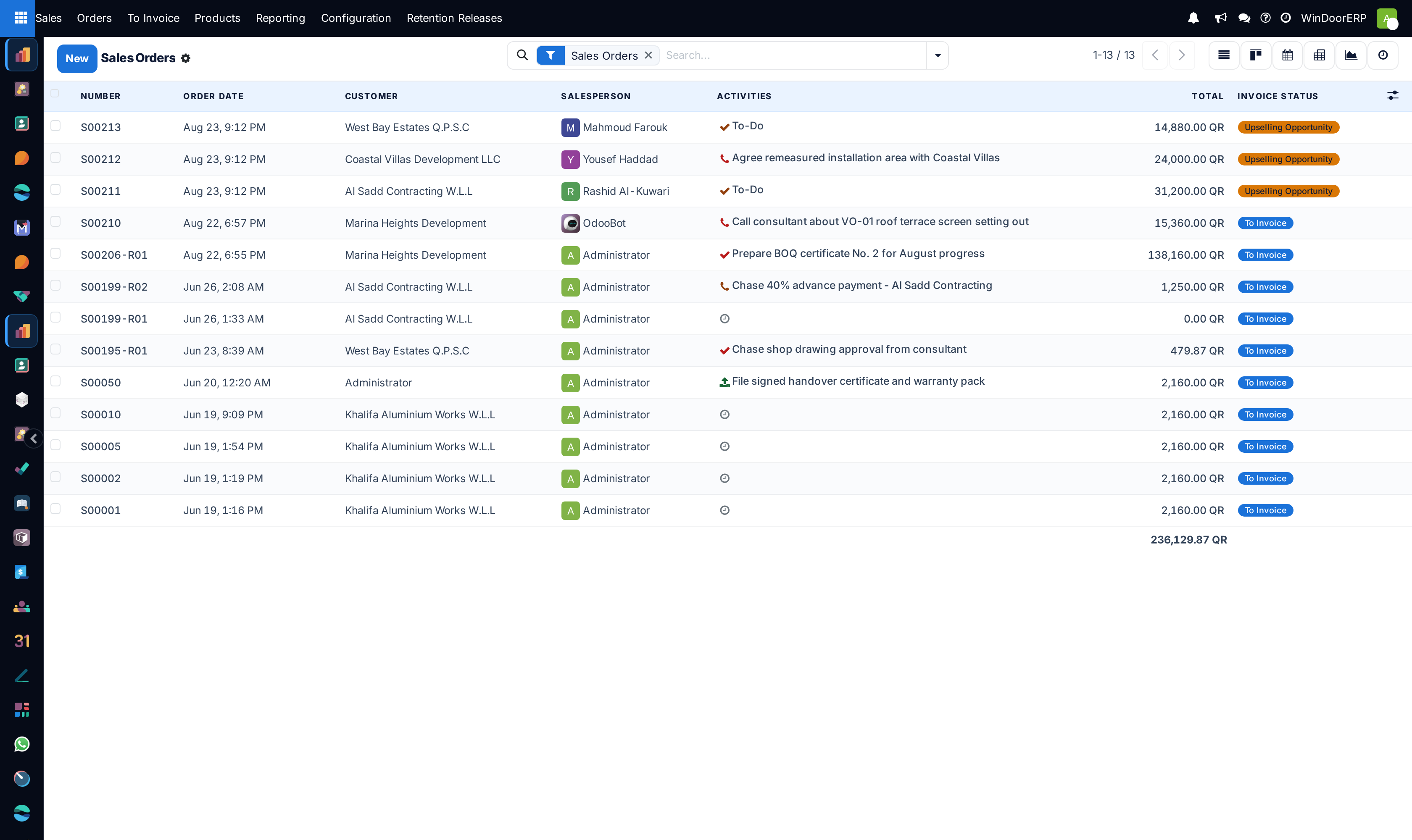
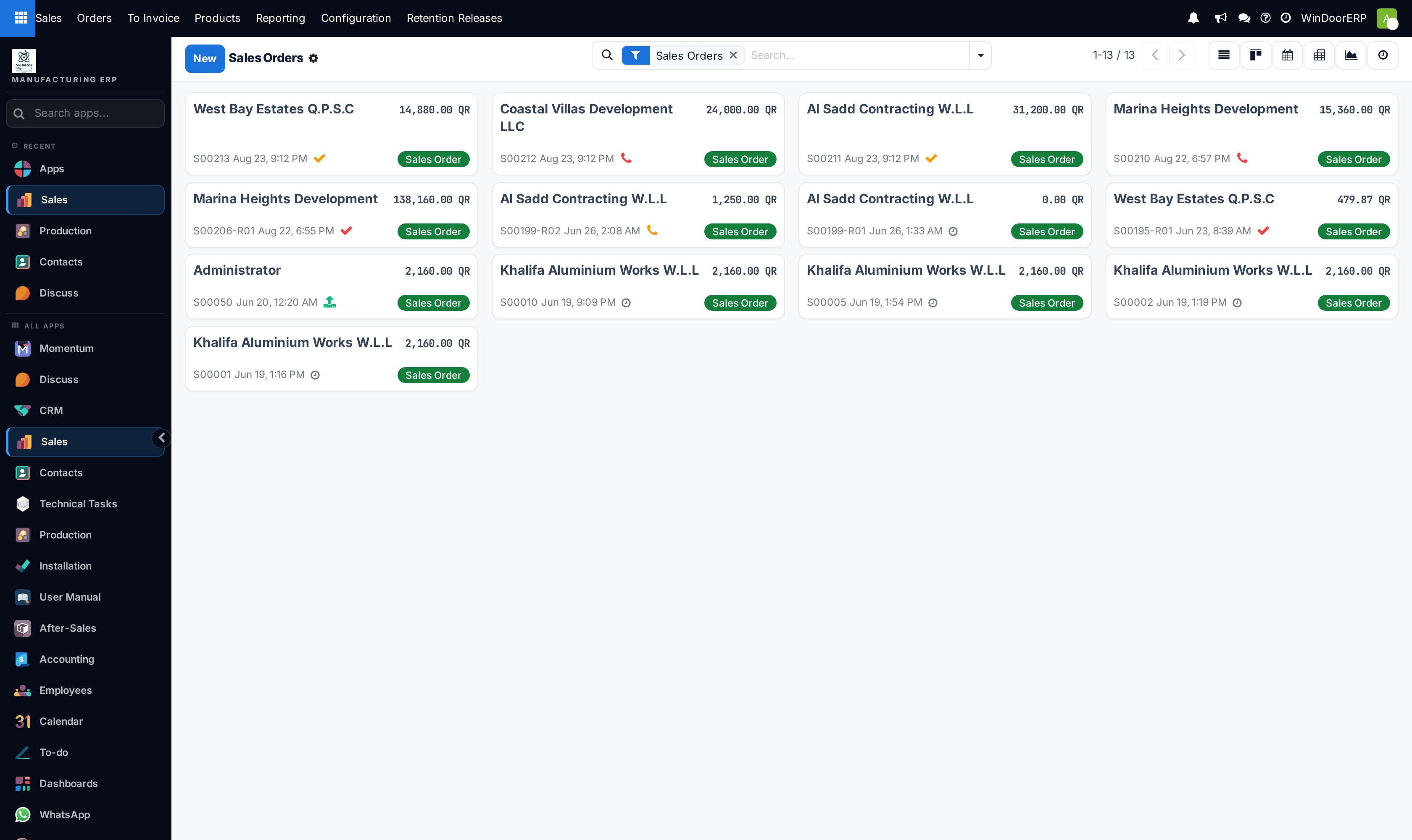
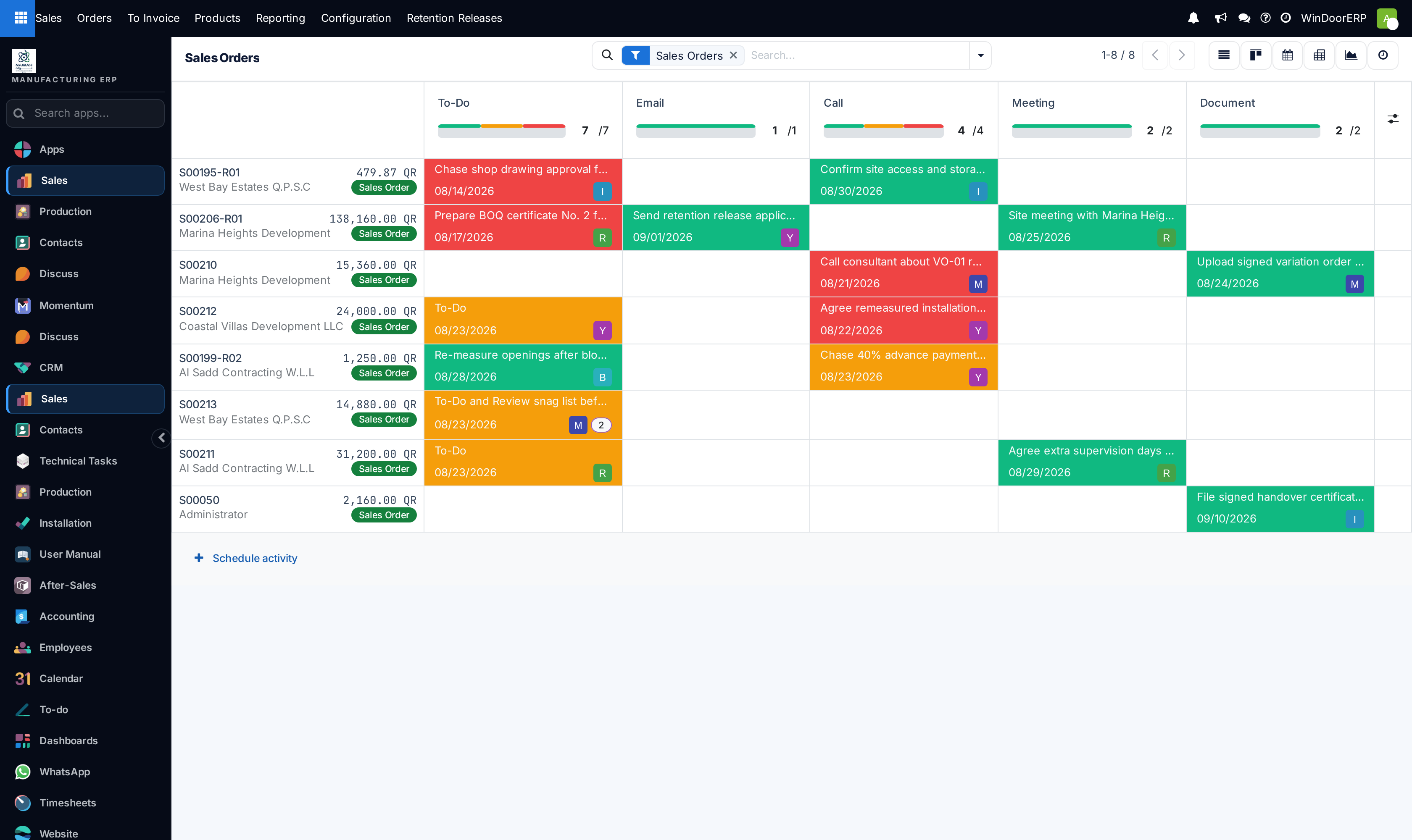
Navigate to Sales › Orders › Orders to view all confirmed contracts.
-
02
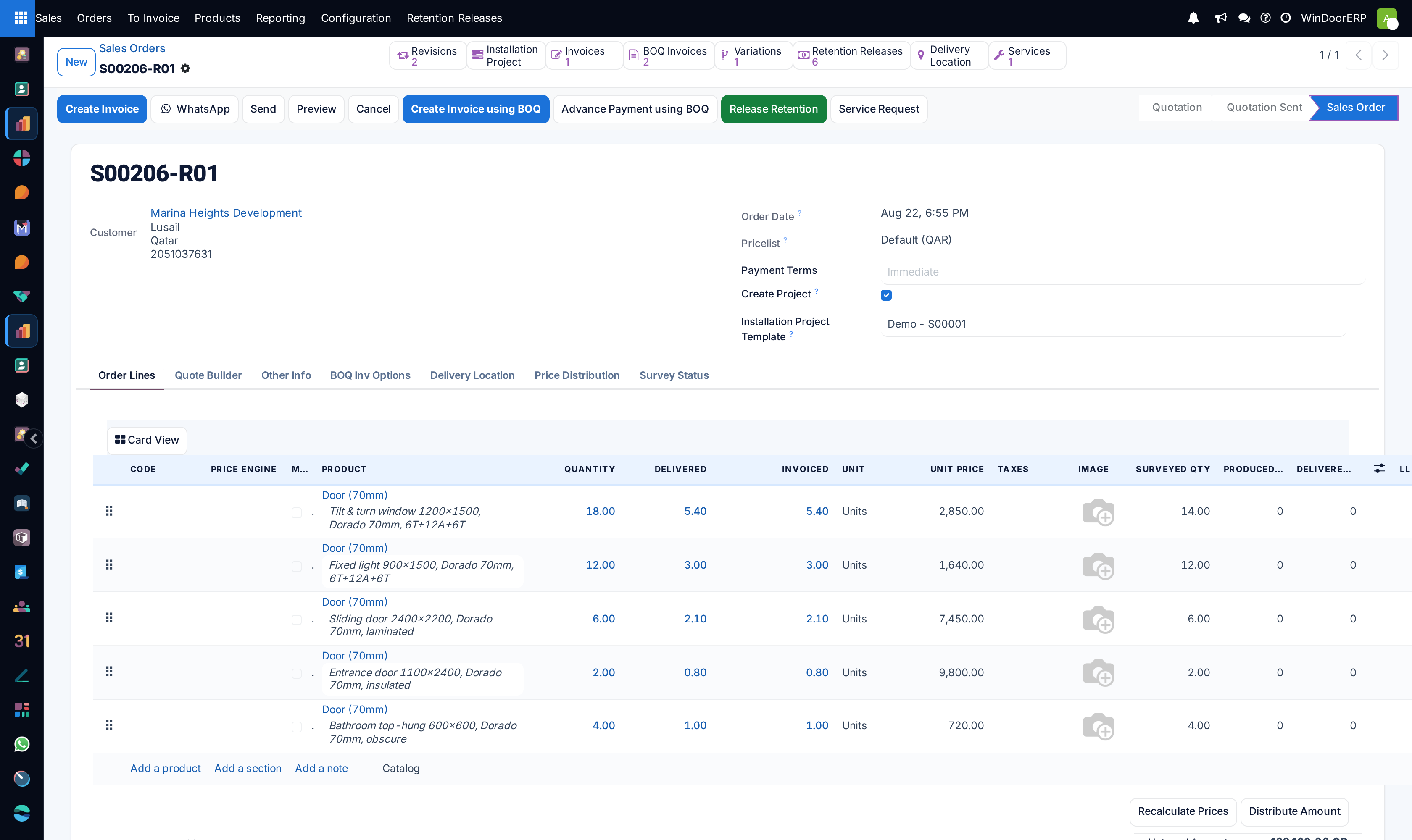
Open any confirmed Sales Order to inspect linked smart buttons: Manufacturing Orders (MO), Site Deliveries, and Customer Invoices.
-
03
Review customer downpayment receipts before authorizing production floor cutting releases.
-
04
Use Lock to freeze confirmed orders and prevent unauthorized scope or dimension changes.
Common mistakes
- Releasing orders to manufacturing before the customer's signed contract or downpayment is validated.
- Modifying order line quantities after cutting lists have been generated for the CNC saws.
Was this article helpful?
Thanks — your feedback helps.
Running a window or door factory?
Ask for a demo