Manage project inquiries, sales pipeline stages, and merge similar opportunities
What this does
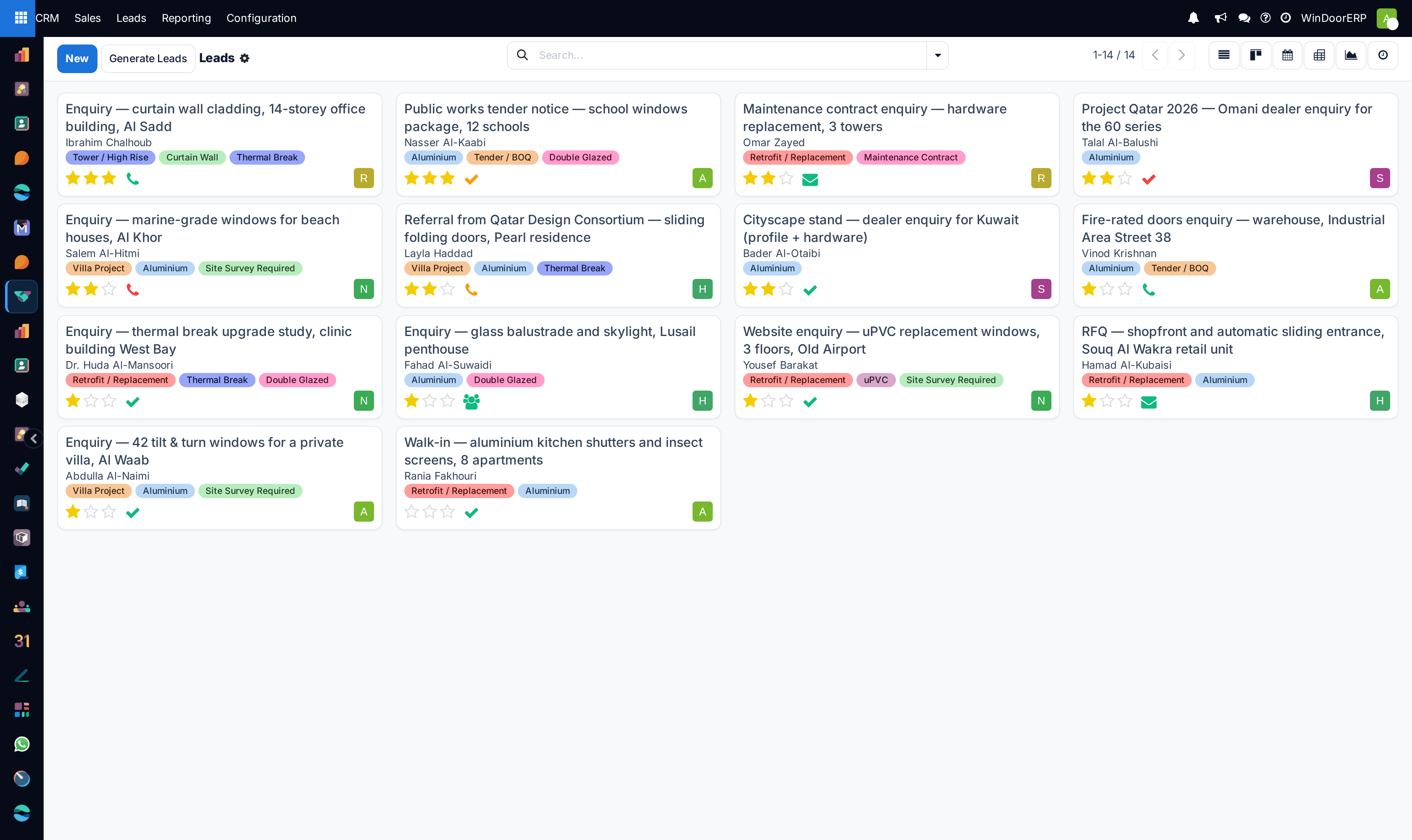
Organizes residential villa inquiries, commercial fenestration tenders, and contractor requests into visual Kanban stages from initial contact to contract signing, with smart duplicate detection and merging.
Before you start
- Sales Representative or CRM Manager access in WindoorERP.
Steps
Important
Merging opportunities aggregates chatter logs, quotation revisions, and site survey attachments into a single primary record without losing historical communications.
-
01
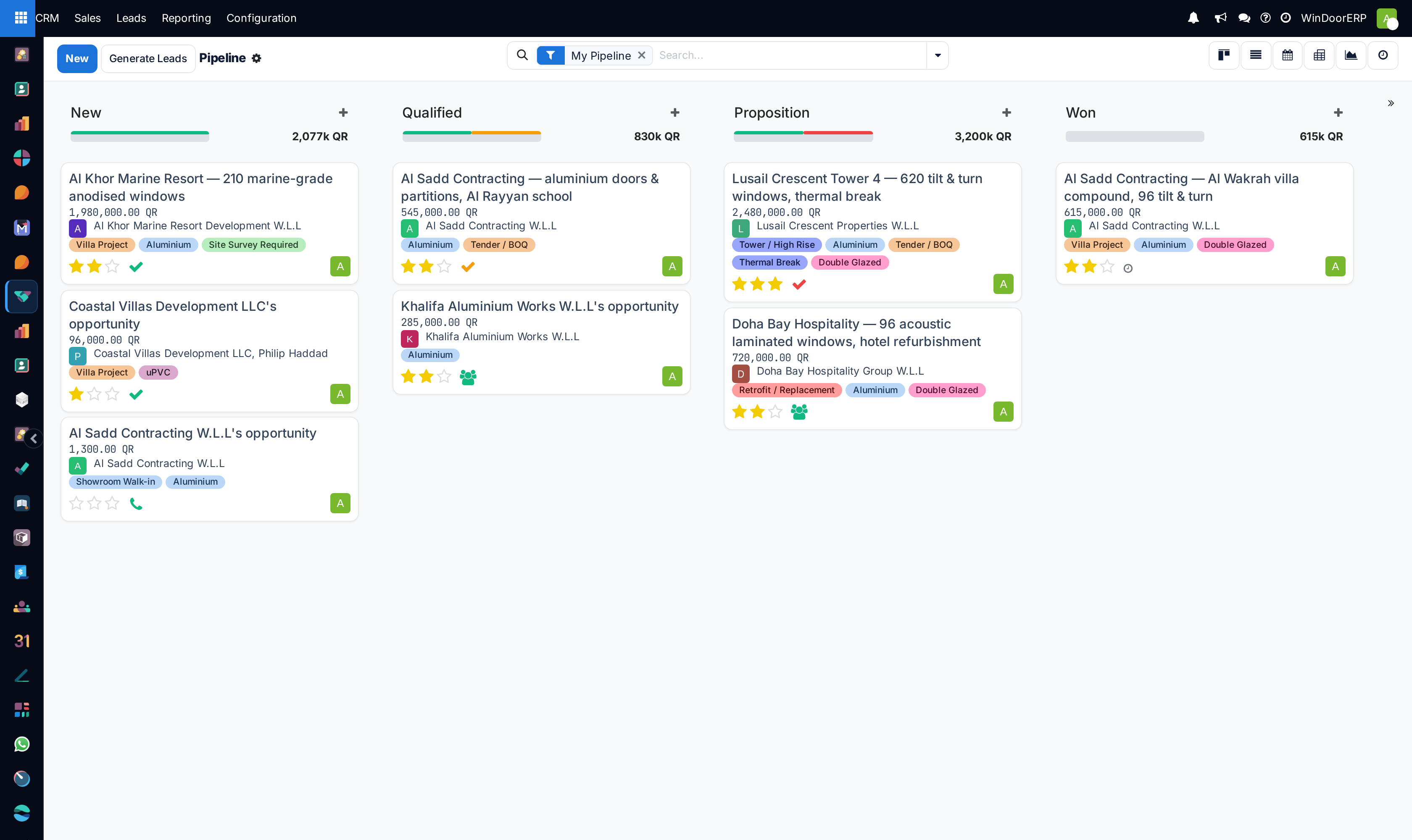
Open CRM › Sales › My Pipeline to view all active inquiries grouped by stage columns.
-
02
Drag opportunity cards between stages as project milestones (e.g. Site Survey Completed, Quotation Sent) are achieved.
-
03
Click on an opportunity card to review architectural specs, glass layups, estimated window opening counts, and expected revenue.
-
04
When duplicate inquiries arrive from multiple contractor representatives for the same site, inspect the Similar Leads banner at the top of the form and click Merge.
-
05
In the merge wizard, confirm the master opportunity record, combine contacts, and aggregate expected revenue while unifying chatter history.
-
06
Mark deals as Won upon contract signature, or click Lost to record market feedback and loss reasons.
Common mistakes
- Leaving opportunities in the 'New' stage after initial site measurements have been completed.
- Creating separate duplicate opportunities for the same villa project when contacted by both the owner and the main contractor.
Was this article helpful?
Thanks — your feedback helps.
Running a window or door factory?
Ask for a demo