Manage master architectural projects, milestone schedules, and budget allocations
What this does
Coordinates multi-phase fenestration contracts from initial structural calculation through shop drawing approval, manufacturing release, and site handover.
Before you start
- Sales contract confirmed or commercial framework agreement established.
Steps
Important
Link the Project directly to its originating Sales Order to synchronize contract milestones with progressive billing downpayments.
-
01
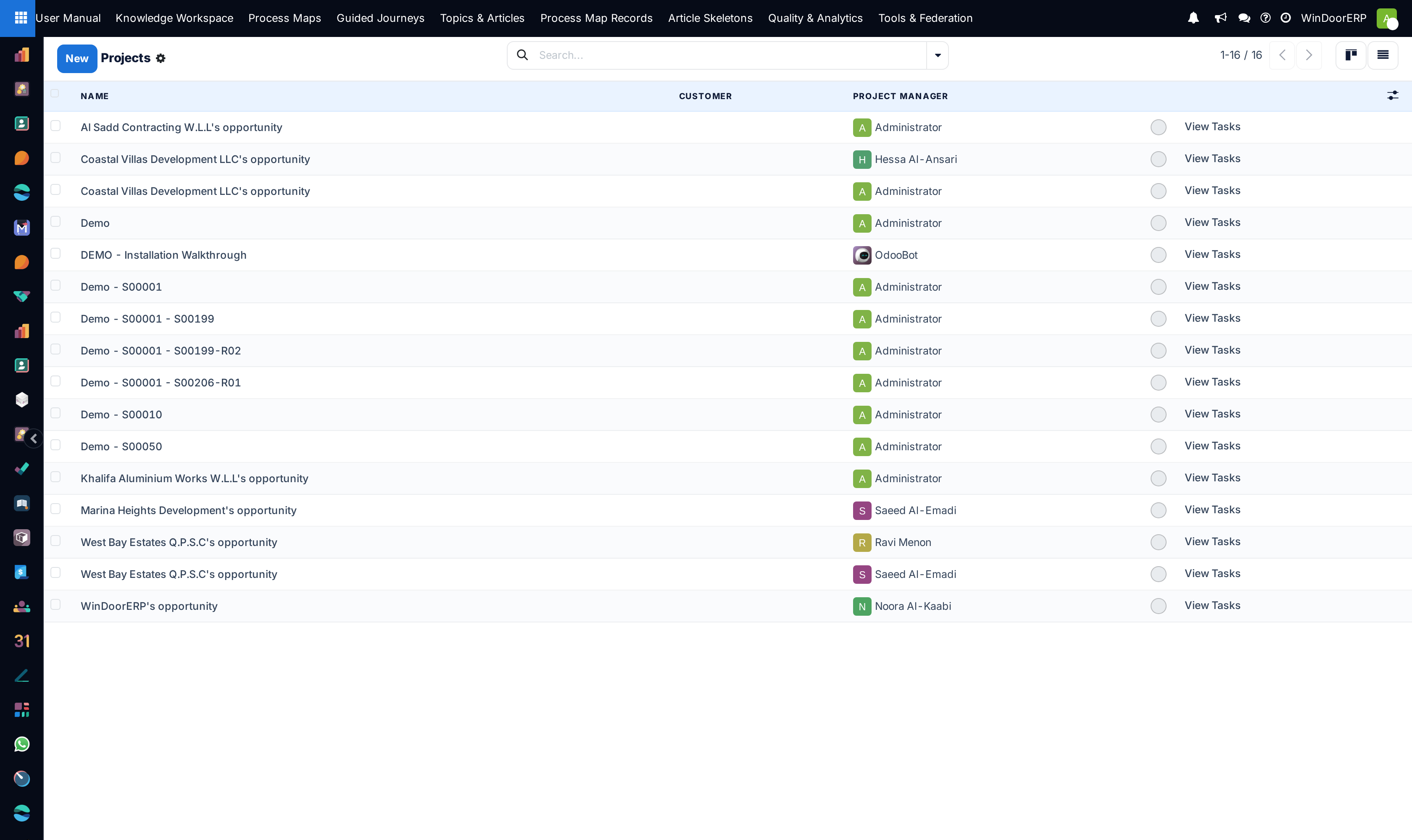
Open Project › Projects.
-
02
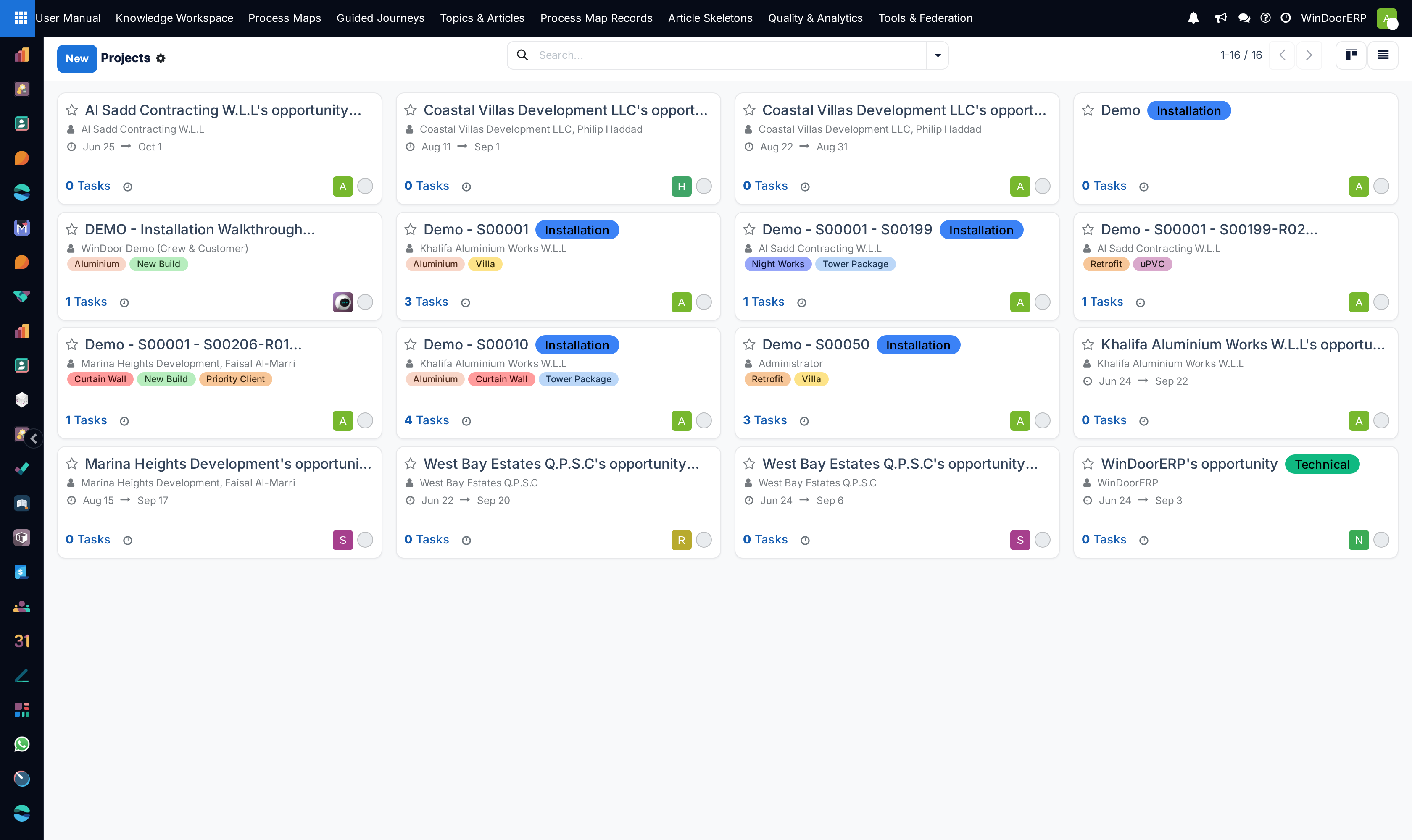
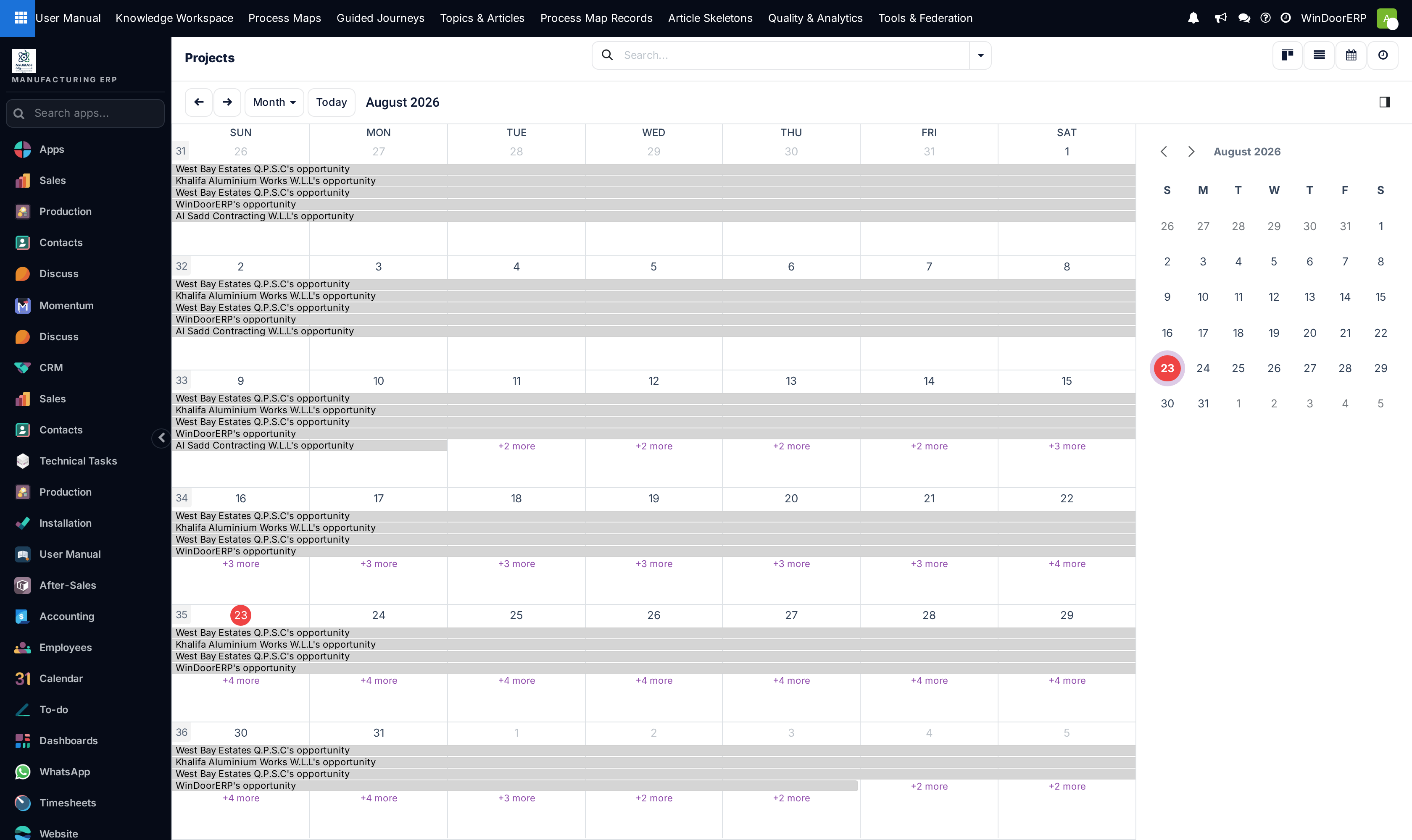
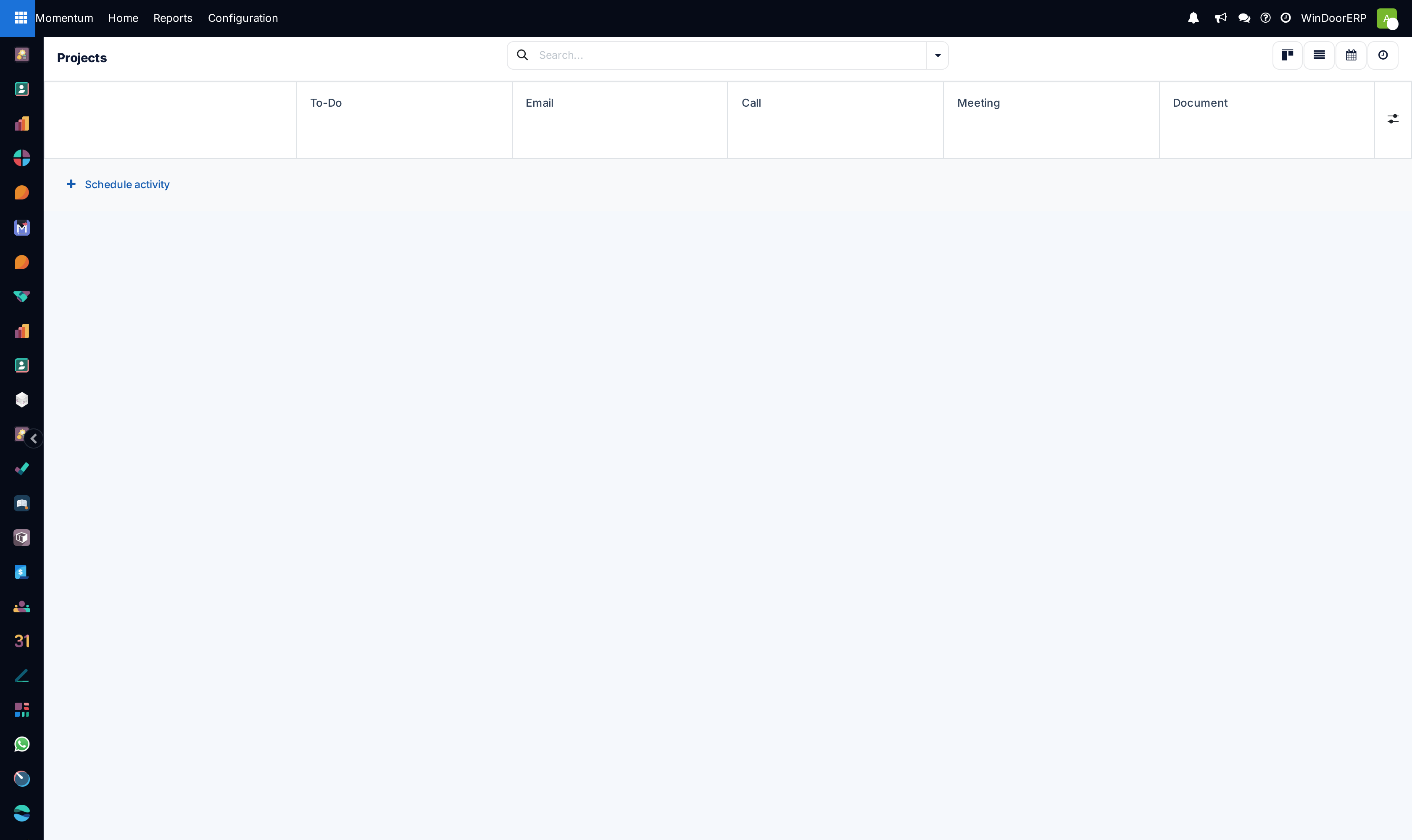
Explore projects using List, Kanban, Calendar, and Activity views.
-
03
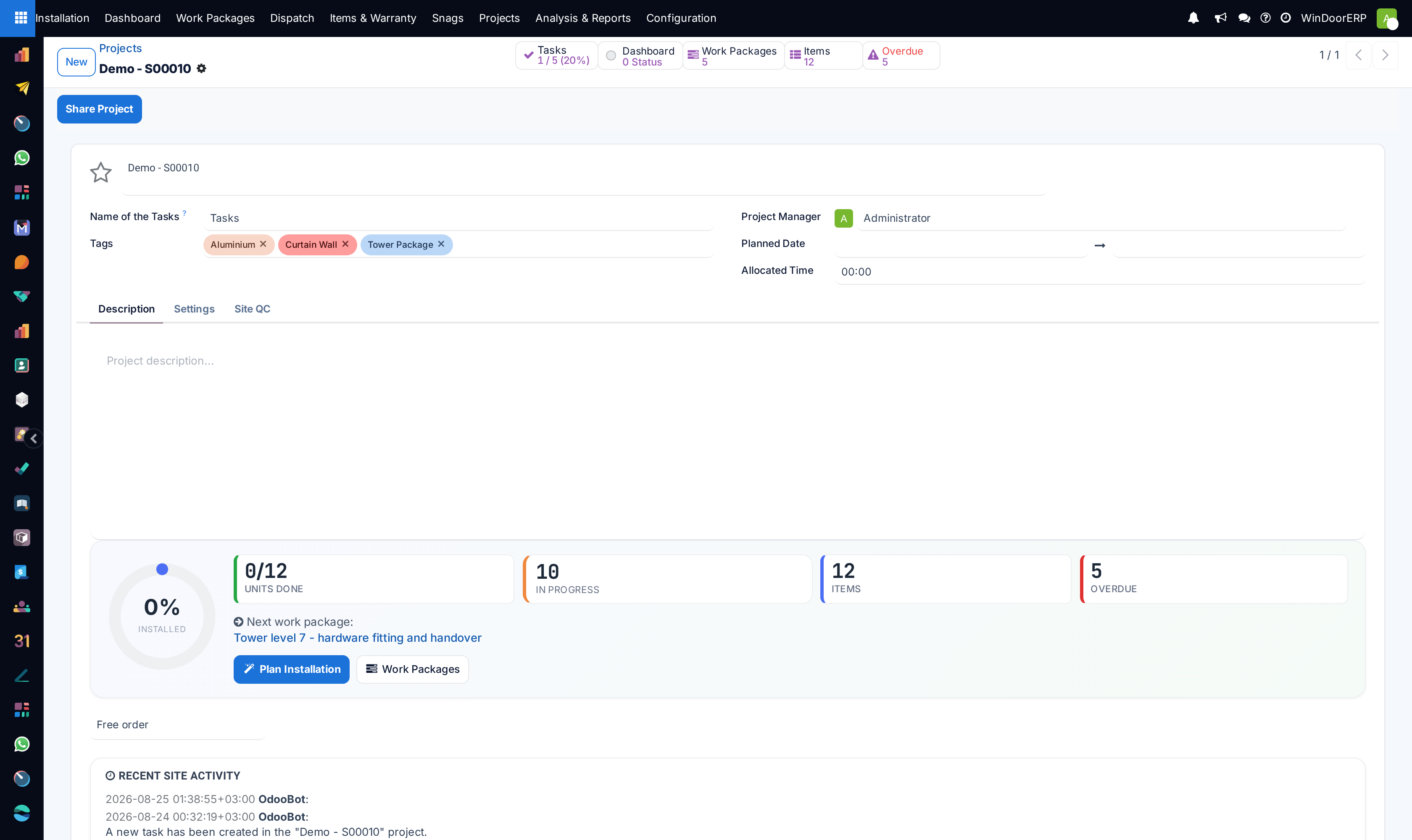
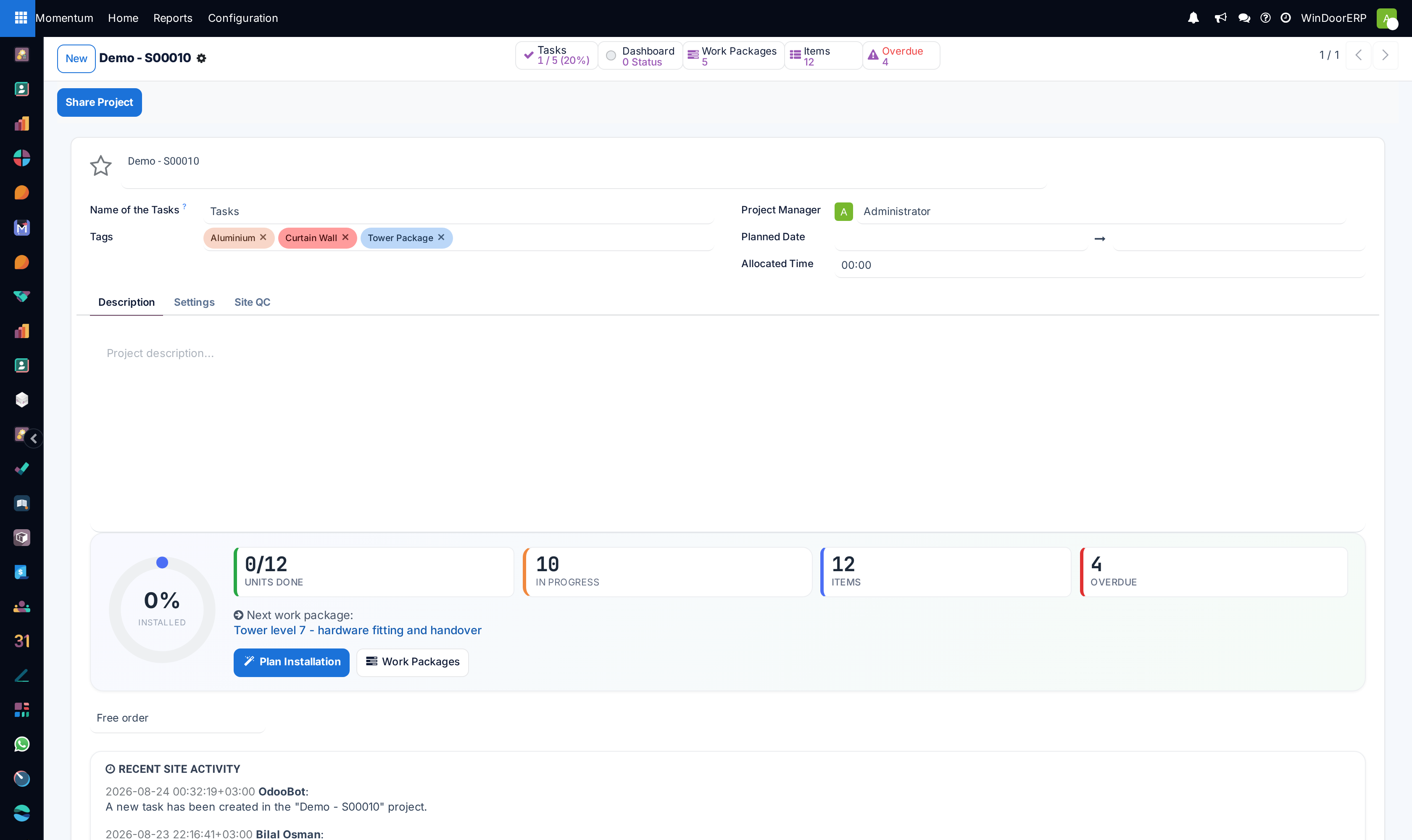
Open any project record to inspect customer details, assigned Project Manager, contract start/end dates, and allocated budget.
-
04
Track project health indicators: Milestone Progress, Logged Timesheet Hours, Open Tasks, and Invoiced Retention.
Common mistakes
- Setting project end dates without factoring in structural silicone curing and site survey lead times.
- Failing to update project stages as sub-contractor approvals progress.
Was this article helpful?
Thanks — your feedback helps.
Running a window or door factory?
Ask for a demo