Manage purchasable raw materials, configure reordering rules, and automate replenishment
What this does
Maintains raw material specifications for aluminium billets, mill-finish extrusions, float glass packs, EPDM rubber gaskets, and multipoint gearboxes, setting automated reordering rules to prevent stockouts.
Before you start
- Purchase or Inventory Administration privileges.
Steps

Important
Configuring realistic purchase lead times ensures replenishment orders are triggered before factory safety buffers are exhausted.
-
01
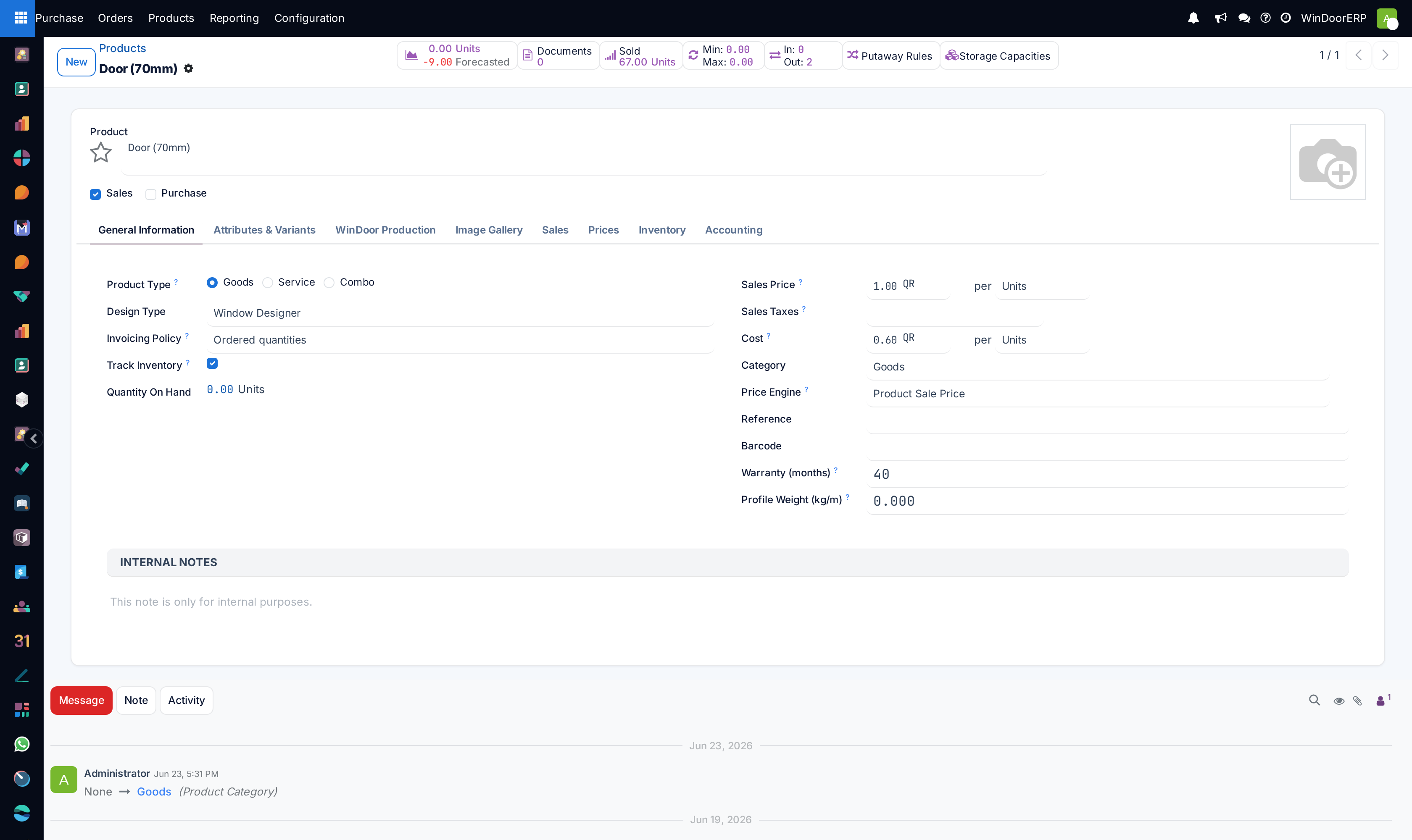
Open Purchase › Products › Products to inspect the raw material inventory.
-
02
Open any product template (e.g. Aluminium Extrusion Bar 6063-T6 (6.0m)).
-
03
In the Purchase tab, assign qualified vendors, vendor product codes, and purchase lead time in days.
-
04
Click Reordering Rules to set Min Quantity (e.g. 50 bars) and Max Quantity (e.g. 200 bars).
-
05
When warehouse inventory dips below the minimum threshold, the automated replenishment cron immediately generates an RFQ for the preferred supplier.
Common mistakes
- Setting minimum stock rules to 0 for high-turnover standard glass types, causing fabrication line shutdowns.
- Failing to update vendor lead times during international supply chain congestions.
Was this article helpful?
Thanks — your feedback helps.
Running a window or door factory?
Ask for a demo