Manage packaged architectural combo choices, hardware bundles, and product tags
What this does
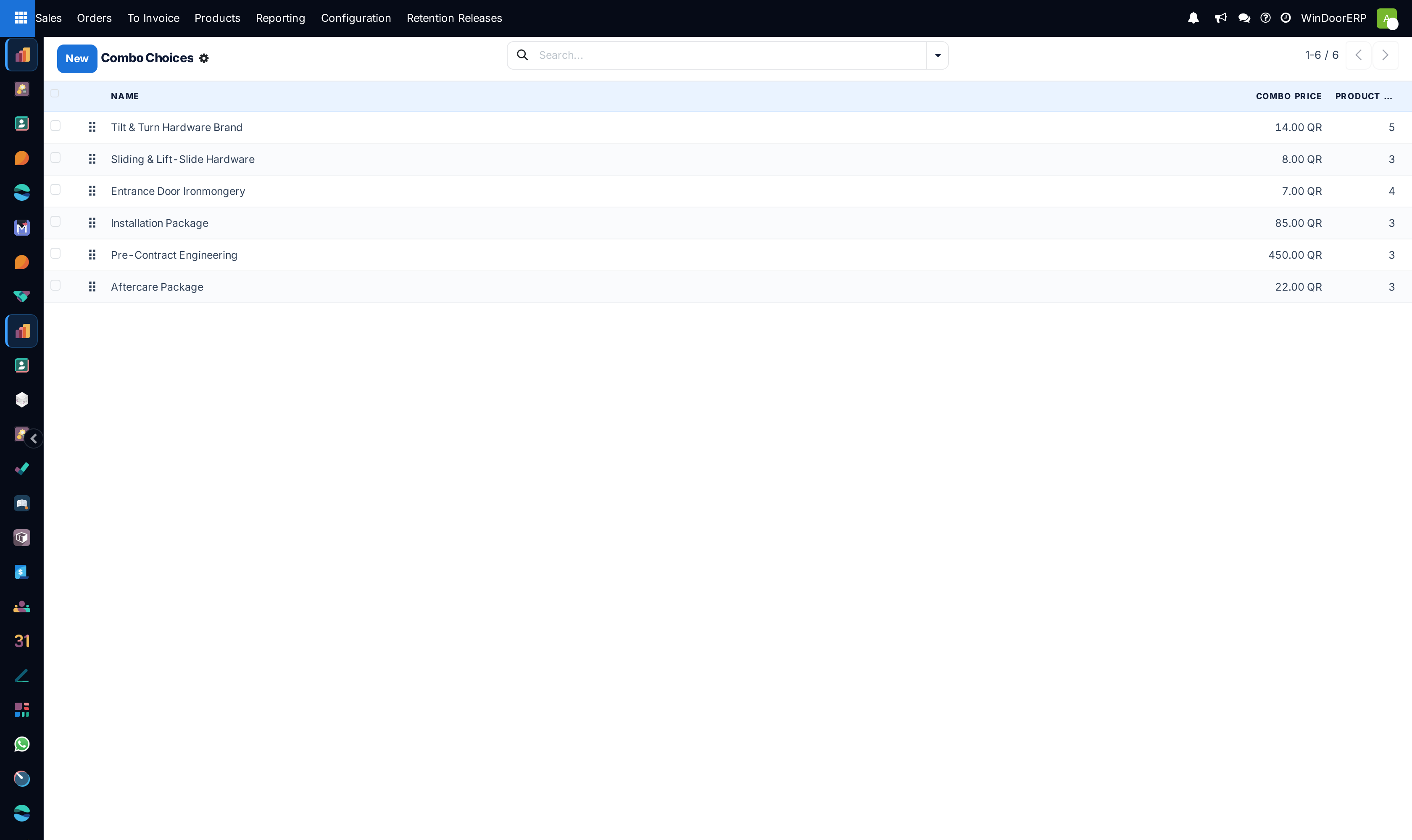
Groups complementary fenestration items (e.g. Window Frame + Double Glazing + Roller Shutter + Magnetic Flyscreen) into pre-packaged architectural combo choices for rapid one-click quoting.
Before you start
- Product Combo feature active.
Steps

Important
Combo packages reduce quotation drafting time by 60% on standardized residential villa projects.
-
01
Open Sales › Configuration › Combo Choices and Product Tags.
-
02
Create package bundles (e.g. Luxury Villa Smart Hardware Set, Acoustic Soundproof Glass Bundle).
-
03
Define included accessories and optional upgrade add-ons.
-
04
Add packages directly to quotation lines to bundle fabrication, hardware, and motorized accessories together.
Common mistakes
- Creating rigid combo bundles that do not allow customers to customize individual glass tint shades.
- Not maintaining accurate component BOM costs inside combo choice definitions.
Was this article helpful?
Thanks — your feedback helps.
Running a window or door factory?
Ask for a demo