Manage installation projects, job cards, and floor progress milestones
What this does
Structures installation projects by building levels and elevations, tracking sub-frame fixing, outer frame alignment, sash hanging, and structural perimeter sealing.
Before you start
- Sales order confirmed and site delivery schedule agreed with main contractor.
Steps
Important
Always verify that site civil plastering (first coat) and sill waterproofing membrane are inspected before releasing aluminum outer frames to site.
-
01
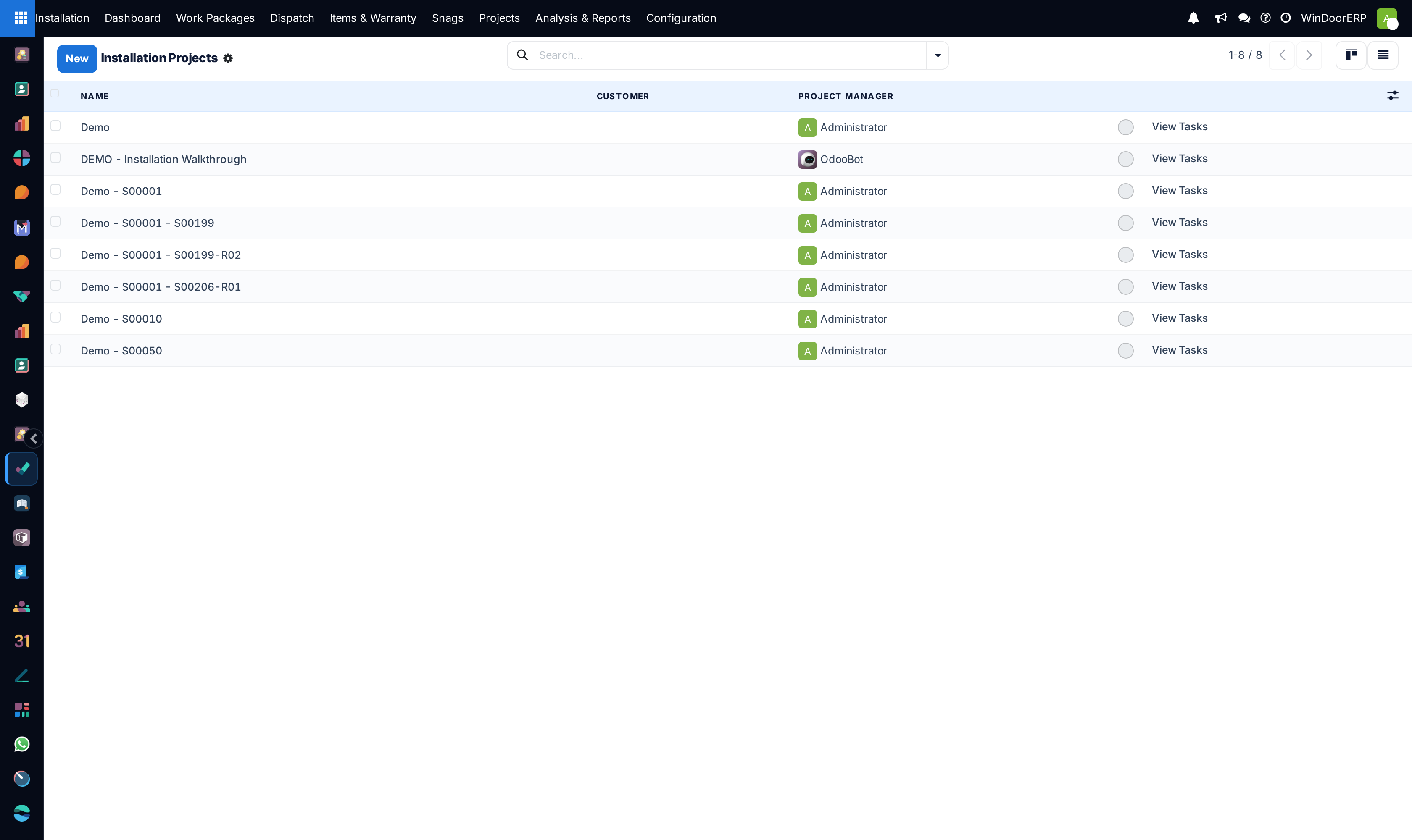
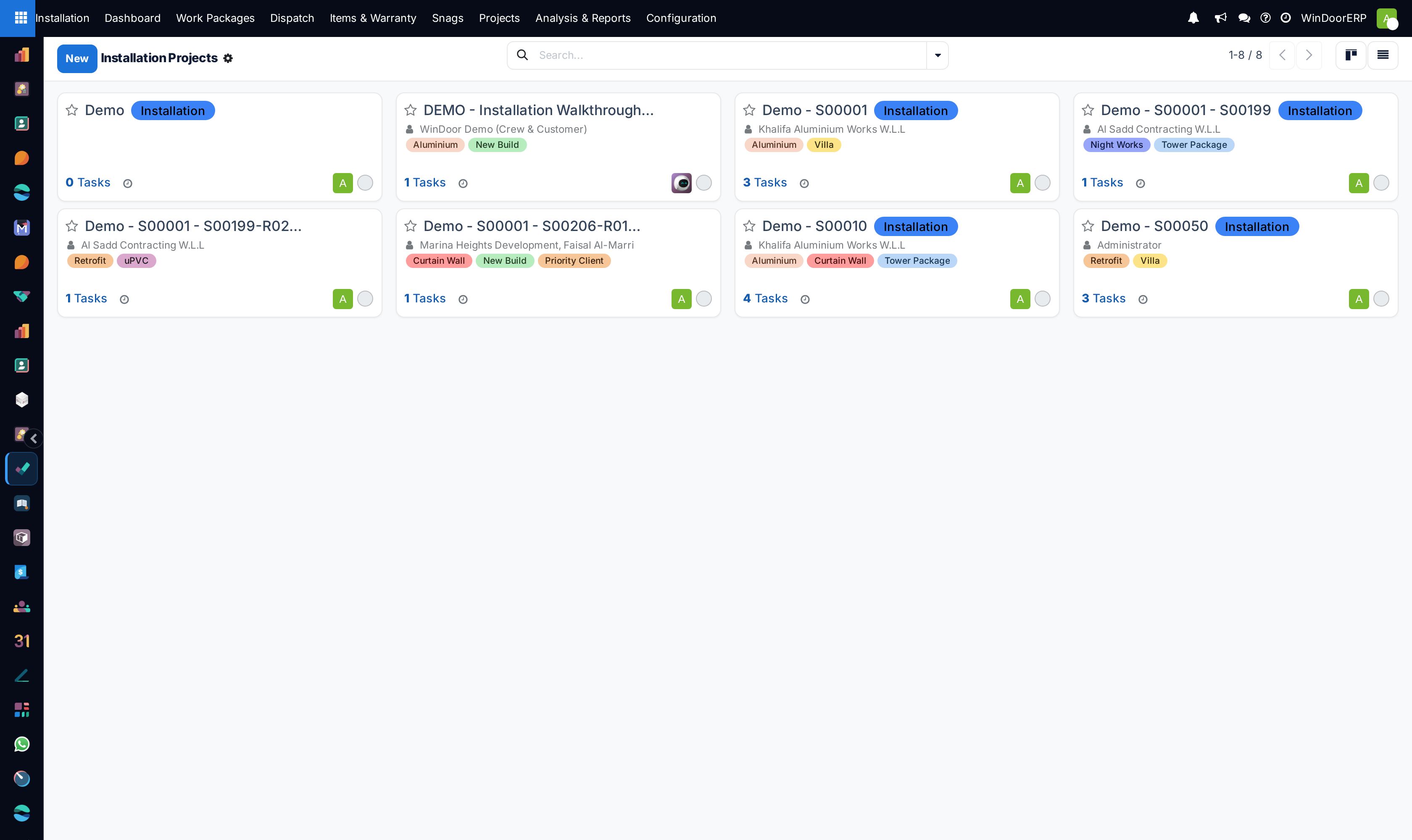
Navigate to Installation › Installation Projects.
-
02
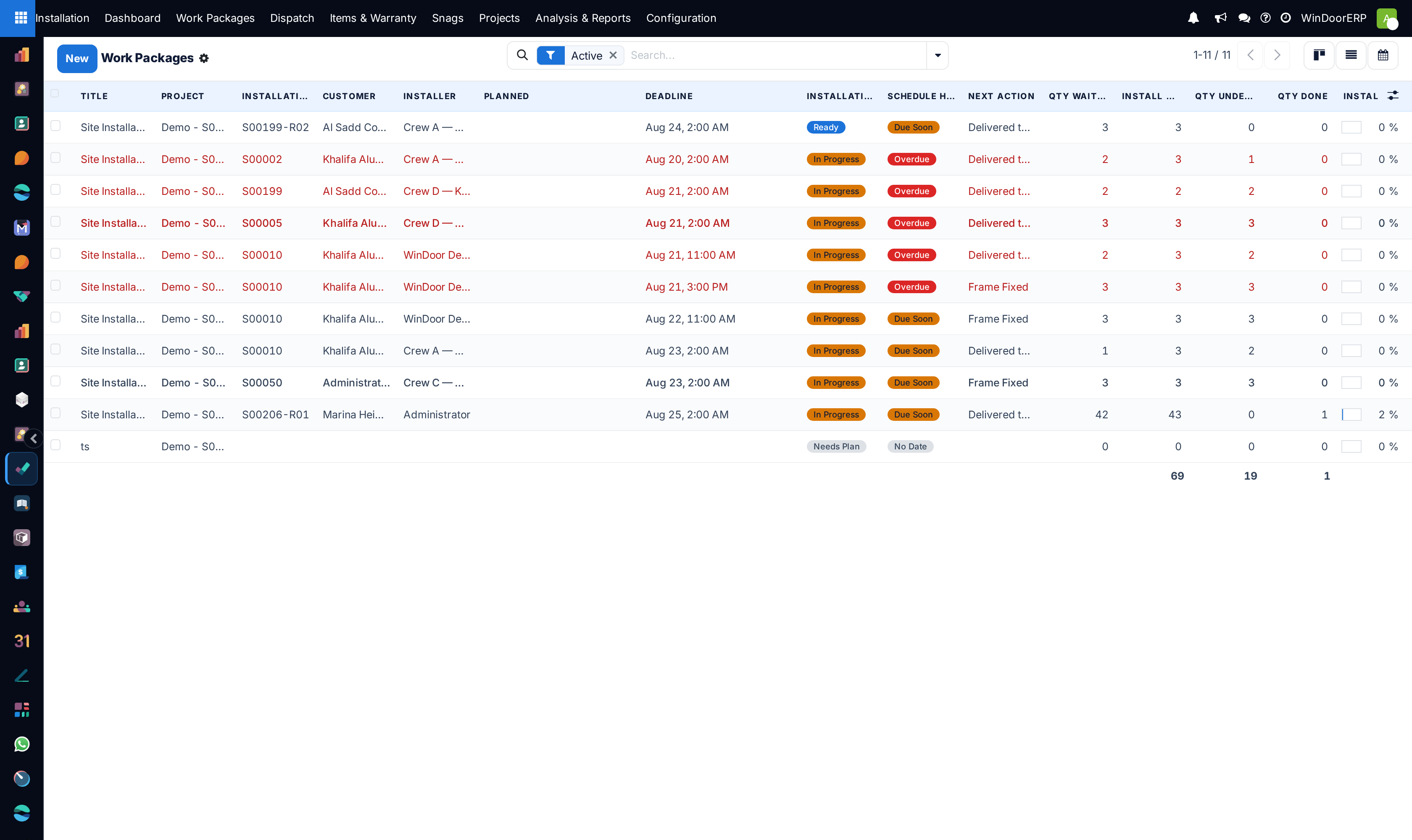
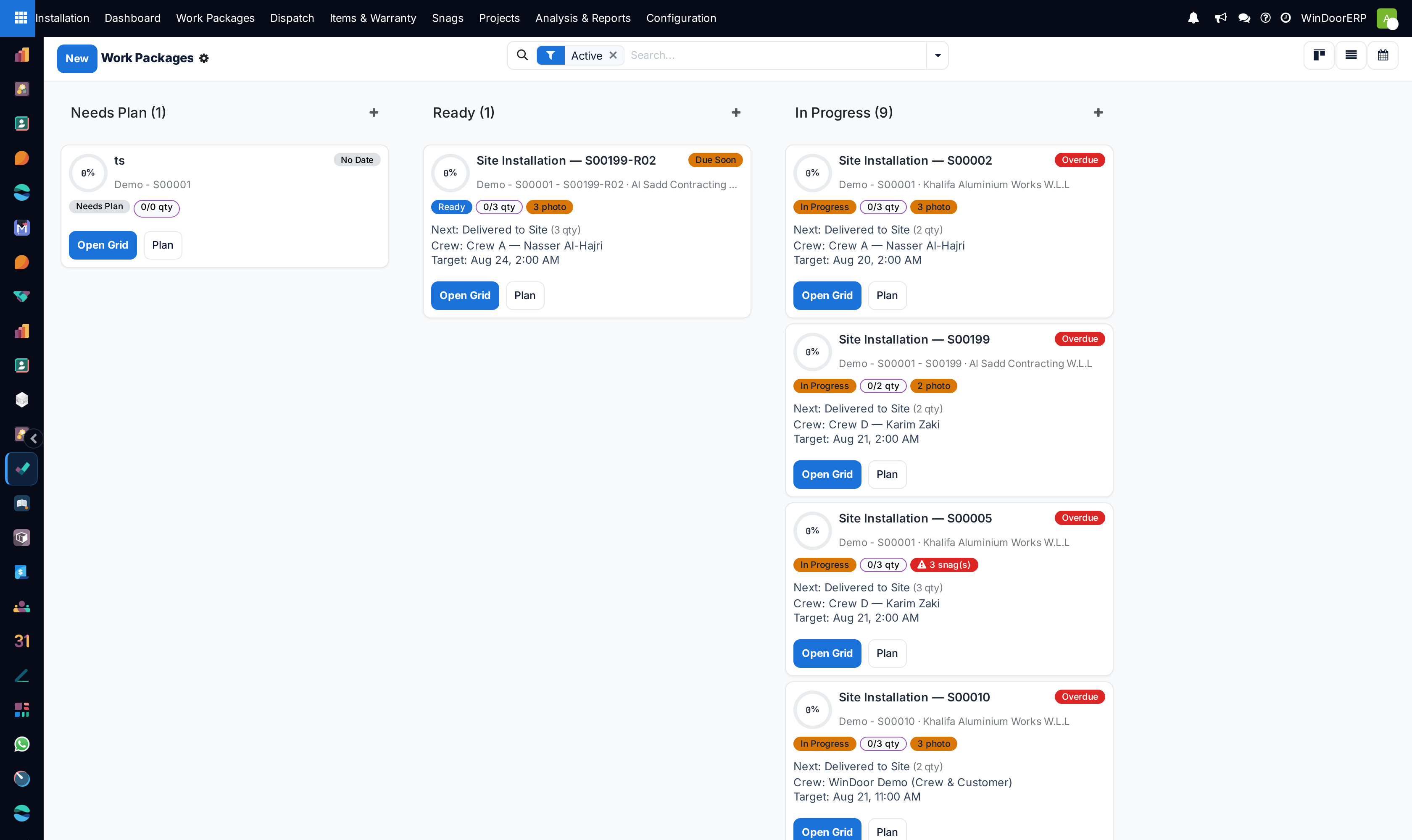
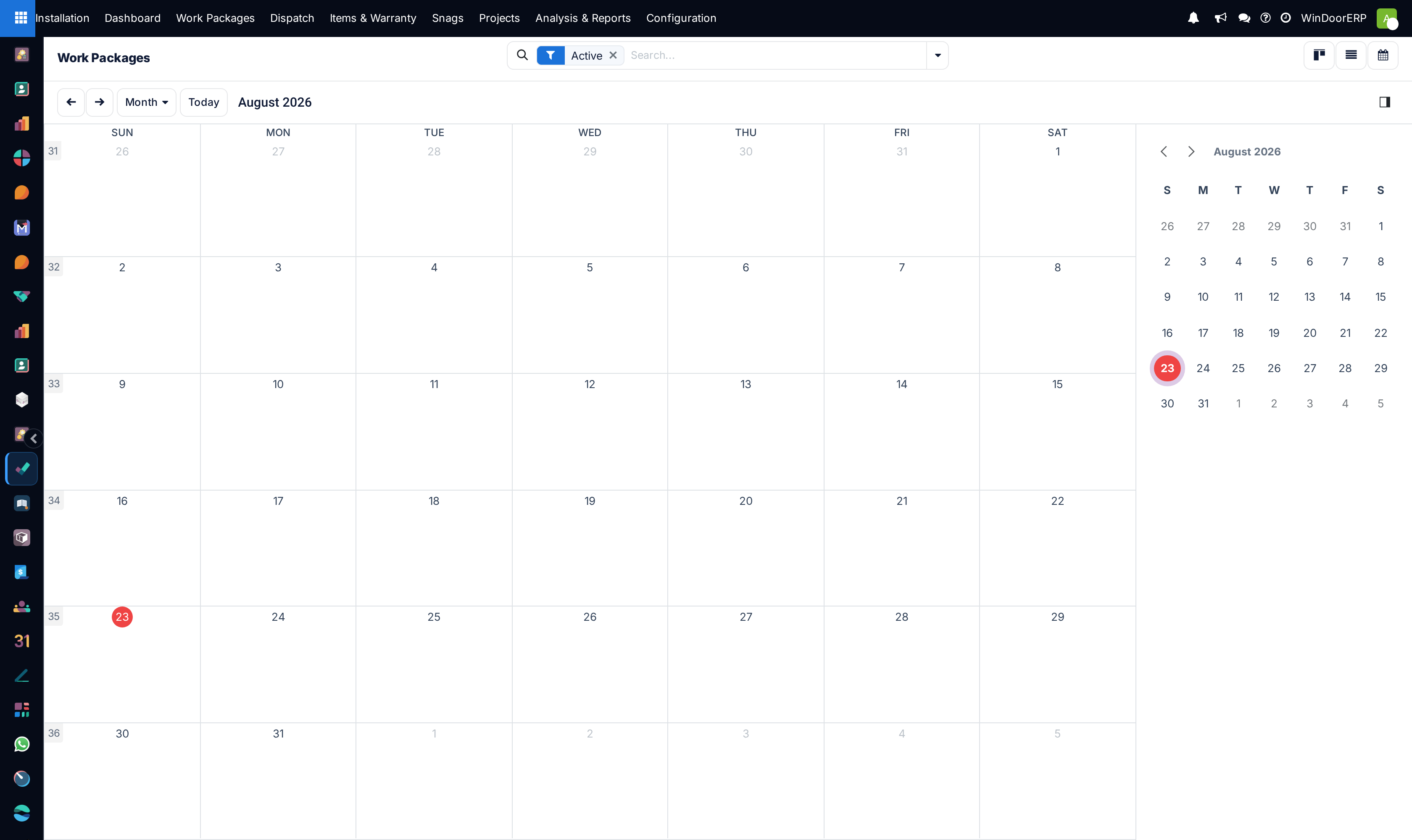
Switch between List, Kanban, and Calendar views to examine active project pipelines.
-
03
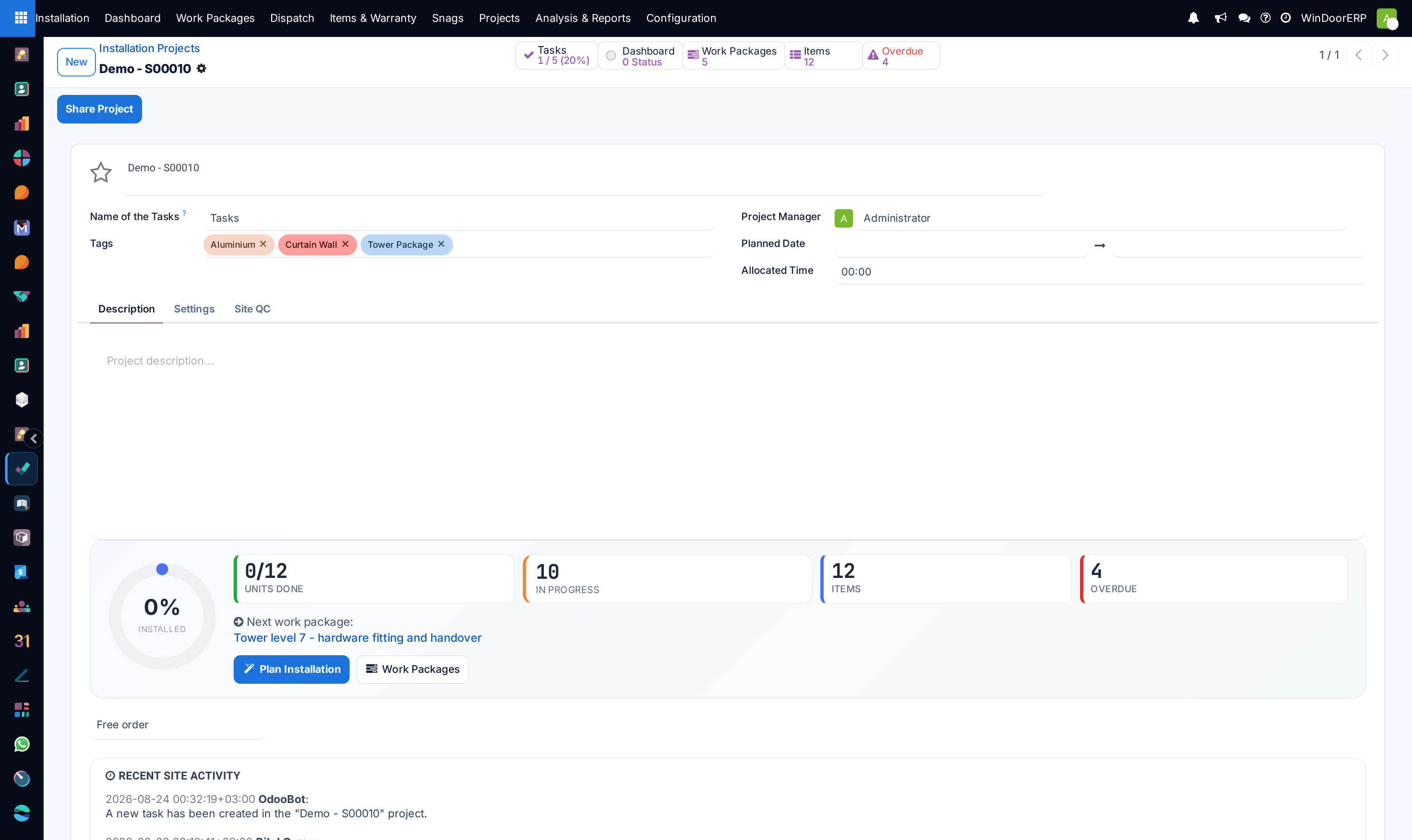
Open any project form to inspect assigned Project Engineers, Site Foremen, Customer Contacts, and progress percentage.
-
04
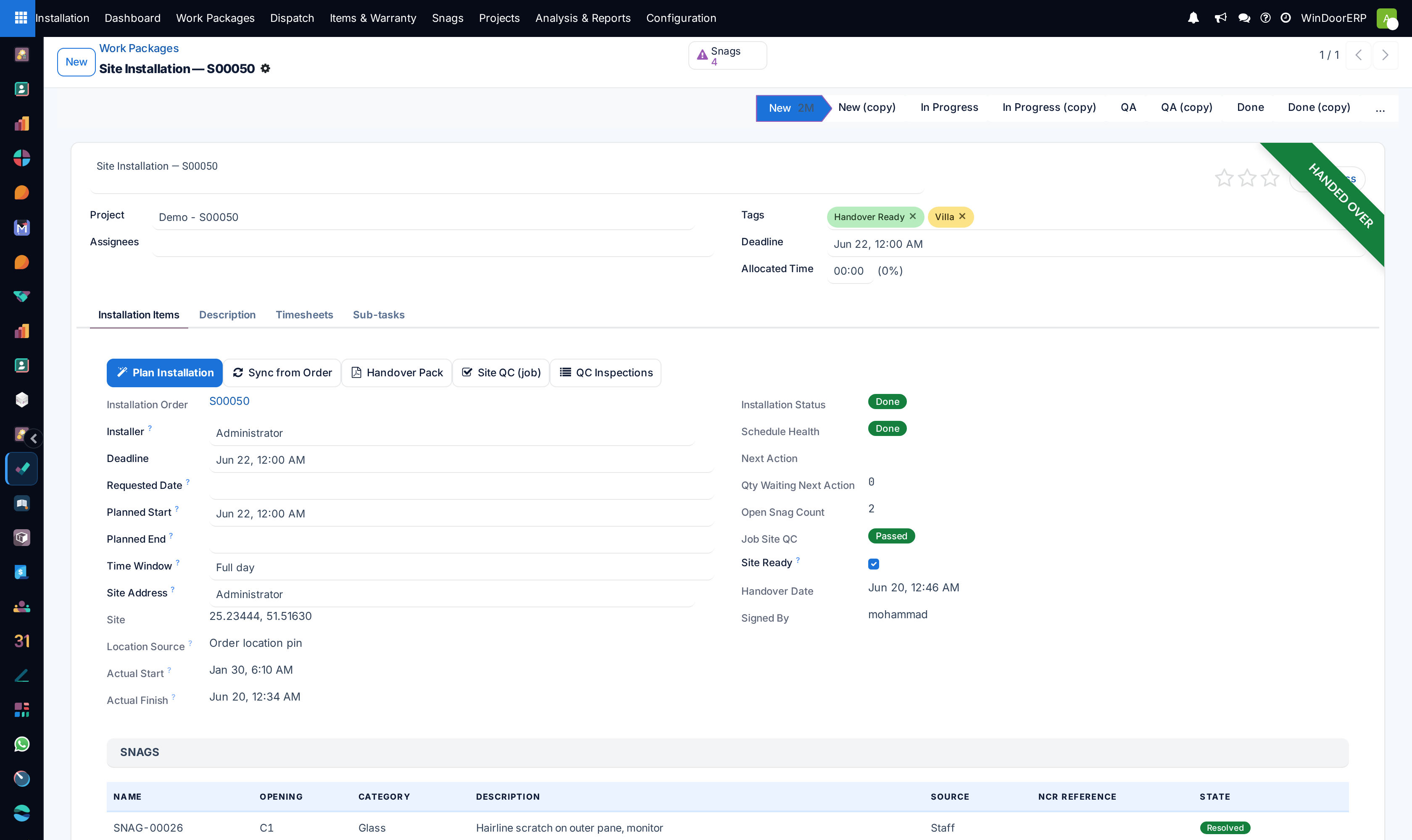
Track sub-tasks: Sub-Frame Anchor Check, Laser Level Calibration, Sash Glazing Gasket Seating, and Final Handover.
Common mistakes
- Anchoring aluminum frames into fresh uncured concrete without anti-corrosion barrier pads.
- Advancing project stages without uploading on-site timestamped inspection photos.
Was this article helpful?
Thanks — your feedback helps.
Running a window or door factory?
Ask for a demo