Analyze service ticket resolution velocity, warranty costs, and service categories
What this does
Evaluates service department profitability, technician resolution speed, warranty financial absorption, and service category breakdowns.
Before you start
- Historical service orders completed.
Steps
Important
High warranty claim frequencies on specific hardware components should be automatically flagged to the procurement team for vendor quality claims.
-
01
Open After-Sales › Analysis.
-
02
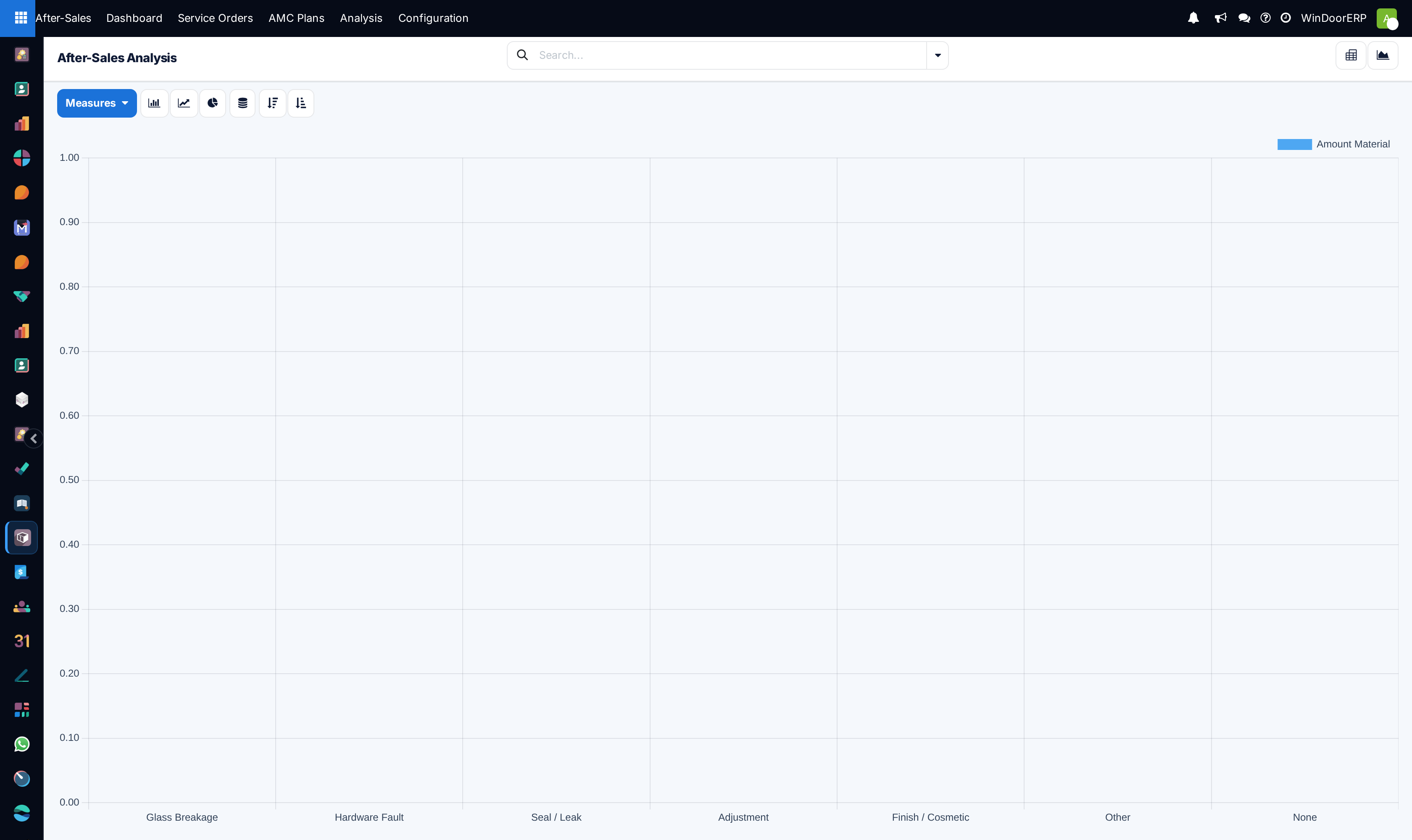
Review the primary graph comparing warranty versus billable ticket volumes across fiscal months.
-
03
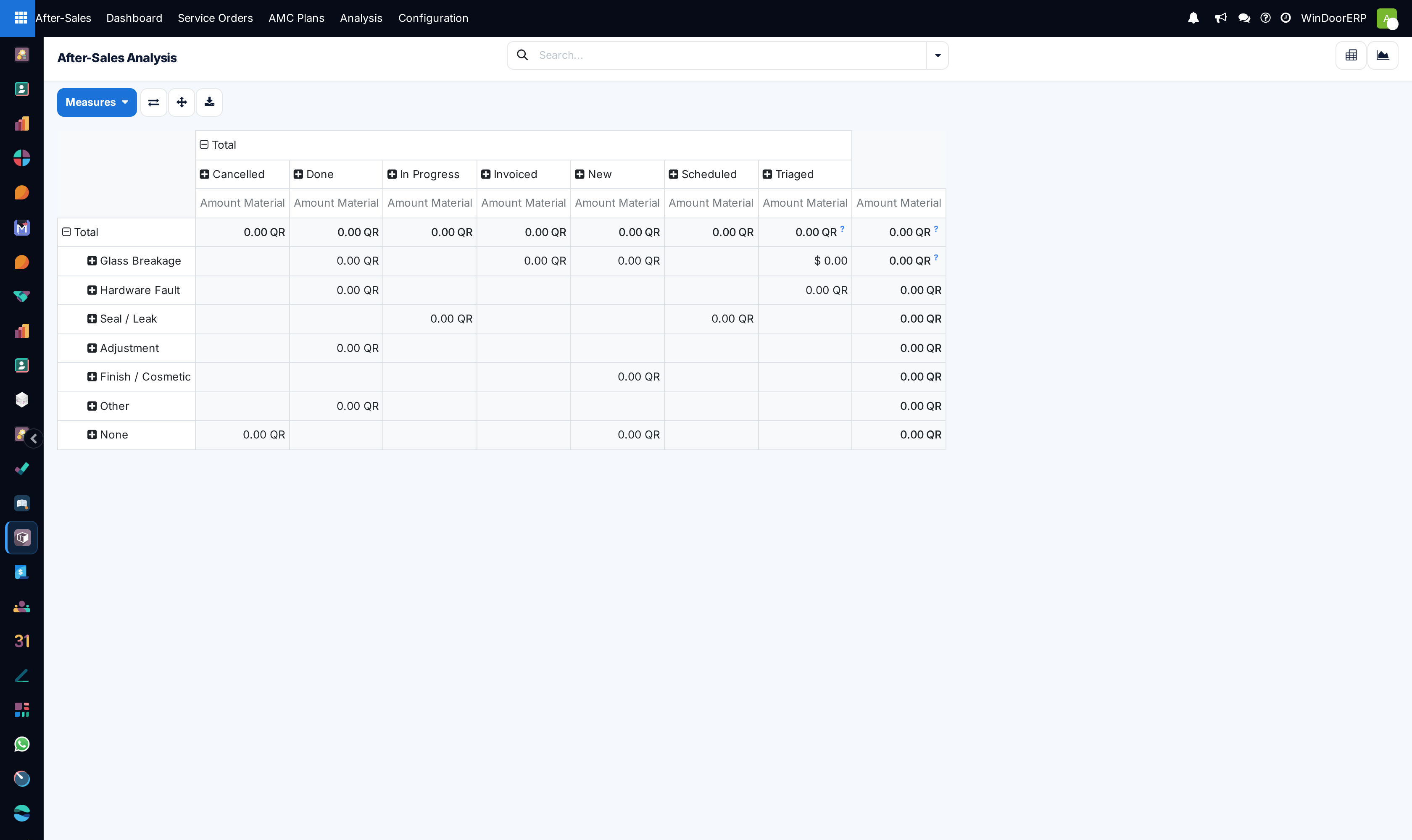
Switch to the Pivot view to cross-tabulate service labor hours and parts consumption by window system series.
-
04
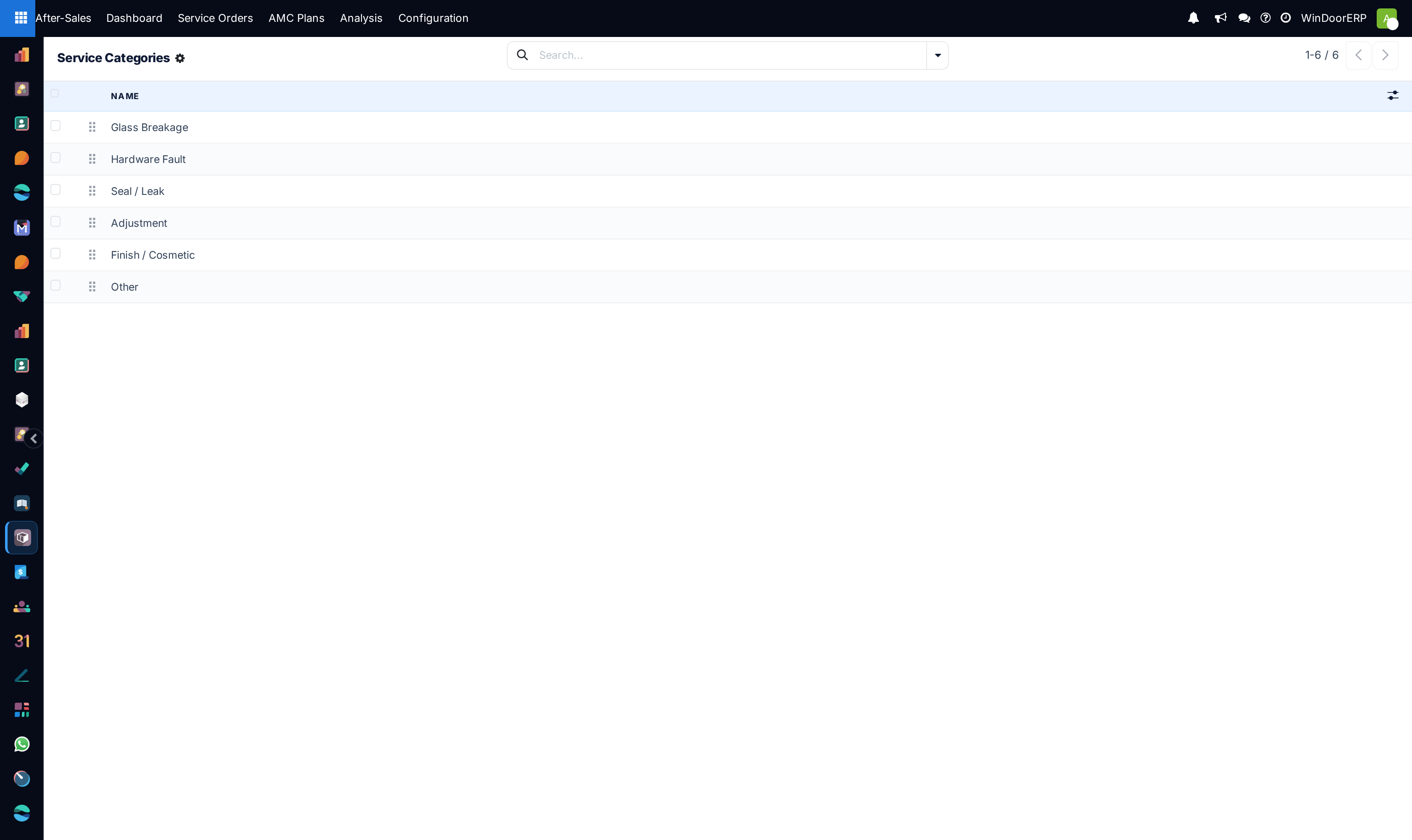
Navigate to Configuration › Service Categories to refine defect classifications (e.g. Gasket Creep, Crank Mechanism).
Common mistakes
- Treating warranty service labor as general factory overhead without allocating costs to the original sales project.
- Failing to review customer feedback ratings after ticket resolution.
Was this article helpful?
Thanks — your feedback helps.
Running a window or door factory?
Ask for a demo