Audit order lines, evaluate unit margins, standard costs, and discount thresholds
What this does
Explains real-time margin tracking across quotation and sales order lines, calculating `Margin = Sales Price - Cost` and `Margin % = (Margin / Sales Price) * 100` to maintain target profitability.
Before you start
- Margins enabled in Sales › Configuration › Settings.
Steps
Important
Enabling Margins gives estimators instant visual feedback: lines with negative or sub-threshold margins appear highlighted for supervisory review.
-
01
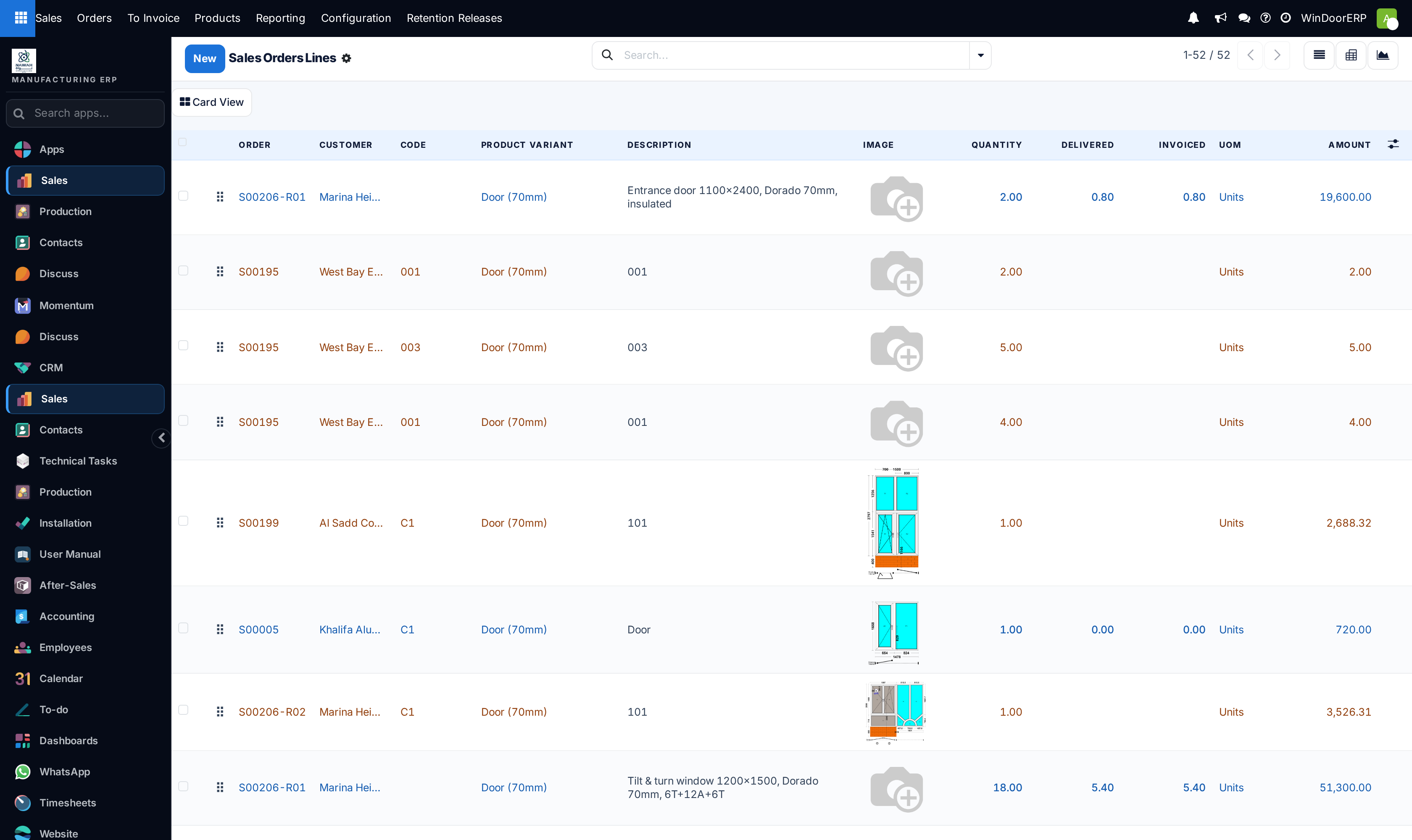
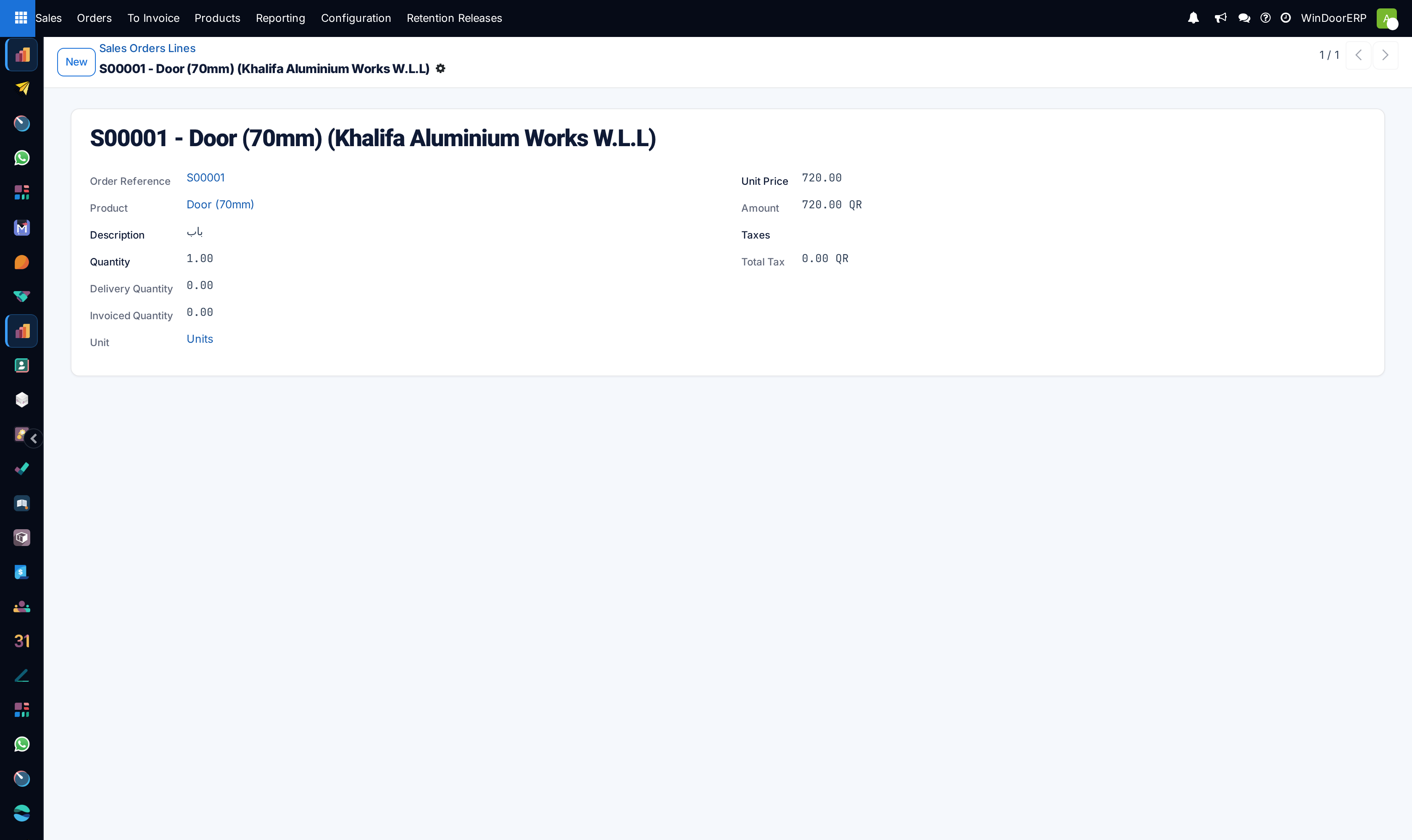
Open Sales › Orders › Sales Order Lines (or view lines inside any quotation).
-
02
Review the Cost field: populated from the product standard cost or parametric fenestration BOM estimation.
-
03
Inspect the Margin (currency amount) and Margin (%) columns on each line item.
-
04
Verify that applied discounts (e.g. 5% or 10%) do not push line margins below the company's minimum floor policy.
-
05
Check the total order margin summary displayed at the bottom right of the quotation form.
Common mistakes
- Entering zero standard costs on newly added profile extrusions, artificially inflating calculated margins to 100%.
- Granting unapproved discounts that eliminate fabrication and installation labor margins.
Was this article helpful?
Thanks — your feedback helps.
Running a window or door factory?
Ask for a demo