Audit sales team operations, team member targets, and executive revenue dashboards
What this does
Monitors team-level order generation, monthly target completion rates, and lead pipeline flow across residential and commercial sales divisions.
Before you start
- Sales Manager or Executive access.
Steps
Important
Visual team progress bars provide immediate feedback on whether monthly revenue quotas will be achieved.
-
01
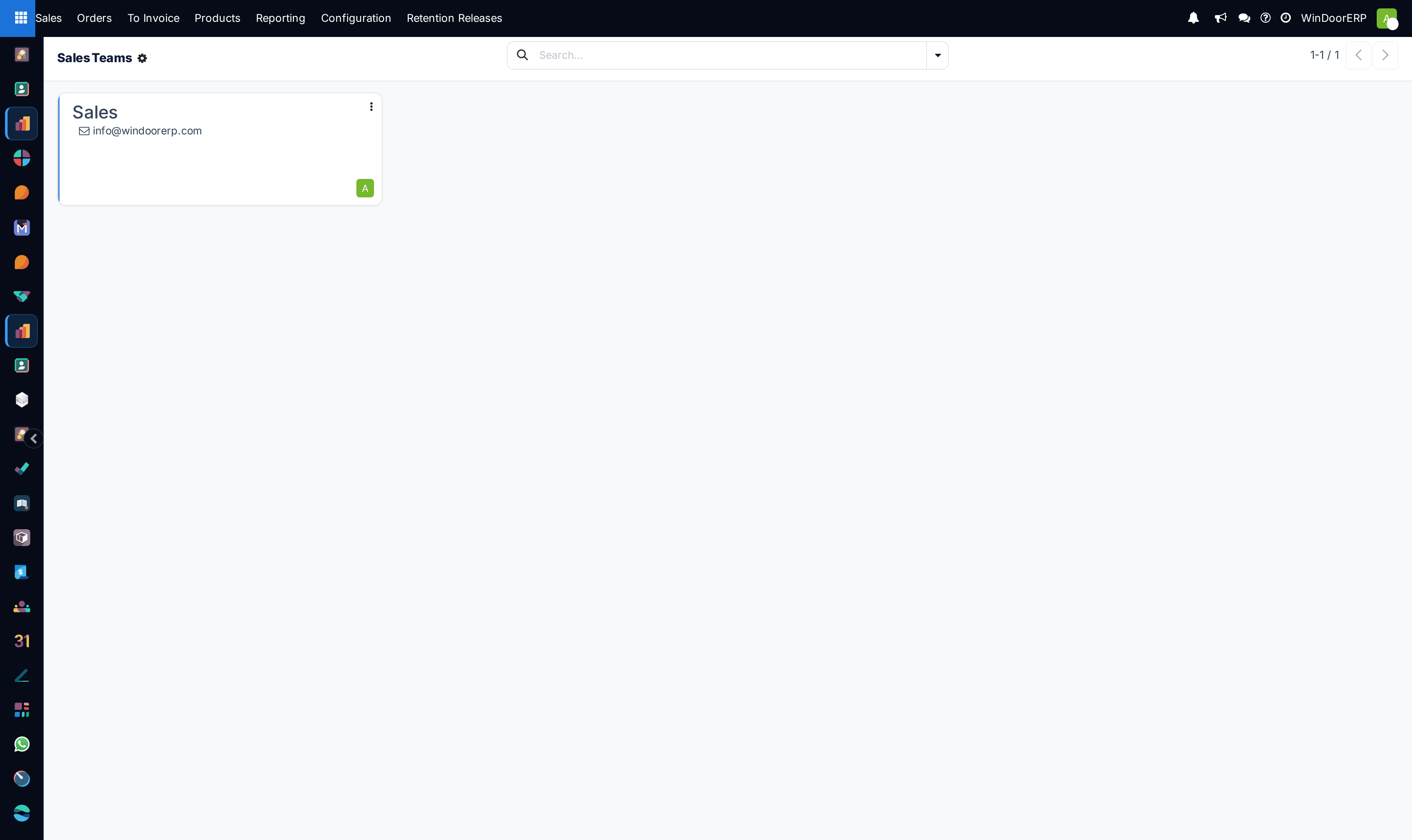
Open Sales › Orders › Sales Teams.
-
02
Review team Kanban cards displaying total open quotations, confirmed orders, and invoiced amounts.
-
03
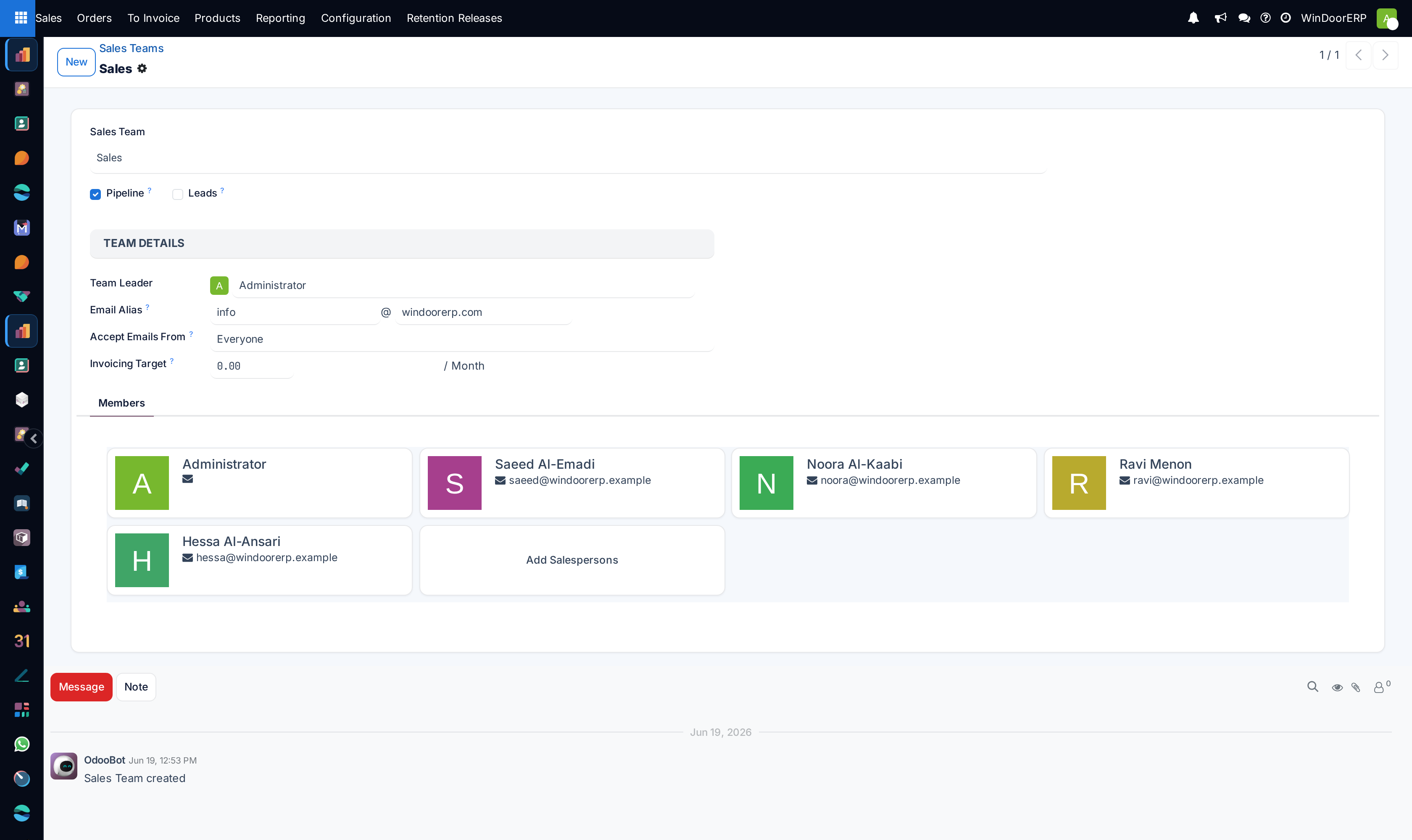
Compare team actual performance against monthly Invoicing Targets.
-
04
Drill down into individual team cards to inspect member workloads and estimator response times.
Common mistakes
- Failing to adjust team targets during seasonal factory maintenance shutdowns.
- Not reassigning leads when a sales team reaches full estimation capacity.
Was this article helpful?
Thanks — your feedback helps.
Running a window or door factory?
Ask for a demo