Design standardized Quotation Templates with pre-configured window lines and terms
What this does
Creates reusable quotation templates tailored to specific project types (e.g. Standard Residential Villa, Commercial Curtain Wall Package) with pre-set payment terms, validity durations, and technical submittal attachments.
Before you start
- Quotation Templates enabled in Sales › Configuration › Settings.
Steps
Important
Applying a template on a new quotation automatically loads pre-approved corporate legal terms and payment milestones, cutting quotation time by 75%.
-
01
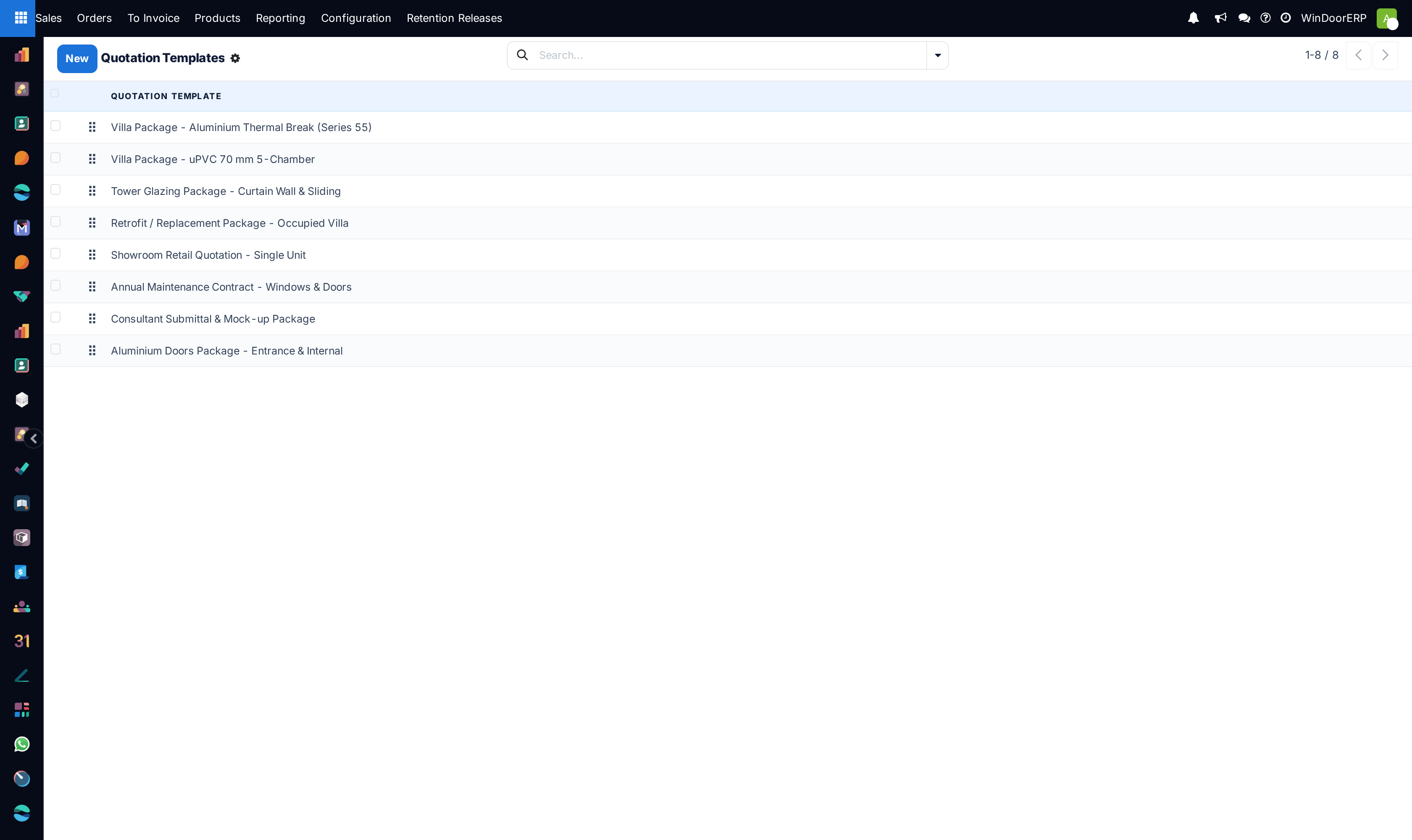
Open Sales › Configuration › Quotation Templates.
-
02
Click New to design a template (e.g. Luxury Villa Package 2026).
-
03
Set Quotation Validity (e.g. 30 days) and default Payment Terms (e.g. 50% Advance, 40% Delivery, 10% Handover).
-
04
Add standard lines, sections, and optional upselling items in Lines.
-
05
In PDF Quote Builder, attach custom Header and Footer PDF submittals.
Common mistakes
- Allowing sales reps to delete mandatory warranty and liability clauses from template terms.
- Not updating template product codes when upgrading to new profile series models.
Was this article helpful?
Thanks — your feedback helps.
Running a window or door factory?
Ask for a demo