Evaluate overall installation productivity, labor timesheets, and task analytics
What this does
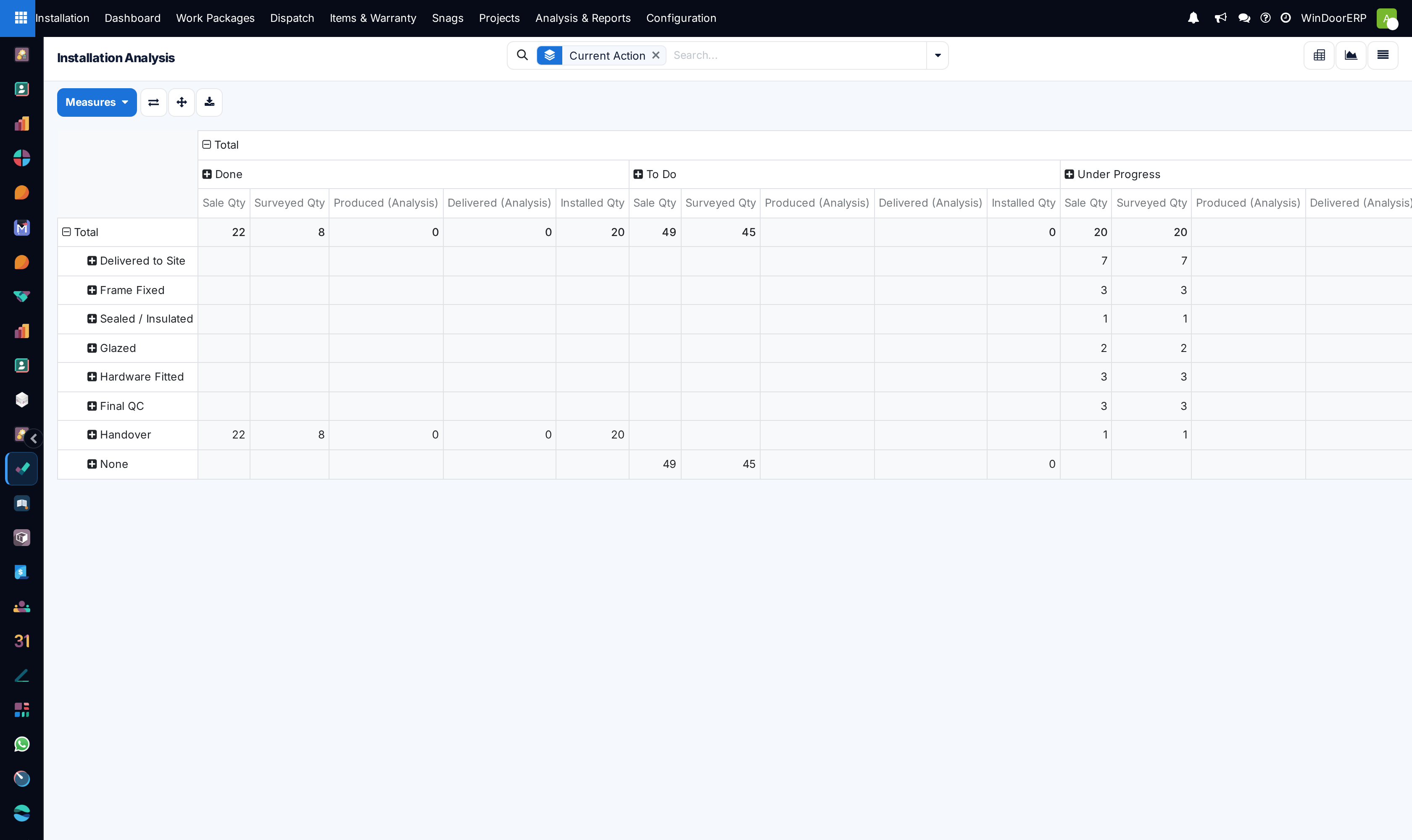
Analyzes installation task completion rates, field technician labor hours, and overall installation project gross margins.
Before you start
- Historical installation tasks and timesheets recorded.
Steps

Important
Comparing standard estimated installation hours against actual mobile timesheets enables continuous refinement of sales quotation installation rates.
-
01
Go to Installation › Analysis & Reports.
-
02
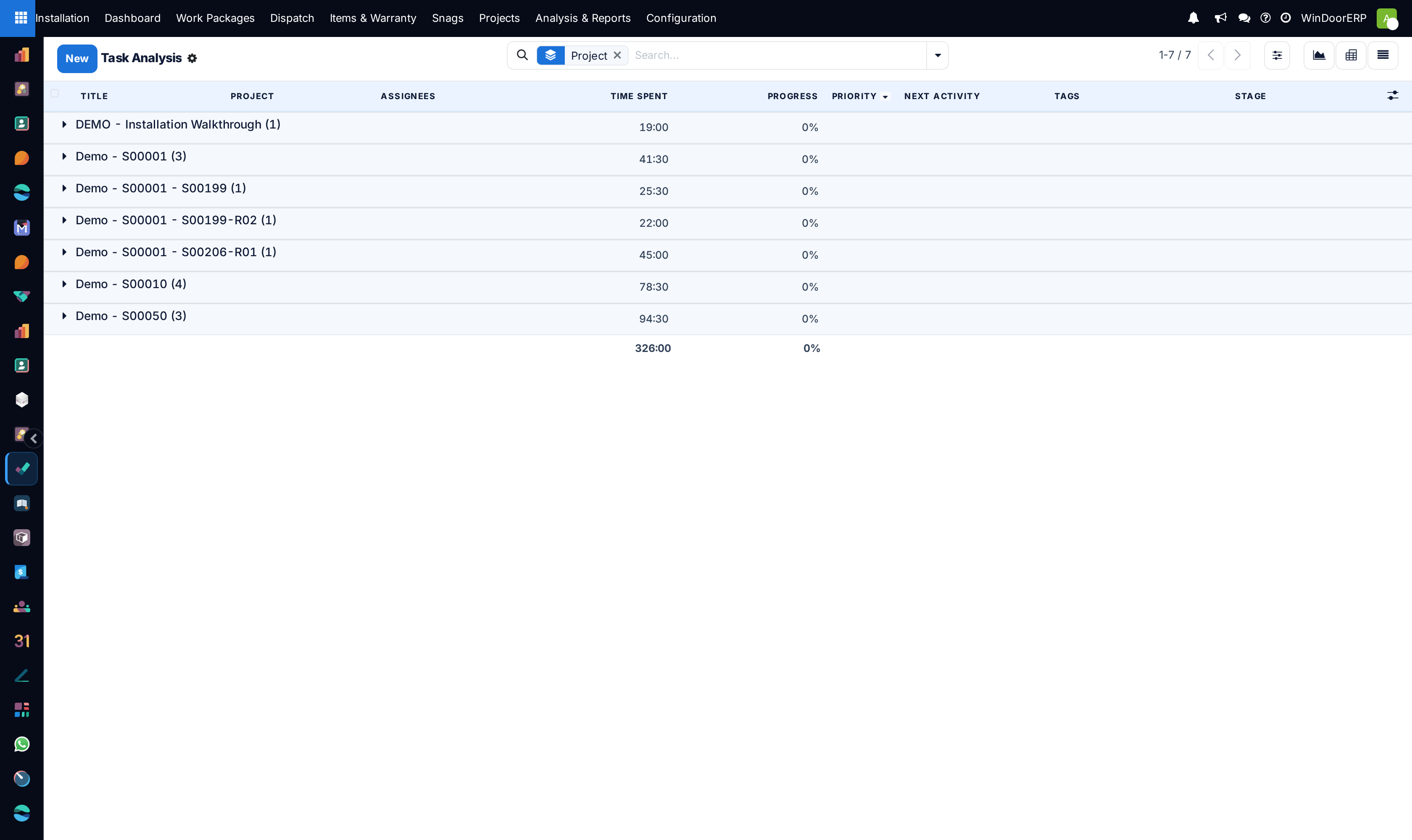
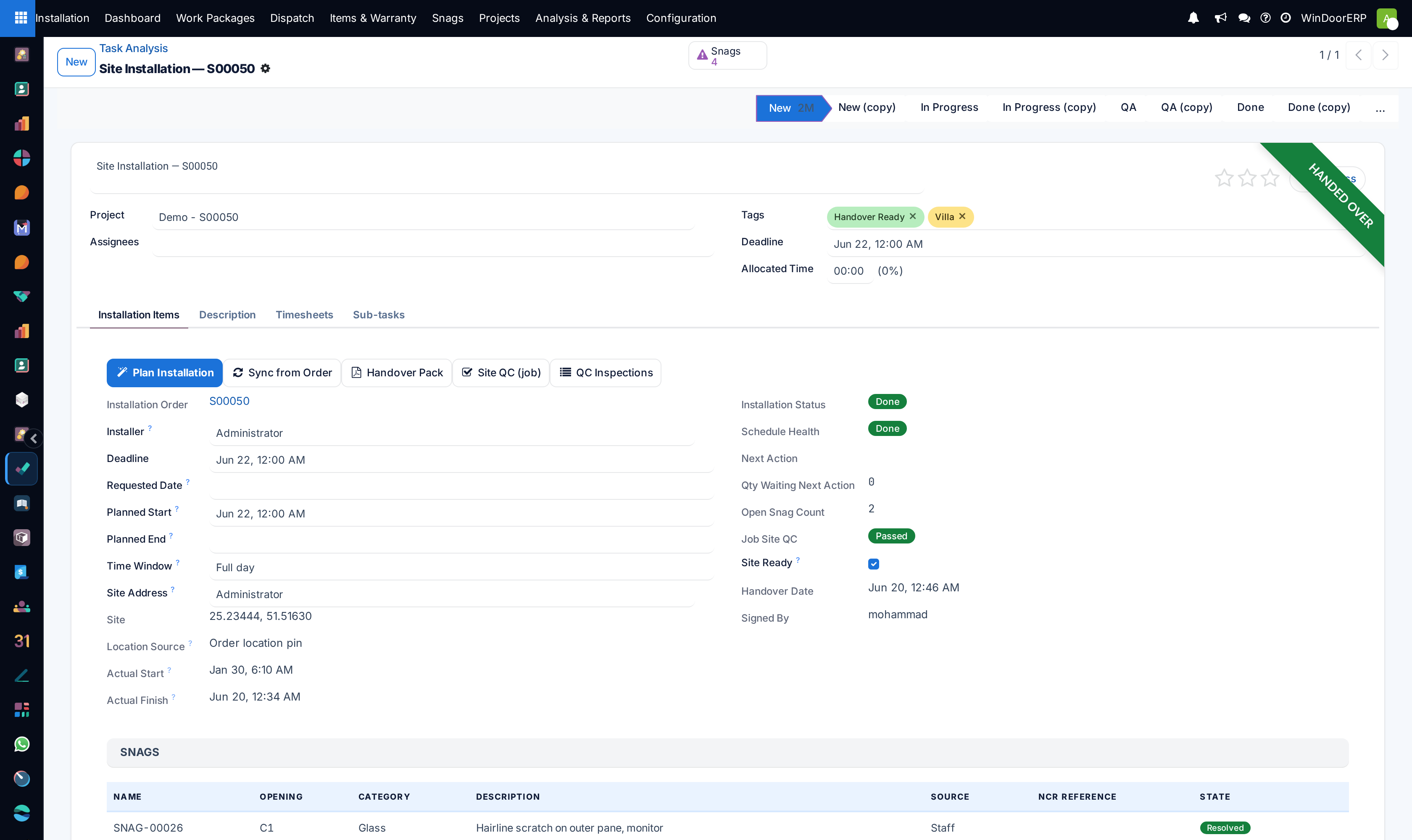
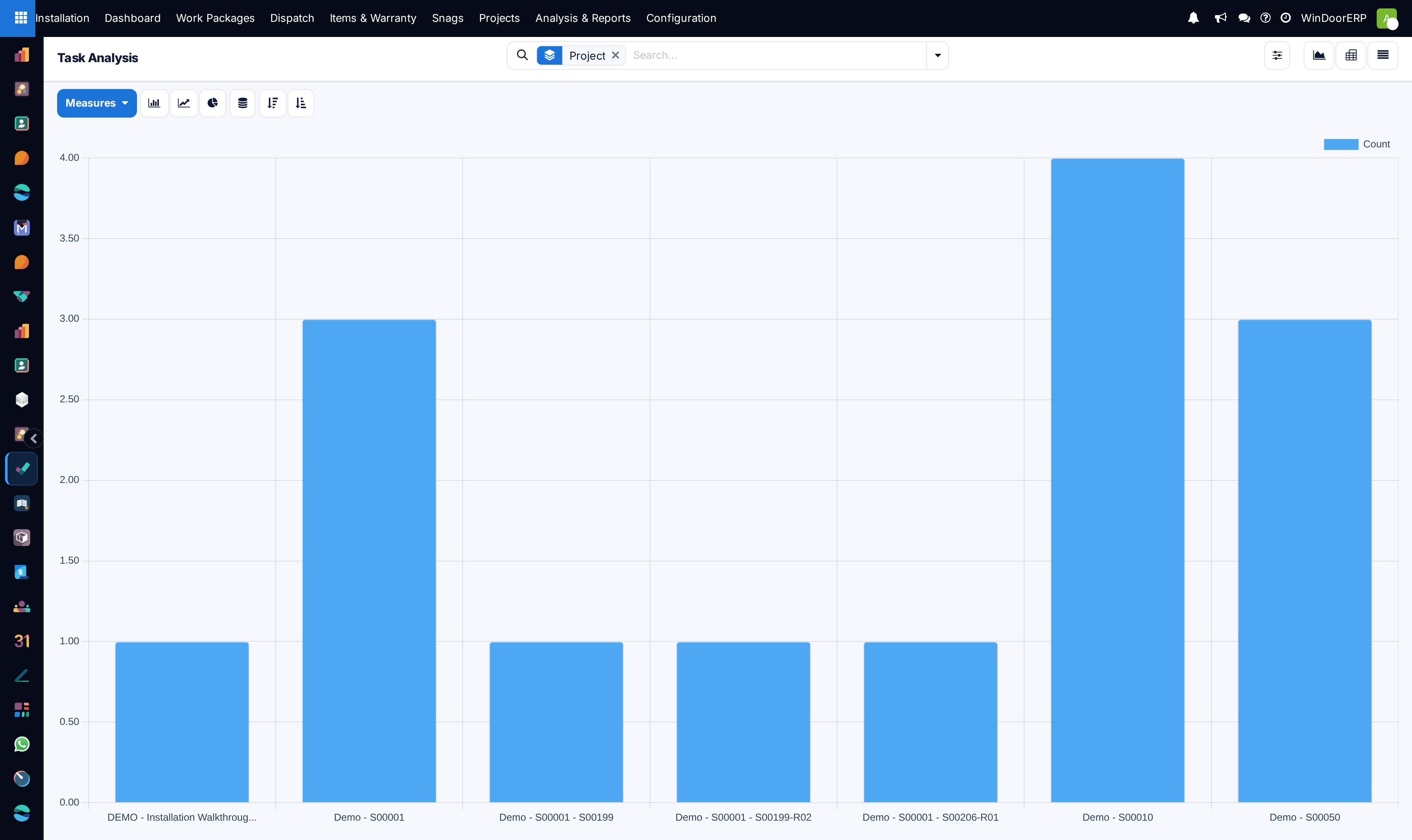
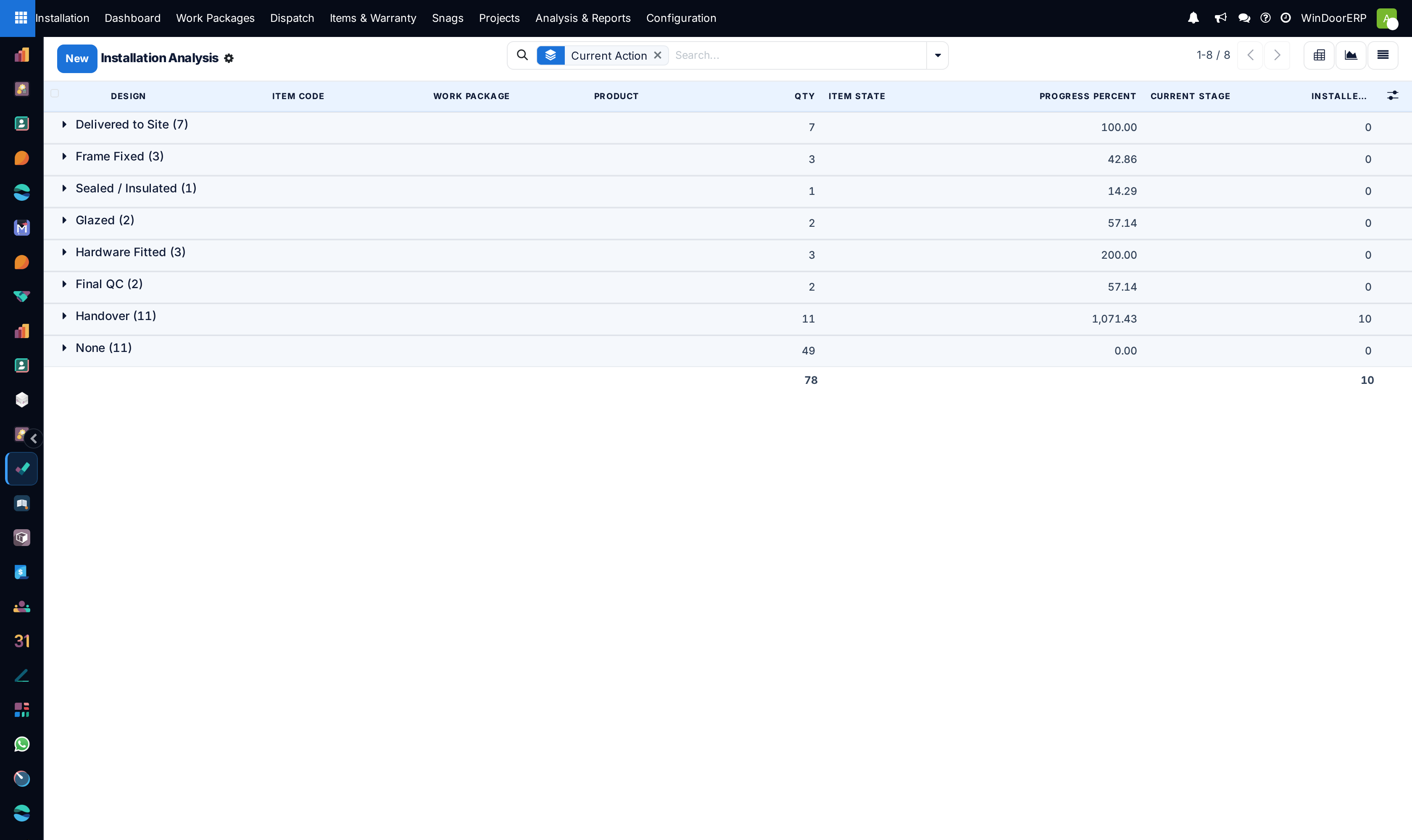
Inspect Reporting Tasks to evaluate average completion cycle days per building floor.
-
03
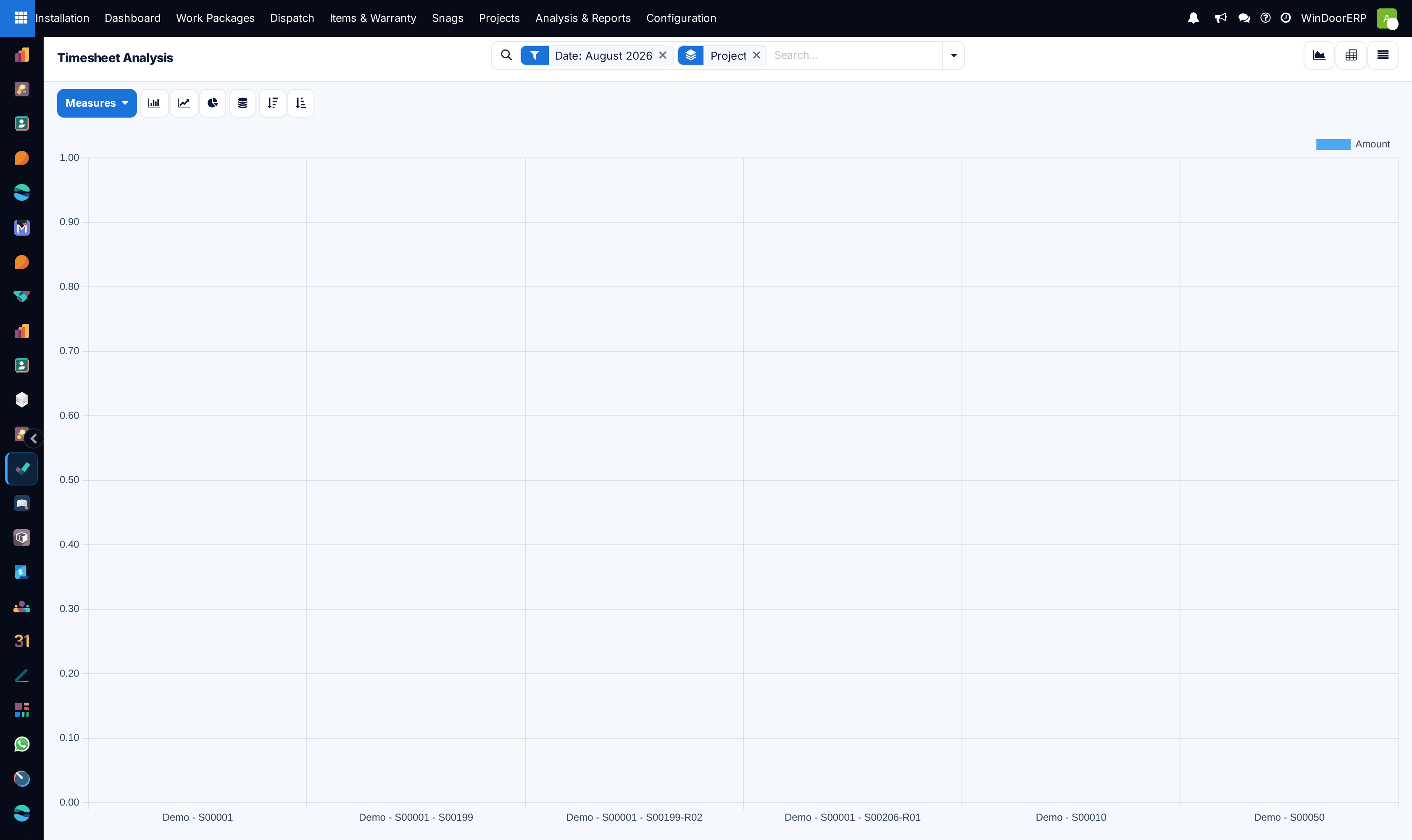
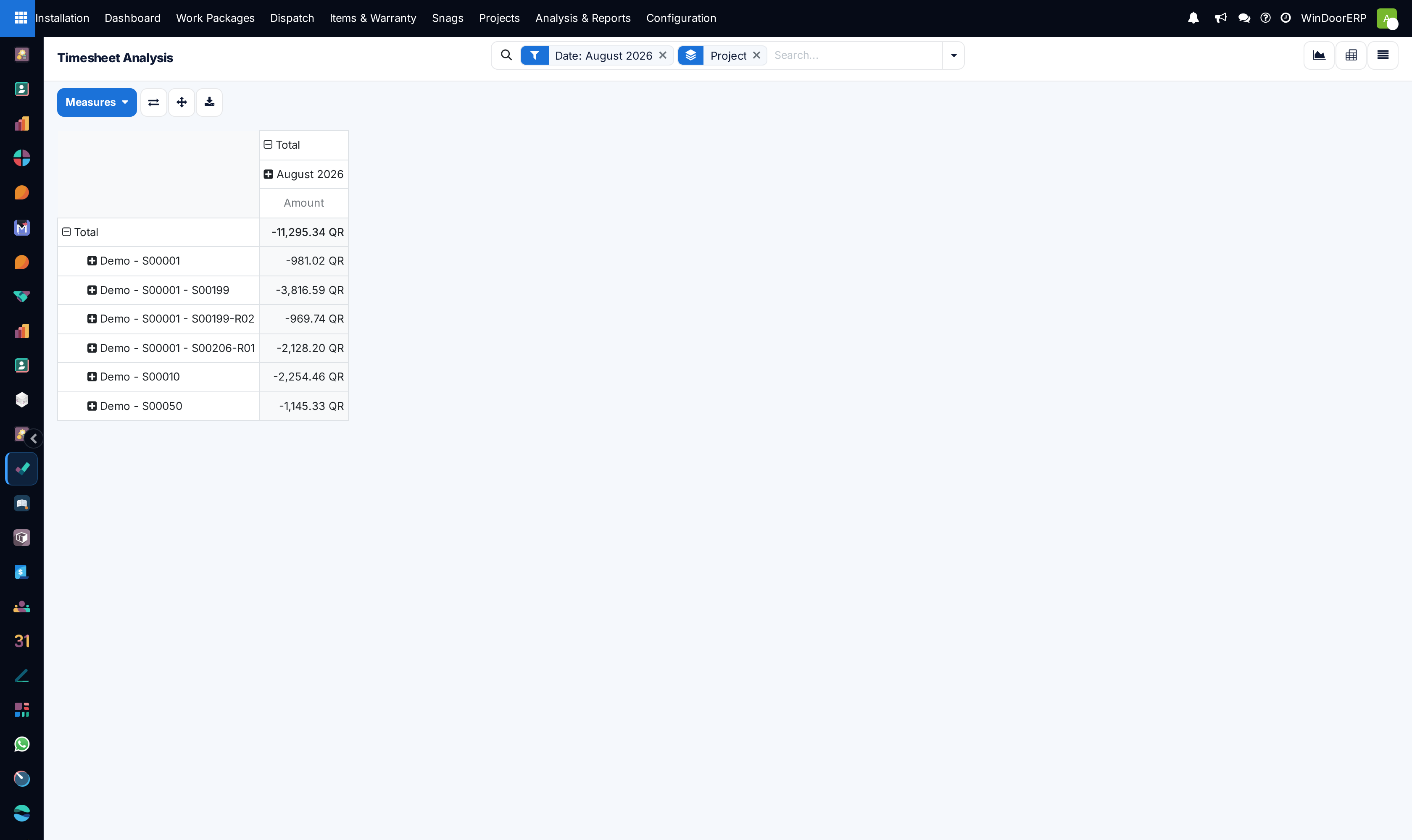
Review Reporting Timesheets to compare budgeted labor hours against actual field hours.
-
04
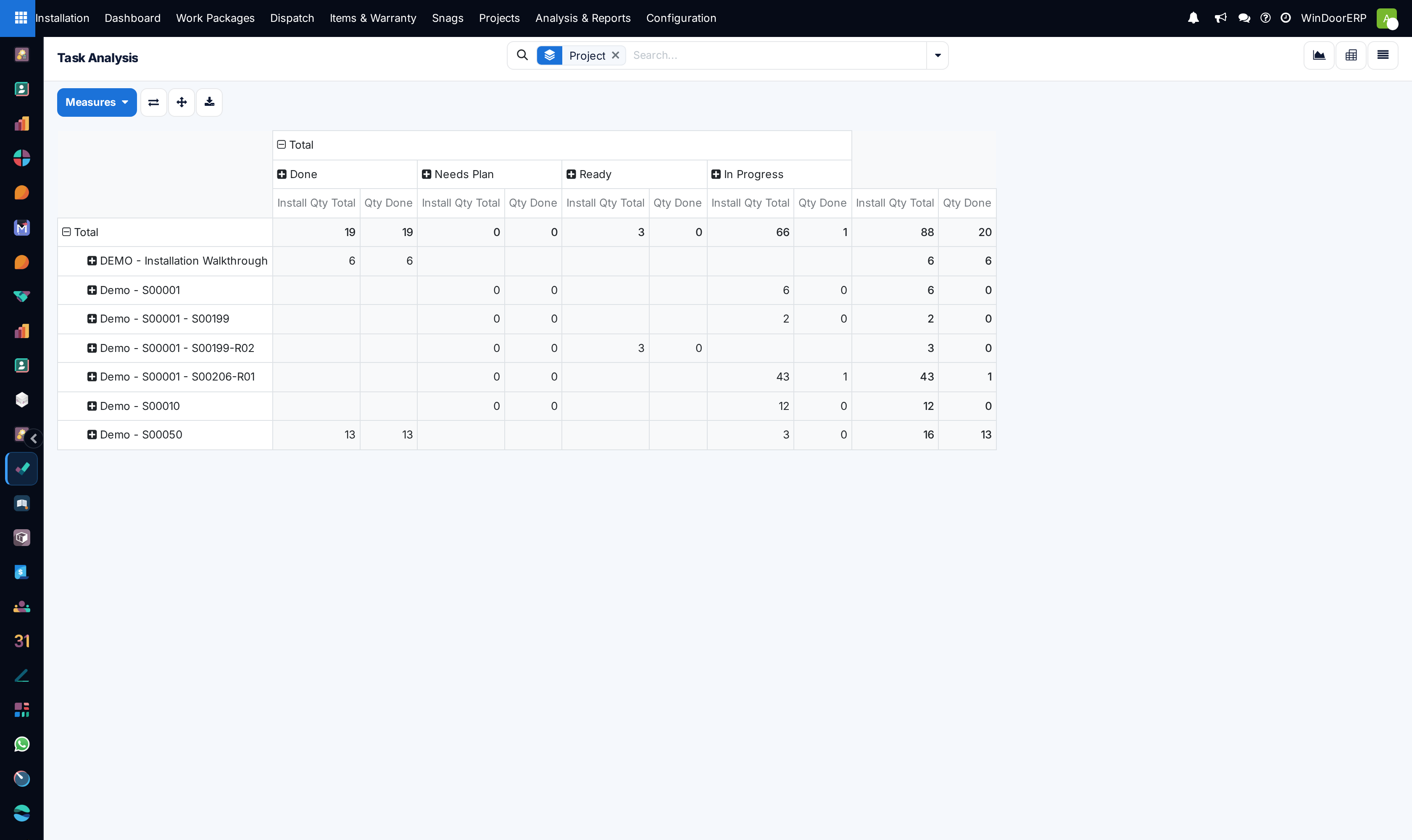
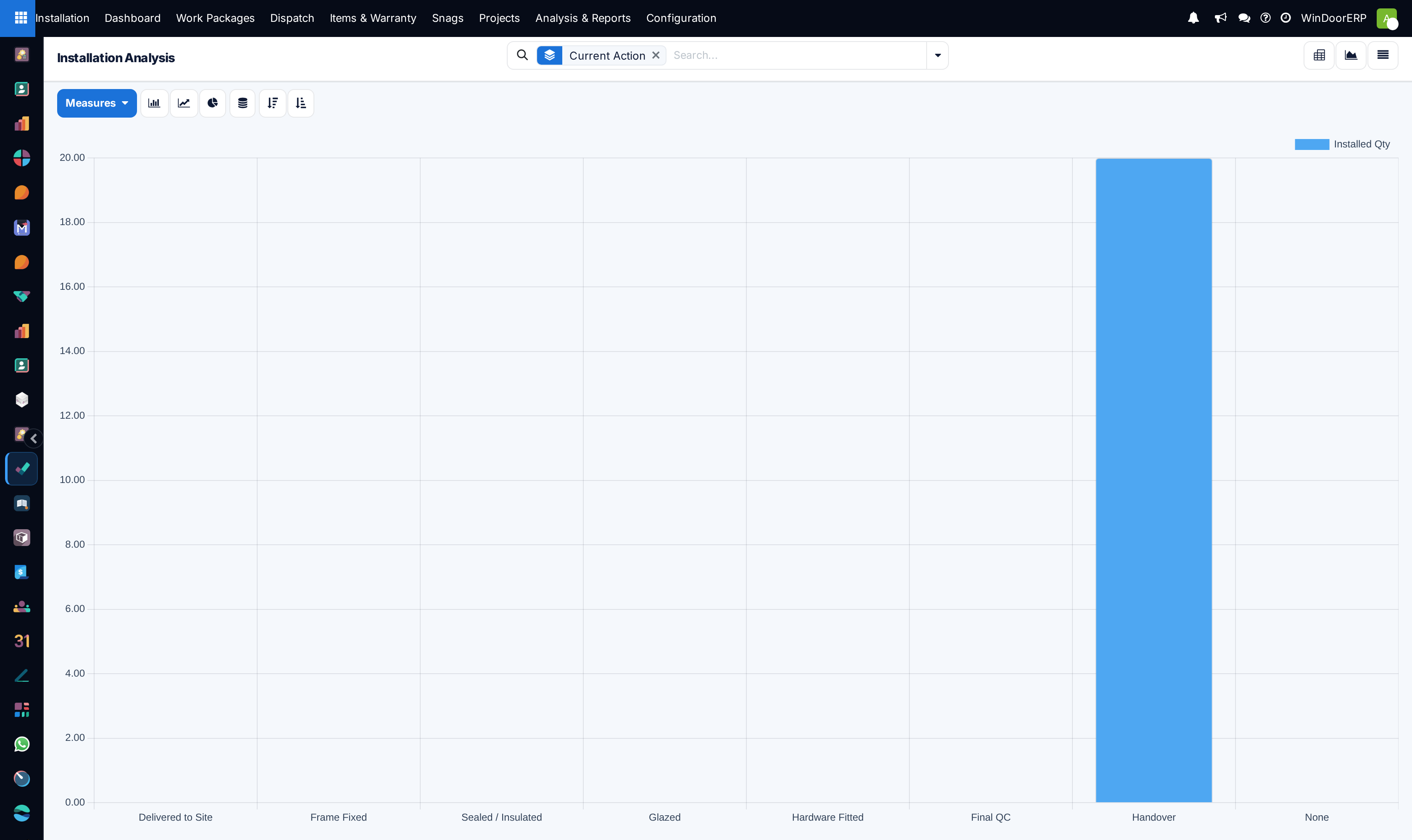
Open Analysis to cross-tabulate project velocity against contractor milestone schedules.
Common mistakes
- Failing to filter out travel transit hours from on-site productive installation hours.
- Reviewing timesheet reports without cross-checking supervisor approval signatures.
Was this article helpful?
Thanks — your feedback helps.
Running a window or door factory?
Ask for a demo