Configure scheduled crons, mail servers, email templates, SMS gateways, and live chat backend
What this does
Maintains the background automation heartbeat and omnichannel communication engines, encompassing recurring cron actions, SMTP/IMAP mail servers, dynamic email/SMS templates, live chat WebRTC ICE servers, and notification routing.
Before you start
- Technical System Administrator privileges.
Steps


Important
Setting up dedicated Outgoing Mail Servers with valid SPF, DKIM, and DMARC DNS records ensures 100% quotation delivery into client inboxes.
-
01
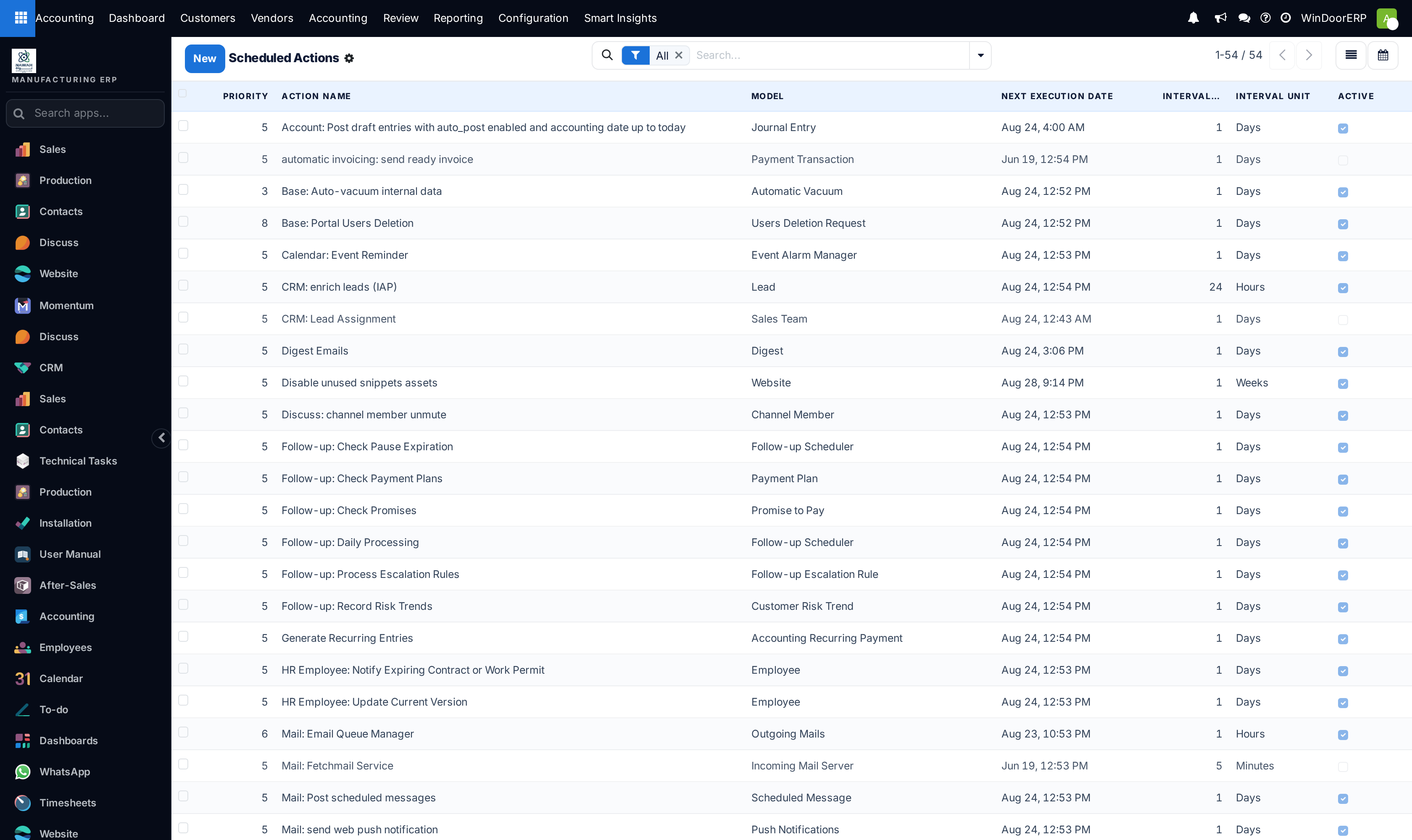
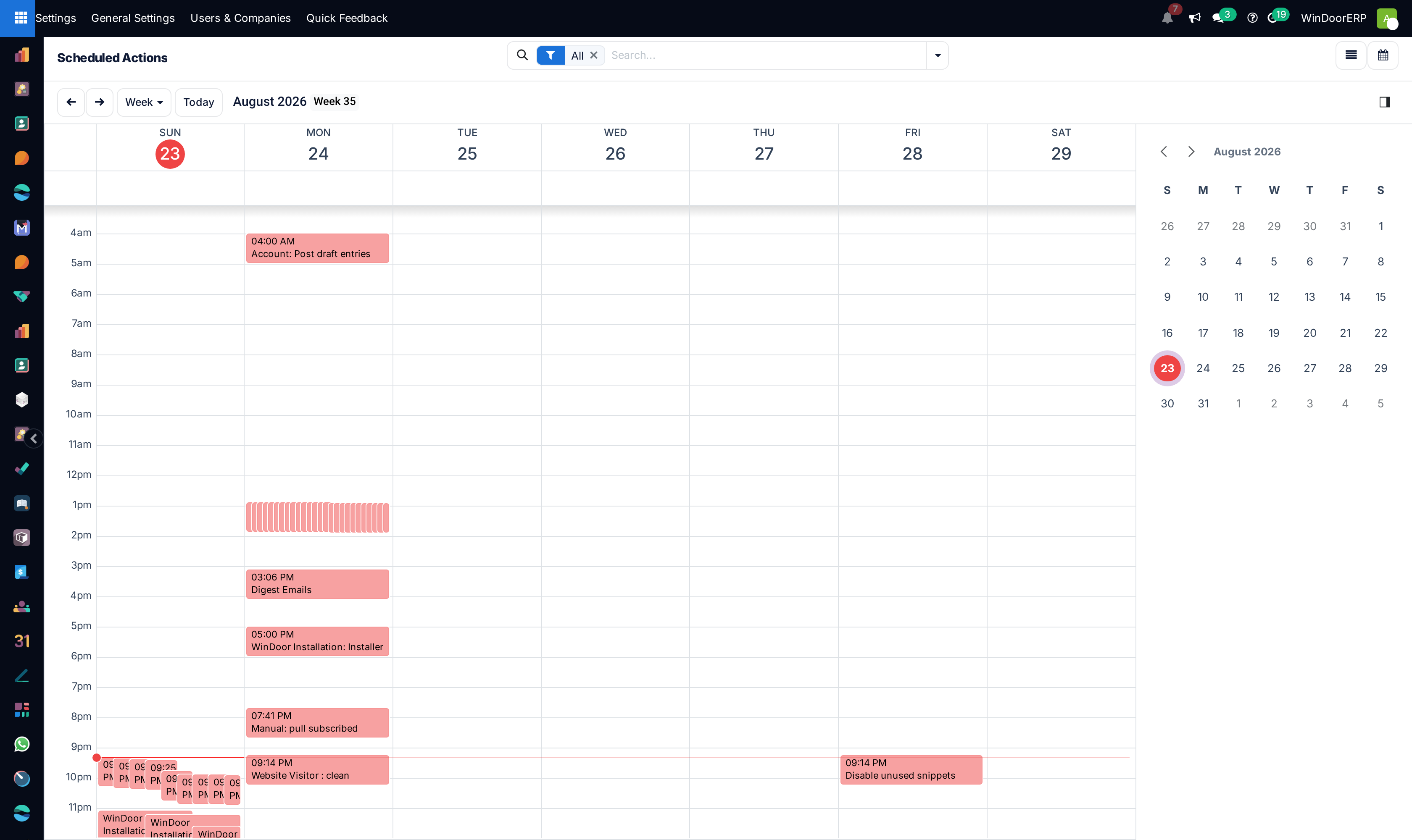
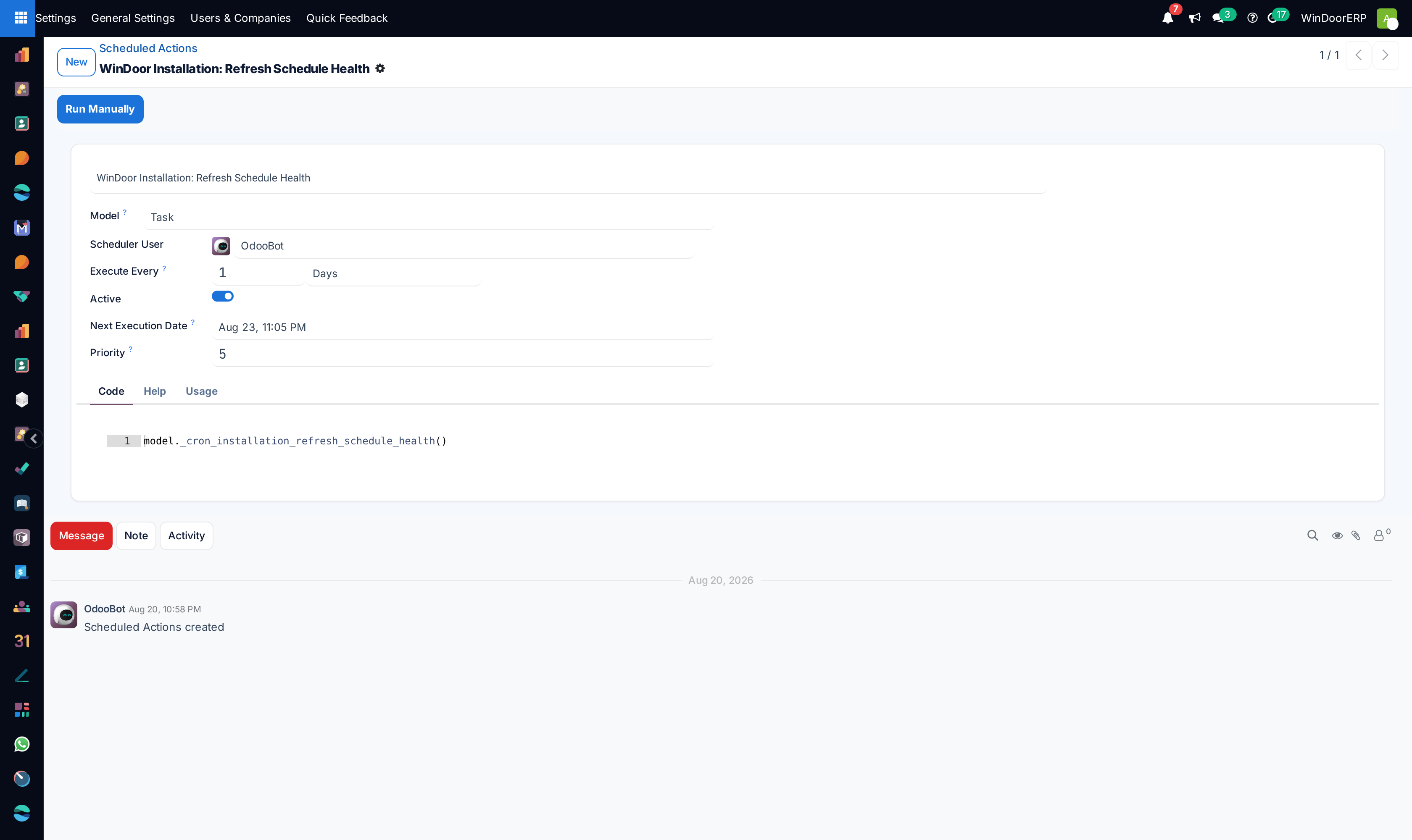
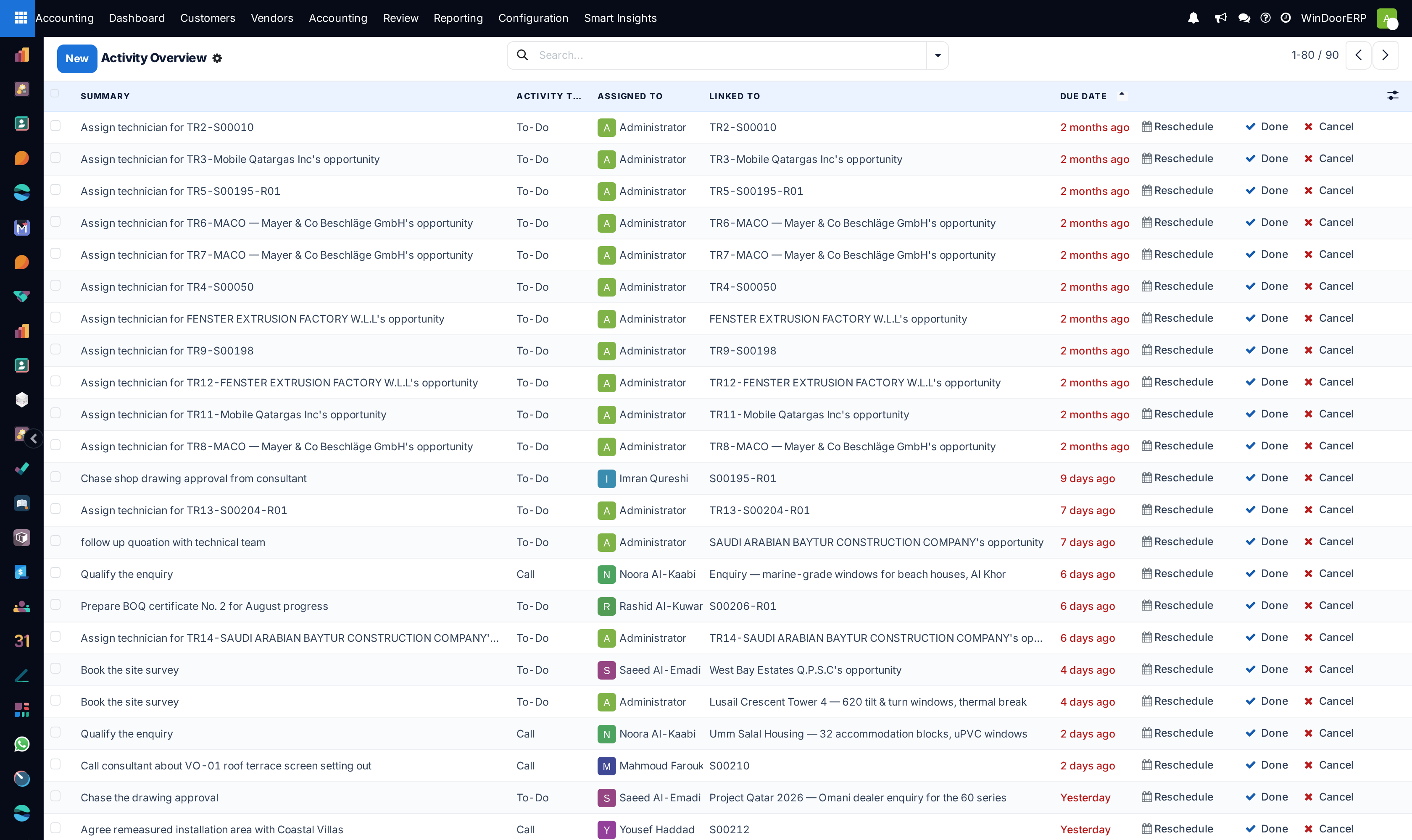
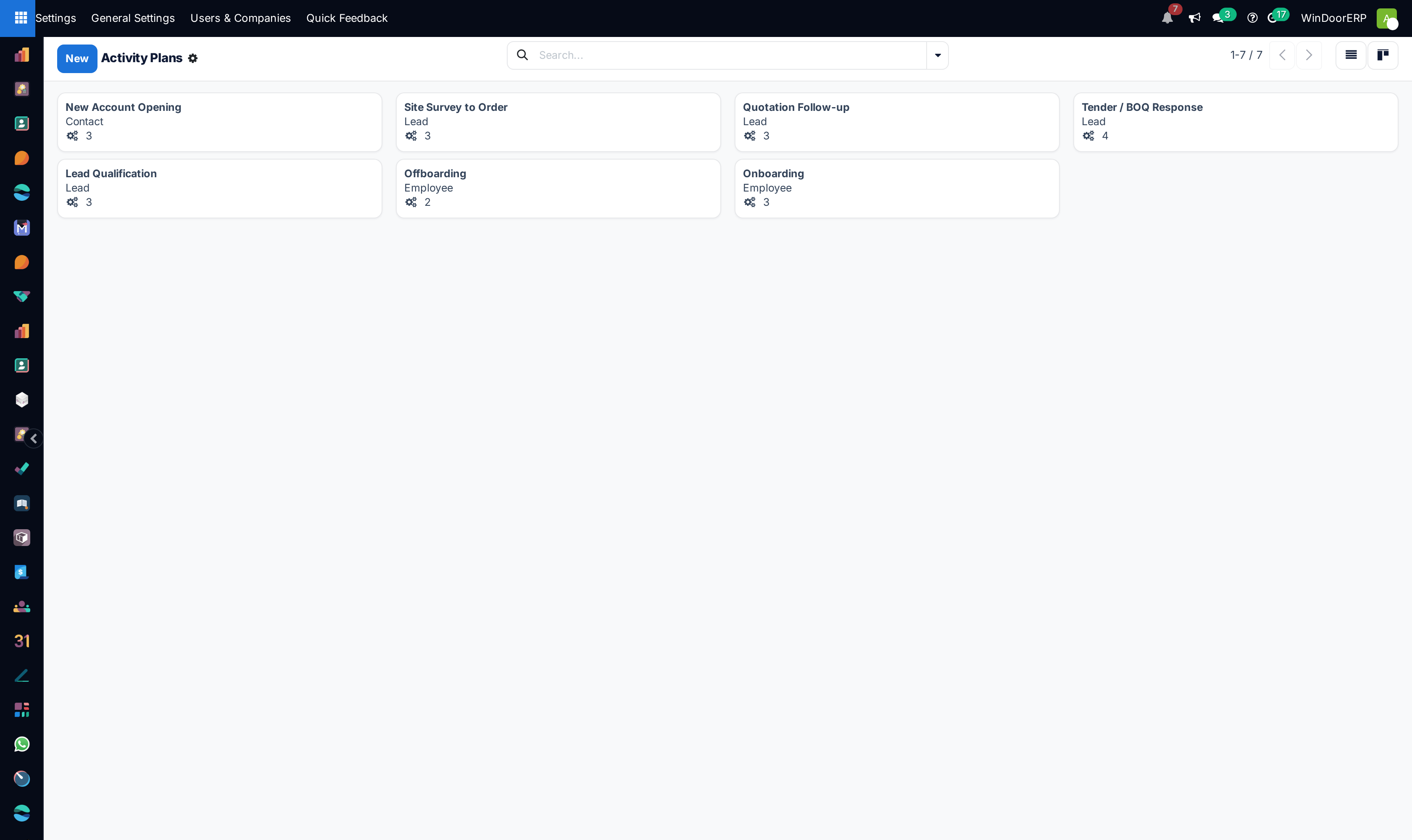
Open Automation › Scheduled Actions across Calendar and List views to schedule automated background jobs.
-
02
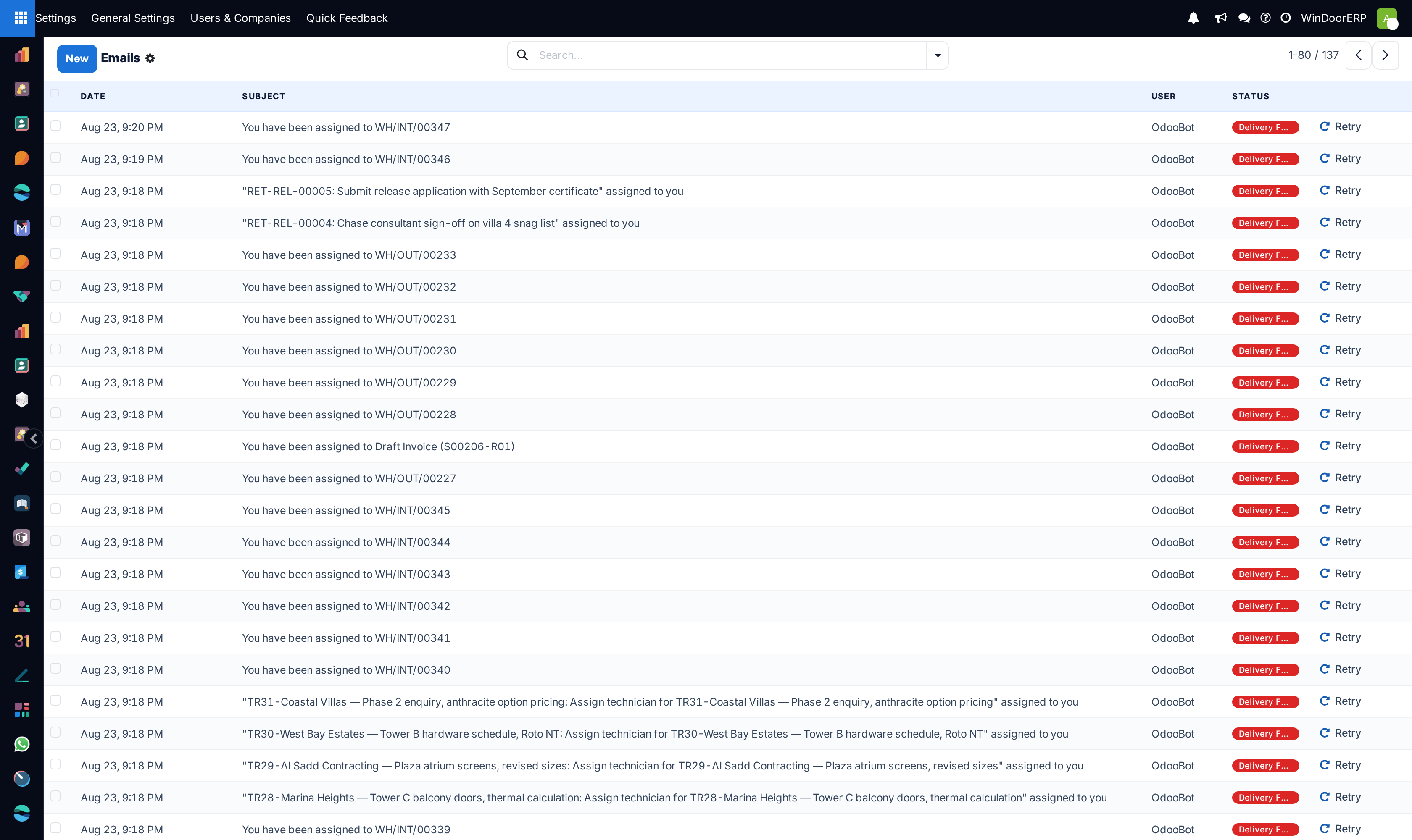
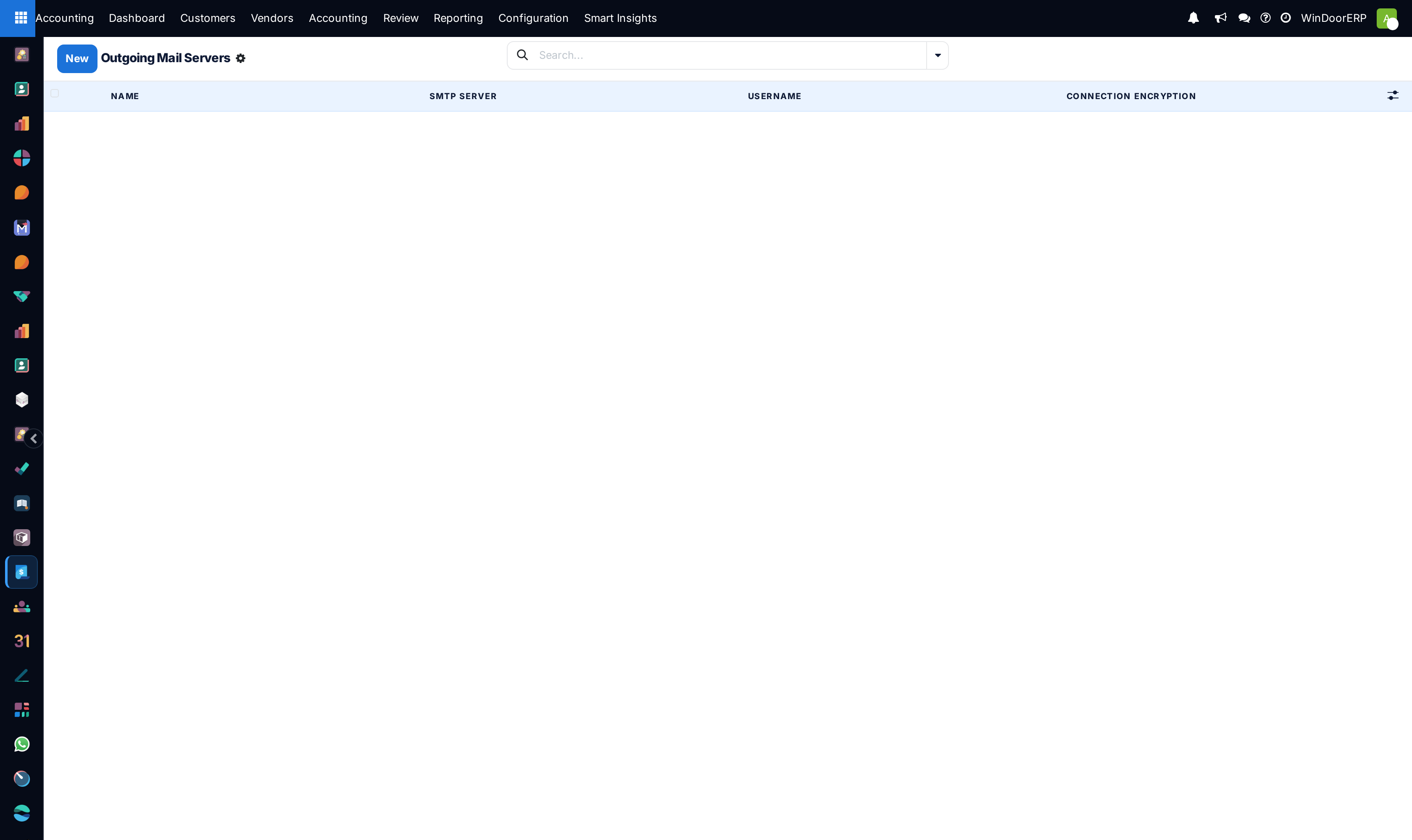
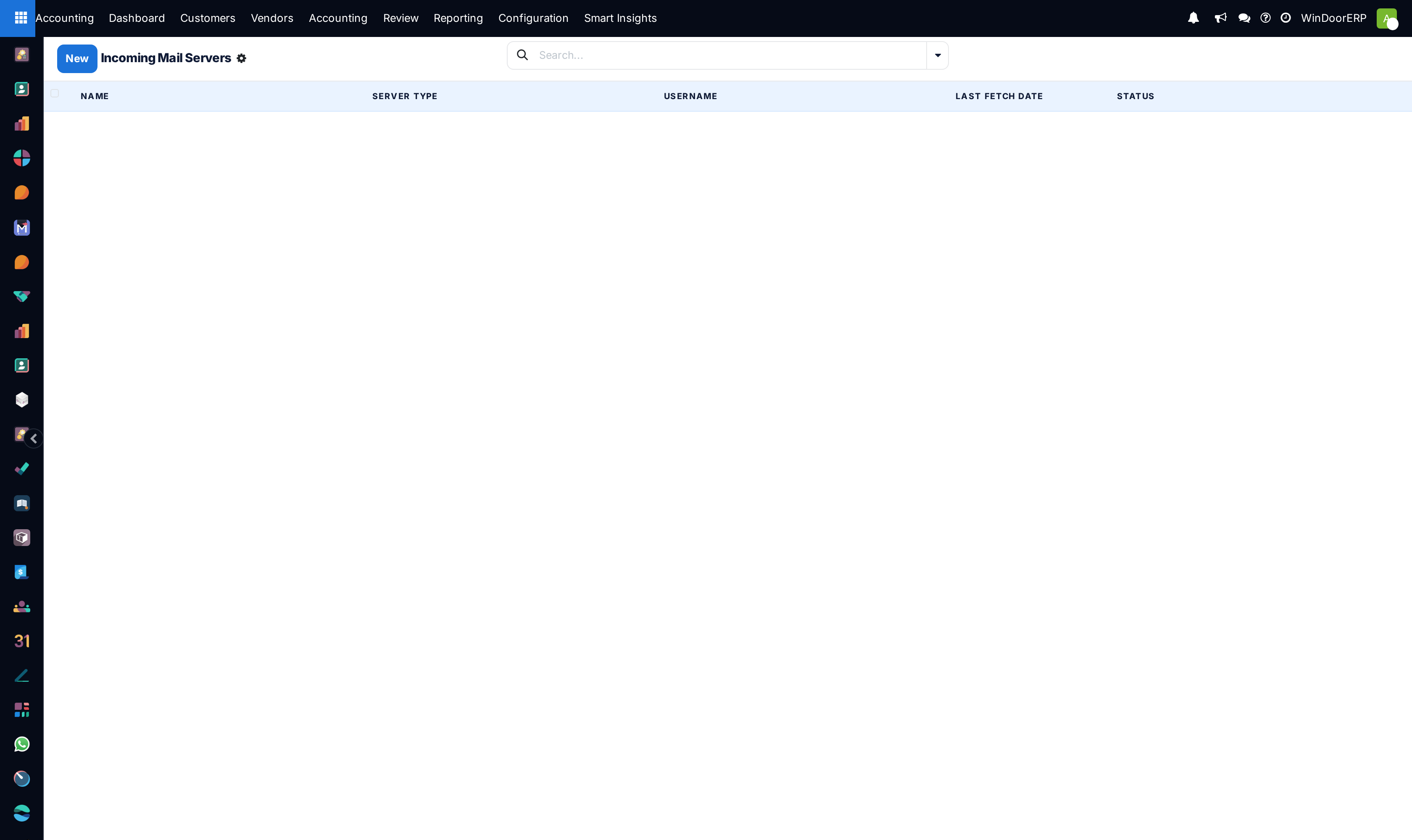
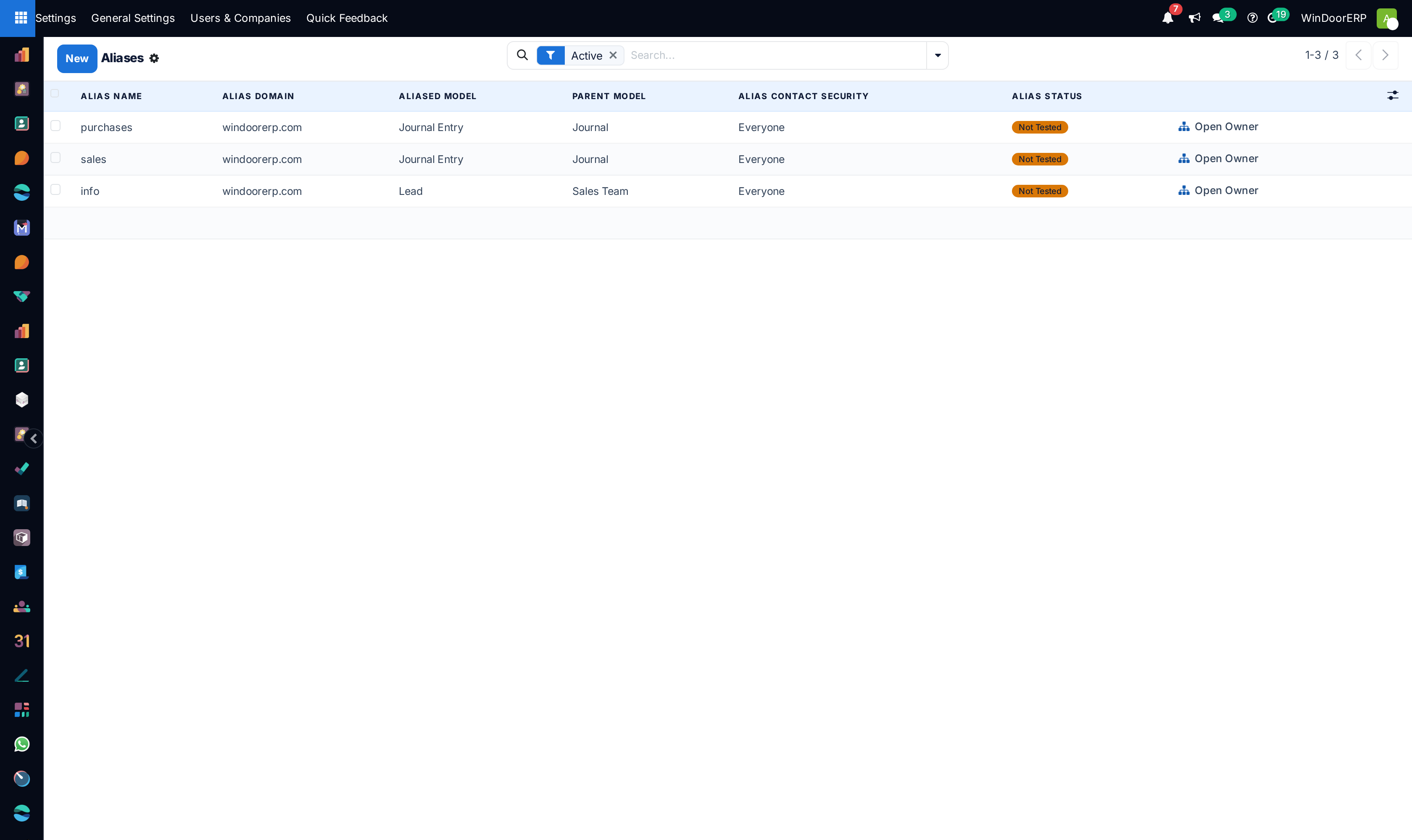
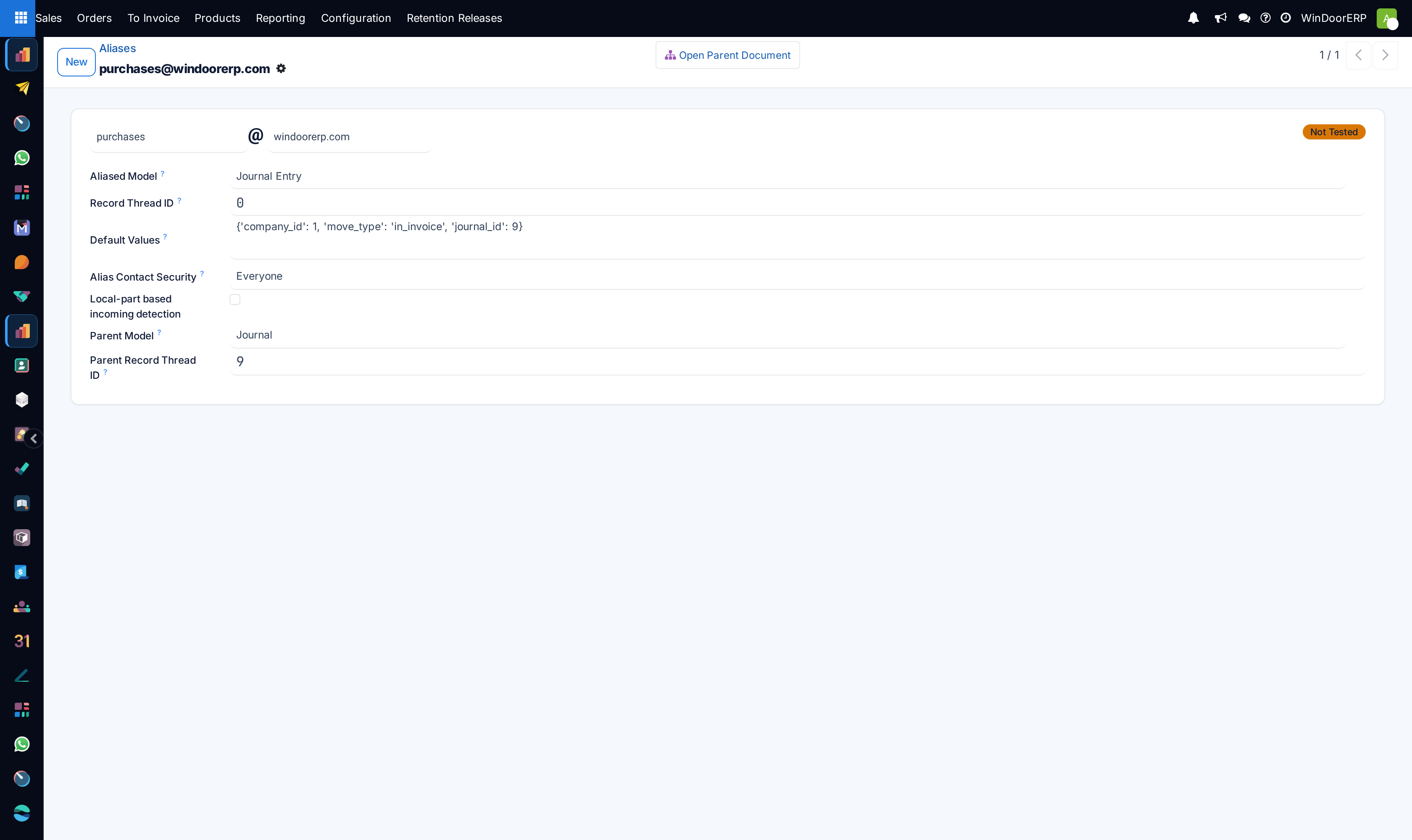
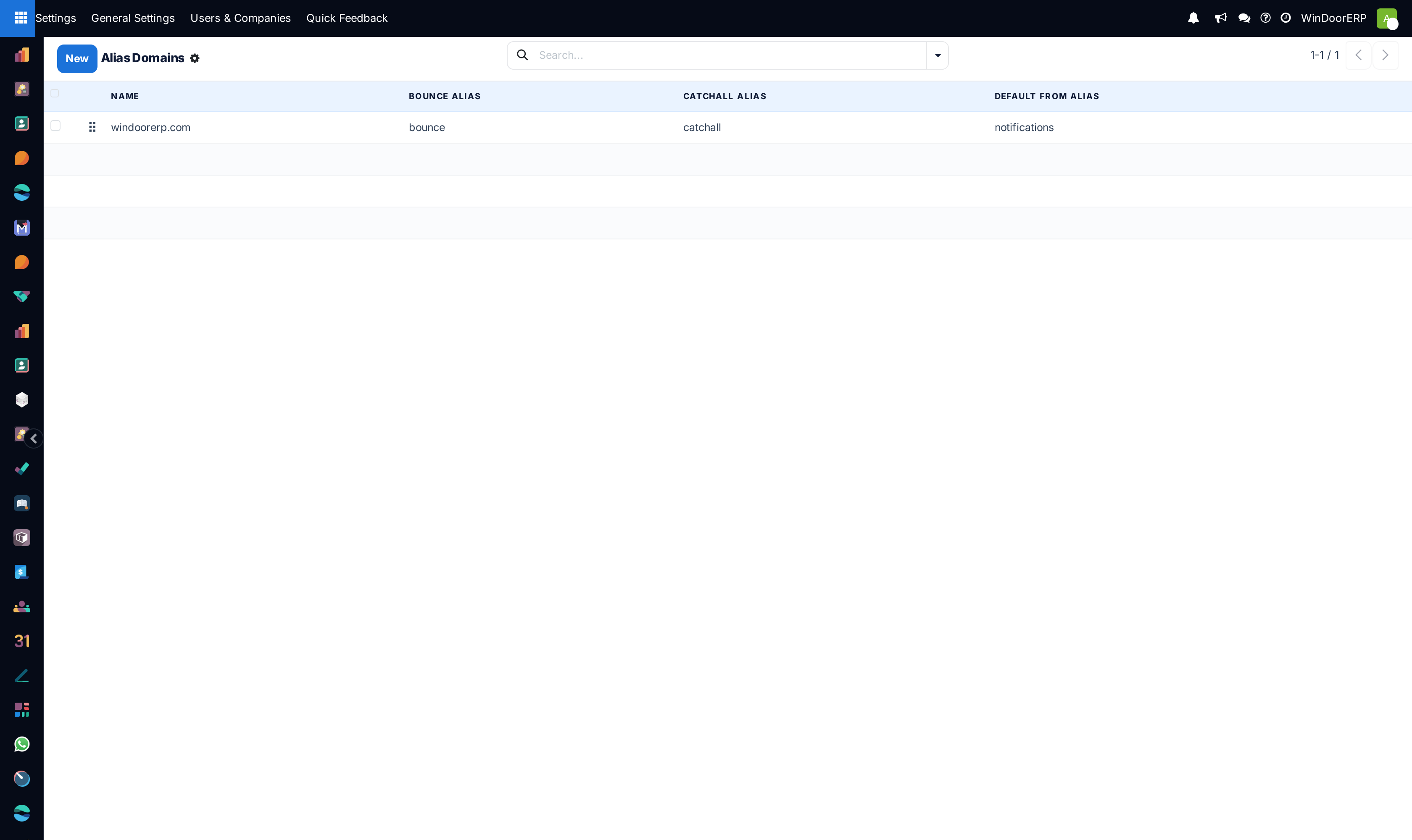
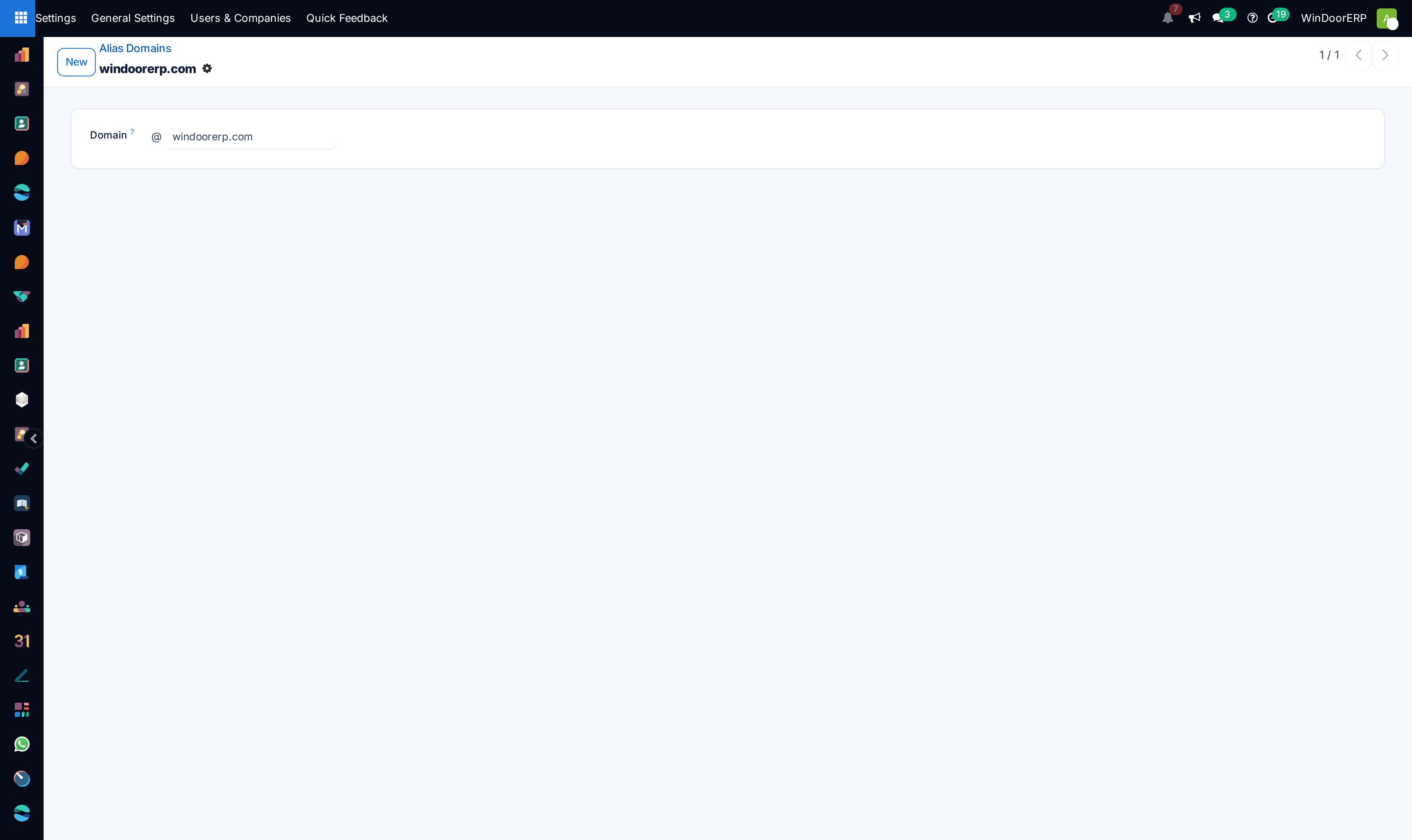
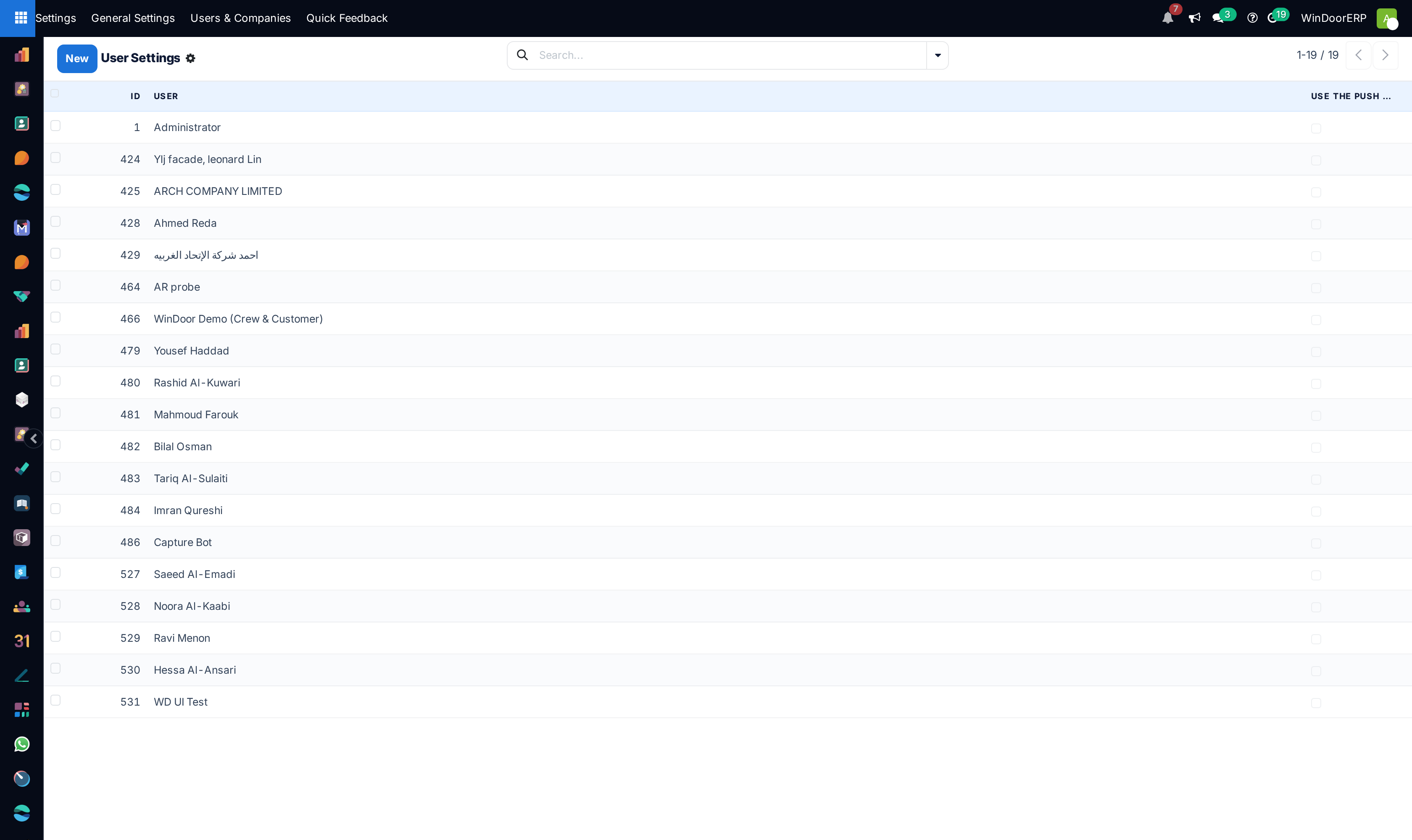
Configure corporate outgoing/incoming mail servers under Email › Outgoing/Incoming Mail Servers.
-
03
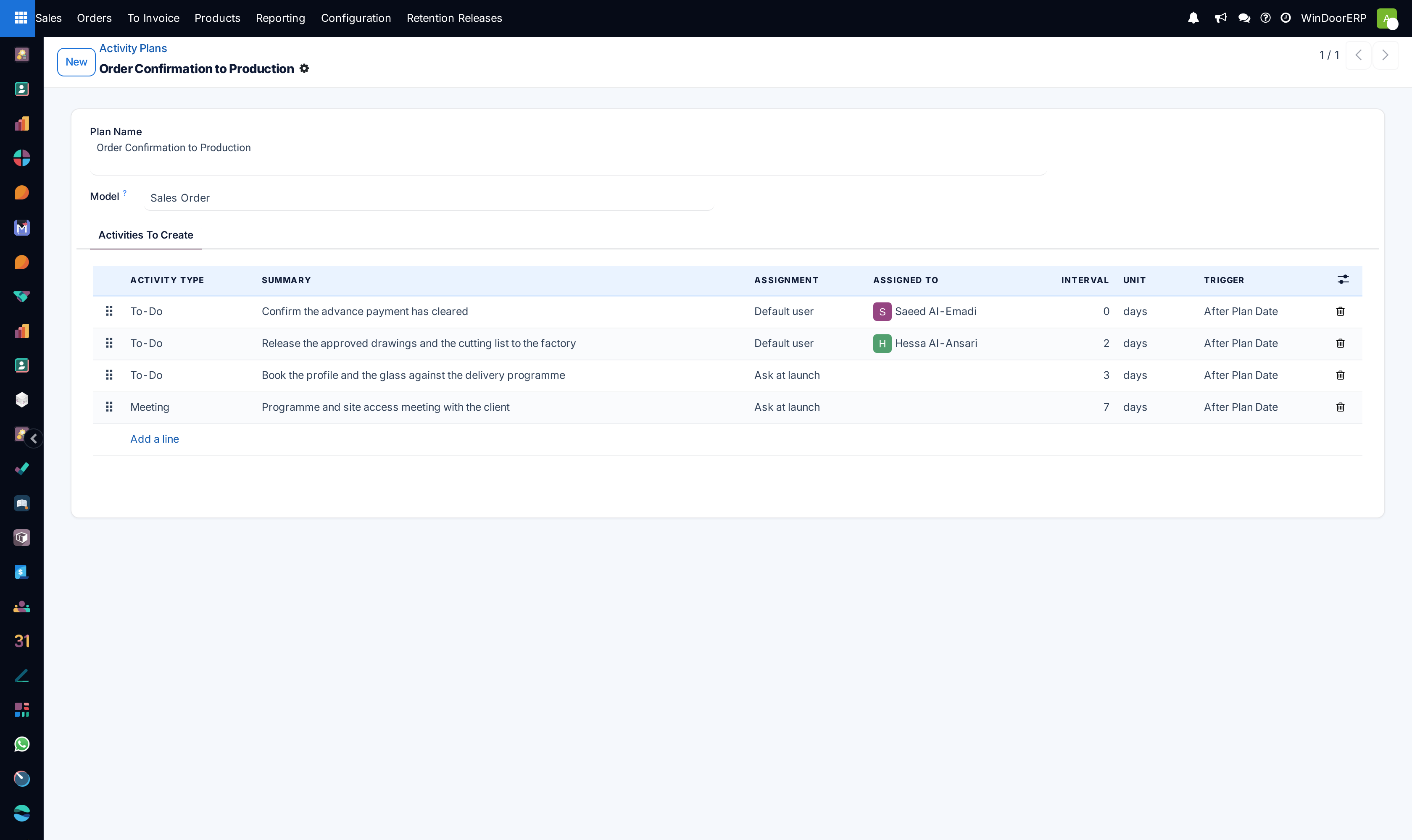
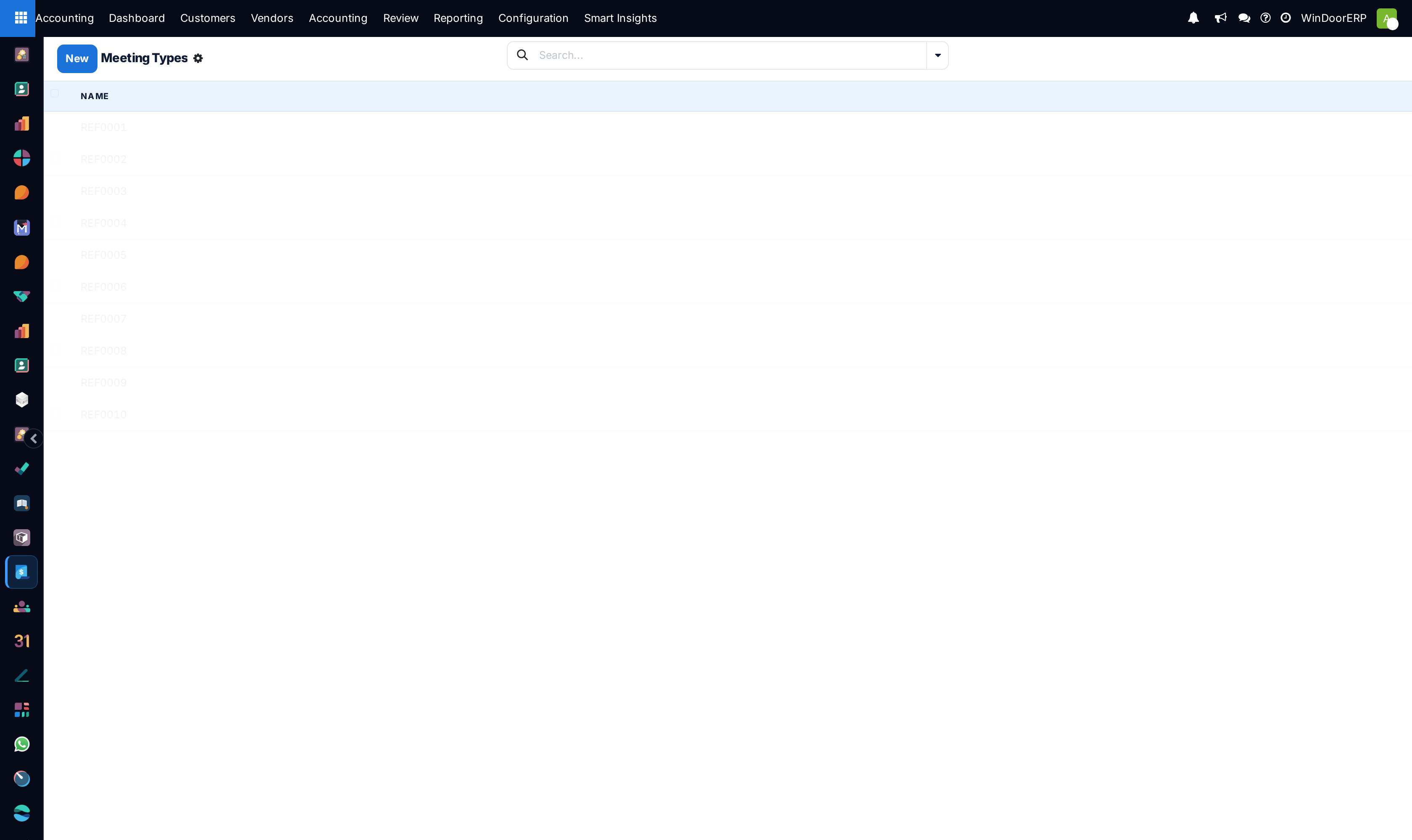
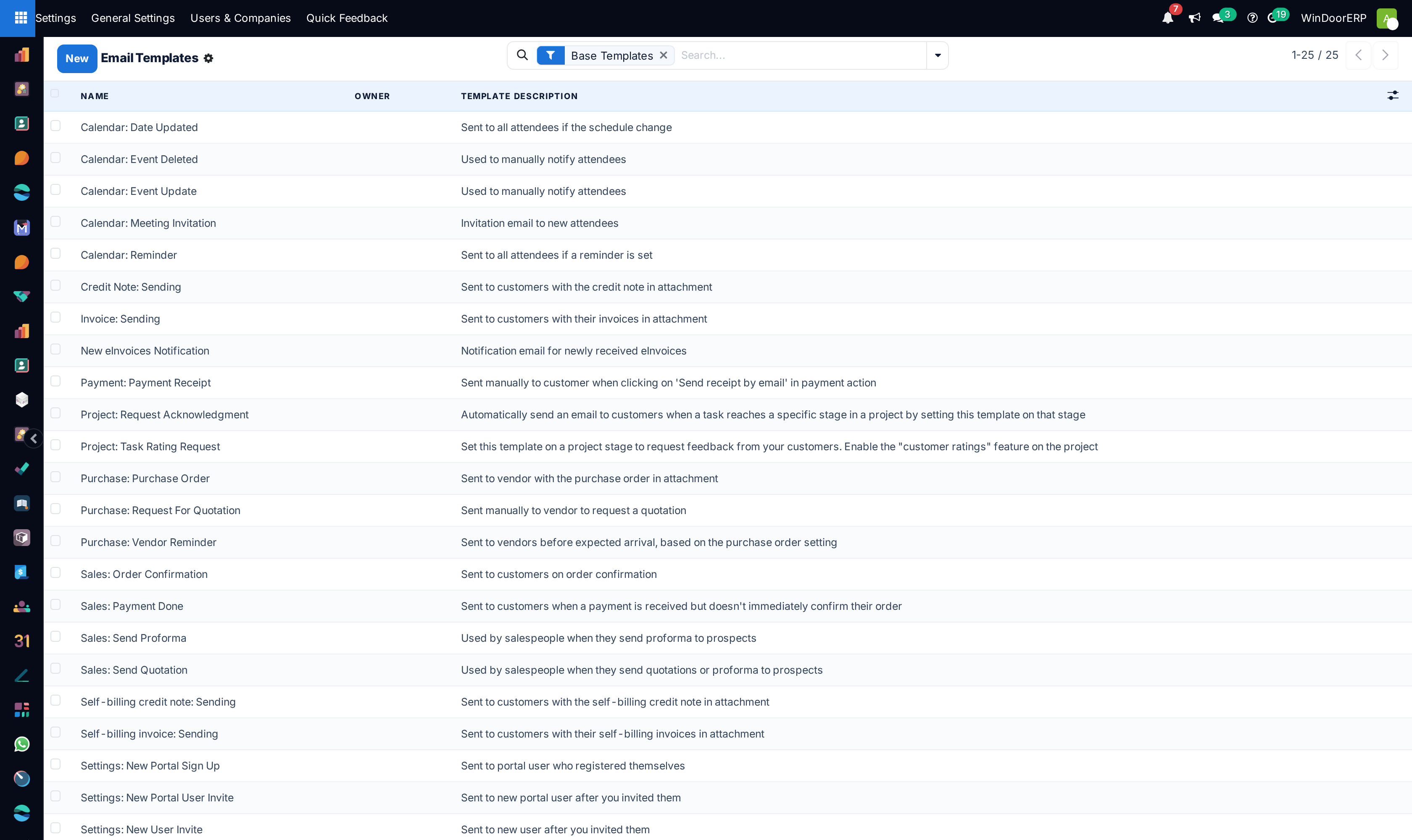
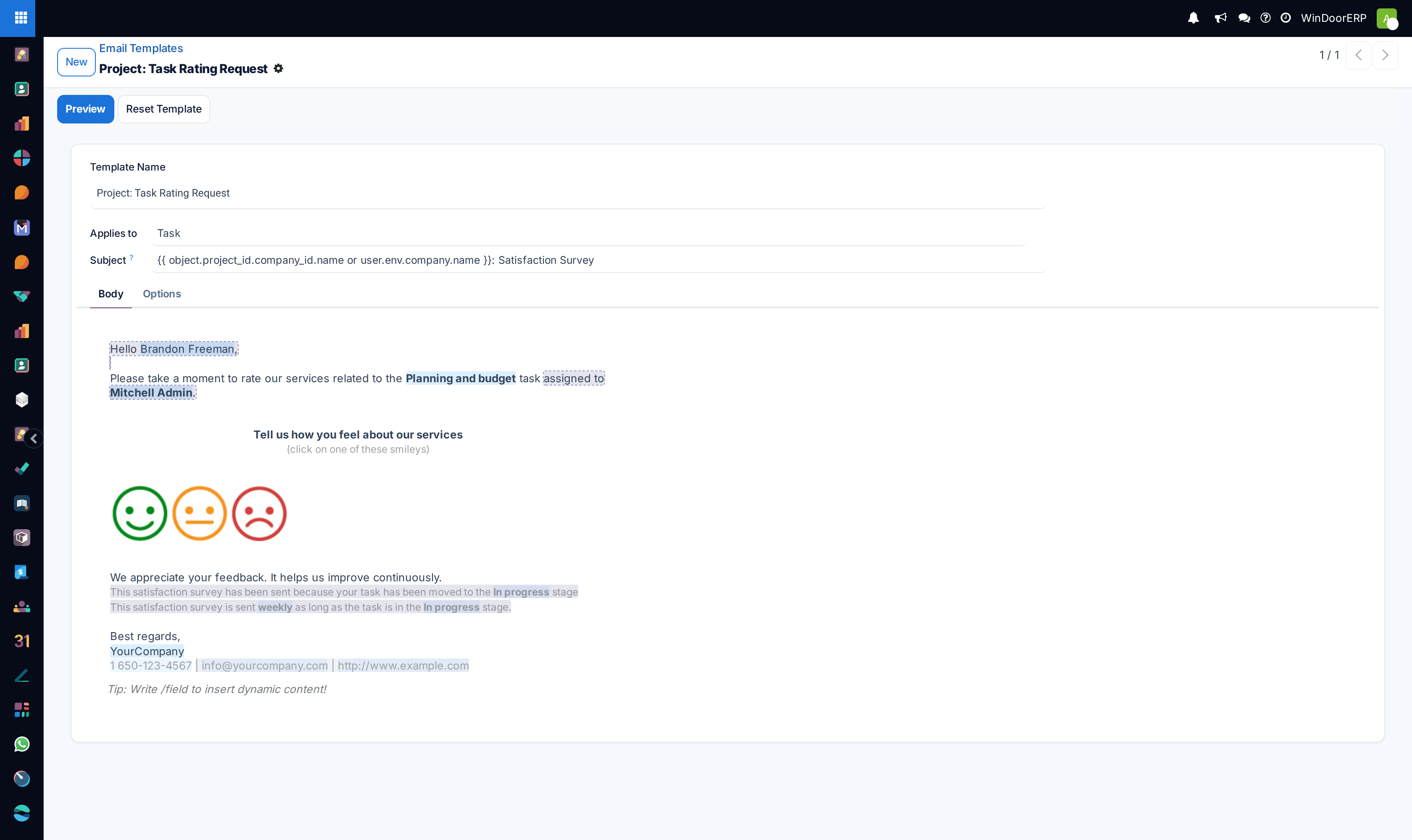
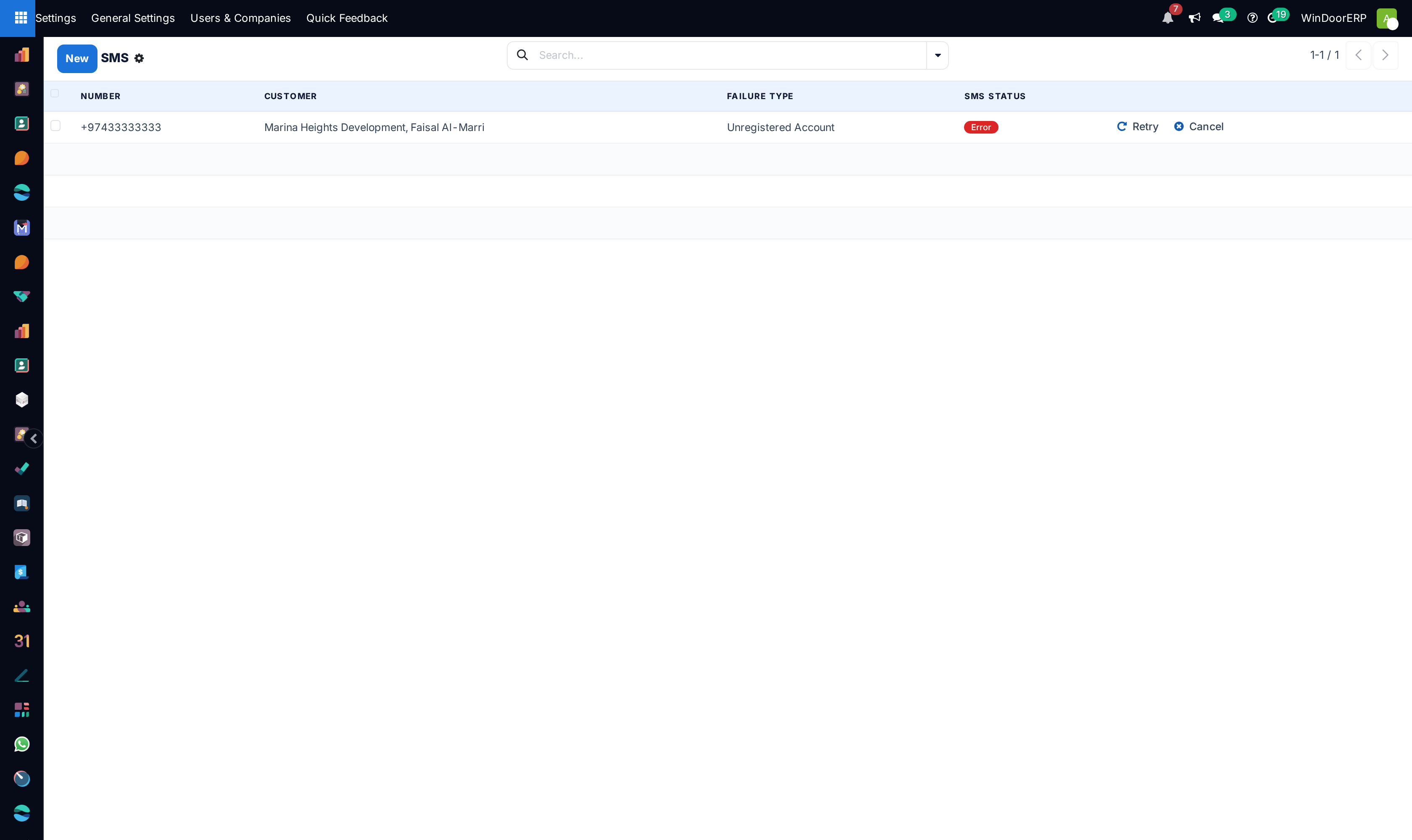
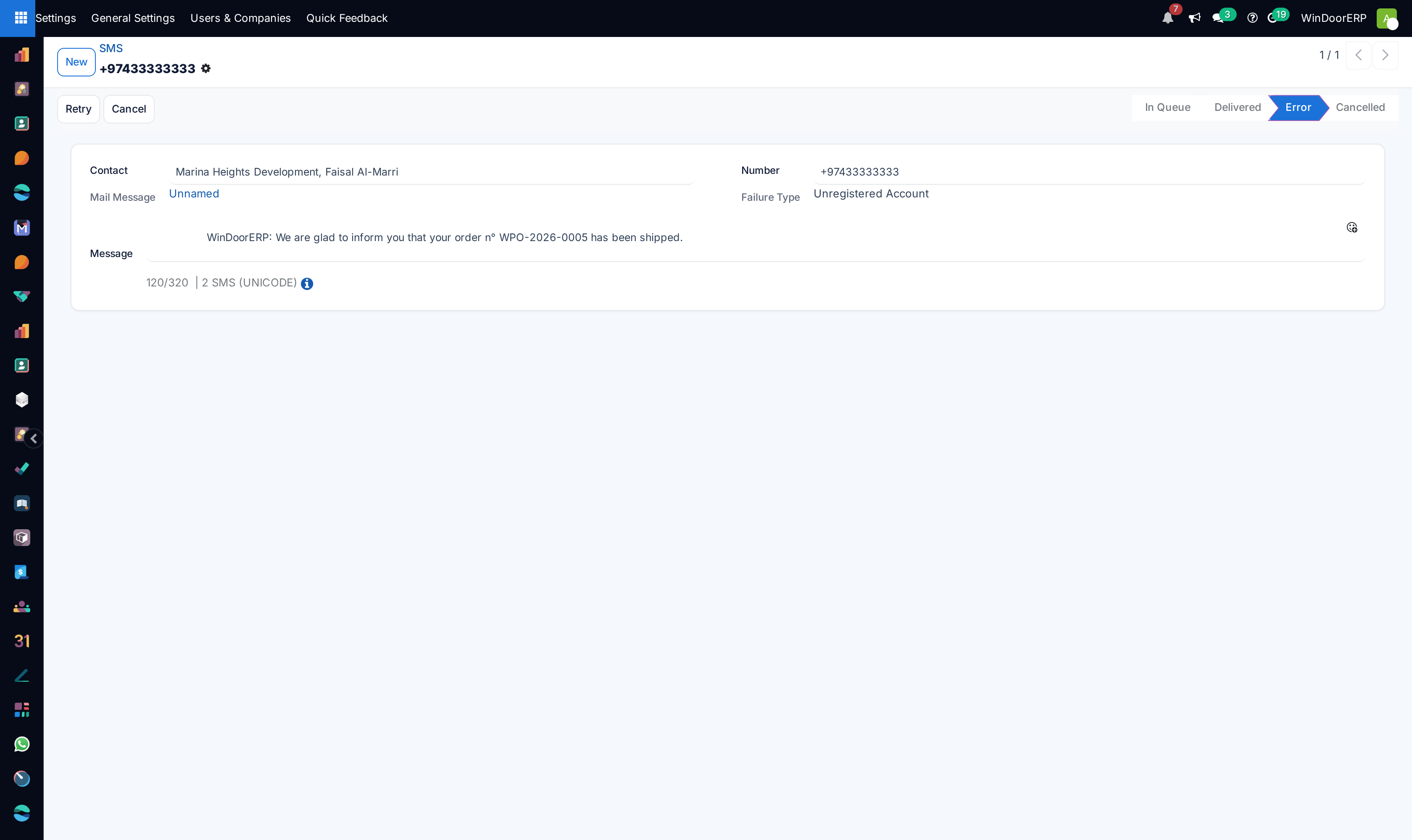
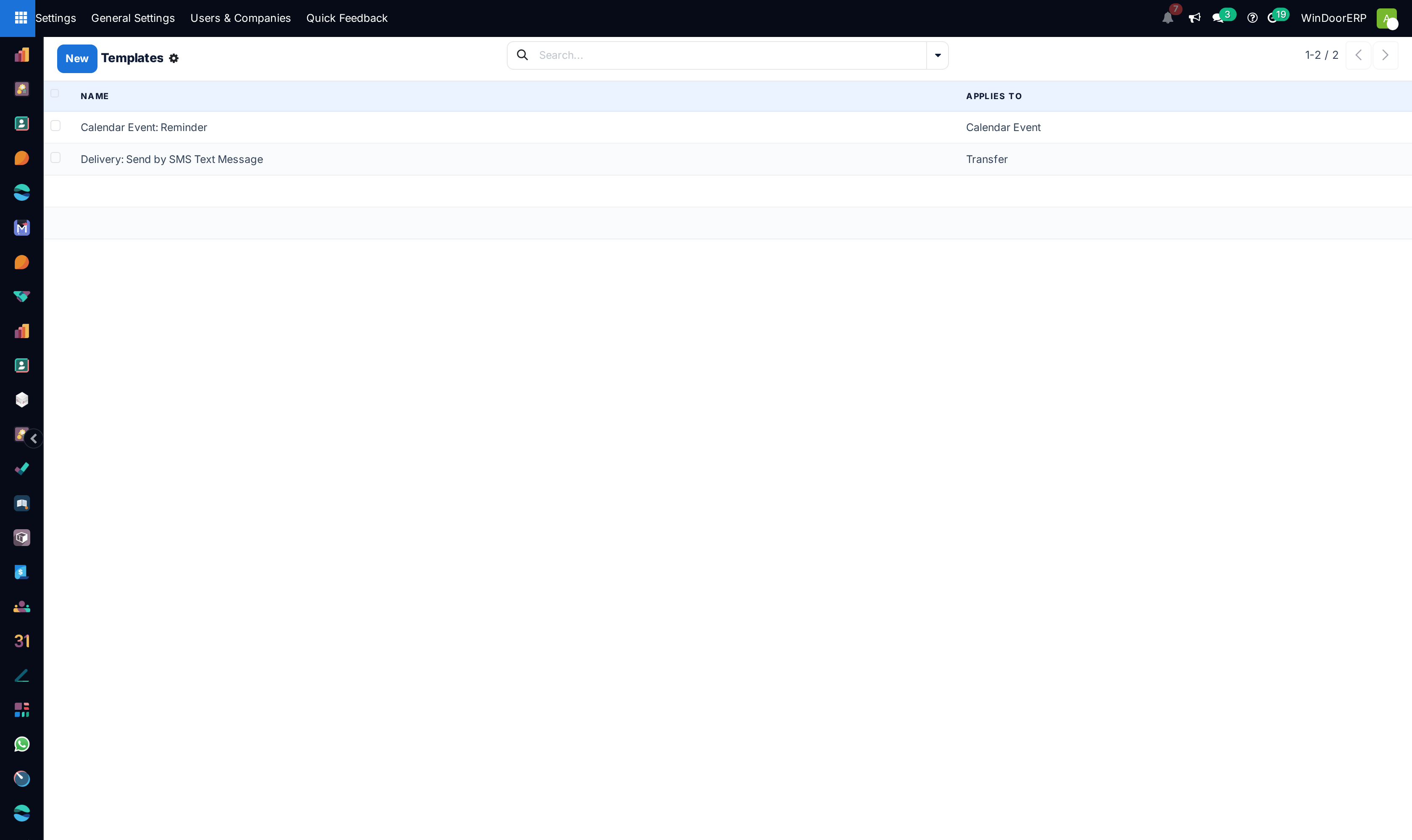
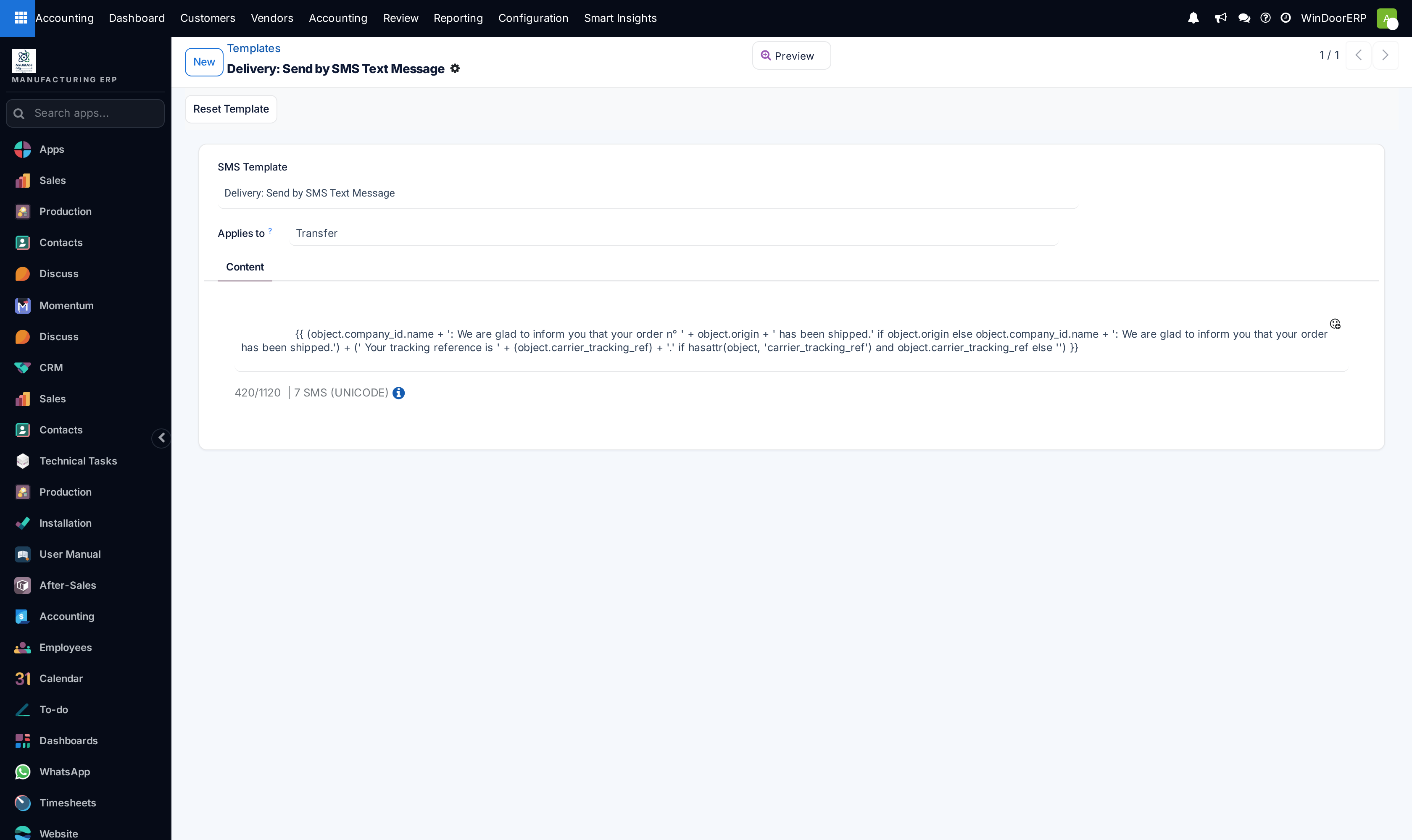
Design dynamic message templates in Email Templates and SMS Templates.
-
04
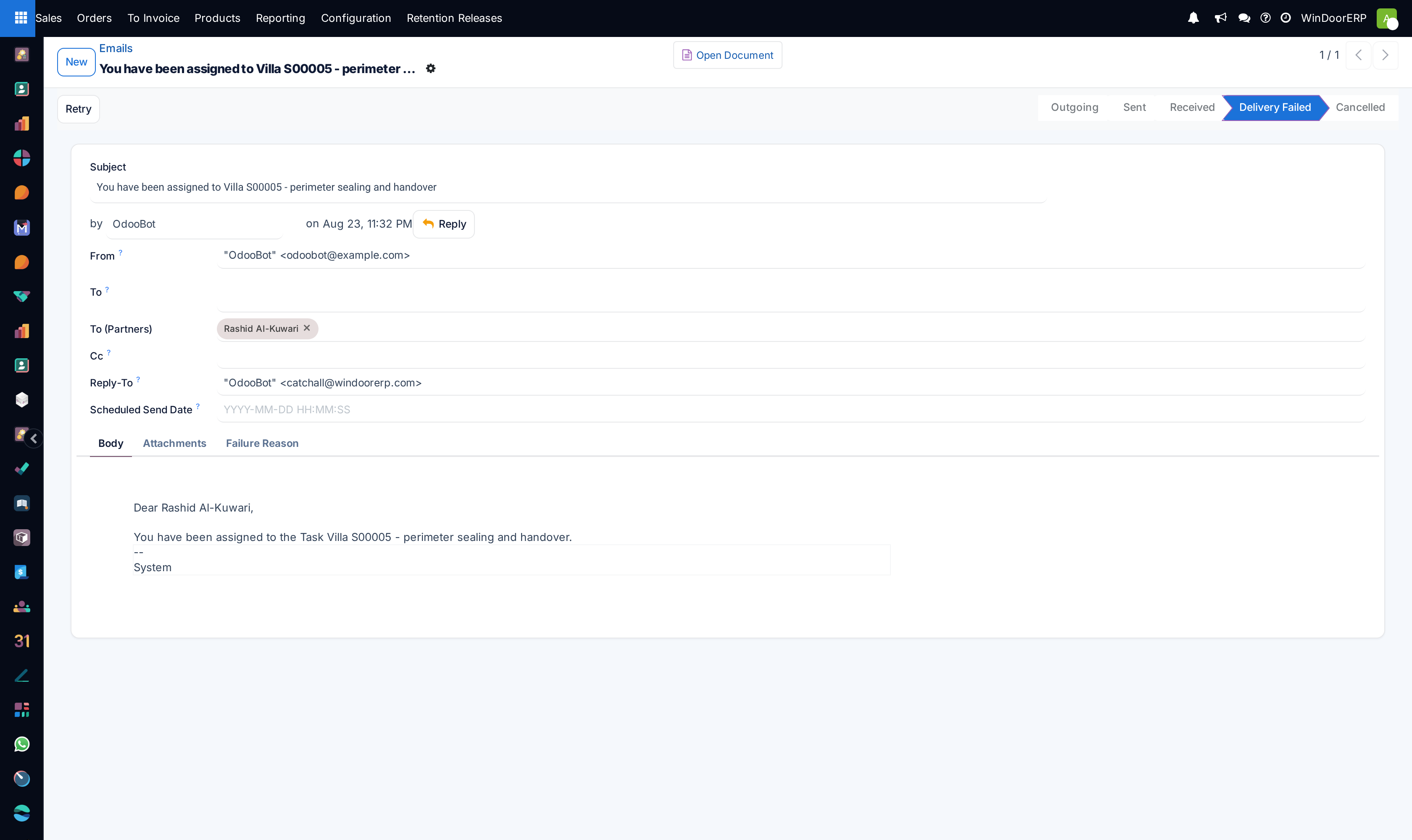
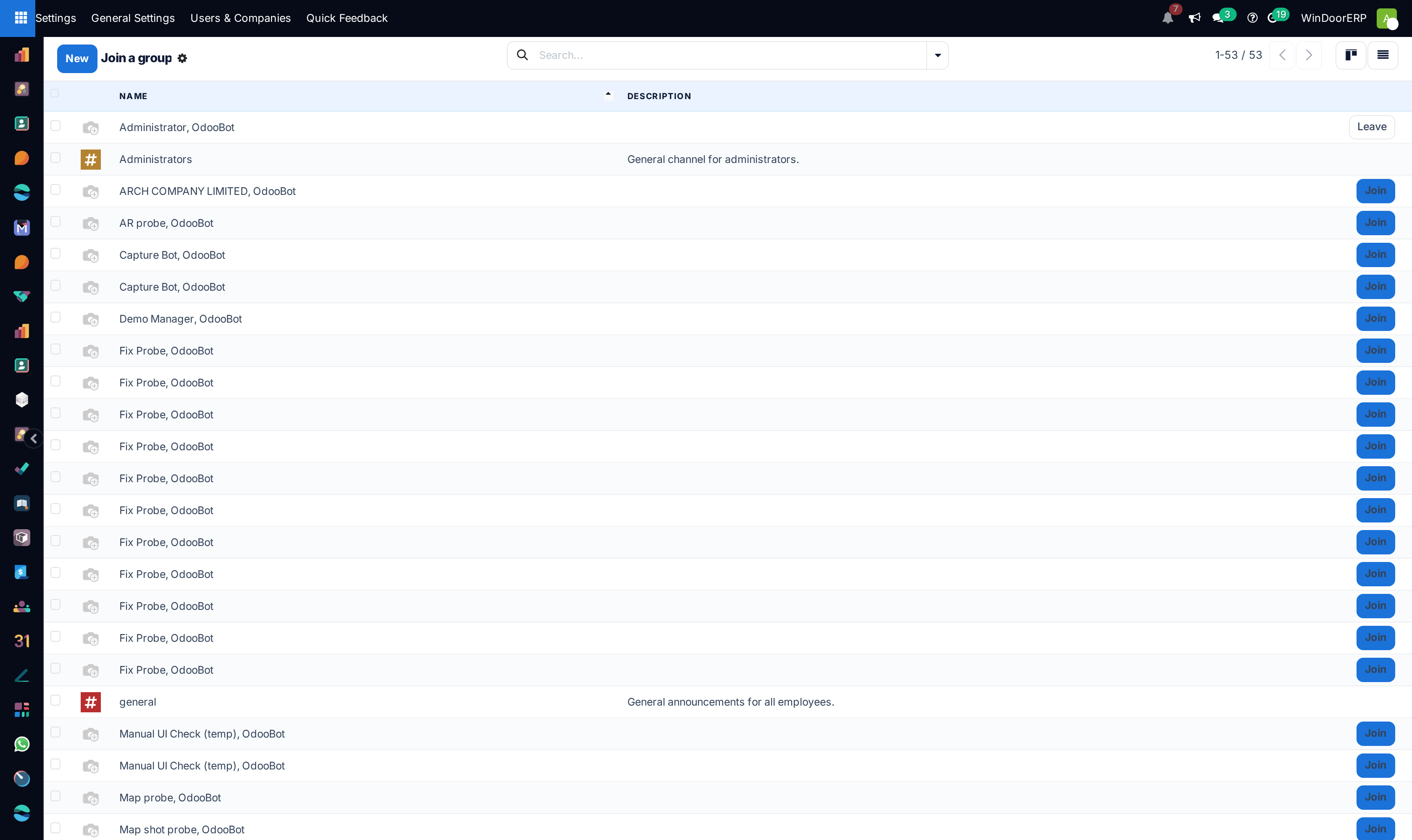
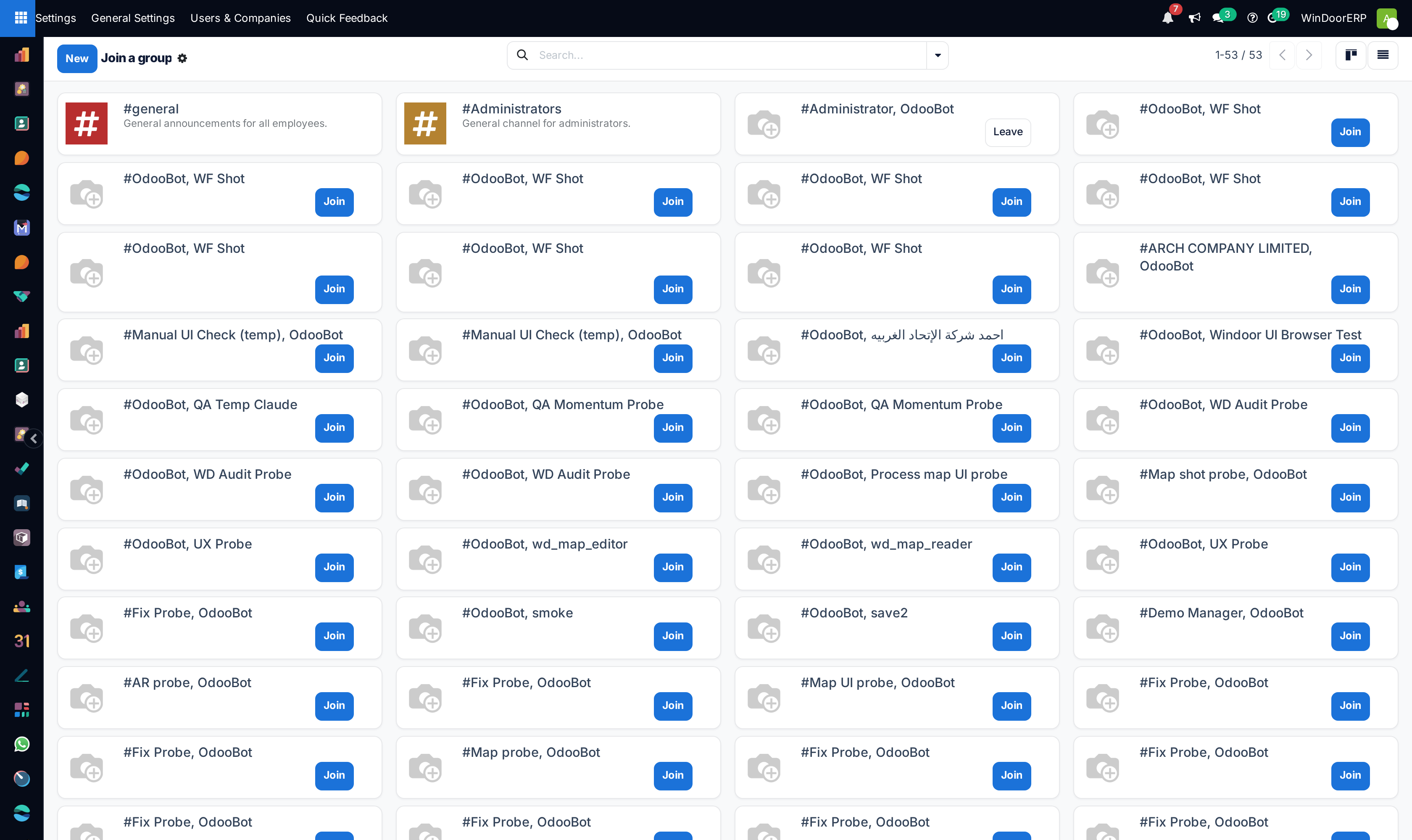
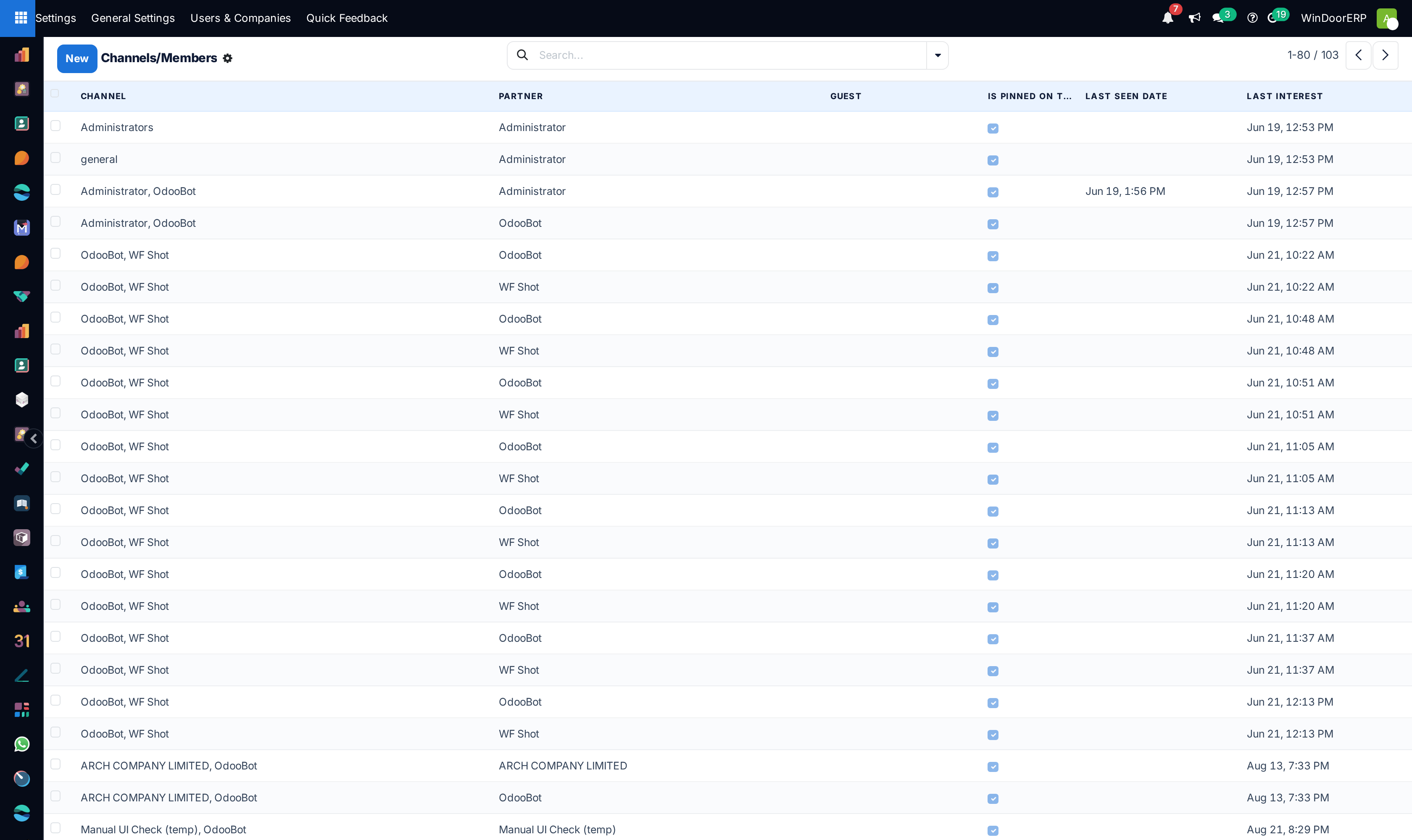
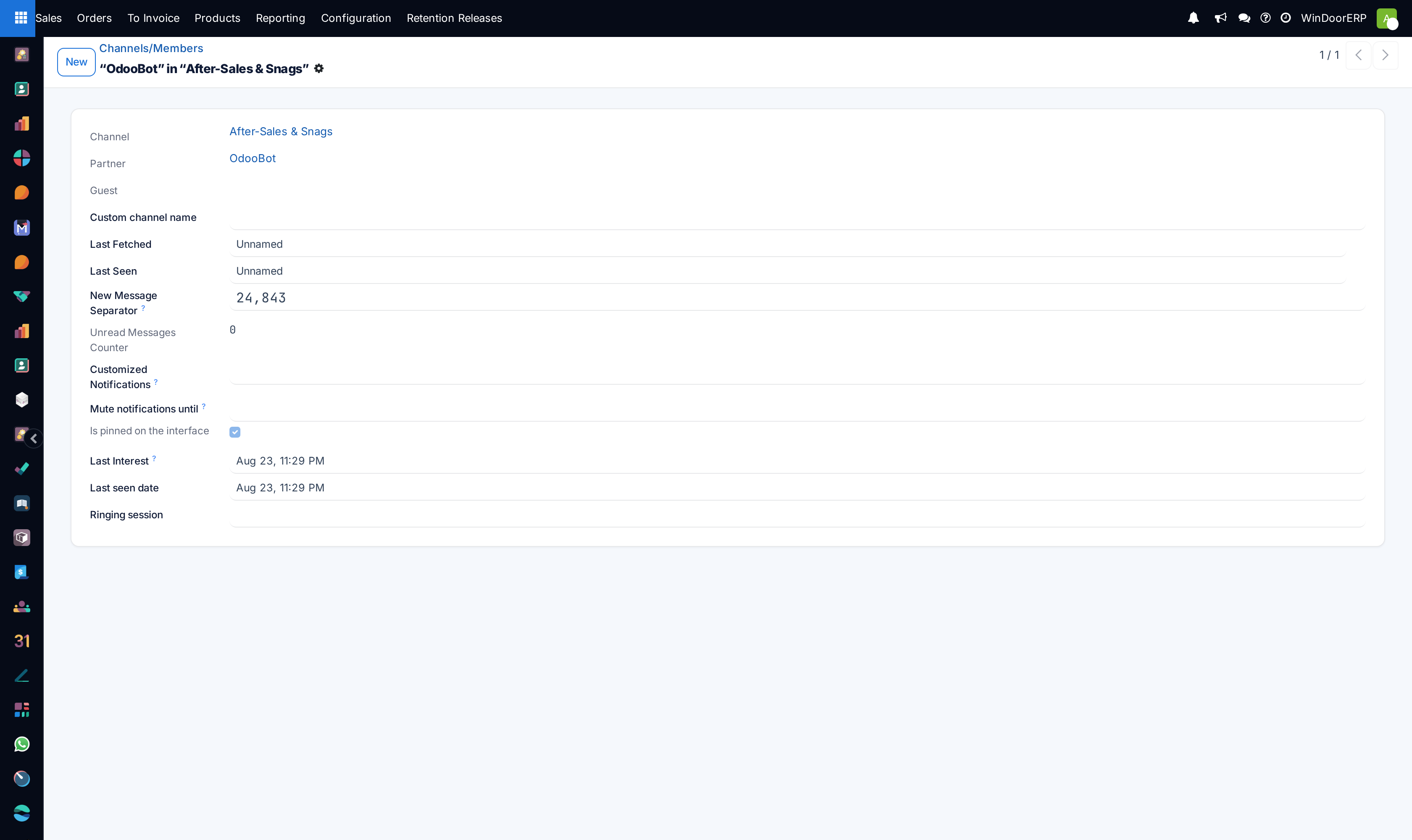
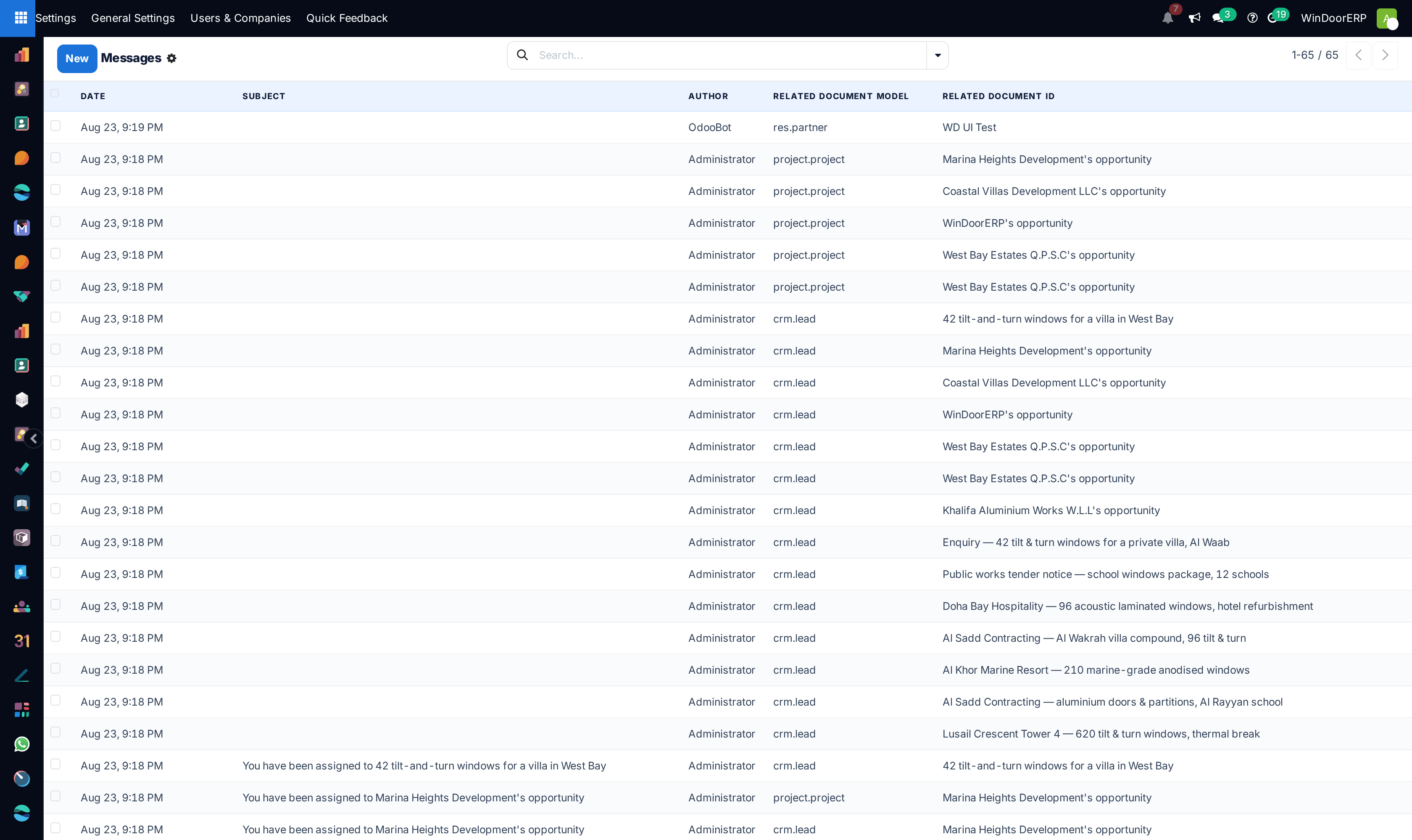
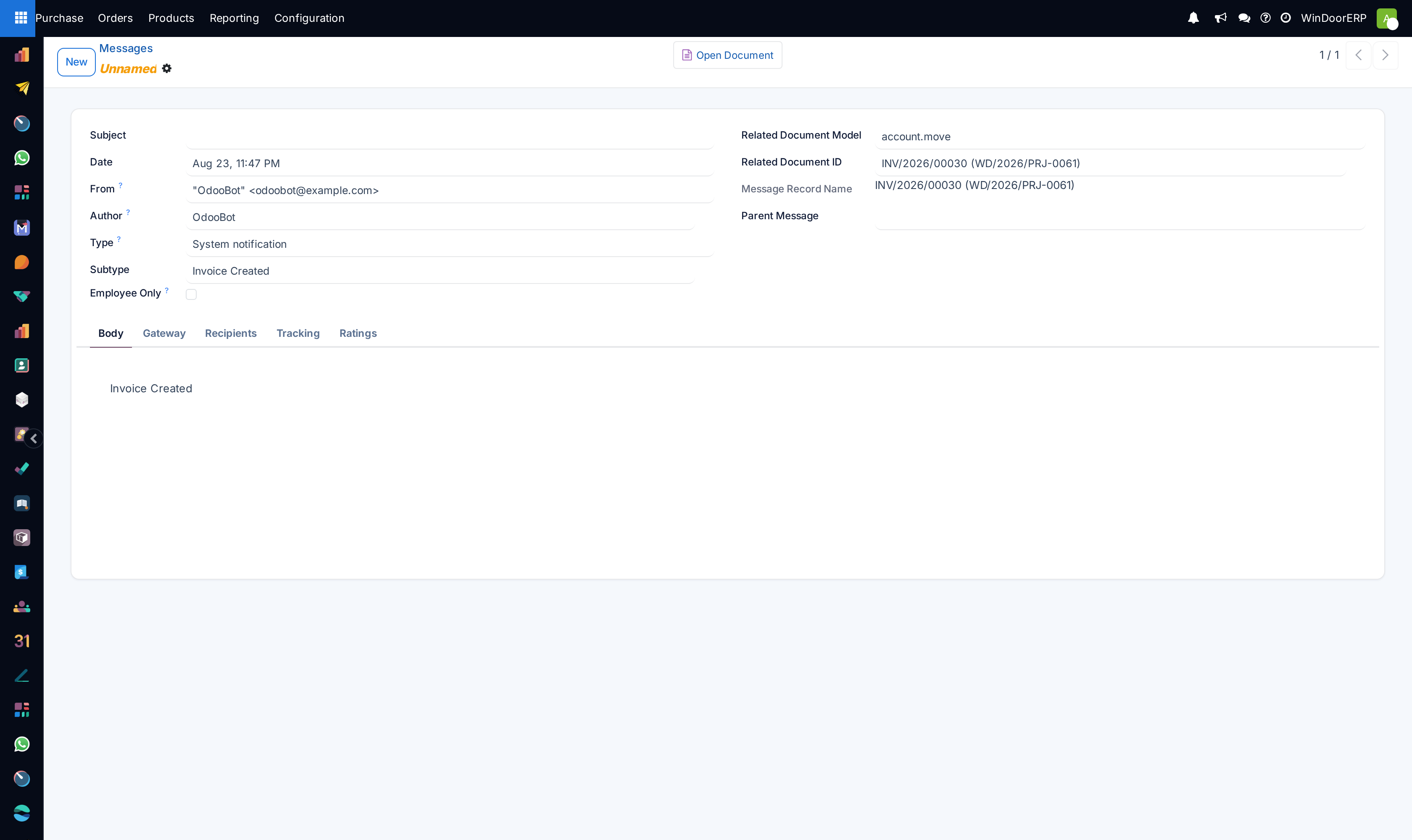
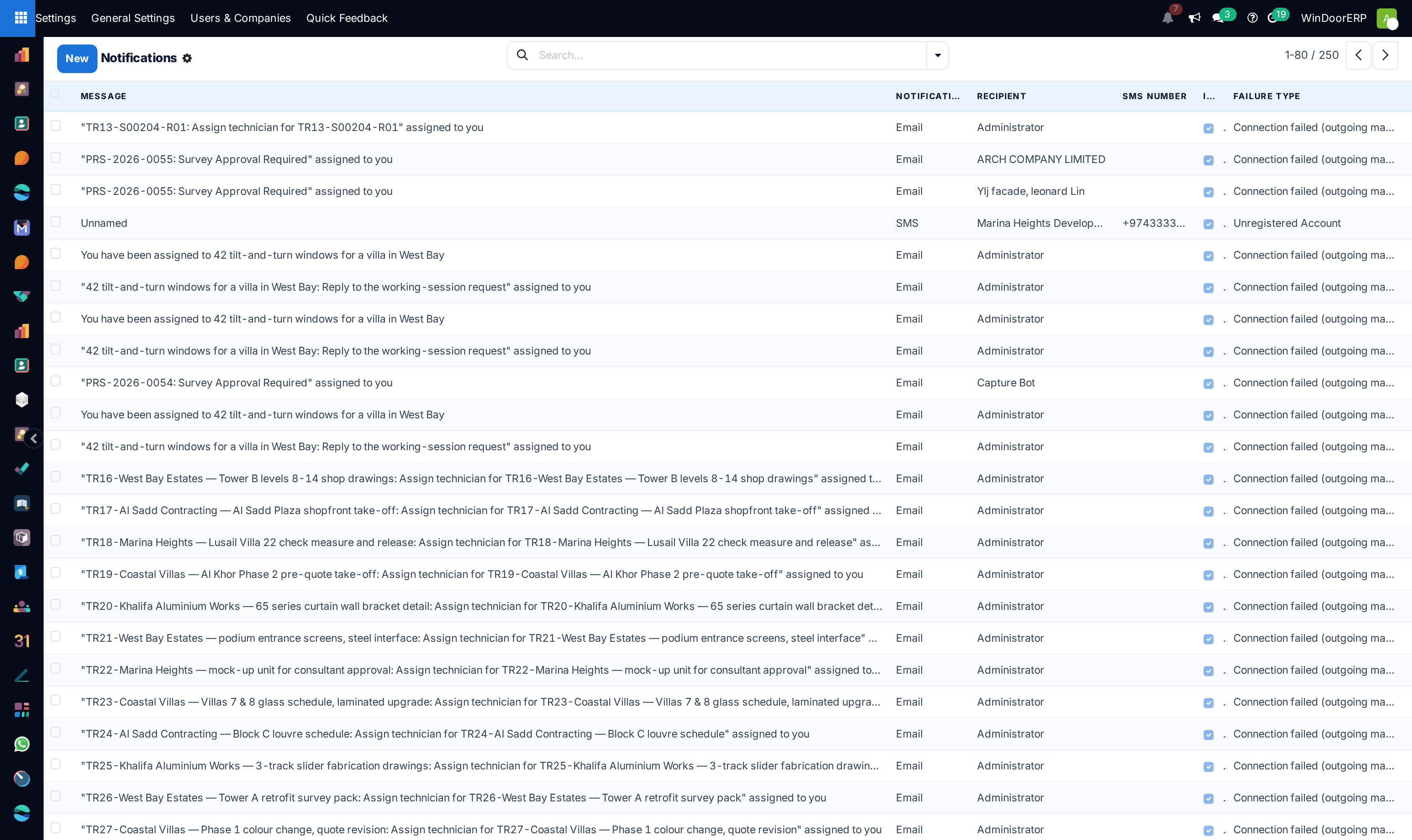
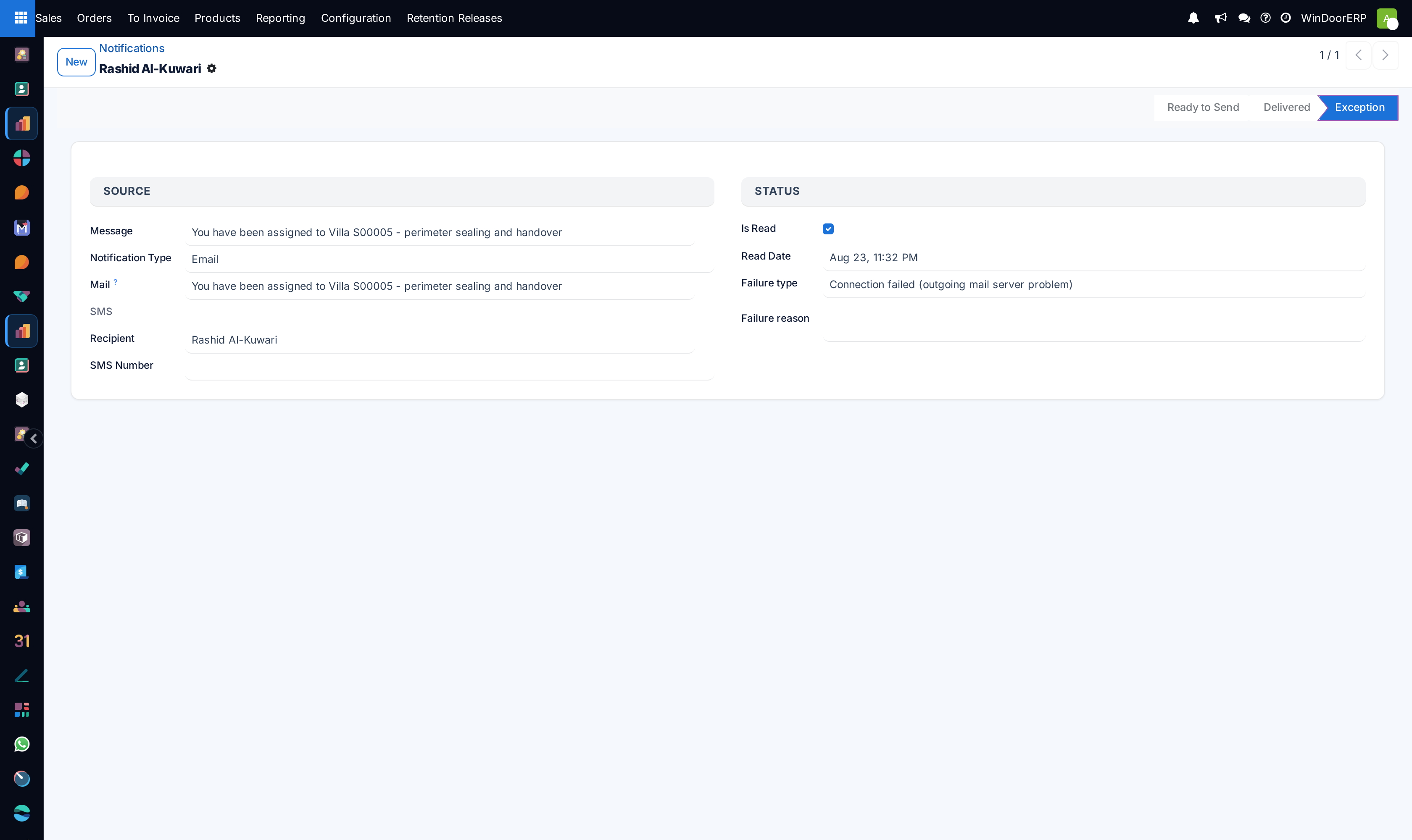
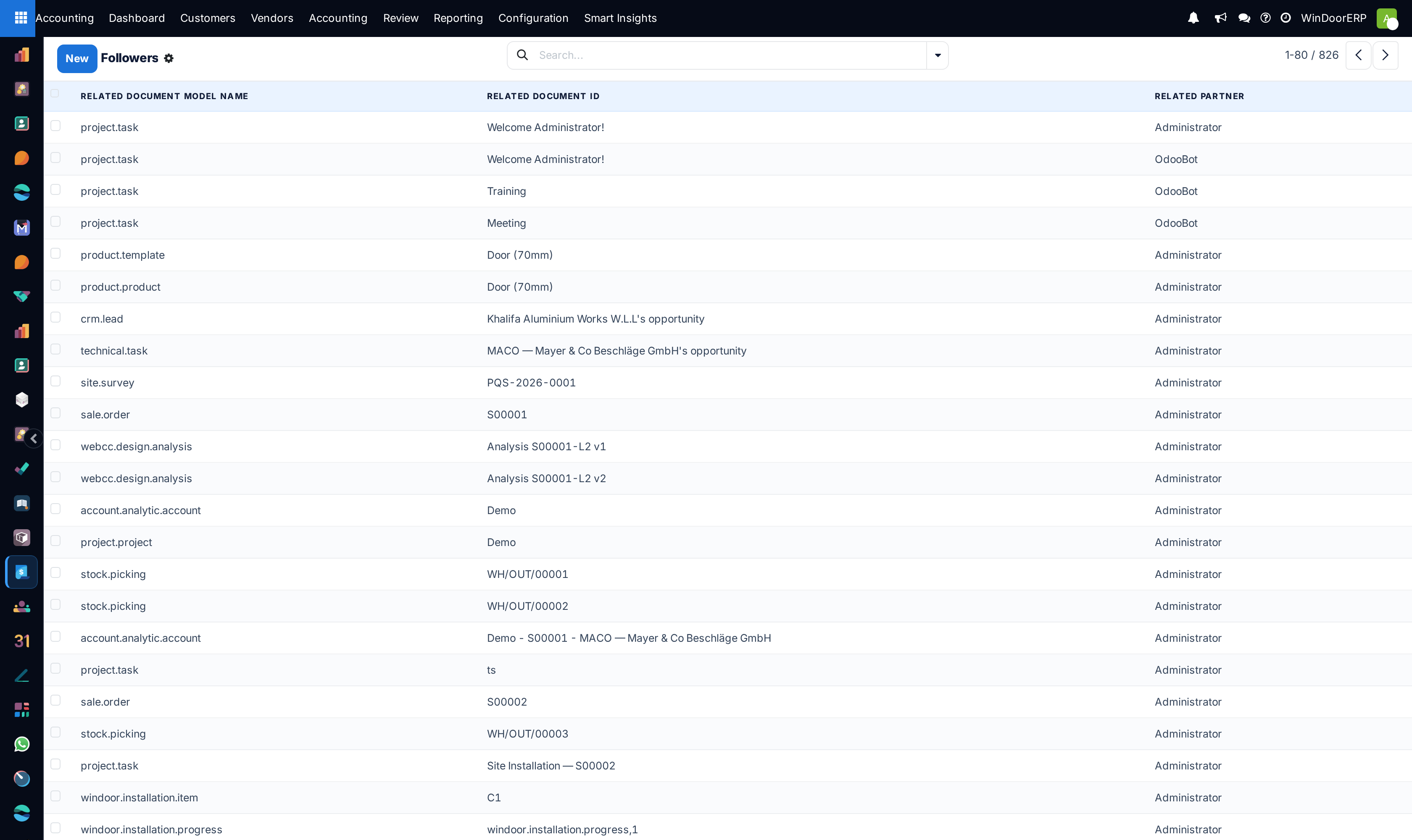
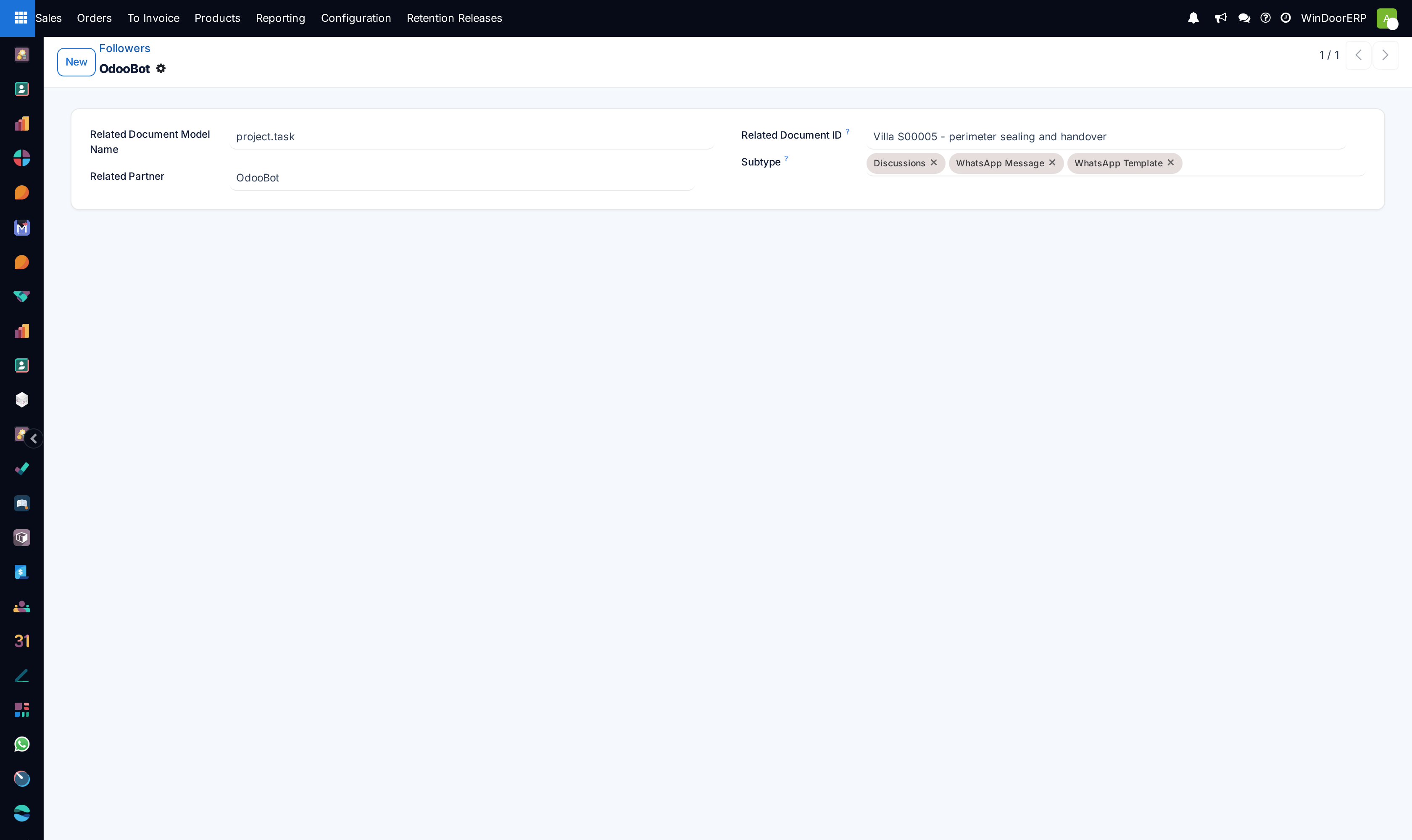
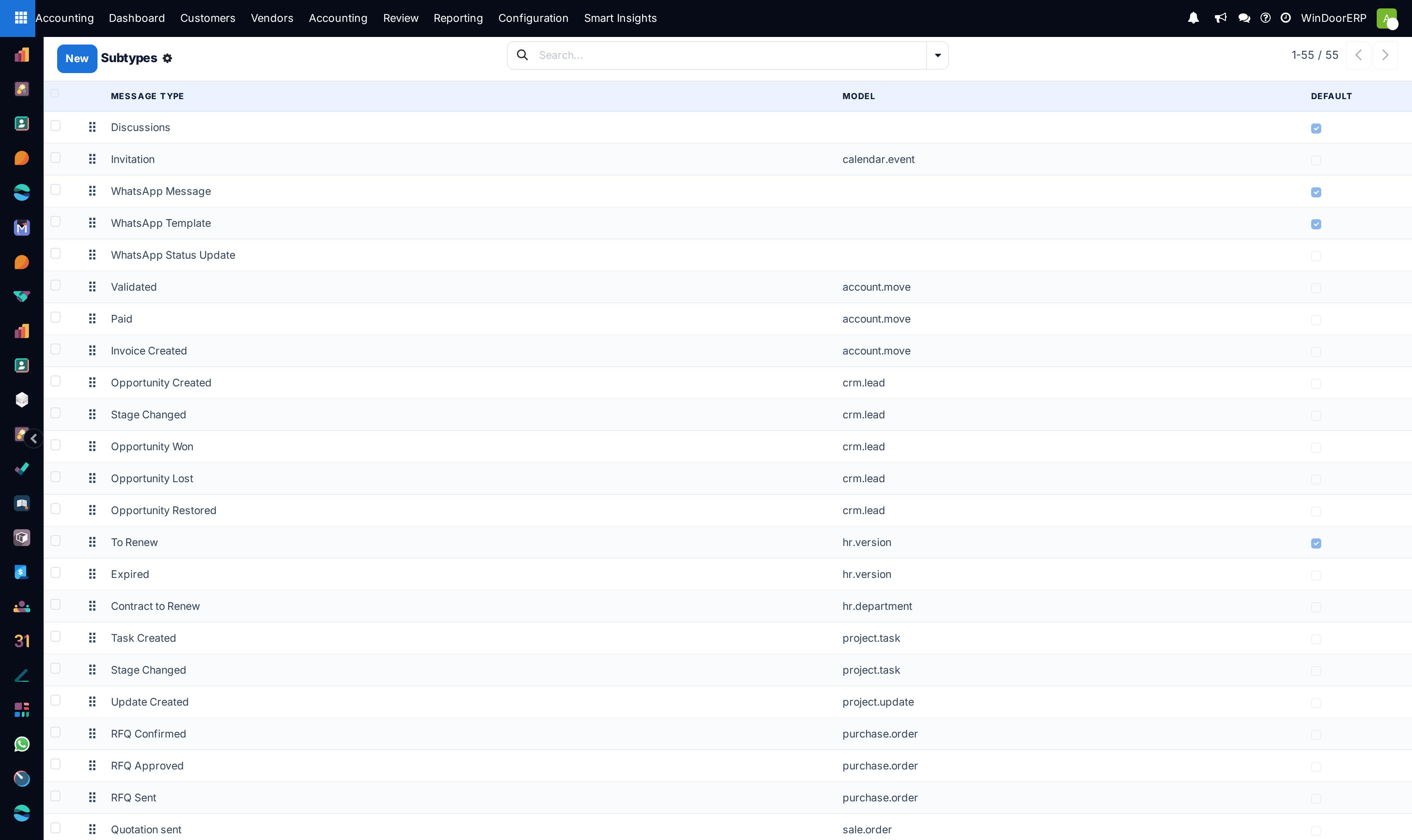
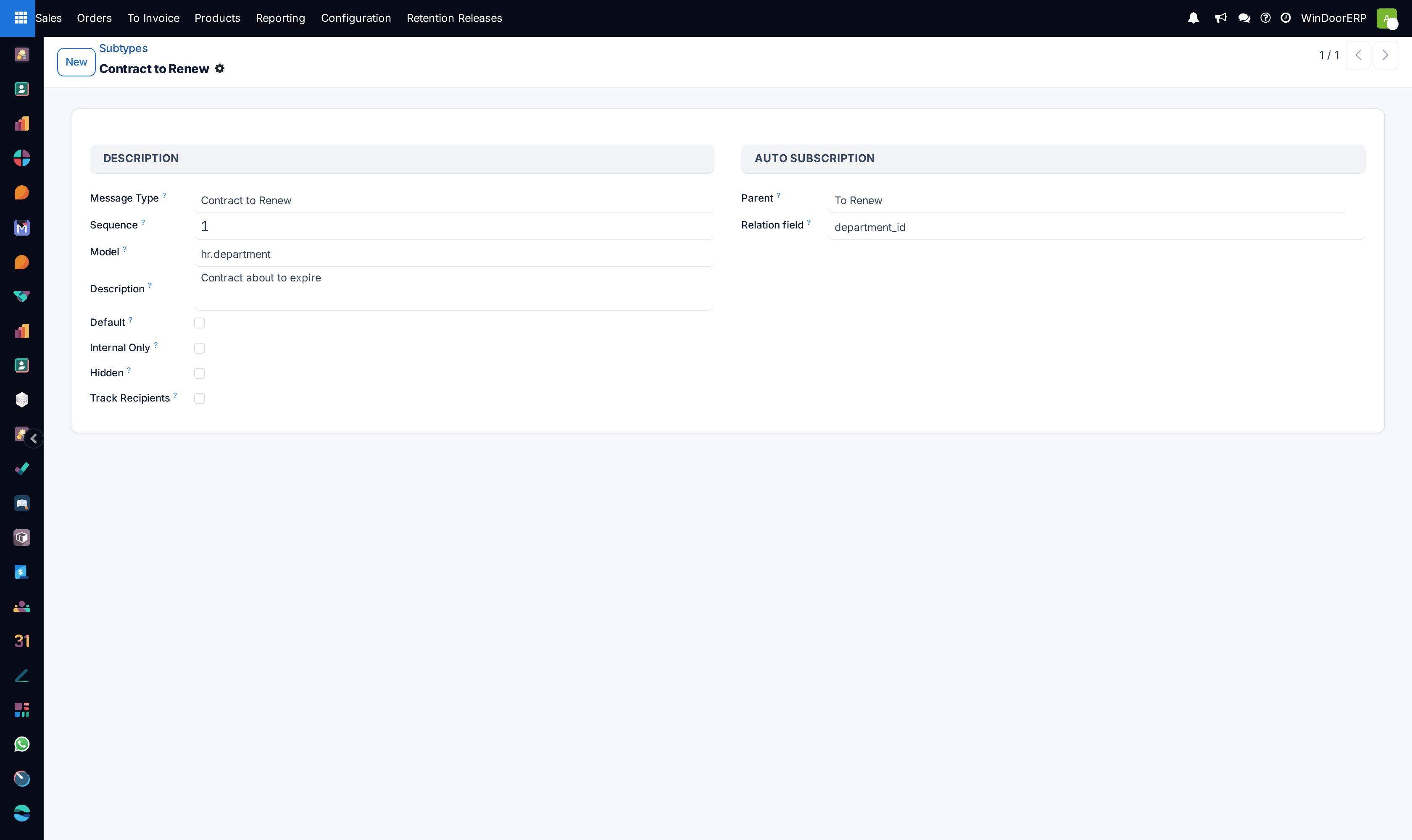
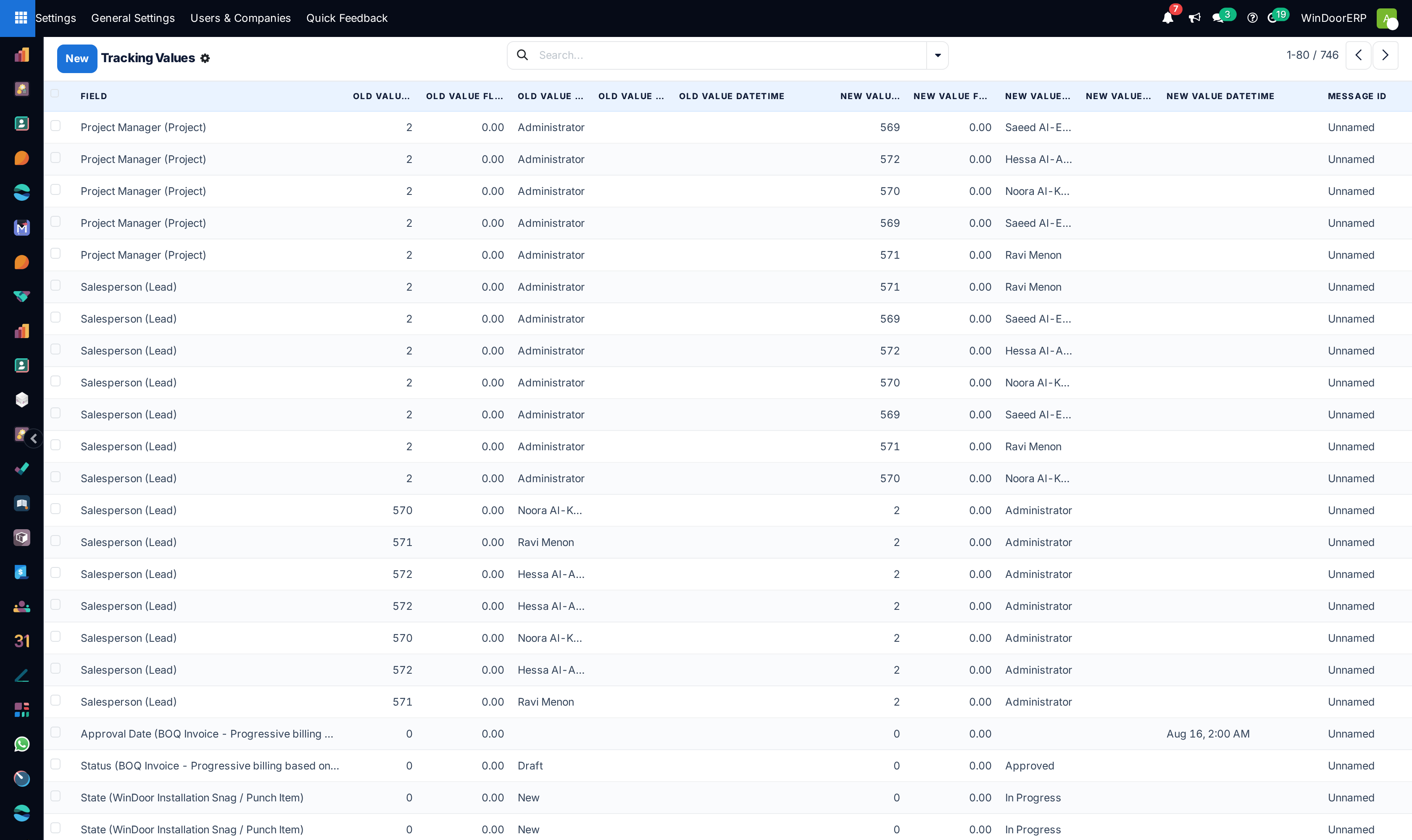
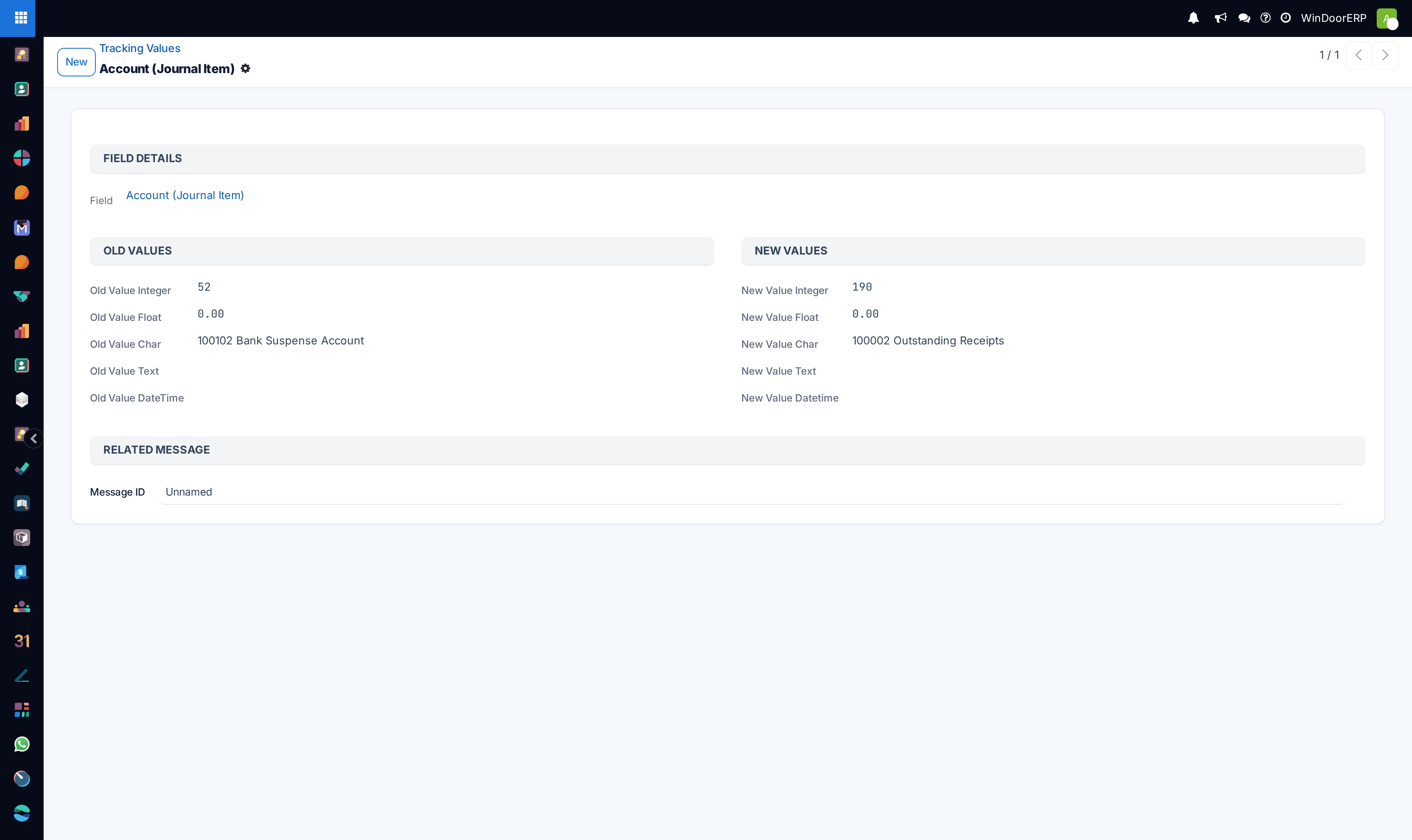
Audit live chat communication logs under Discuss › Messages, Notifications, and Subtypes.
-
05
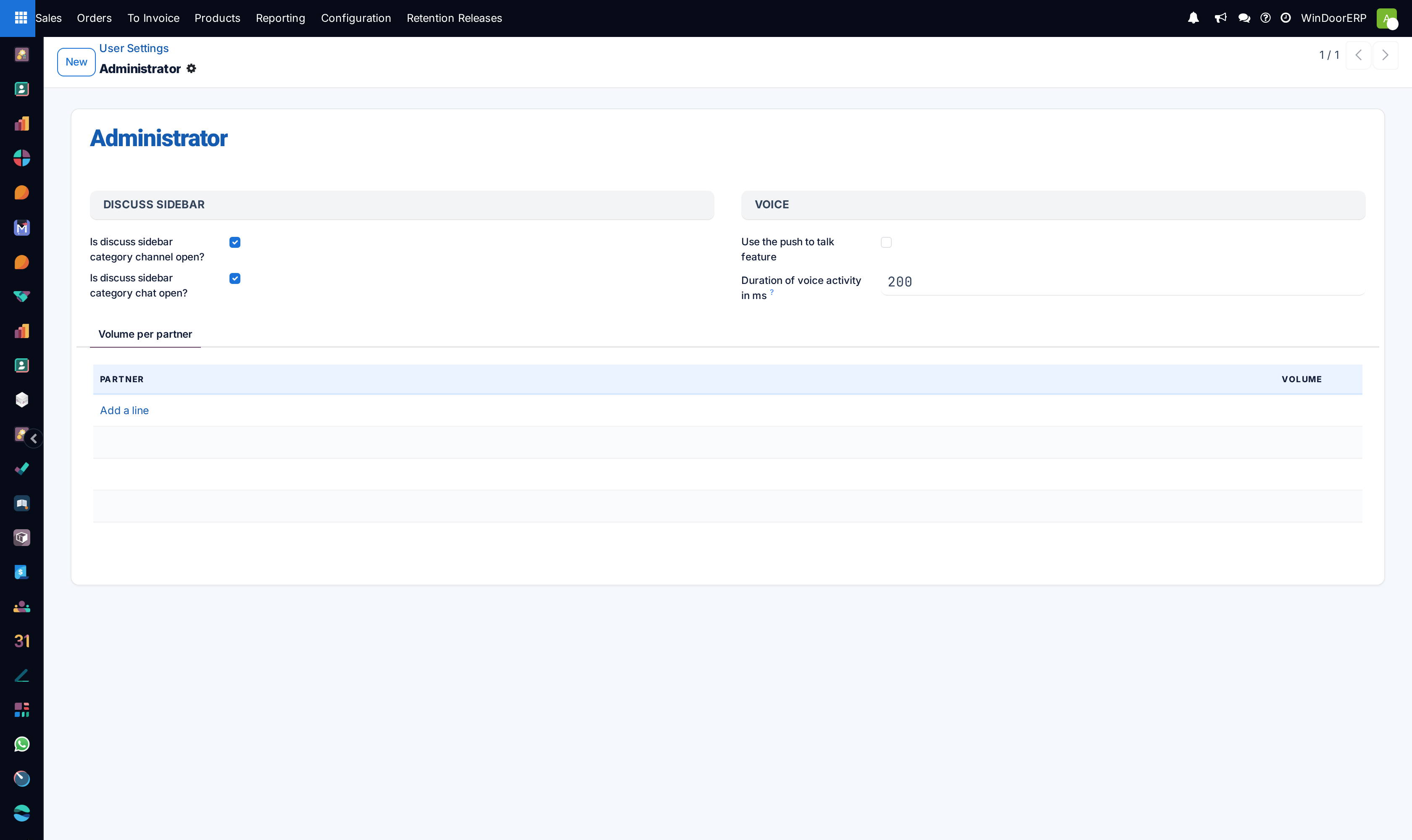
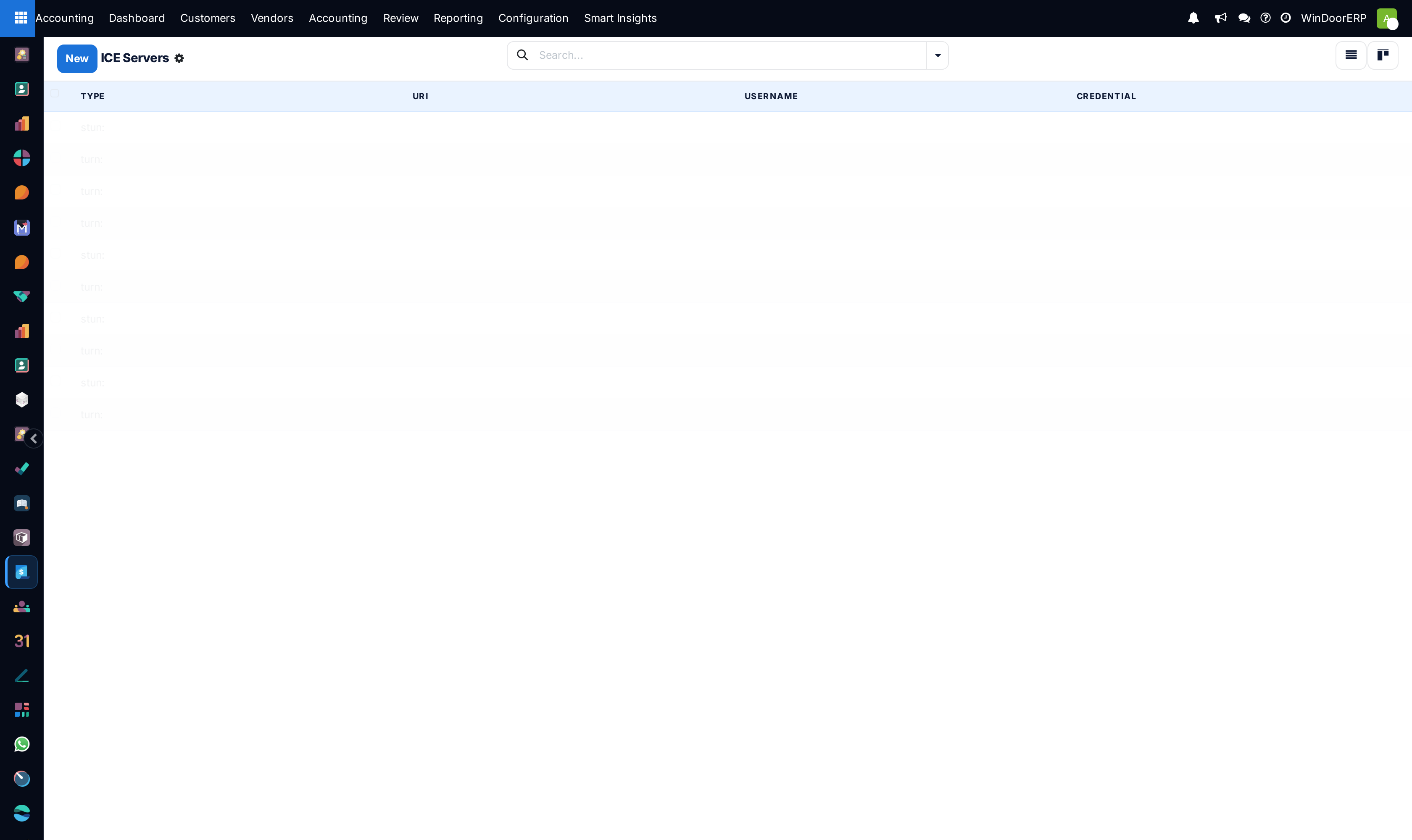
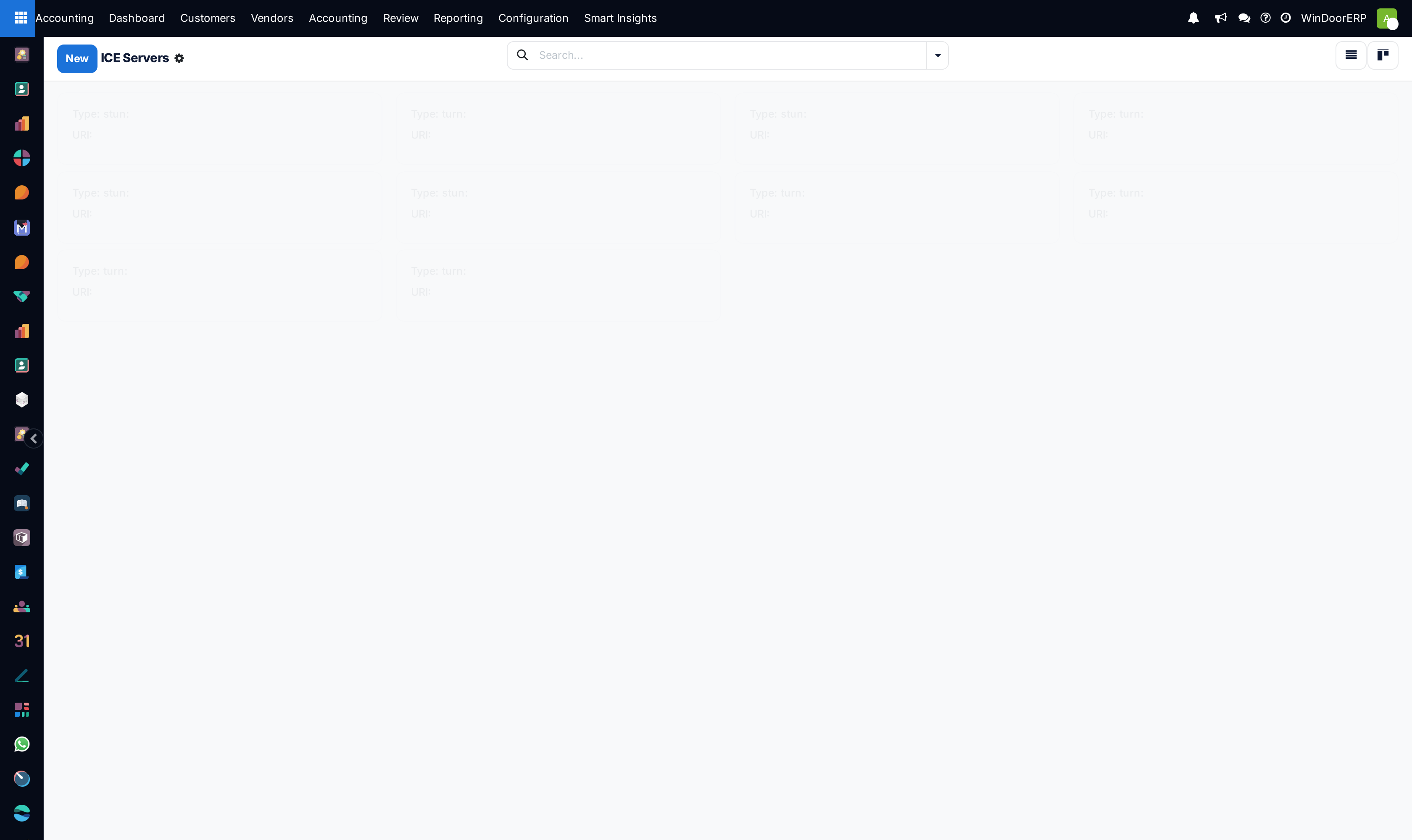
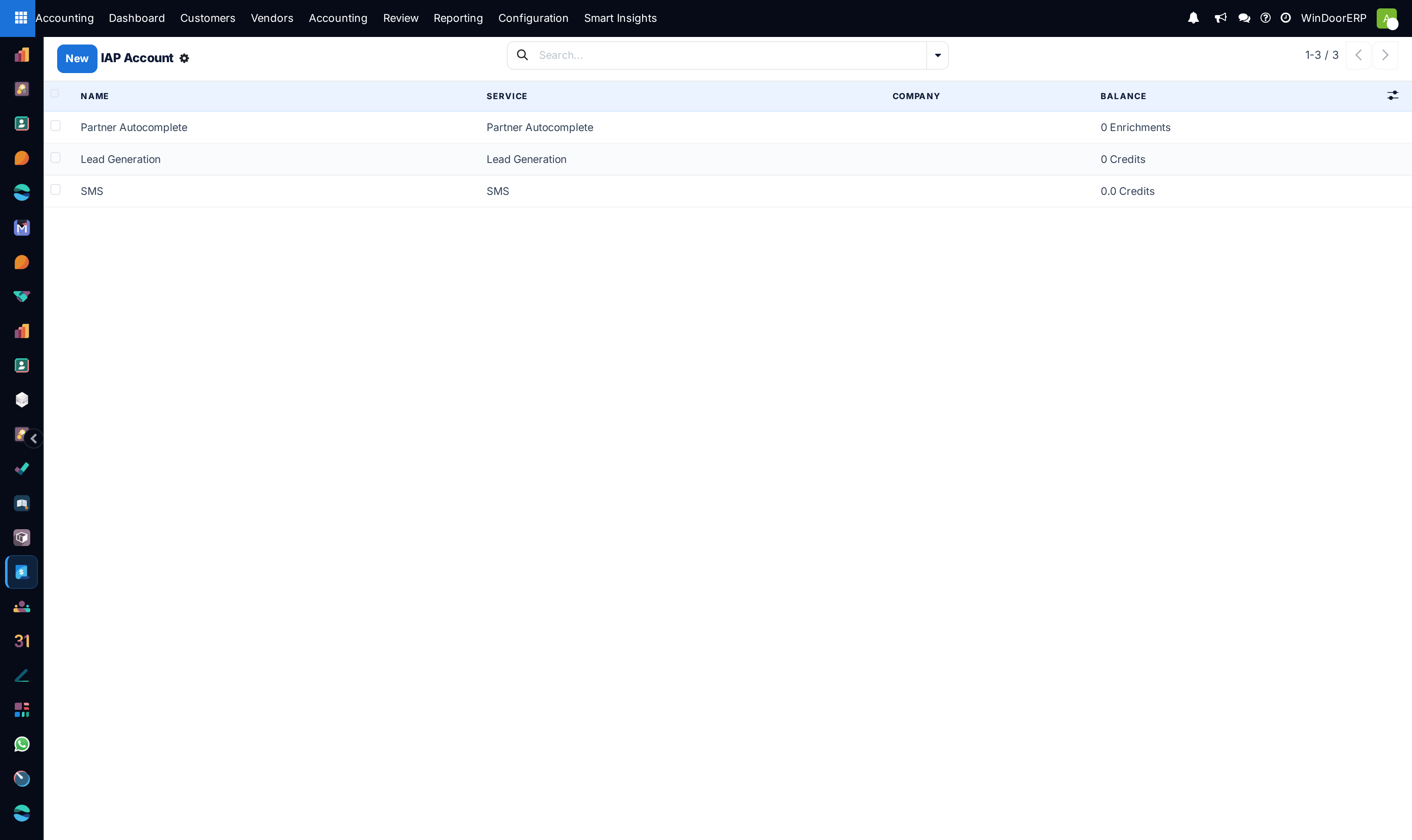
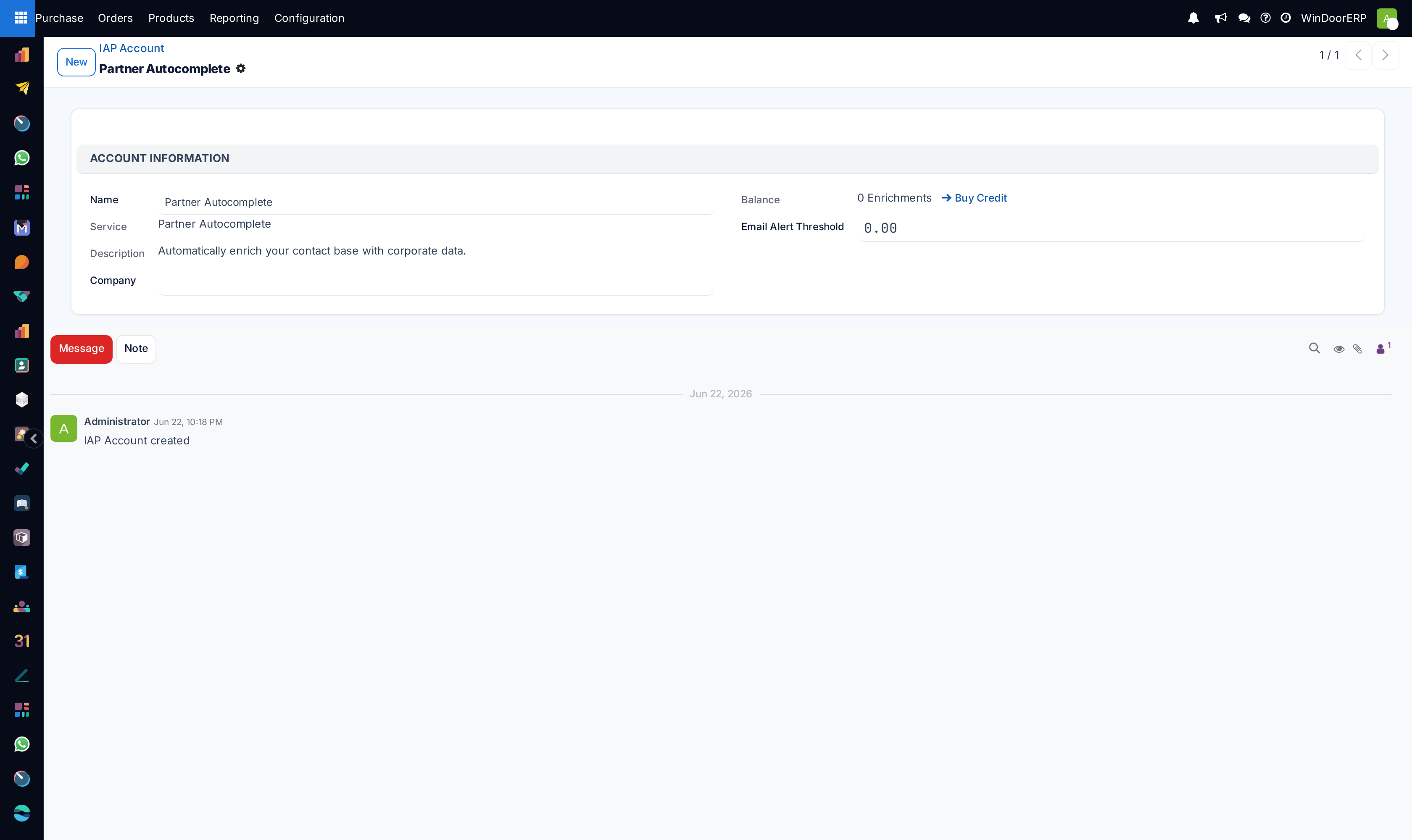
Configure WebRTC audio/video calling under Discuss › ICE Servers and monitor IAP Accounts.
Common mistakes
- Scheduling high-frequency resource-intensive cron actions during peak daytime factory operation hours.
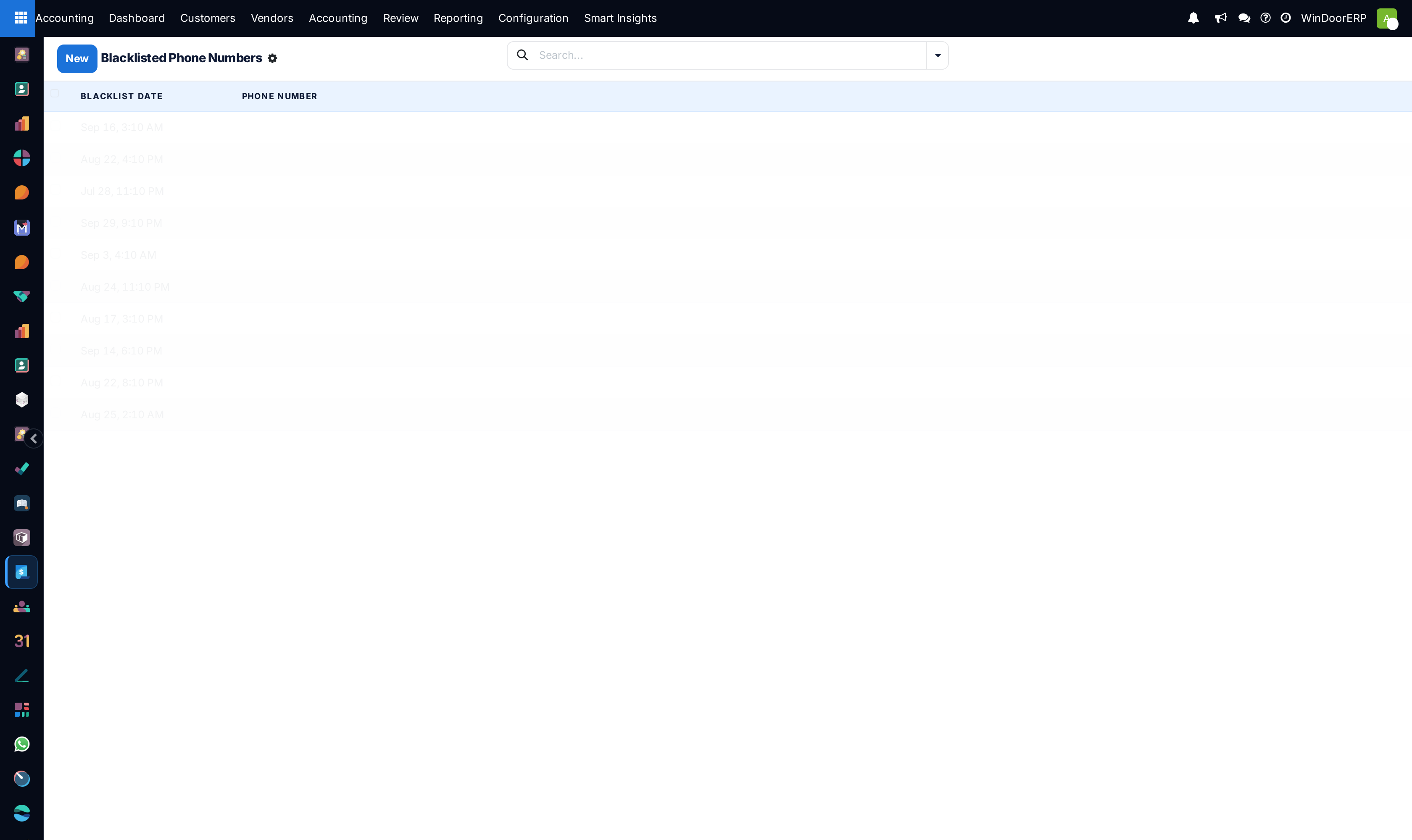
- Sending mass SMS campaigns without verifying phone blacklist suppression lists.
Was this article helpful?
Thanks — your feedback helps.
Running a window or door factory?
Ask for a demo