Configure barcode nomenclatures for factory scanning
What this does
Defines barcode parsing rules so that handheld scanners and mobile tablets recognize product codes, package numbers, bin locations, and lot serials seamlessly across the factory and storage yard.
Before you start
- Enable Barcode Scanner in Inventory Settings.
- Determine whether your factory uses internal code prefixes or standard GS1-128 / EAN-13 barcodes.
Steps
-
01
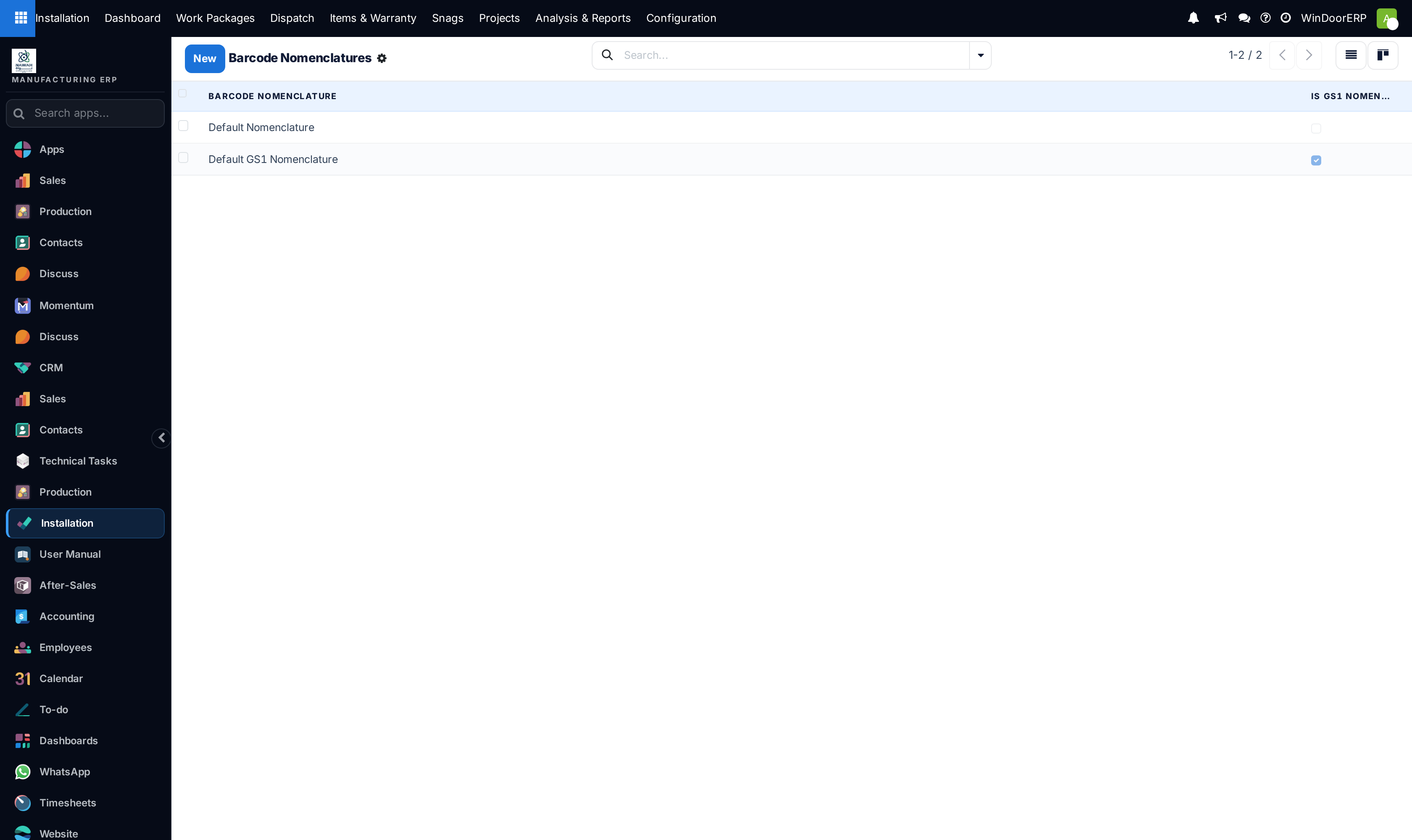
Open Inventory › Configuration › Products › Barcode Nomenclatures.
-
02
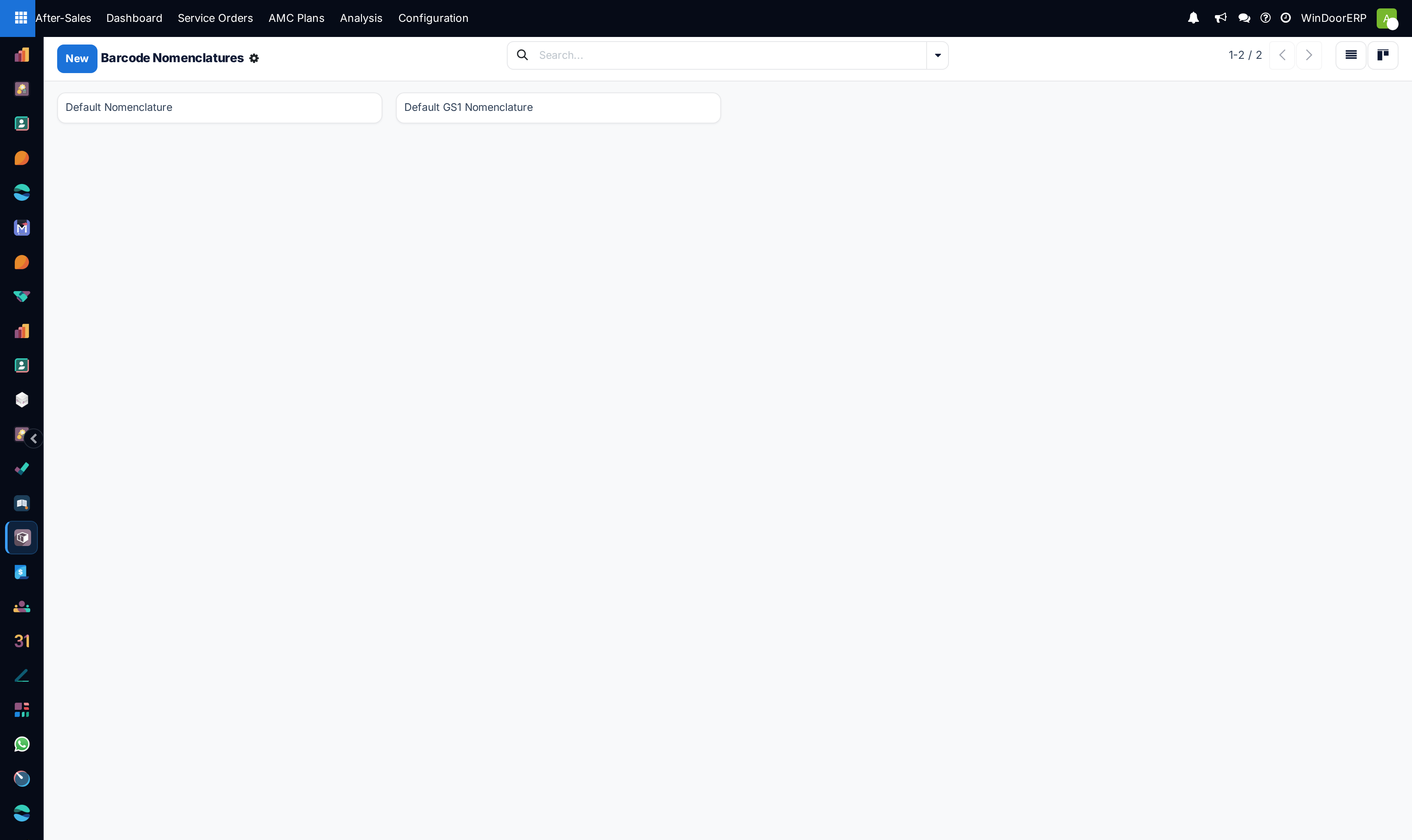
Select the default nomenclature (e.g.
Default Nomenclature). -
03
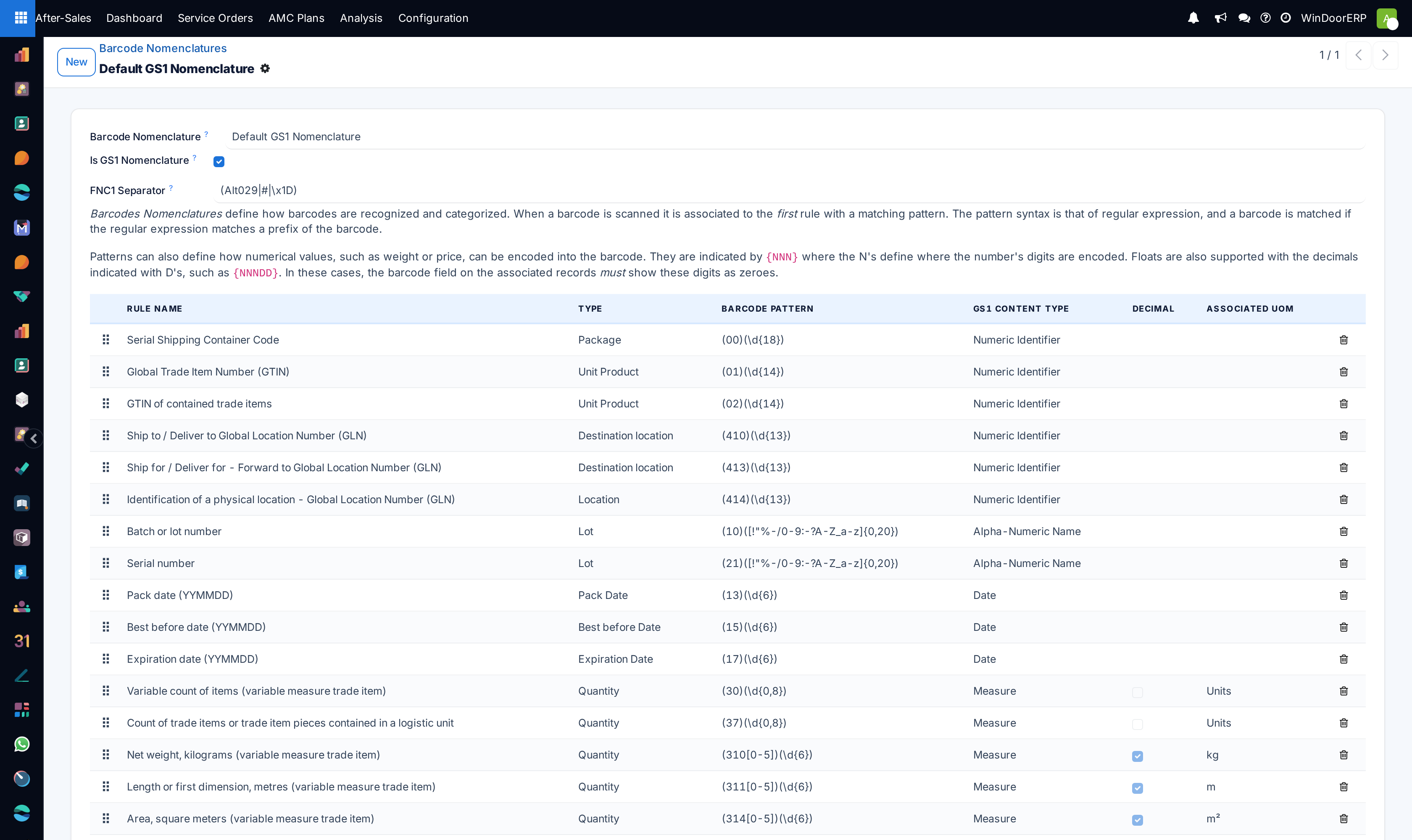
Review the rule hierarchy: rules at the top take precedence over general rules at the bottom.
-
04
Add or edit rules for specific entities: Location (e.g. prefix
LOC-), Package (PKG-), or Lot/Serial. -
05
Test barcodes using the Barcode app on mobile or USB hand scanners.
Common mistakes
- Using overlapping barcode prefixes that cause a location barcode to be misidentified as a product SKU.
Was this article helpful?
Thanks — your feedback helps.
Running a window or door factory?
Ask for a demo