Configure product variants across profile colors, glass thicknesses, and surface finishes
What this does
Structures product matrix variants (e.g. RAL 9016 White, RAL 7016 Anthracite, Anodized Bronze) across window models, maintaining separate sales prices and inventory costs for each combination.
Before you start
- Product Attributes configured.
Steps

Important
Applying price extras on premium surface finishes (e.g. Wood Effect Powder Coating +$25/m²) automatically computes correct client pricing.
-
01
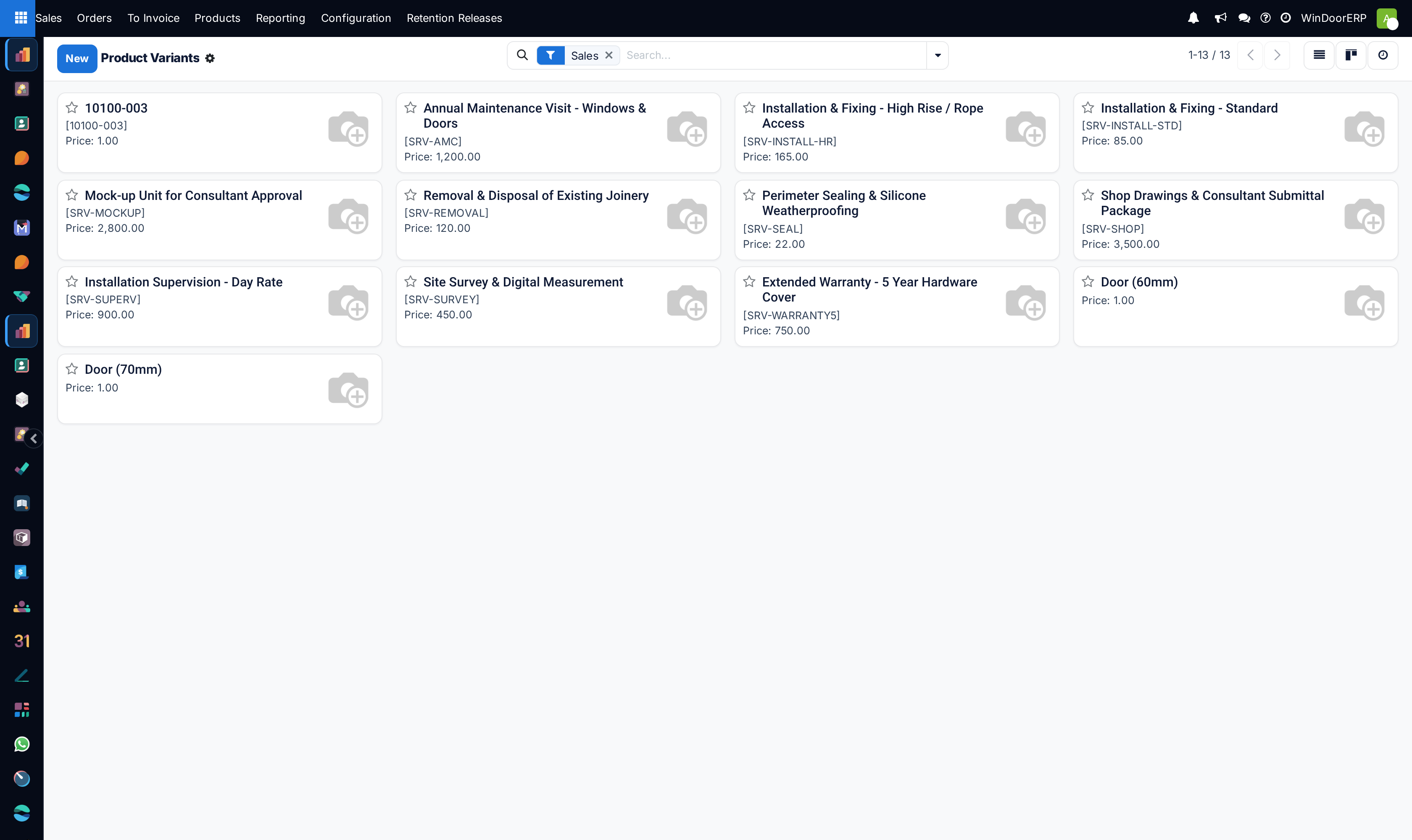
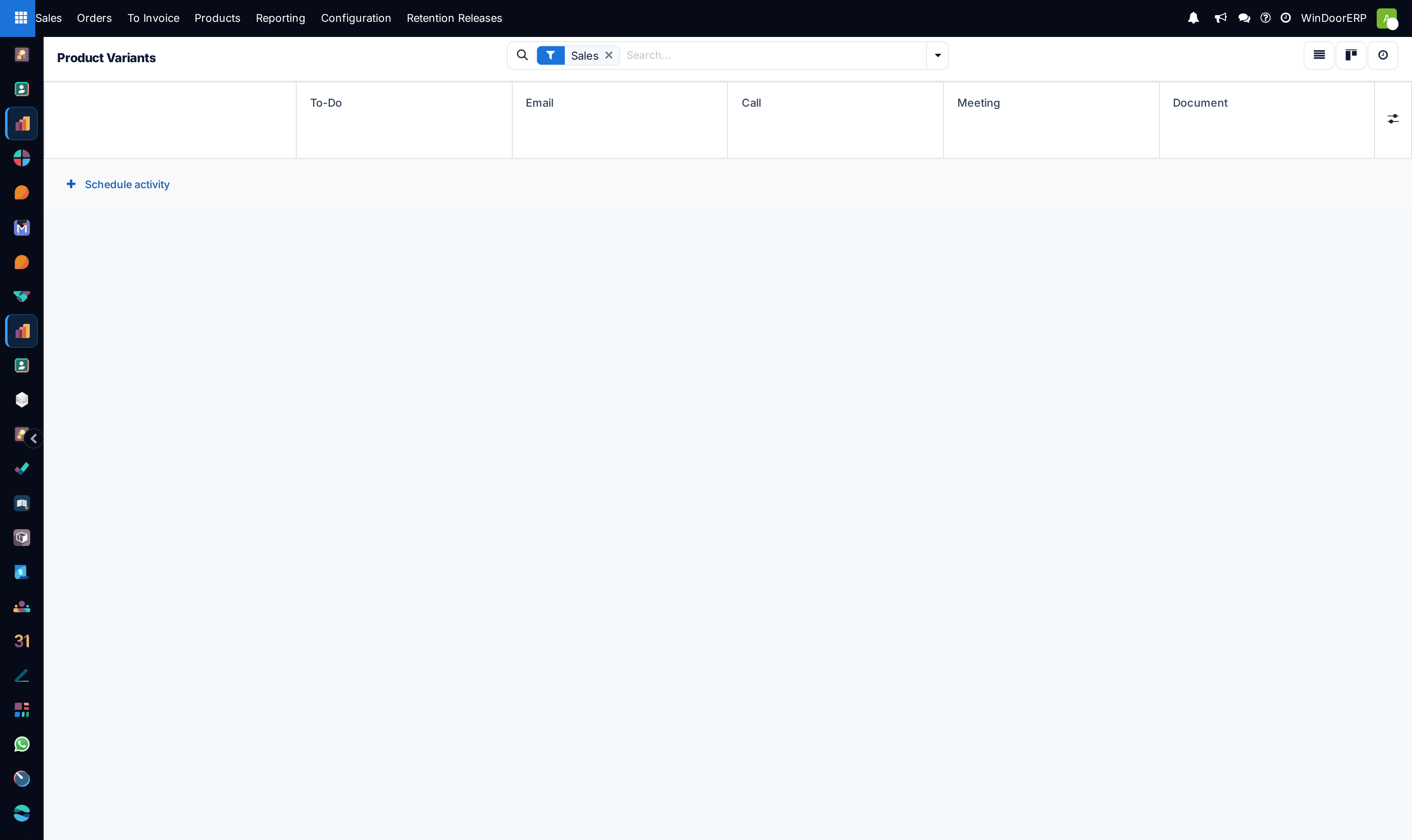
Open Sales › Products › Product Variants across List, Kanban, Form, and Activity views.
-
02
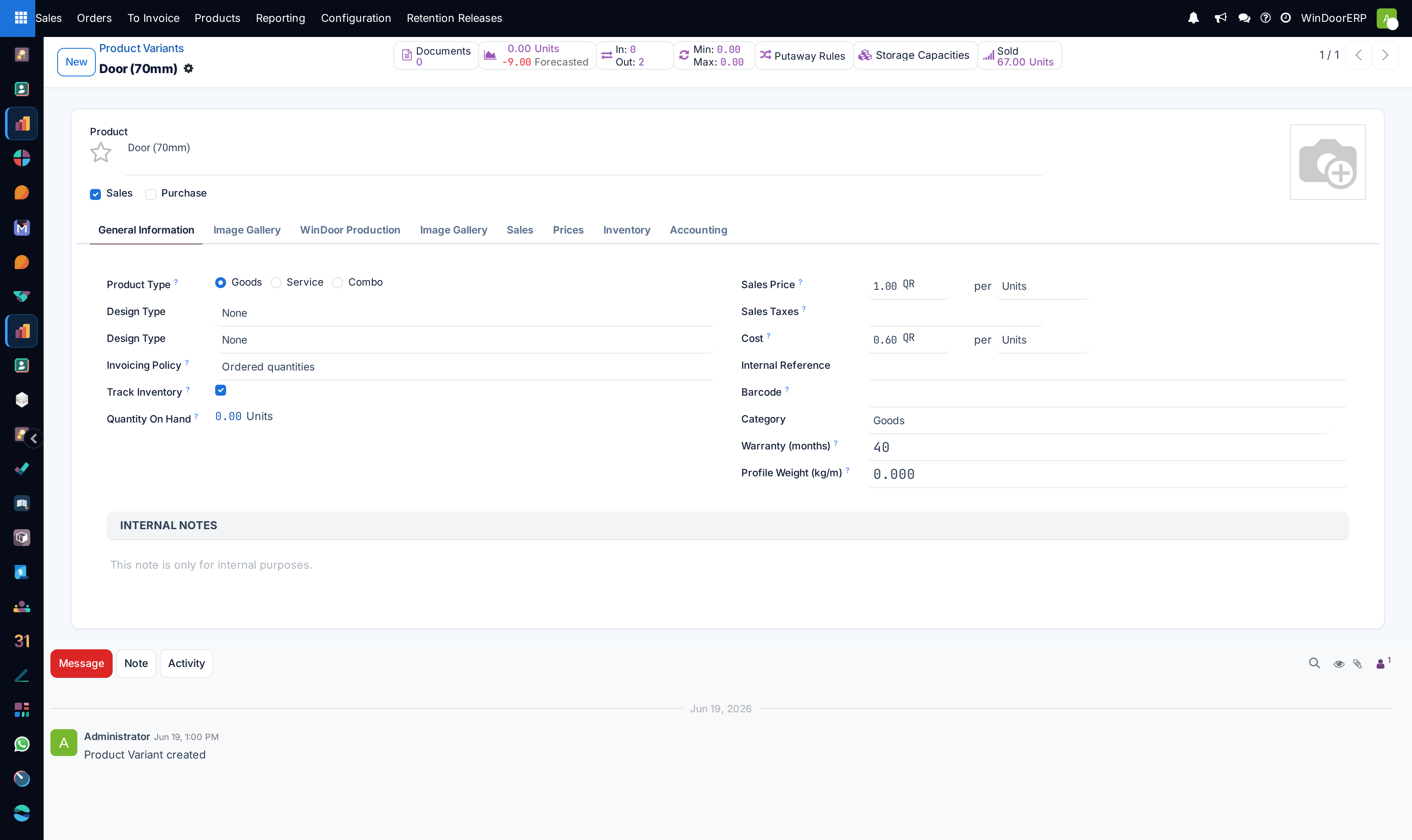
Open any variant to inspect its specific barcode, sales price extra, and technical attributes.
-
03
Use the Variant Matrix inside quotation forms to rapidly add multiple size/color combinations for large residential compound projects.
-
04
Track inventory stock on hand per individual color variant.
Common mistakes
- Creating separate standalone product templates for every color instead of using attribute variants.
- Failing to set price surcharges for double-curved or laminated acoustic glass variants.
Was this article helpful?
Thanks — your feedback helps.
Running a window or door factory?
Ask for a demo