Print ZATCA electronic tax invoices, BOQ progress certificates, purchase orders, and employee badges
What this does
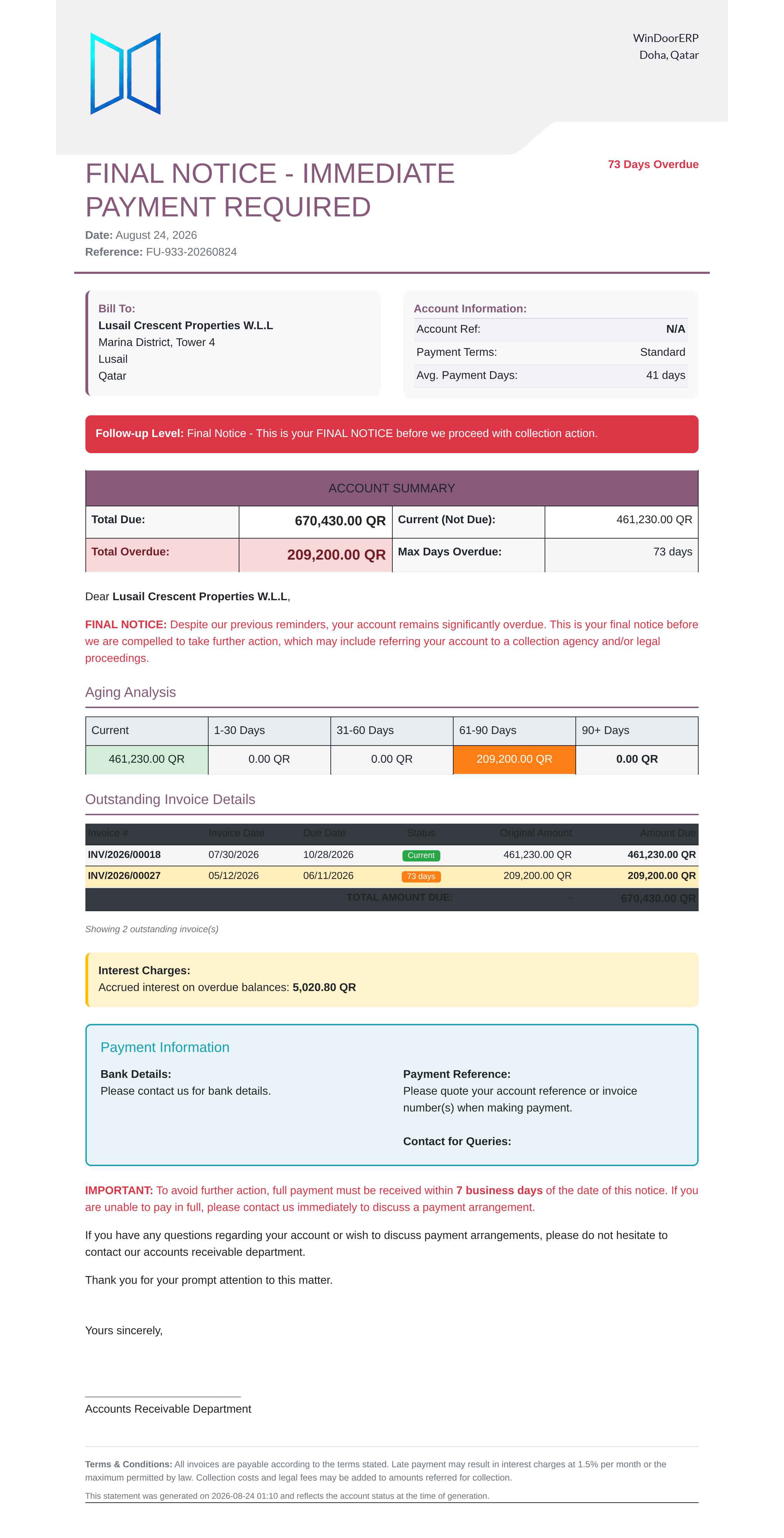
Produces certified ZATCA e-invoicing PDFs with QR codes, progressive BOQ claim certificates, supplier purchase orders, company letterheads, and barcoded employee ID badges.
Before you start
- Financial transactions or employee records validated.
Steps








Important
Standardizing bilingual corporate report headers and footers with official CR numbers and tax identifiers ensures seamless legal compliance across all outward documents.
-
01
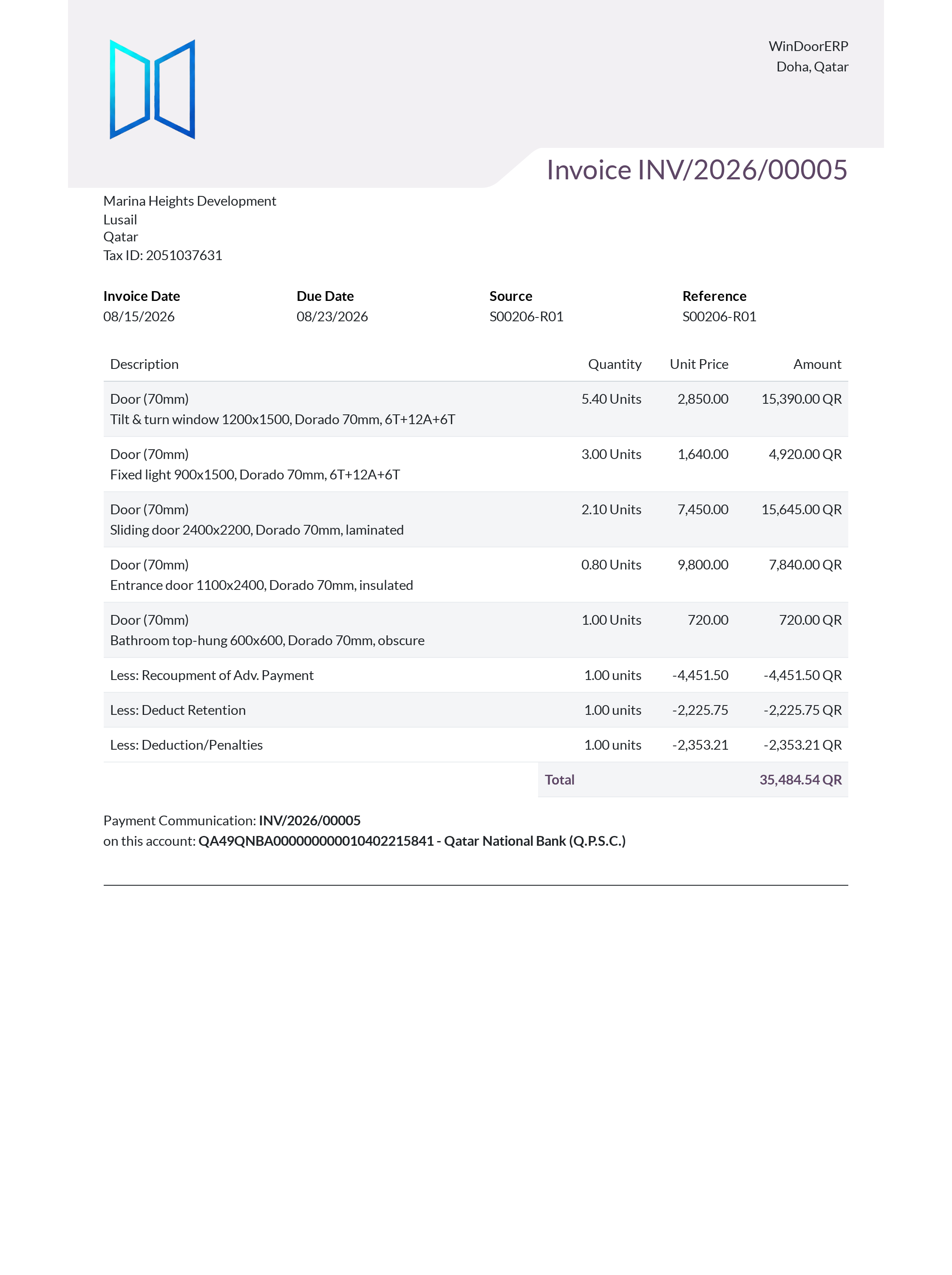
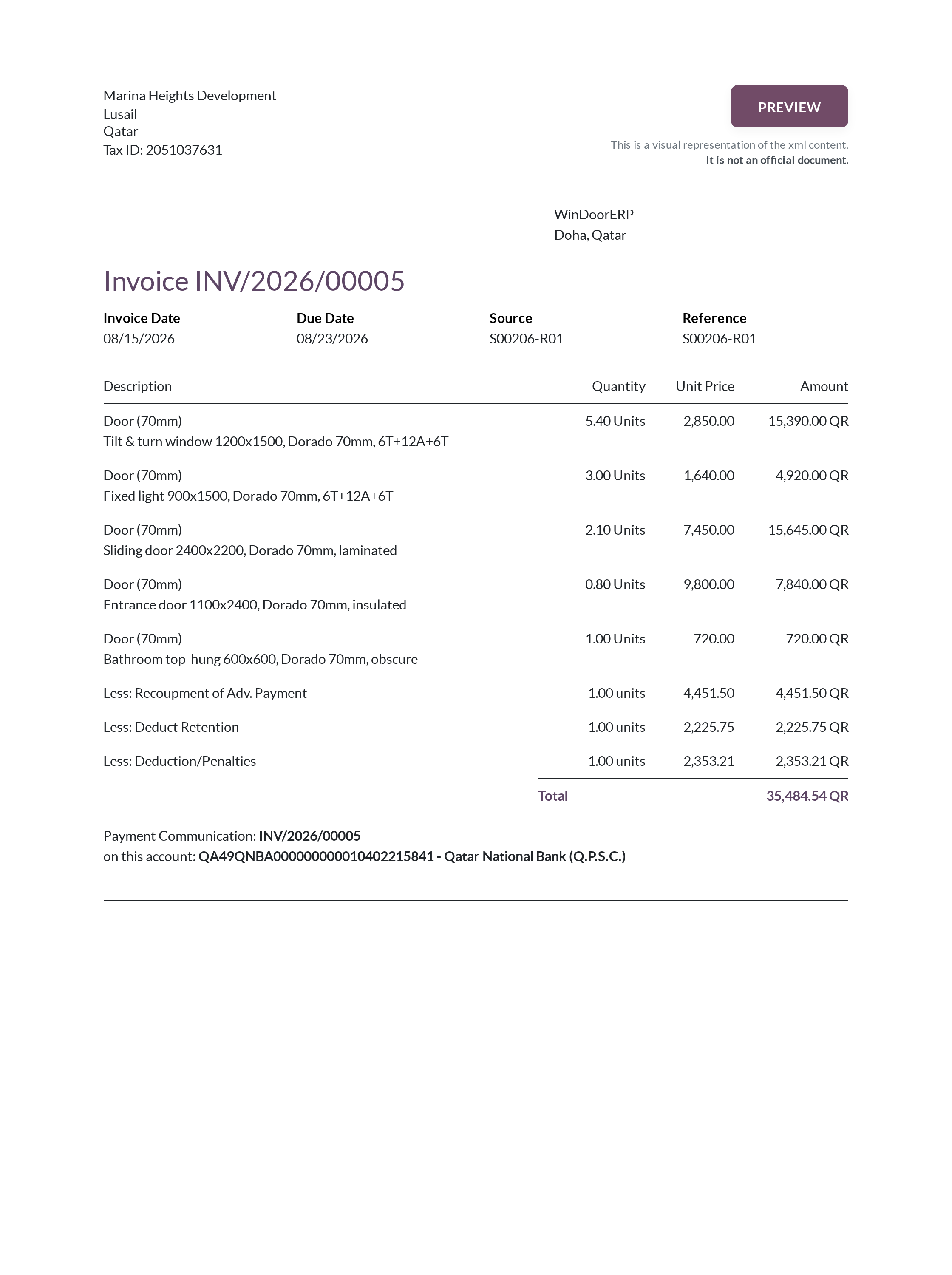
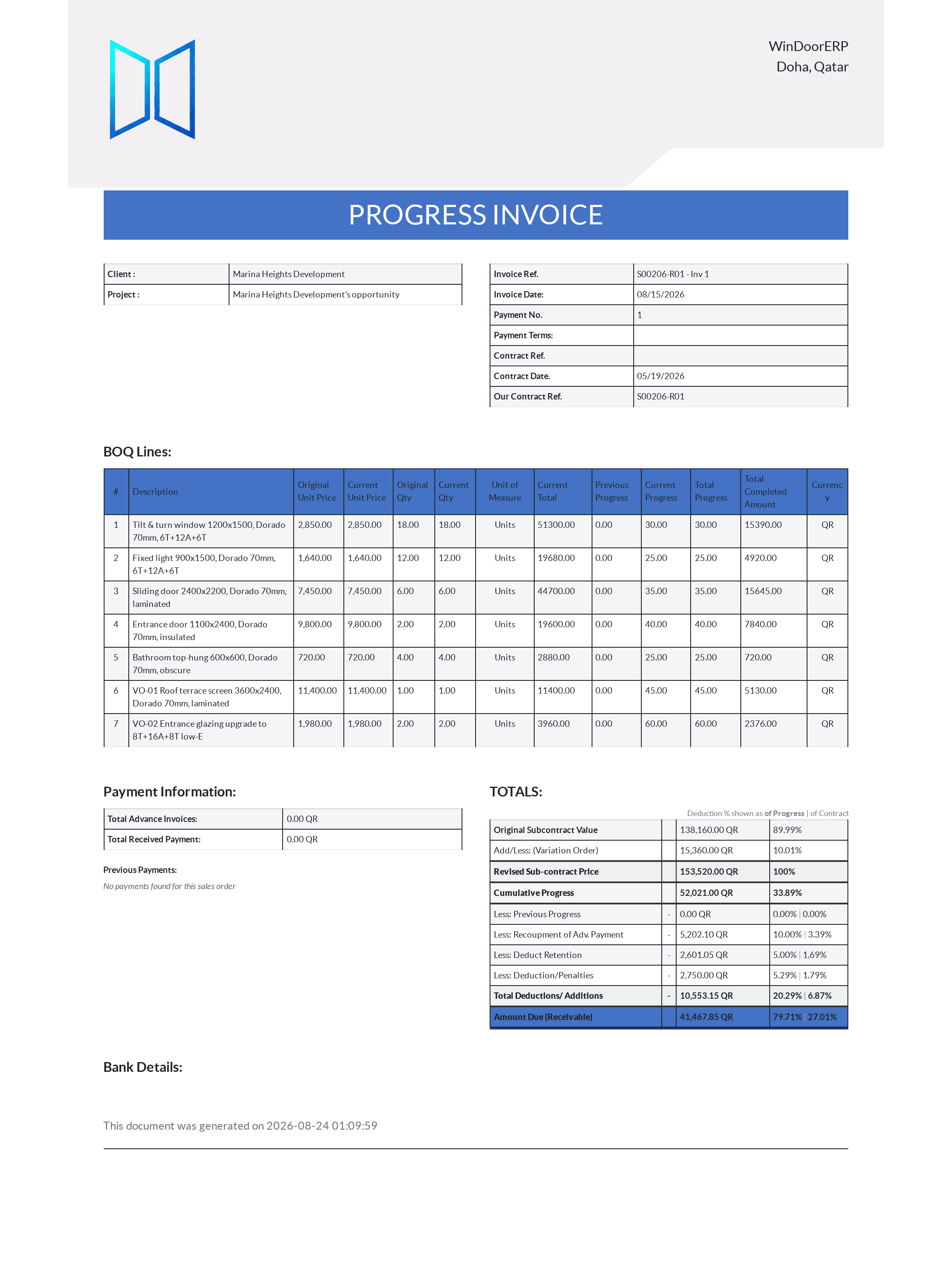
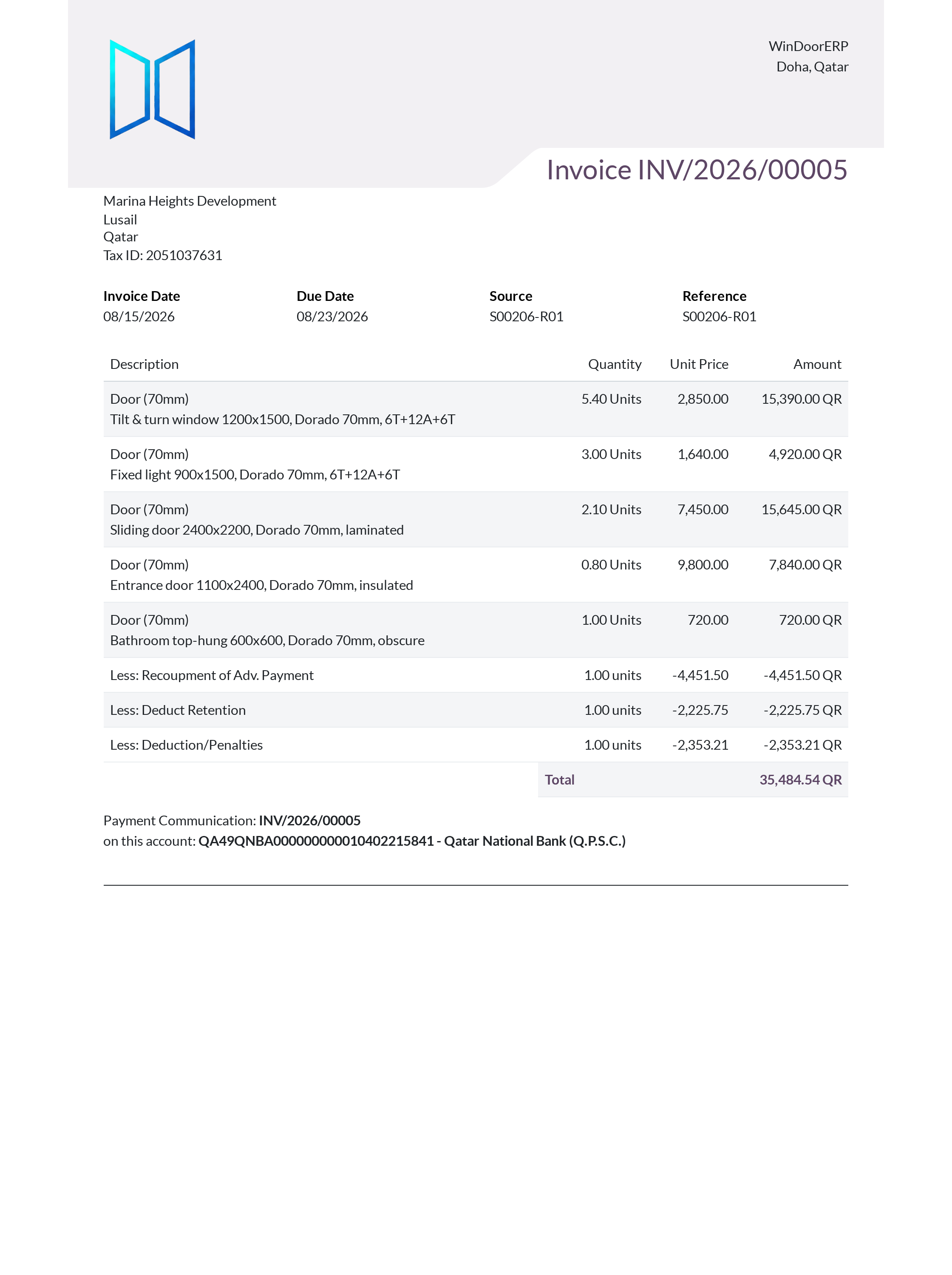
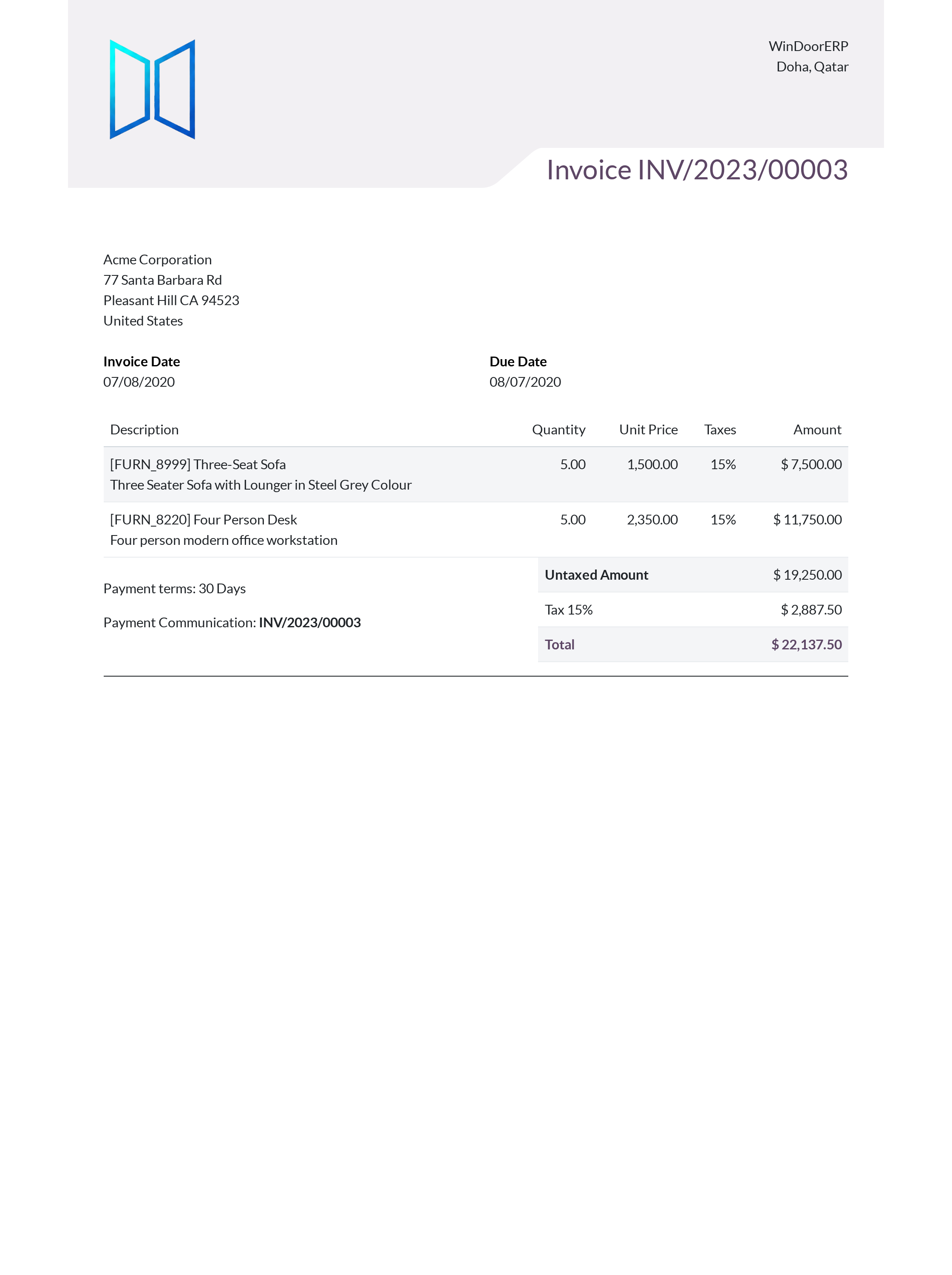
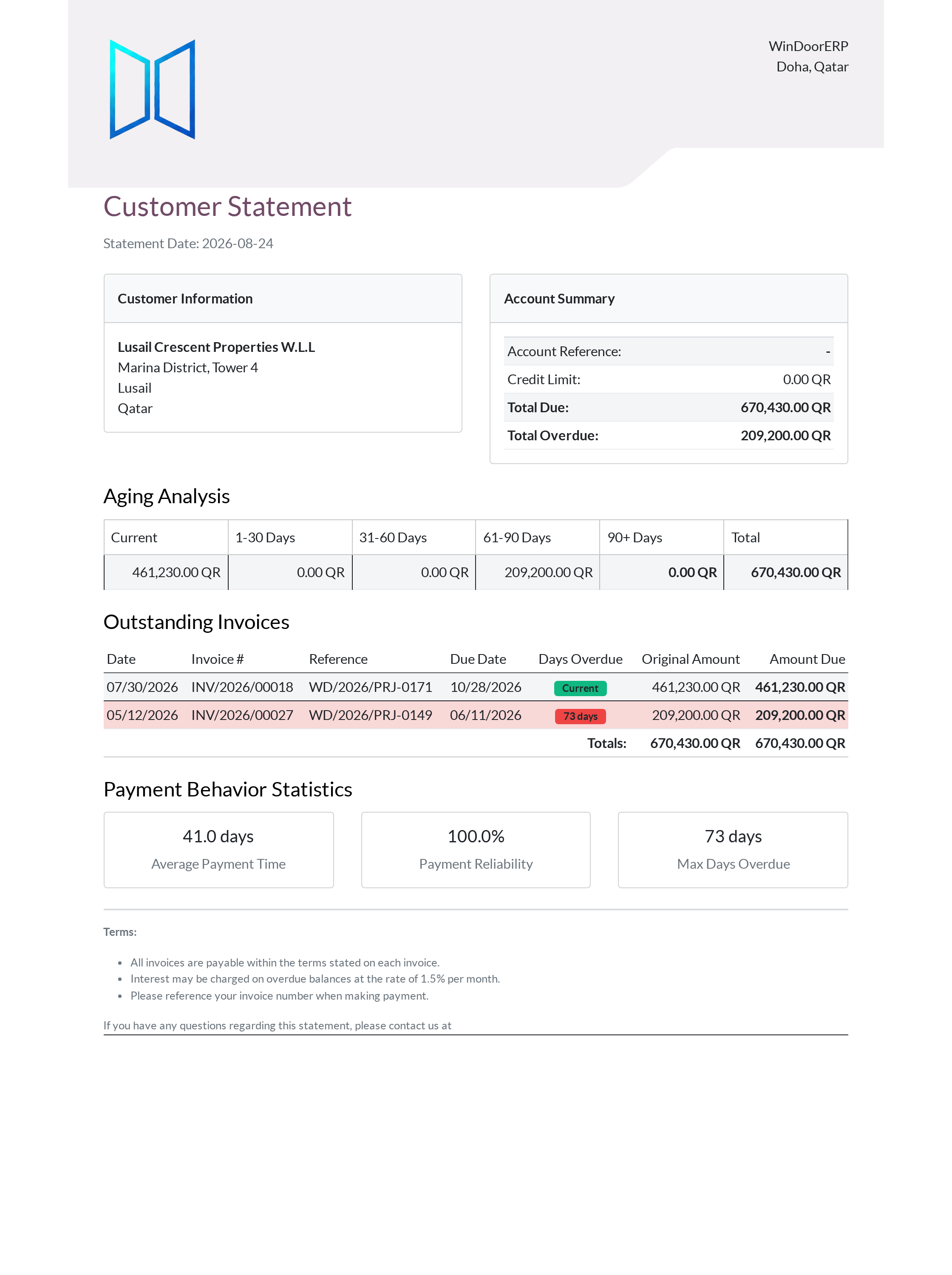
From Customer Invoices, print Invoice PDF or BOQ Invoice Report.
-
02
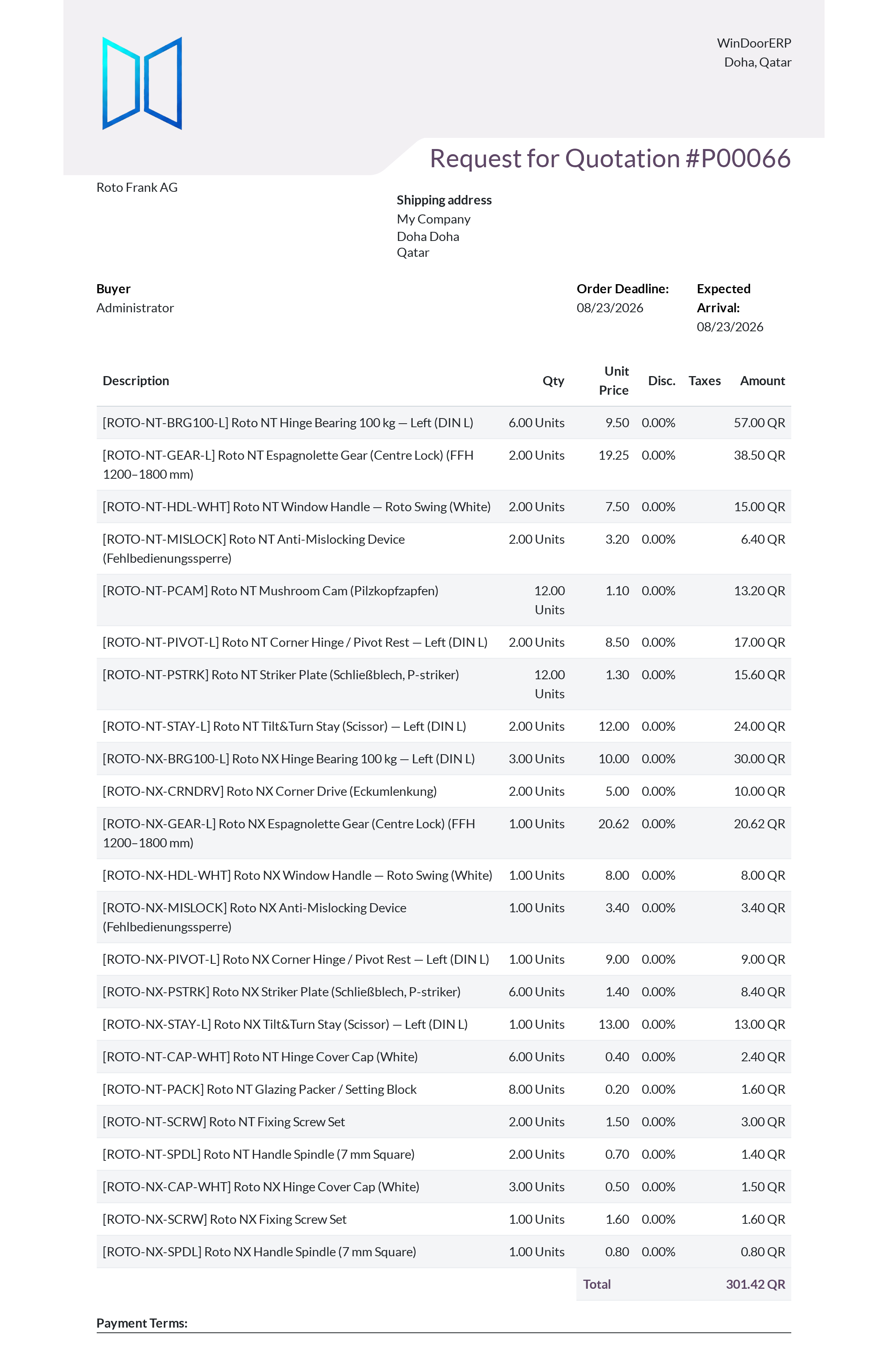
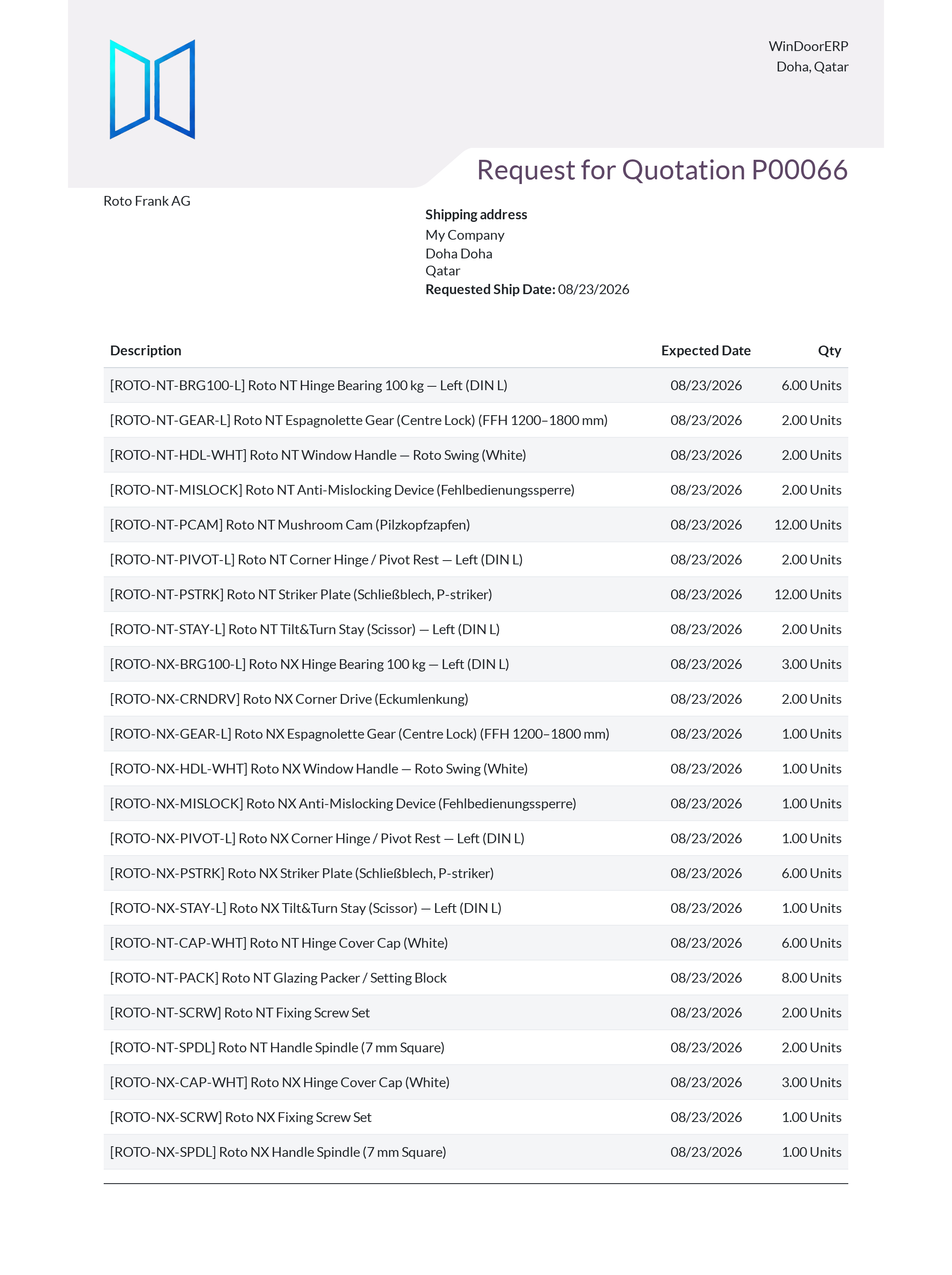
From Purchase Orders, print Purchase Order and Request for Quotation.
-
03
Under Company Settings, preview corporate branding templates using Report Layout Preview.
-
04
From Employees, print Print Badge and Employee Resume.
-
05
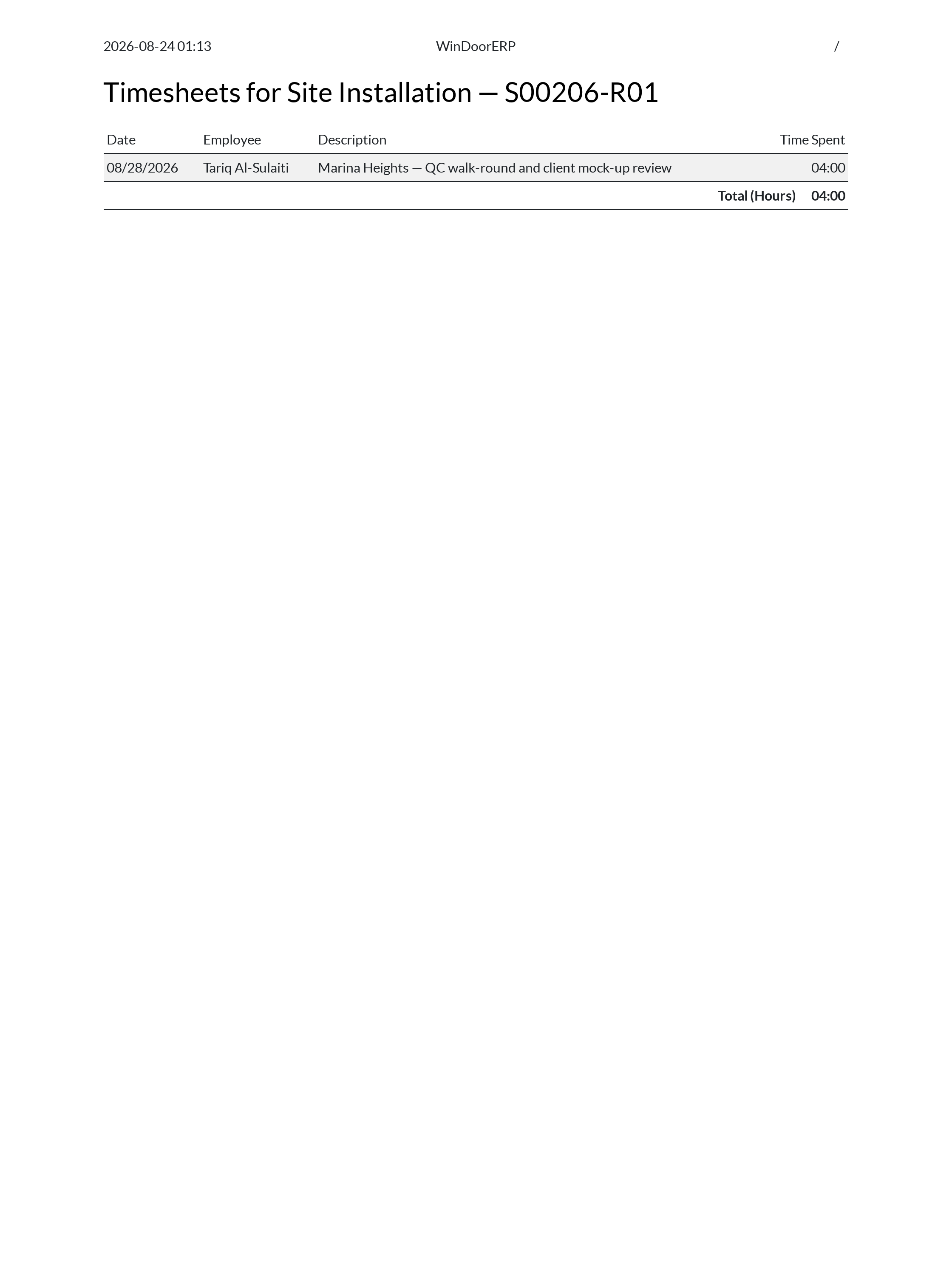
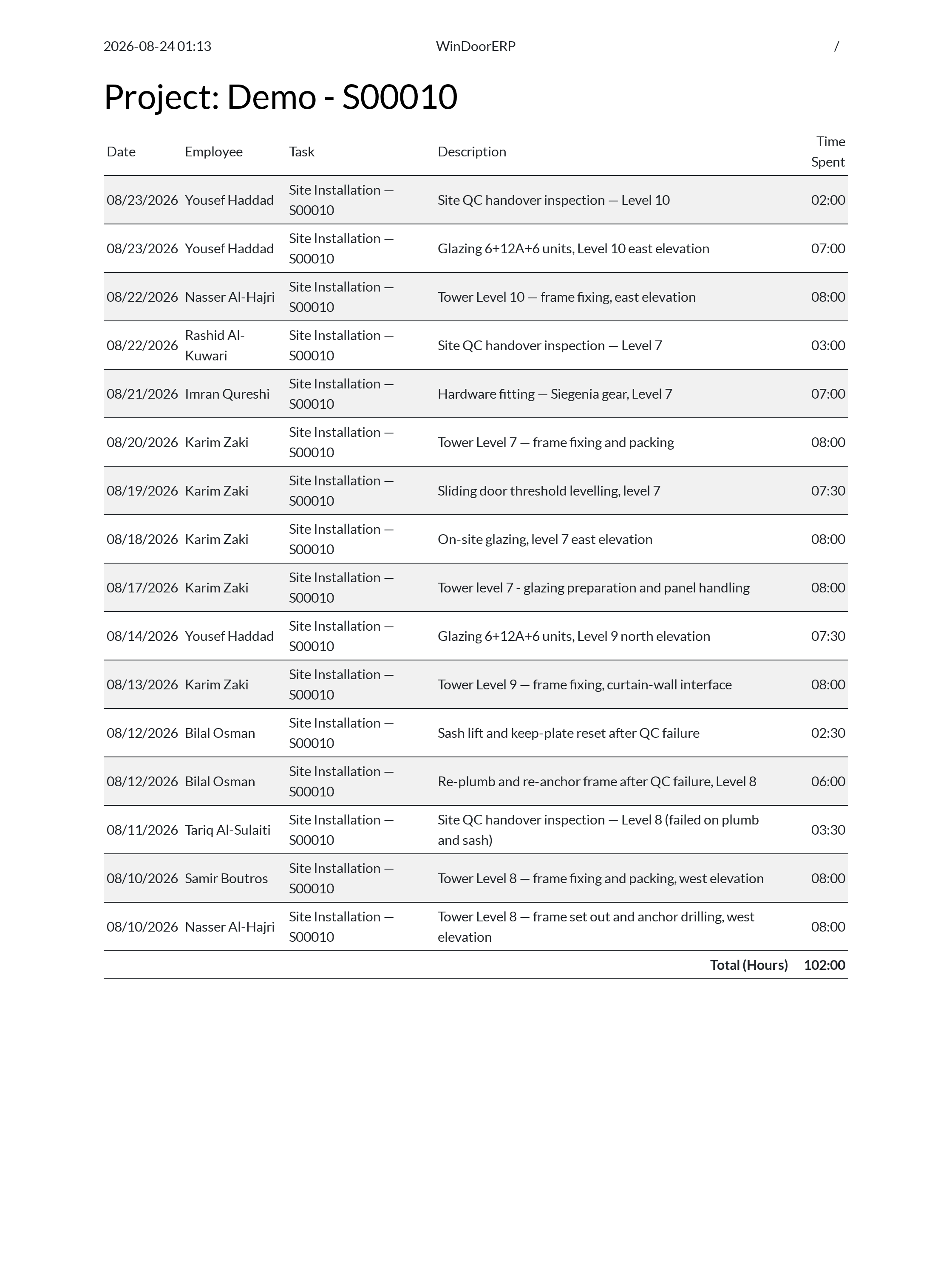
From Accounting & Projects, generate consolidated Timesheets Report.
-
06
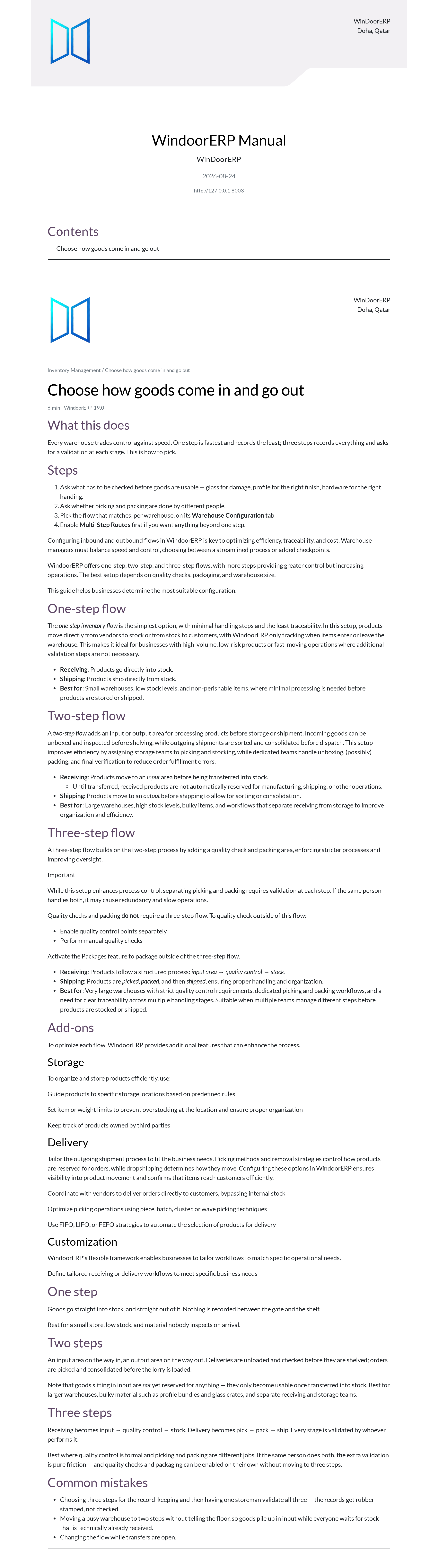
Print the complete system documentation via Manual PDF.
Common mistakes
- Issuing tax invoices to clients with low-resolution distorted company logo headers.
- Printing raw purchase orders without specifying clear delivery warehouse addresses.
Was this article helpful?
Thanks — your feedback helps.
Running a window or door factory?
Ask for a demo