Track work order progress across cutting, milling, crimping, and glazing
What this does
Tracks the step-by-step routing operations for each fabricated window unit from initial extrusion cutting to final hardware fitting.
Before you start
- Work centers and standard routing operations configured.
Steps
Important
Corner crimping operations require verification of two-part epoxy adhesive injection and alignment cleats before crimping to ensure structural corner rigidity.
-
01
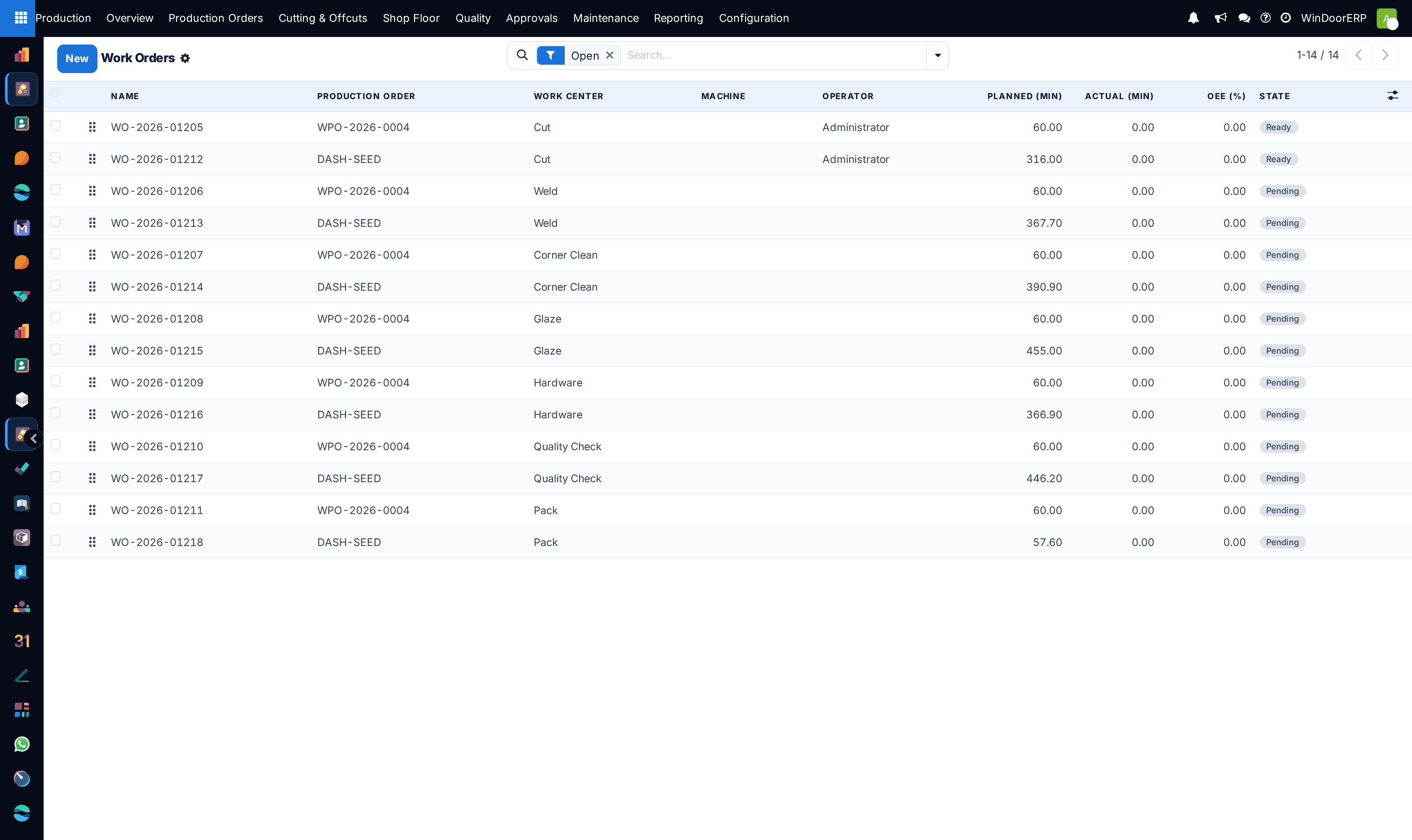
Open Production › Shop Floor › Work Orders to see all active floor tasks.
-
02
Filter work orders by work center (e.g. Cutting, CNC Machining, Corner Crimping, Glazing, Final QC).
-
03
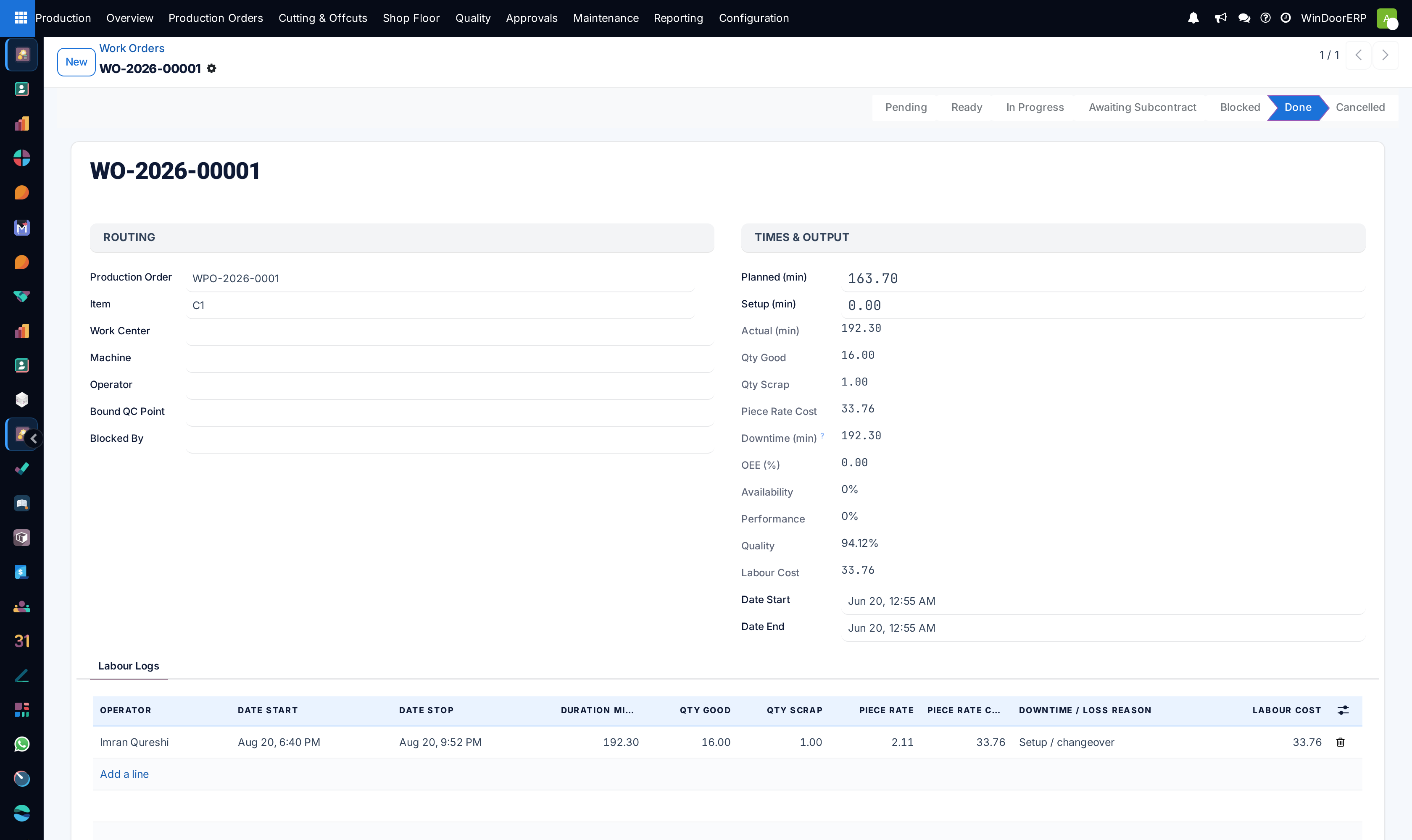
Open any work order to view technical drawings, expected vs real duration, and consumed components.
-
04
Click Start to begin timing an operation, Pause for breaks, or Done upon stage completion.
Common mistakes
- Advancing work orders to assembly before completing water drainage slot milling on sill profiles.
- Leaving work order timers running continuously over shift breaks.
Was this article helpful?
Thanks — your feedback helps.
Running a window or door factory?
Ask for a demo