Audit General Ledger, Trial Balance, Partner Ledgers, and generate VAT Returns
What this does
Conducts deep accounting audits across General Ledger, Trial Balance, and Partner Ledgers, validating quarterly VAT Returns and tax compliance dashboards.
Before you start
- Accounting transactions posted.
Steps
Important
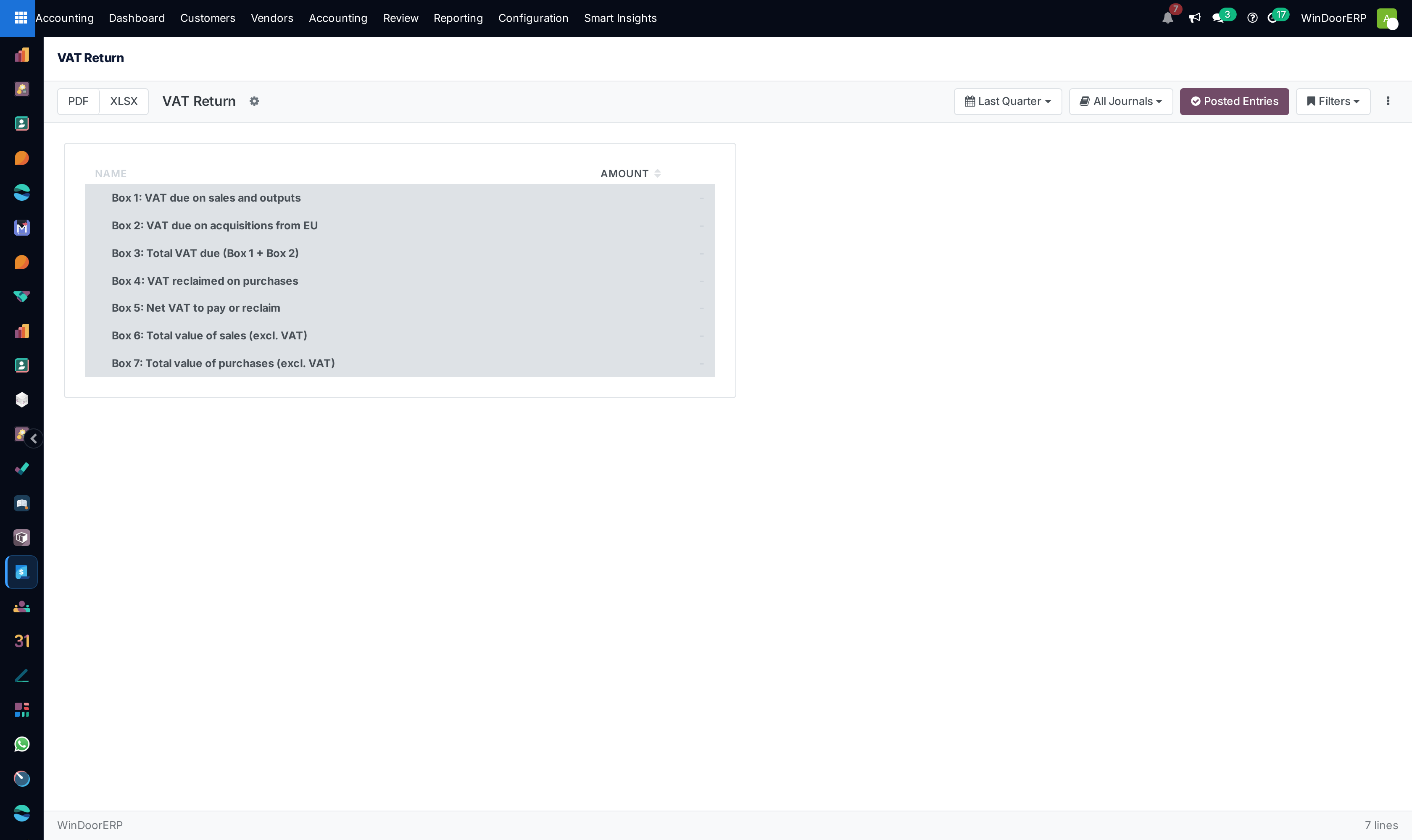
Cross-checking the VAT Return report against the General Ledger Tax Control accounts guarantees zero discrepancy during ZATCA tax authority audits.
-
01
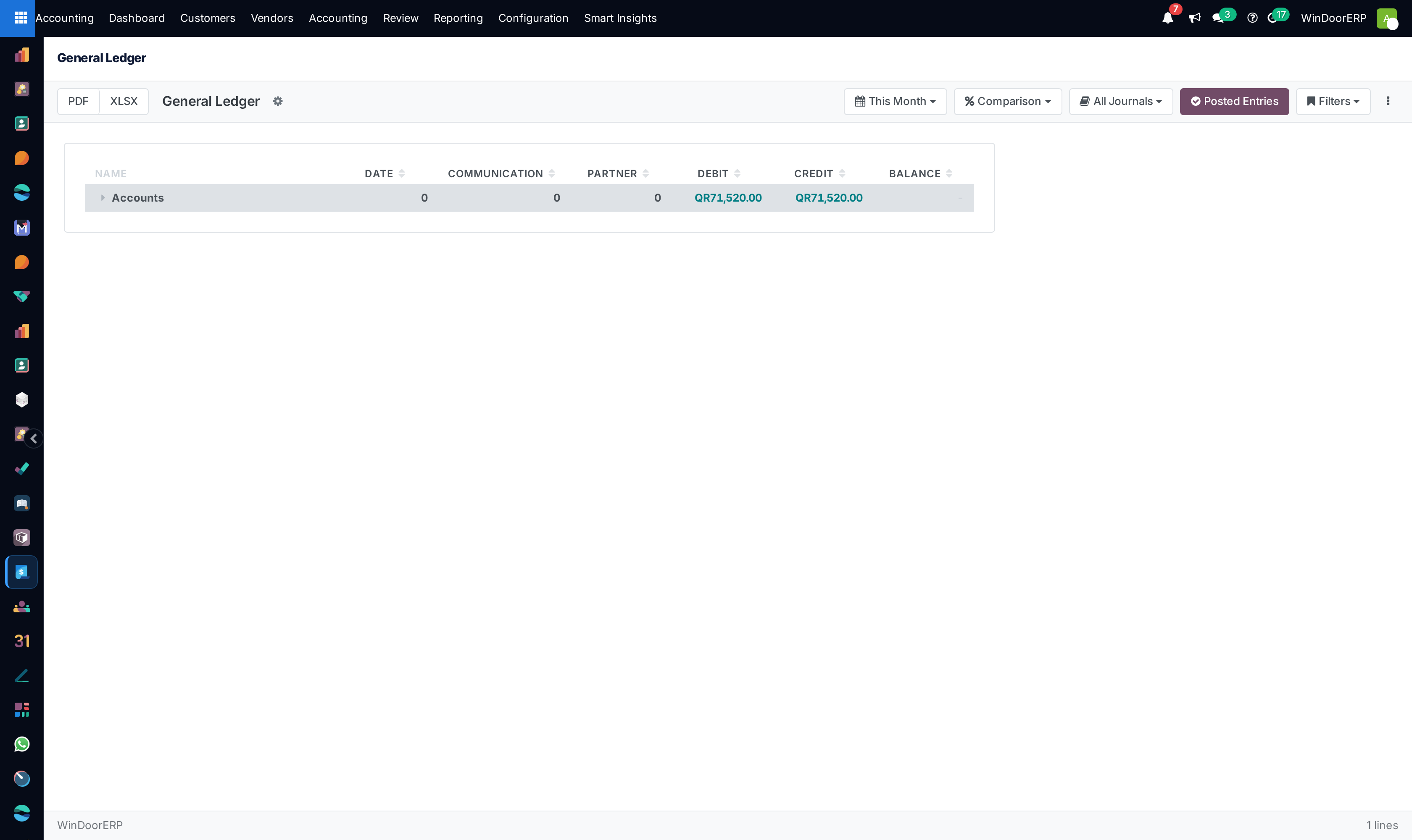
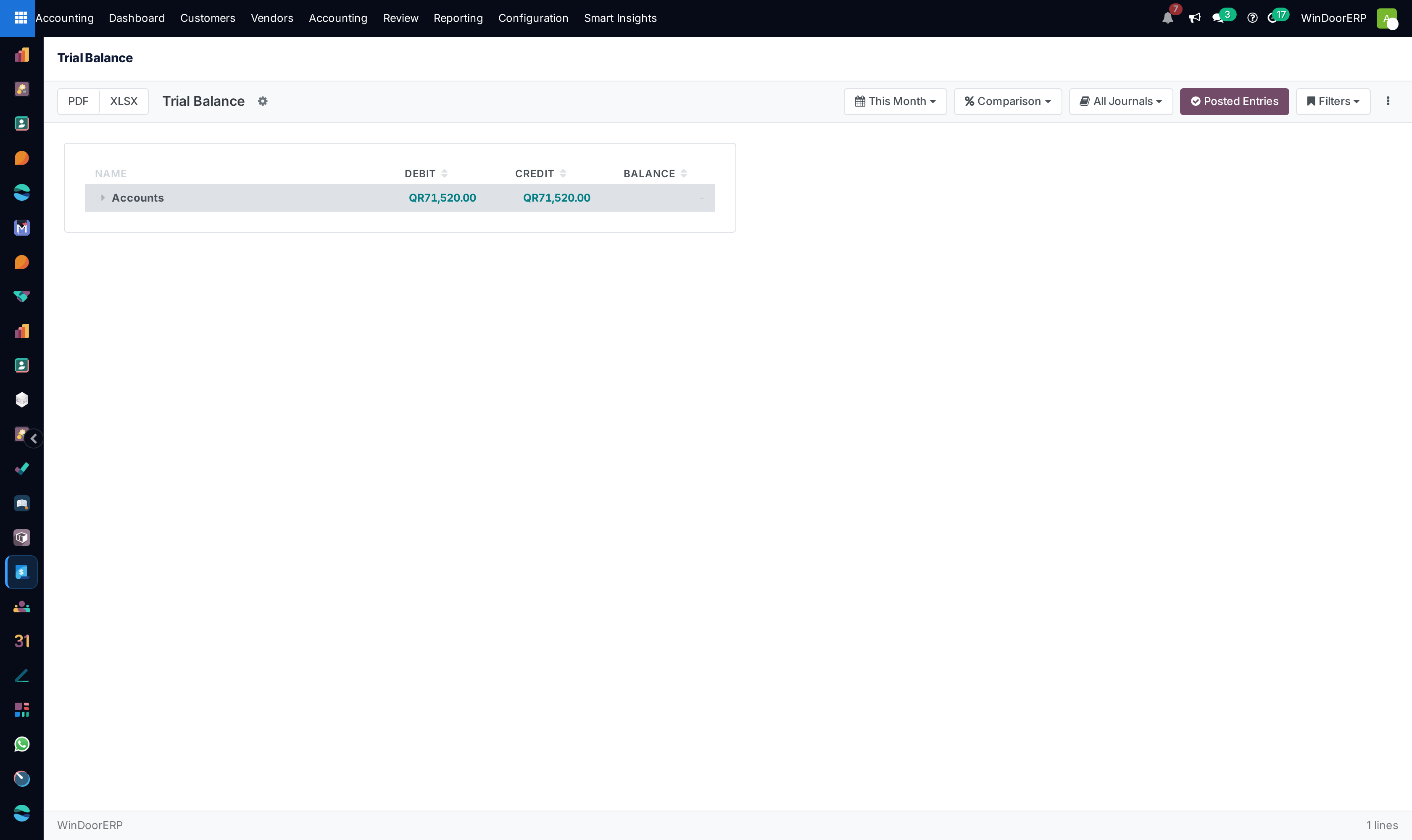
Open Accounting › Reporting › Audit Reports › General Ledger and Trial Balance.
-
02
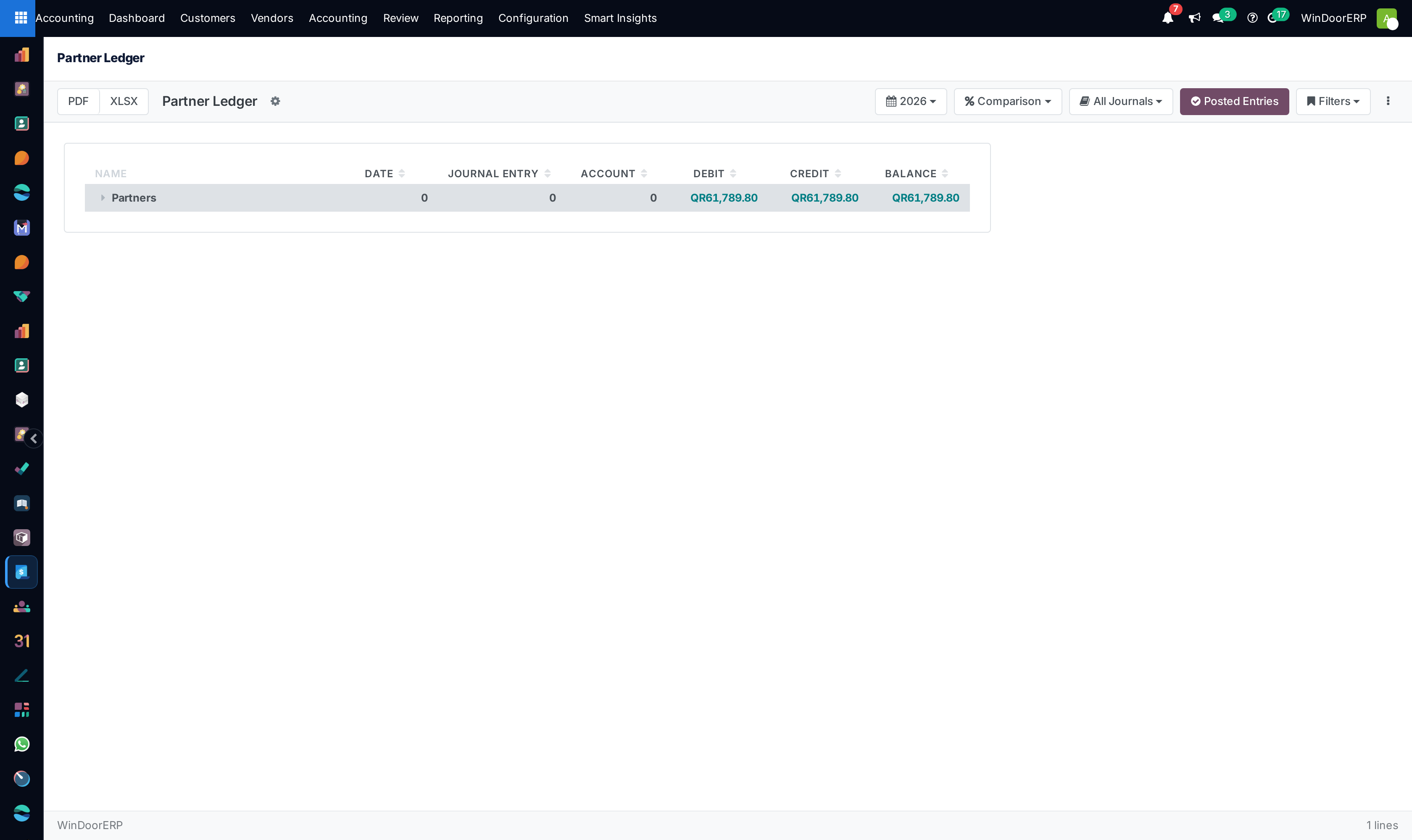
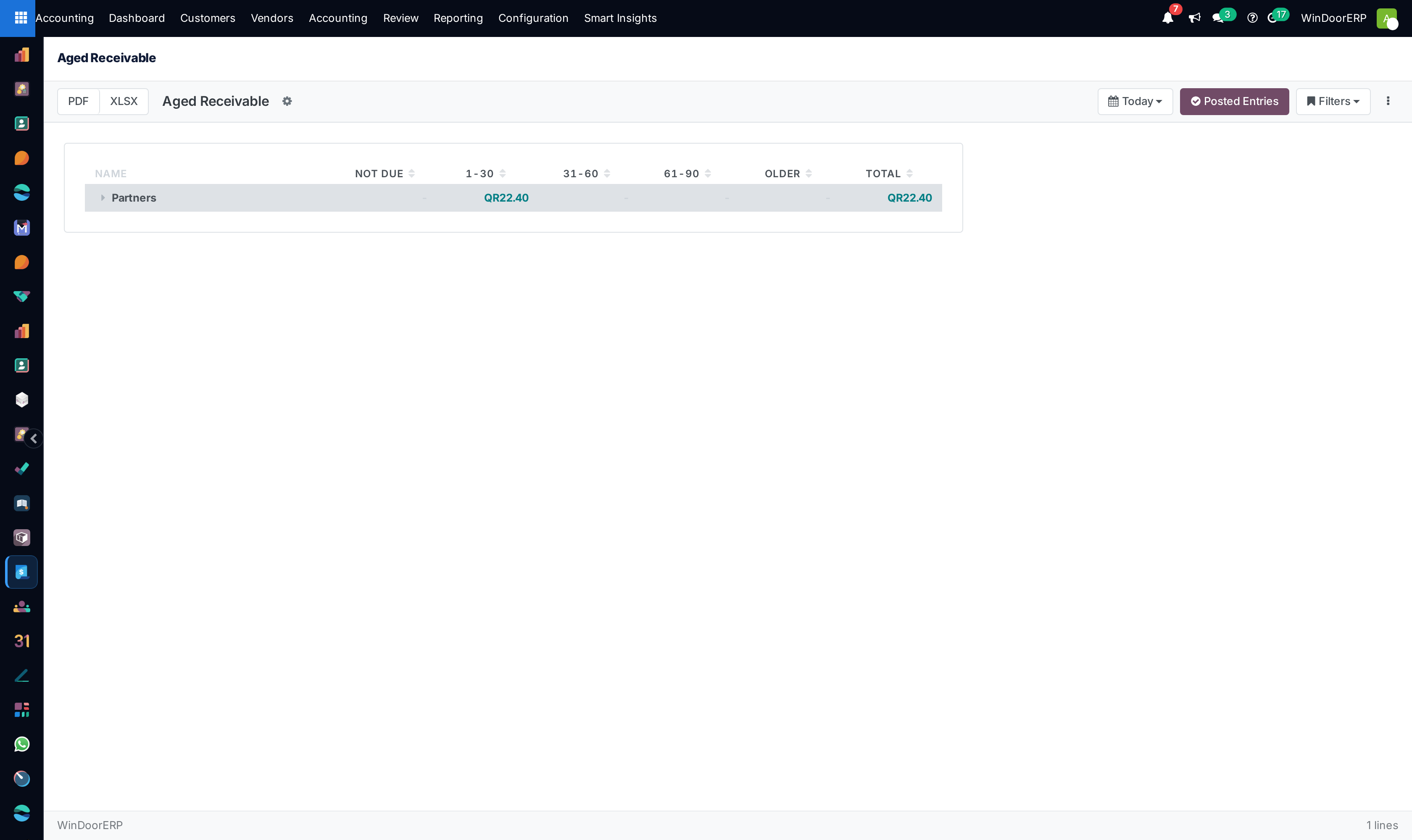
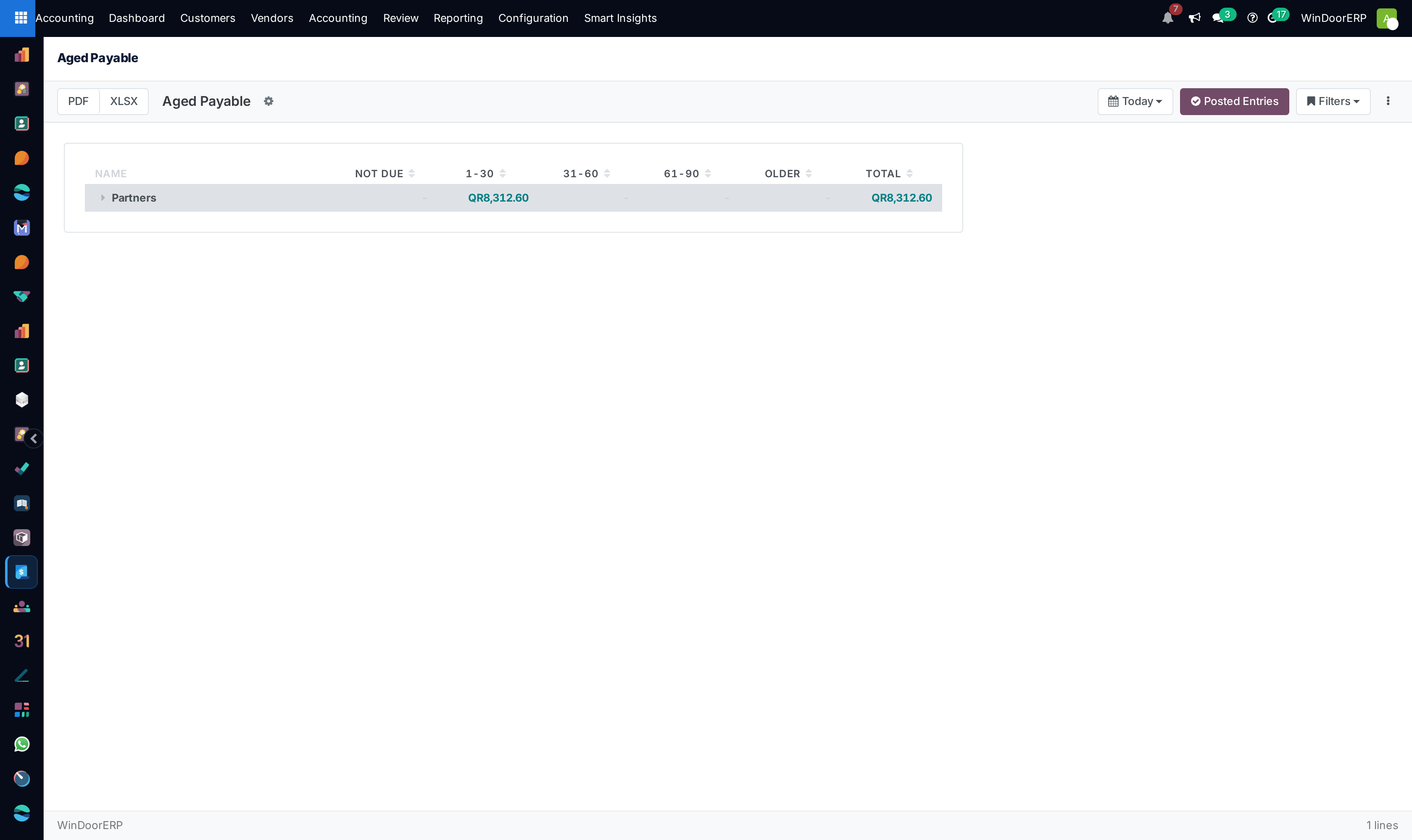
Review Partner Reports › Partner Ledger, Aged Receivable, and Aged Payable.
-
03
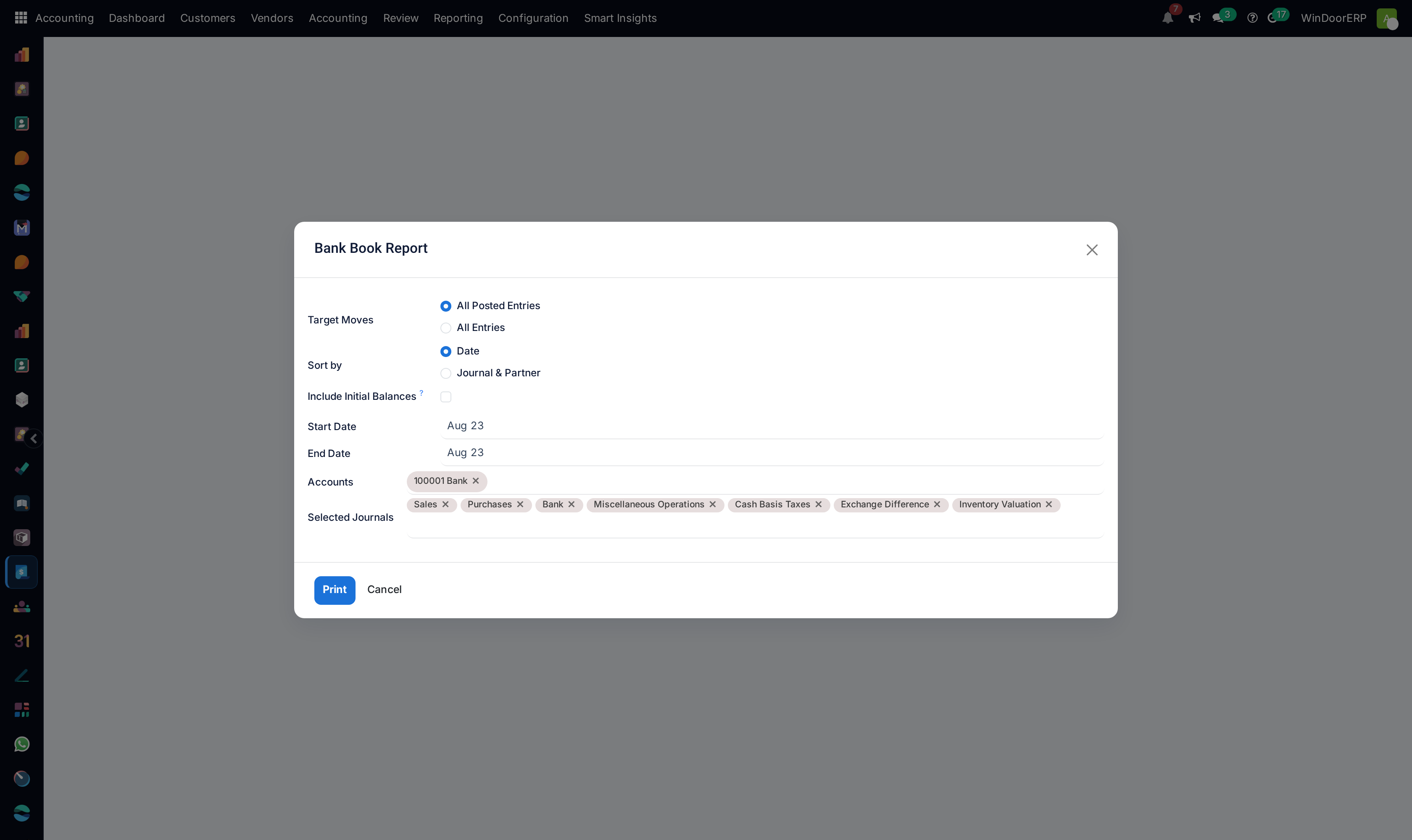
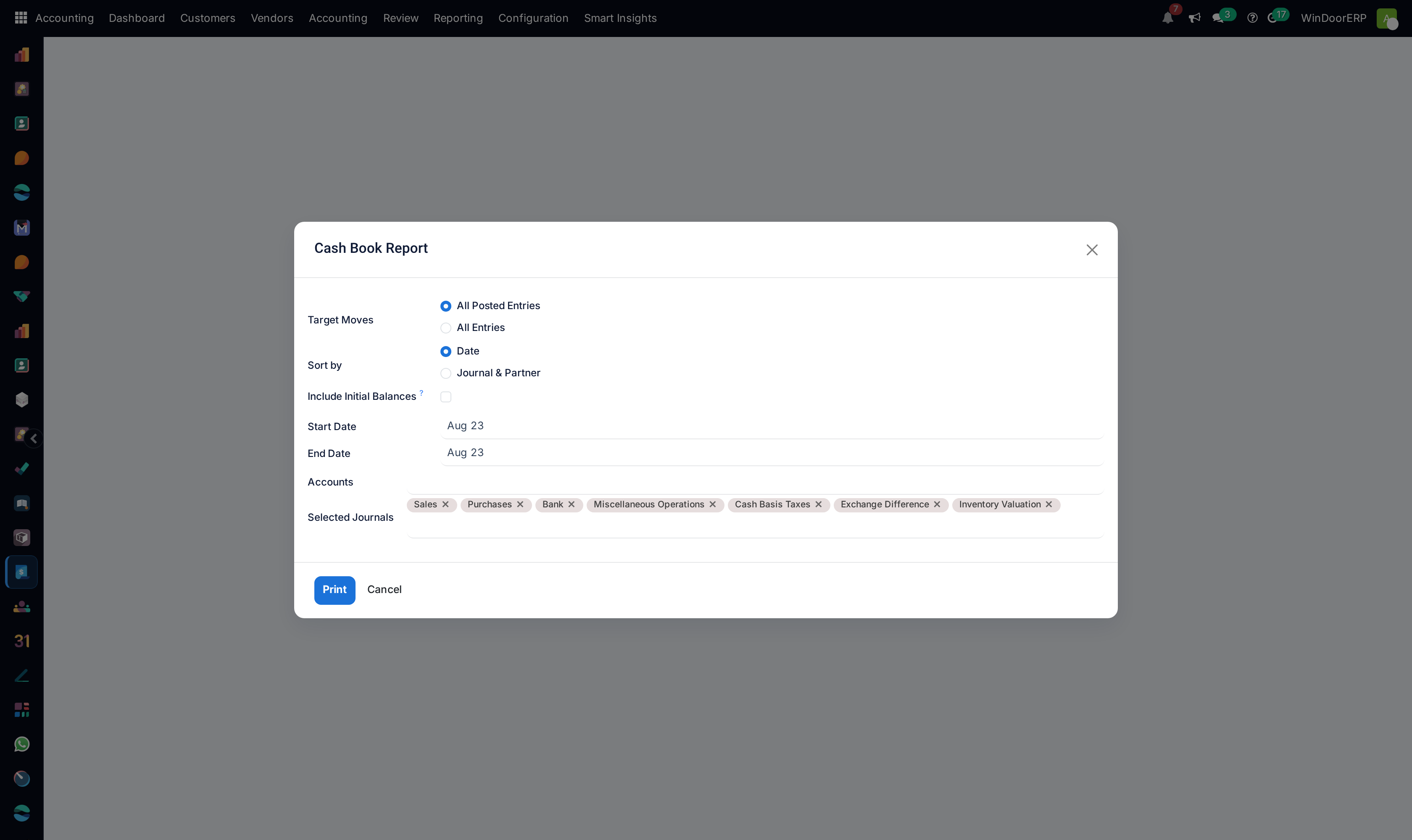
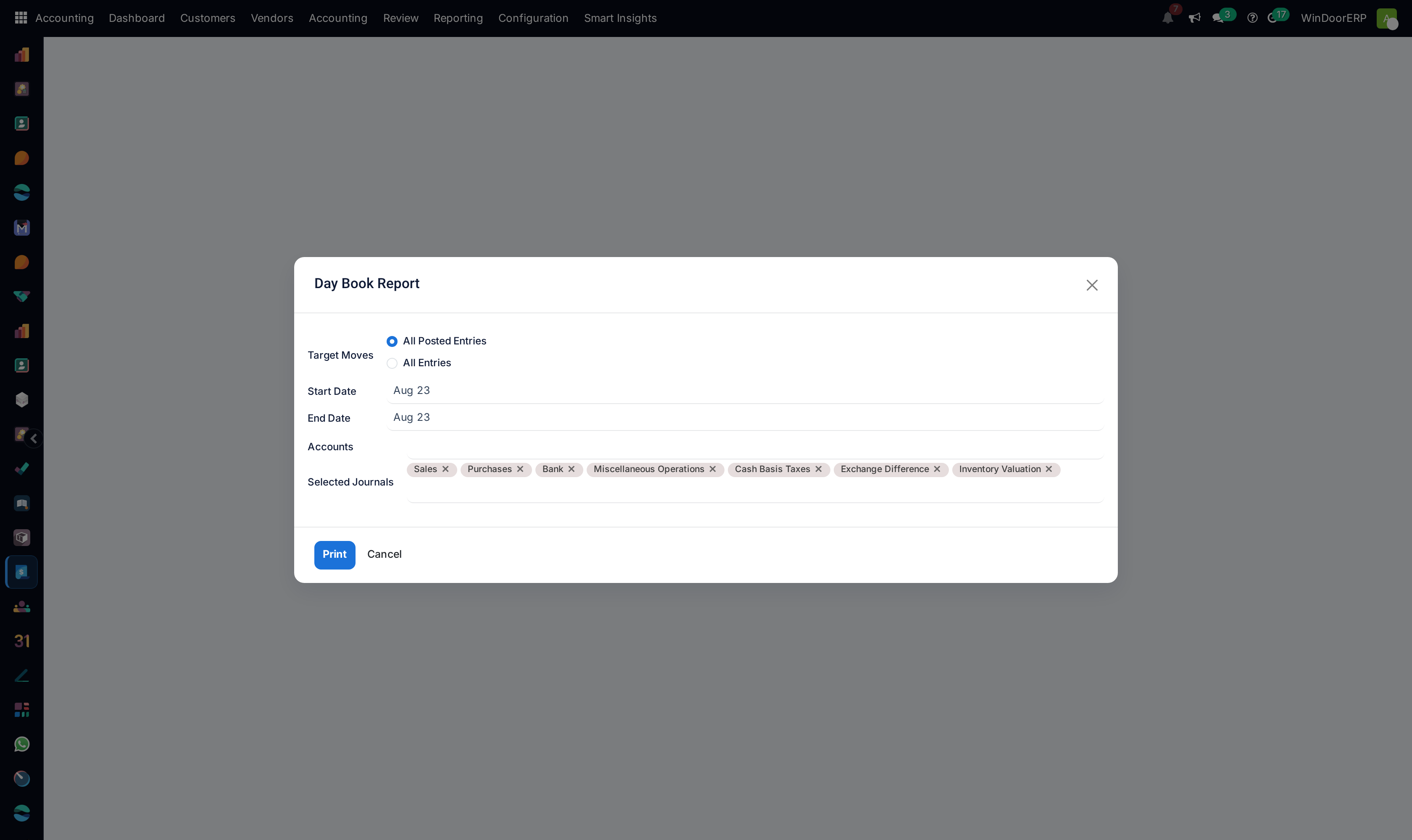
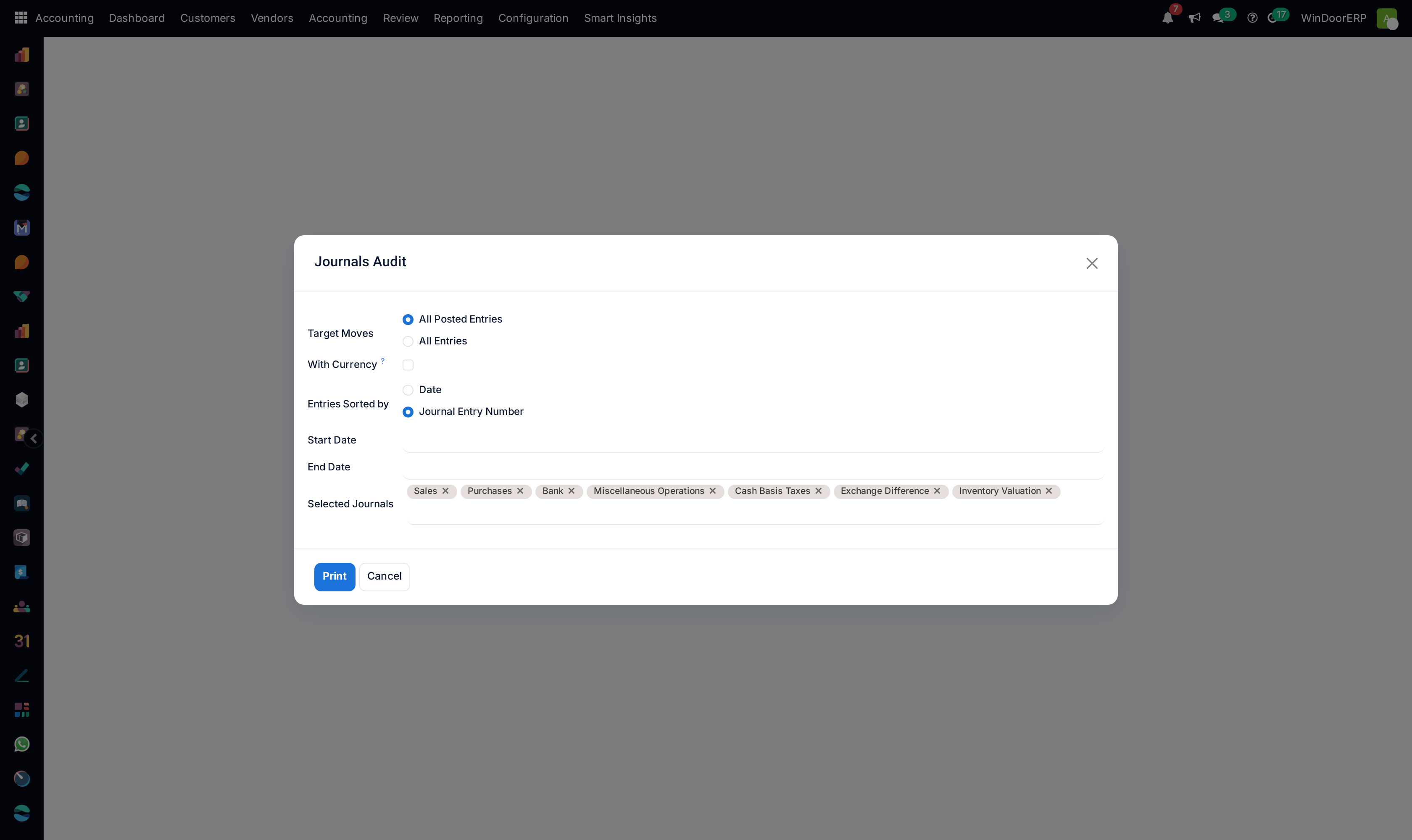
Inspect daily journals under Daily Reports (Bank Book, Cash Book, Day Book).
-
04
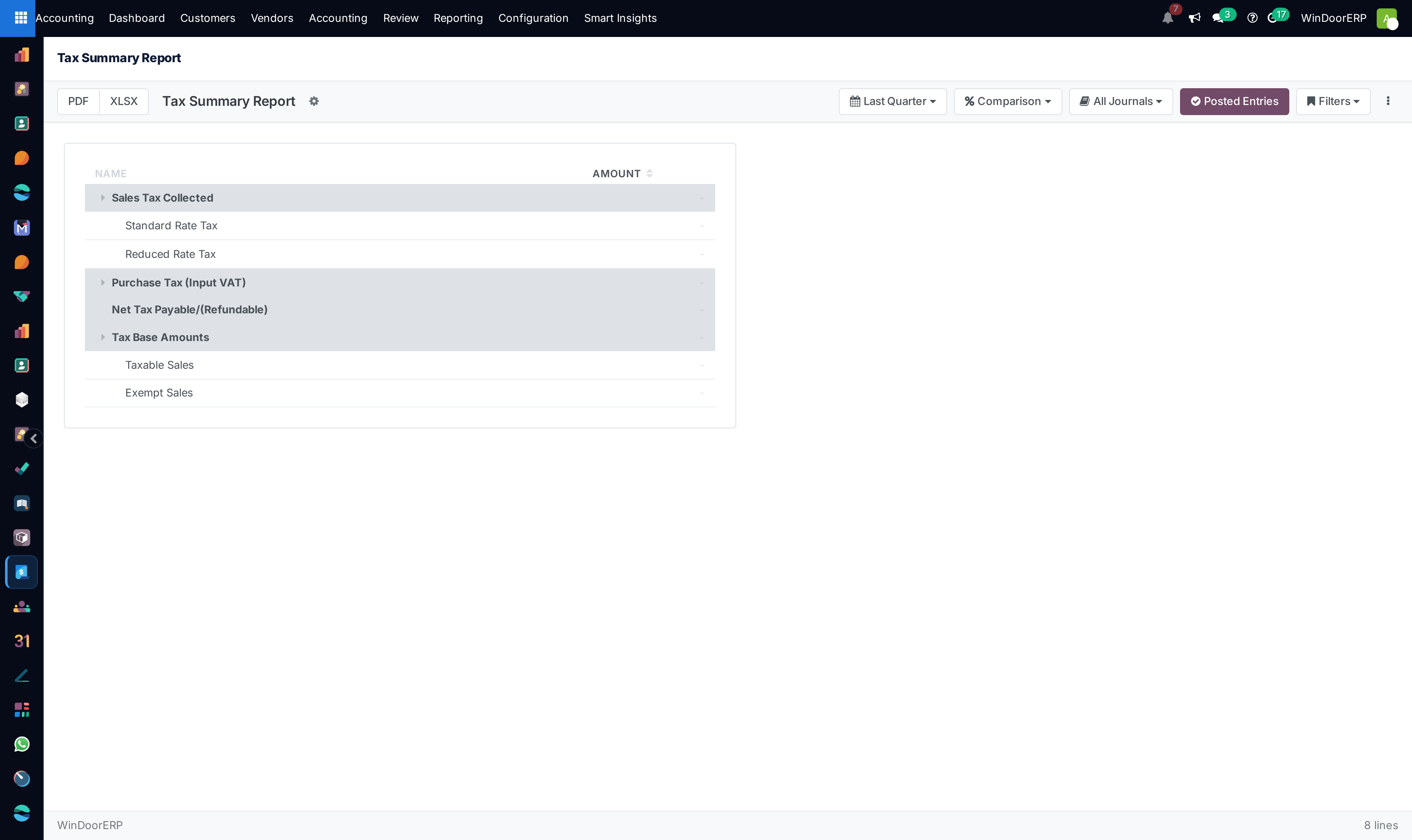
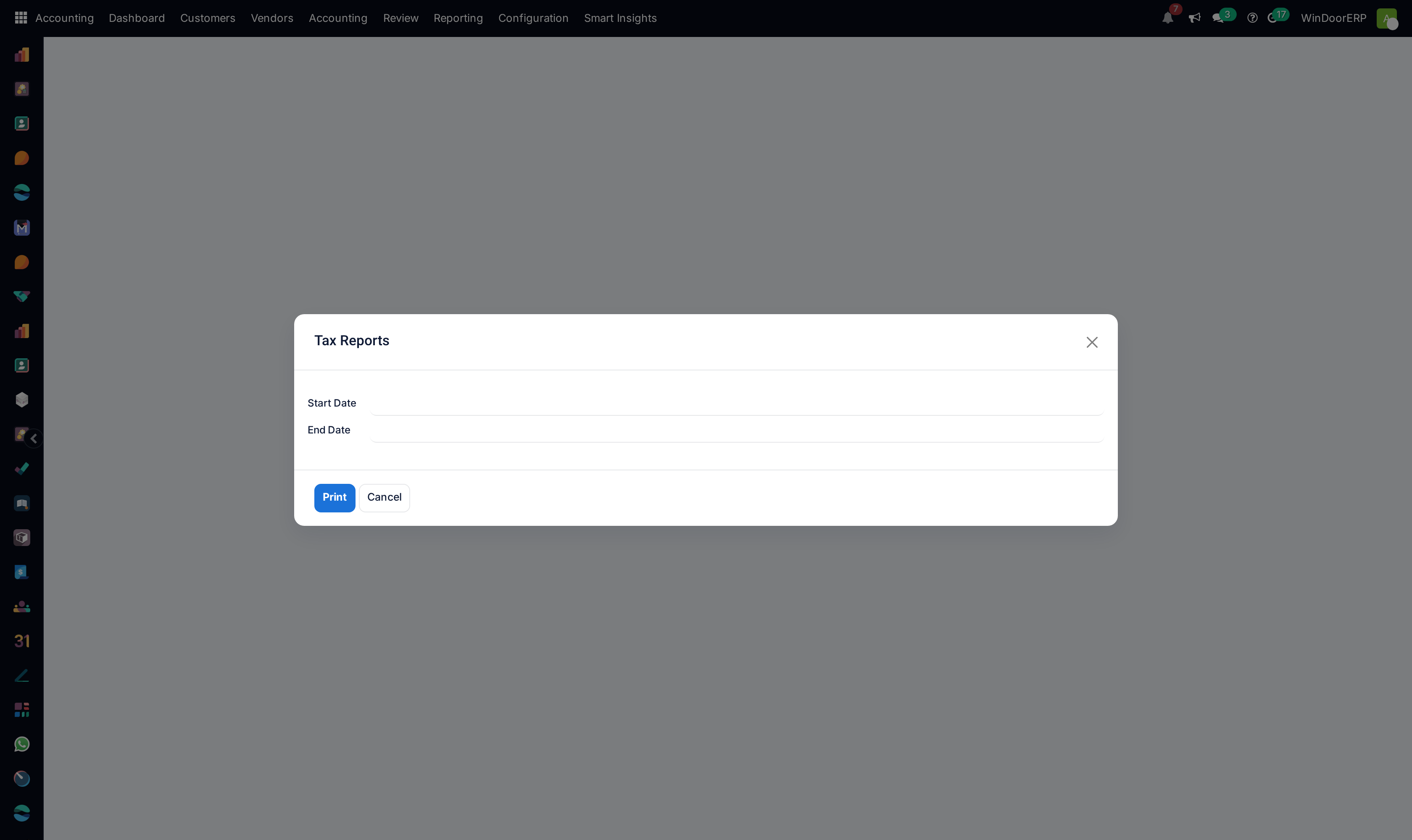
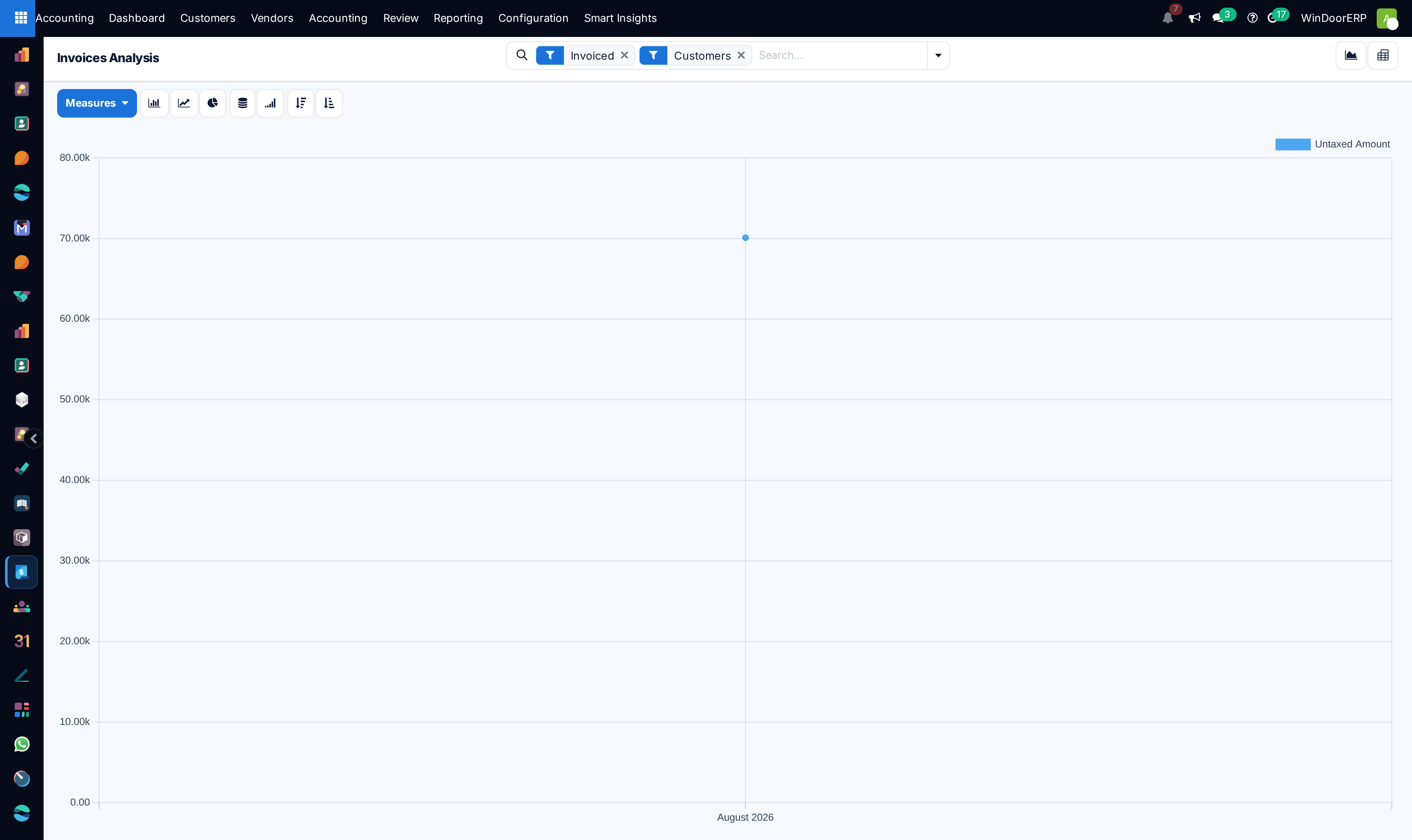
Navigate to Tax and Compliance › VAT Return to review Output VAT (Sales) versus Input VAT (Purchases).
-
05
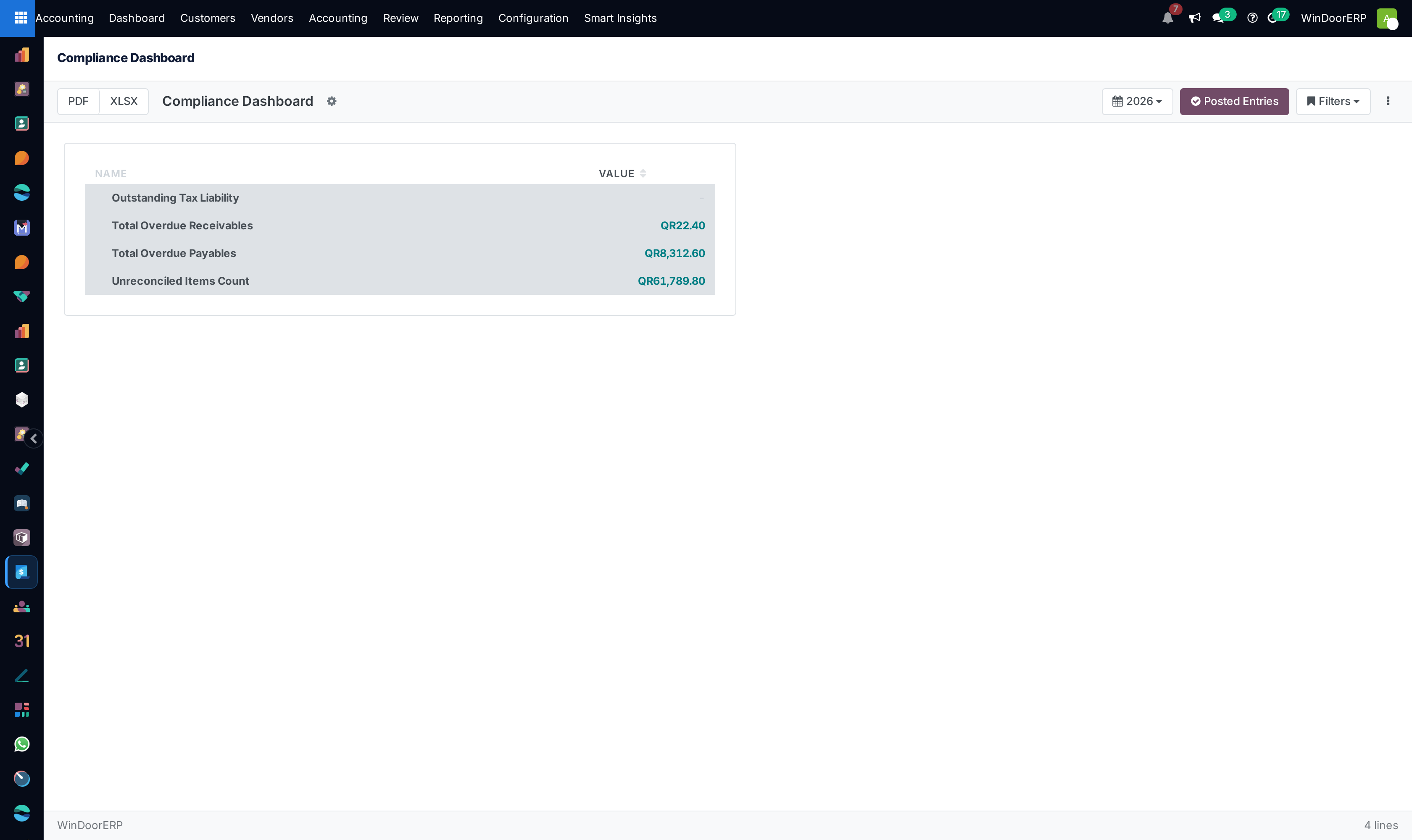
Open Compliance Dashboard to certify ZATCA e-invoicing compliance metrics before submitting tax returns.
Common mistakes
- Claiming input tax deductions on supplier bills that lack certified QR codes.
- Failing to reconcile bank books daily against actual physical bank statements.
Was this article helpful?
Thanks — your feedback helps.
Running a window or door factory?
Ask for a demo