Process Orders to Invoice, milestone progress billings, and downpayment deductions
What this does
Manages progressive contract invoicing across construction milestones (e.g. 50% Downpayment on contract signing, 40% on factory fabrication & site delivery, 10% on final handover inspection).
Before you start
- Billing or Accounting access.
Steps
Important
Progressive invoicing guarantees that downpayments are proportionally amortized on each milestone delivery invoice.
-
01
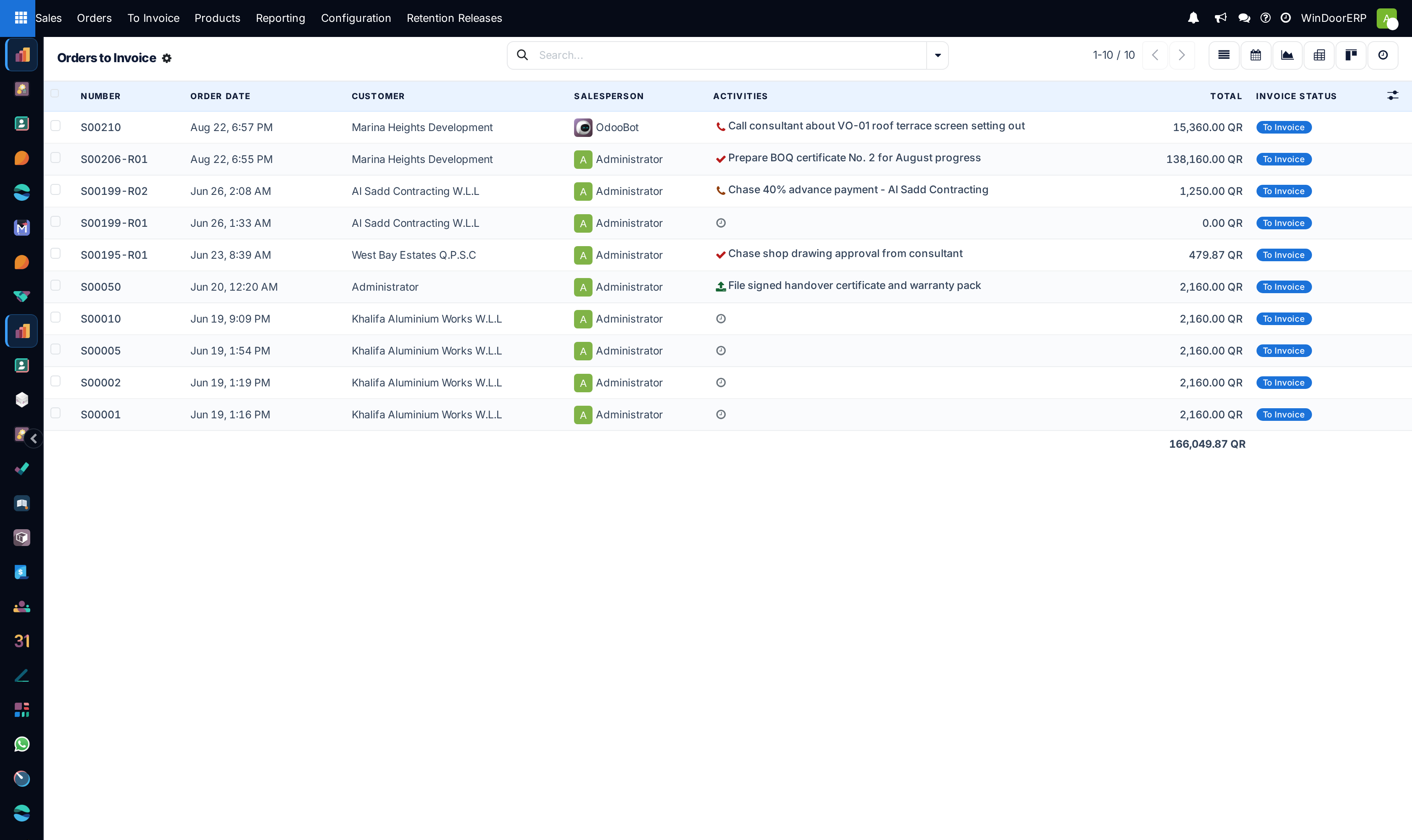
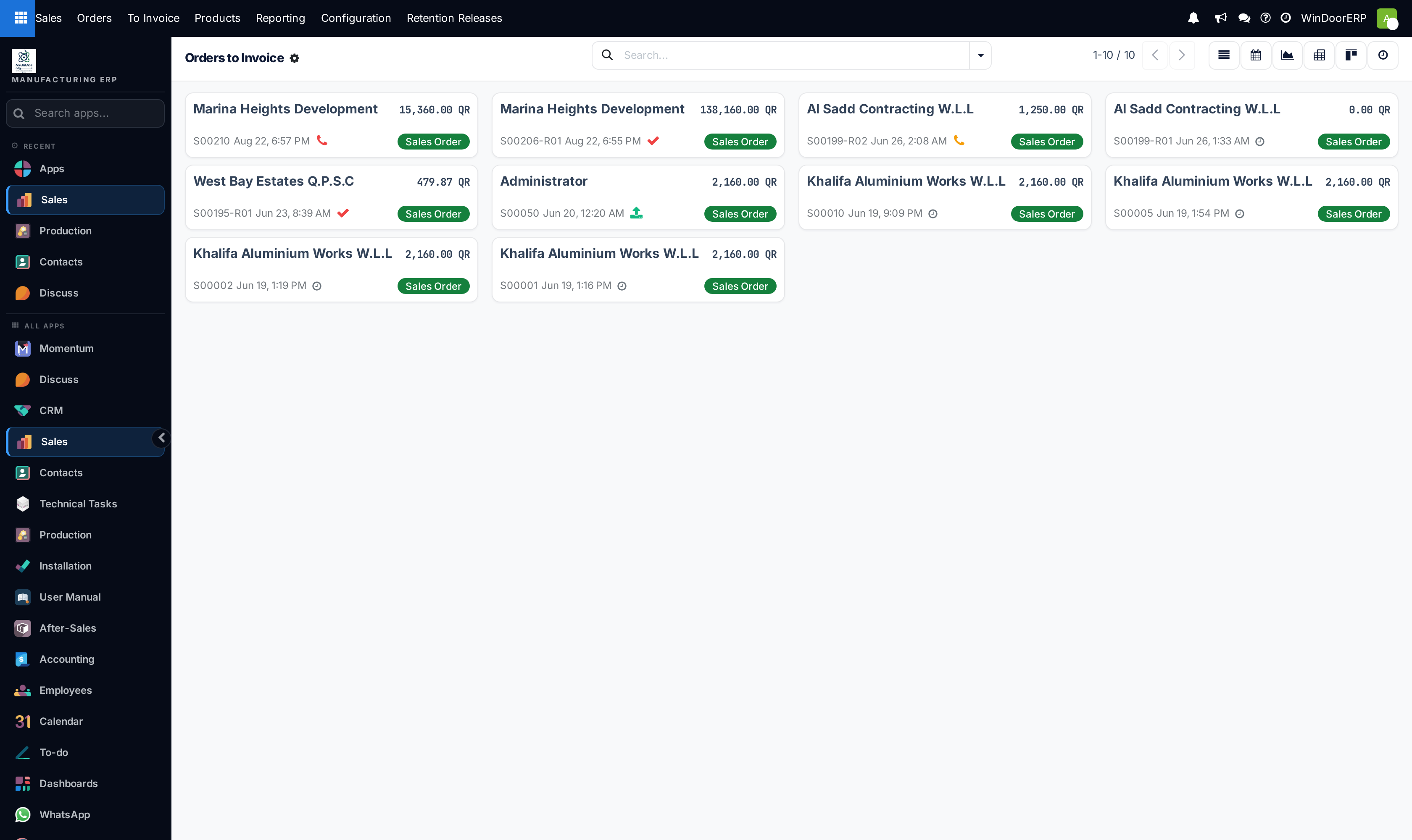
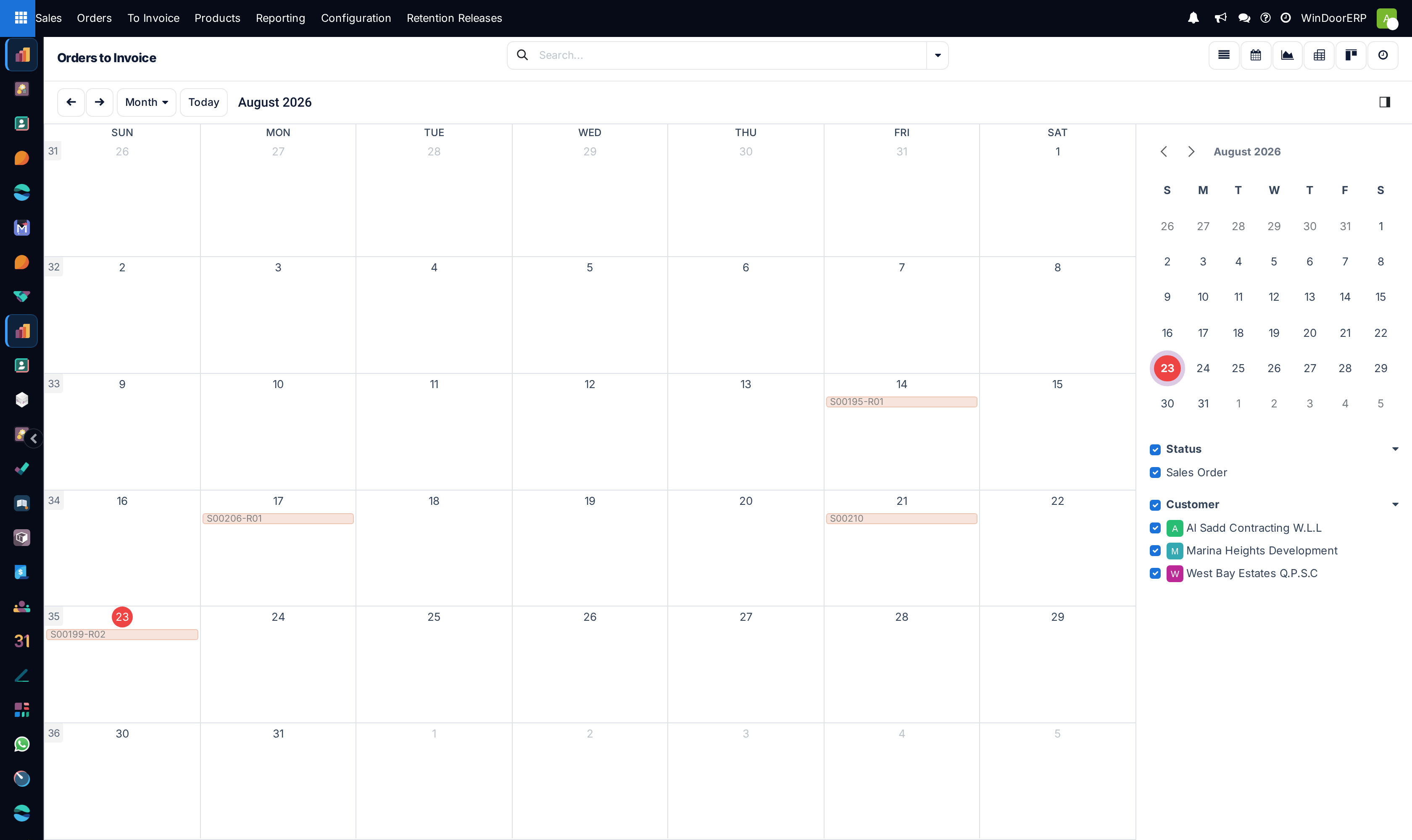
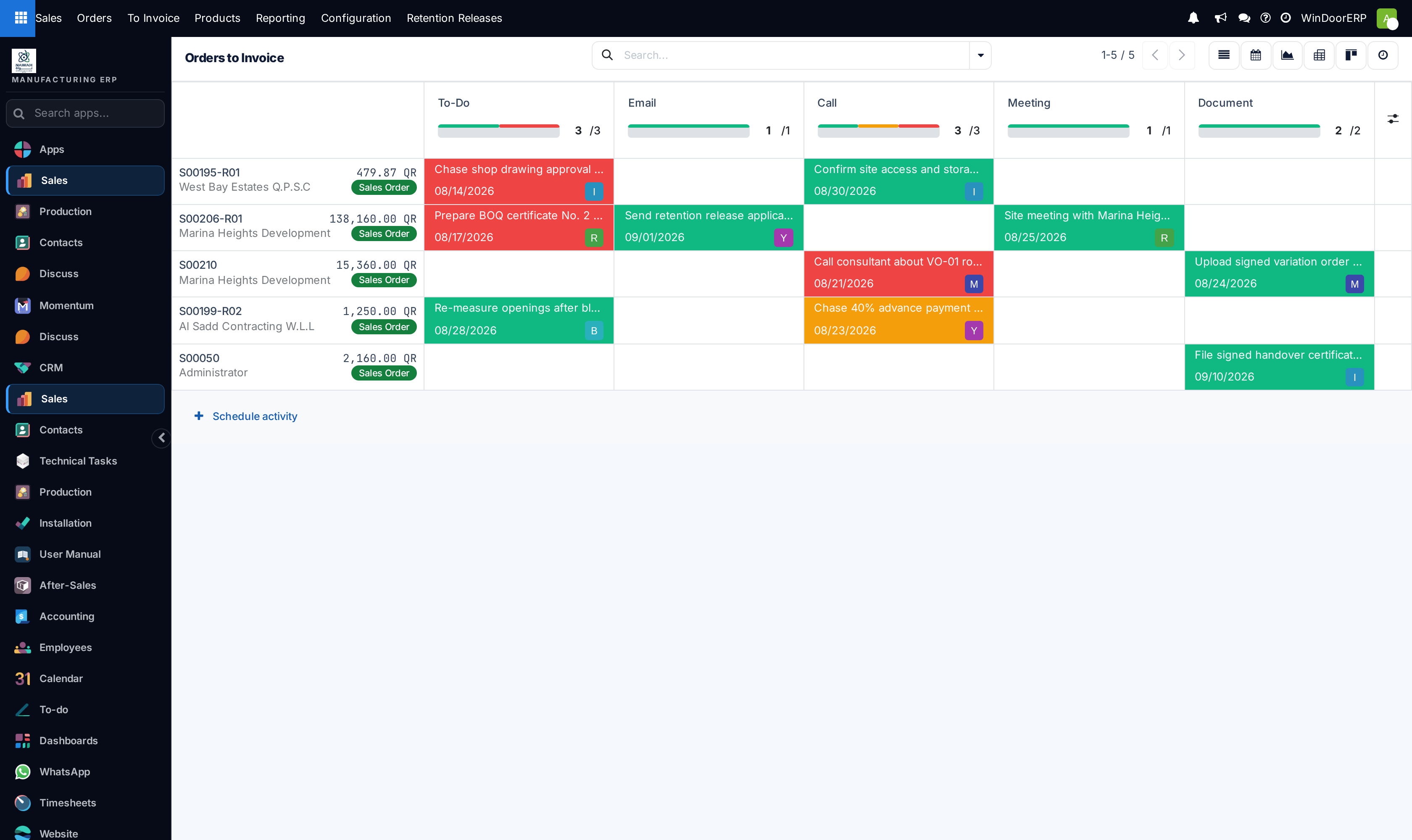
Open Sales › To Invoice › Orders to Invoice to view contracts with deliverable milestones.
-
02
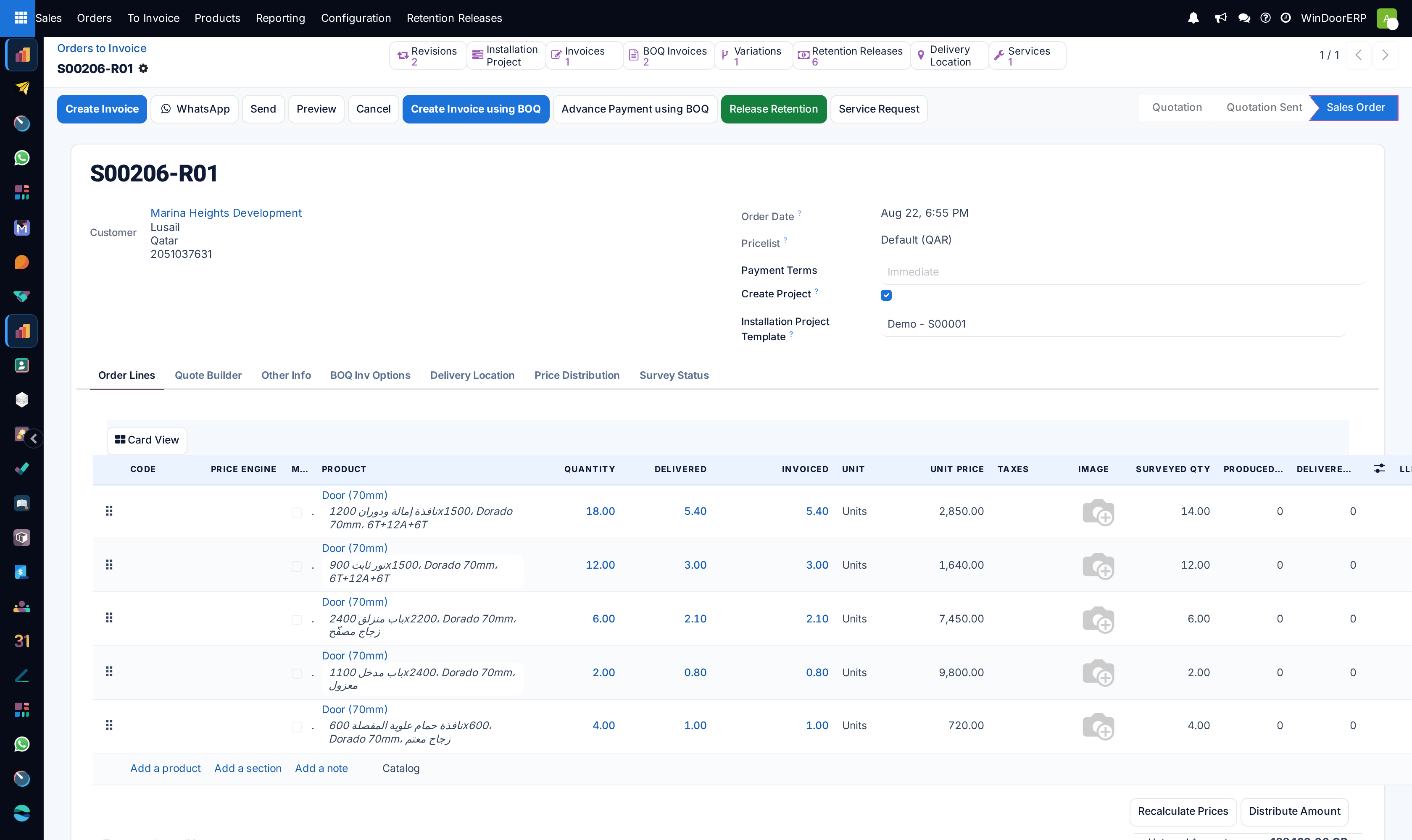
Open the Sales Order and click Create Invoice.
-
03
Select the billing option: Regular Invoice (for delivered goods), Down payment (percentage) (e.g. 50%), or Down payment (fixed amount).
-
04
The system automatically issues the ZATCA Phase 2 compliant electronic tax invoice with QR code and applies previous advance payment deductions.
-
05
Confirm the invoice to post financial journal entries in the General Ledger.
Common mistakes
- Invoicing 100% of contract value before on-site installation and snagging approvals.
- Forgetting to deduct advance downpayments from intermediate progress invoices.
Was this article helpful?
Thanks — your feedback helps.
Running a window or door factory?
Ask for a demo