Process service tickets, diagnose defect root causes, and schedule technician visits
What this does
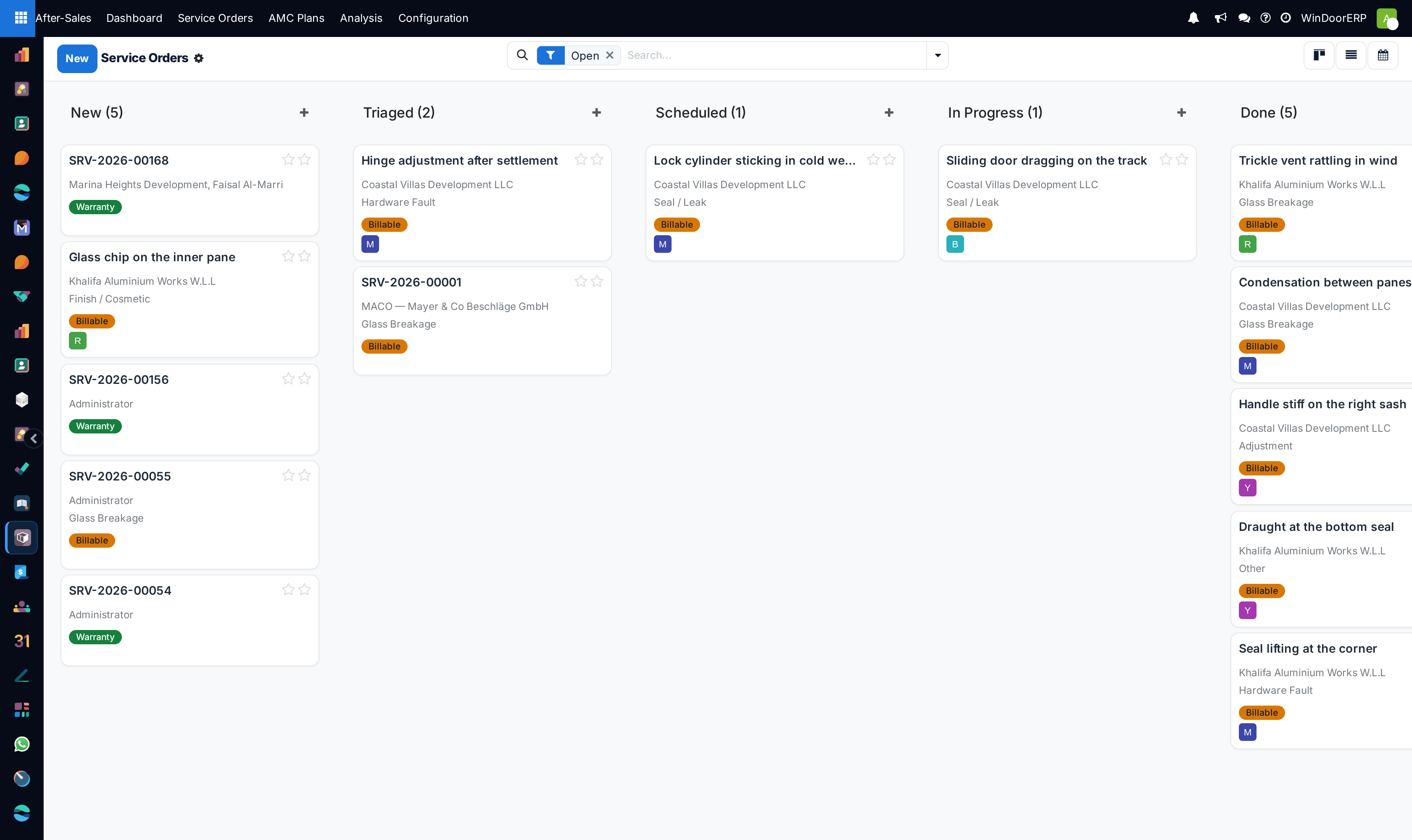
Manages customer service requests from intake to resolution, identifying whether repairs are covered under warranty or chargeable, and dispatching technicians.
Before you start
- Customer profile and installed item serial number verified.
Steps
Important
Always reference the original manufacturing serial passport when ordering replacement double-glazed units to ensure exact glass tint and spacer thickness matching.
-
01
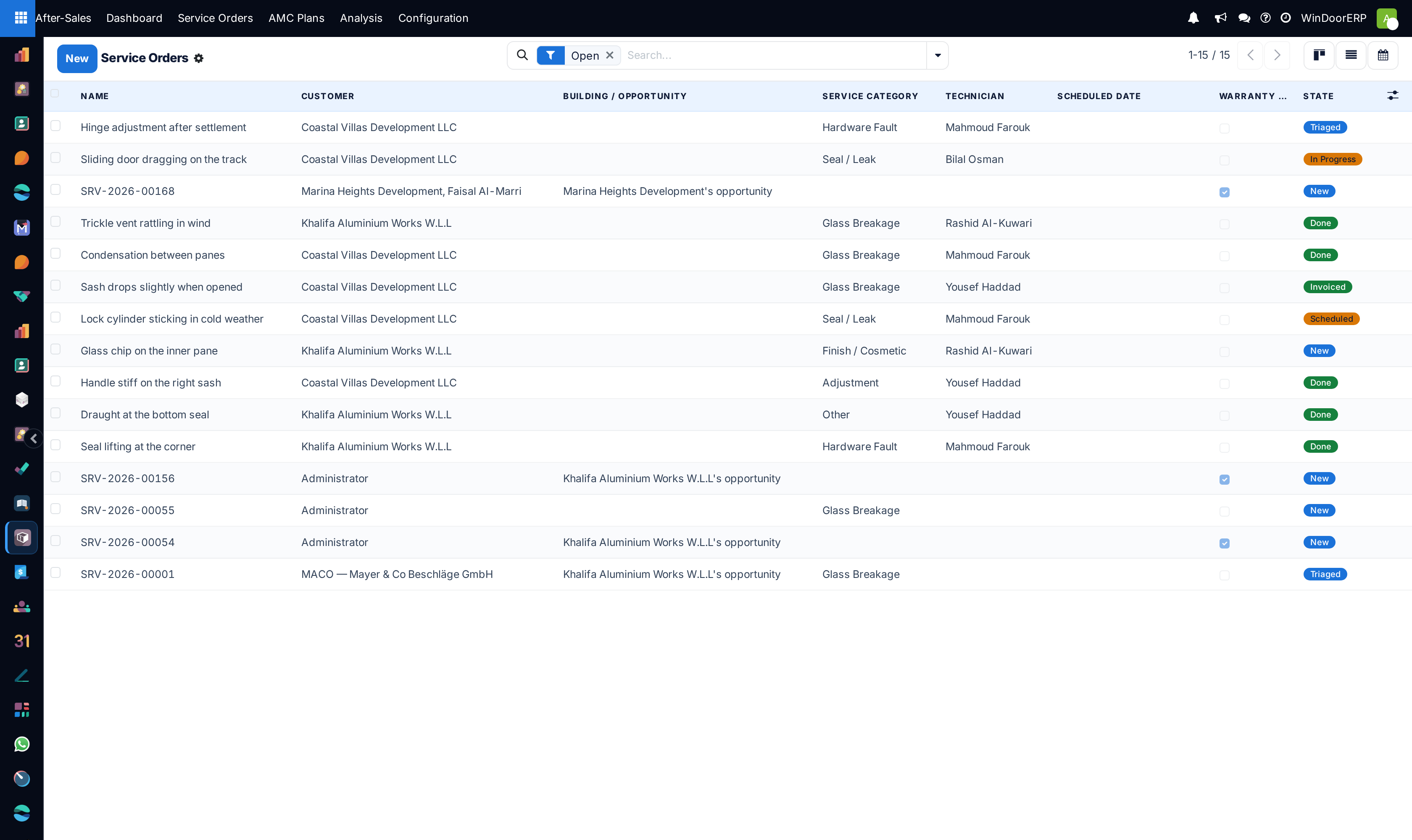
Navigate to After-Sales › Service Orders and click New.
-
02
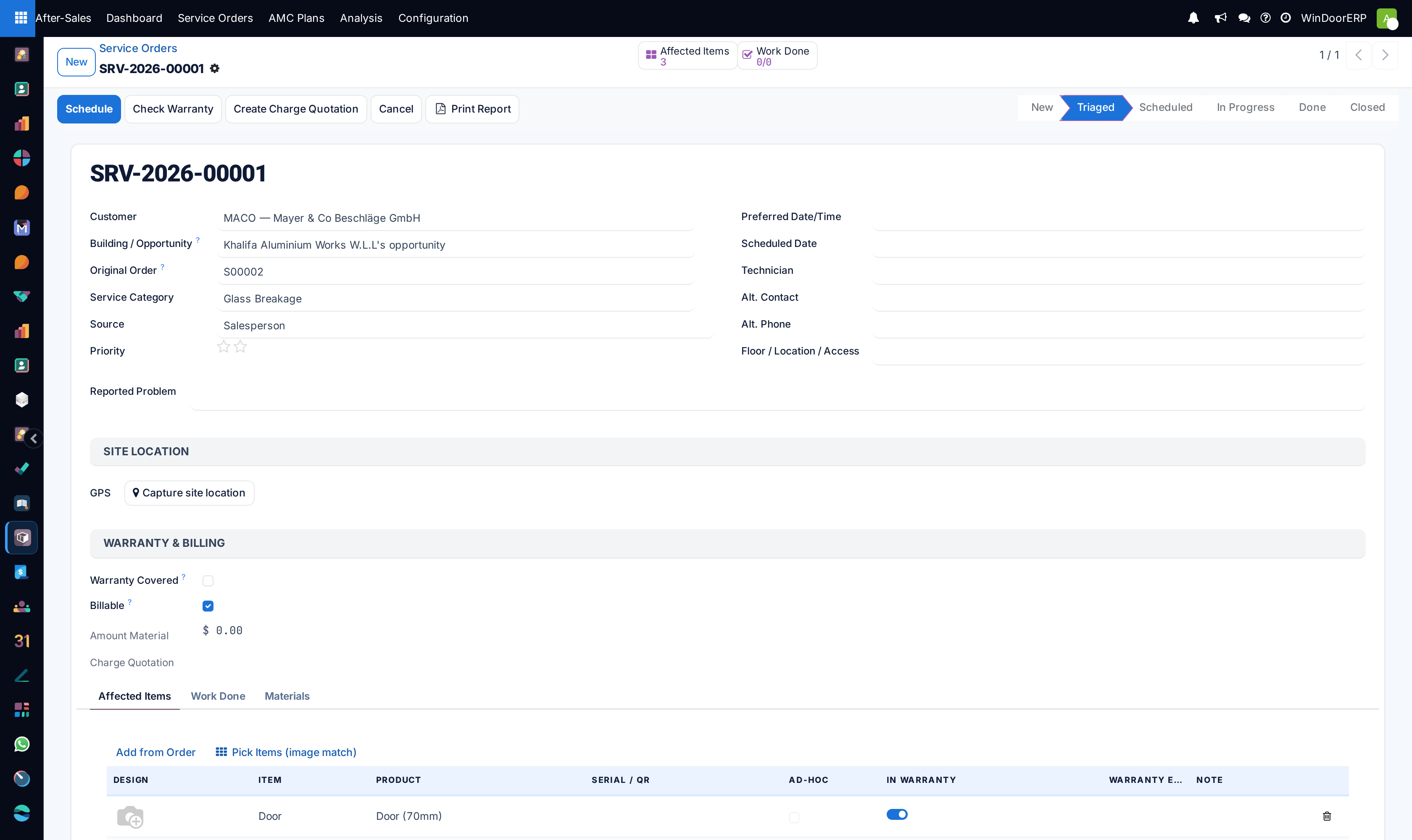
Select the Customer, Installation Item Serial Number, and Service Category (e.g. Adjustment & Lubrication, Gasket Replacement).
-
03
Review warranty validity flags; if expired, select chargeable billing rates.
-
04
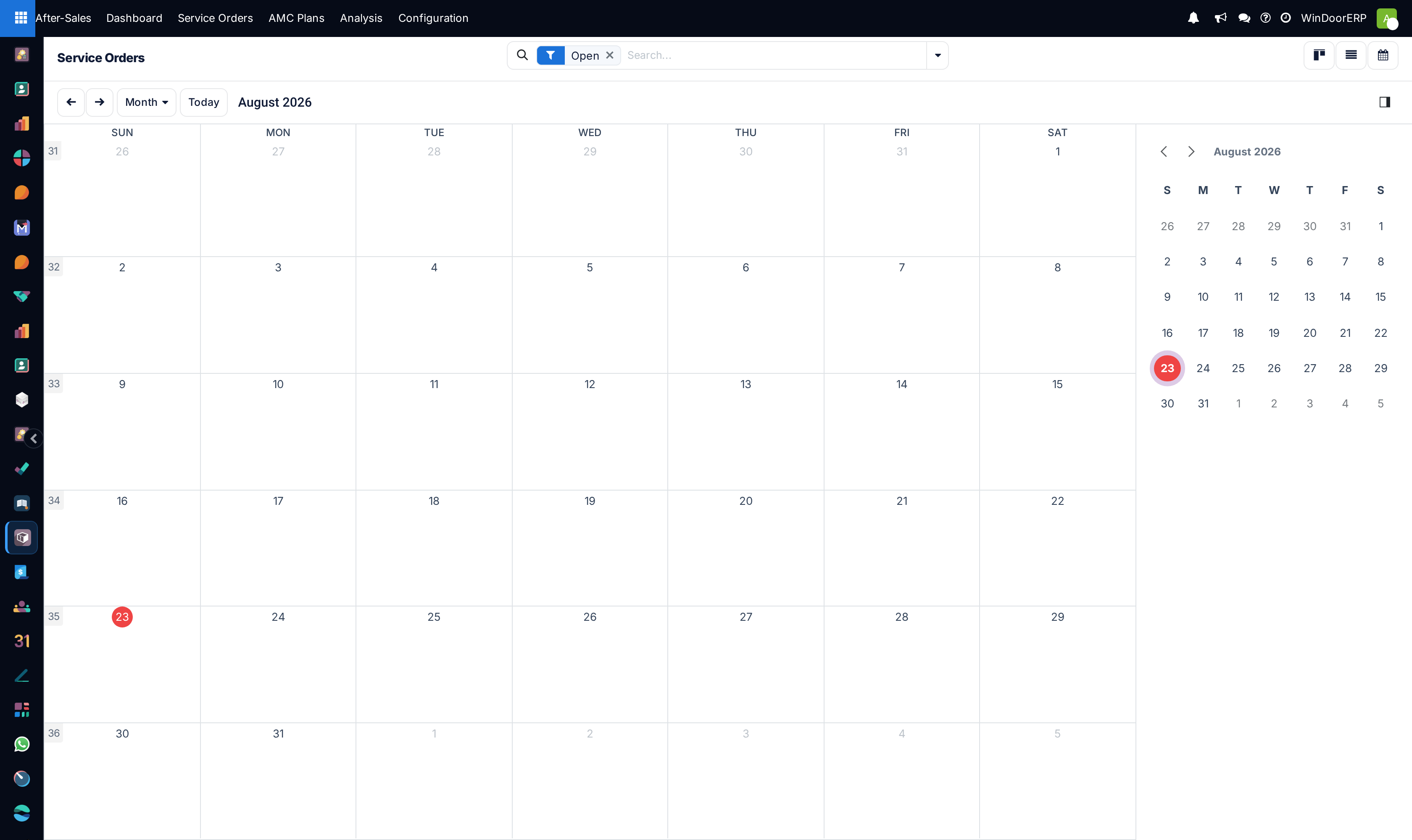
Use the Calendar view to schedule the technician visit date and time slot.
-
05
Upon completion on site, record replaced parts and capture client digital sign-off.
Common mistakes
- Dispatching technicians without required replacement handles, rollers, or weatherstrips in the service van.
- Failing to invoice billable out-of-warranty service parts.
Was this article helpful?
Thanks — your feedback helps.
Running a window or door factory?
Ask for a demo