Set up a warehouse
What this does
Creates a second (or third) physical site — a branch store, a fabrication shop, a site container — so stock can be held and moved between them.
Before you start
- Every database starts with one warehouse at the company's own address. Edit it rather than making a duplicate.
- The multi-step and resupply options only appear once Multi-Step Routes is enabled in Inventory › Configuration › Settings.
Steps
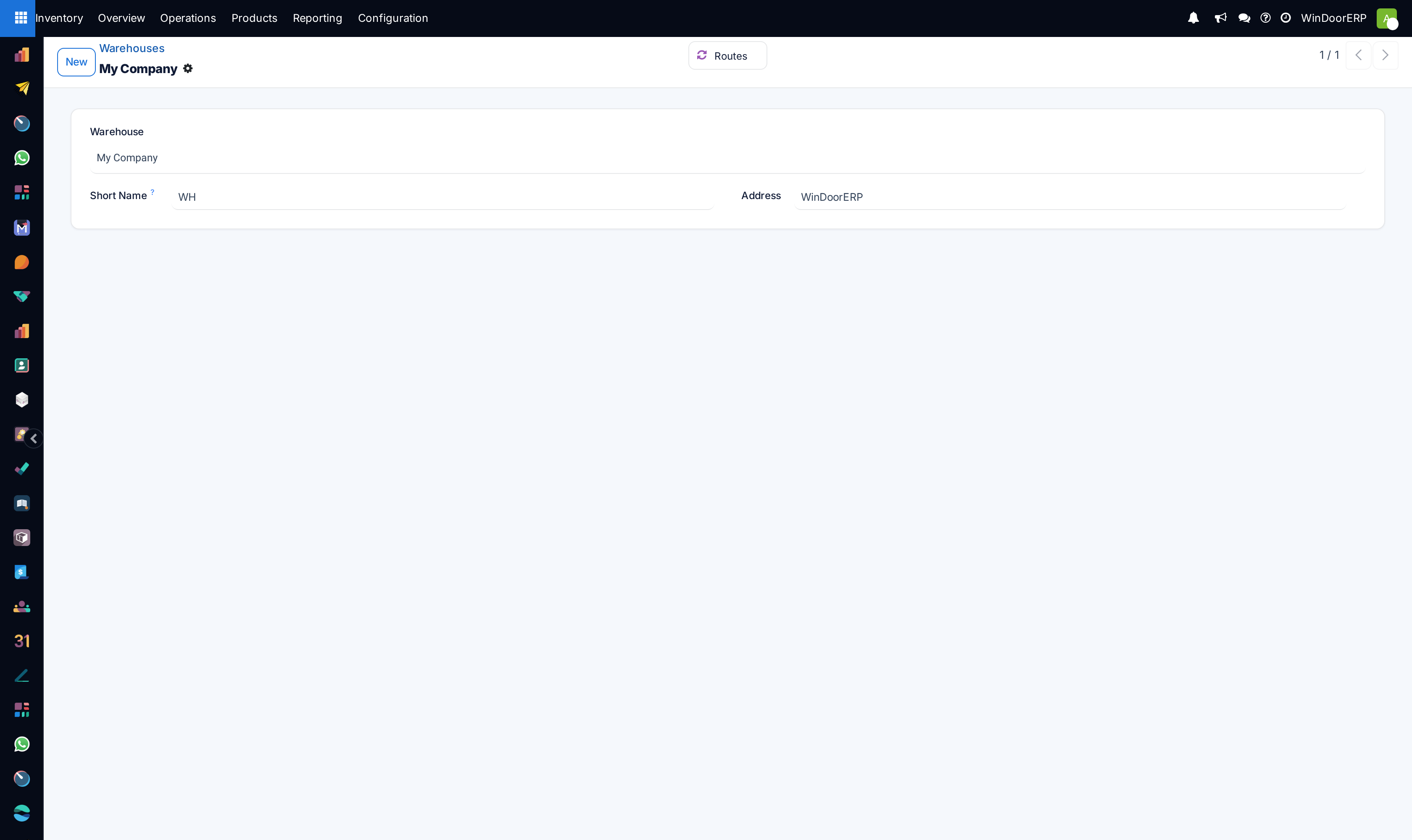
In the WindoorERP Inventory app, a warehouse is a physical space with an address for storing items, such as a storage facility, distribution center, or physical store.
Each database has a pre-configured warehouse with the company's address. Users can set up multiple warehouses, and create stock moves between them.
-
01
Go to Inventory › Configuration › Warehouses and click New.
-
02
Enter the Warehouse name and its Address.
-
03
Give it a Short Name of up to five characters — it is printed on every transfer document, so make it readable:
WHDOH,WHFAB. -
04
Set the Company that owns it.
-
05
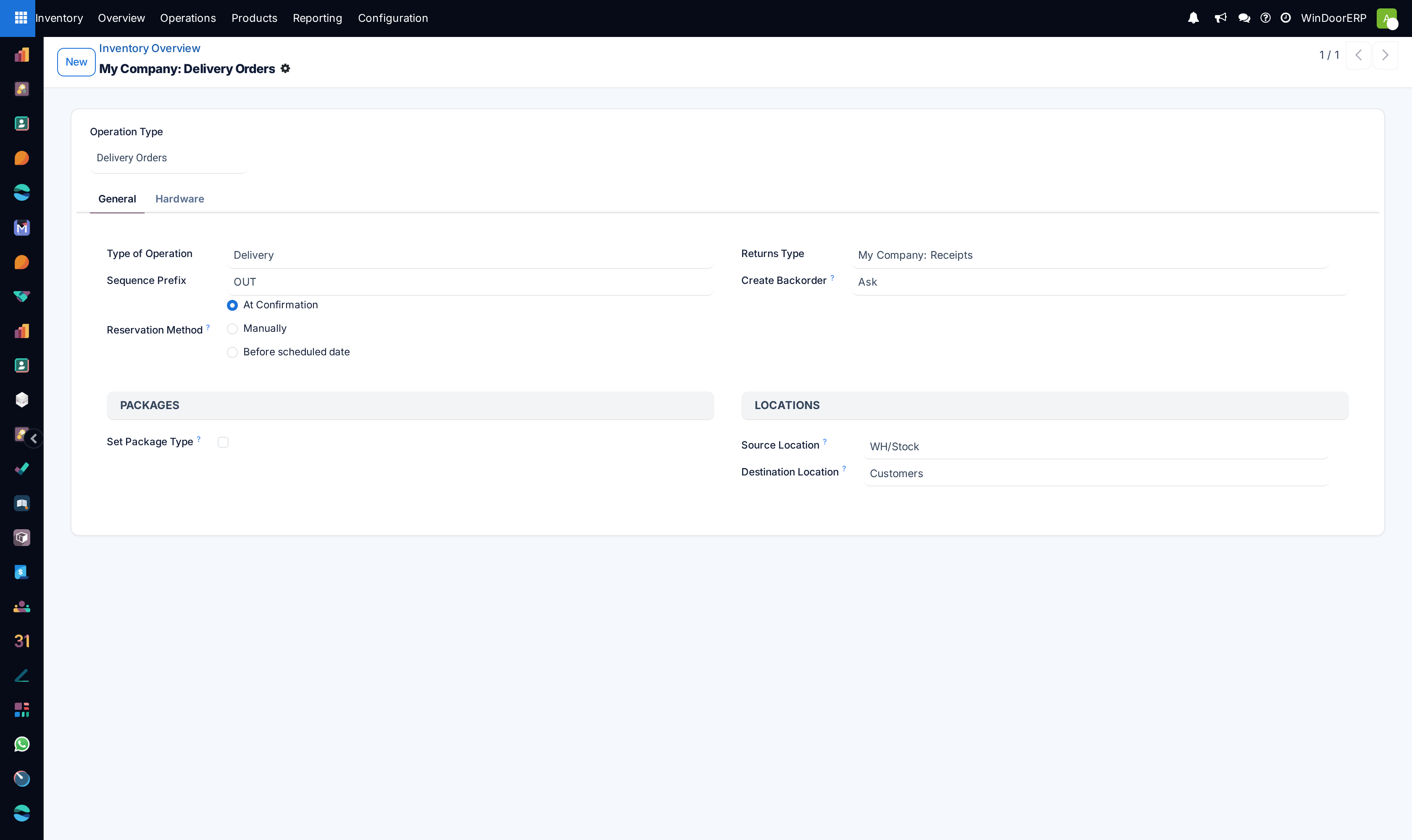
Choose how goods arrive and leave: Incoming Shipments and Outgoing Shipments in one, two or three steps.
-
06
Tick Manufacture to Resupply if fabrication happens here, and Buy to Resupply if purchases are delivered here.
-
07
Use Resupply From to say which other warehouse feeds this one.
-
08
Save.
Configuration
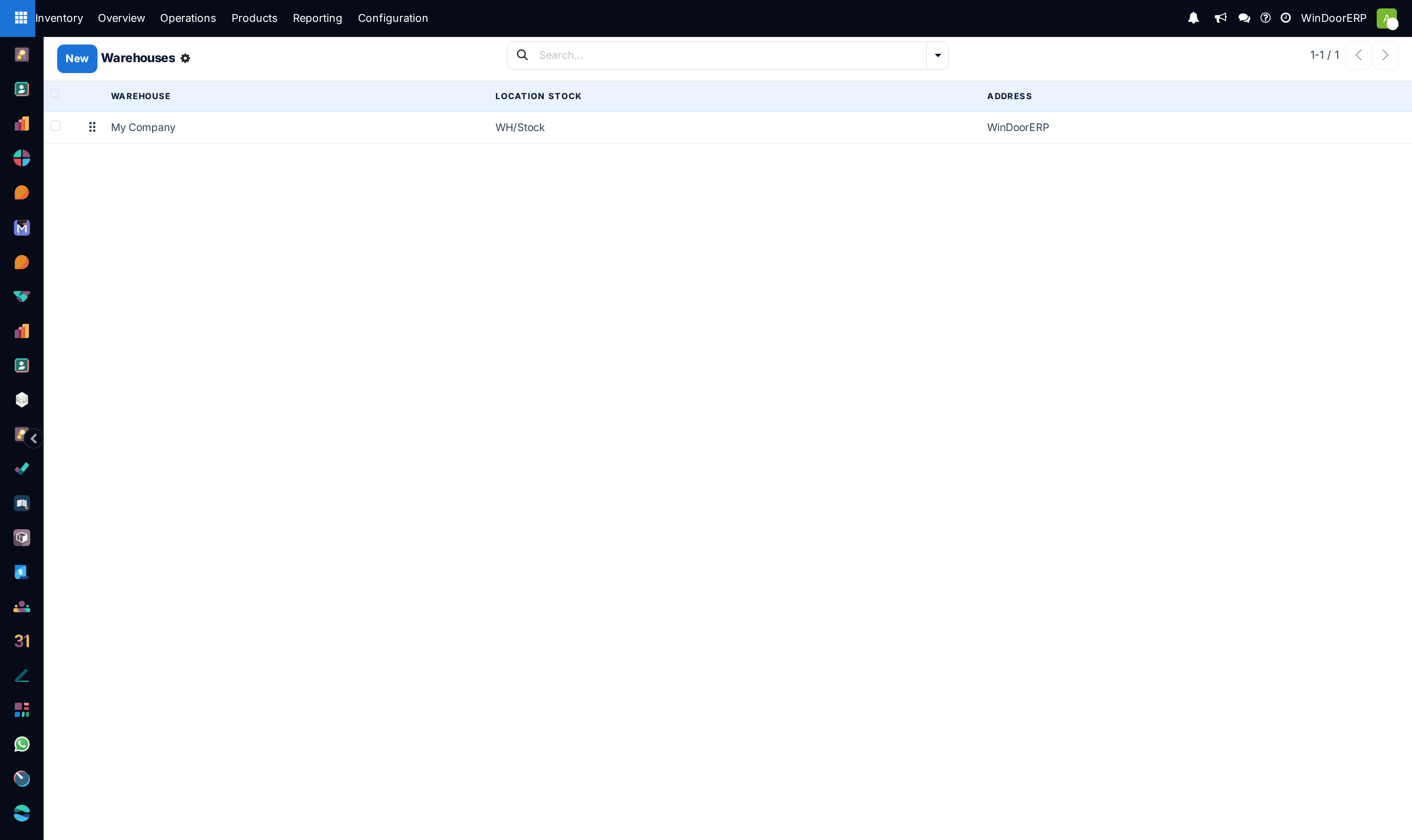
To create or manage warehouses, go to Inventory app › Configuration › Warehouses.
Then, select an existing warehouse, or create a new one by clicking New. Doing so opens the warehouse form, which contains the following fields:
- Warehouse (required field): the full name of the warehouse.
- Short Name (required field): the abbreviated code for the warehouse (maximum five characters). The short name for the default warehouse in WindoorERP is
WH.Important
The Short Name appears on warehouse documents, so it is recommended to use a memorable one, like "WH[first letters of location]" (e.g.
WHA,WHB, etc.). - Address (required field): the address of the warehouse. To change the warehouse address when creating two or more warehouses, hover over the field, and click the (right arrow).
- Company (required field): the company that owns the warehouse; this can be set as the company that owns the WindoorERP database, or the company of a customer or vendor.
- Intrastat region: region name required for companies in the European Union.
Important
The options below are available only when the Multi-Step Routes feature is enabled in Inventory app › Configuration › Settings.
- Incoming Shipments: select the option to receive products from the warehouse in one, two, or three steps.
- Outgoing Shipments: select the option to deliver products from the warehouse in one, two, or three steps.
- Dropship Subcontractors: available with the Subcontracting feature enabled in Manufacturing app › Configuration › Settings. Tick this checkbox to purchase components from vendors, and dropship them to subcontractors.
- Resupply Subcontractors: available with the Subcontracting feature, tick this checkbox to supply subcontractors with raw materials stored in this specific warehouse.
- Manufacture to Resupply: tick this checkbox to allow for items to be manufactured in this warehouse.
- Manufacture: choose whether to manufacture products in one, two, or three steps.
- Buy to Resupply: tick this checkbox to allow for purchased products to be delivered to the warehouse.
- Resupply From: available with multiple warehouses in the database, select warehouses to pull stock from to fulfill orders.
Common mistakes
- A cryptic short name.
WH2tells a driver nothing. - Creating the warehouse and forgetting to bring its stock in — a new site starts empty until you make an inventory adjustment.
- Switching an active warehouse from one step to three while transfers are in progress.
Was this article helpful?
Thanks — your feedback helps.
Running a window or door factory?
Ask for a demo