Configure partner bank IBAN accounts, financial banks, countries, and federal states
What this does
Configures vendor and subcontractor official bank IBAN records, institutional banking directories, and geographic regional address hierarchies (Countries, Federal States/Provinces, Country Groups).
Before you start
- Verified official bank account details from partner.
Steps
Important
Validating supplier IBAN formatting before executing procurement disbursements prevents costly electronic wire transfer rejections.
-
01
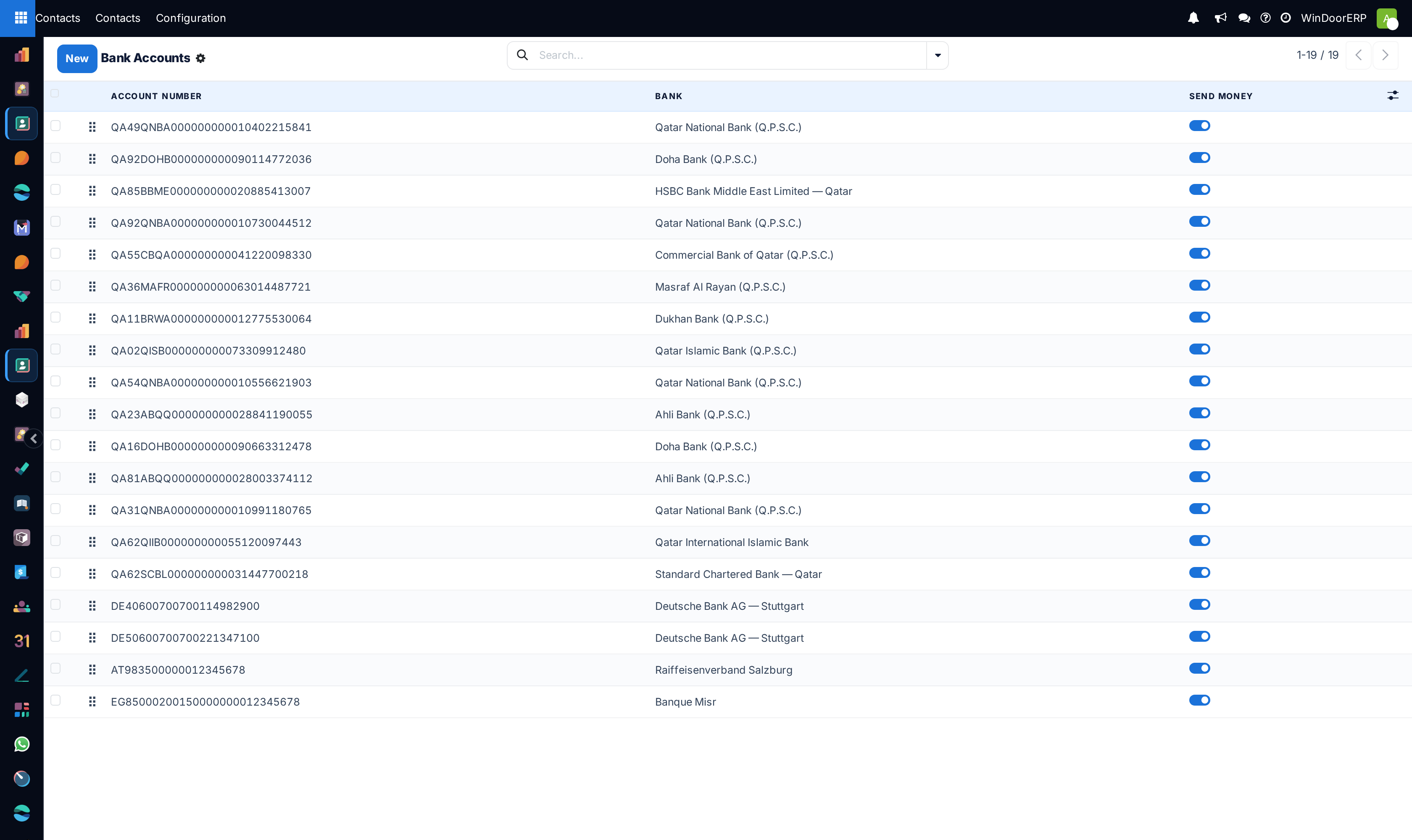
Open Contacts › Configuration › Bank Accounts › Bank Accounts.
-
02
Record the partner IBAN, Account Holder Name, and Bank BIC/SWIFT code.
-
03
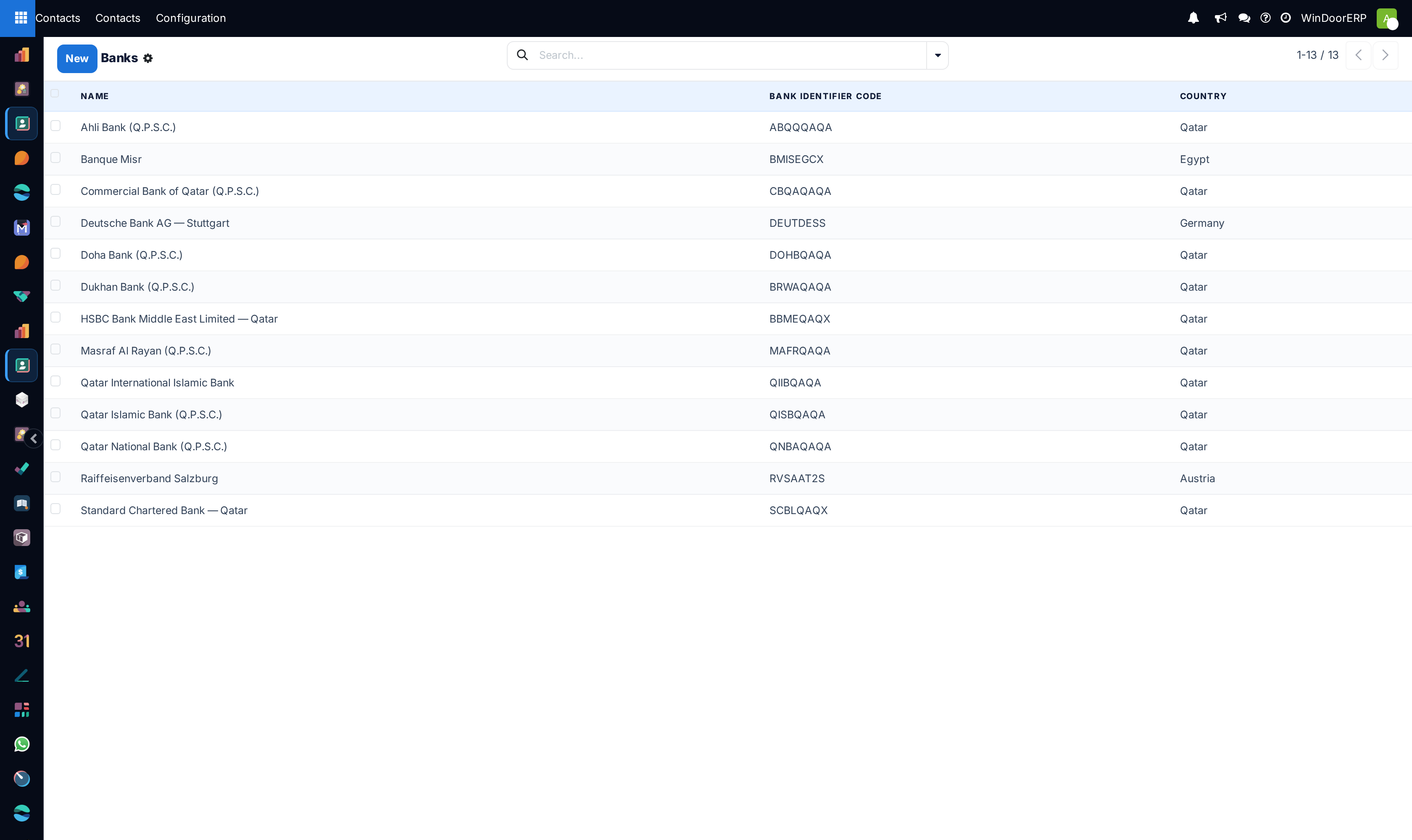
Manage financial institutions under Banks.
-
04
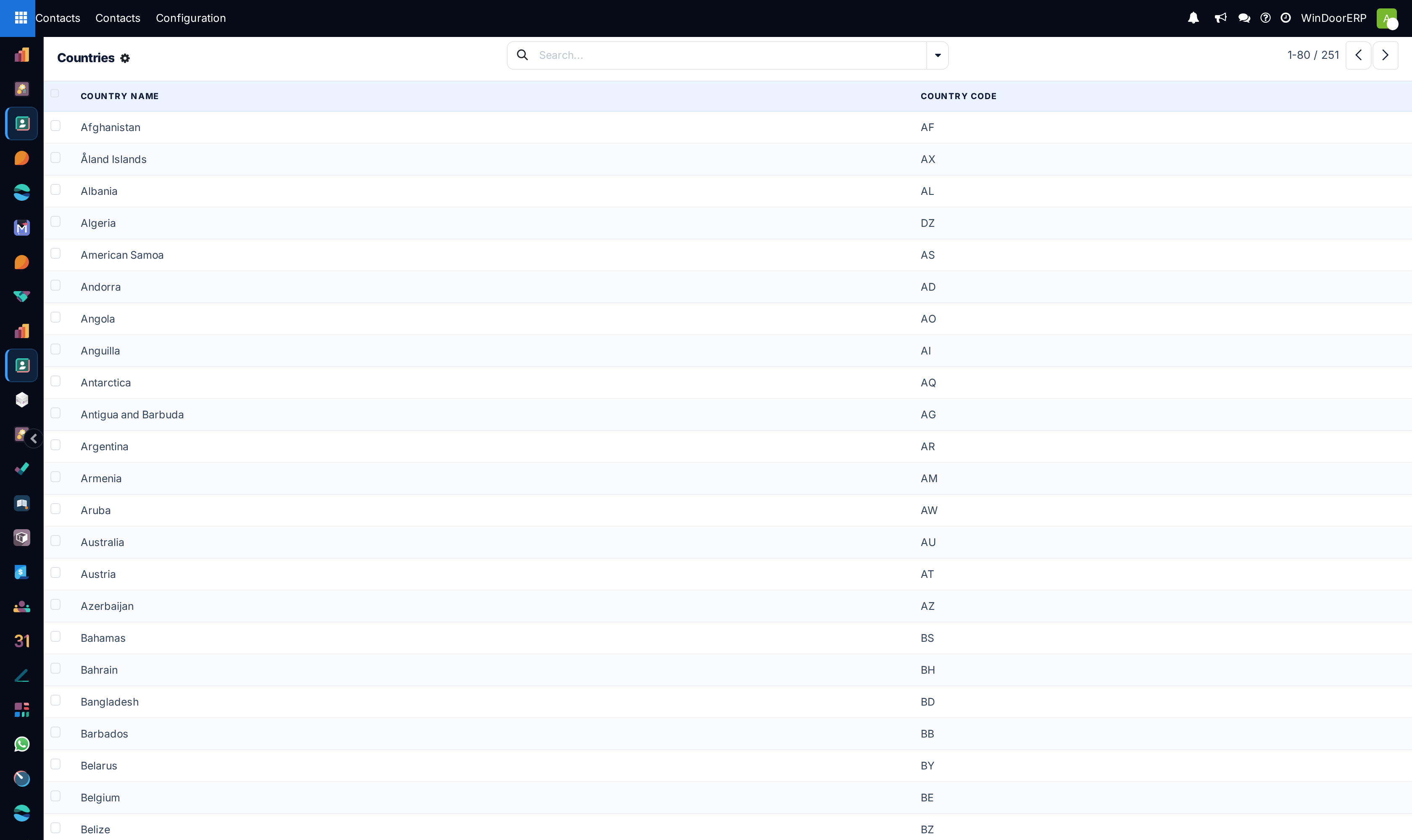
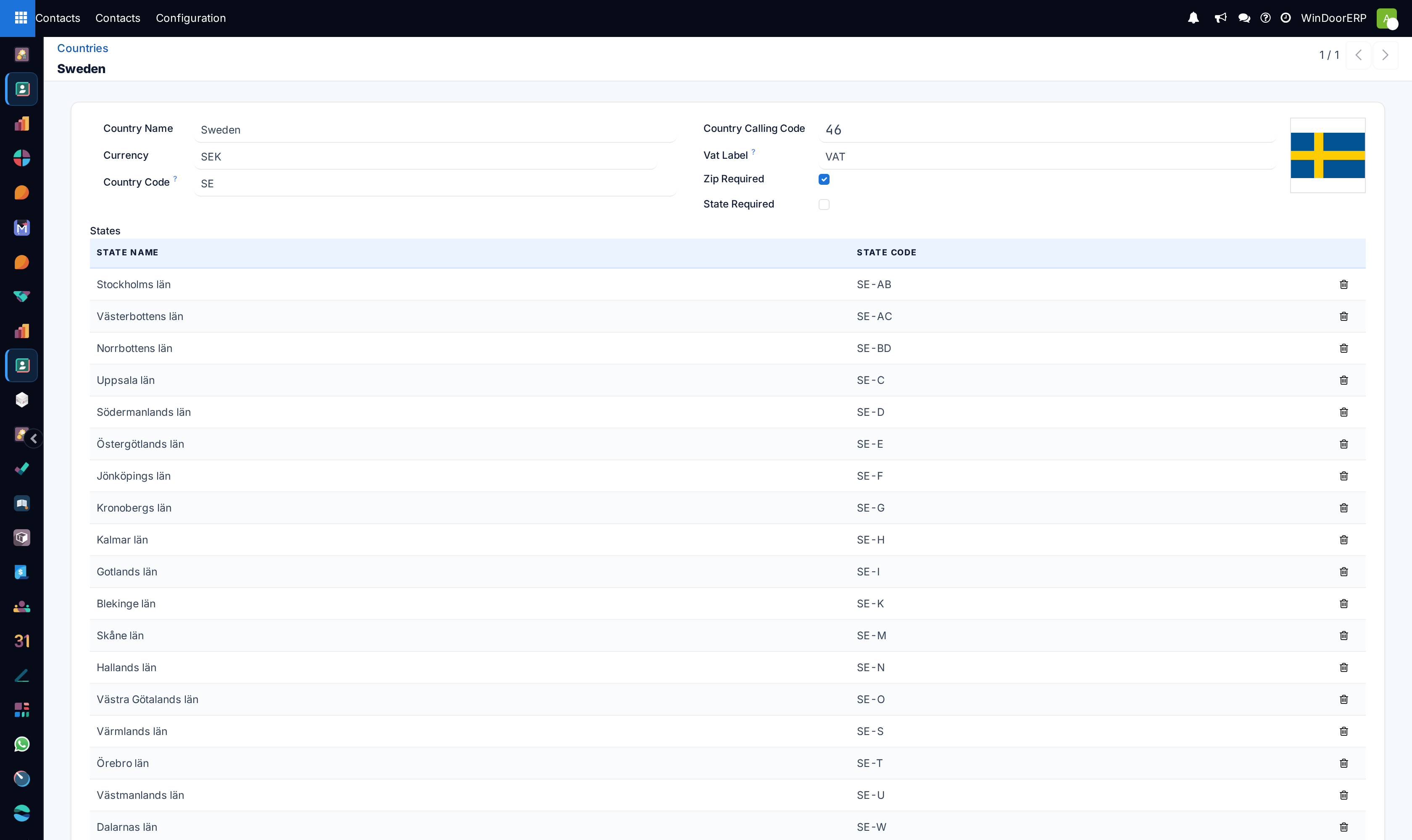
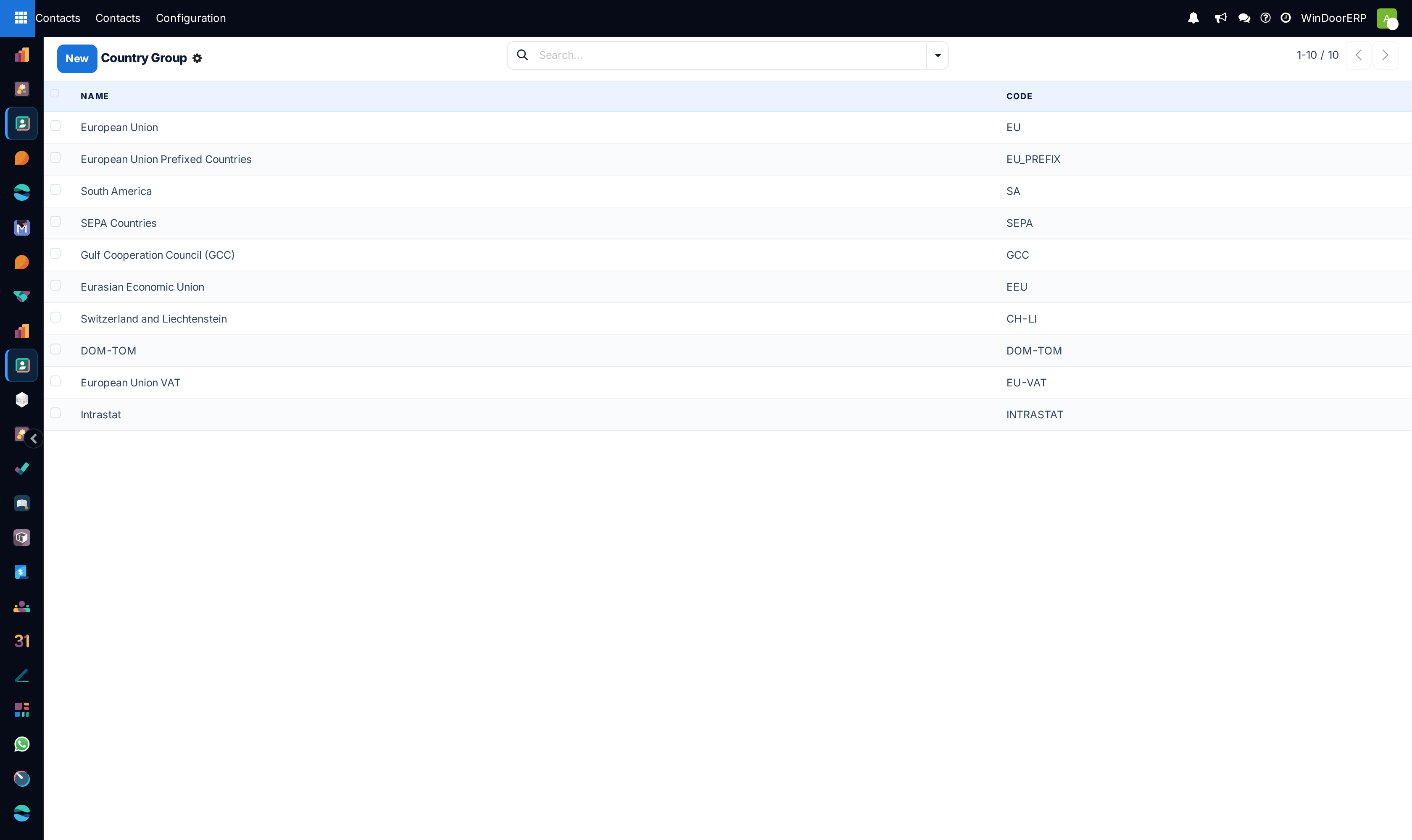
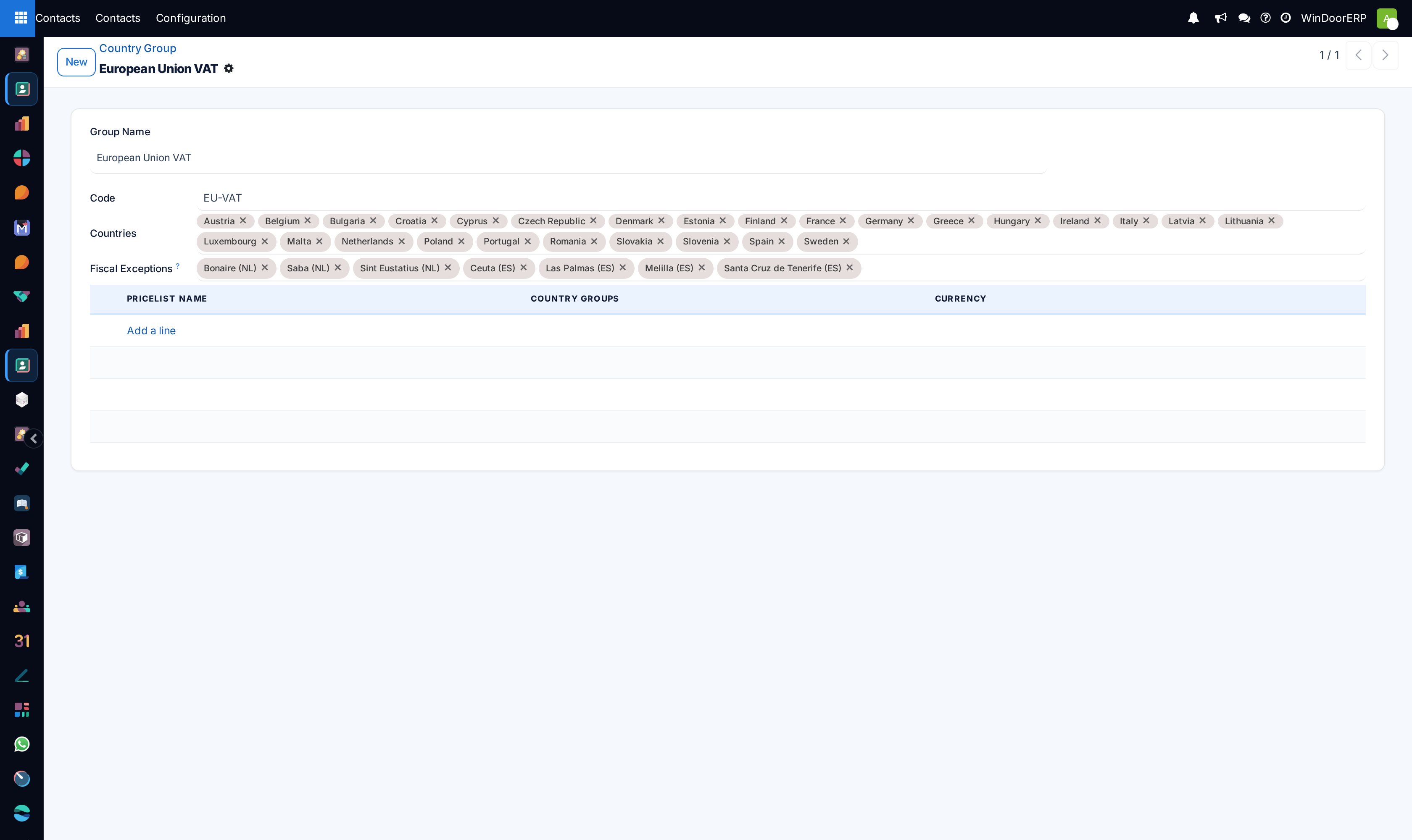
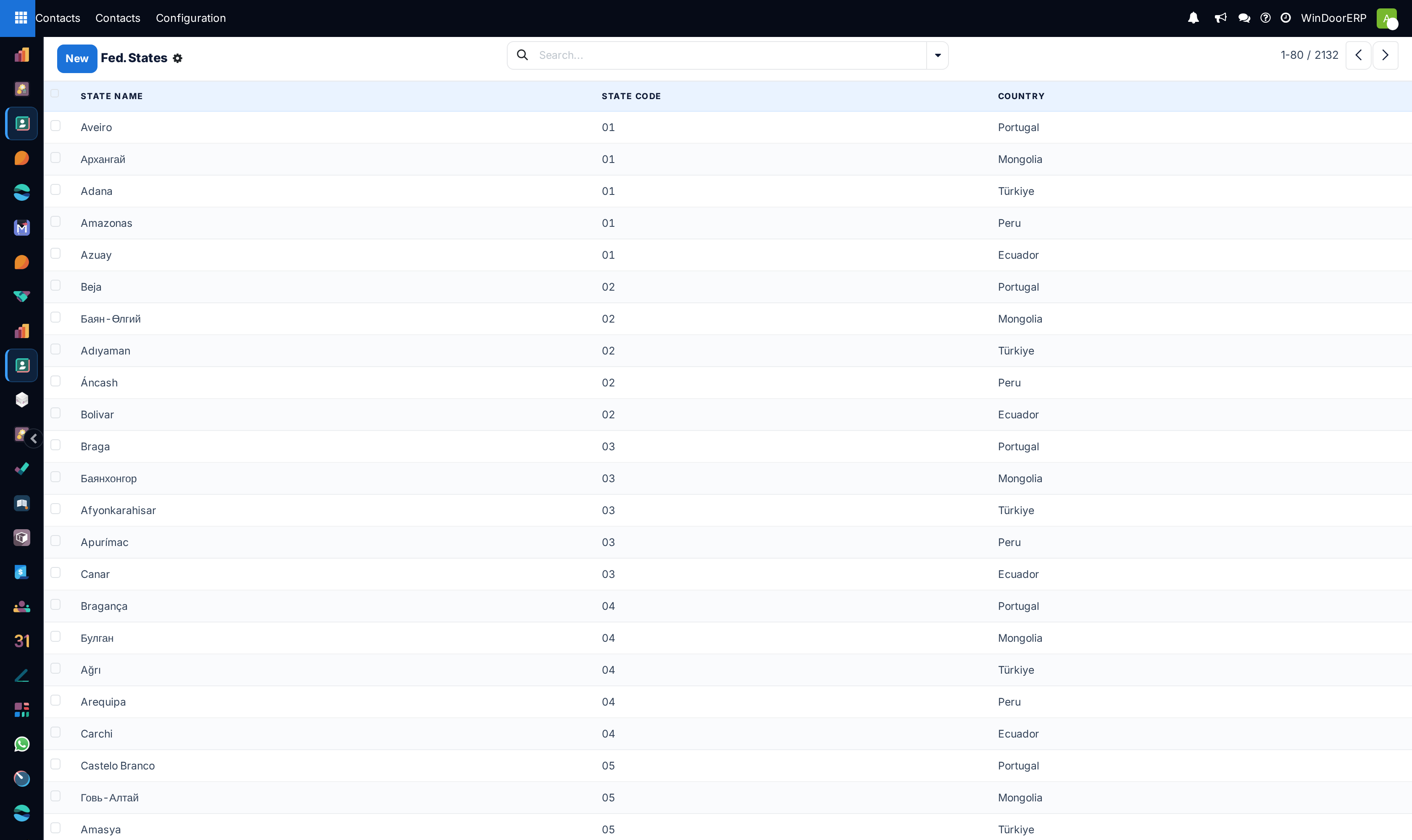
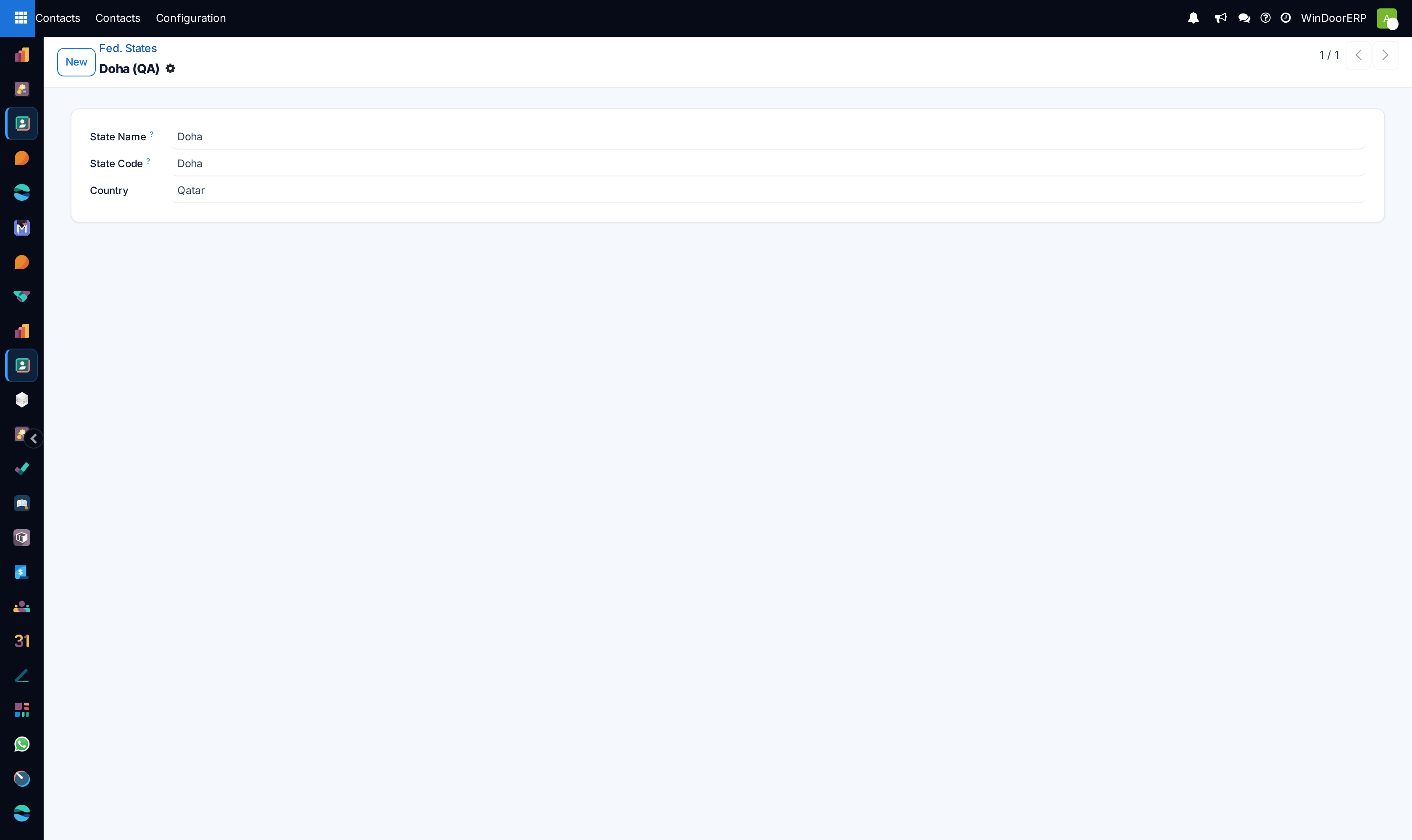
Navigate to Localization › Countries, Country Groups, and Fed. States to maintain municipal district and city lists.
-
05
Bind geographic tax jurisdictions to support regional shipping tariffs.
Common mistakes
- Typing supplier bank account numbers manually without attaching an official bank confirmation letter.
- Deleting active postal states linked to active customer sales orders.
Was this article helpful?
Thanks — your feedback helps.
Running a window or door factory?
Ask for a demo