Configure notification policies, channel moderator roles, and desktop push alerts
What this does
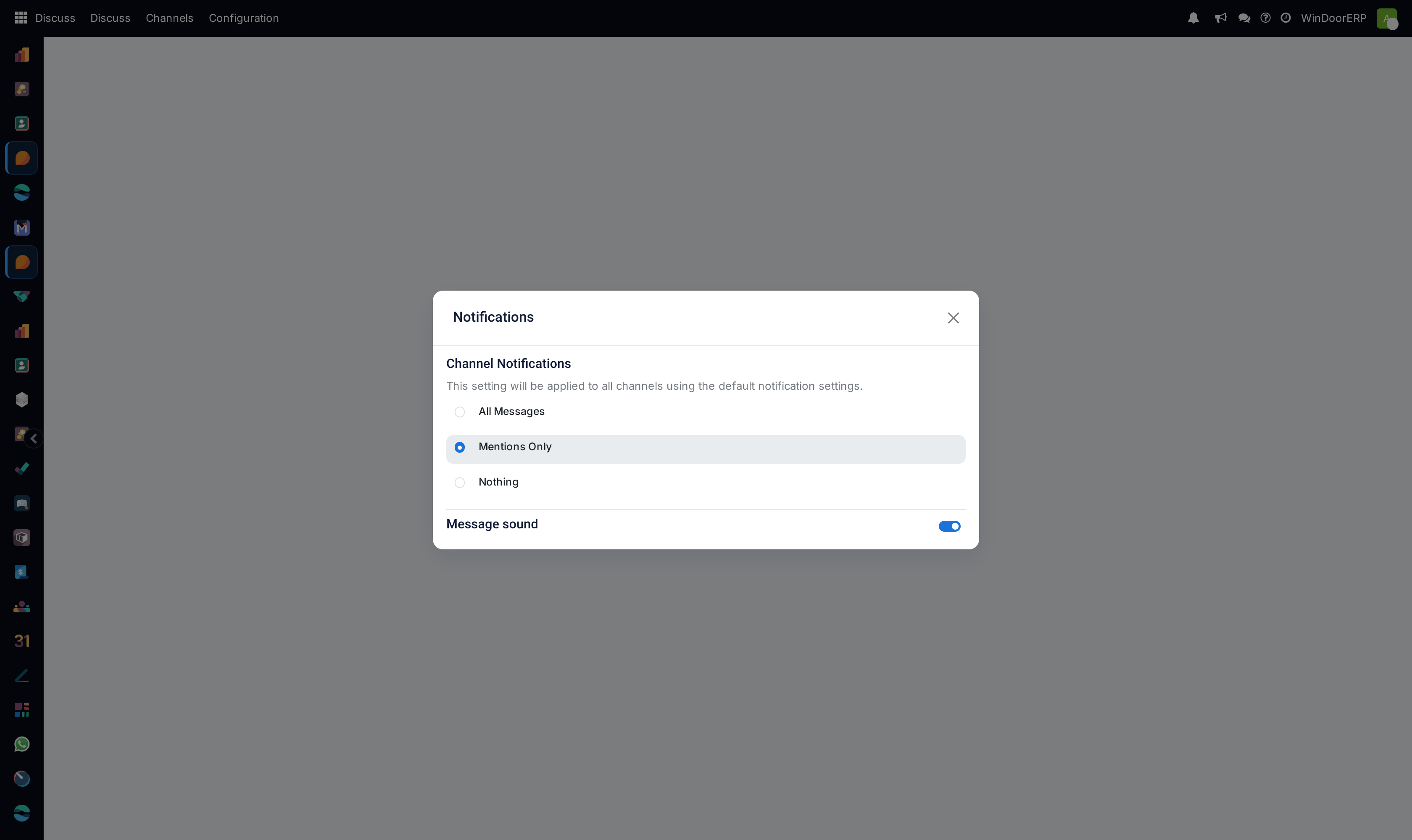
Configures user notification preferences (All messages, Mentions only, Muted), desktop push alerts for urgent site alerts, and channel member moderation roles.
Before you start
- System Administrator or Channel Moderator access.
Steps
Important
Setting general announcement channels to 'Mentions Only' prevents notification fatigue while ensuring urgent alerts are seen.
-
01
Open Discuss › Configuration › Notifications to set default alert policies.
-
02
In User Preferences, enable Desktop Push Notifications to receive instant alerts when @mentioned on project records.
-
03
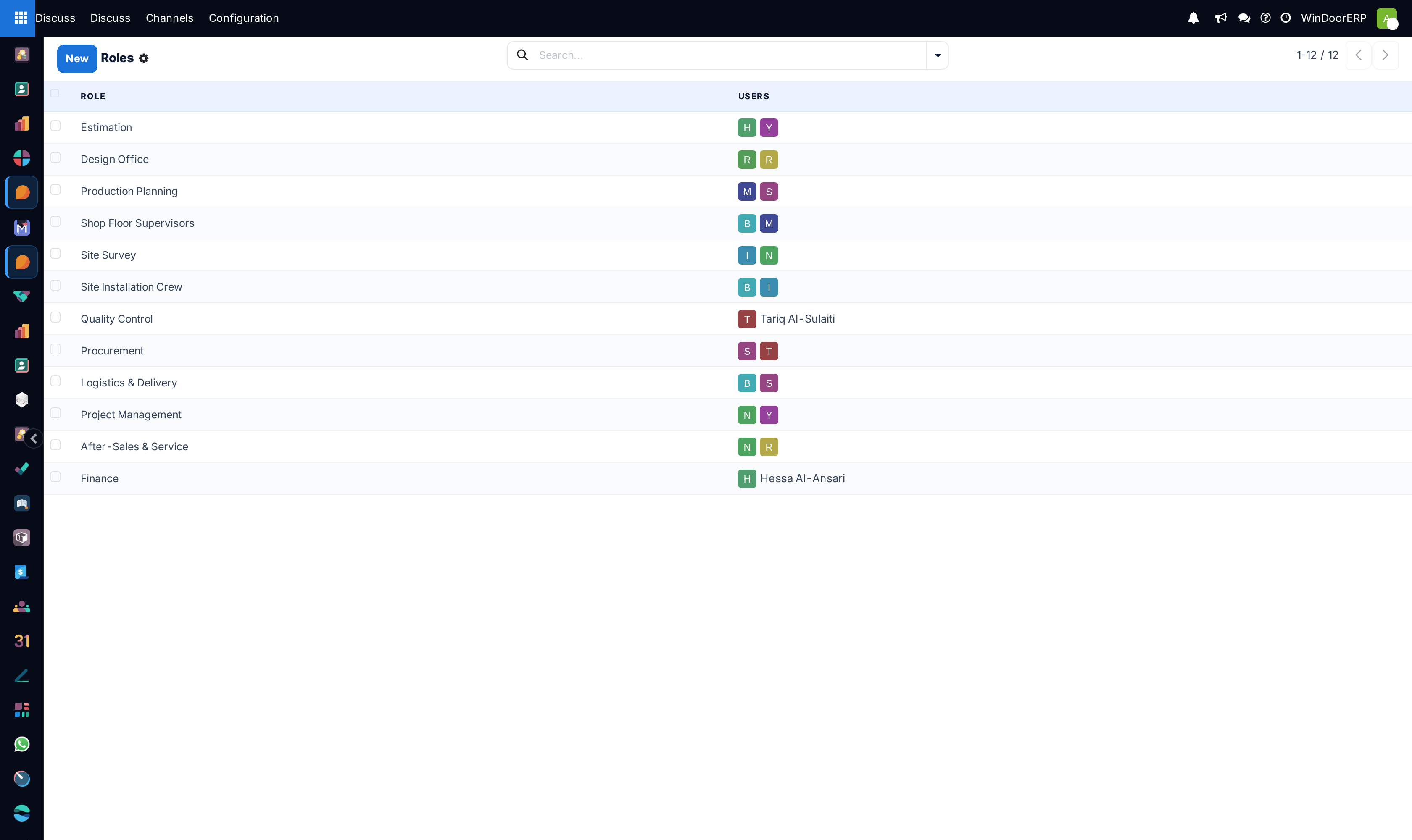
Open Discuss › Configuration › Roles to assign channel moderation privileges, invite restrictions, and message deletion rights.
-
04
Right-click any high-traffic channel and select Notification Settings to mute or set to 'Mentions Only'.
Common mistakes
- Disabling all browser notifications, missing time-critical factory safety or material arrival notices.
- Giving general users permissions to delete channel message audit histories.
Was this article helpful?
Thanks — your feedback helps.
Running a window or door factory?
Ask for a demo