Analyze scrap trends and fabrication waste by material
What this does
Tracks material write-offs, cutting offcuts, and glass breakage over time to monitor fabrication efficiency and quality control. With graph and pivot reports, management can identify high-waste production lines and recurring supplier defect trends.
Before you start
- Ensure shop-floor operators record scrap promptly when cutting errors or glass cracks occur.
Steps

Warning
High scrap rates in specific extrusion profiles often indicate suboptimal bar length optimization parameters or uncalibrated cutting saw fences.
-
01
Open Inventory › Operations › Adjustments › Scrap.
-
02
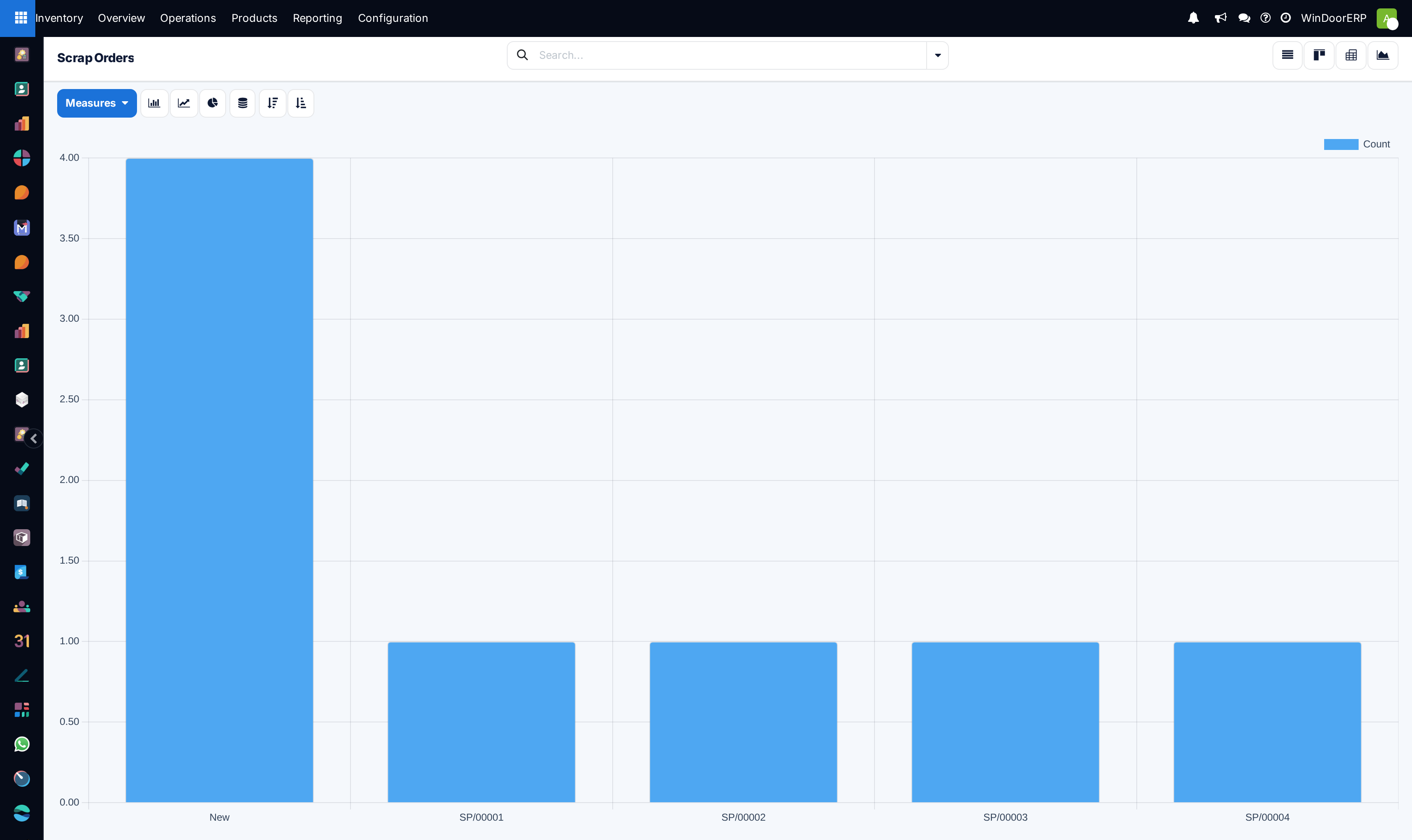
Switch to the Graph view to see total scrapped quantities and values plotted by month.
-
03
Switch to the Pivot view to cross-tabulate scrap reasons, material categories, and manufacturing orders.
-
04
Compare scrap volume against total production output to calculate your net waste percentage.
Common mistakes
- Failing to specify the root cause location or scrapping directly to general loss rather than the designated factory scrap location.
Was this article helpful?
Thanks — your feedback helps.
Running a window or door factory?
Ask for a demo