Move messaging off a personal phone
Set up business numbers and routing
Why this step
Right now a salesperson's enquiries probably live on their own phone, and leave with them. Business accounts, routing teams and auto-reply put those conversations inside WindoorERP where the pipeline can see them.
What this does
Connects official corporate WhatsApp Business phone numbers, configures department routing teams (Sales, Site Support, After-Sales), and sets business hours auto-responders.
Before you start
- Meta Developer App and WhatsApp Business Phone Number registered.
Steps
Important
Setting distinct WhatsApp phone numbers for Sales versus After-Sales Support keeps commercial pipelines organized and prevents customer confusion.
-
01
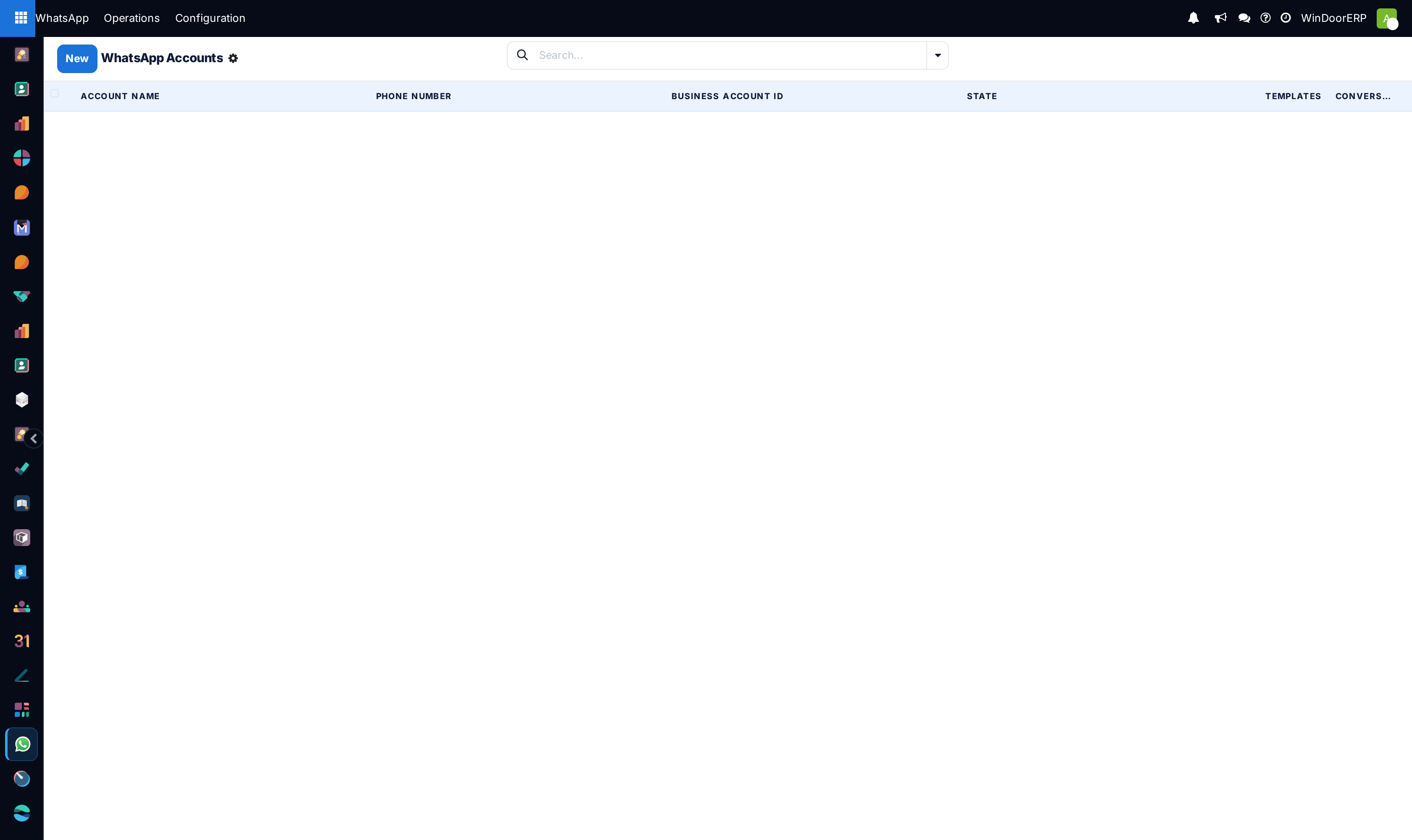
Go to WhatsApp › Configuration › Accounts.
-
02
Register your Phone Number, Phone Number ID, and Permanent Meta Access Token.
-
03
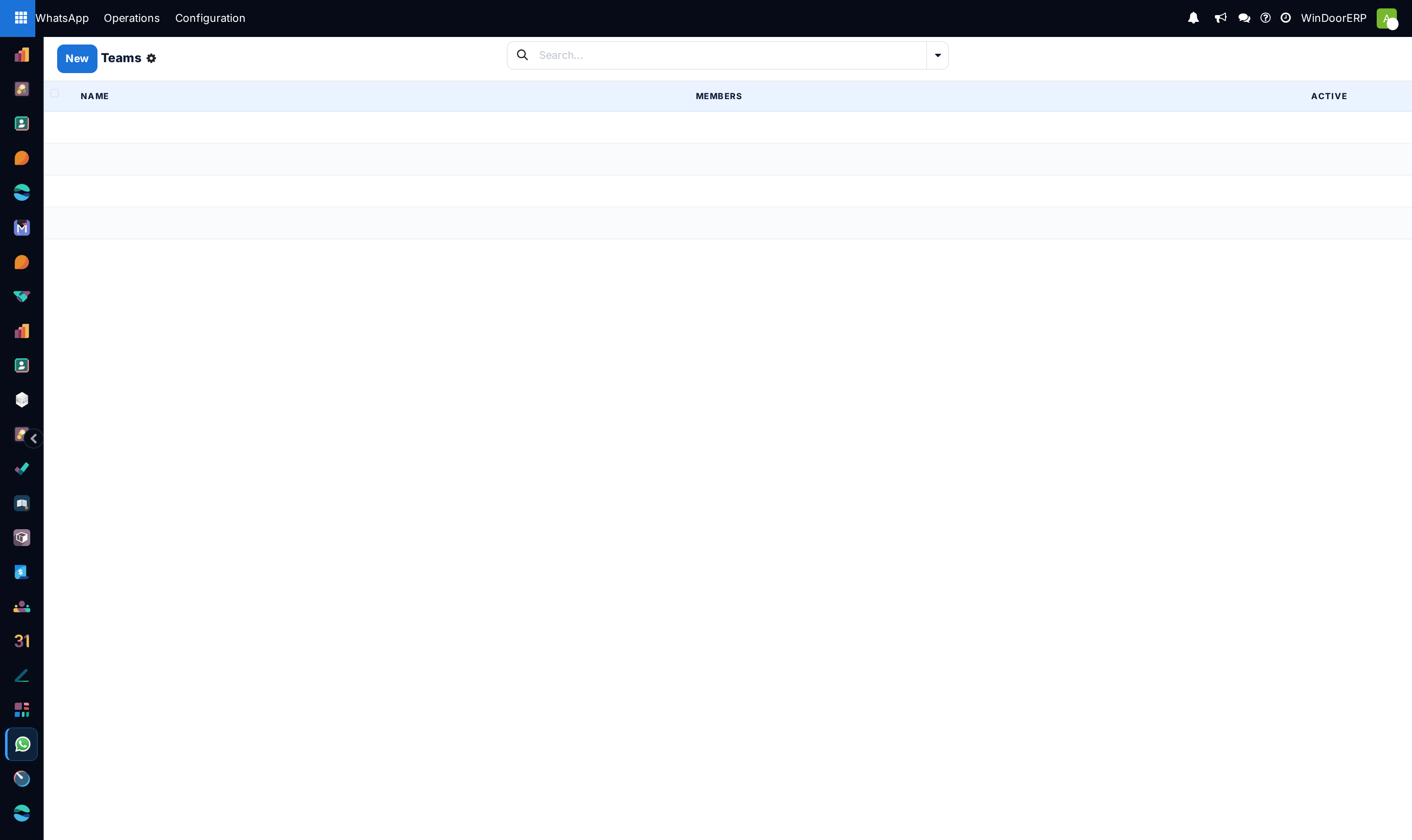
Navigate to WhatsApp › Configuration › Teams to organize agent groups (e.g. Commercial Sales Team, Villa Inquiries Team).
-
04
Configure round-robin conversation assignment and out-of-office automatic greeting messages.
Common mistakes
- Using temporary Meta developer tokens that expire after 24 hours instead of generating System User permanent tokens.
- Leaving WhatsApp teams without assigned fallback supervisors.
Checkpoint
A message to the company number reaches a team, not one person's handset.