Publish the front door
Run the site and watch the visitors
Why this step
Pages, menus and redirects on one side; visitor telemetry and SEO on the other. Redirects matter more than they sound — a renamed solution page that 404s loses the enquiries that link was earning.
What this does
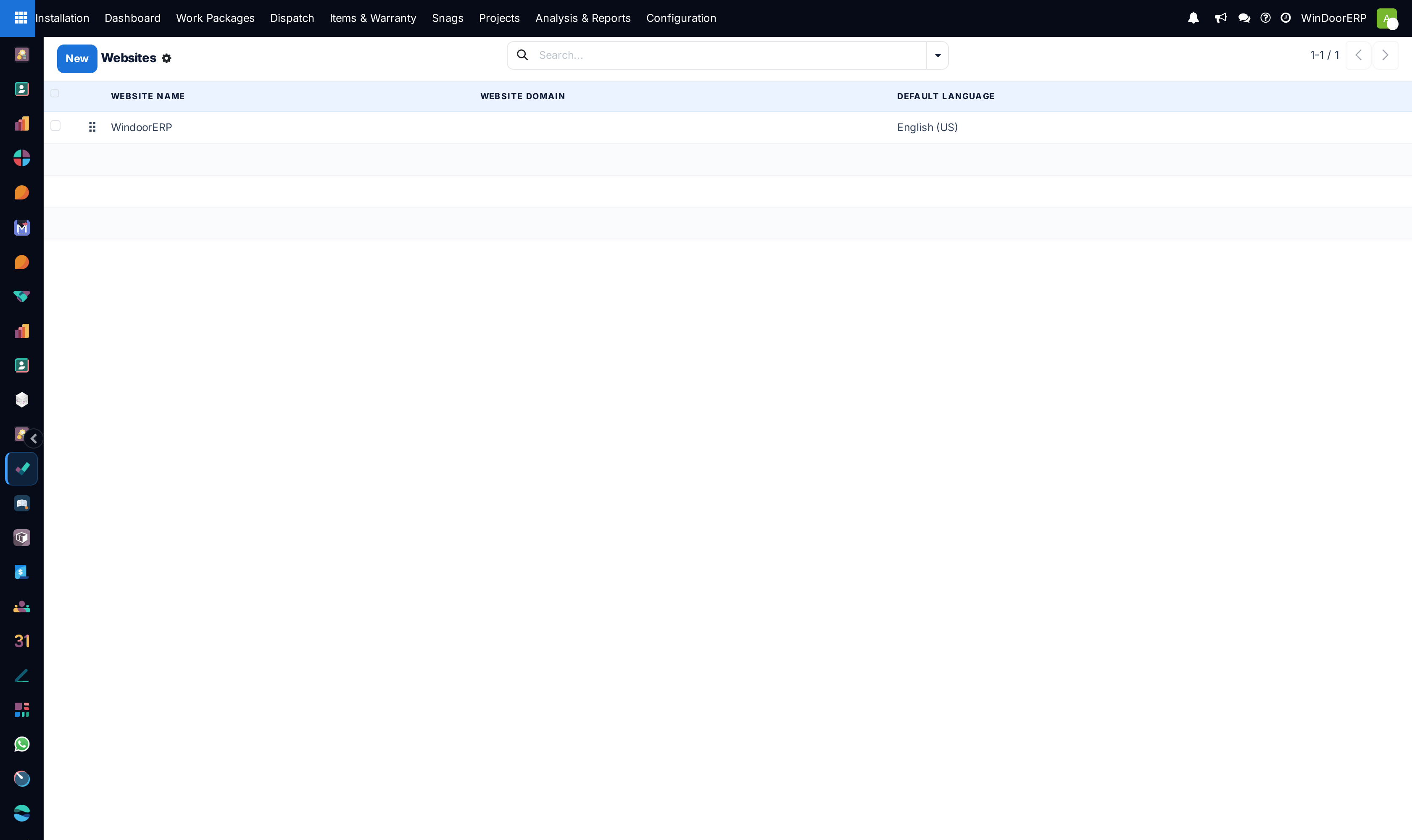
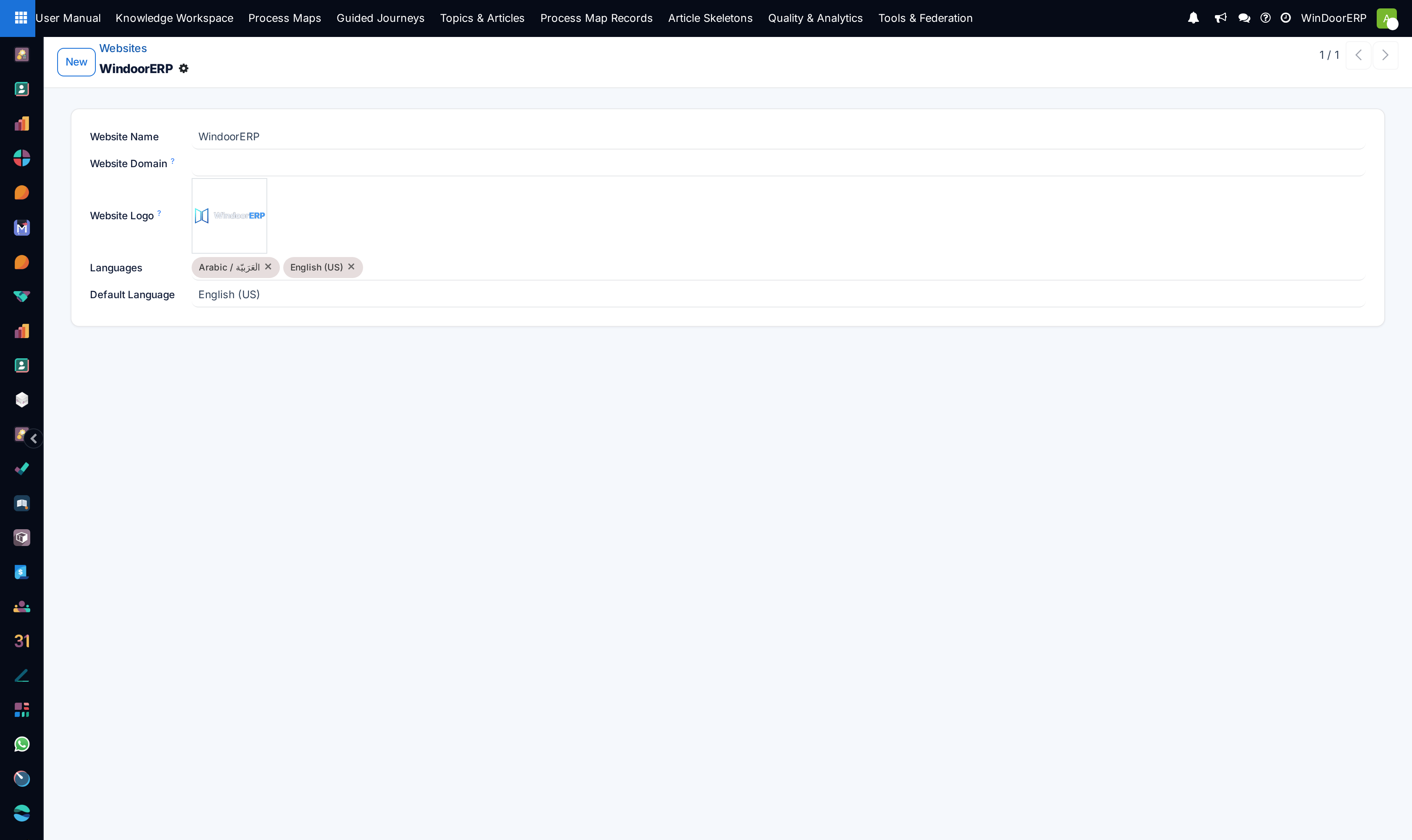
Controls the website CMS page tree, tracks live visitor traffic and page view telemetry, designs navigation menus, manages 301 SEO redirects, and configures domain settings.
Before you start
- Website Administrator credentials.
Steps

Important
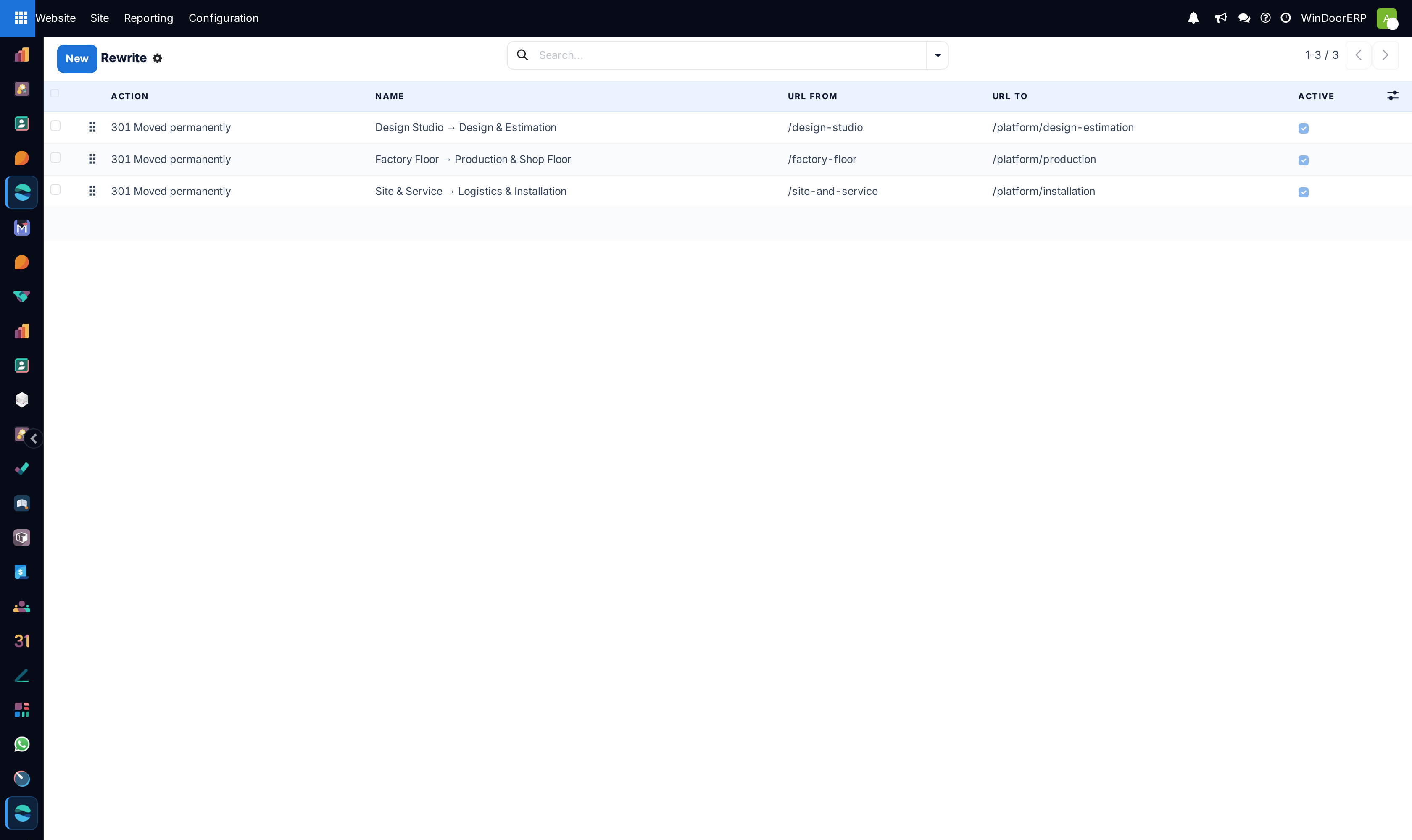
Setting 301 Permanent Redirects for legacy product URLs prevents broken 404 errors and preserves organic SEO rankings.
-
01
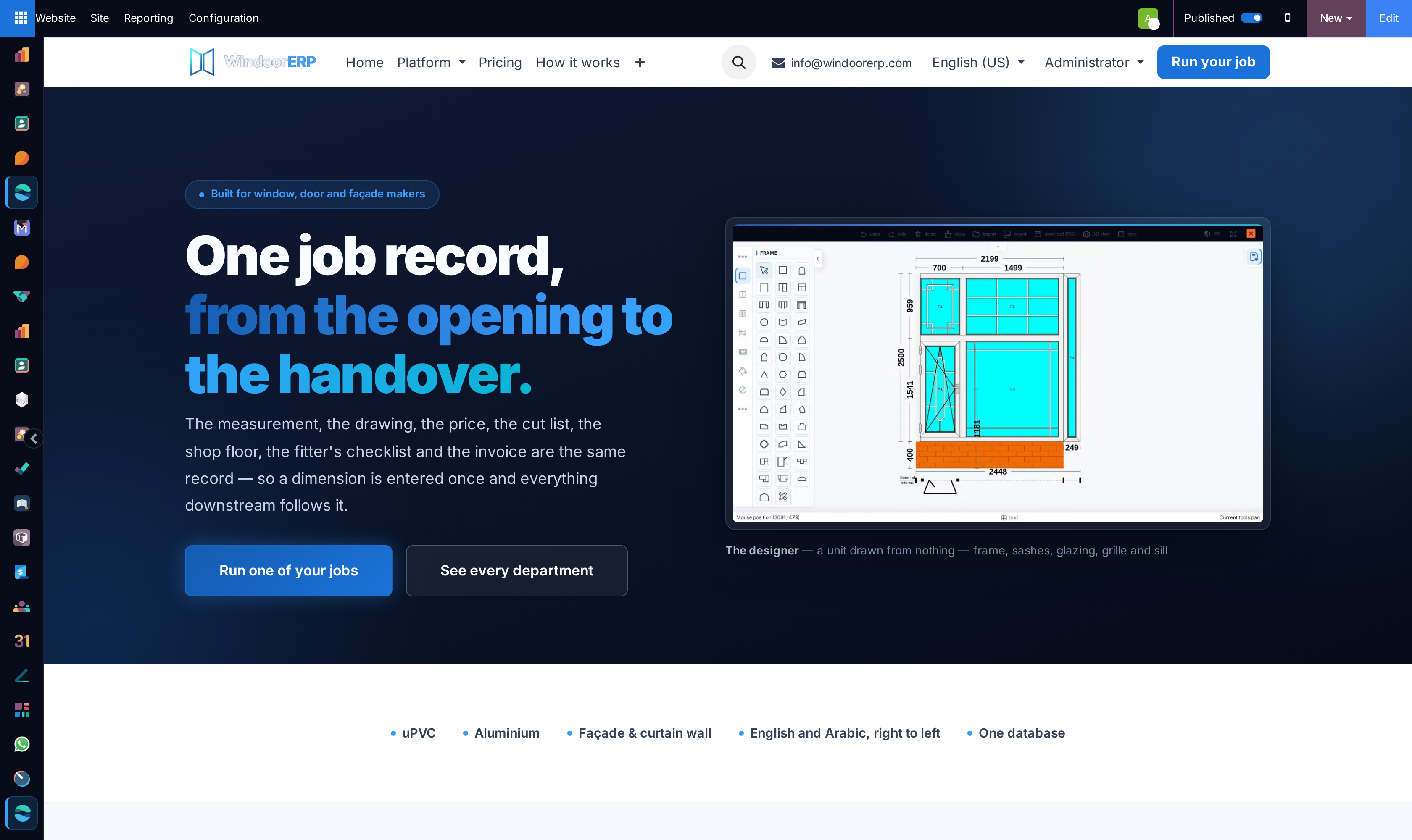
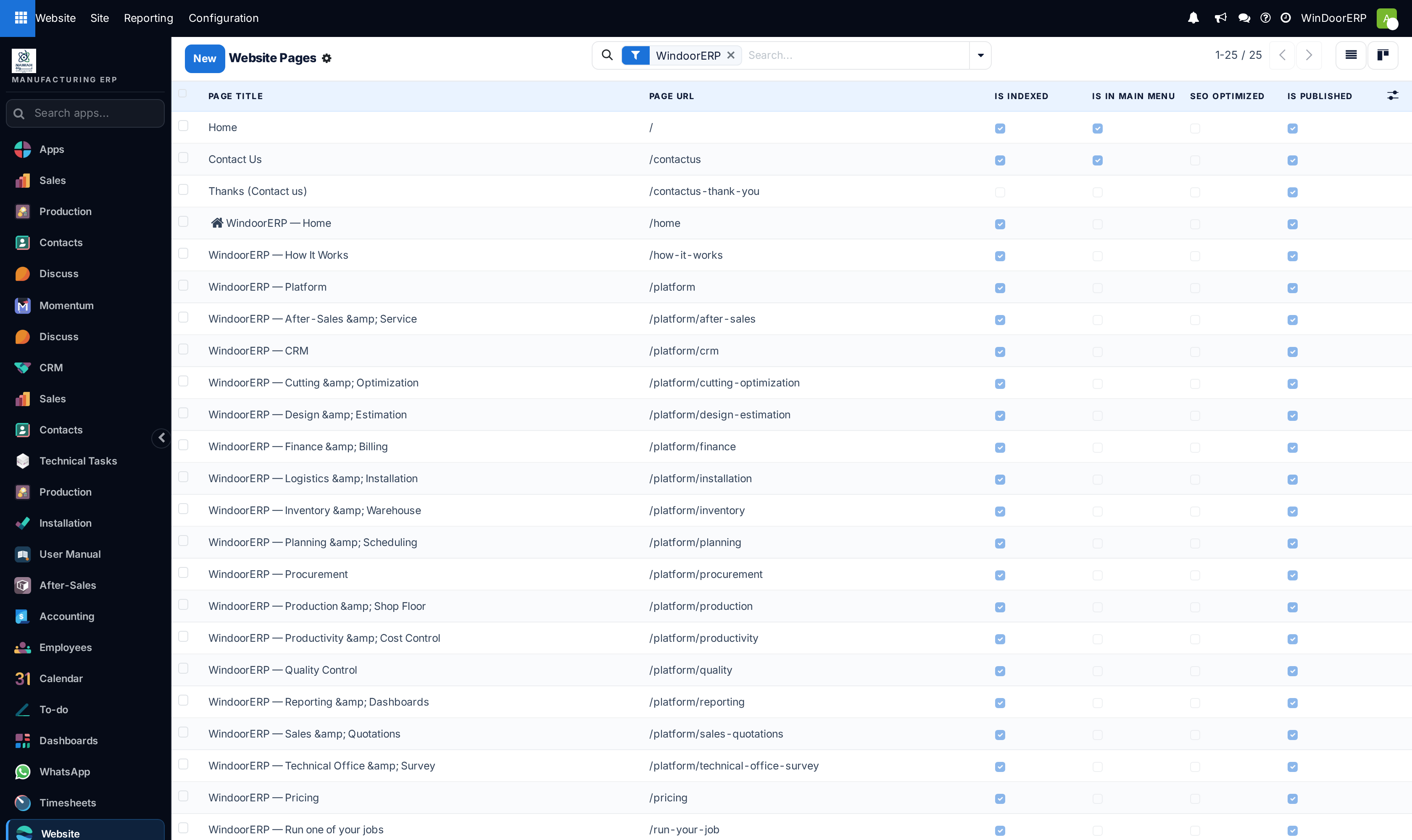
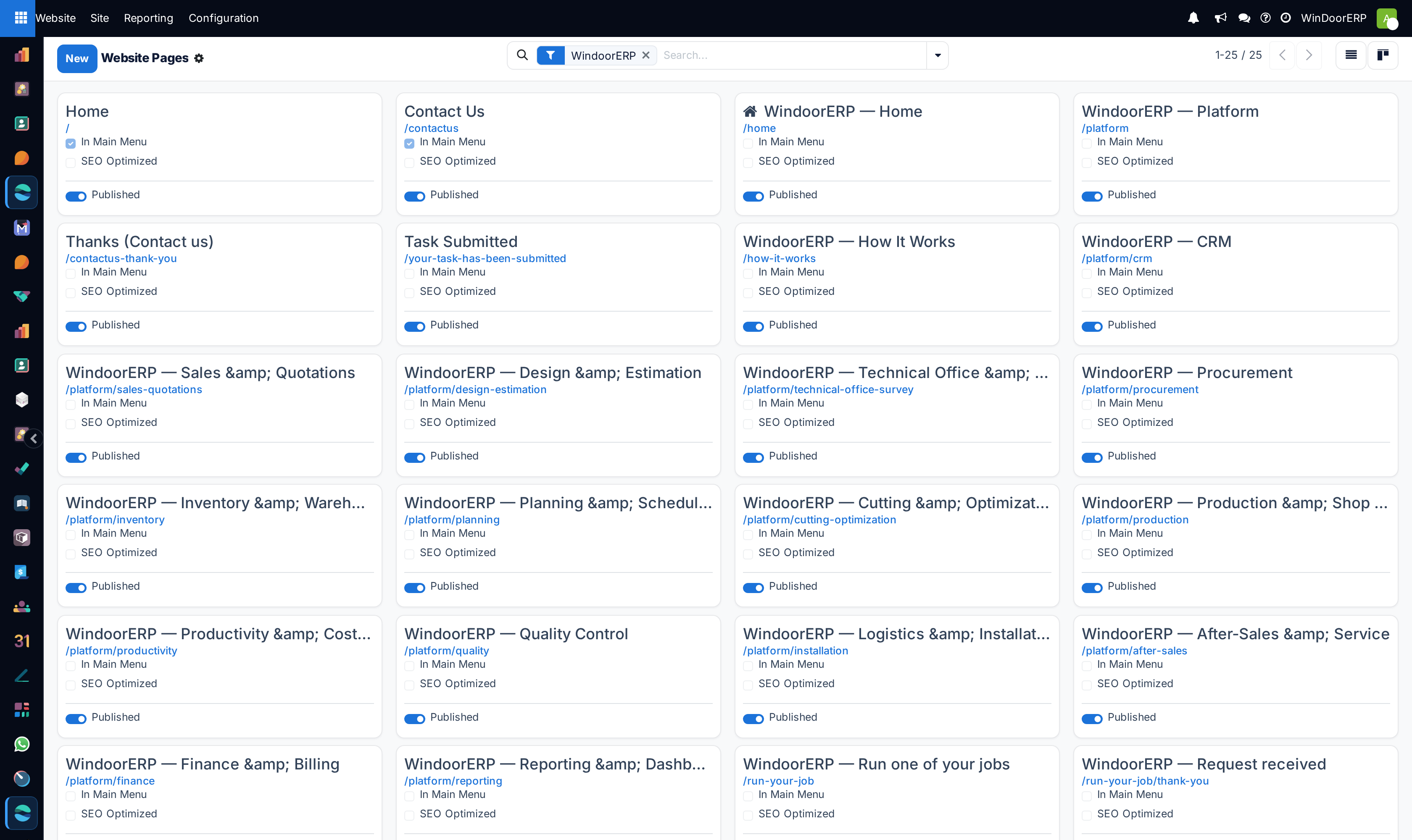
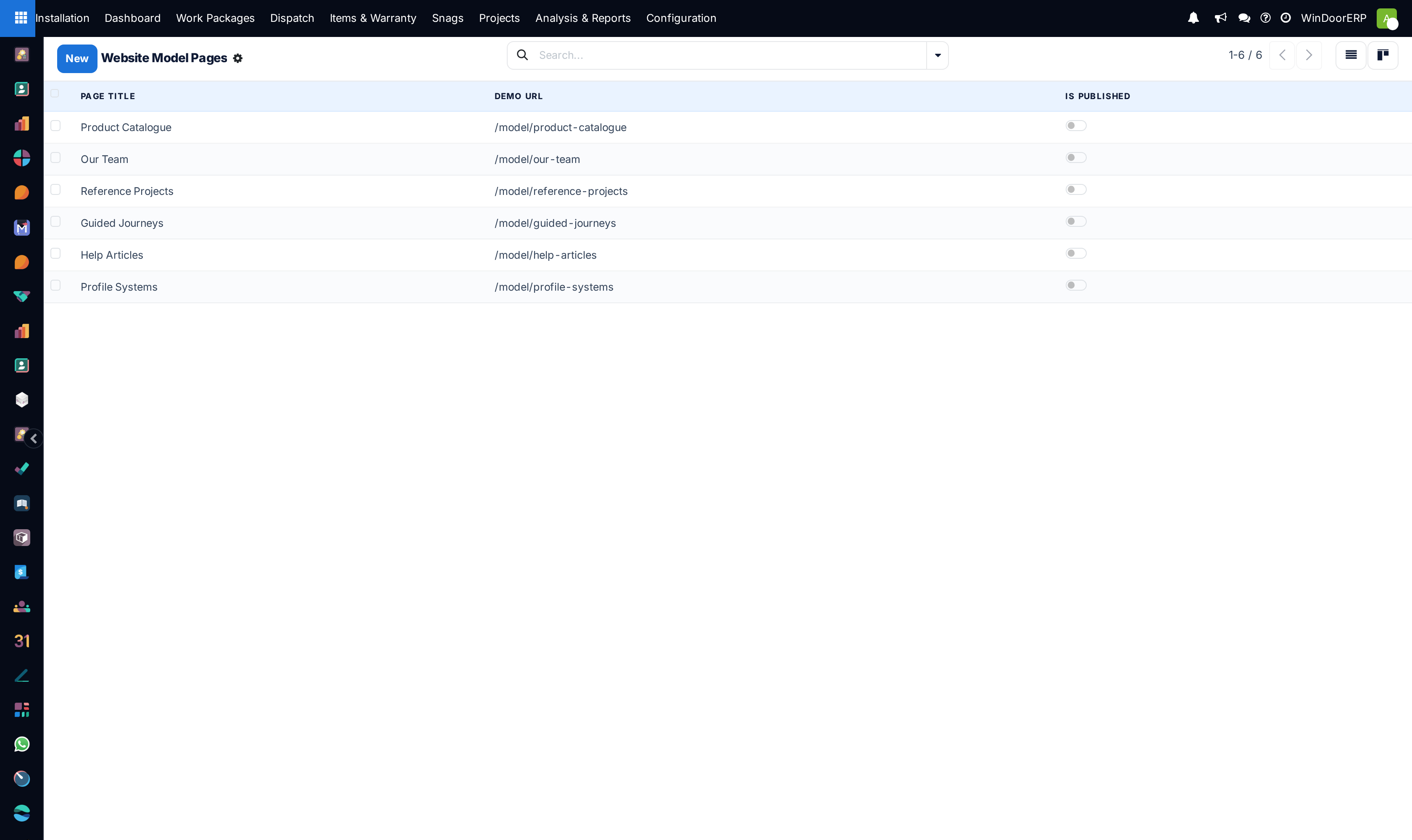
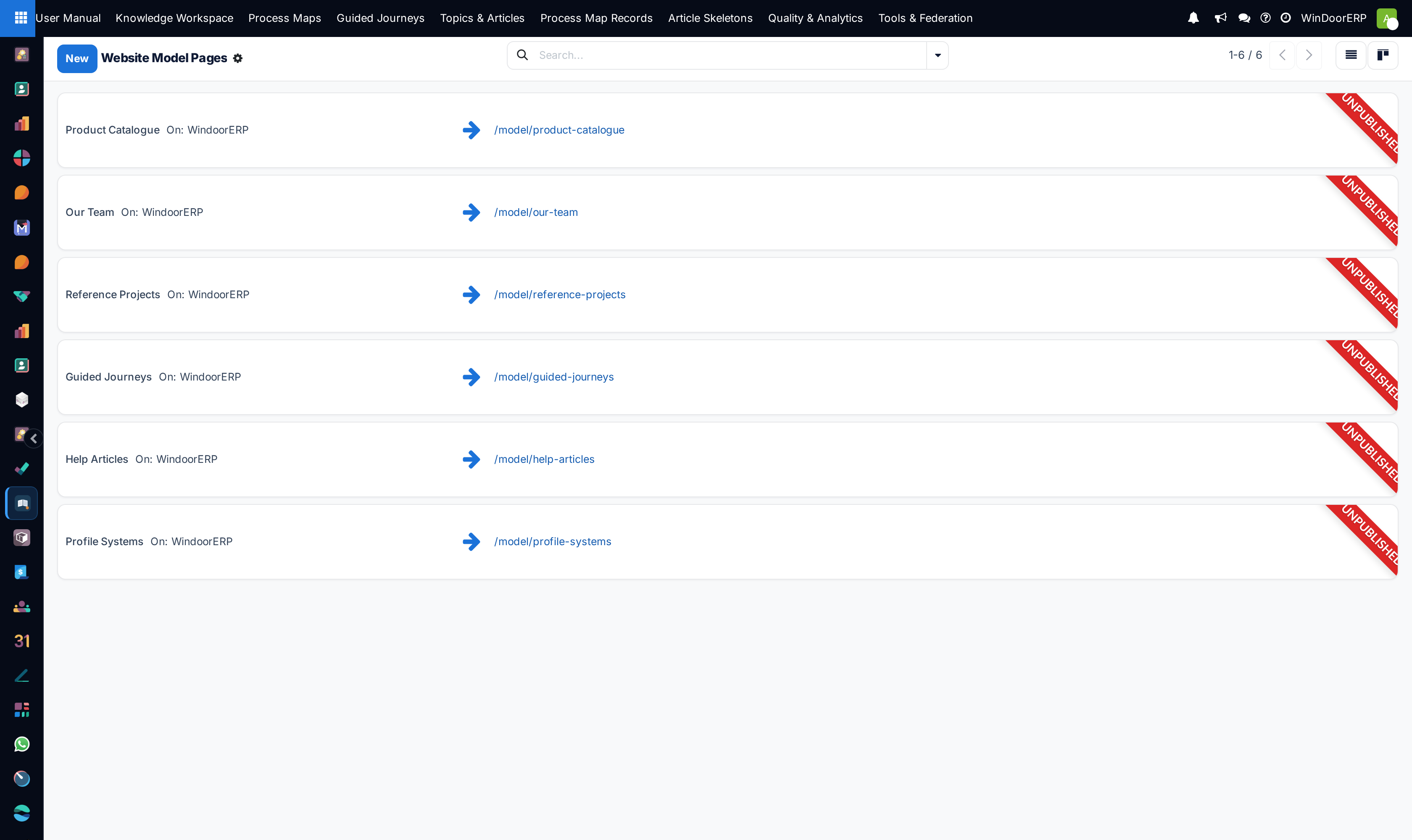
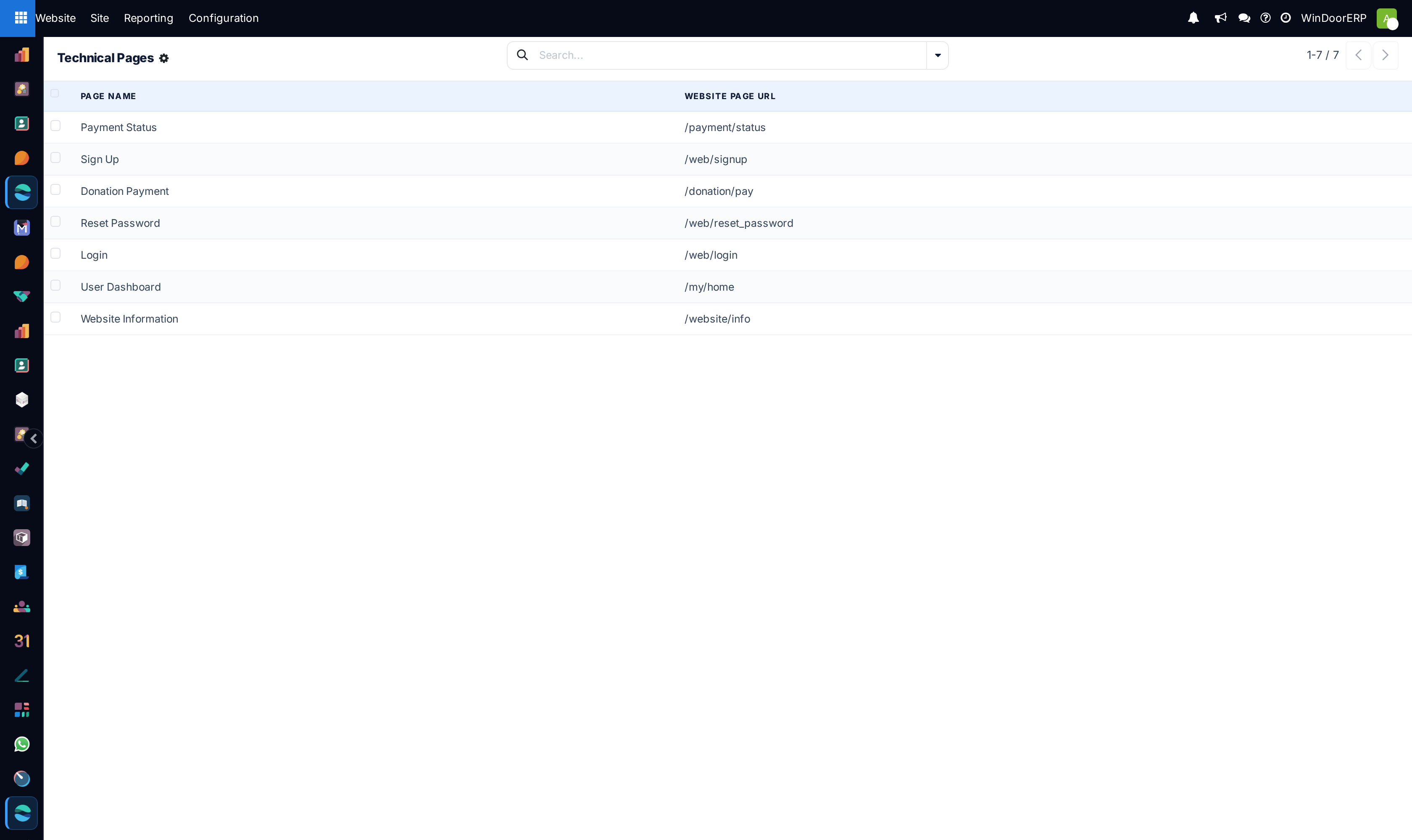
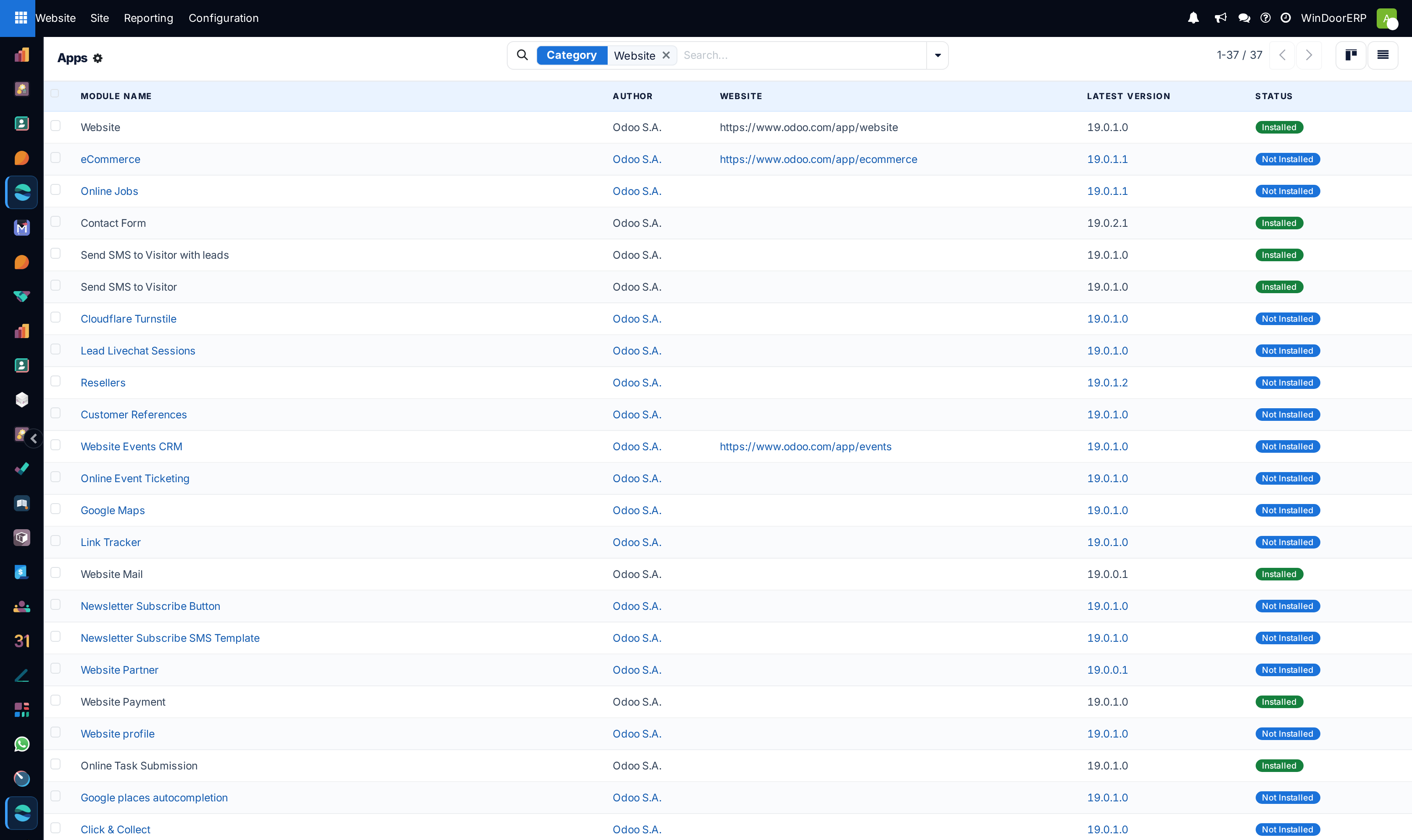
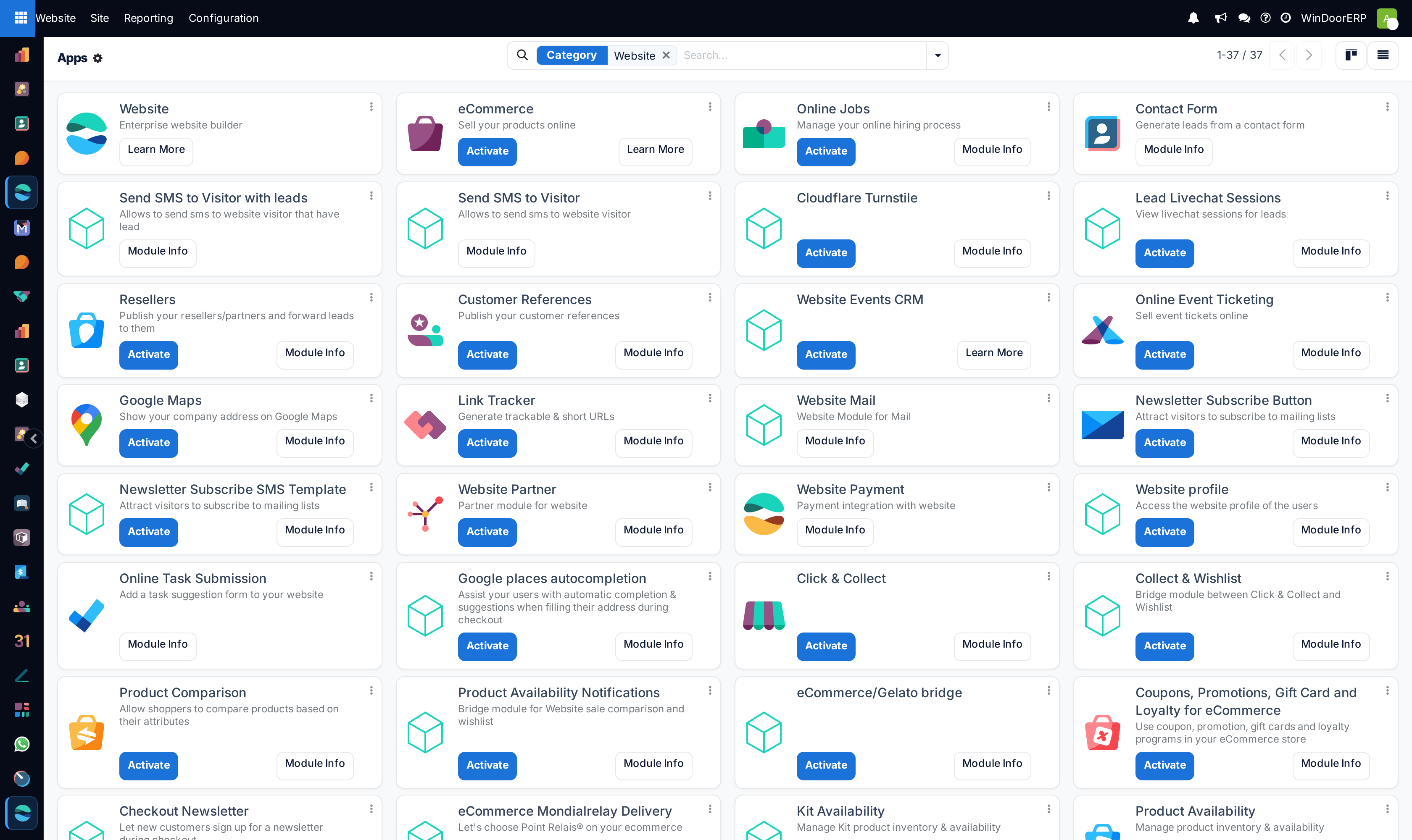
Open Website › Site › Pages across List and Kanban views to create or edit web pages.
-
02
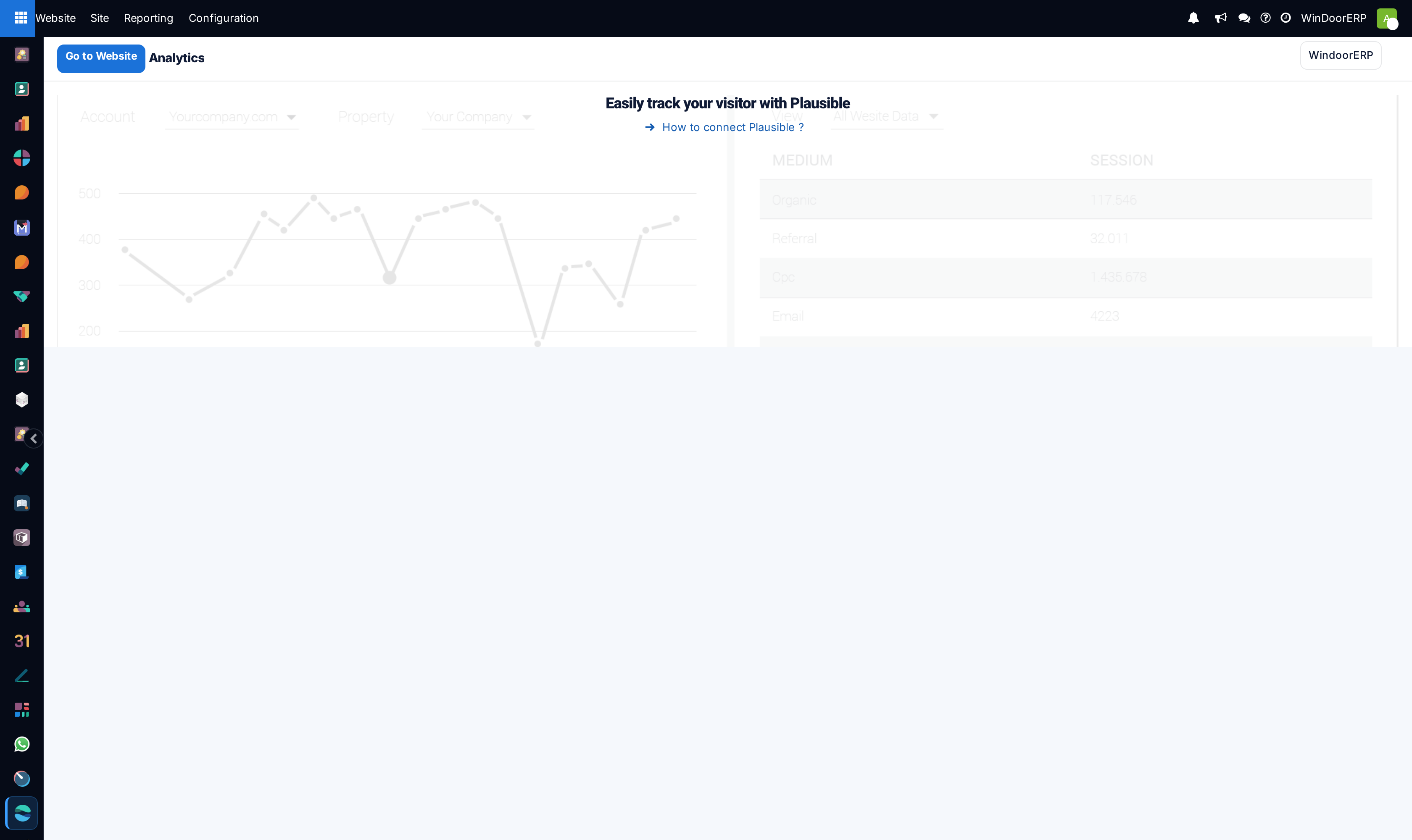
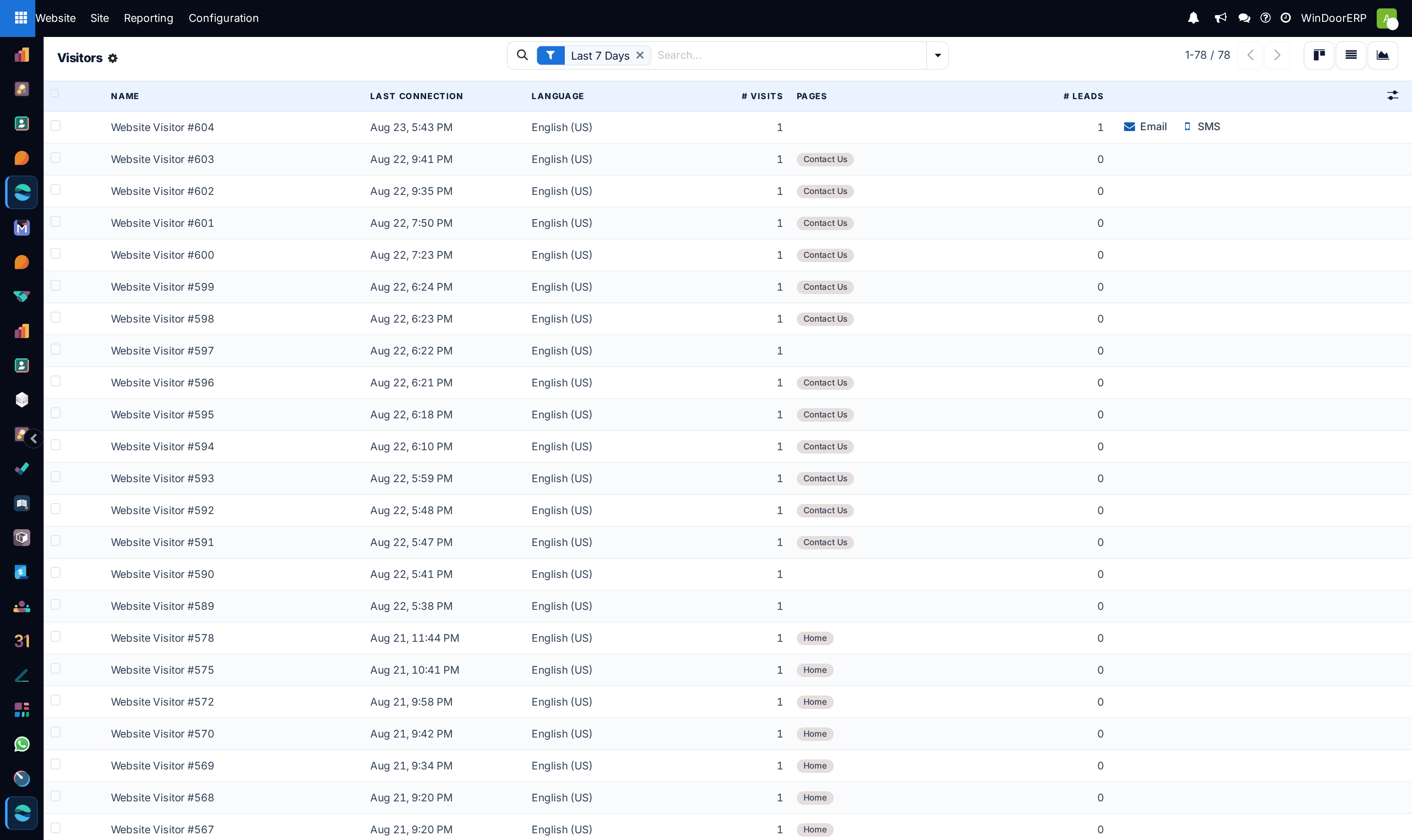
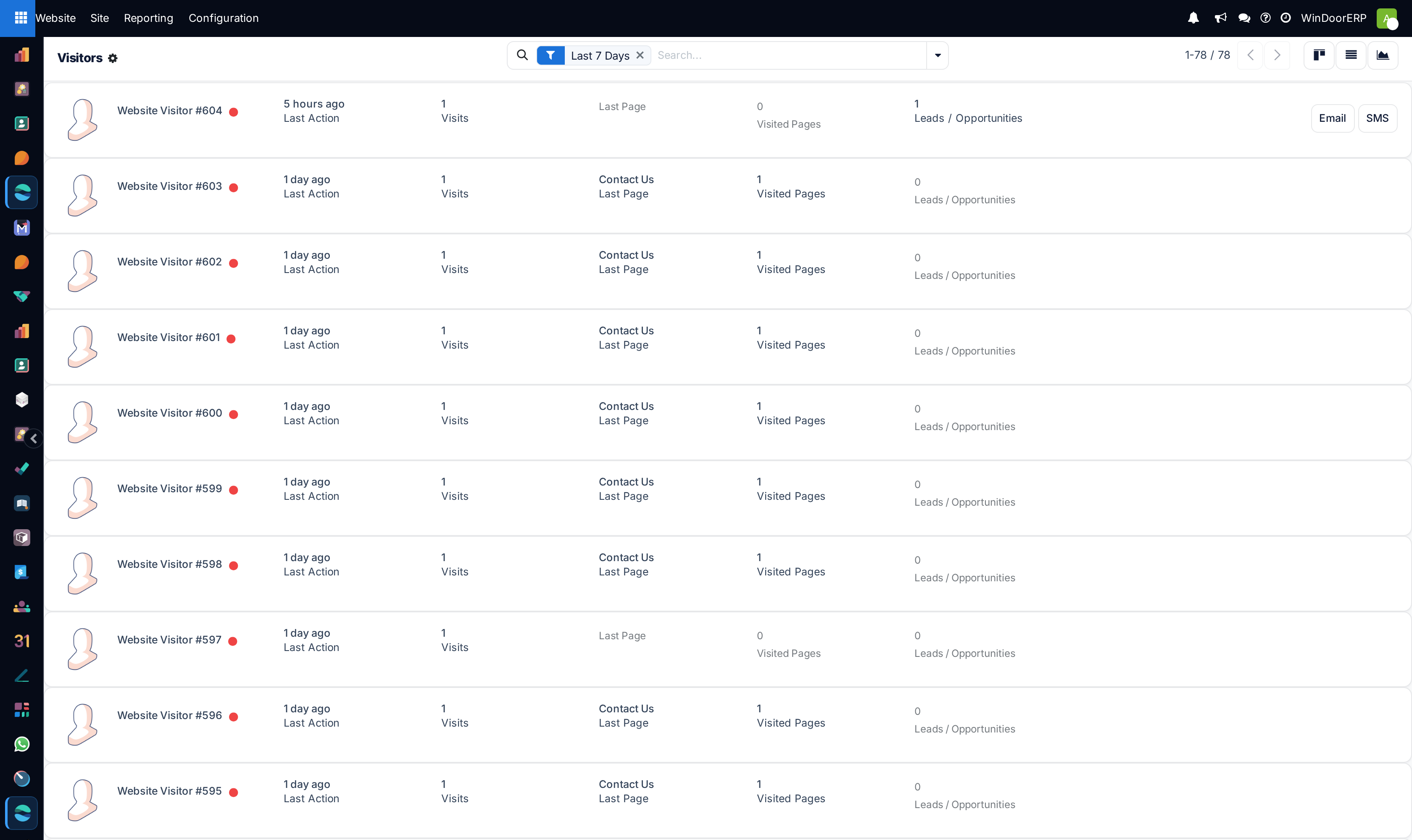
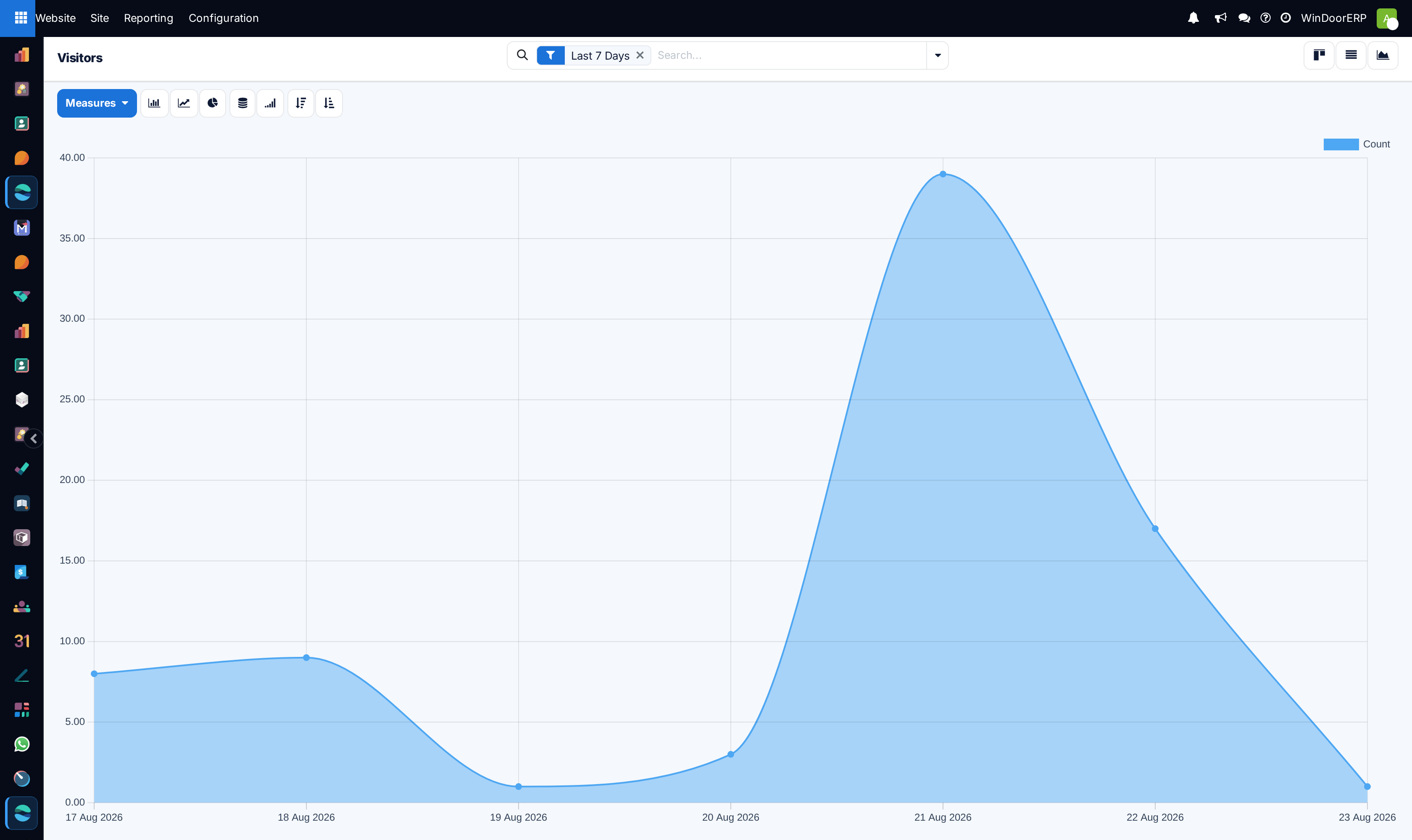
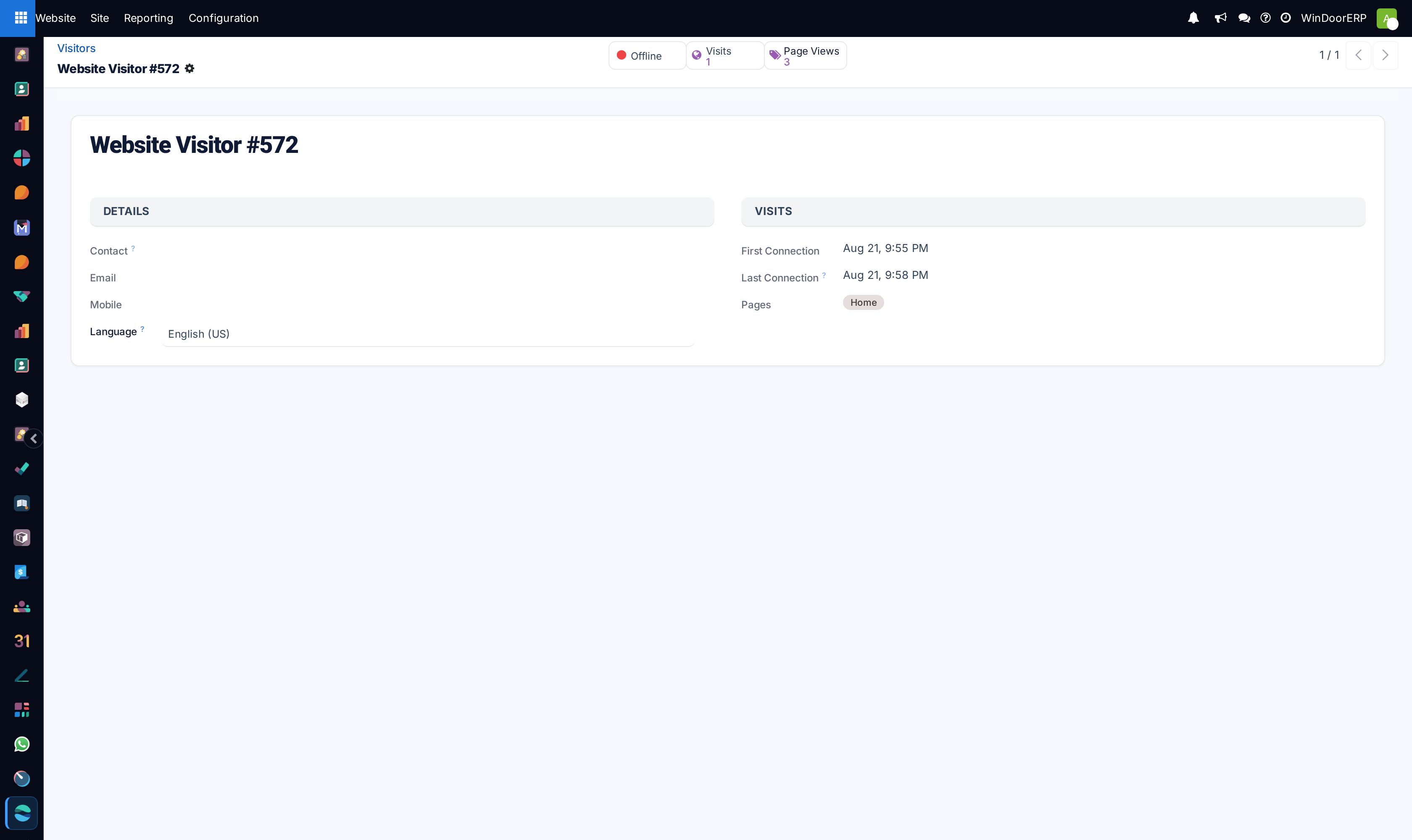
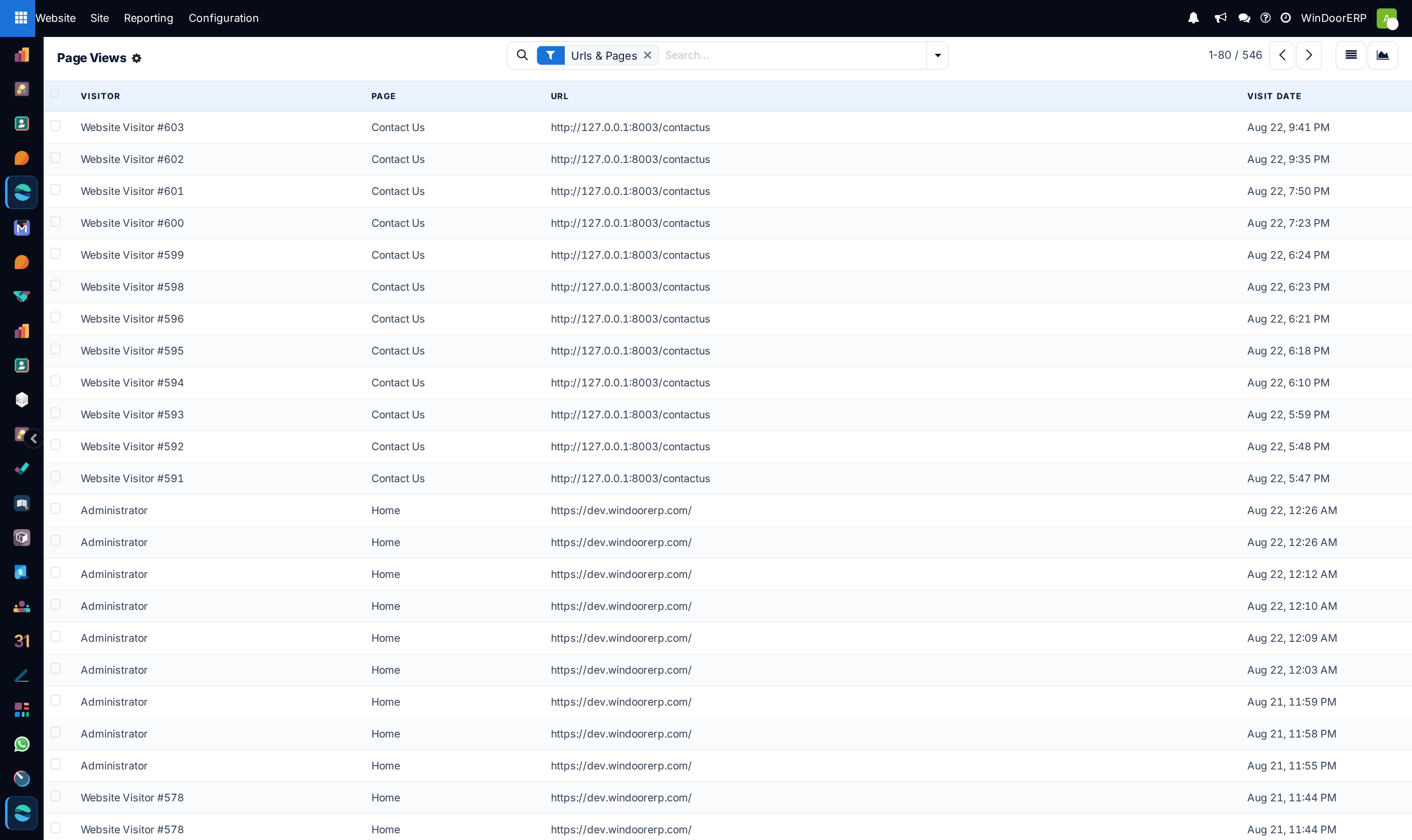
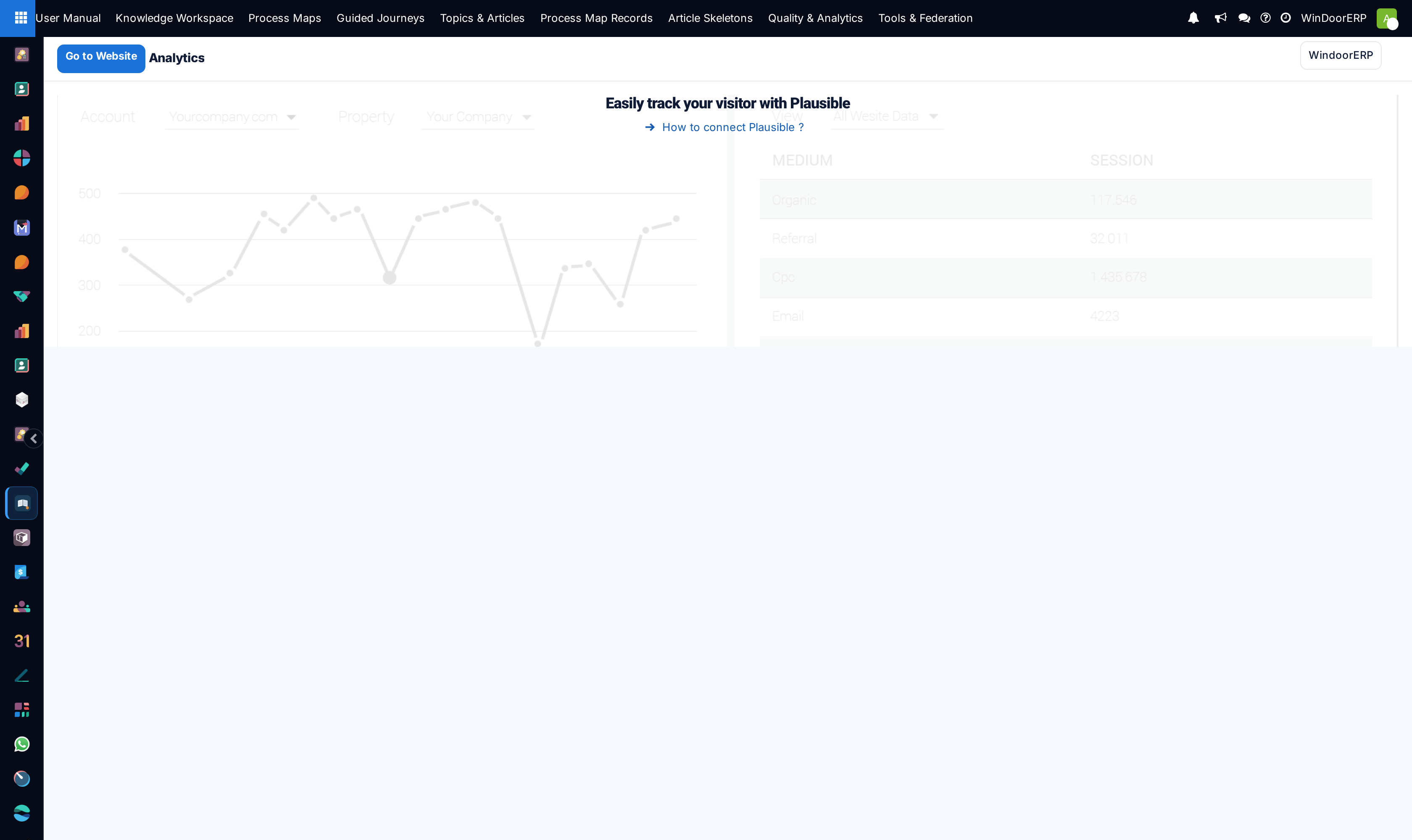
Navigate to Reporting › Analytics, Visitors, and Page Views to analyze visitor traffic.
-
03
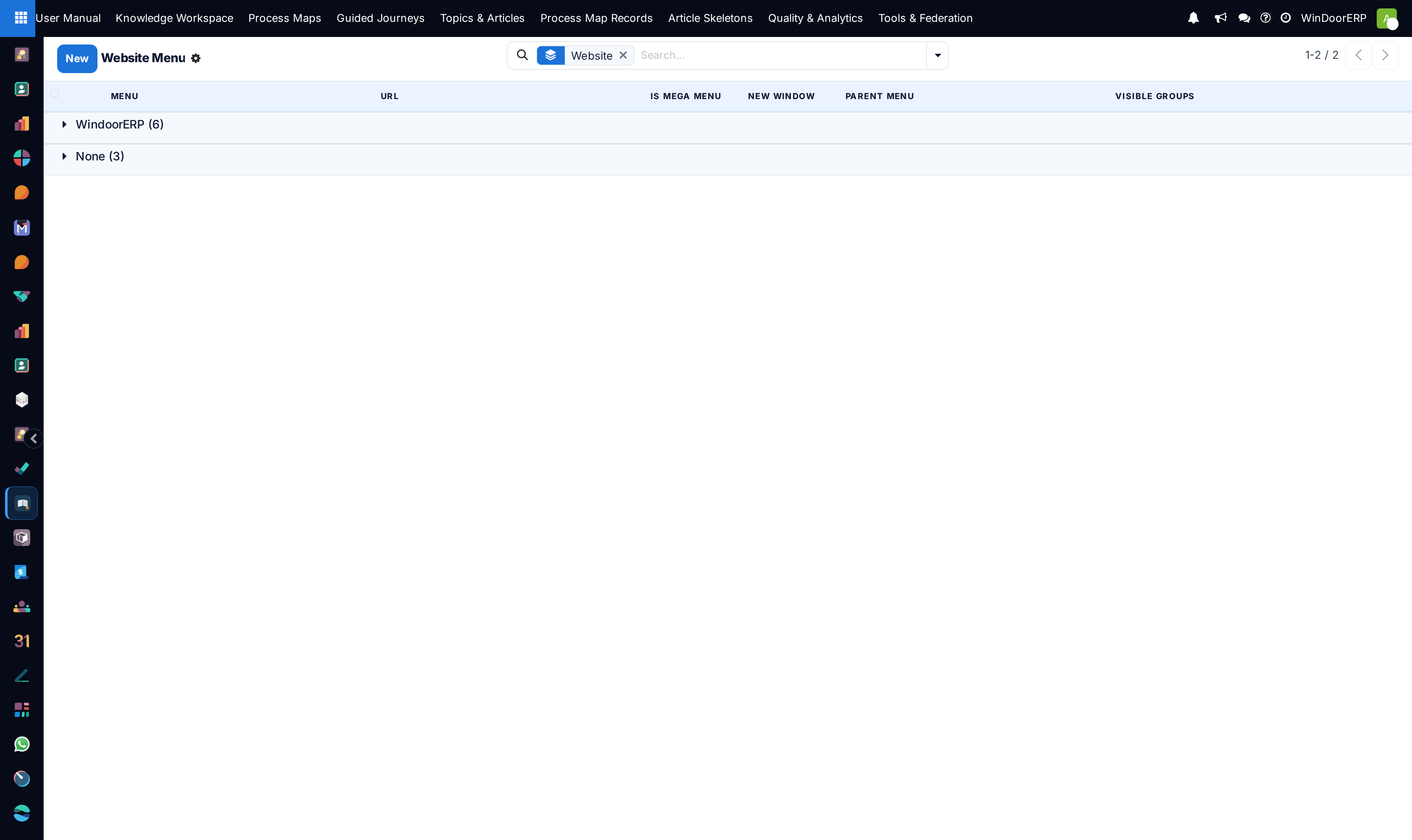
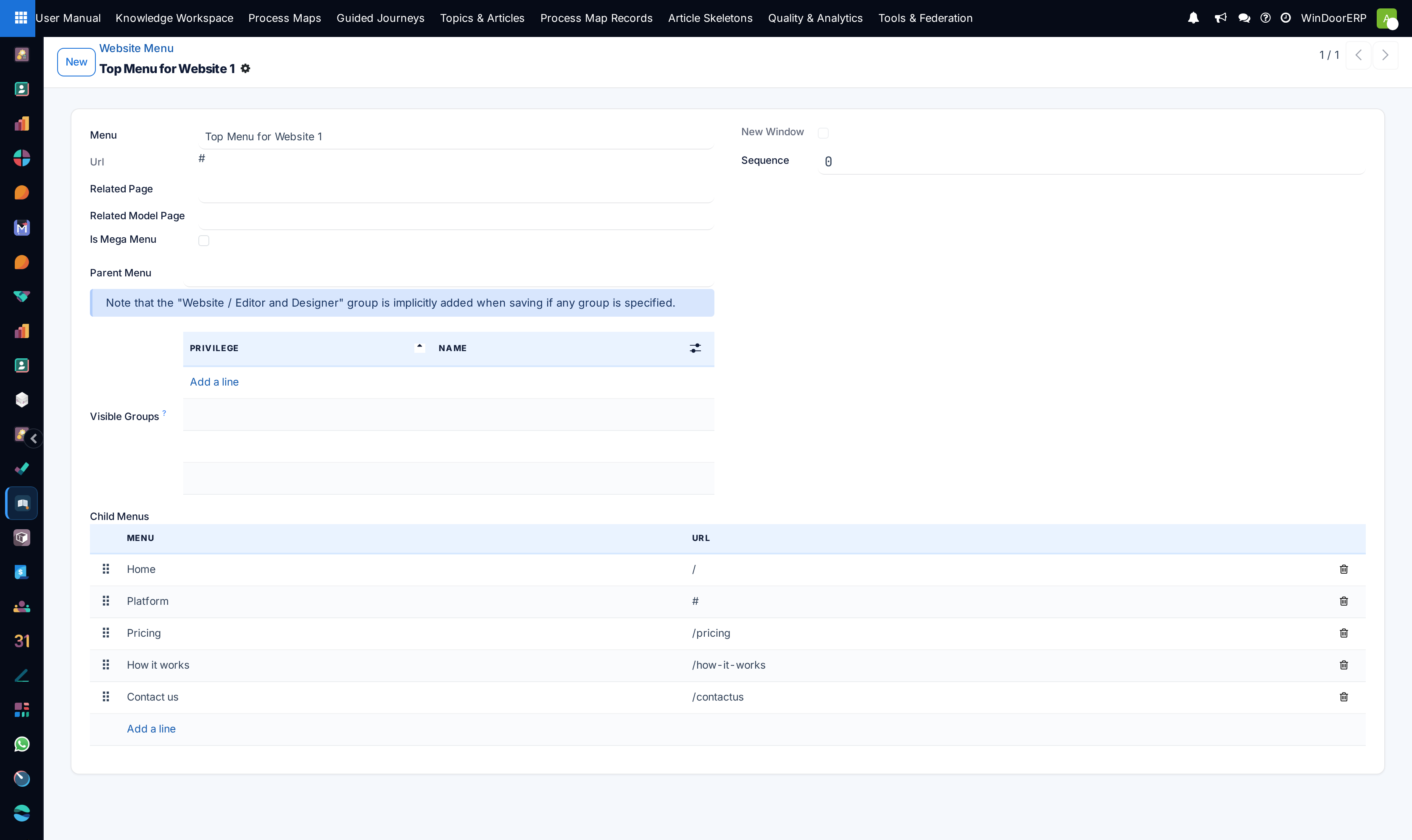
Configure top navigation bars and footer links under Configuration › Menus.
-
04
Manage 301 URL redirects in Redirects to maintain search engine rankings.
-
05
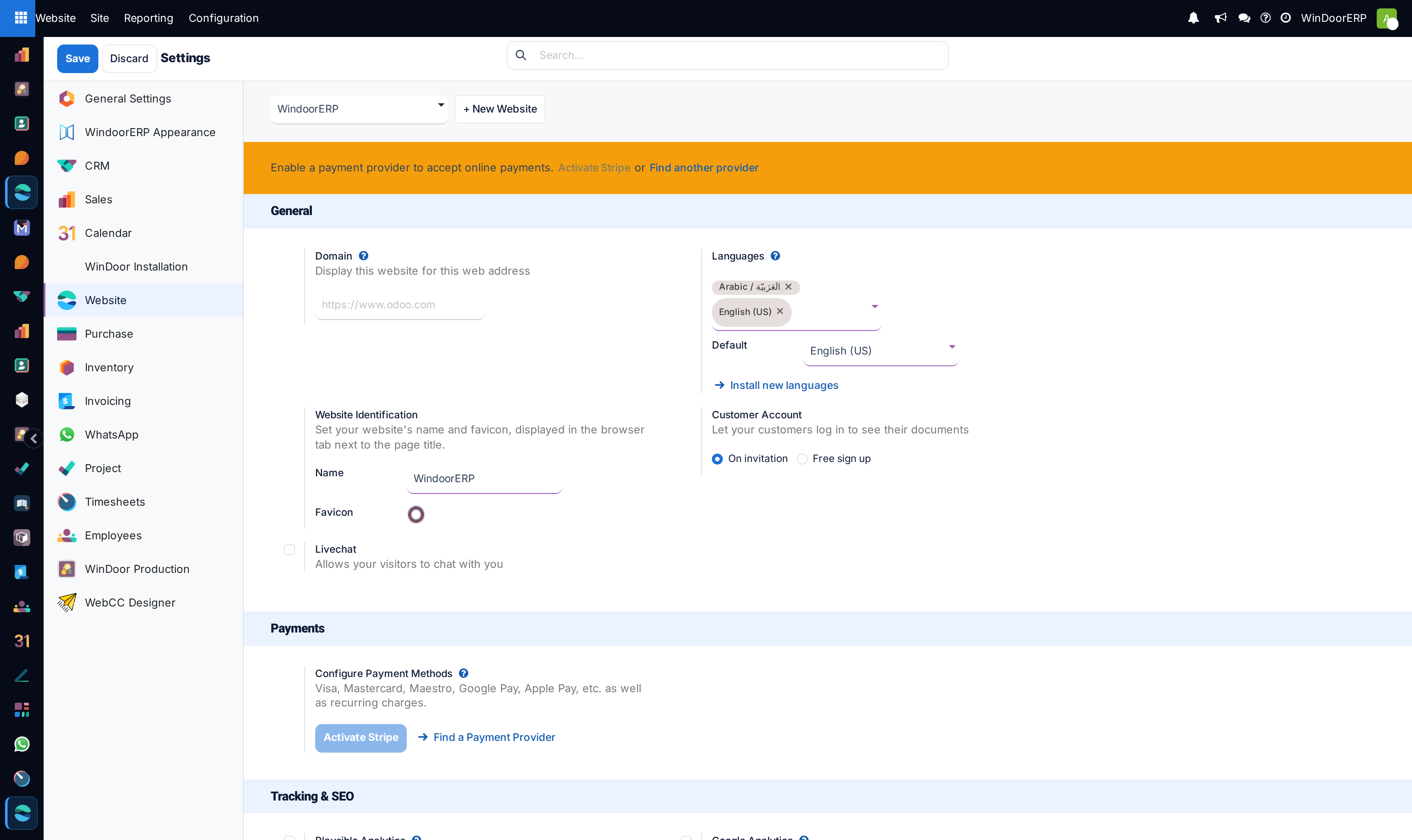
Open Settings to configure Google Analytics IDs, custom fonts, and multi-website domains.
Common mistakes
- Deleting published pages without establishing a 301 redirect fallback to a relevant category page.
- Changing root domain URLs without re-validating Google Search Console sitemaps.
Checkpoint
You can change a page's address without breaking the links that already point at it.