Move messaging off a personal phone
Answer as a team, and keep the lead
Why this step
Several agents on one number, with the conversation attached to a customer and a lead. The point is not the chat; it is that an enquiry arriving at 9pm still exists in the pipeline on Monday.
What this does
Unifies customer WhatsApp interactions into a centralized omnichannel inbox, allowing sales reps and customer service agents to reply, share PDF quotes, and log lead histories directly inside WindoorERP.
Before you start
- WhatsApp Business API or Meta Cloud account connected.
Steps
Important
Direct WhatsApp integration automatically links incoming customer phone numbers to matching CRM Leads, Contacts, and Quotations.
-
01
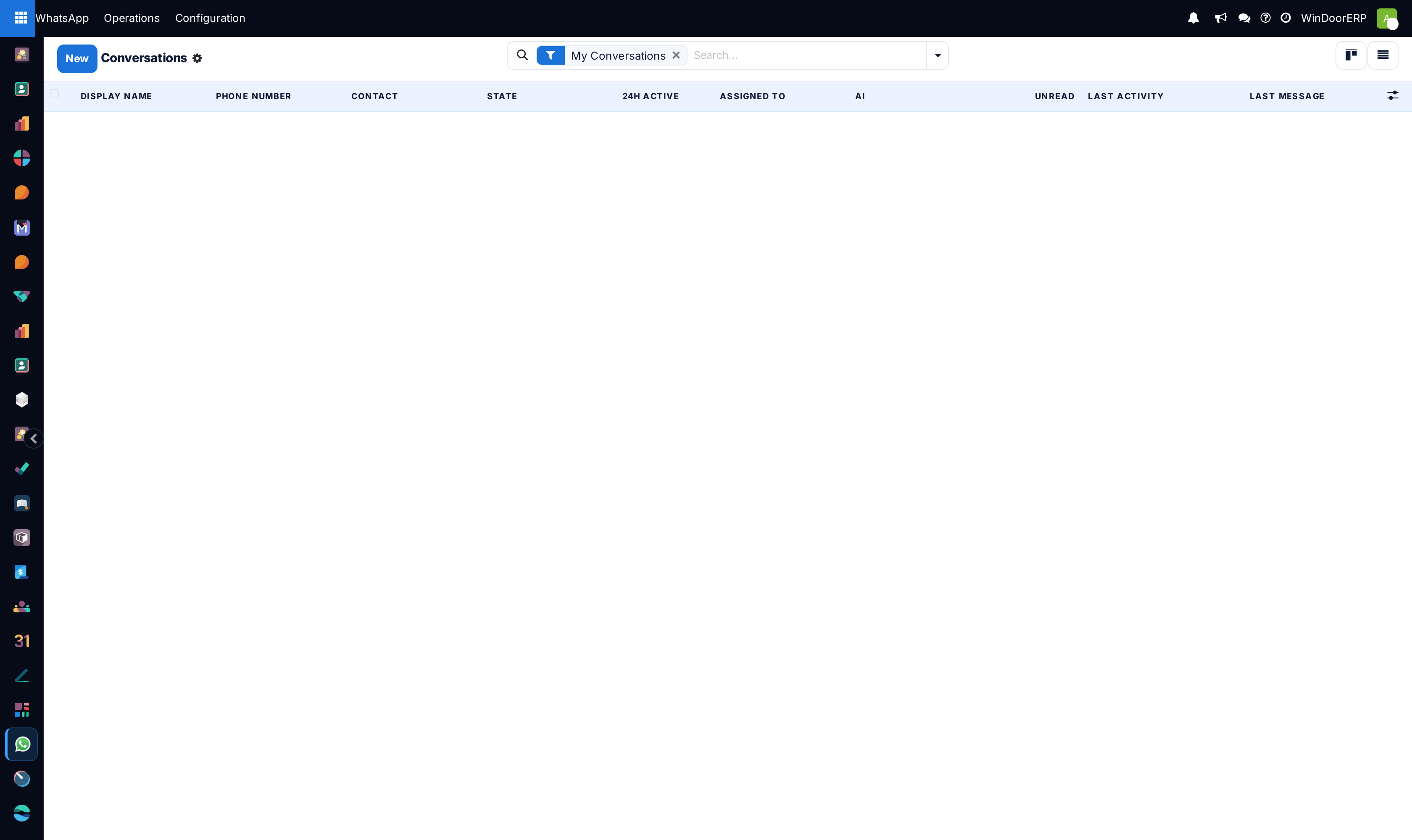
Open WhatsApp › Operations › Conversations.
-
02
Review customer chats across List and Kanban views categorized by assigned sales team.
-
03
Click on any conversation thread to view chat history, send instant replies, or attach window elevation drawings.
-
04
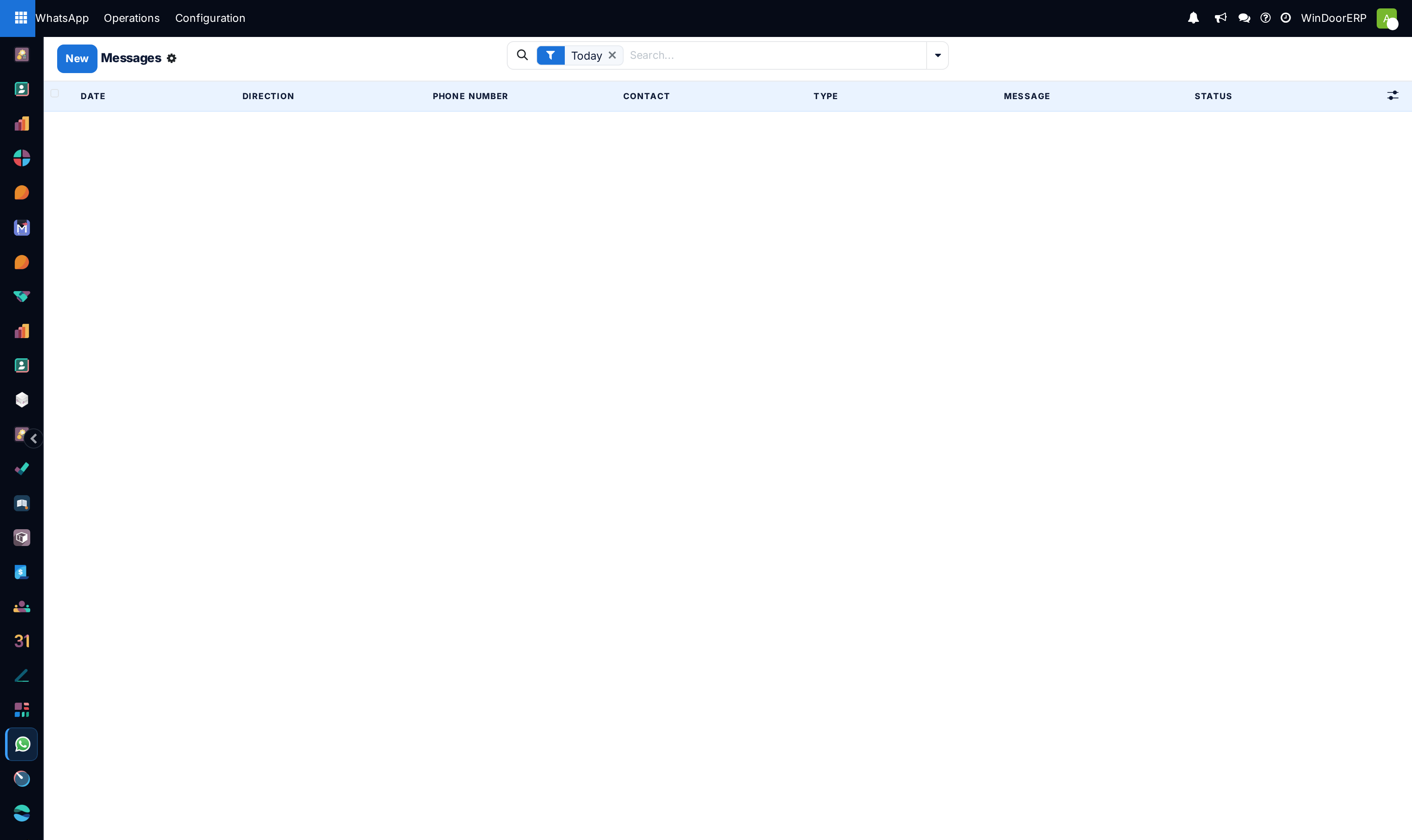
Open Messages to inspect global outbound delivery and read receipt logs (Sent, Delivered, Read).
Common mistakes
- Leaving unassigned incoming WhatsApp customer inquiries unanswered for more than 15 minutes during business hours.
- Manually copying and pasting customer chat text into separate external mobile phones.
Checkpoint
A WhatsApp enquiry creates or attaches to a lead without anyone re-typing it.