Put hours where they belong
Log hours against projects and fabrication
Why this step
An hour belongs to a task, and the task belongs to a project. Logged that way it becomes a cost on a tower; logged as "Tuesday" it becomes nothing at all.
What this does
Tracks daily hours spent by design draftsmen, factory fabricators, and installation teams against specific Project tasks, feeding direct job labor costs directly into project P&L ledgers.
Before you start
- Active project tasks assigned to employees.
Steps
Important
Accurate timesheet recording on factory manufacturing orders feeds directly into actual versus estimated production job costing variances.
-
01
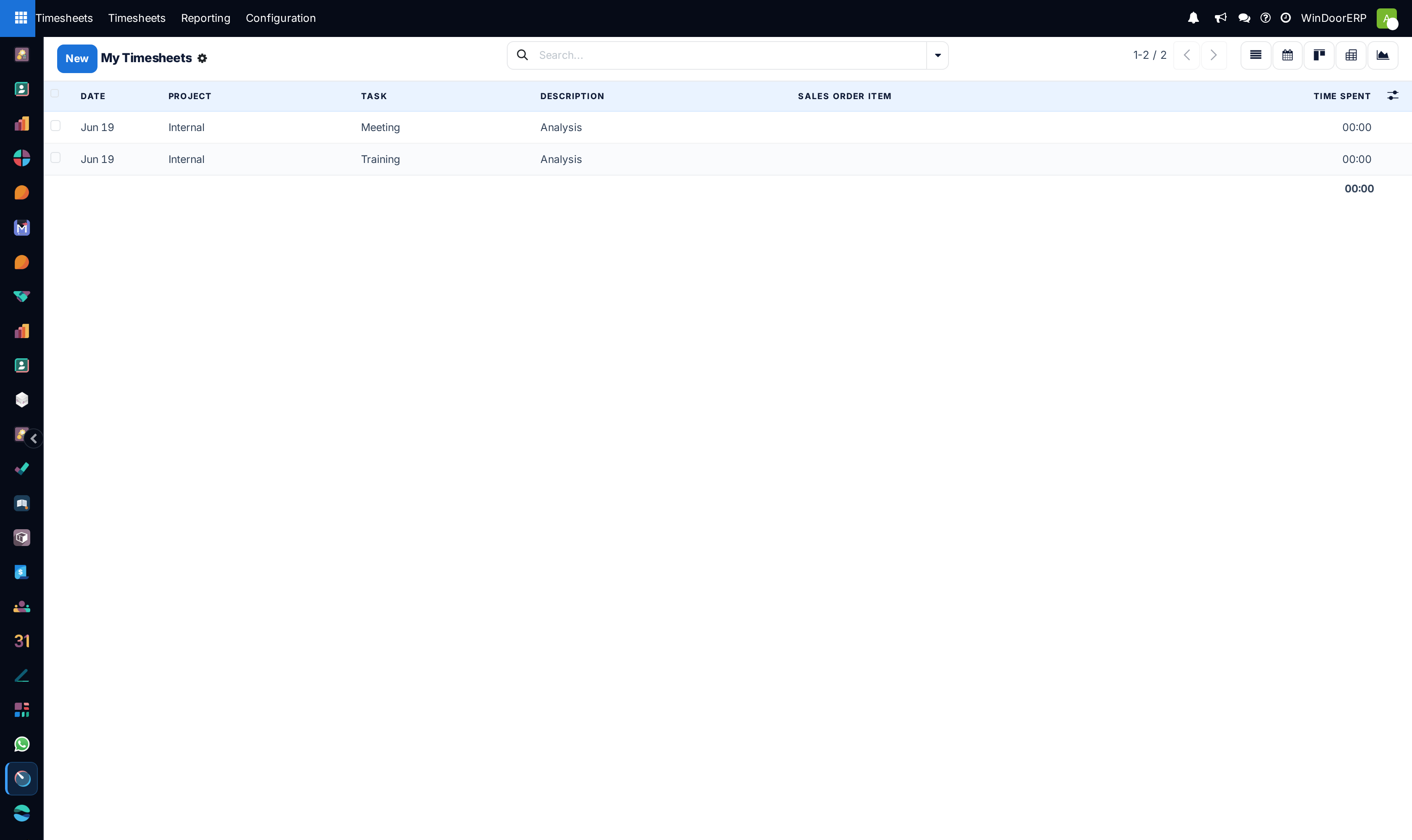
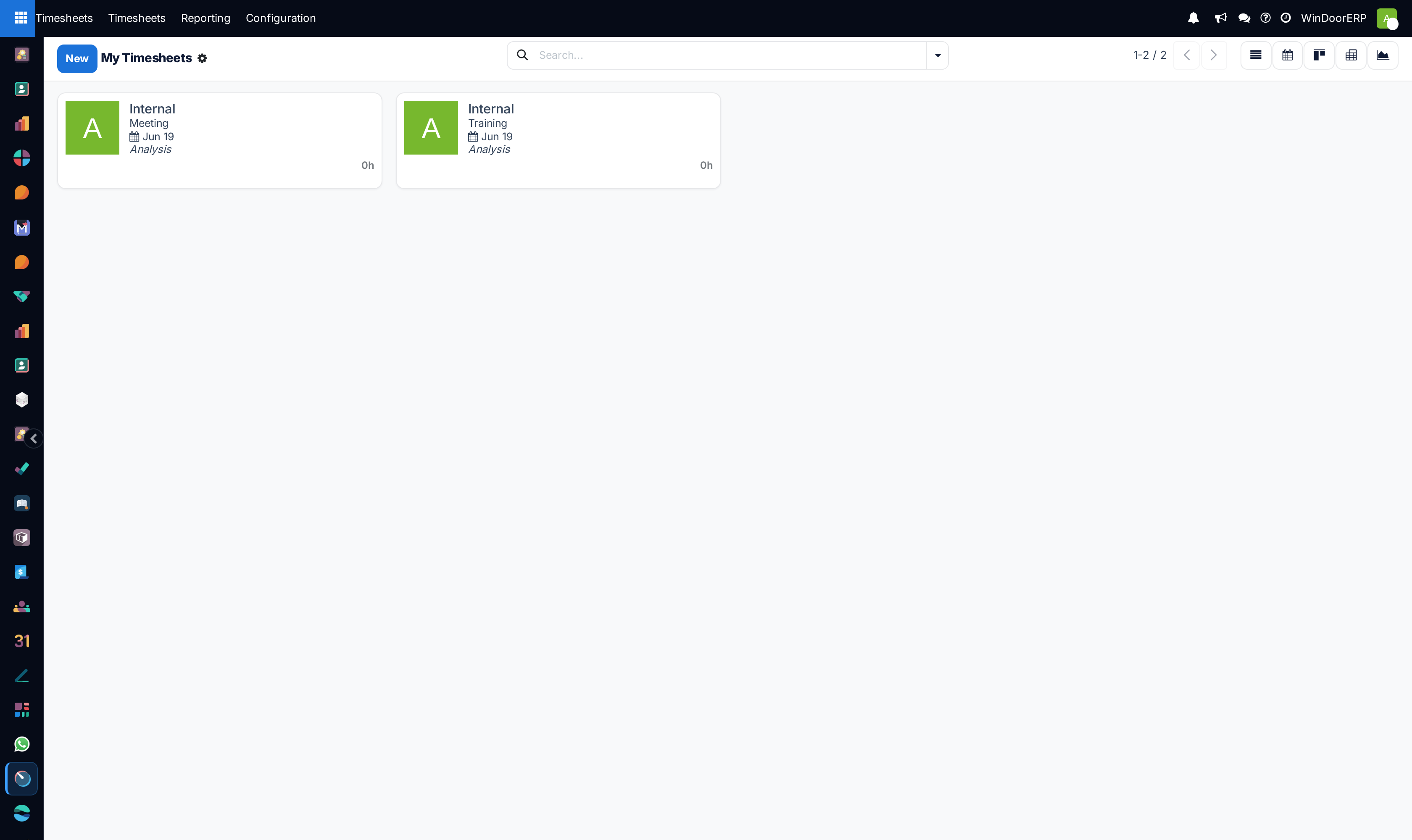
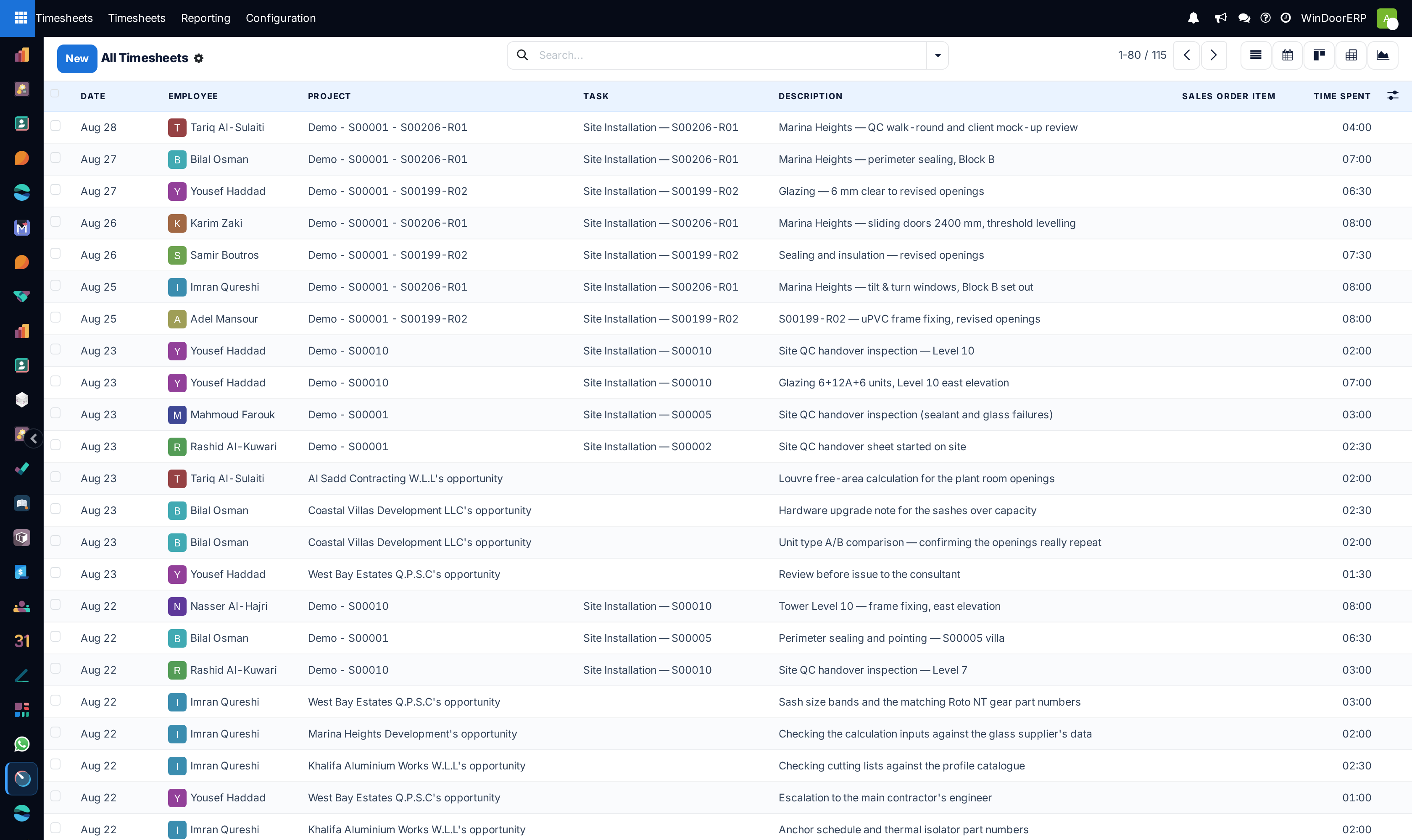
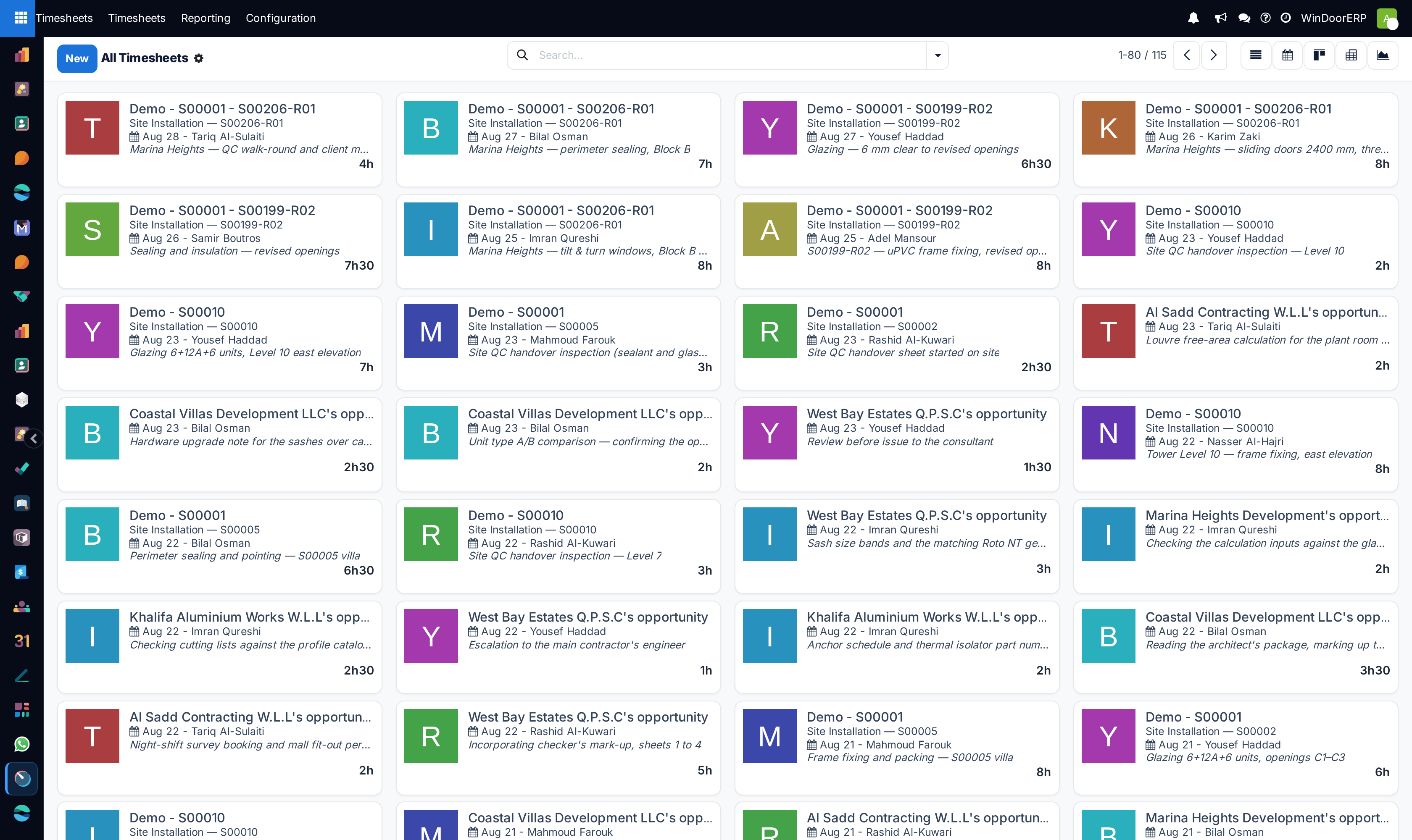
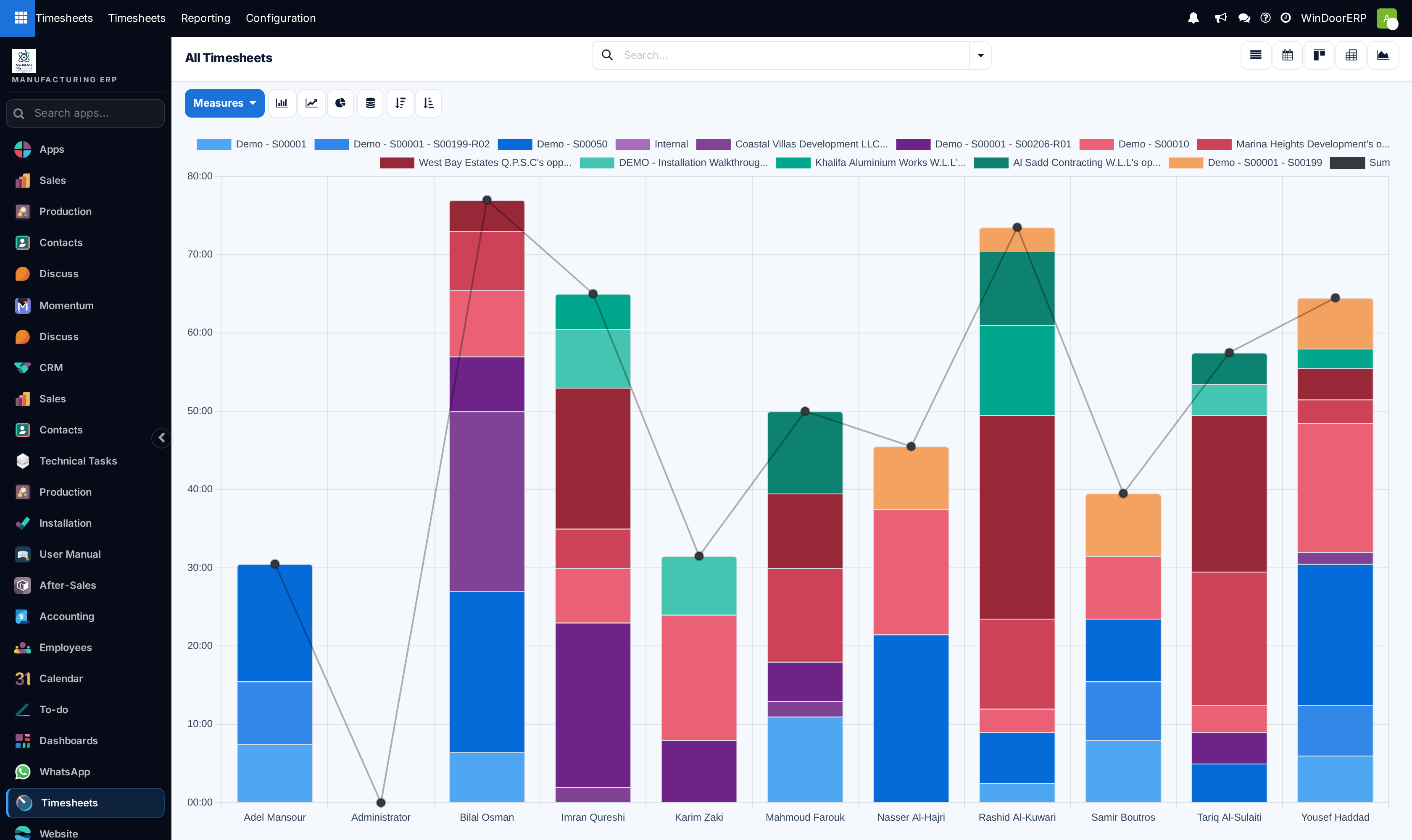
Open Timesheets › My Timesheets across List, Kanban, Graph, and Pivot views.
-
02
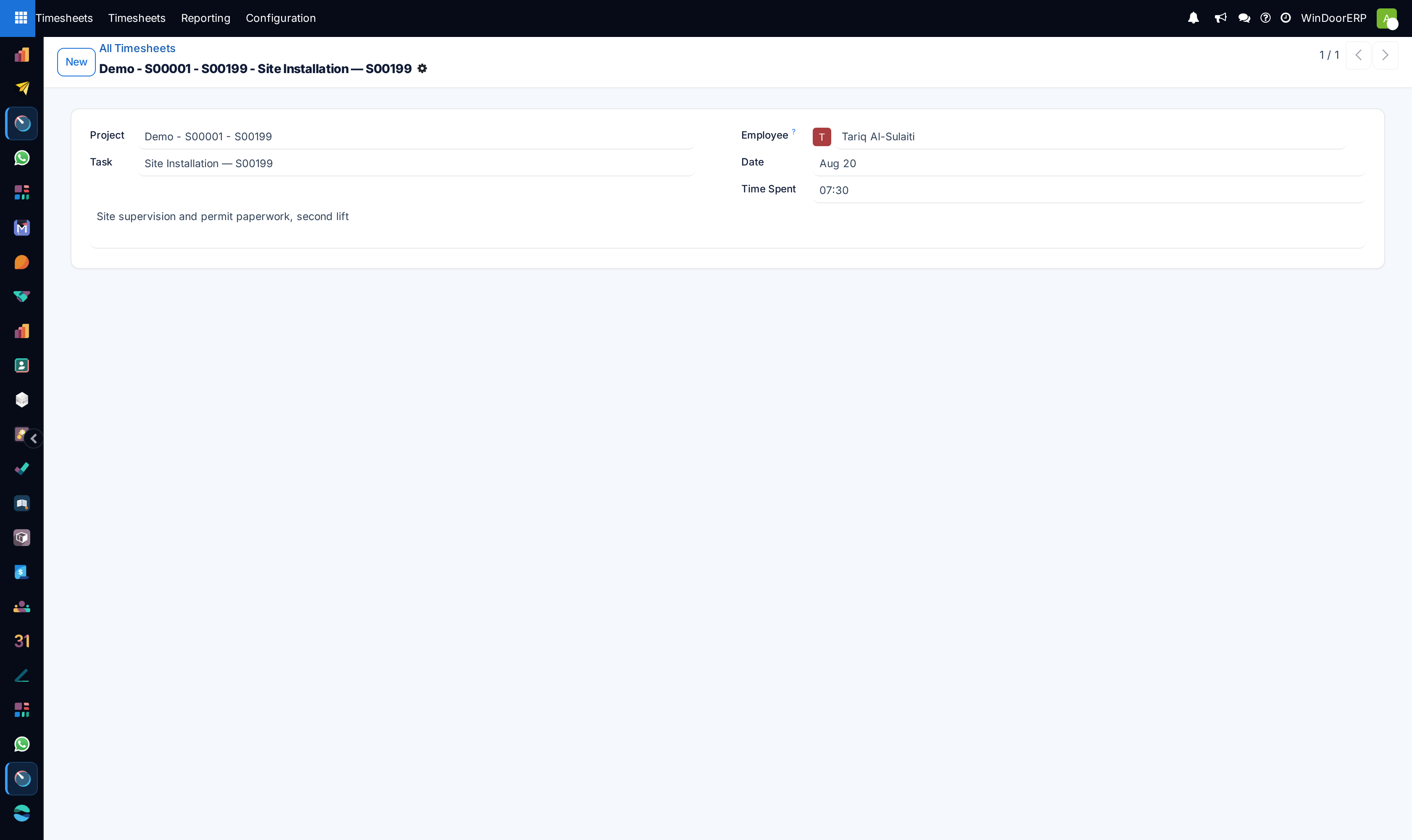
Click New, select the Project, Task (e.g. Shop Drawing Preparation, Curtain Wall Assembly), and enter spent Hours.
-
03
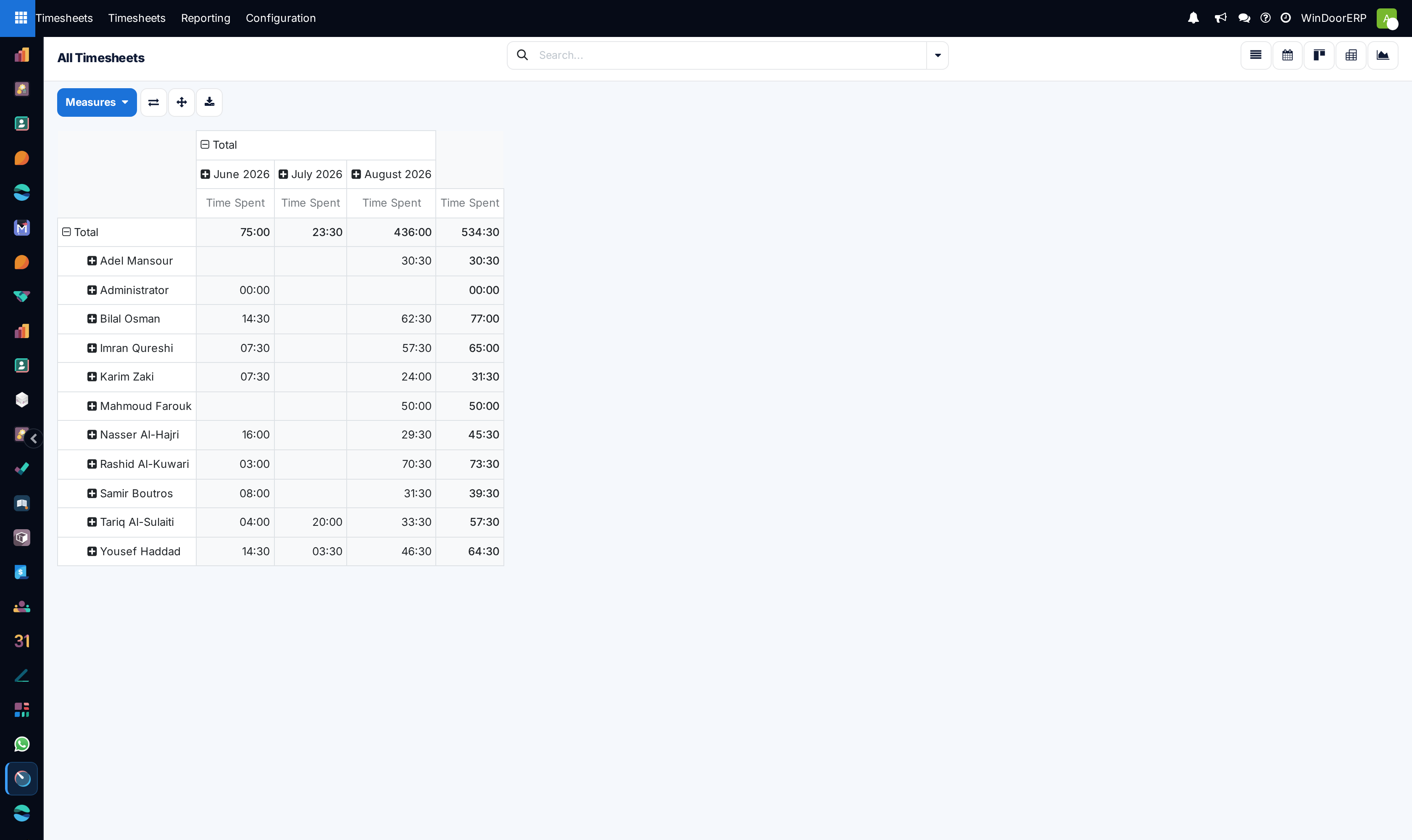
Managers open Timesheets › All Timesheets to review team time allocations across List, Kanban, Graph, and Pivot.
-
04
Validate time log descriptions and confirm entries for weekly payroll and project cost closure.
Common mistakes
- Logging bulk weekly hours on generic placeholder tasks instead of specific customer project codes.
- Approving unverified overtime hours without supervisor site log validation.
Checkpoint
A week of hours can be read as cost per project, without anybody reallocating them afterwards.