Put hours where they belong
Capture attendance and setup time at the station
Why this step
On the floor the hour should record itself: the operator signs in at the terminal from journey 6, and attendance, setup time and work-order labour come from the same action.
What this does
Captures detailed operator timesheets for work order setup, profile cutting, assembly, and breakdown downtime, ensuring accurate job costing.
Before you start
- Operators registered and hourly wage rates configured.
Steps
Important
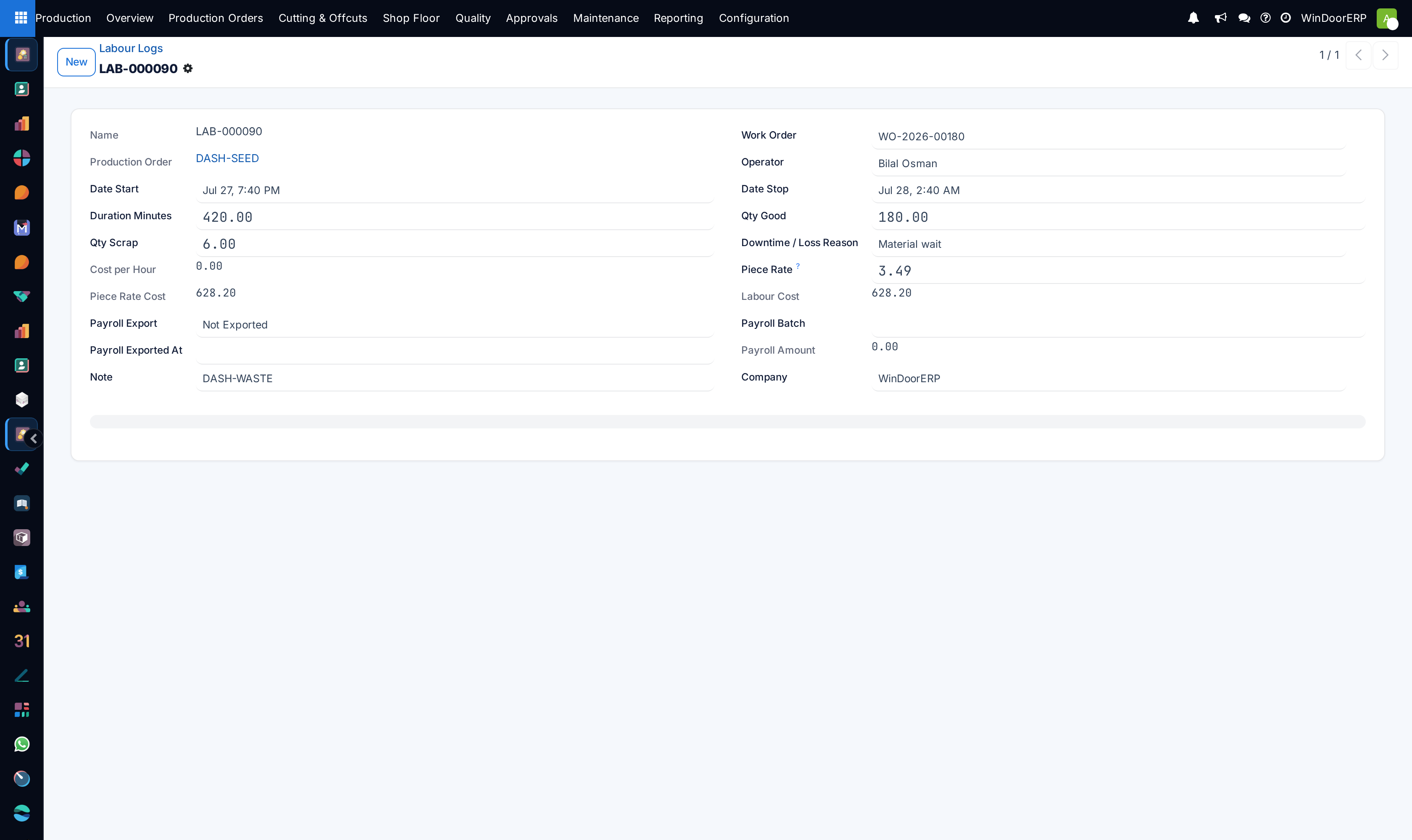
Separating 'Setup Time' (machine calibration, saw angle adjustment) from 'Run Time' highlights opportunities for single-minute exchange of dies (SMED) improvements.
-
01
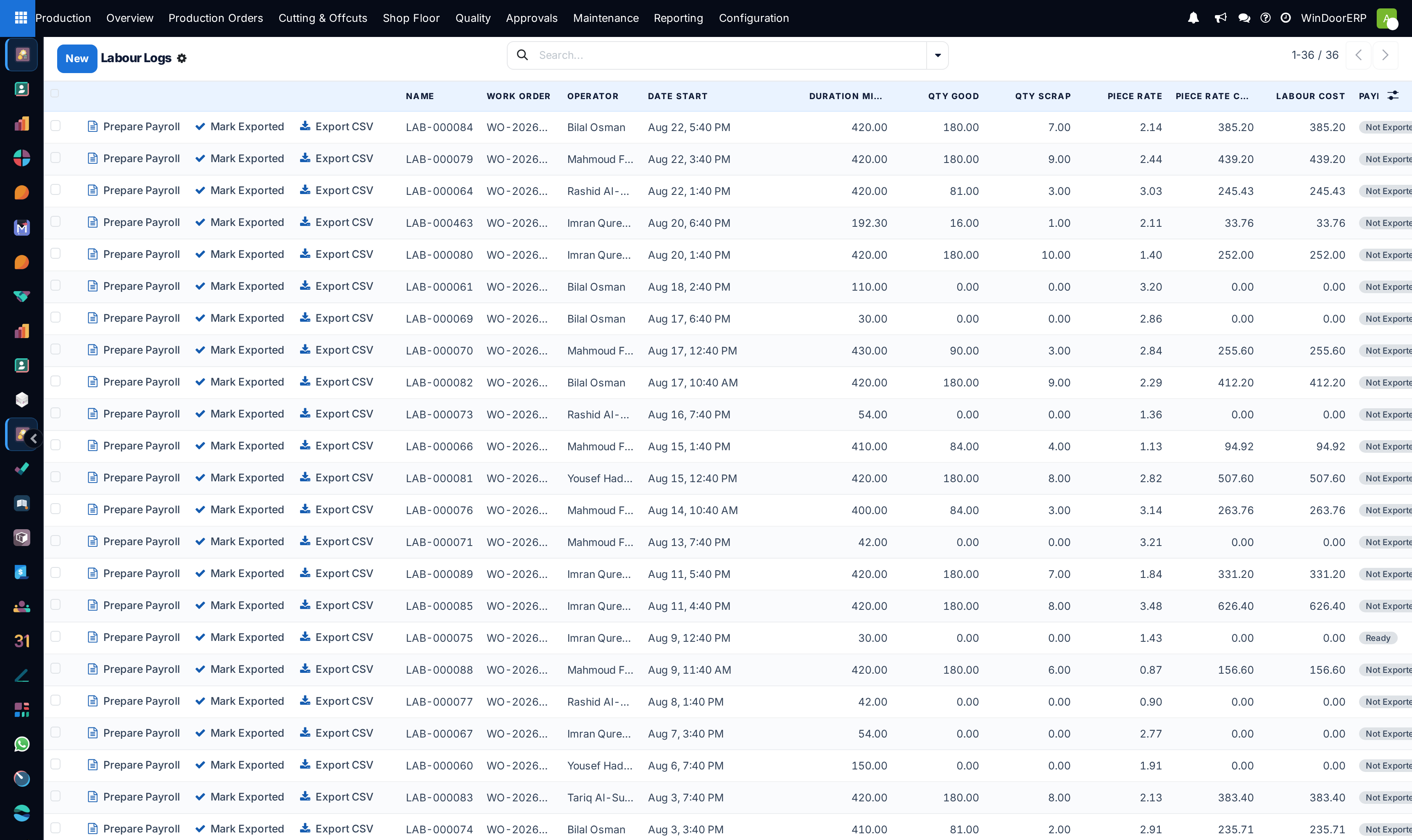
Navigate to Production › Shop Floor › Labour Logs.
-
02
Review the list of operator time entries detailing Work Order, Operation, Start/End time, and Duration.
-
03
Inspect flagged entries with excessive setup or run times exceeding standard routing estimates.
-
04
Approve verified shift labour logs for payroll and manufacturing cost absorption.
Common mistakes
- Allowing operators to log manual labour entries days after shift completion without supervisor verification.
- Booking training or general cleanup hours against specific customer sales orders.
Checkpoint
A shift's labour hours arrive from the shop floor terminals rather than a paper sheet.