Read the numbers
Produce the statements
Why this step
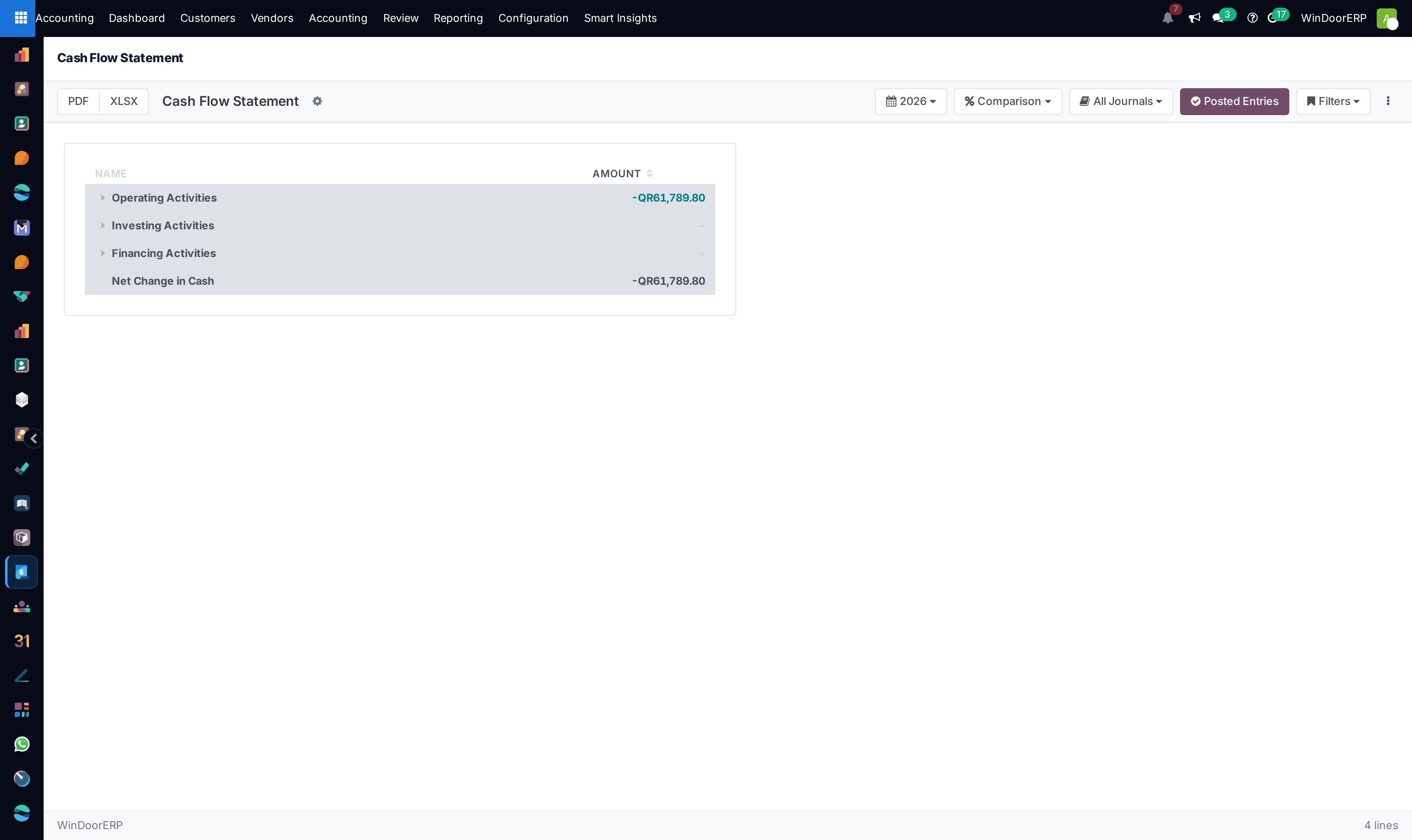
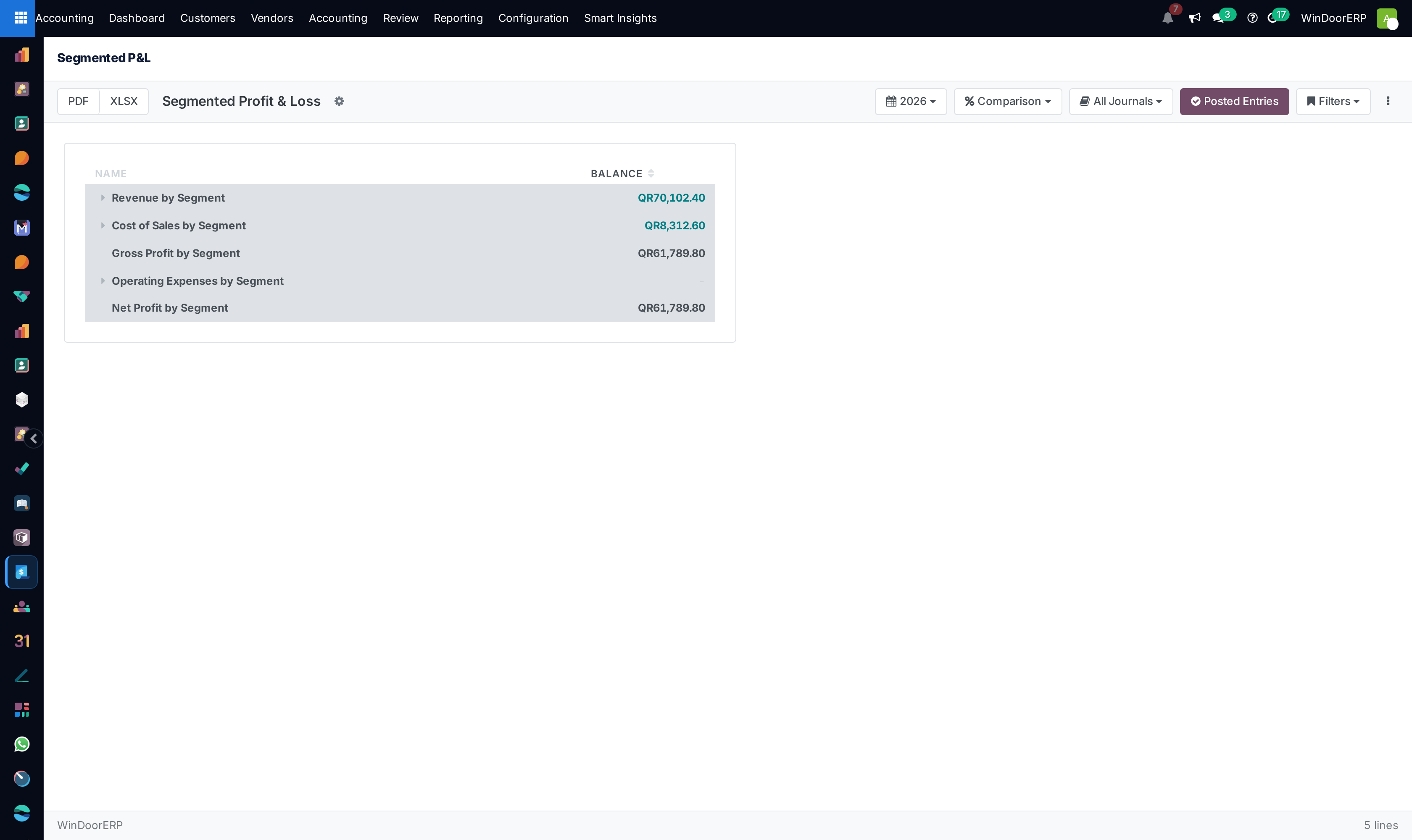
Balance sheet, profit and loss, cash flow — and the segmented P&L that says which part of the business earned it. If the analytic plans were set up in step two, this is where that pays off.
What this does
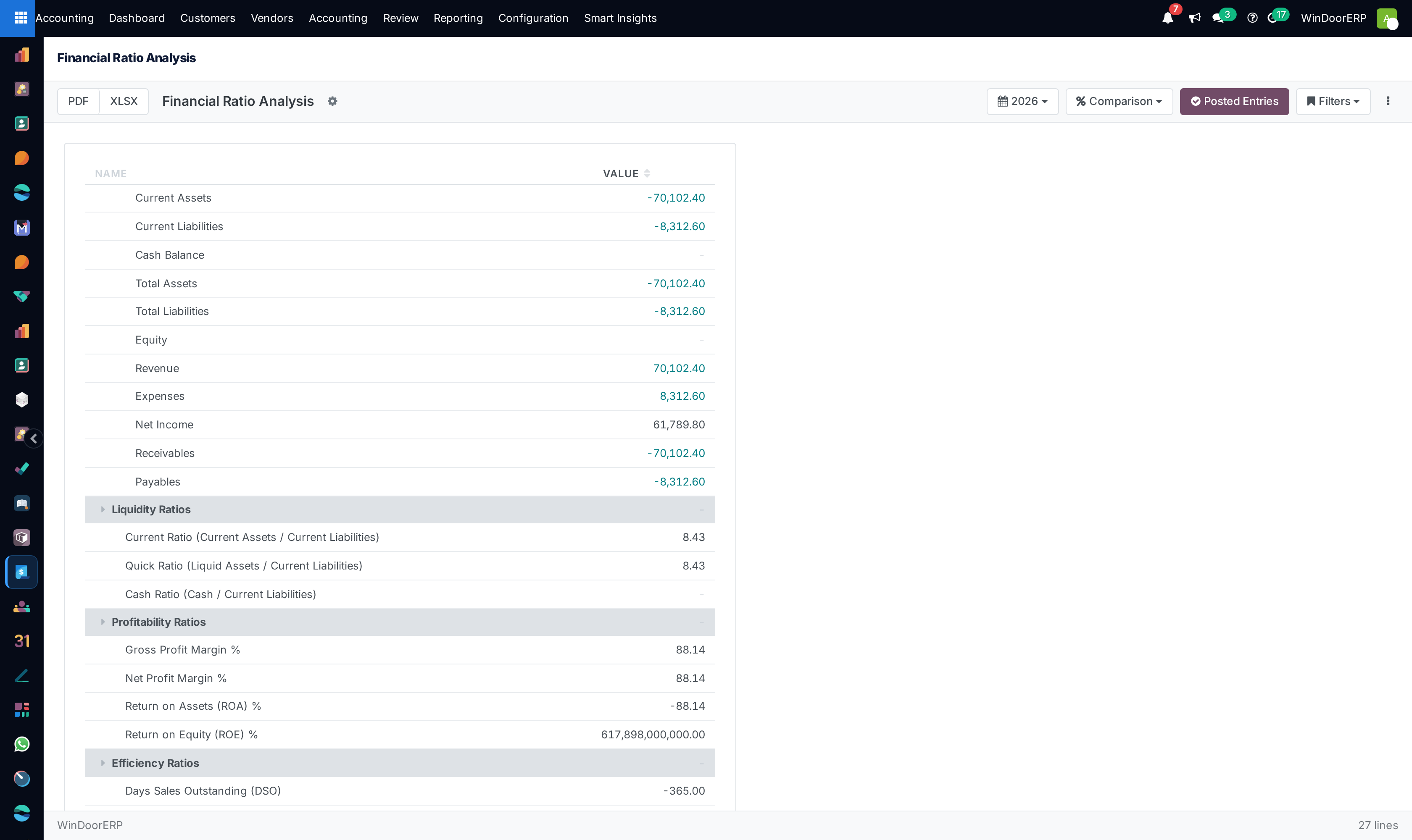
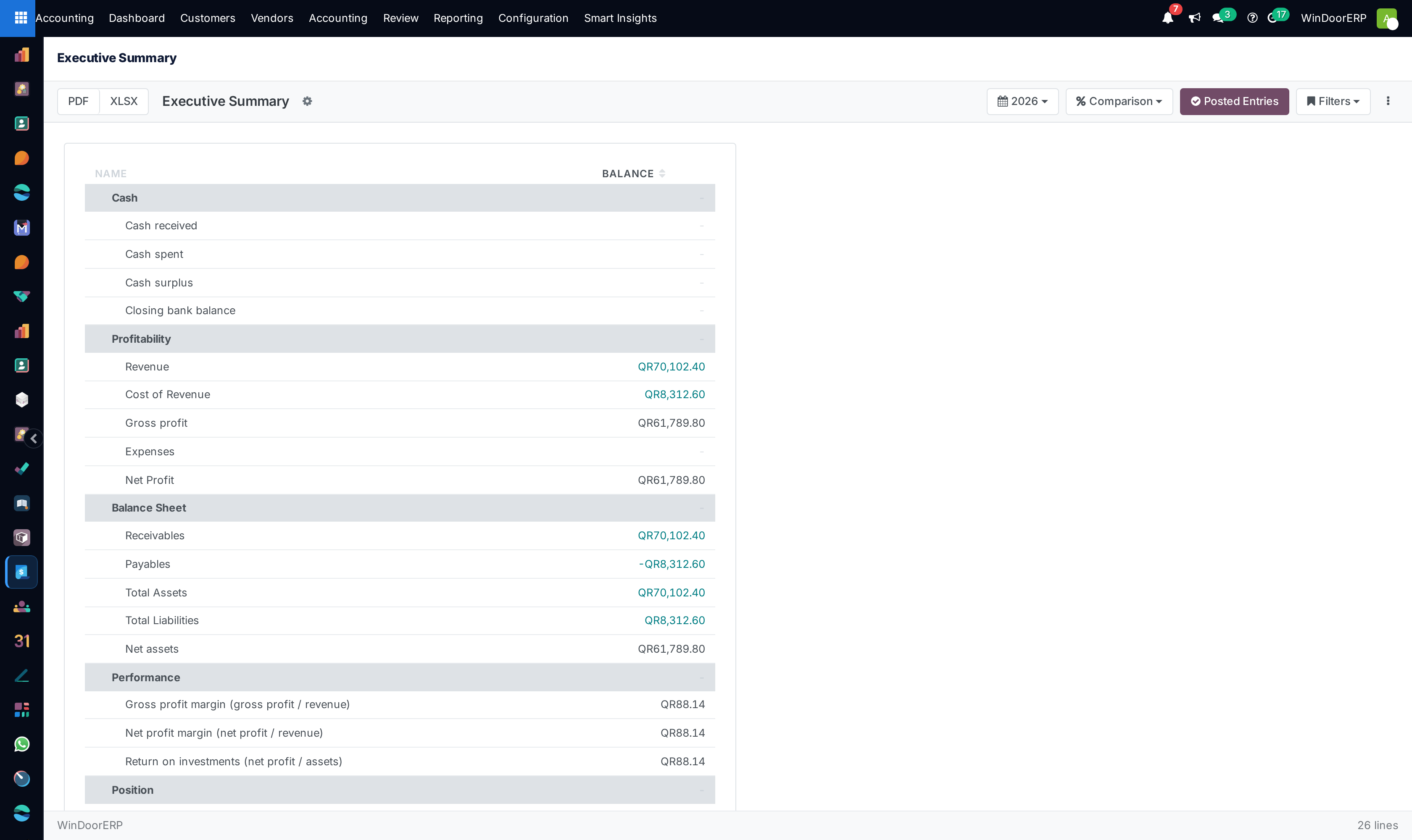
Generates real-time statutory financial statements, segmented profit and loss by architectural product lines, balance sheets, and key corporate financial health ratios.
Before you start
- Journal entries and invoices posted for the reporting period.
Steps
Important
Reviewing Segmented P&L by Product Line (e.g. Standard Sliding vs Minimalist Slimline Doors) reveals which systems deliver the highest contribution margins.
-
01
Open Accounting › Reporting › Financial Statements.
-
02
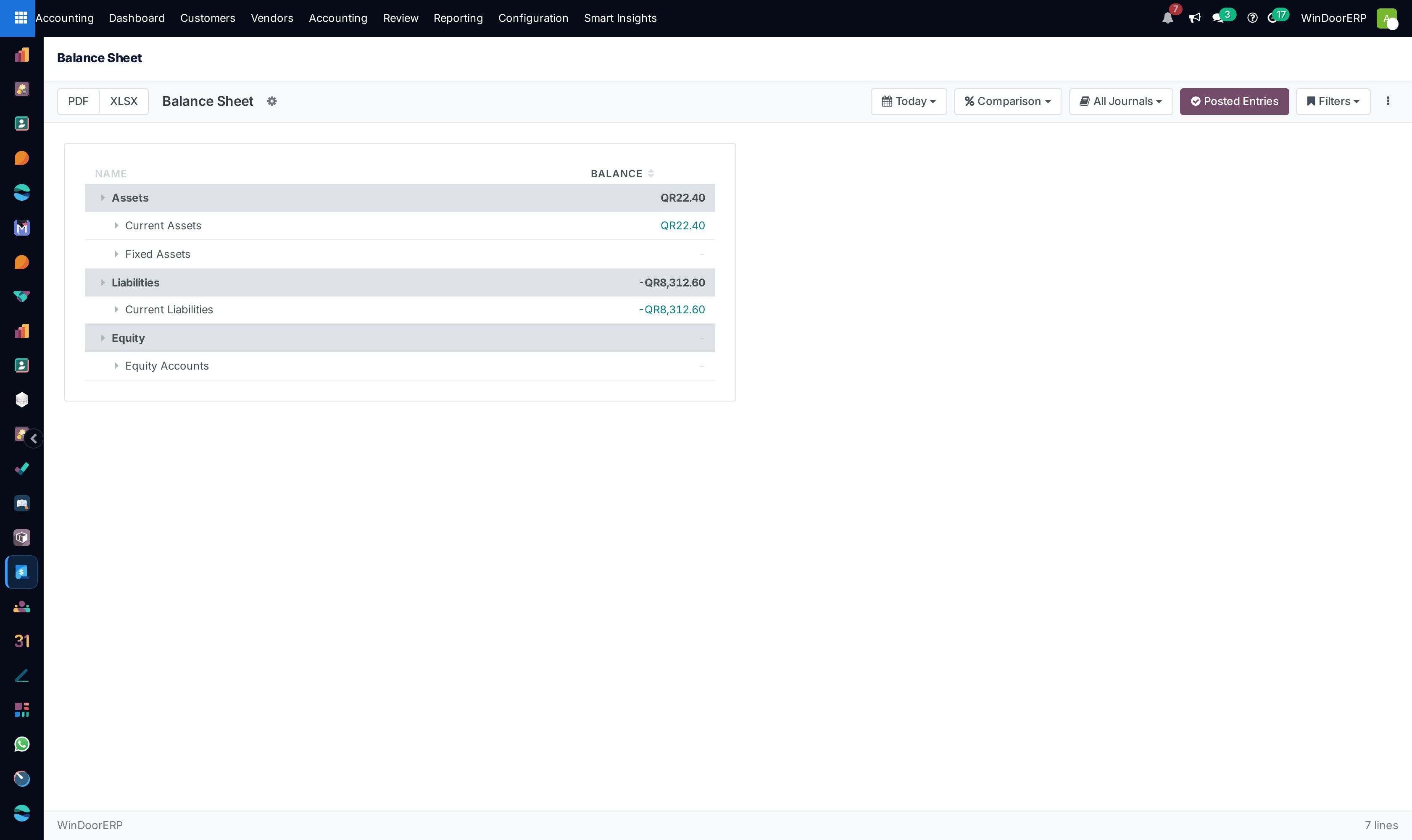
Select Balance Sheet to inspect corporate assets, liabilities, and retained earnings.
-
03
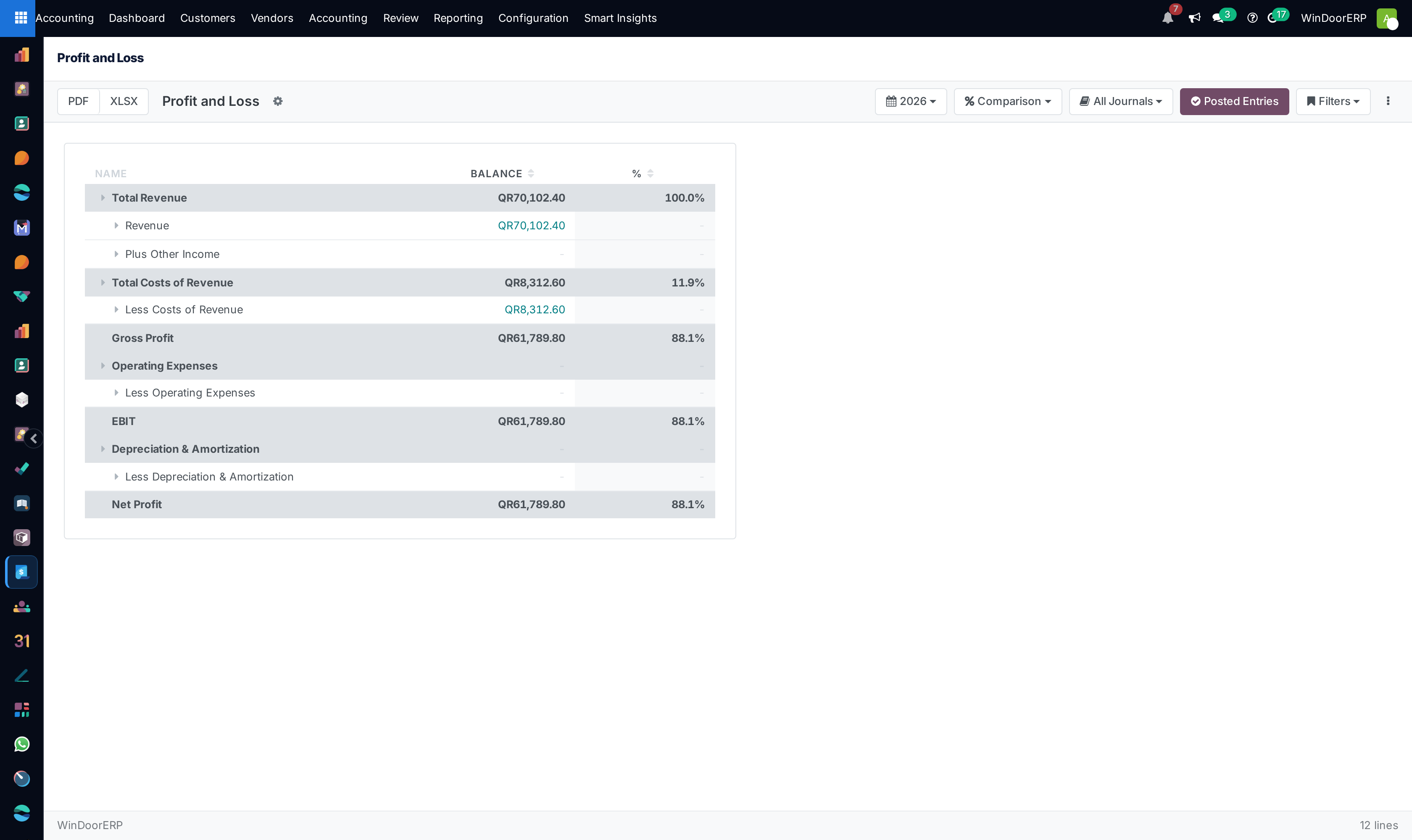
Select Profit and Loss to evaluate gross profit margins across aluminium fabrication operations.
-
04
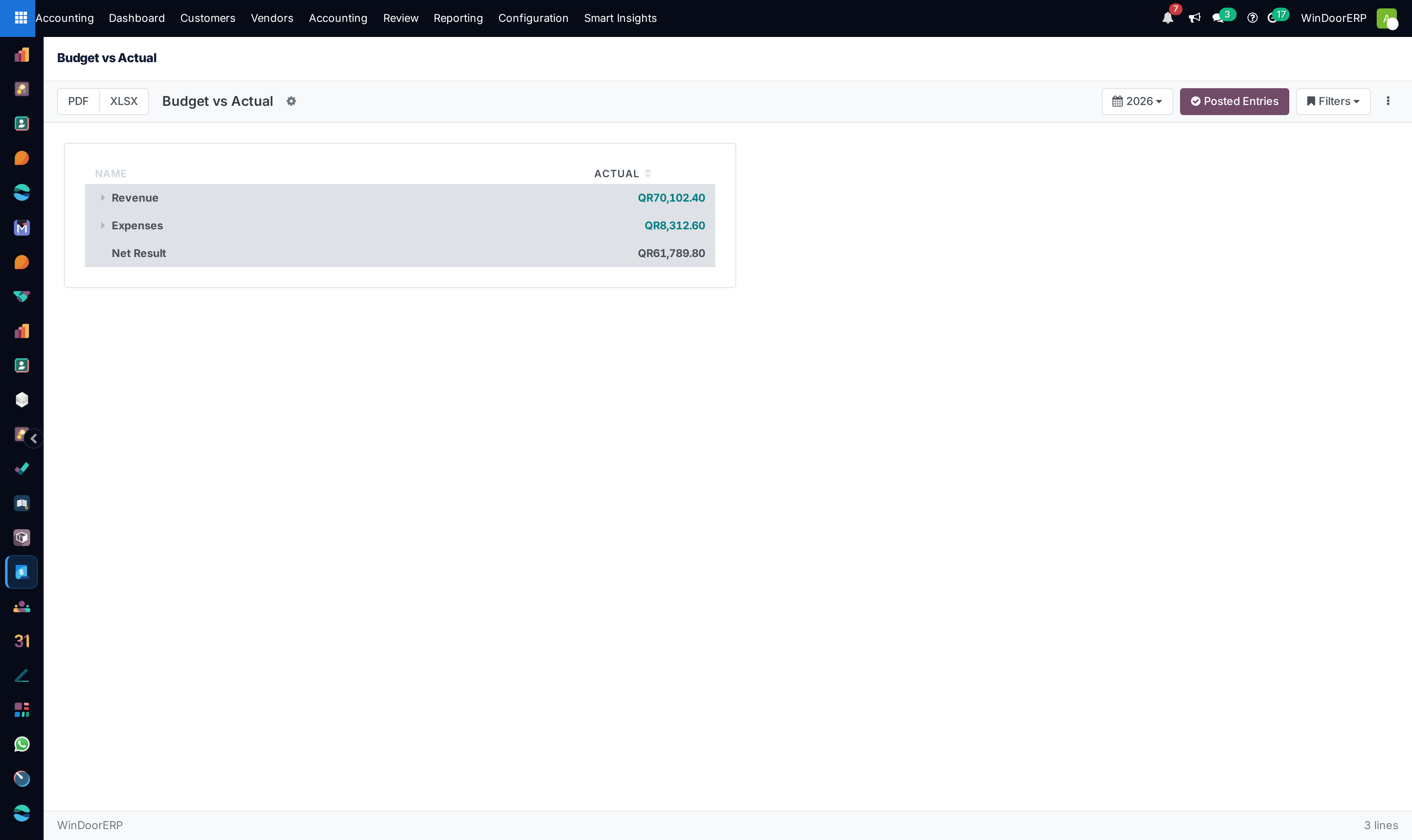
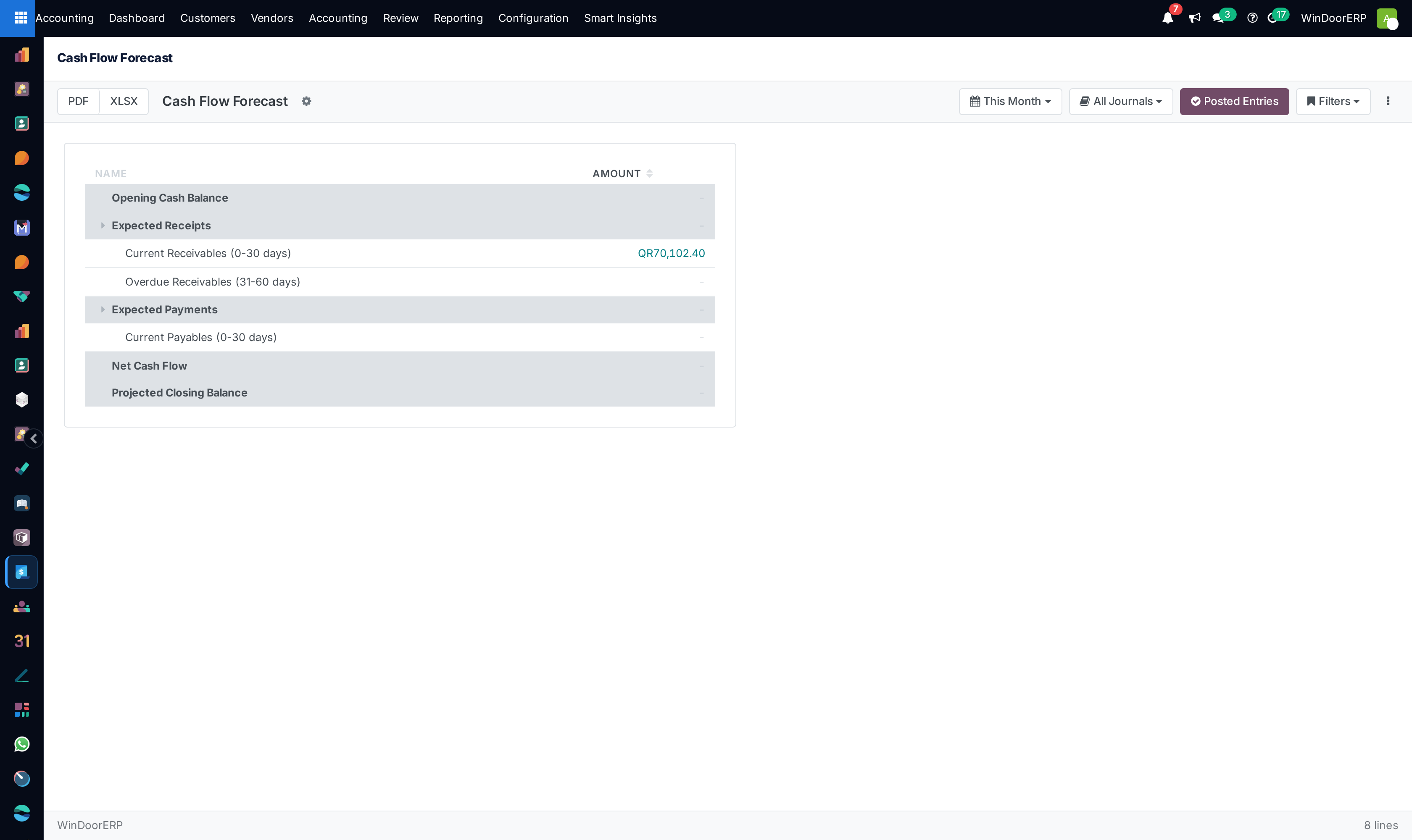
Explore Planning & Analysis to review Budget vs Actual, Segmented P&L, Ratio Analysis, and the Executive Summary.
-
05
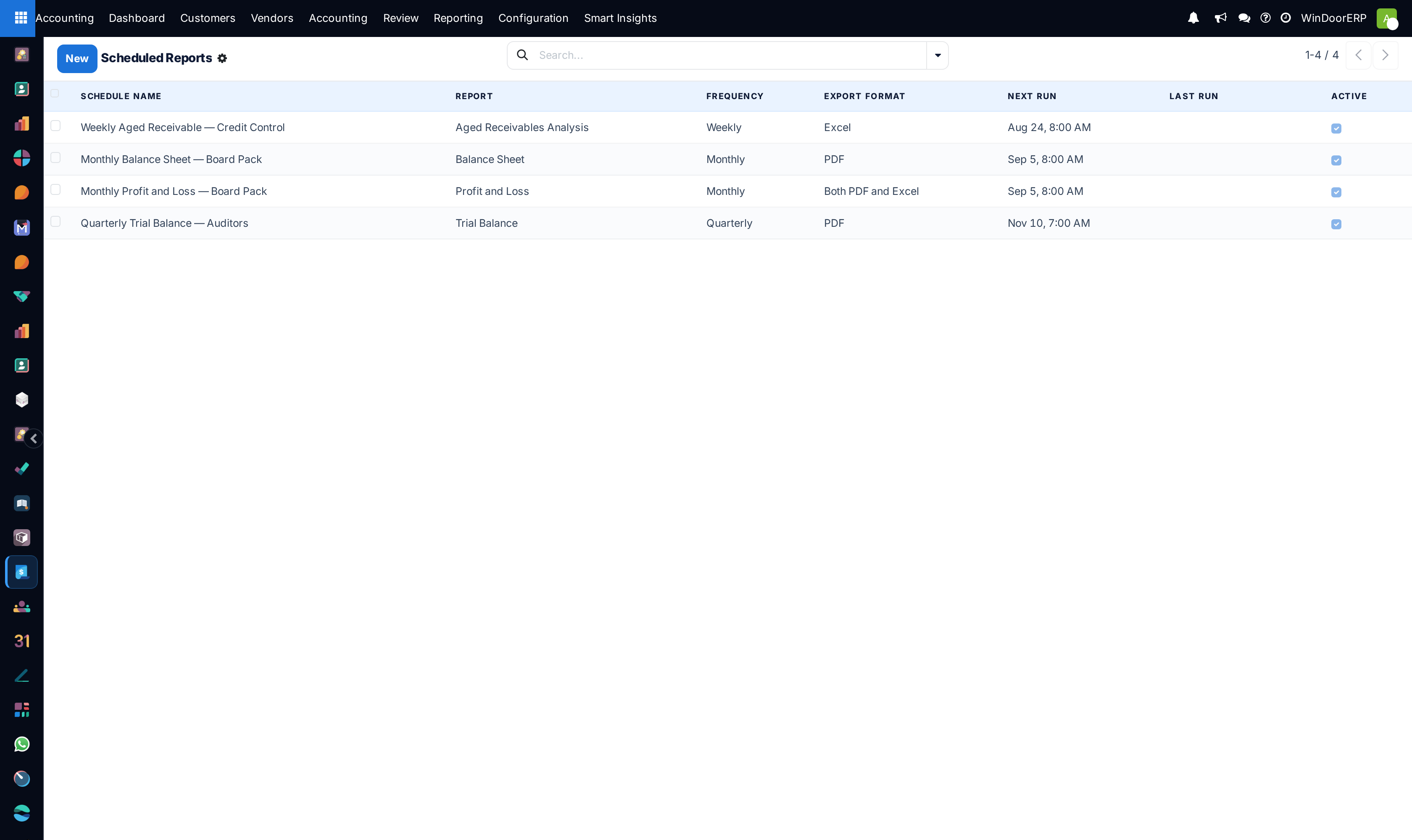
Export dynamic reports directly to Excel or presentation-ready bilingual PDFs.
Common mistakes
- Generating financial reports across unclosed prior fiscal periods with pending unposted draft entries.
- Omitting inventory work-in-progress (WIP) valuations from quarterly cost-of-goods-sold calculations.
Checkpoint
You can produce a P&L for one project or one branch, not only for the company.