Load the products
Attach the cut-sheets and specifications
Why this step
The technical PDF a consultant asks for should live on the product, not in somebody's inbox. Attach the cut-sheets and fill the specifications while the catalogue is fresh in your hands.
What this does
Maintains your master catalogue of aluminium profiles, glass units, hardware accessories, and window assemblies, with the ability to attach technical PDF datasheets that automatically append to client quotations.
Before you start
- Sales Administrator or Inventory Manager access.
Steps
Important
Attaching technical cut-sheets directly to products ensures sales reps never send incomplete architectural submittal packs to consultants.
-
01
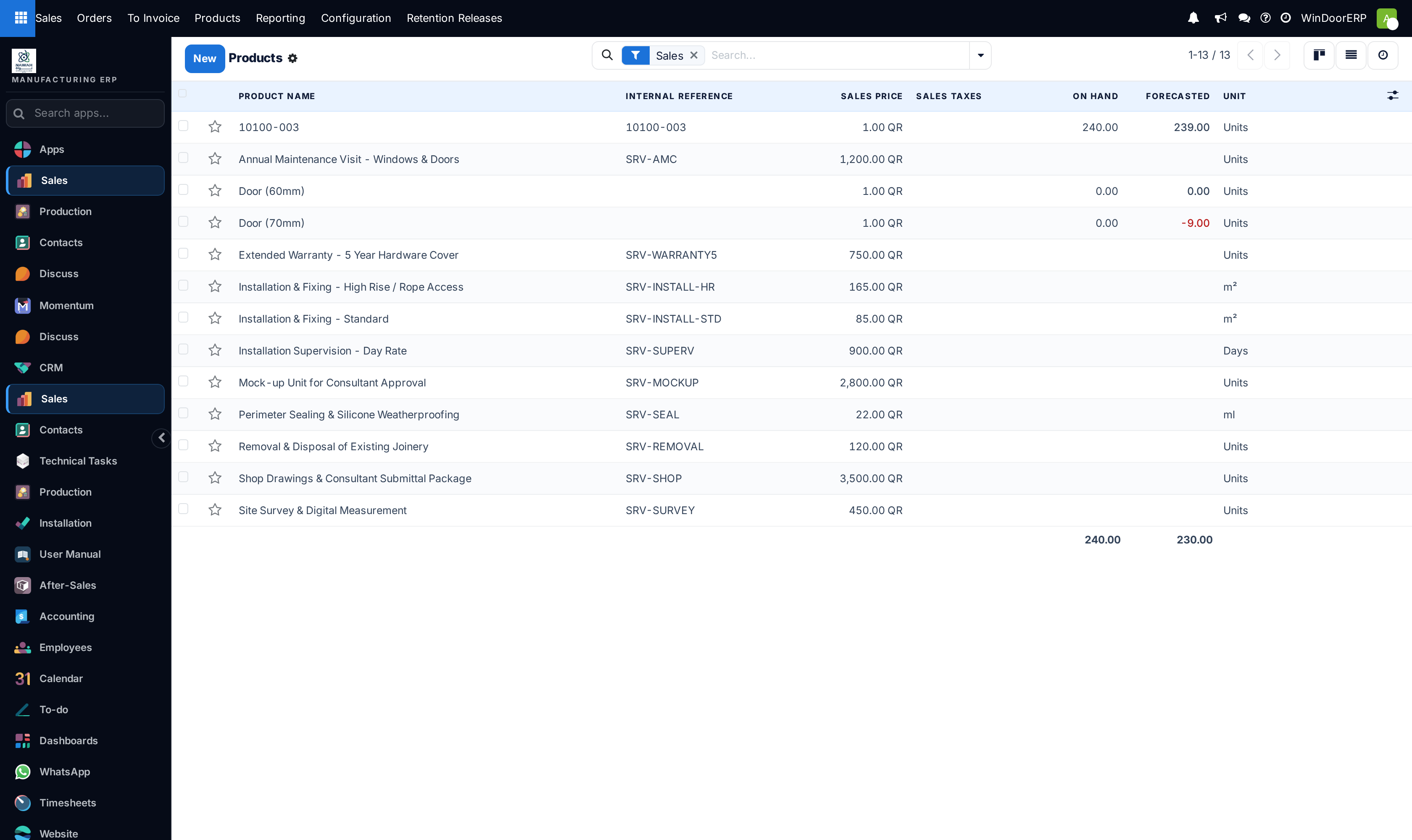
Open Sales › Products › Products to view the full product library.
-
02
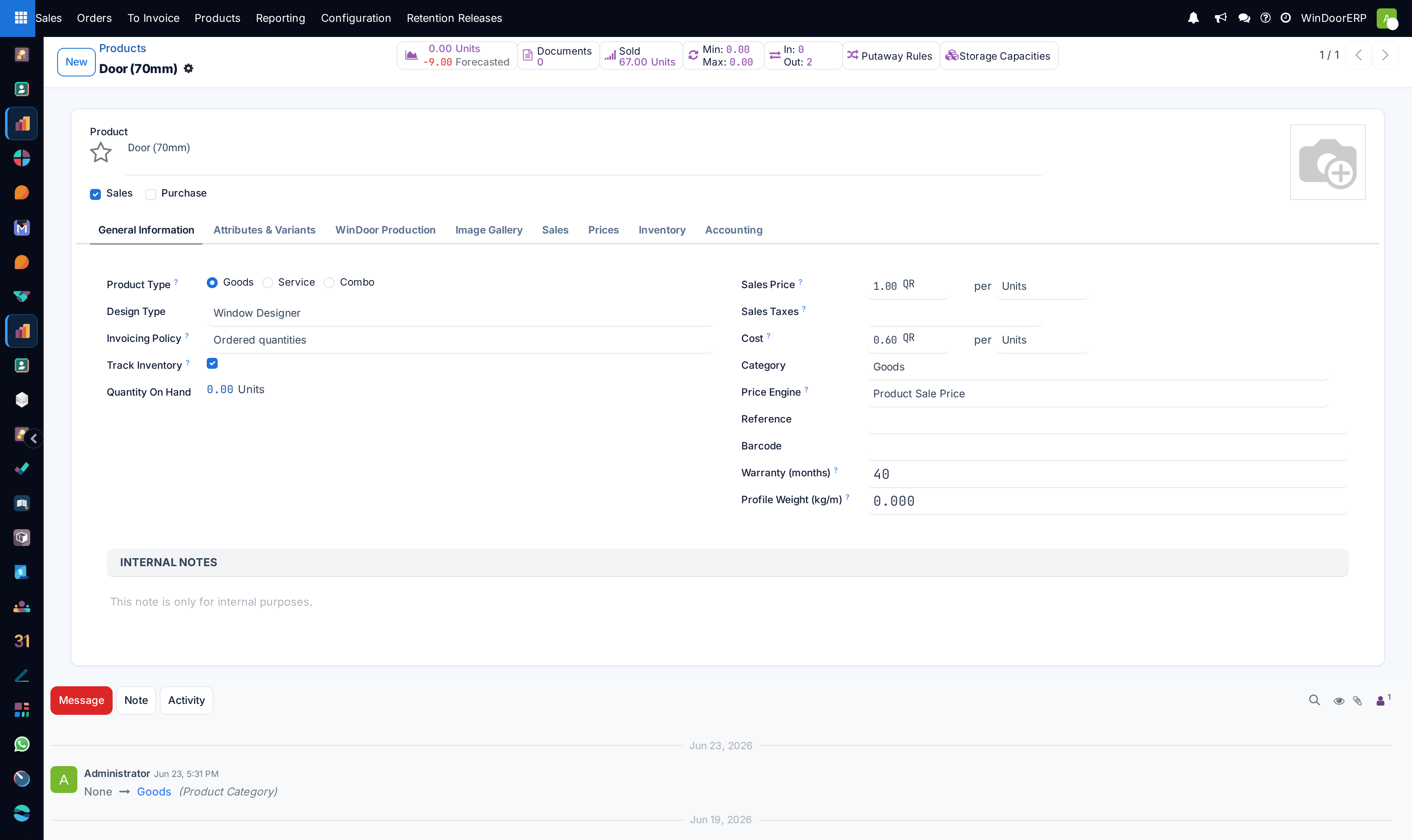
Open any product template (e.g. Thermal Break Sliding Window 65mm, Curtain Wall Stick System 50mm).
-
03
In the Documents tab, upload technical PDF datasheets (e.g. extrusion profile cross-section drawings, acoustic acoustic rating tests, thermal U-value reports).
-
04
Enable Print in Quotation on attached PDF documents so they automatically merge into the final quotation submittal pack when the item is quoted.
-
05
Add external URLs to video demonstrations or technical manufacturer specification pages.
Common mistakes
- Uploading huge uncompressed PDF brochures (e.g. >20MB) that make quotation emails bounce.
- Not updating thermal test certificates when switching profile extrusion suppliers.
Checkpoint
Opening a profile shows its specification and its technical PDF without leaving the record.