Set the shape of the business
Companies, branches and languages
Why this step
One database can hold a group: several companies or branches, each with its own documents, its own accounts and its own working language. Decide the shape now — splitting a company later is the hardest change on this list.
What this does
Governs multi-company organizational hierarchies, multi-branch access separation, global security groups, user credential provisioning, and bilingual English/Arabic system localization.
Before you start
- System Administrator access.
Steps
Important
Activating multi-company rules allows parent holding groups to consolidate financial balance sheets while isolating daily factory work orders between subsidiaries.
-
01
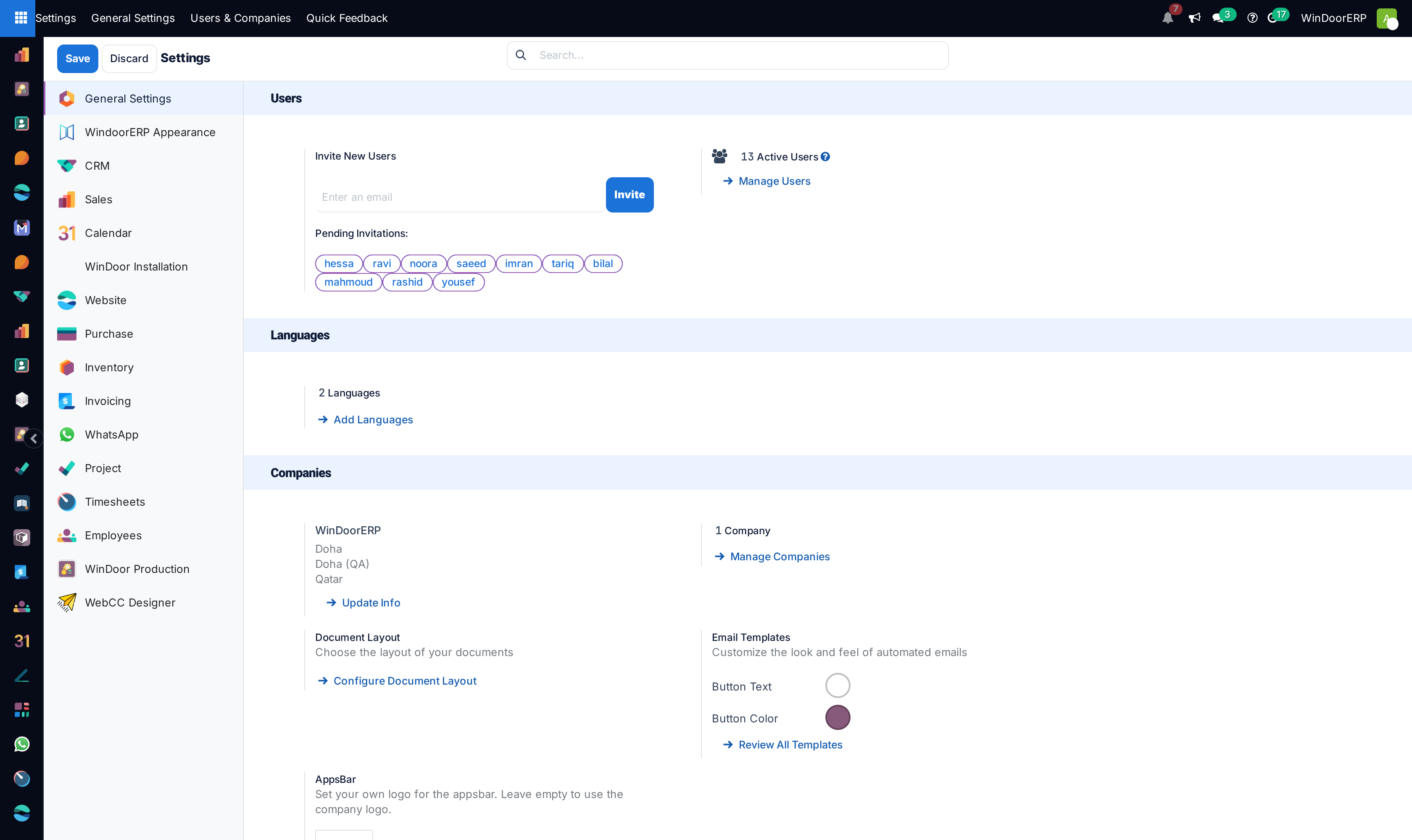
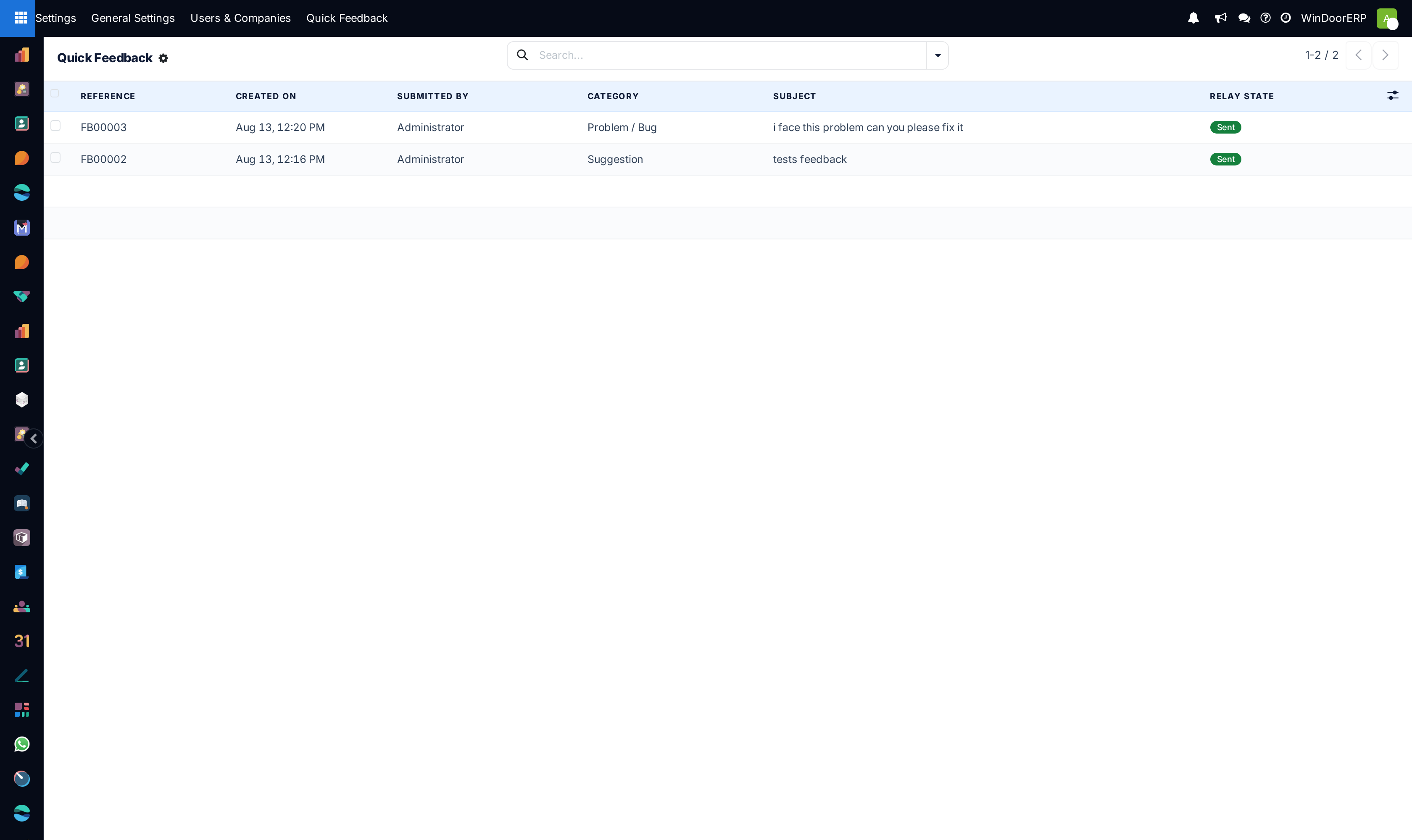
Open Settings › General Settings to toggle platform-wide features.
-
02
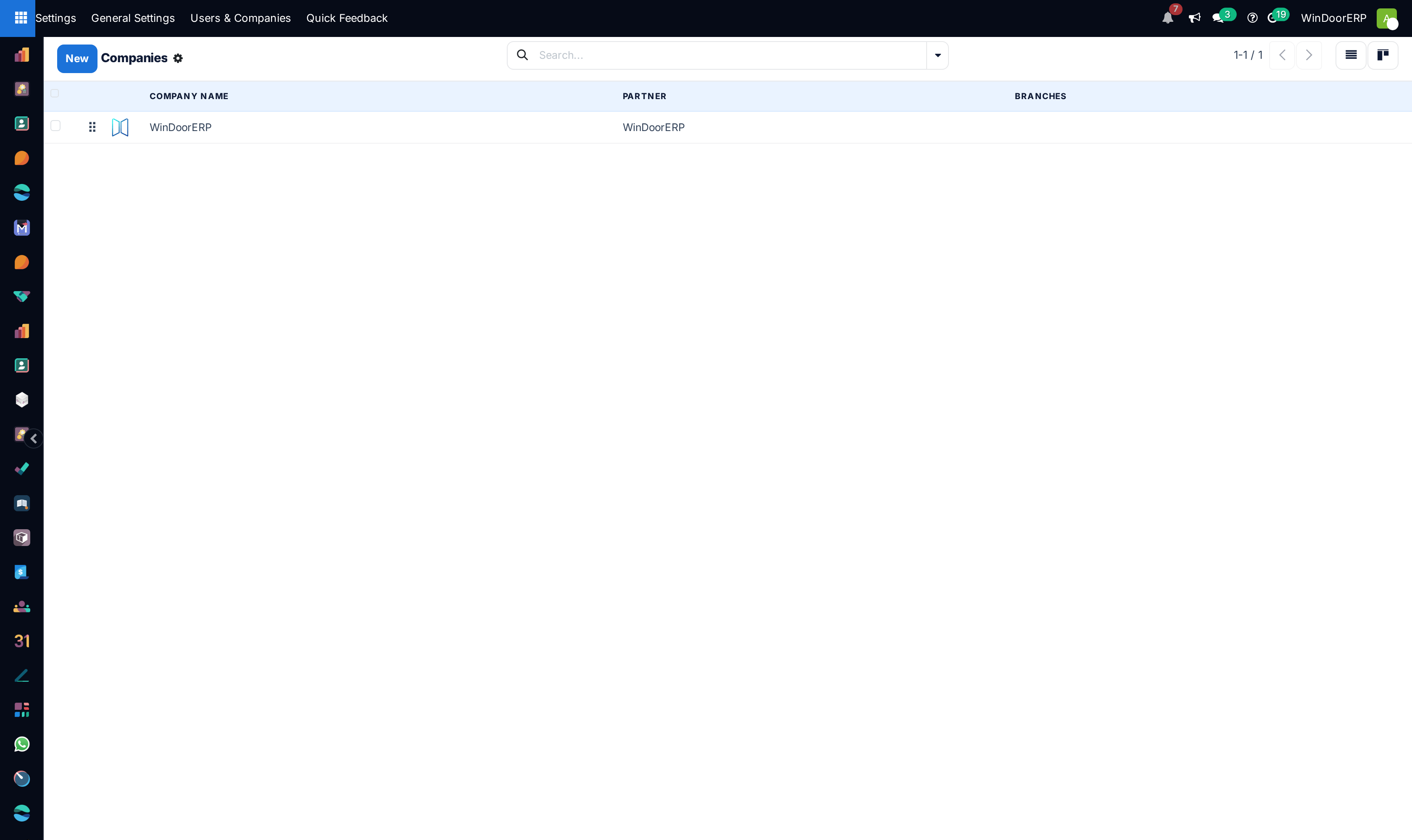
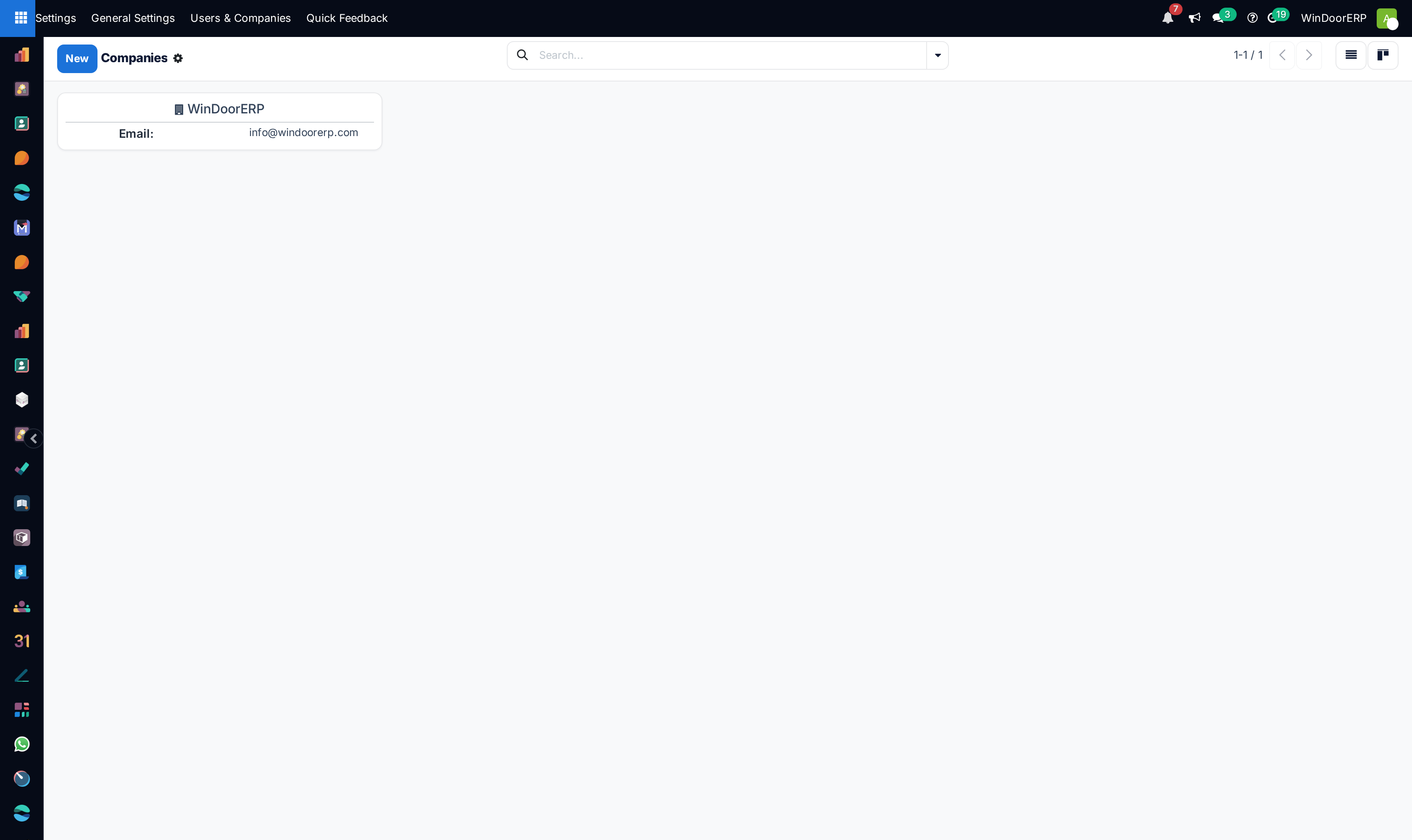
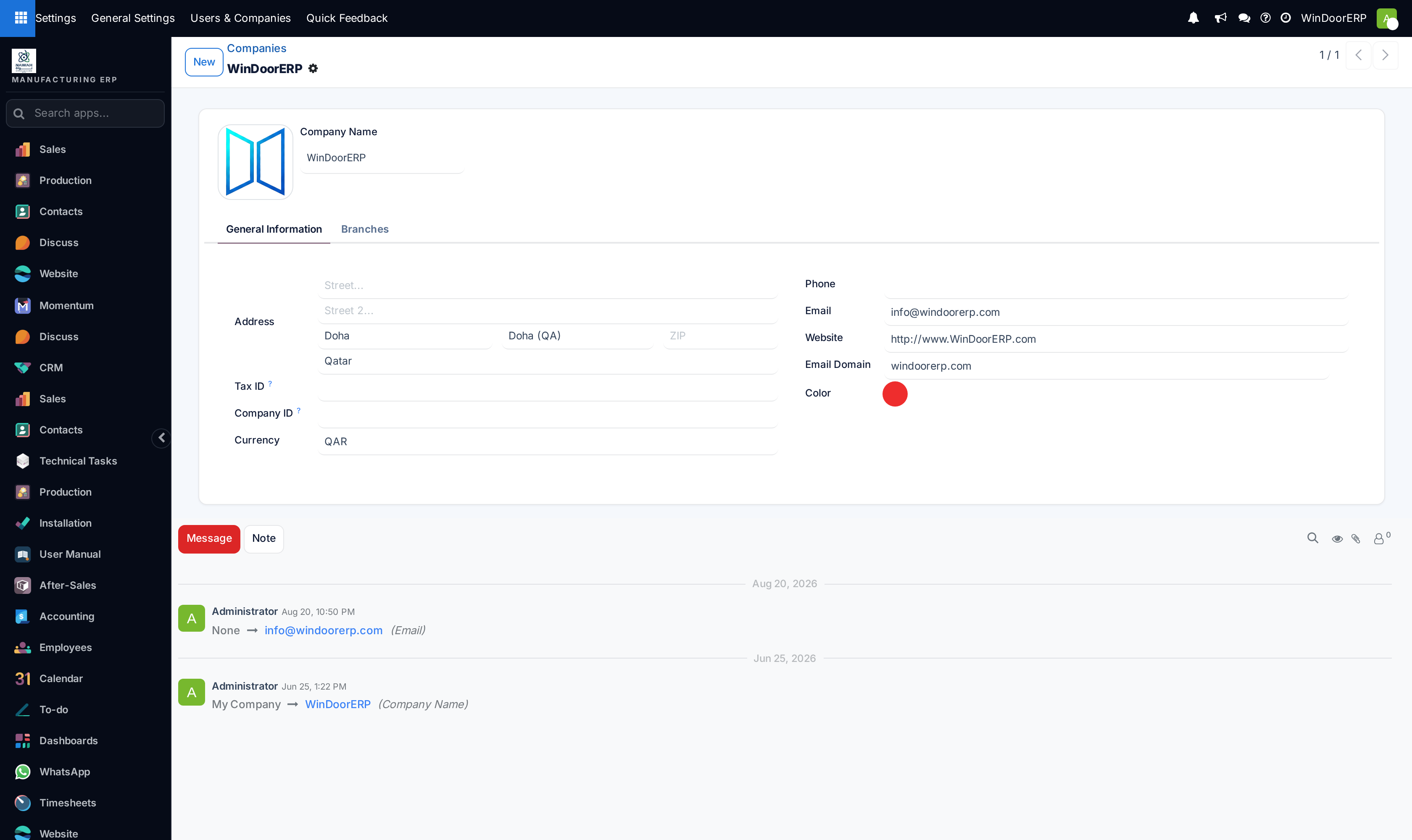
Navigate to Users & Companies › Companies to maintain commercial registries and VAT IDs.
-
03
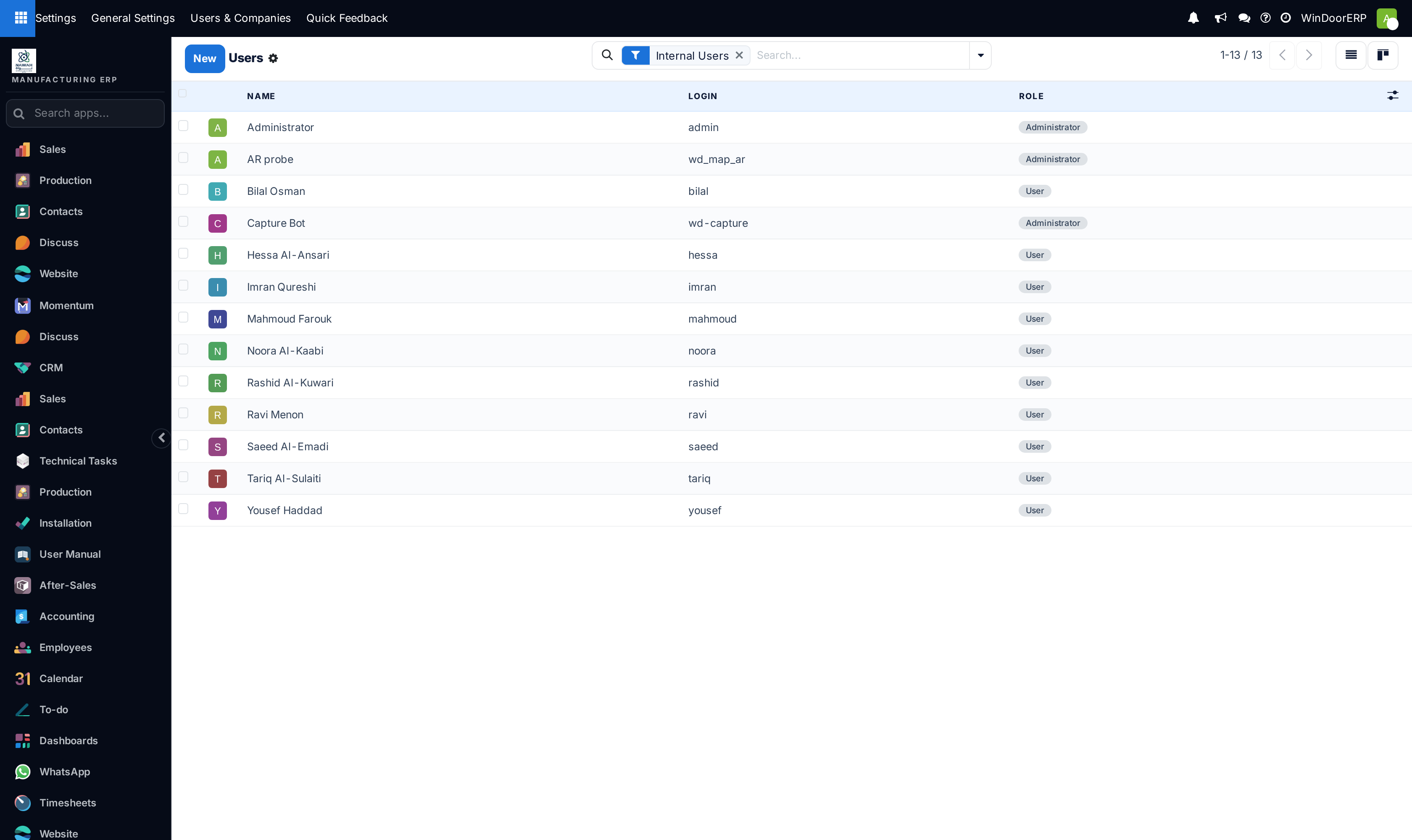
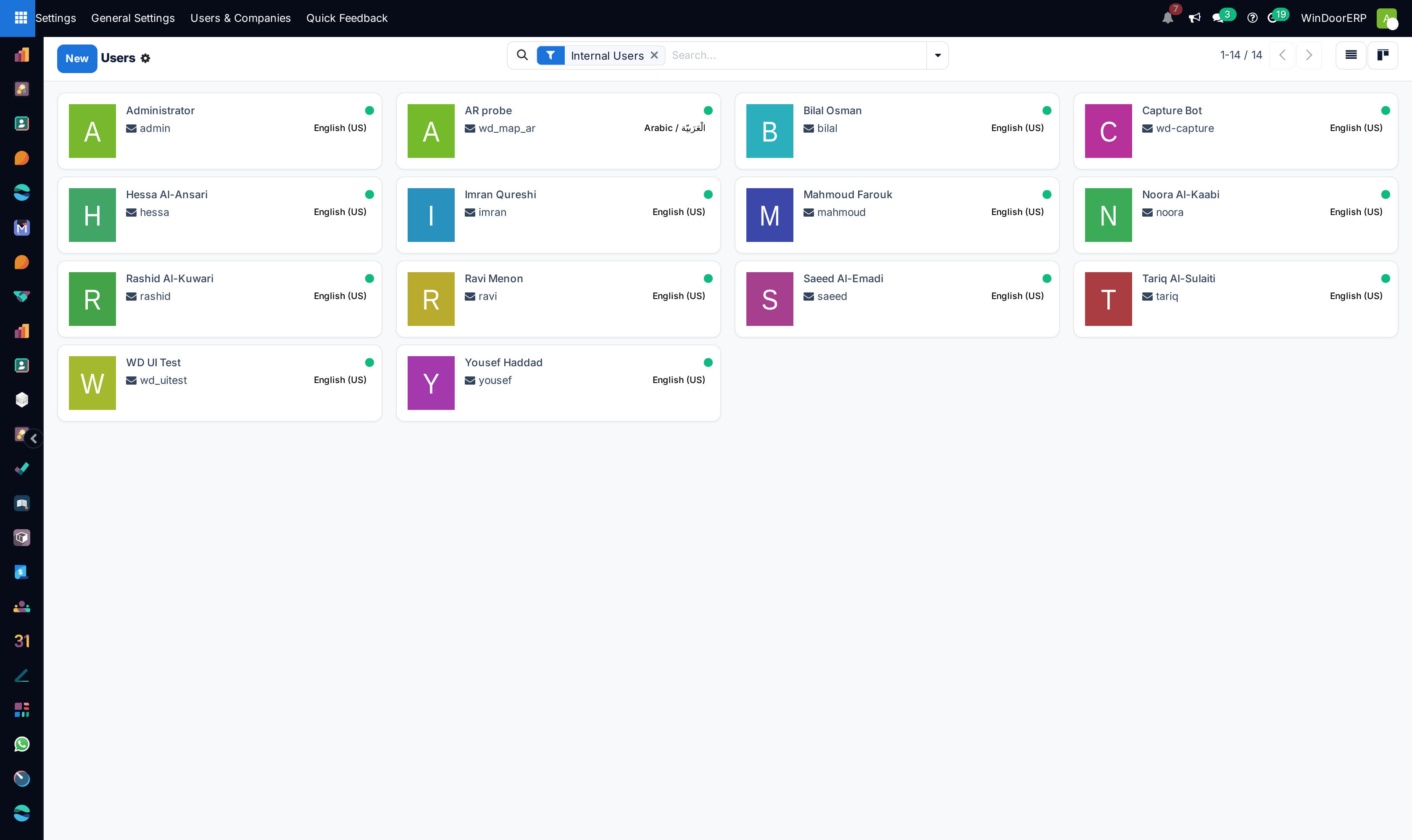
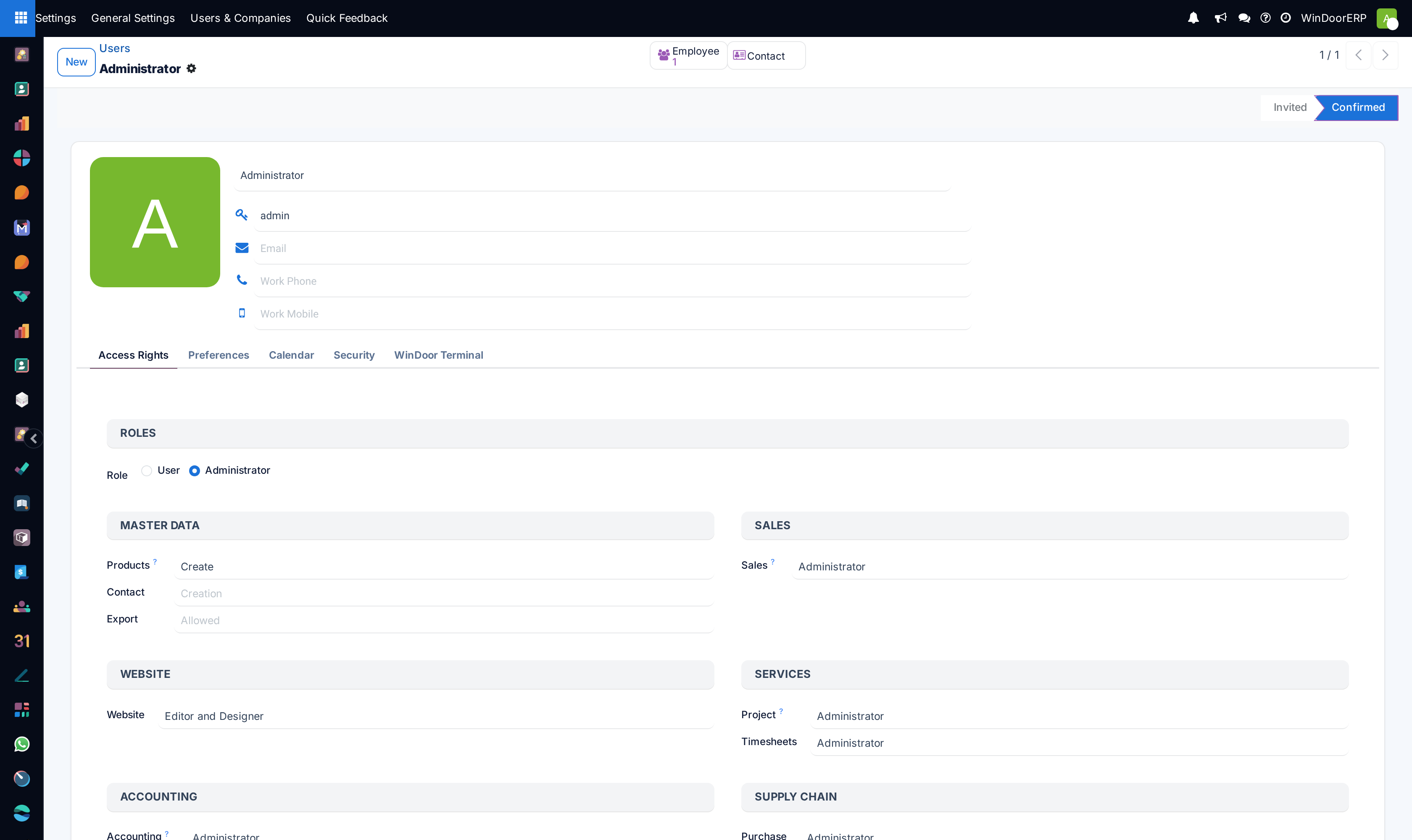
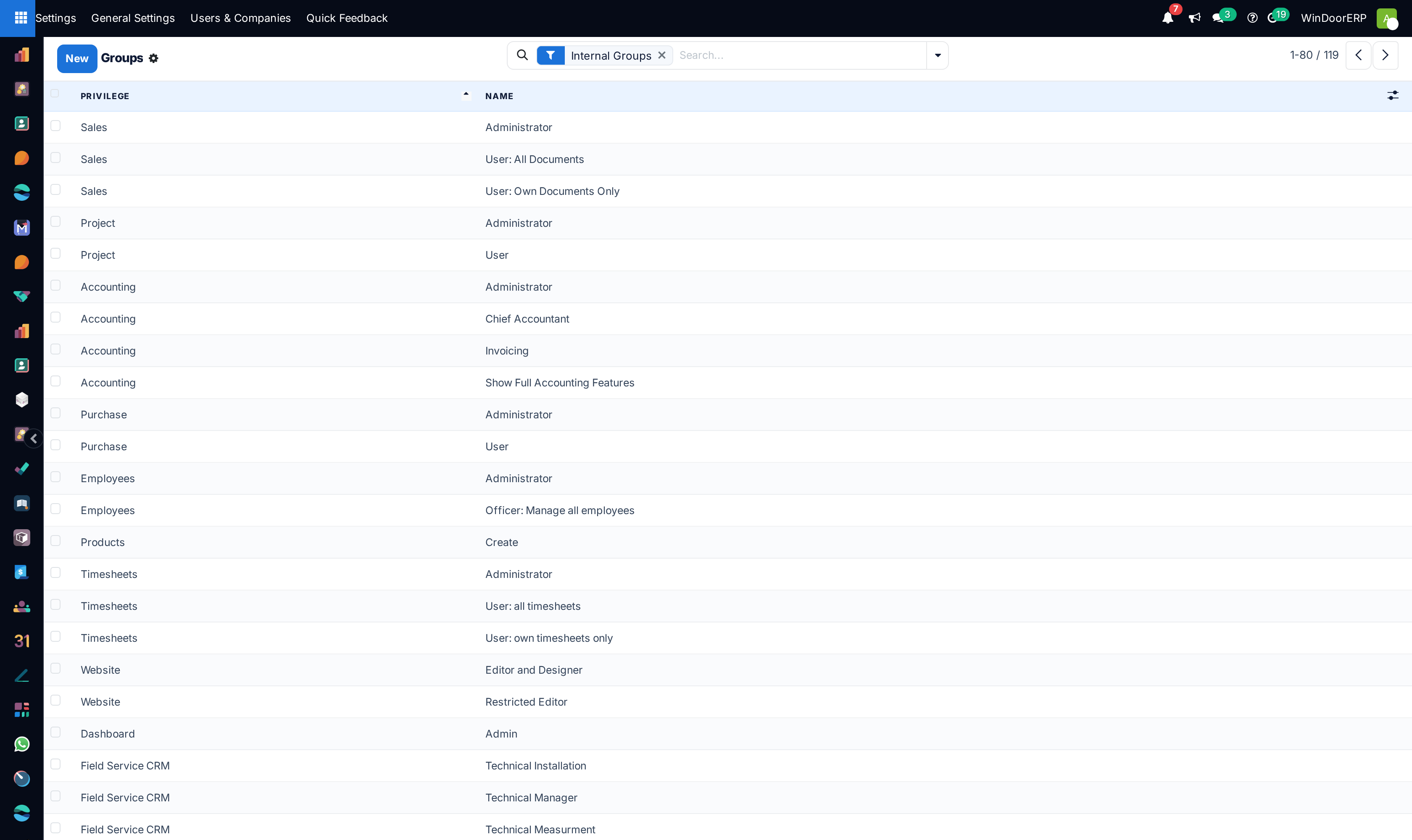
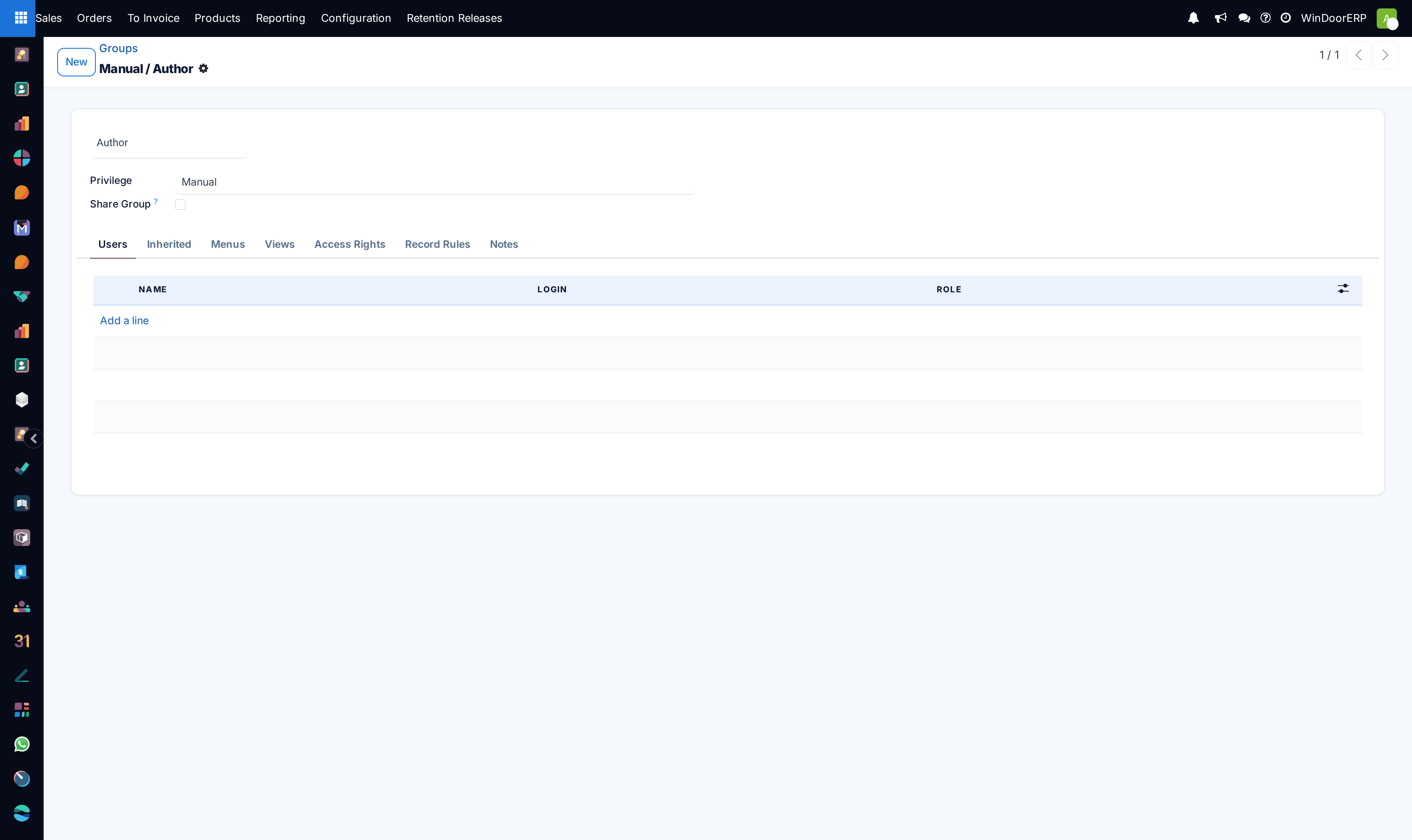
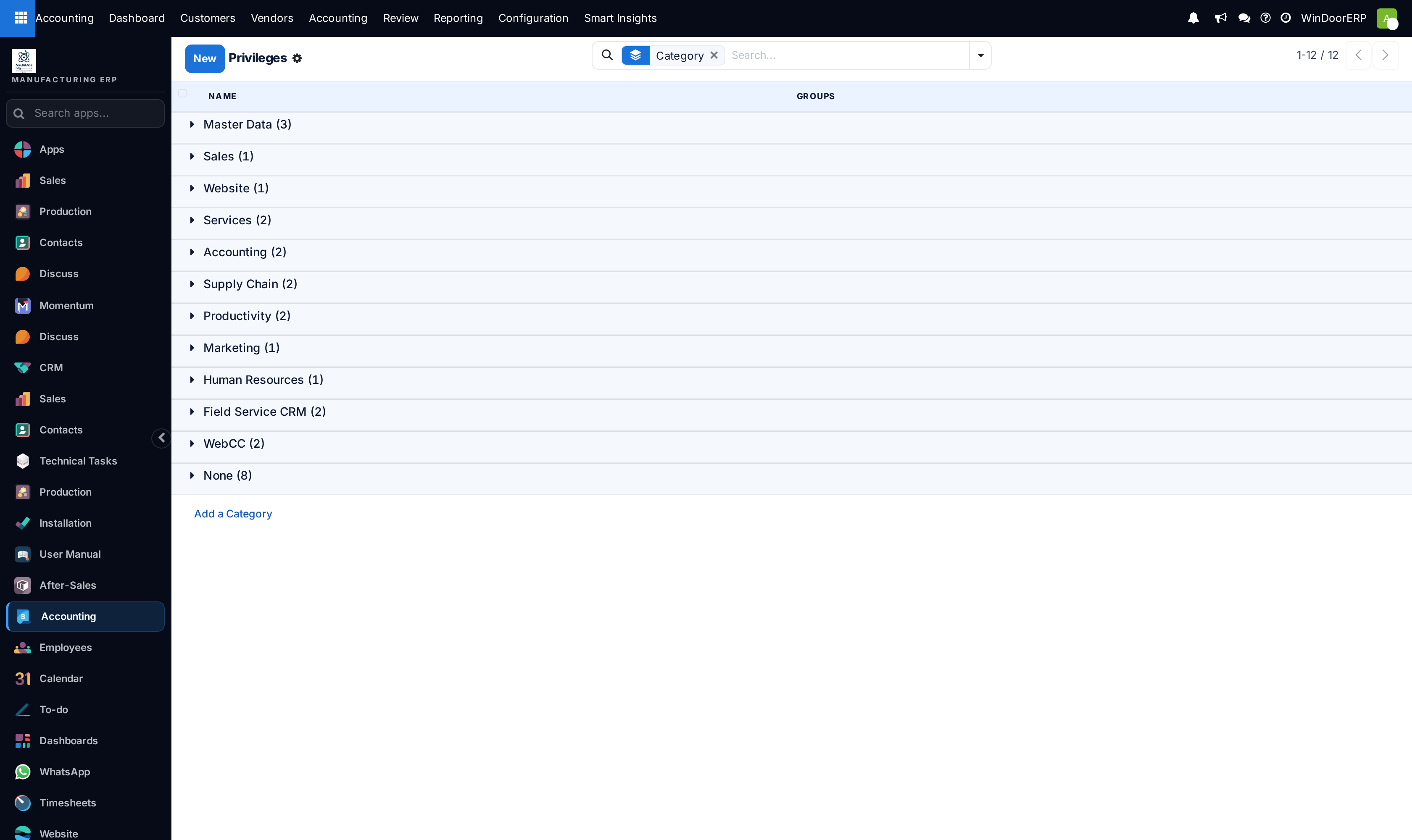
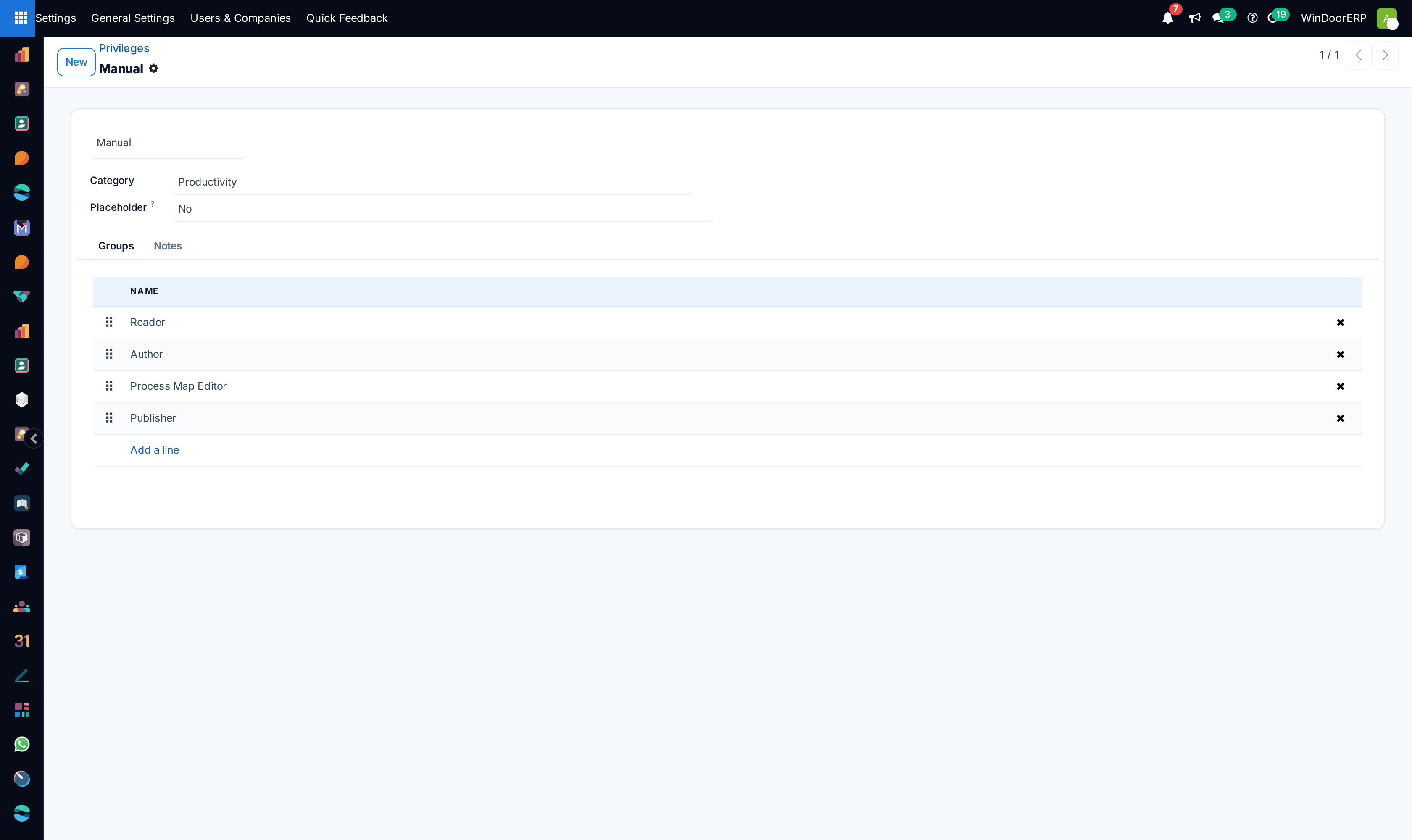
Manage user accounts, roles, and warehouse access under Users and Groups.
-
04
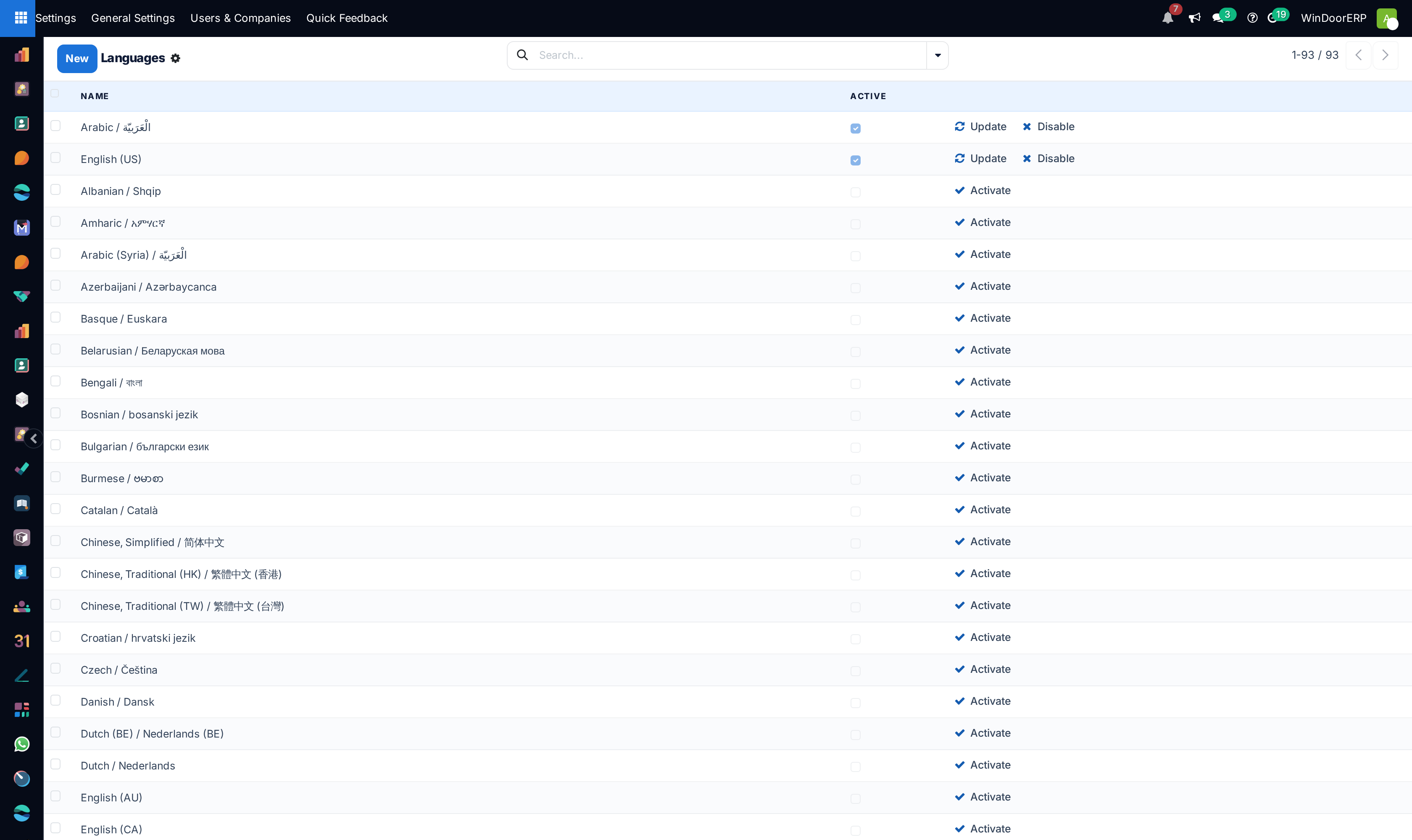
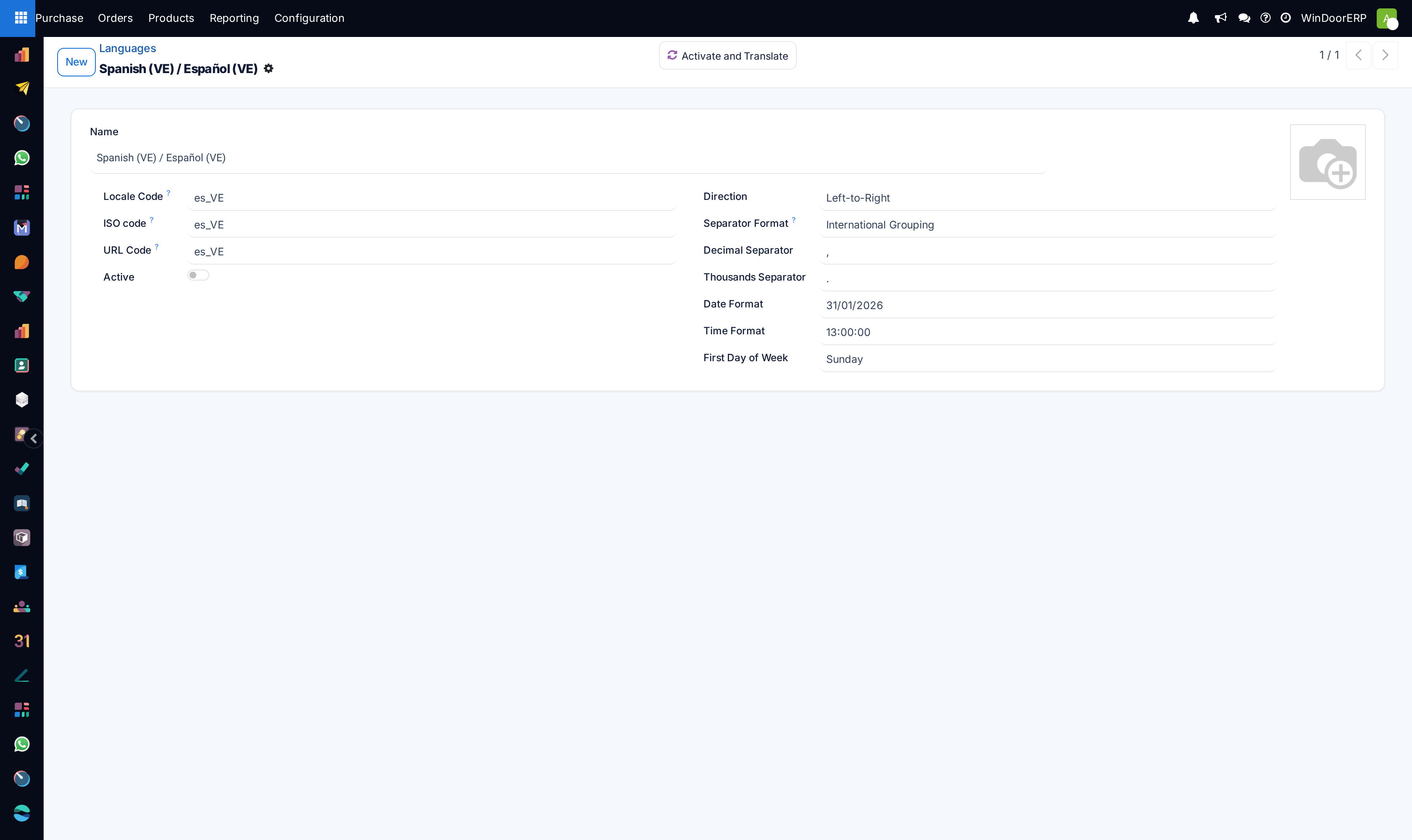
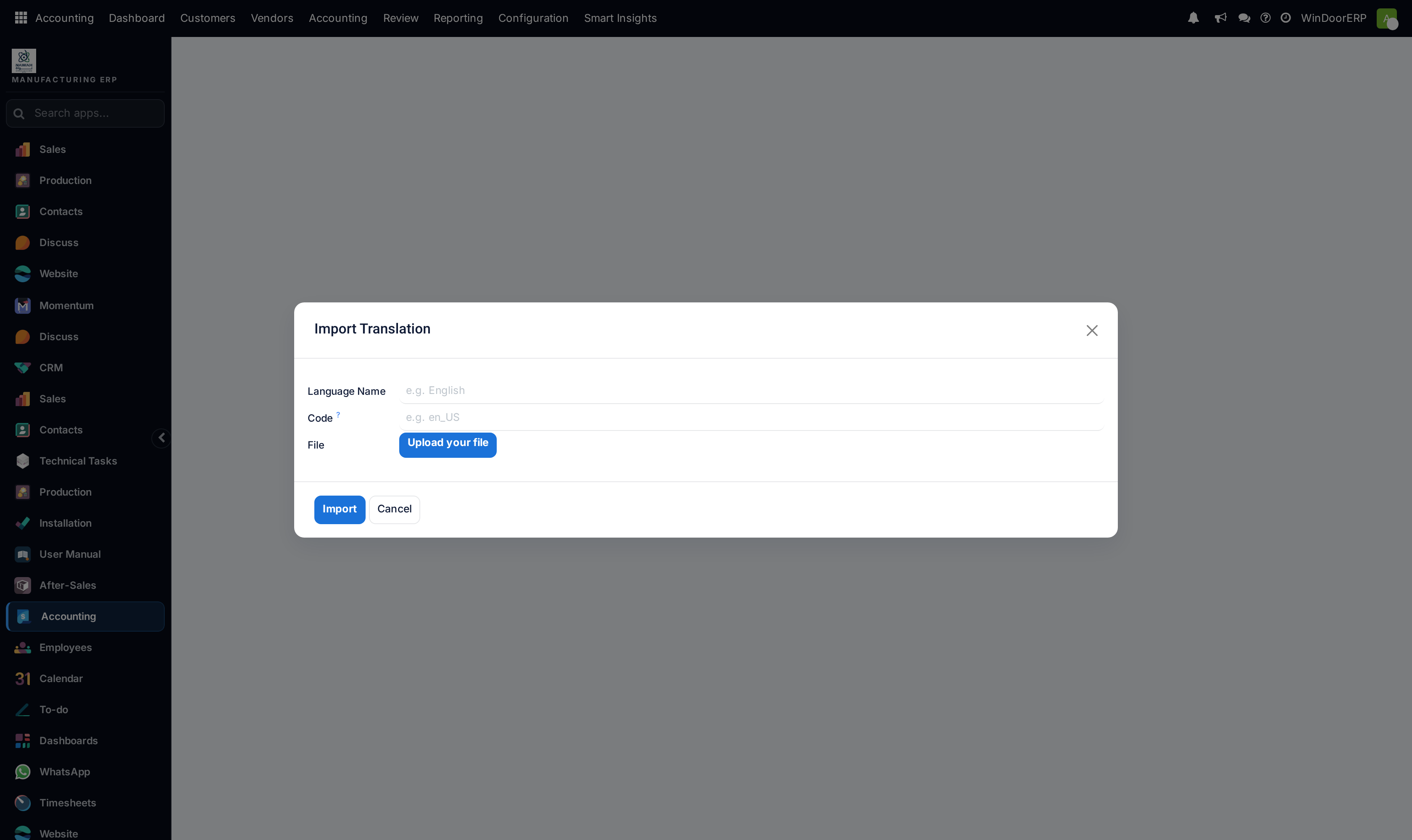
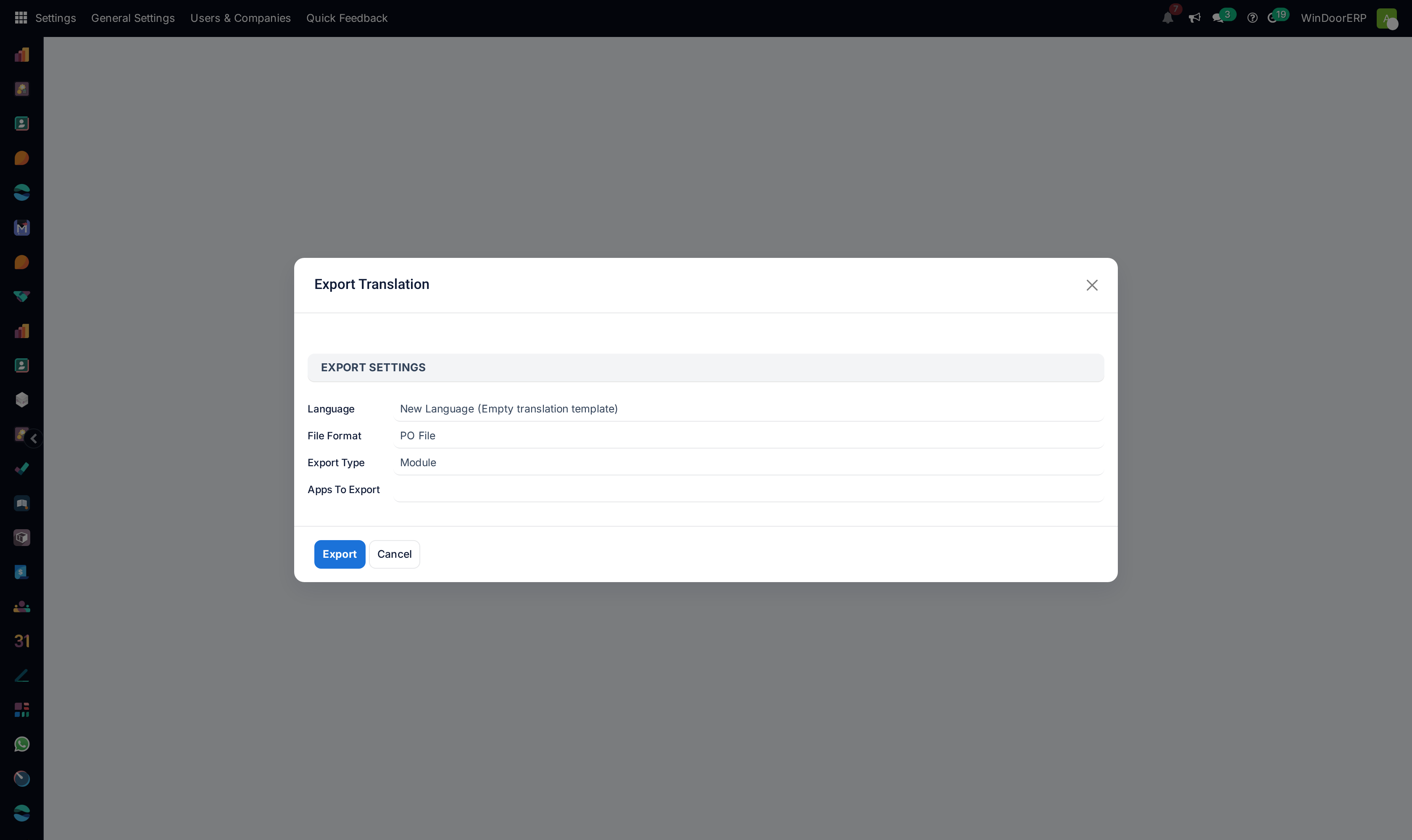
Install and customize bilingual language packs in Translations › Languages and Import/Export Translation.
Common mistakes
- Assigning Administrator privileges to standard data entry operators.
- Modifying core company currency after historical financial journals have been posted.
Checkpoint
Each branch issues its own documents, and each user works in their own language.