Control what runs unattended
Crons, mail, SMS and templates
Why this step
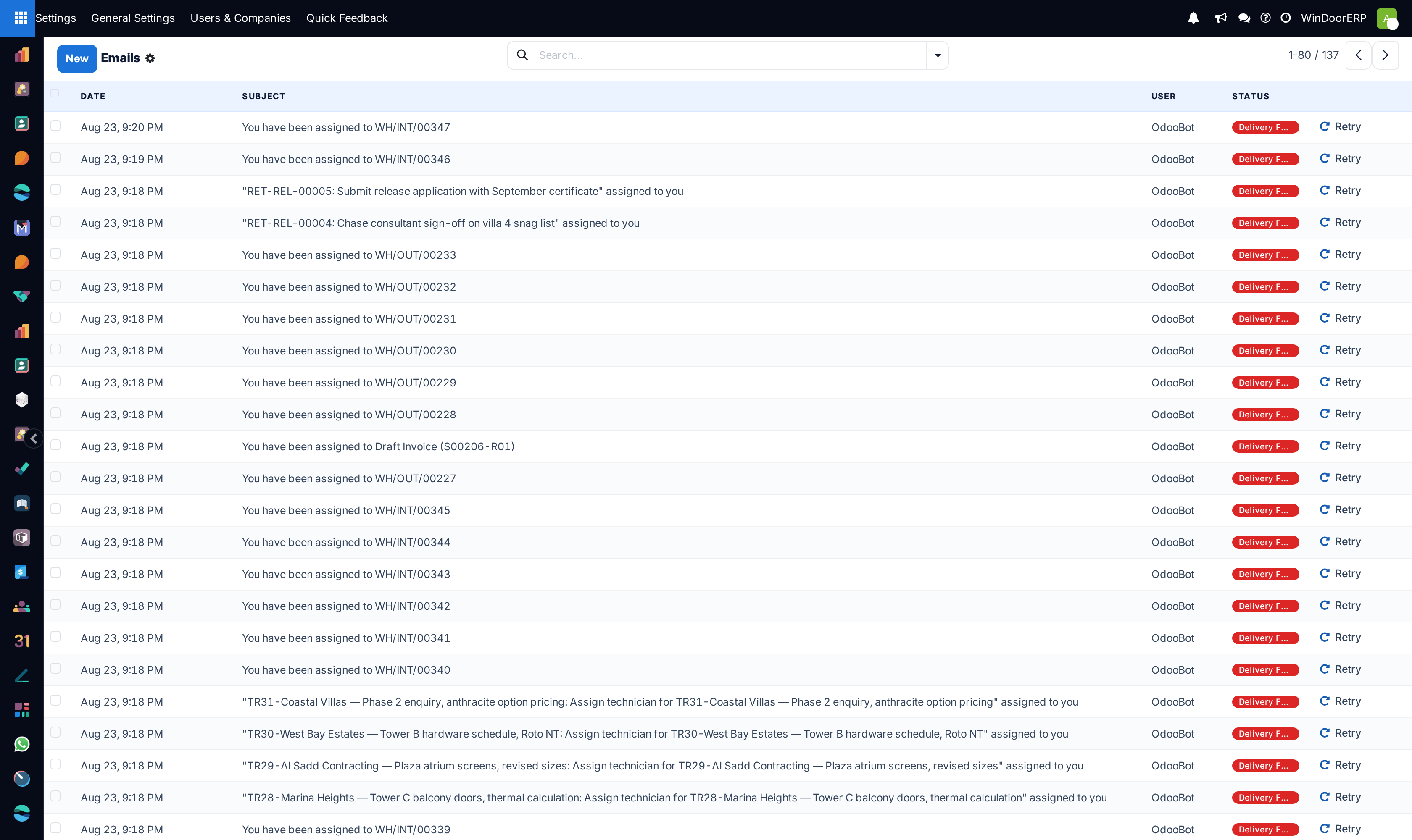
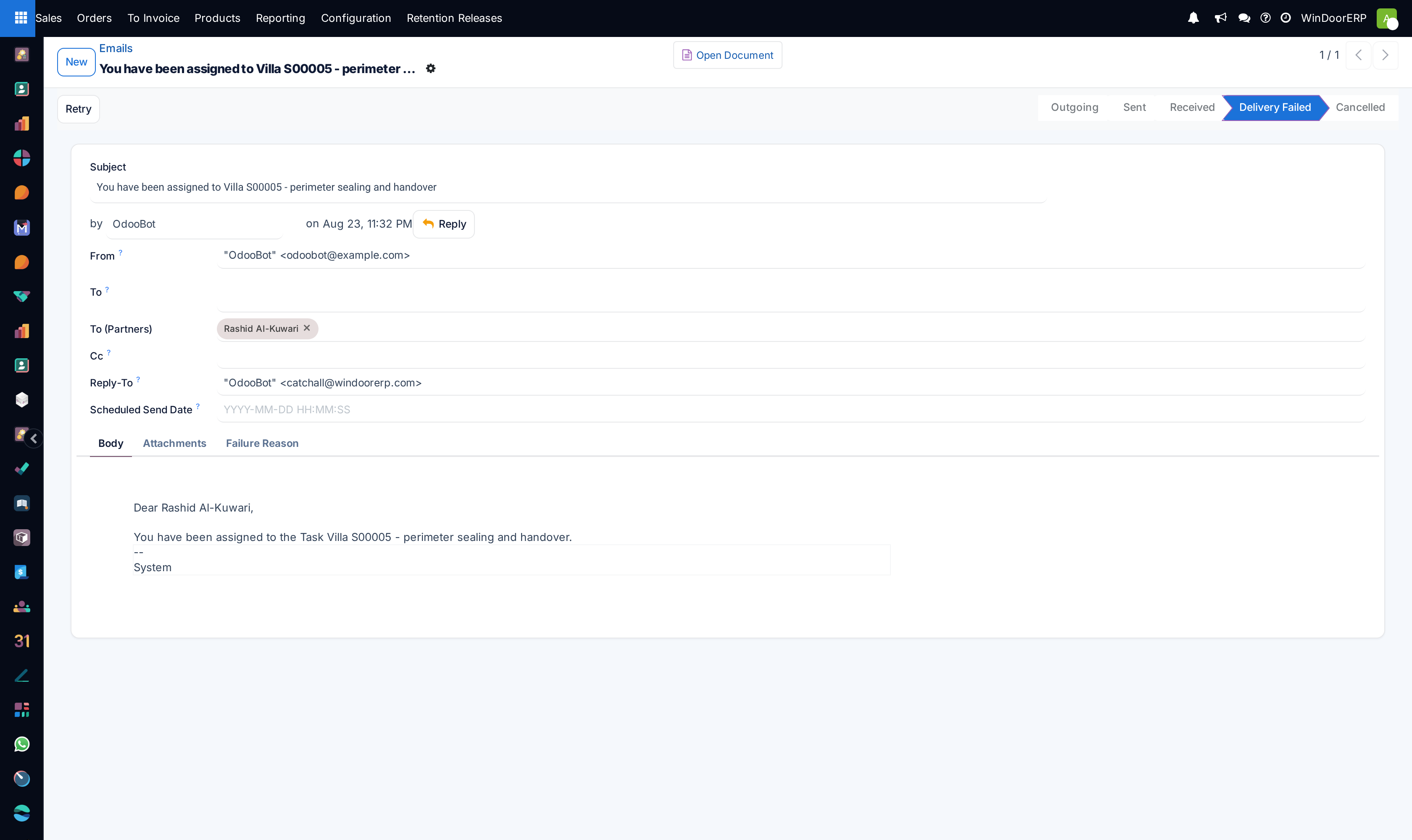
Overnight this database will send email, fire scheduled jobs and message customers without anyone watching. Know what those are, which are on, and which mail server they leave from — this is where a silent failure costs you a customer.
What this does
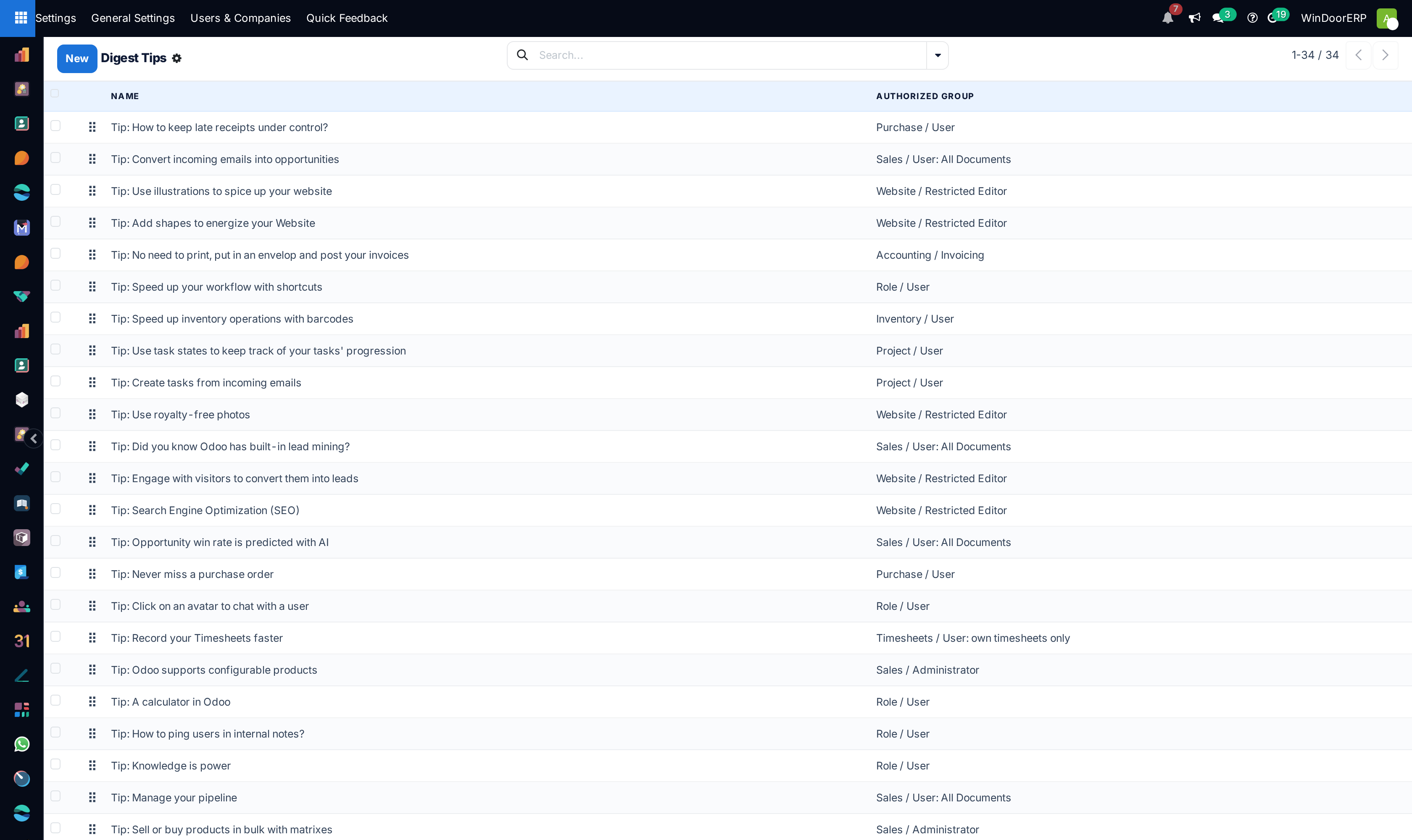
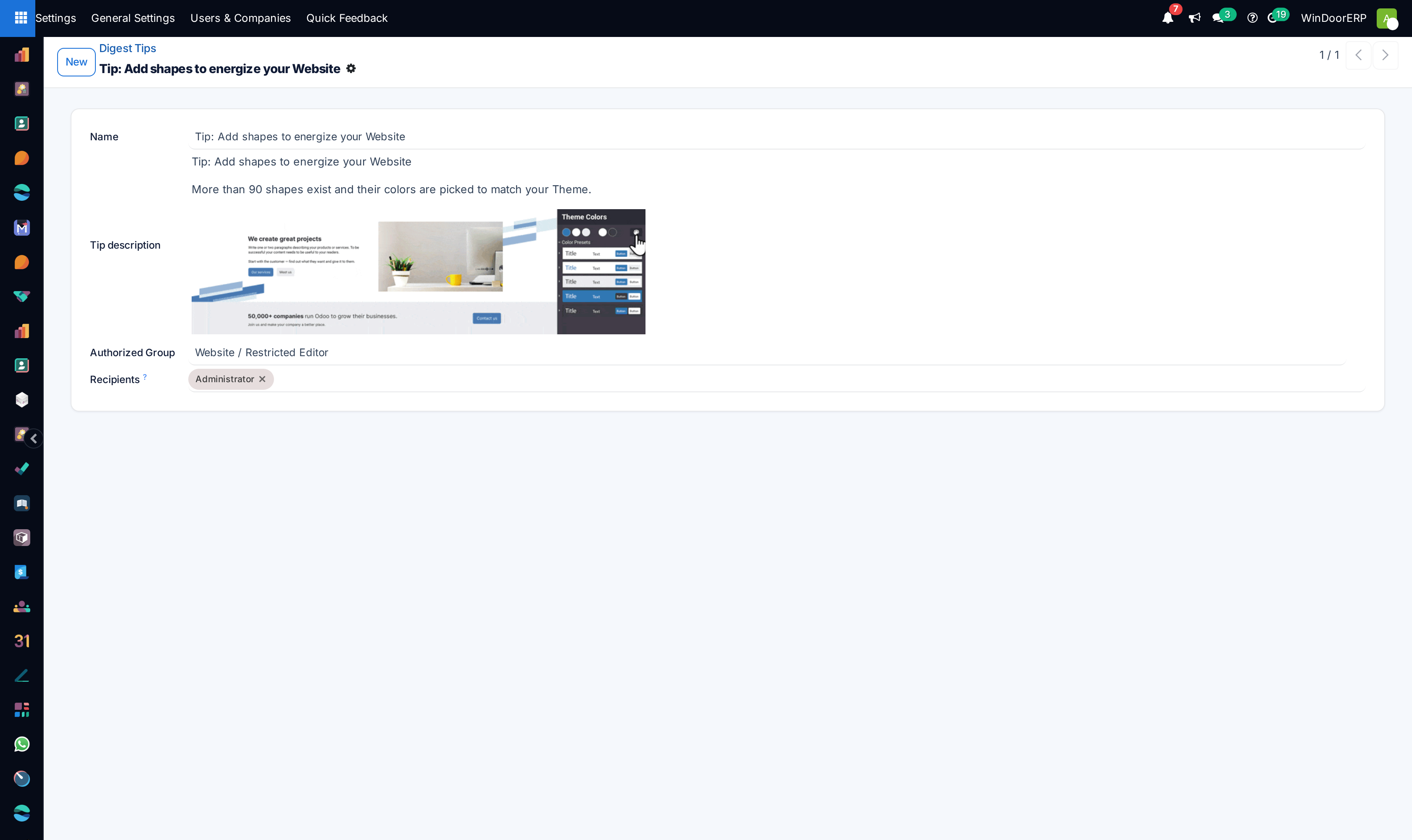
Maintains the background automation heartbeat and omnichannel communication engines, encompassing recurring cron actions, SMTP/IMAP mail servers, dynamic email/SMS templates, live chat WebRTC ICE servers, and notification routing.
Before you start
- Technical System Administrator privileges.
Steps


Important
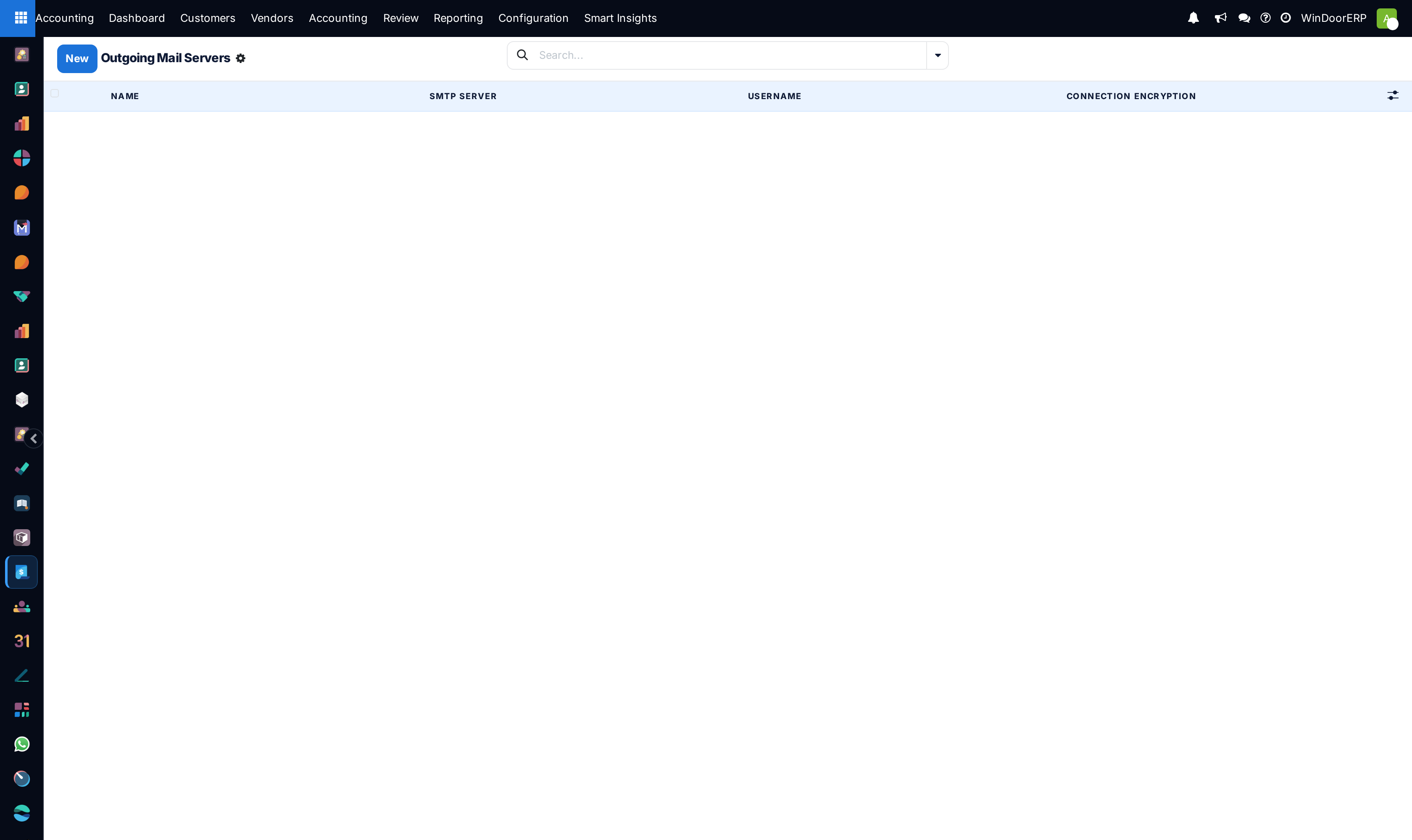
Setting up dedicated Outgoing Mail Servers with valid SPF, DKIM, and DMARC DNS records ensures 100% quotation delivery into client inboxes.
-
01
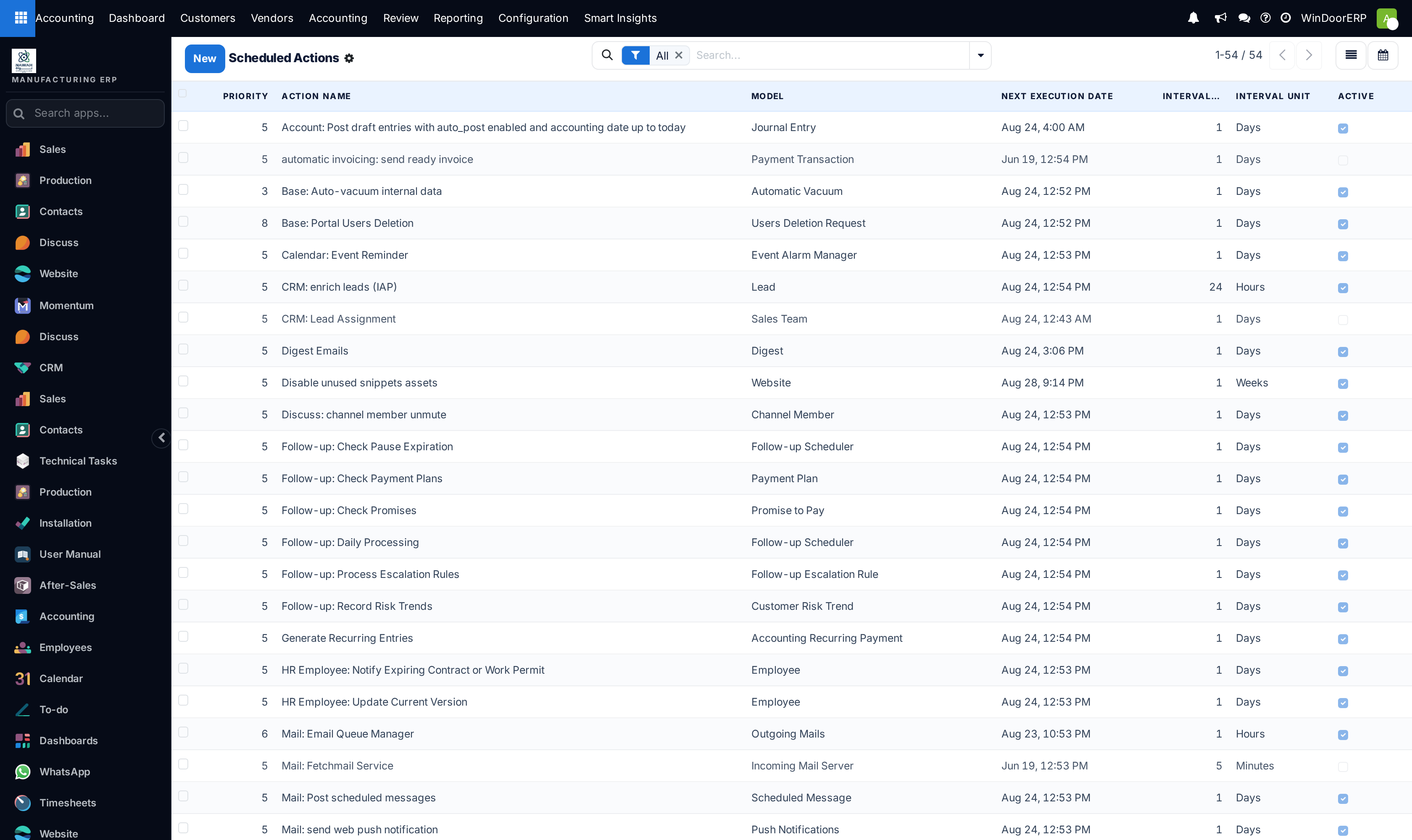
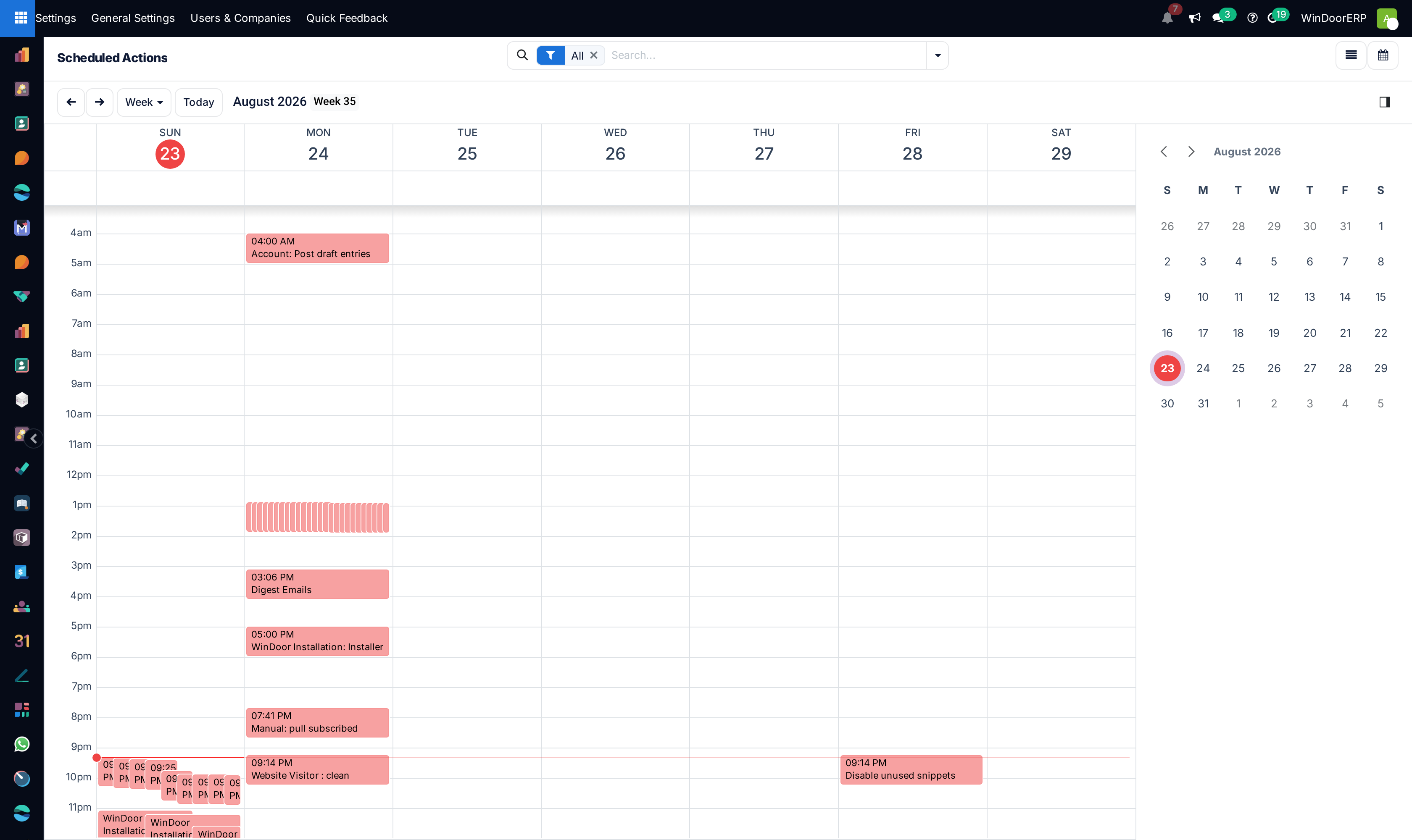
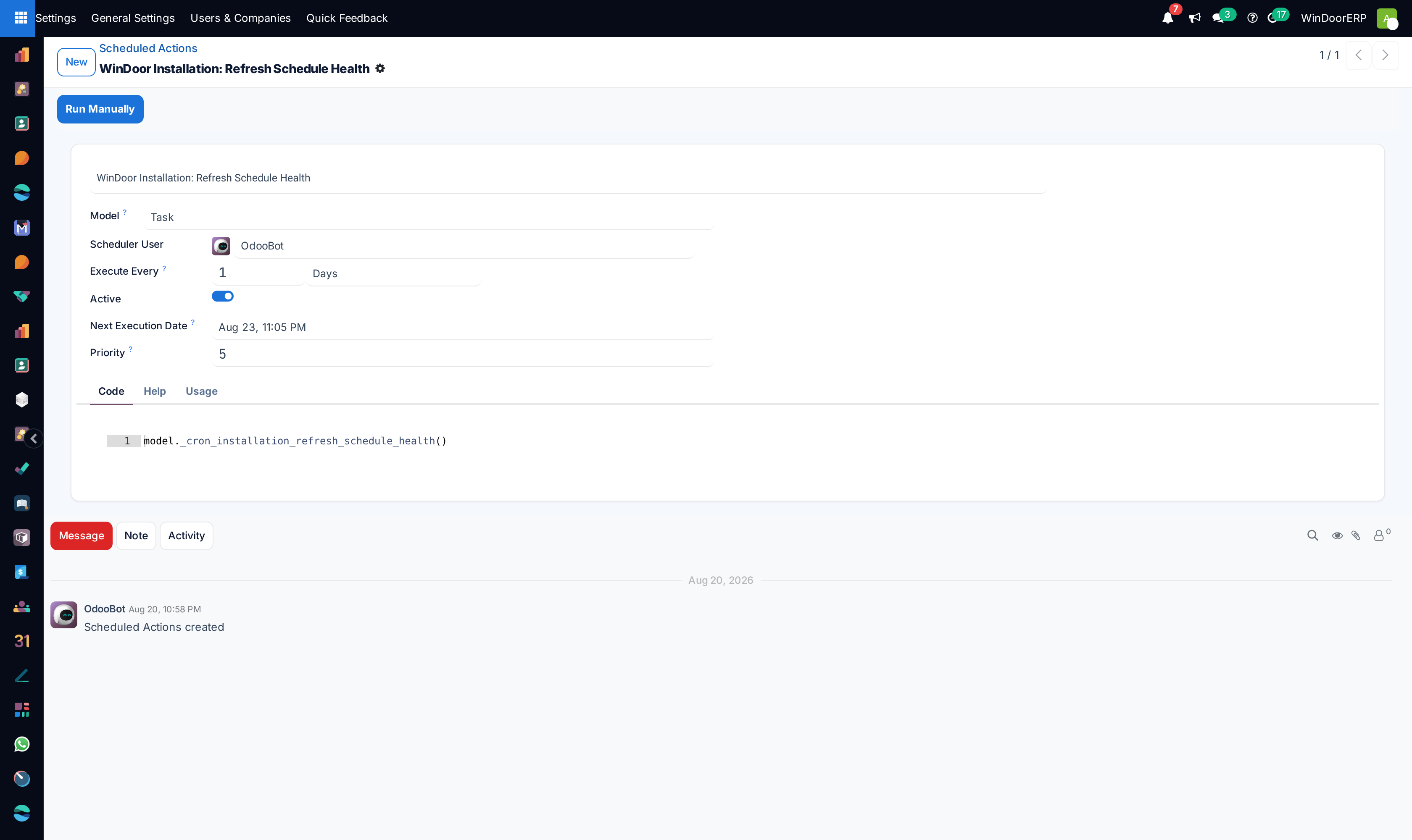
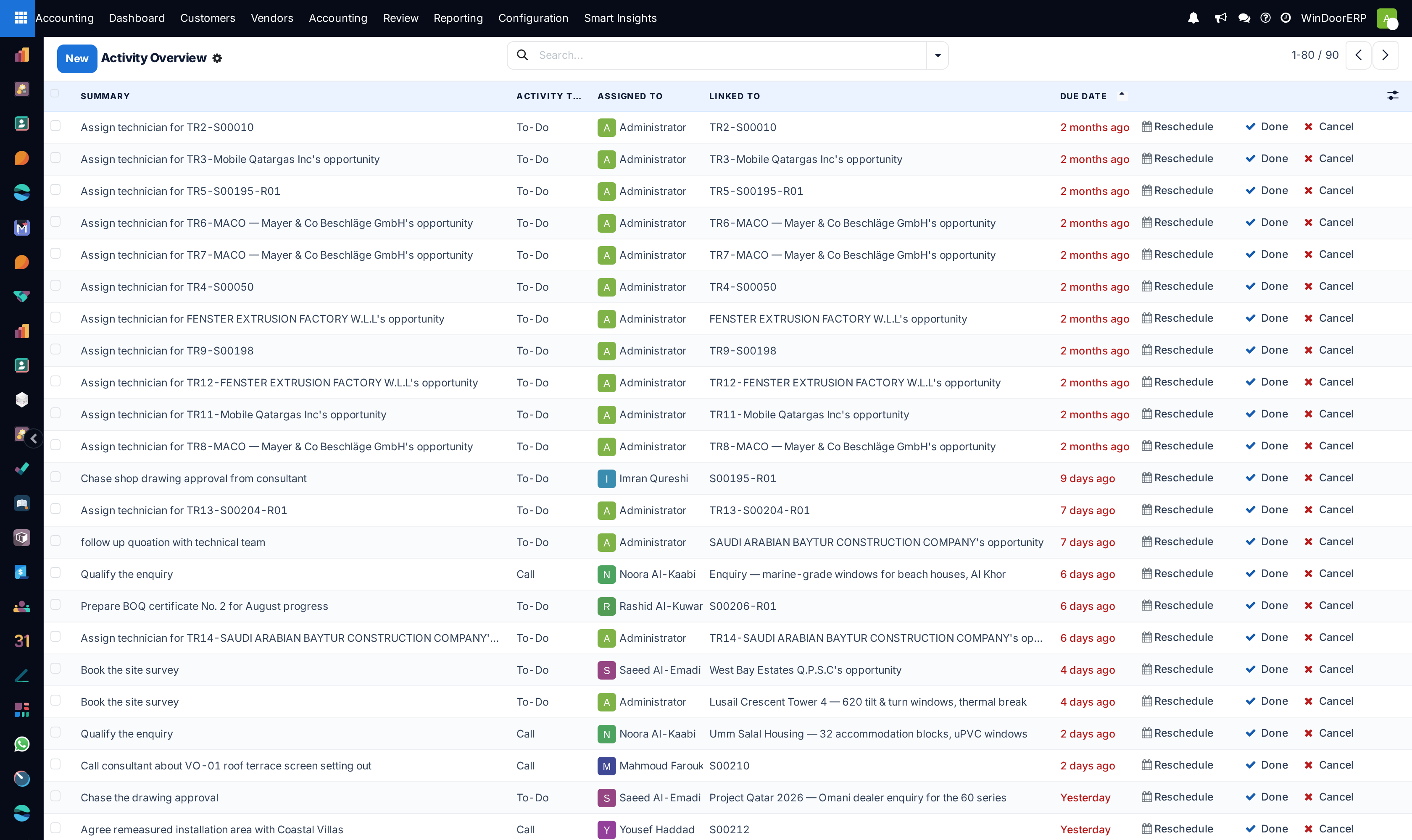
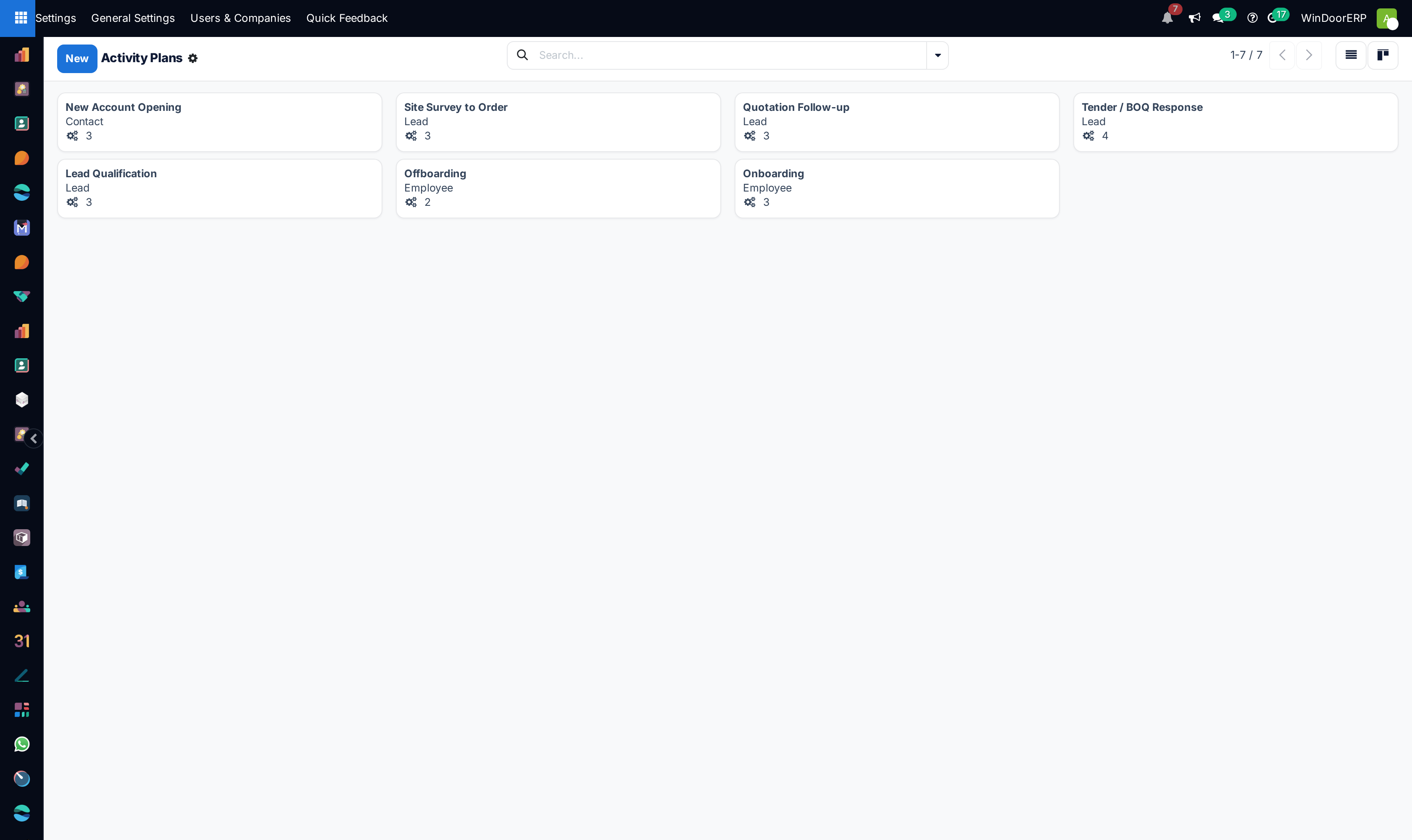
Open Automation › Scheduled Actions across Calendar and List views to schedule automated background jobs.
-
02
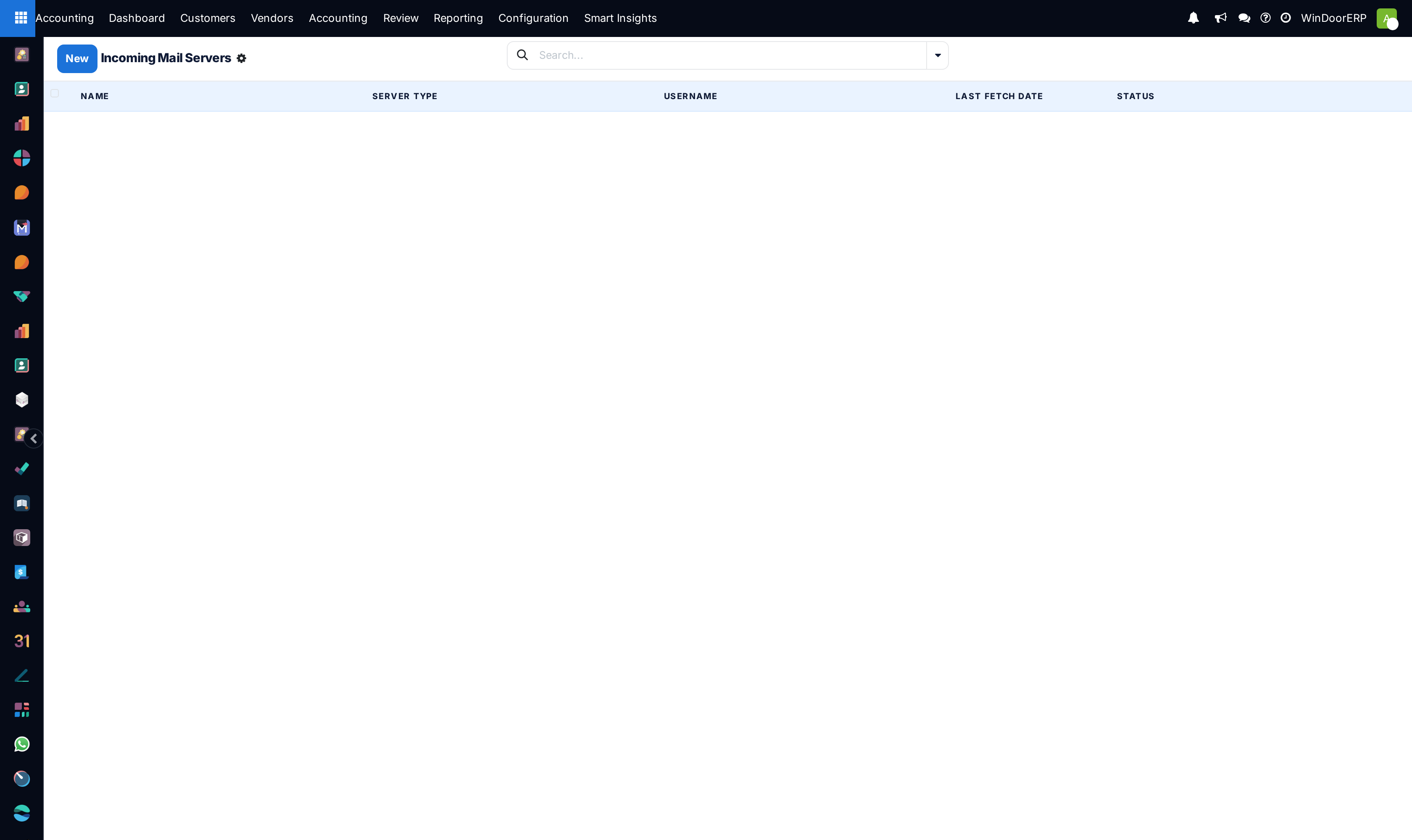
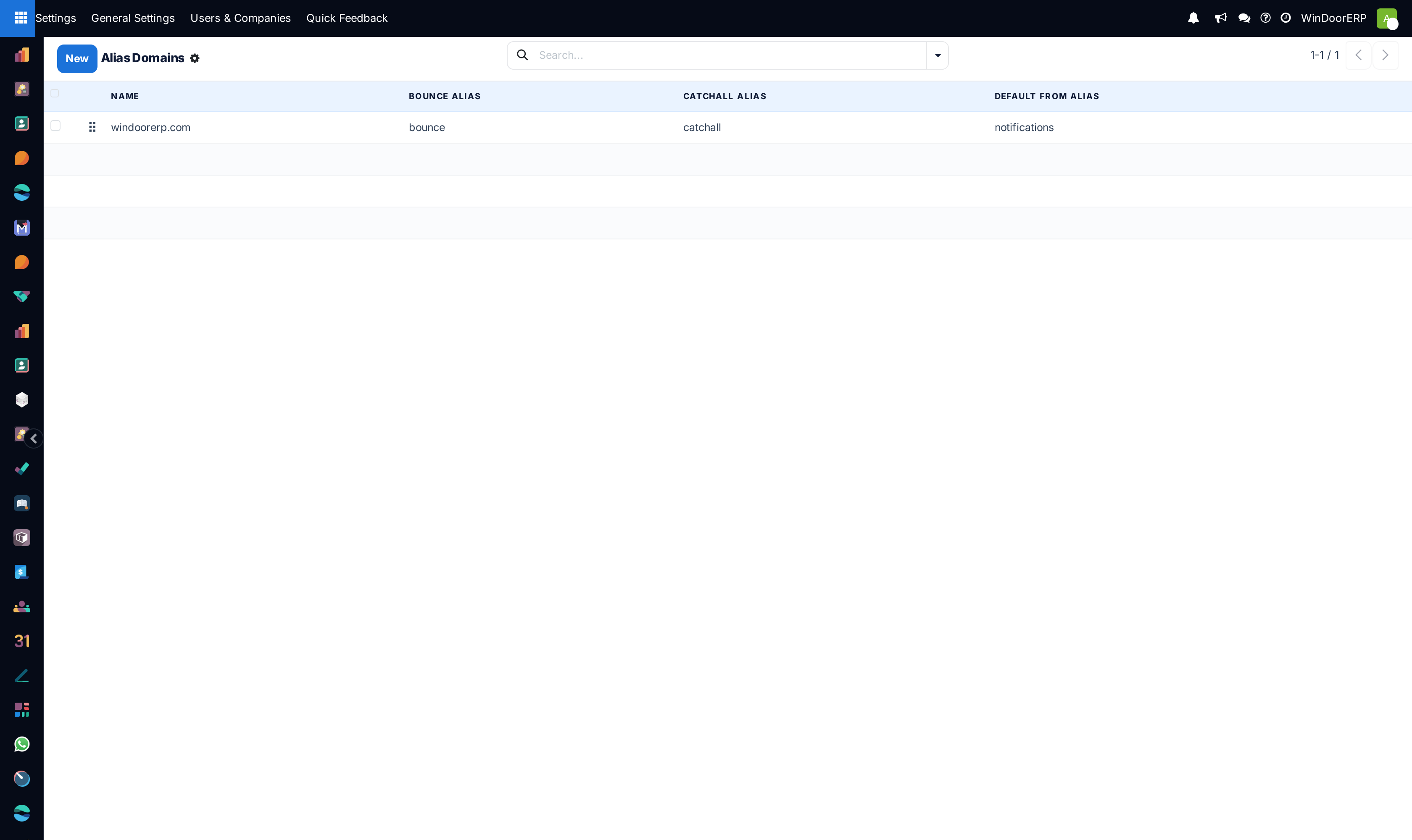
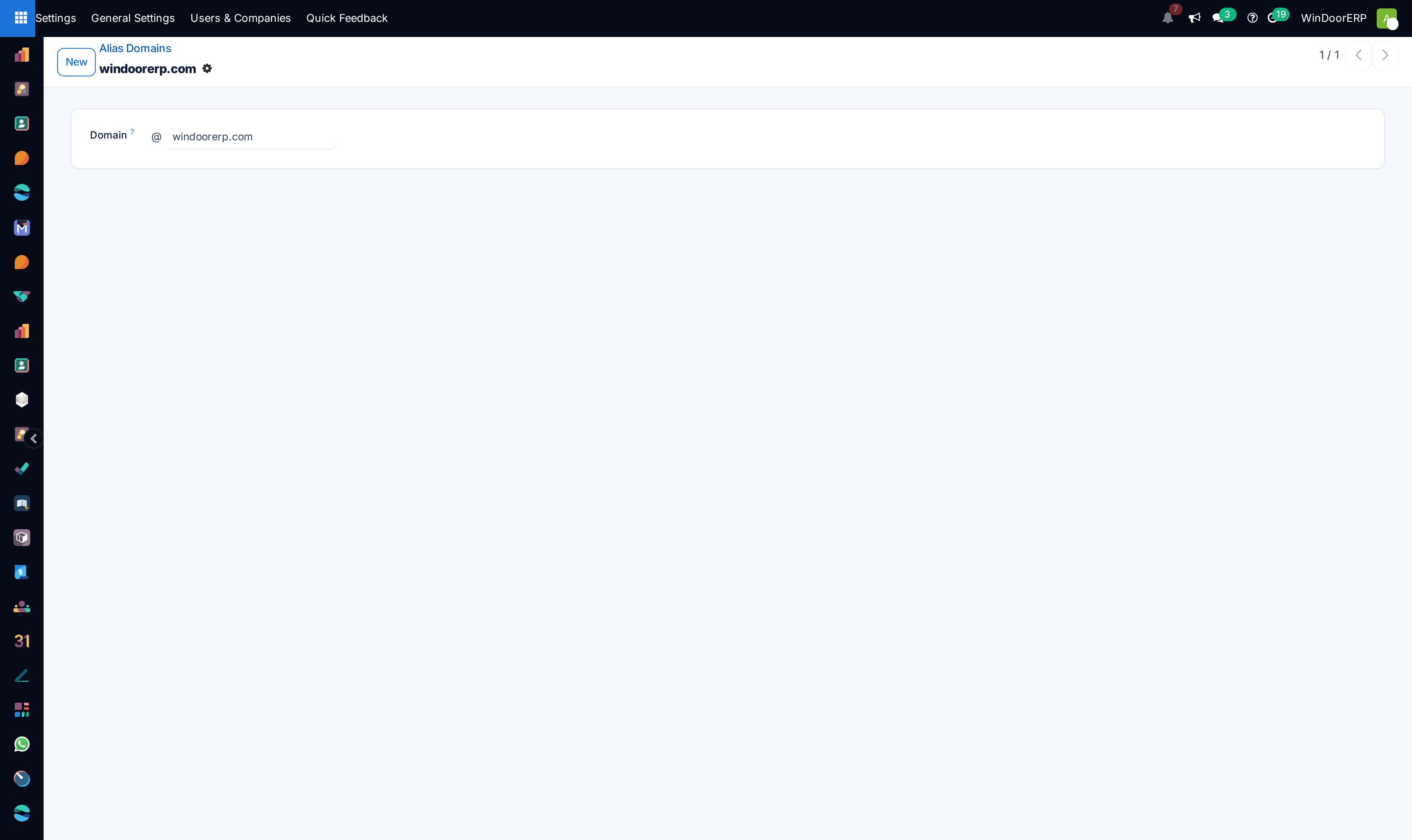
Configure corporate outgoing/incoming mail servers under Email › Outgoing/Incoming Mail Servers.
-
03
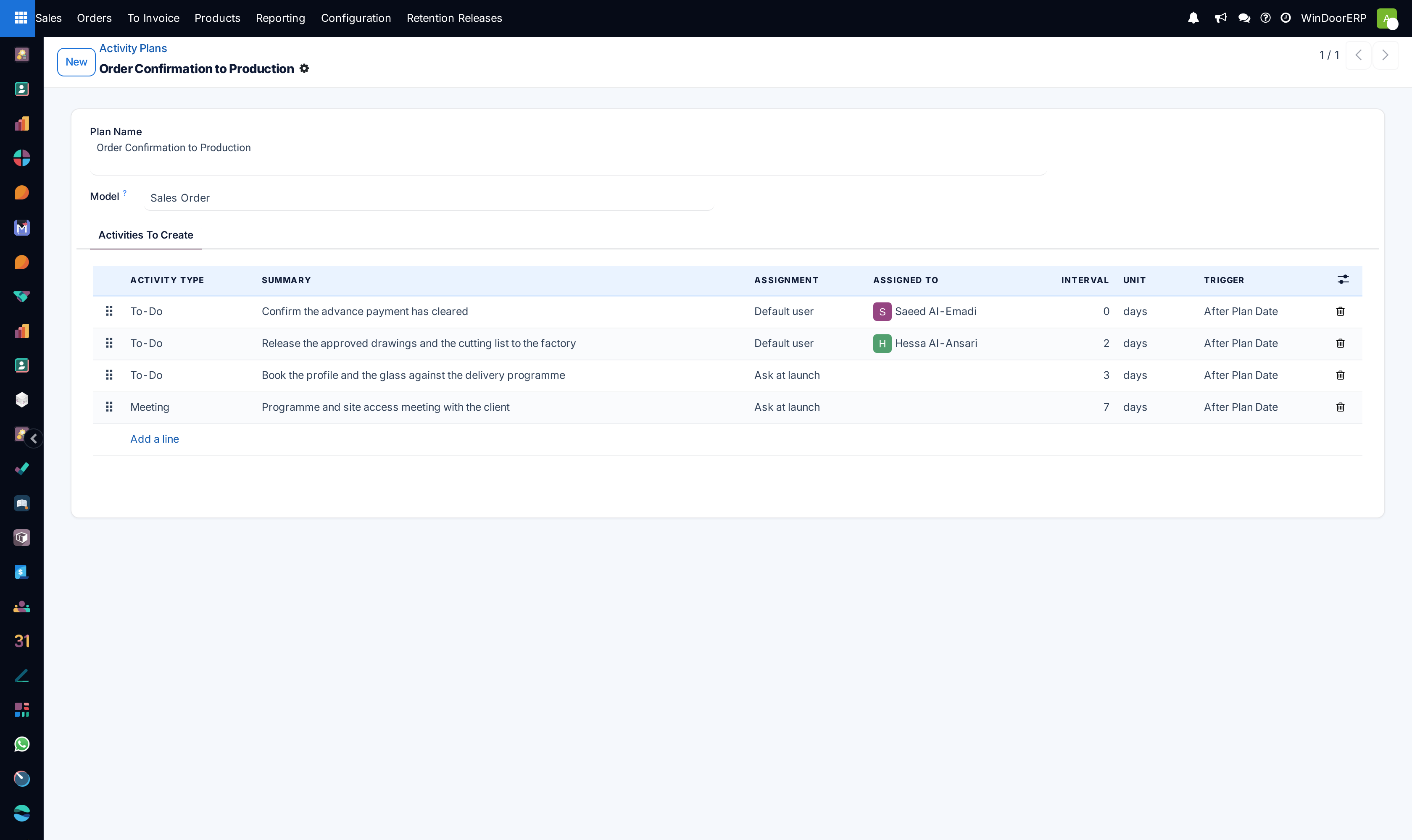
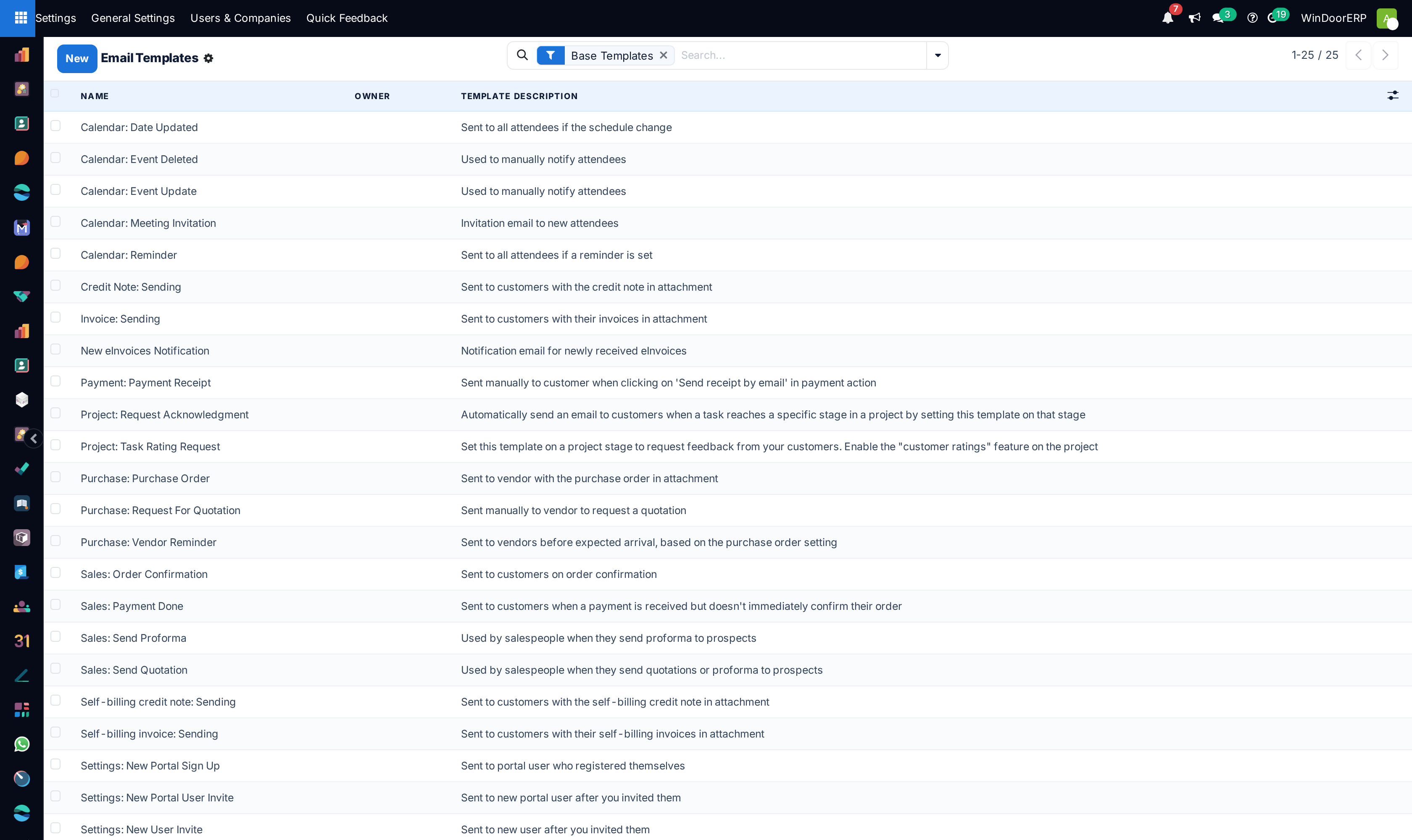
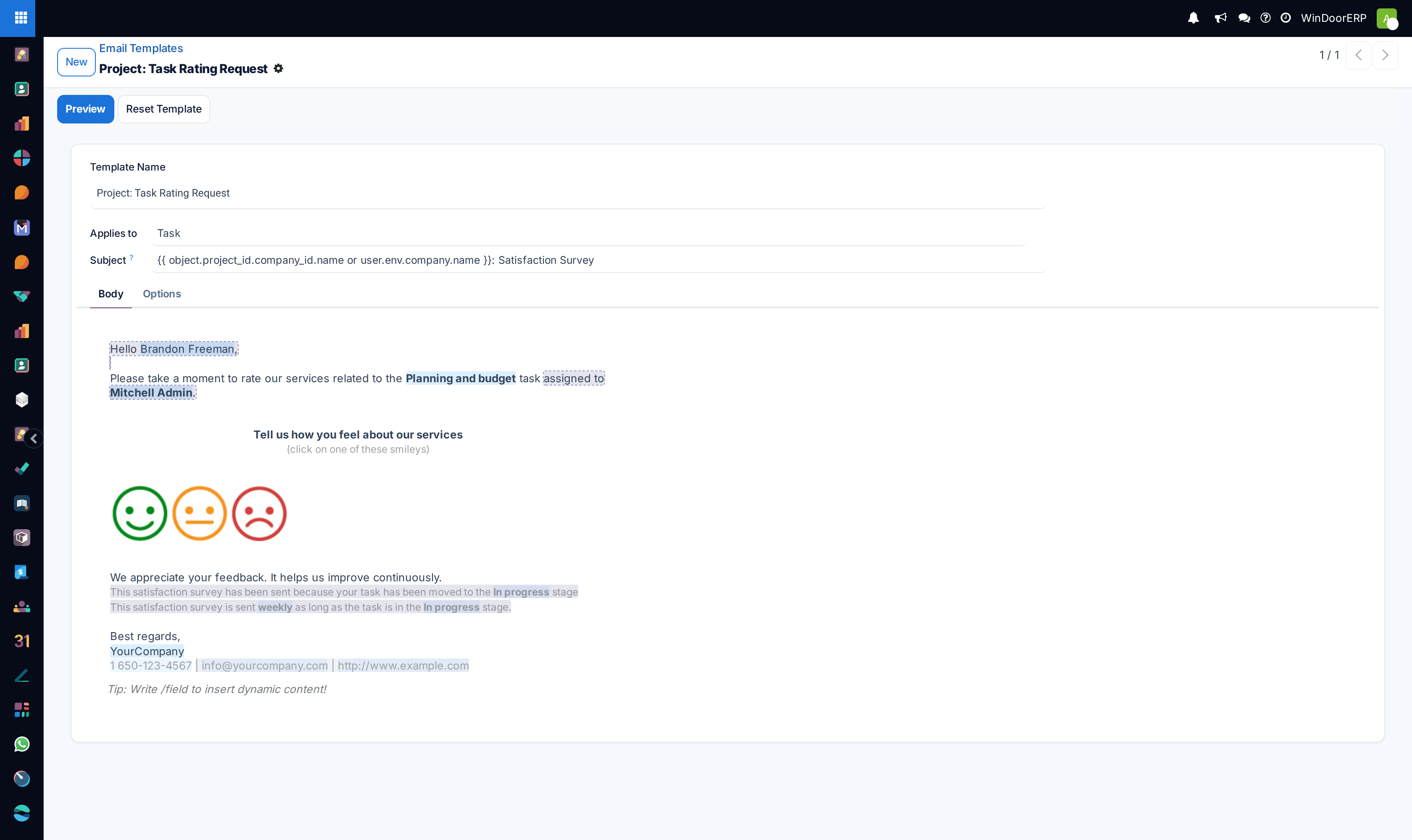
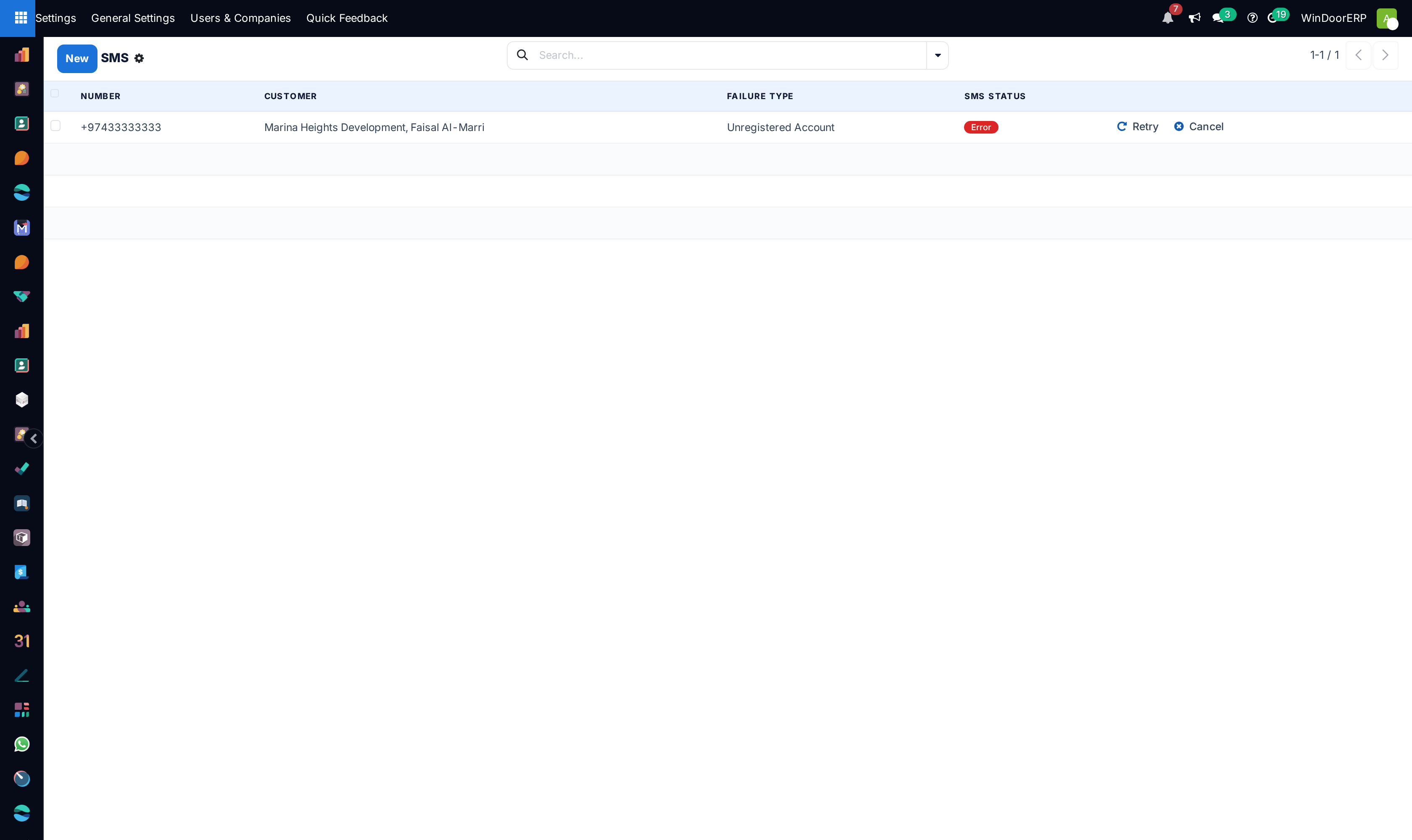
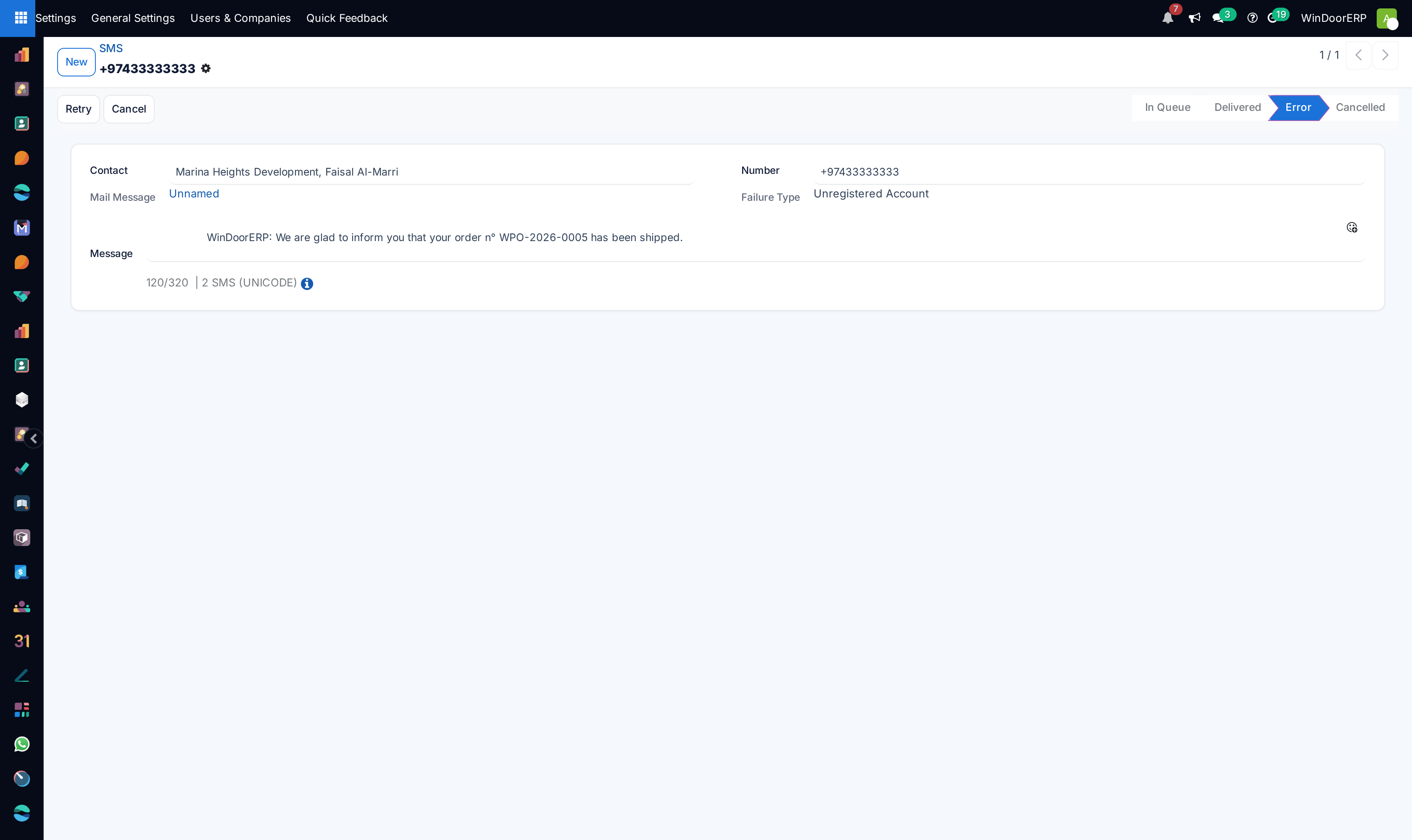
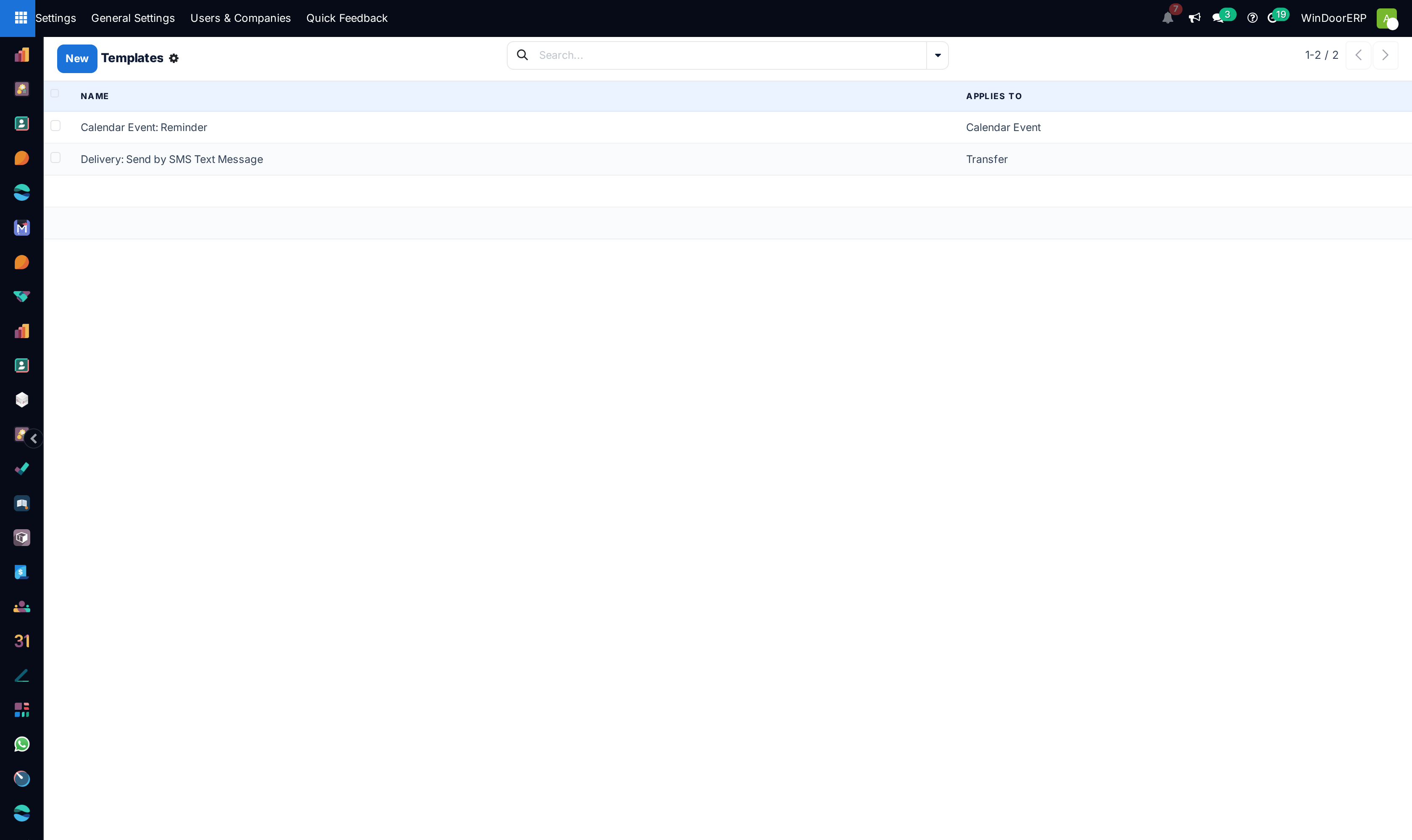
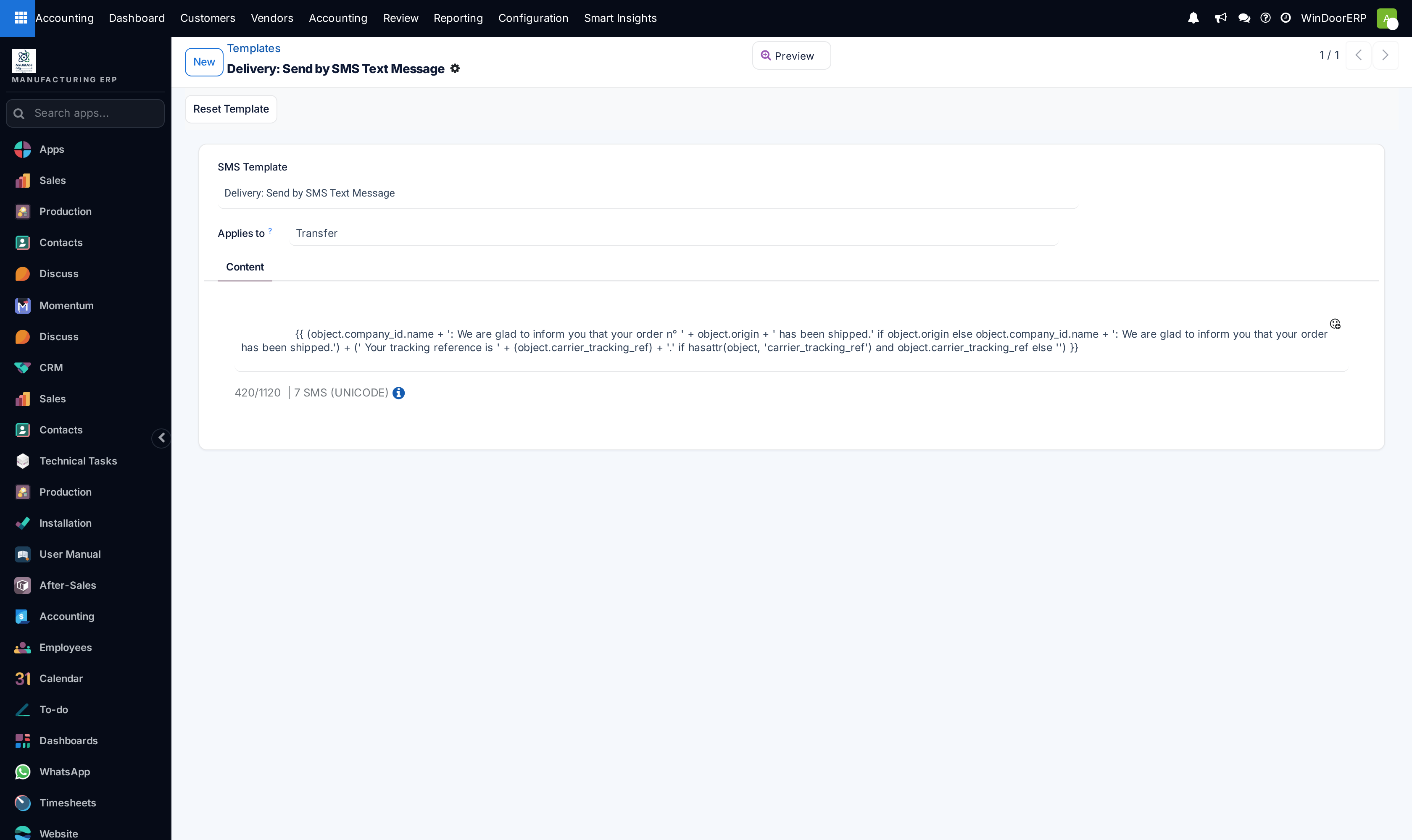
Design dynamic message templates in Email Templates and SMS Templates.
-
04
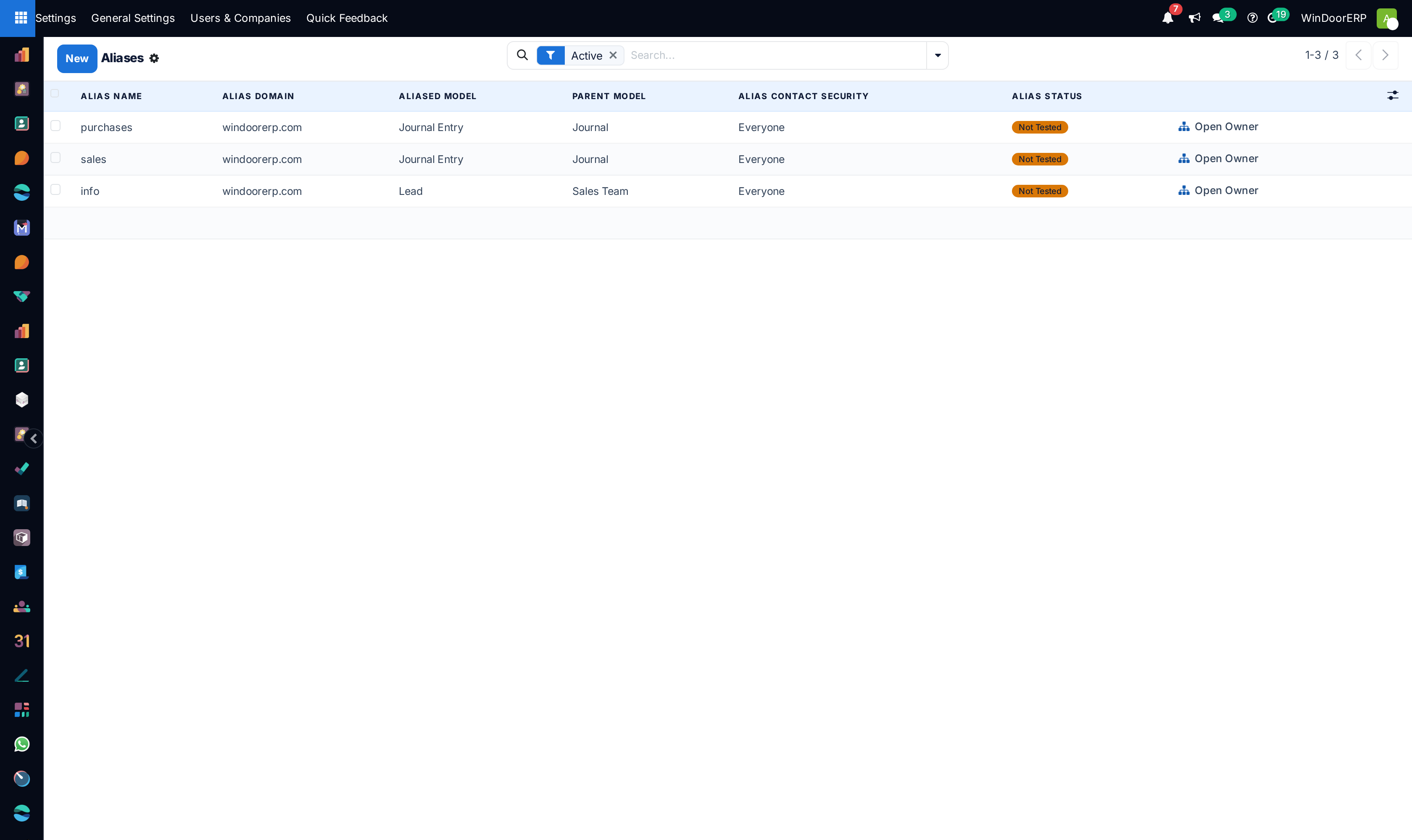
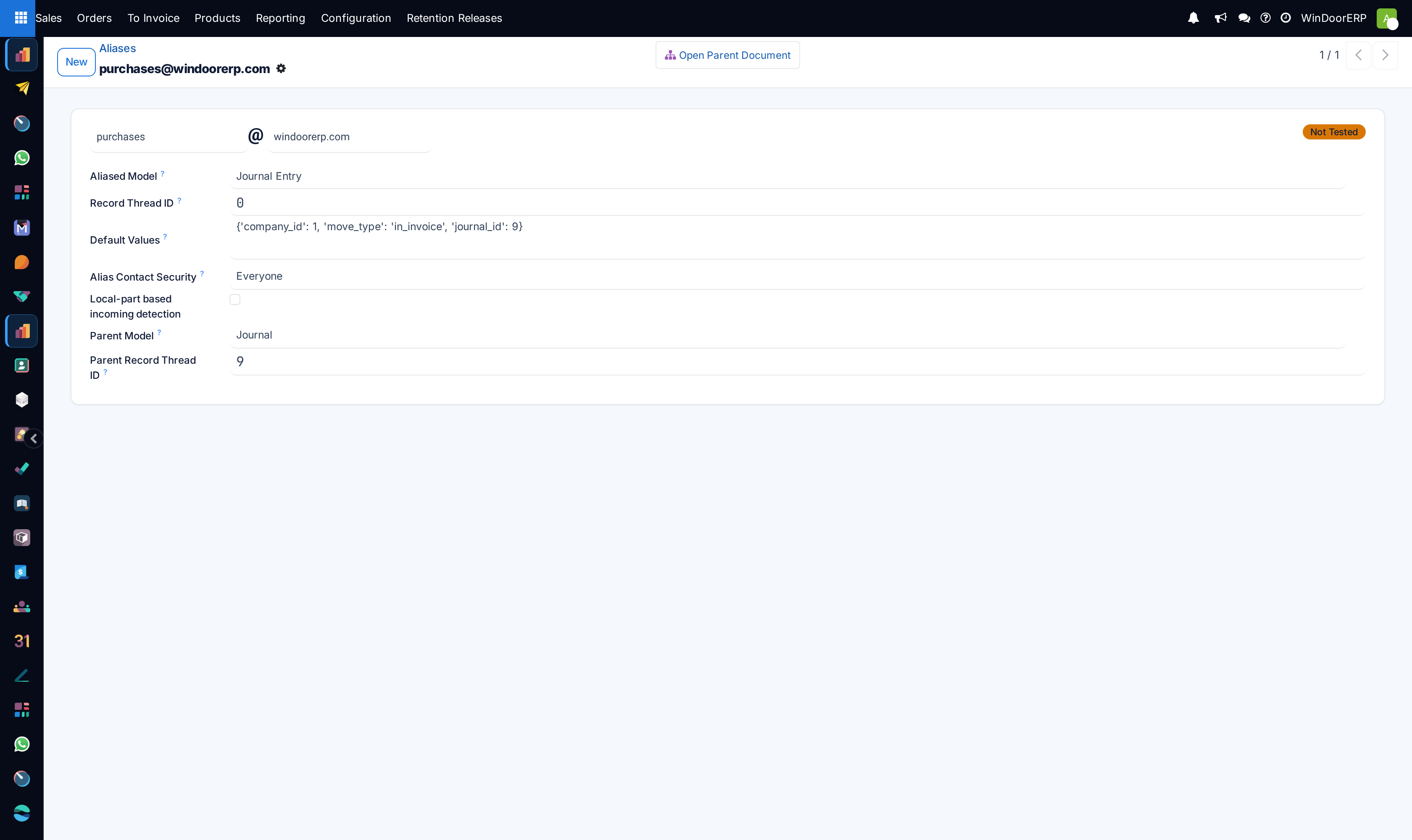
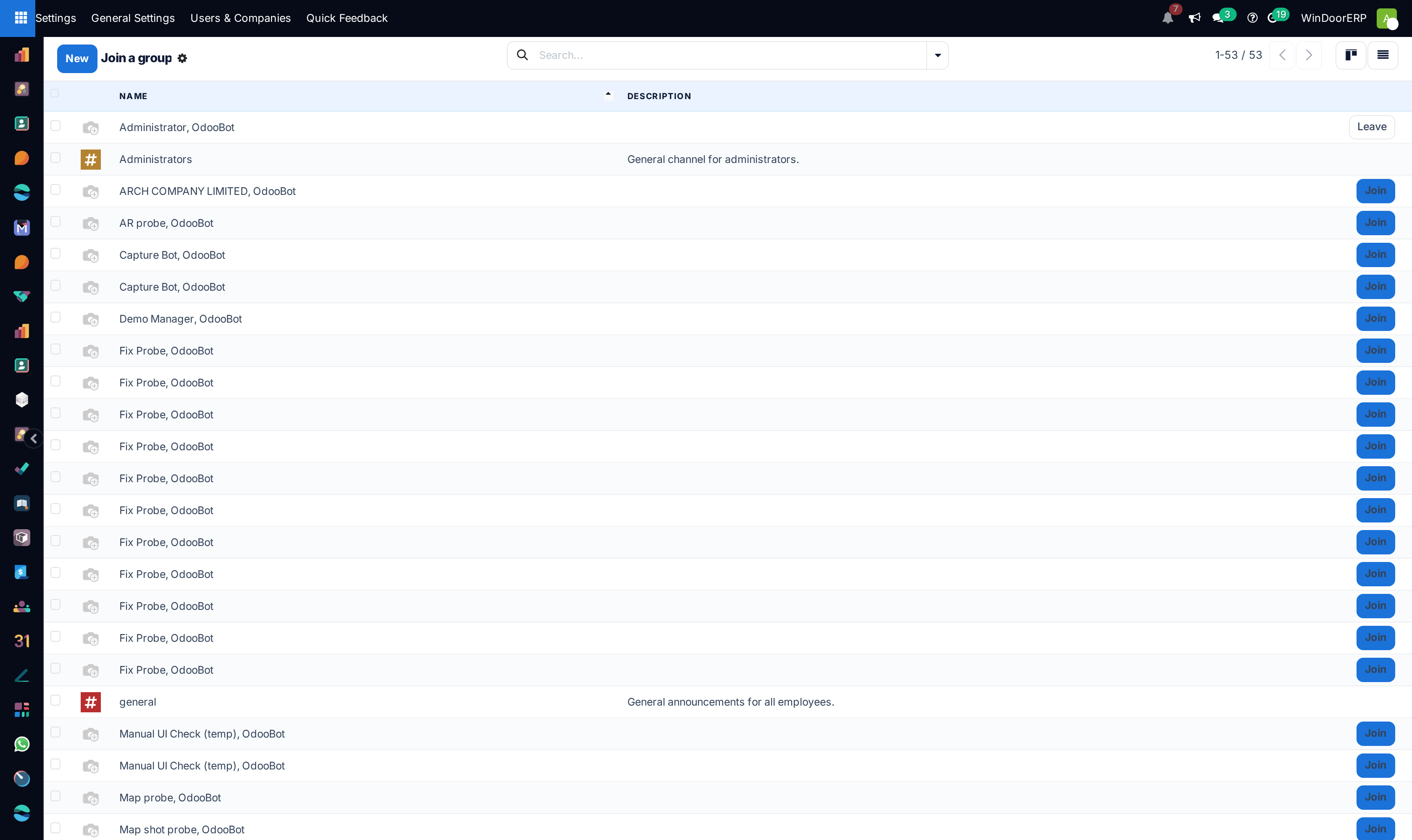
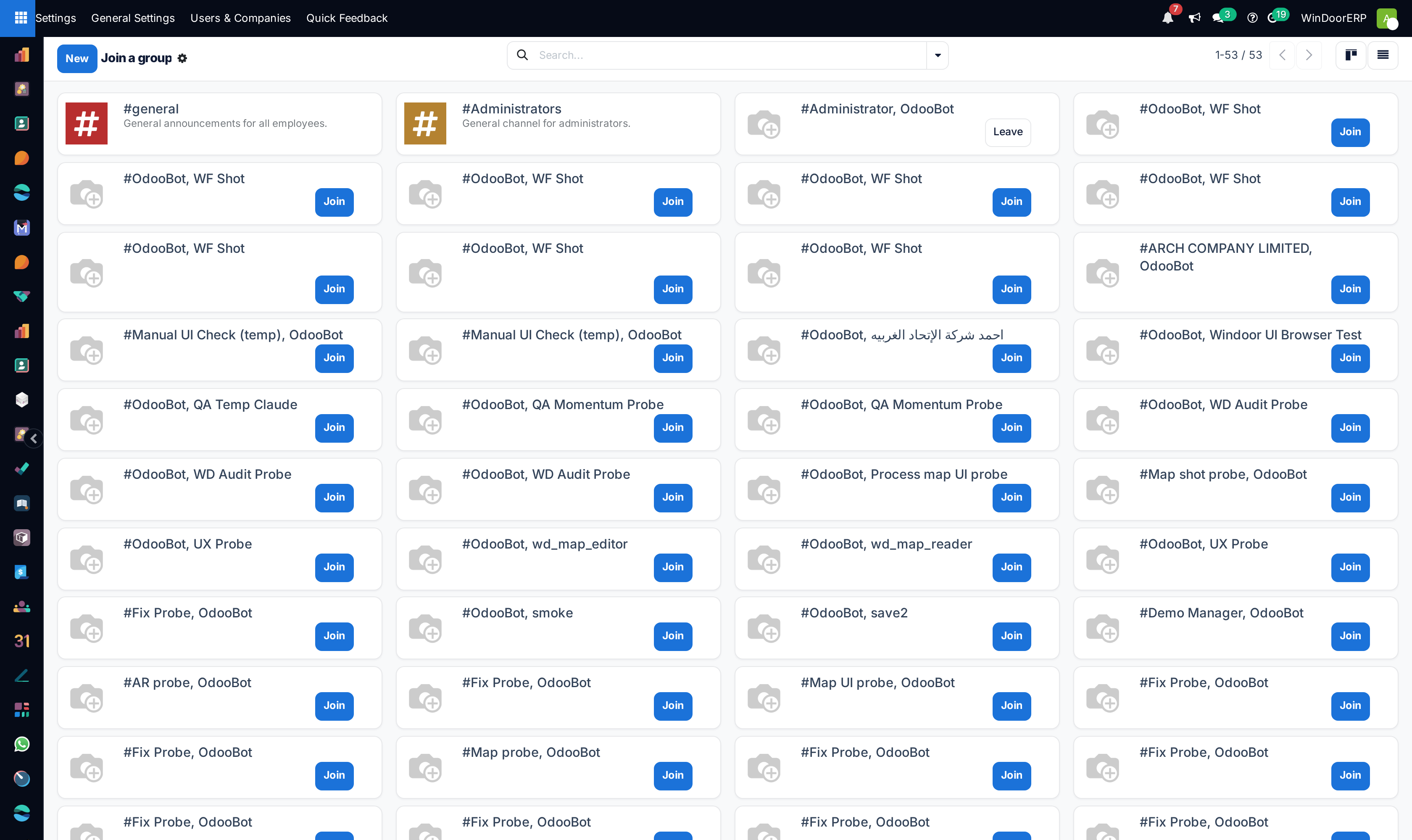
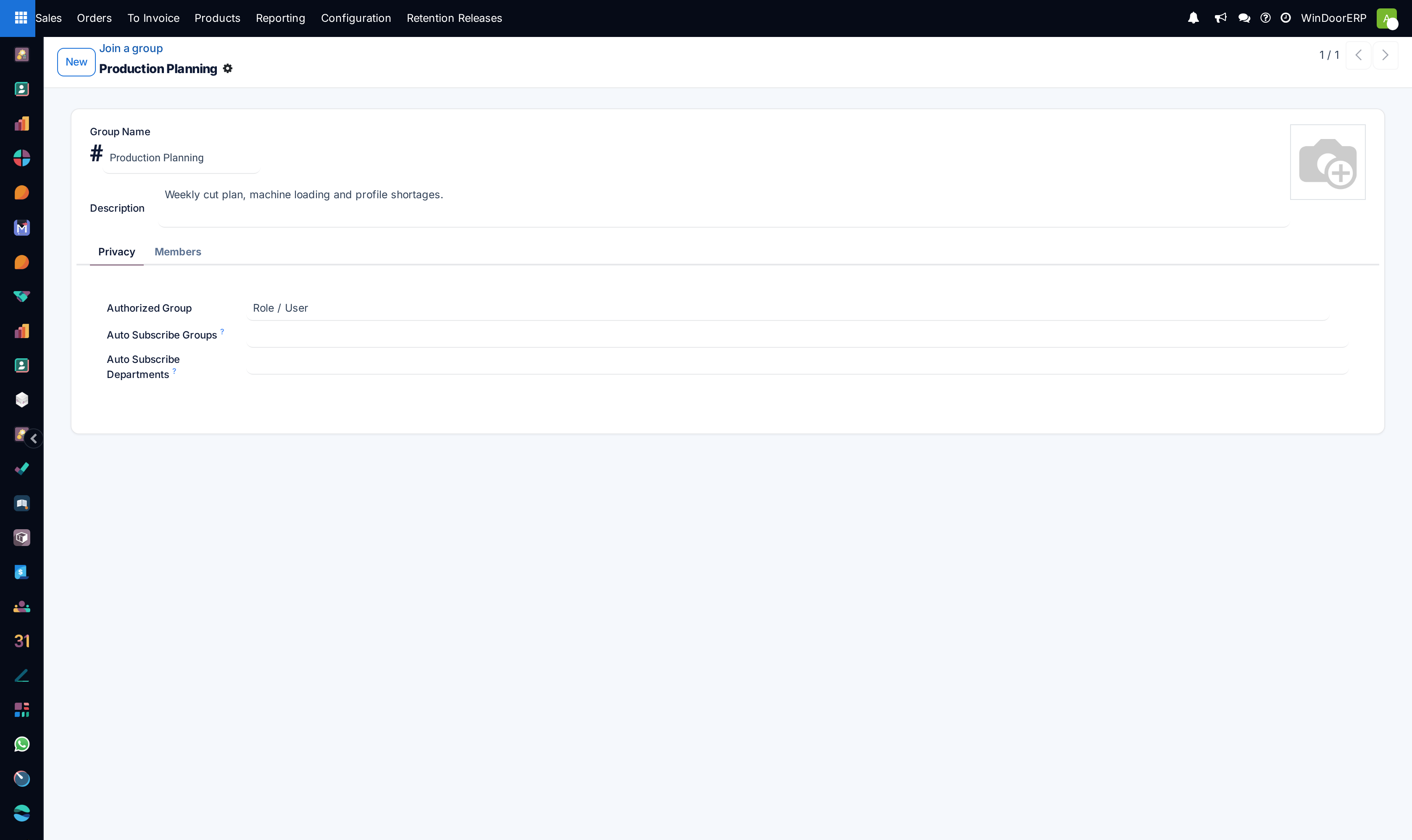
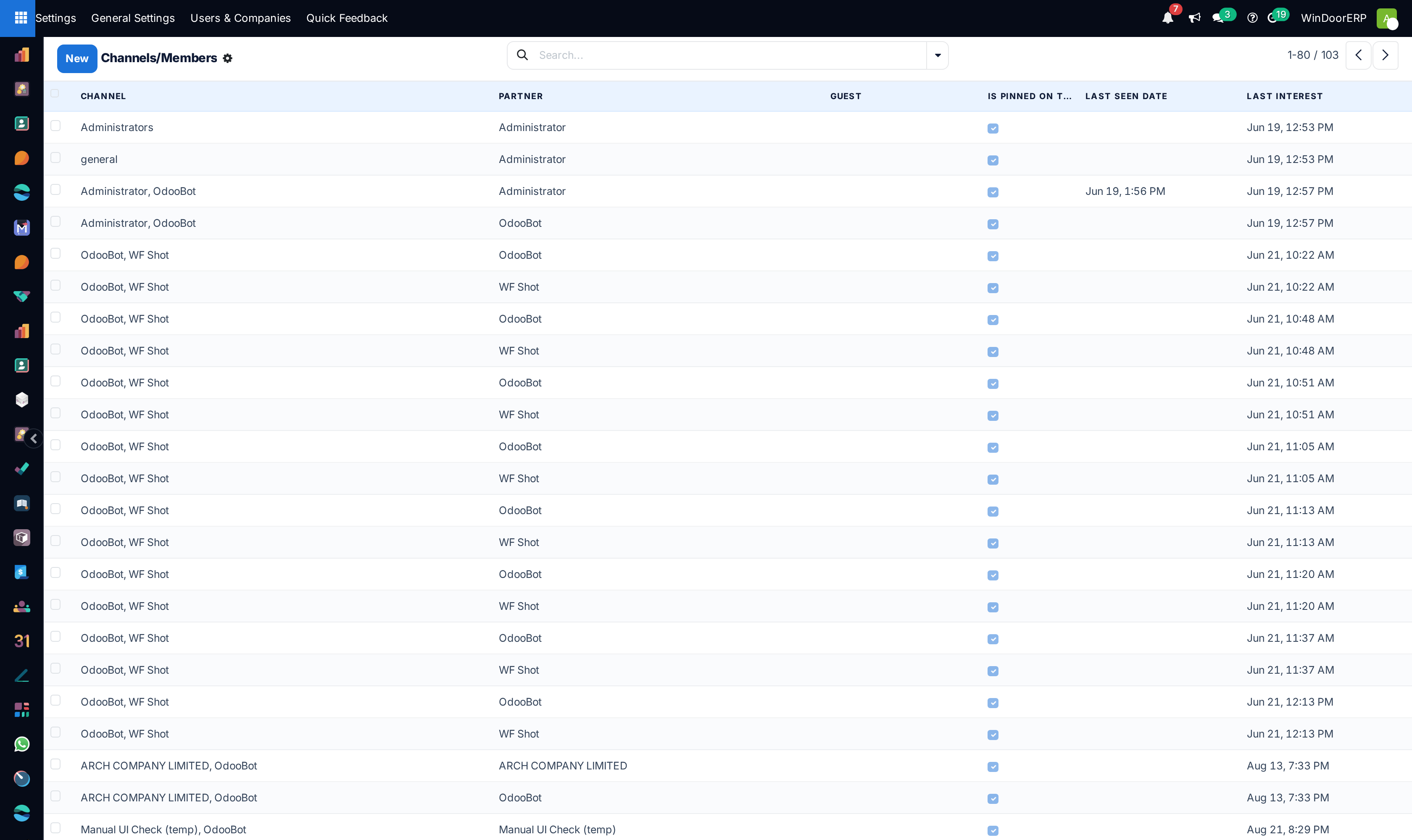
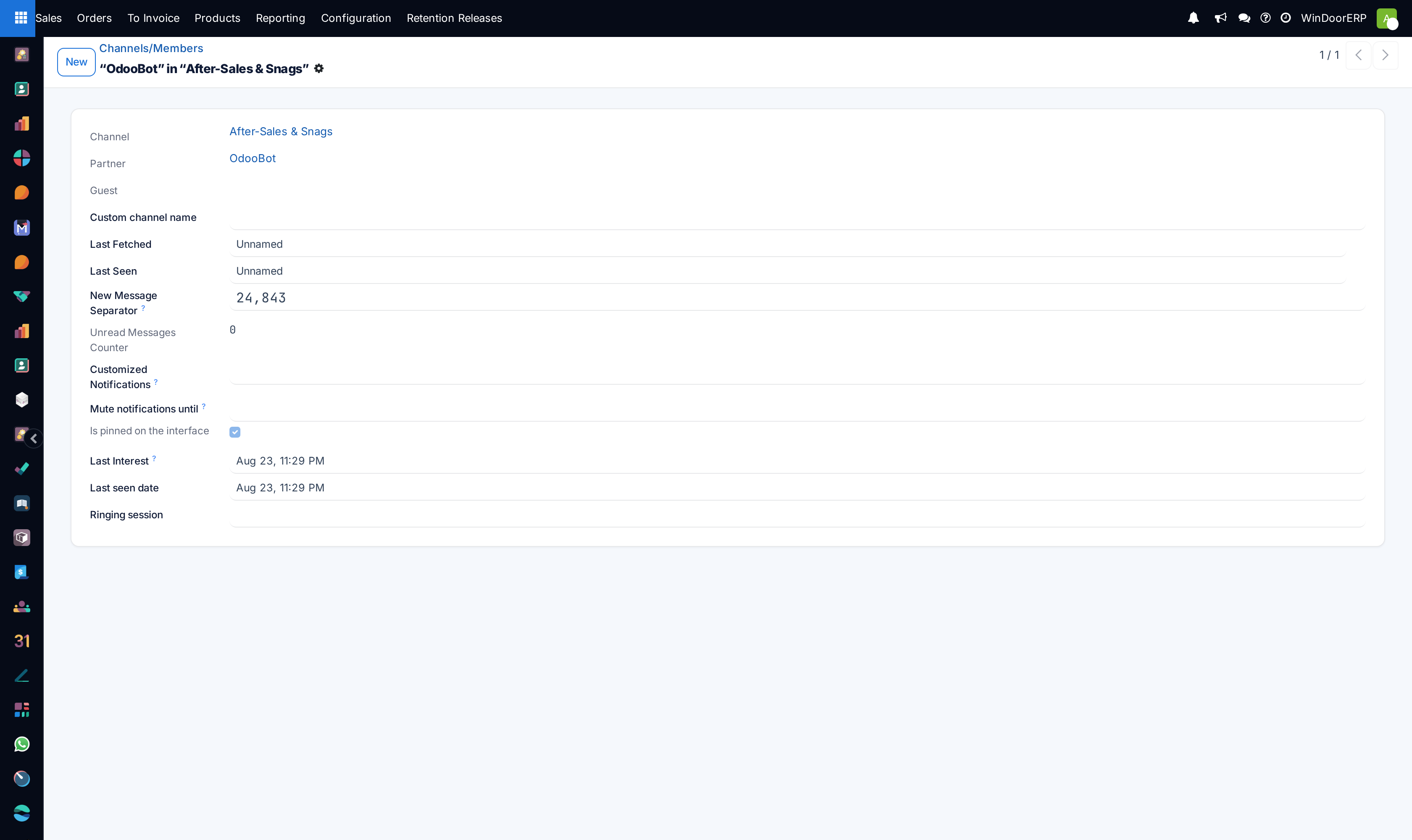
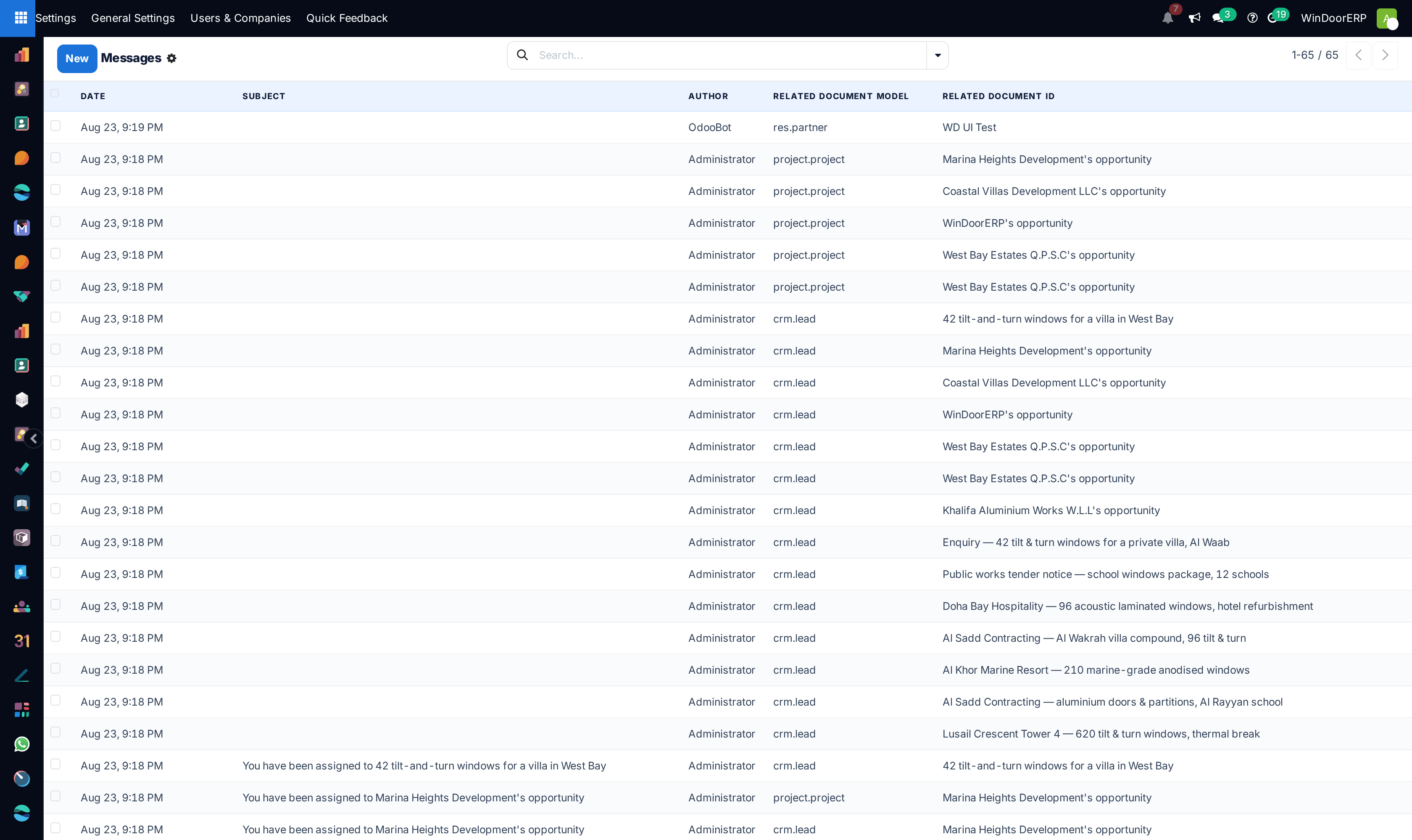
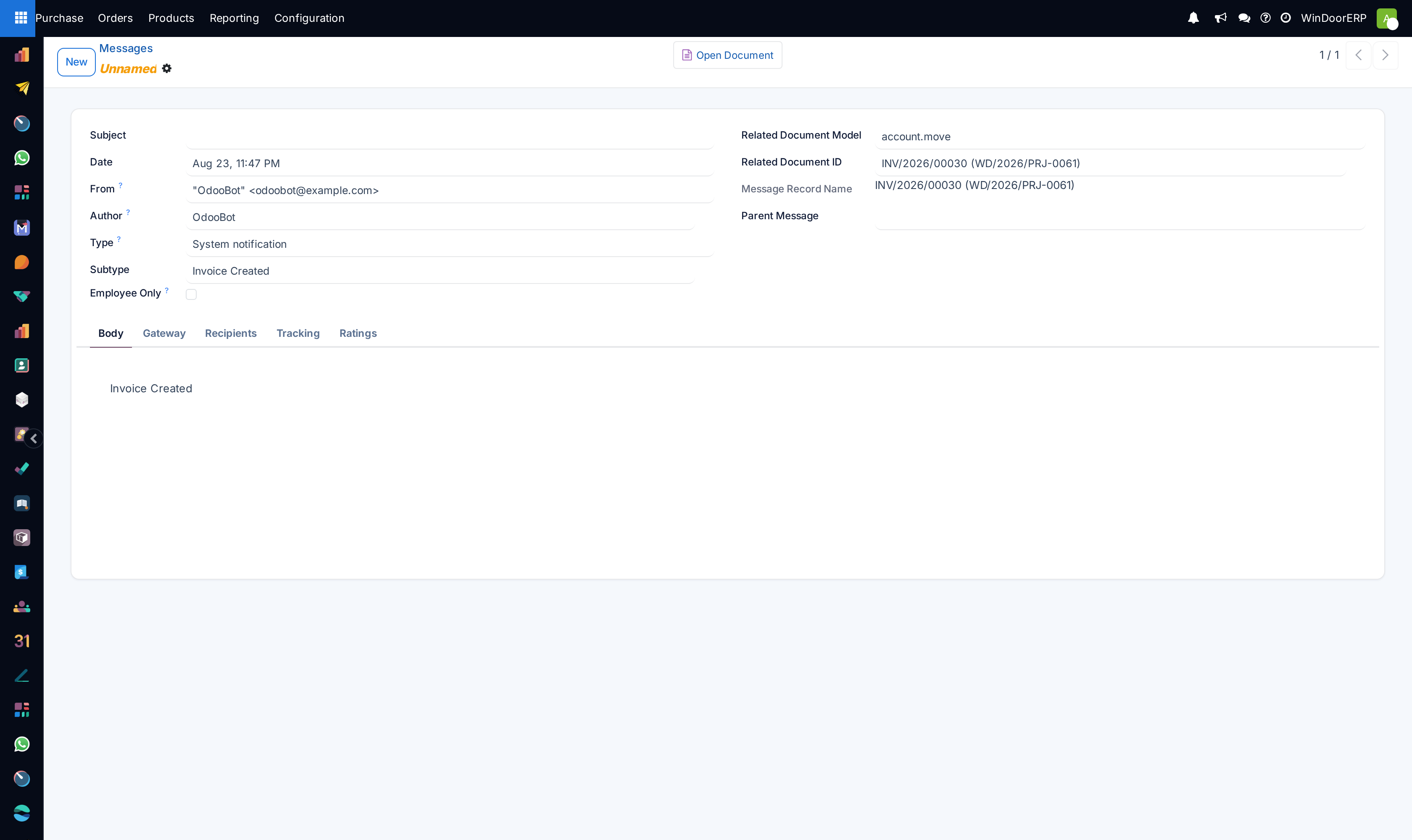
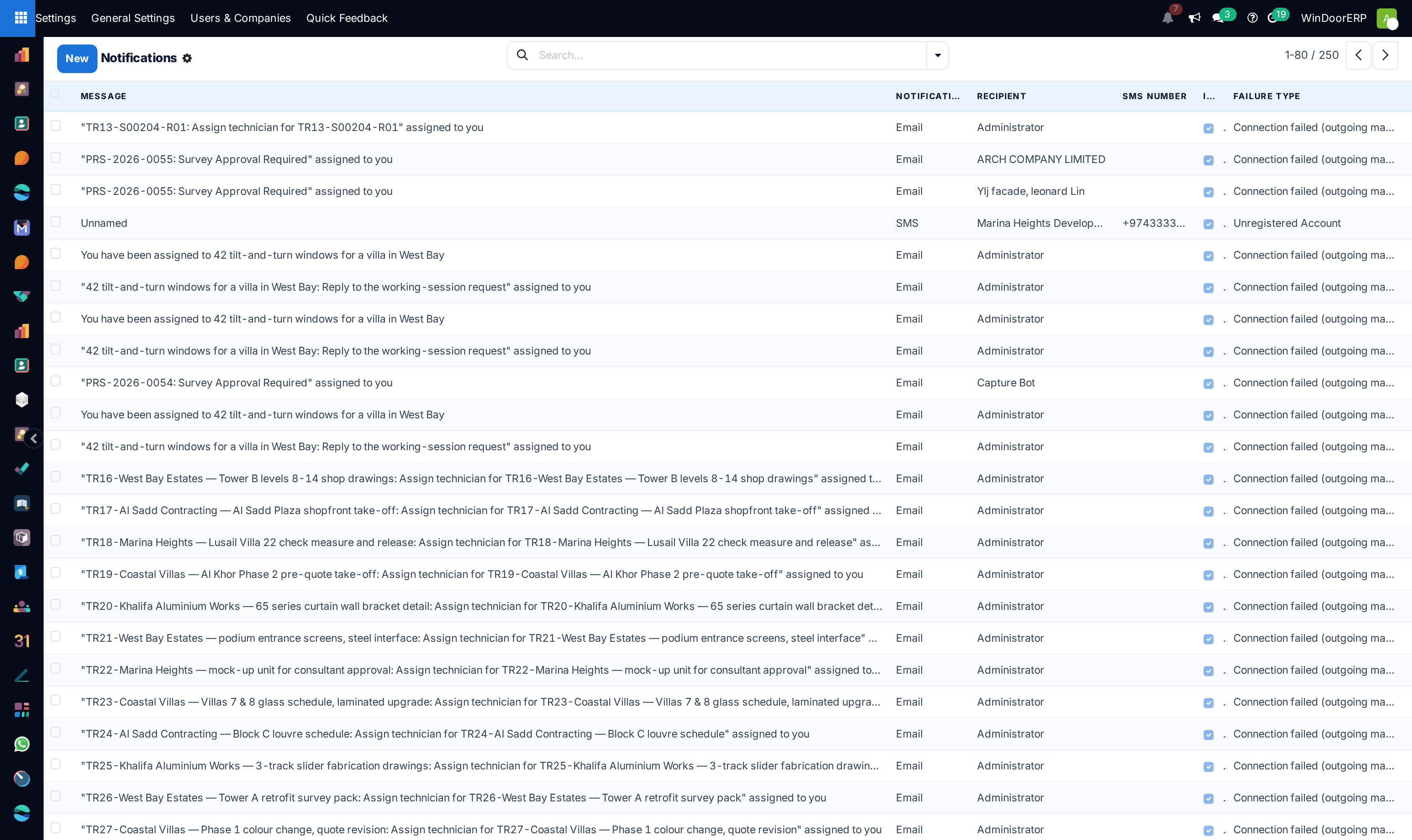
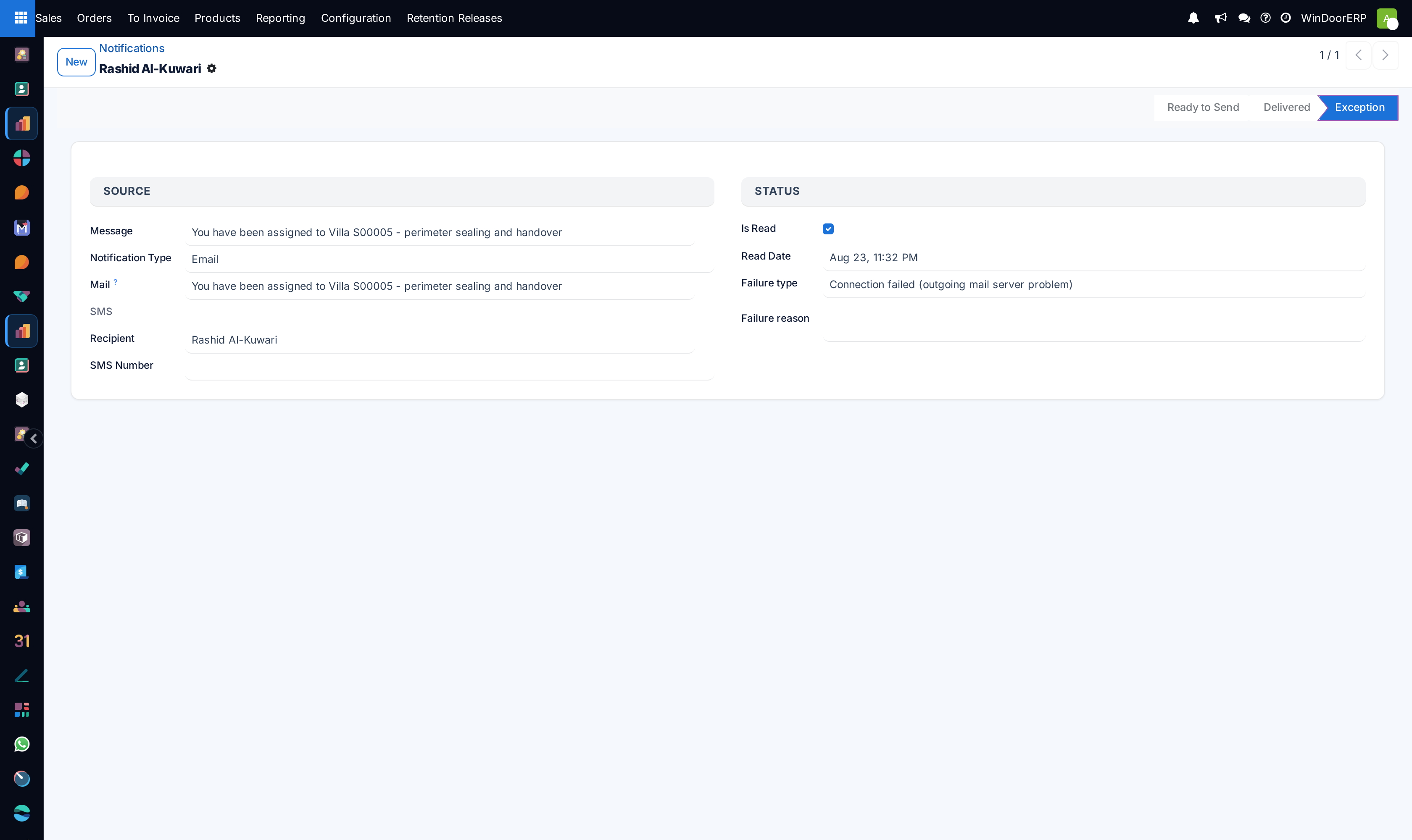
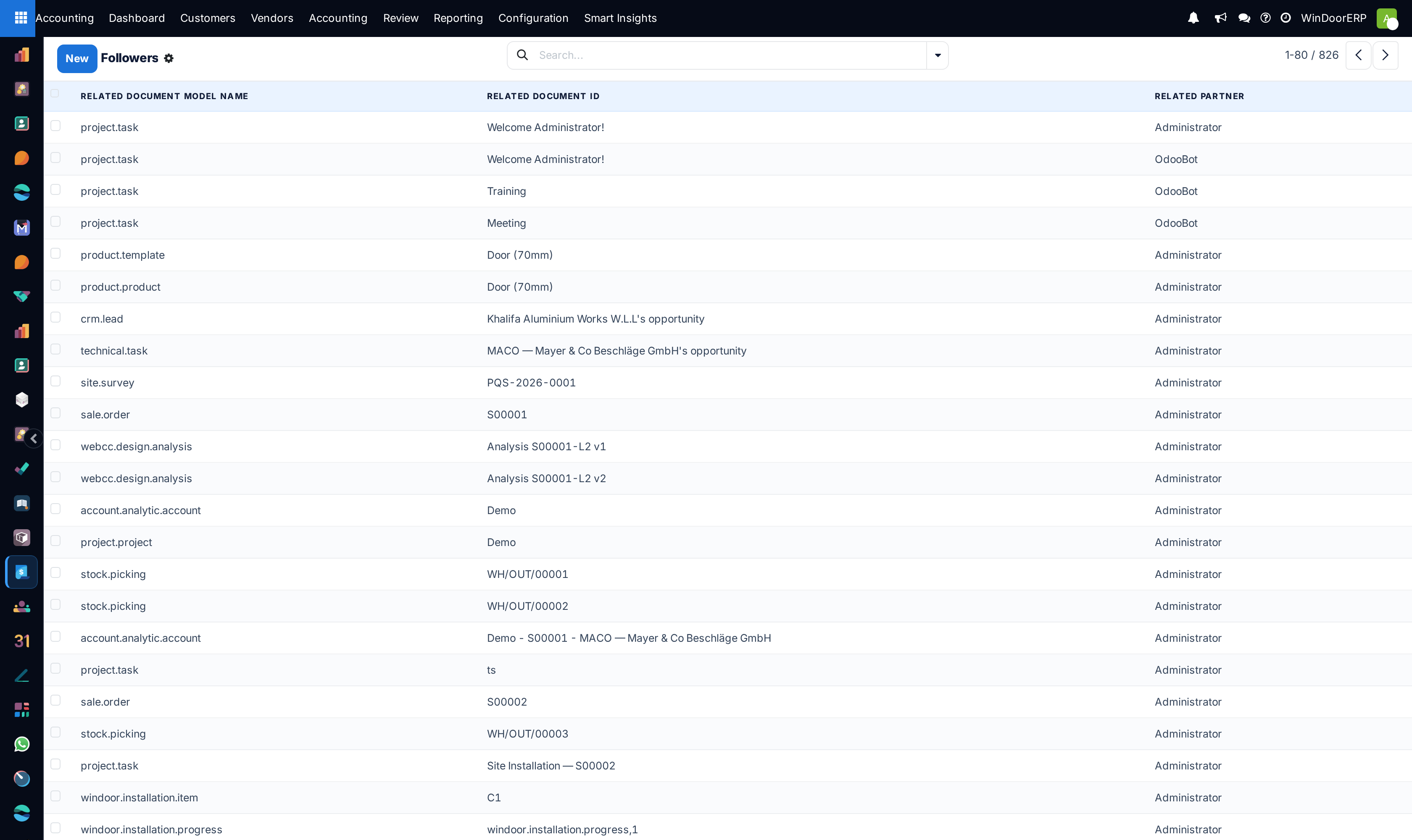
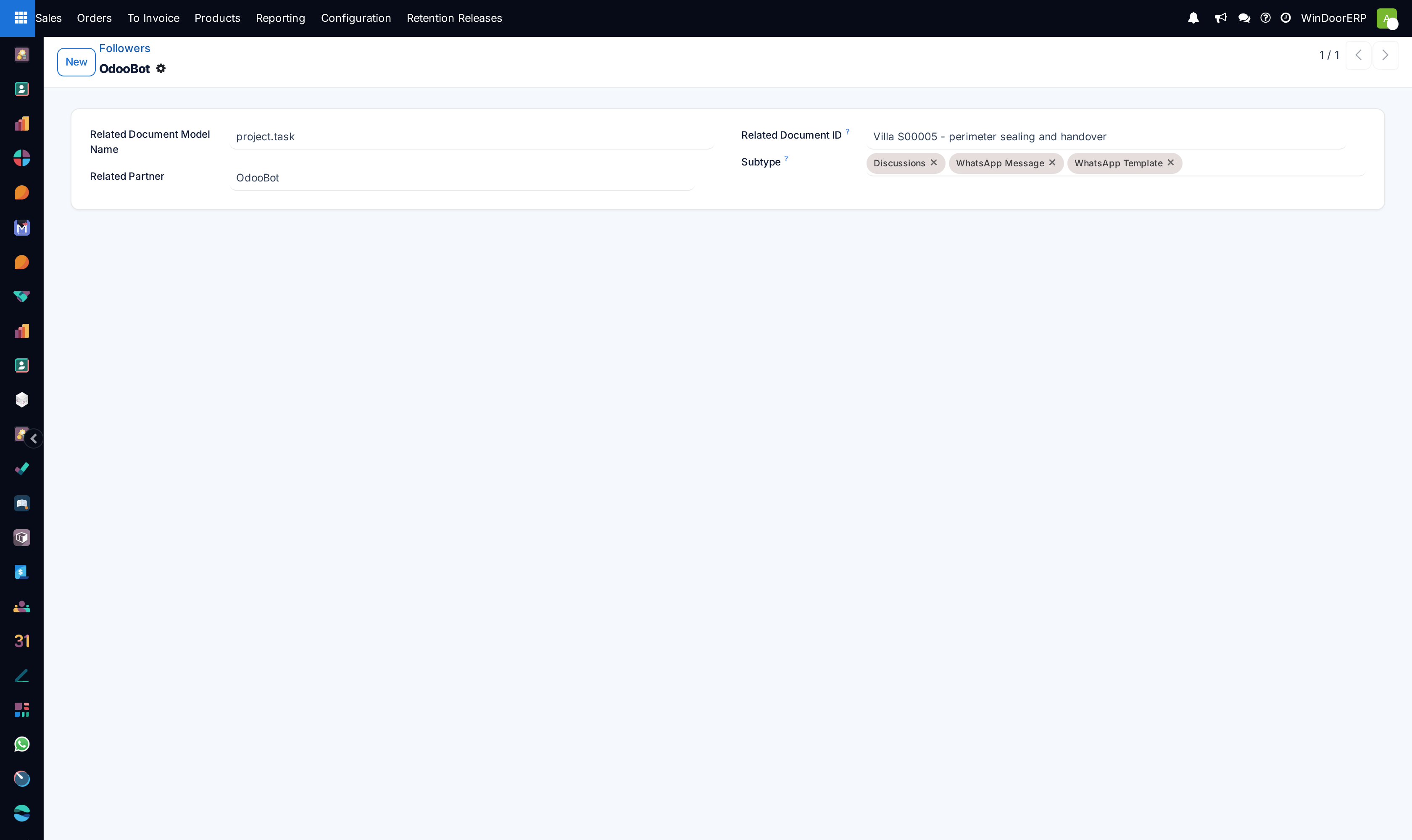
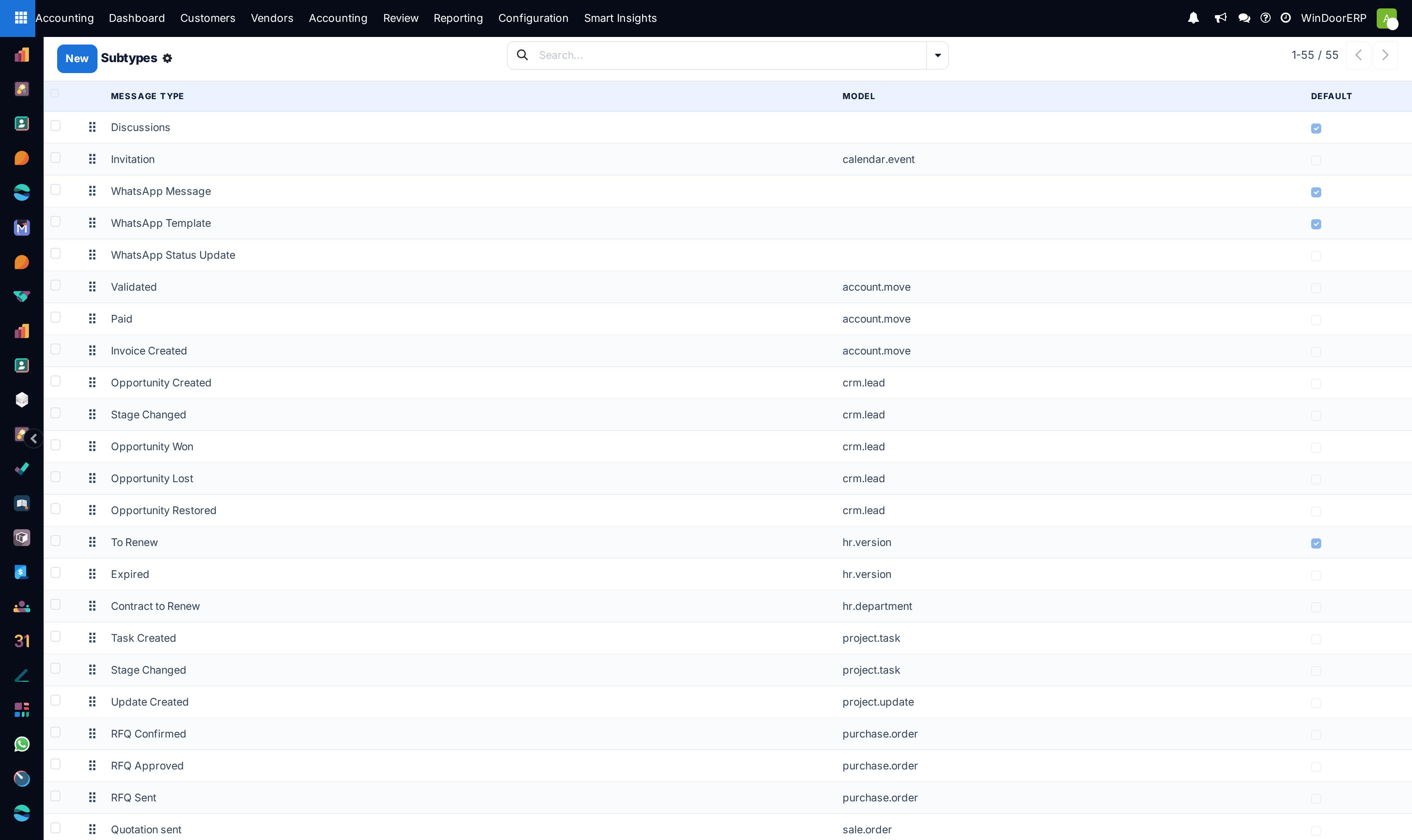
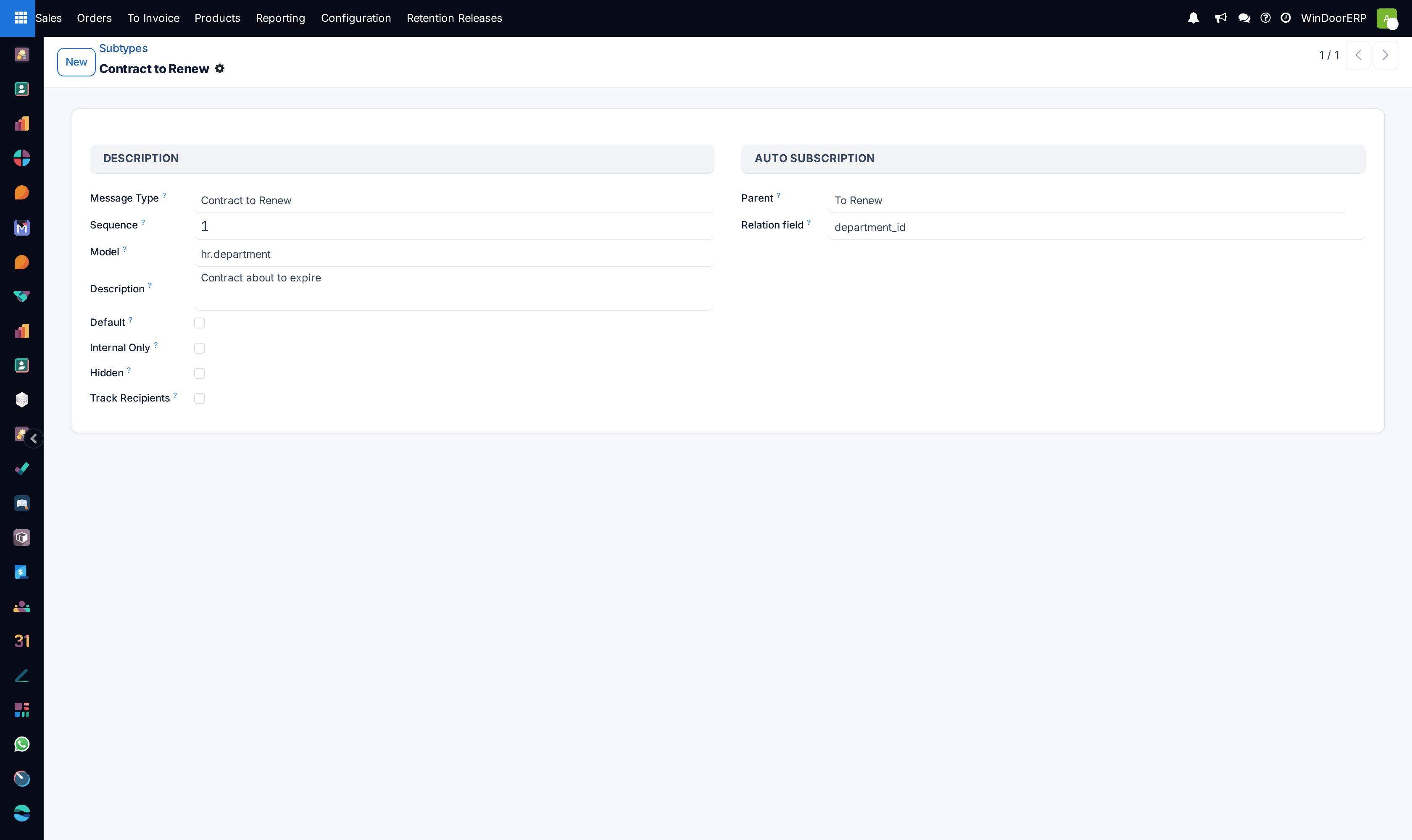
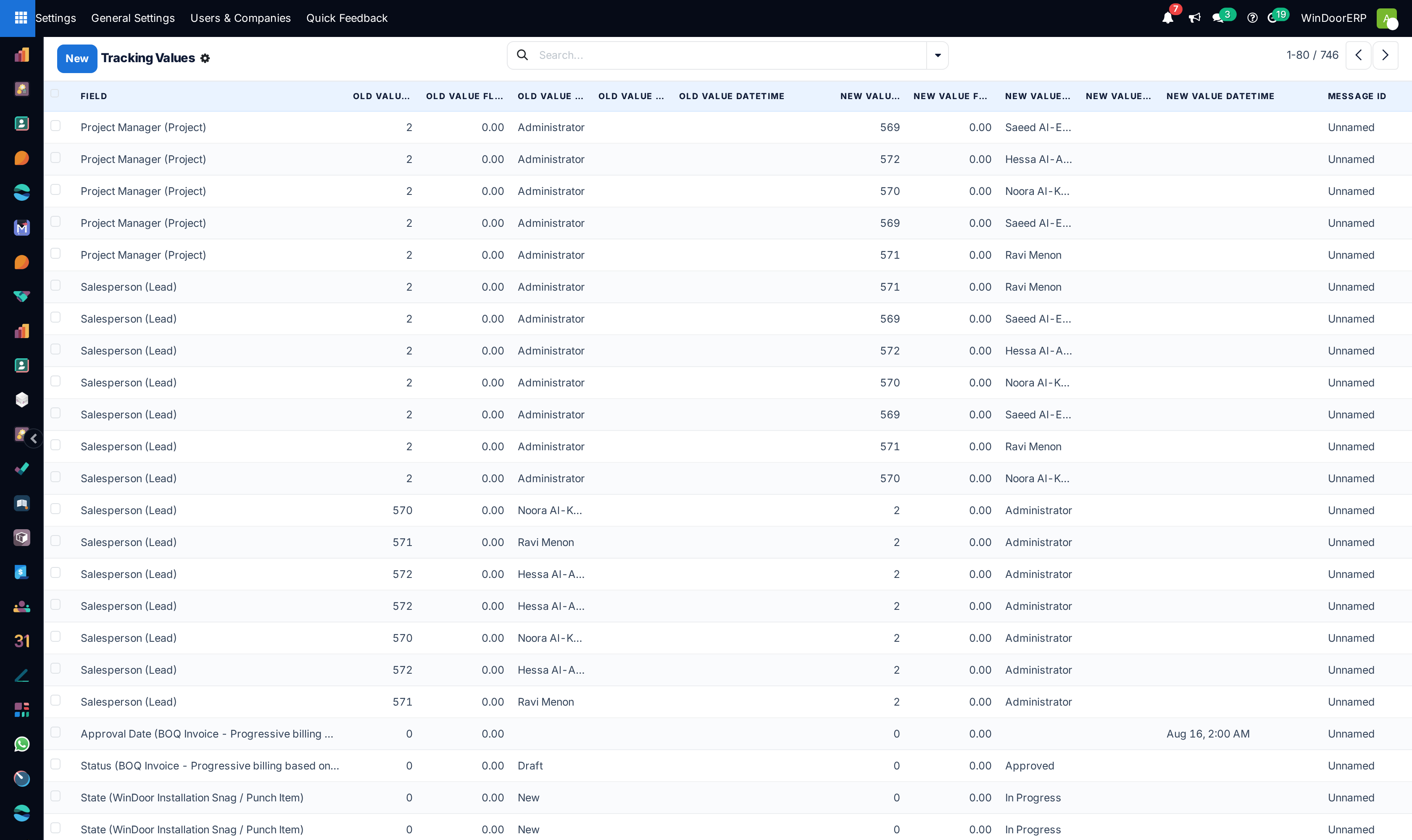
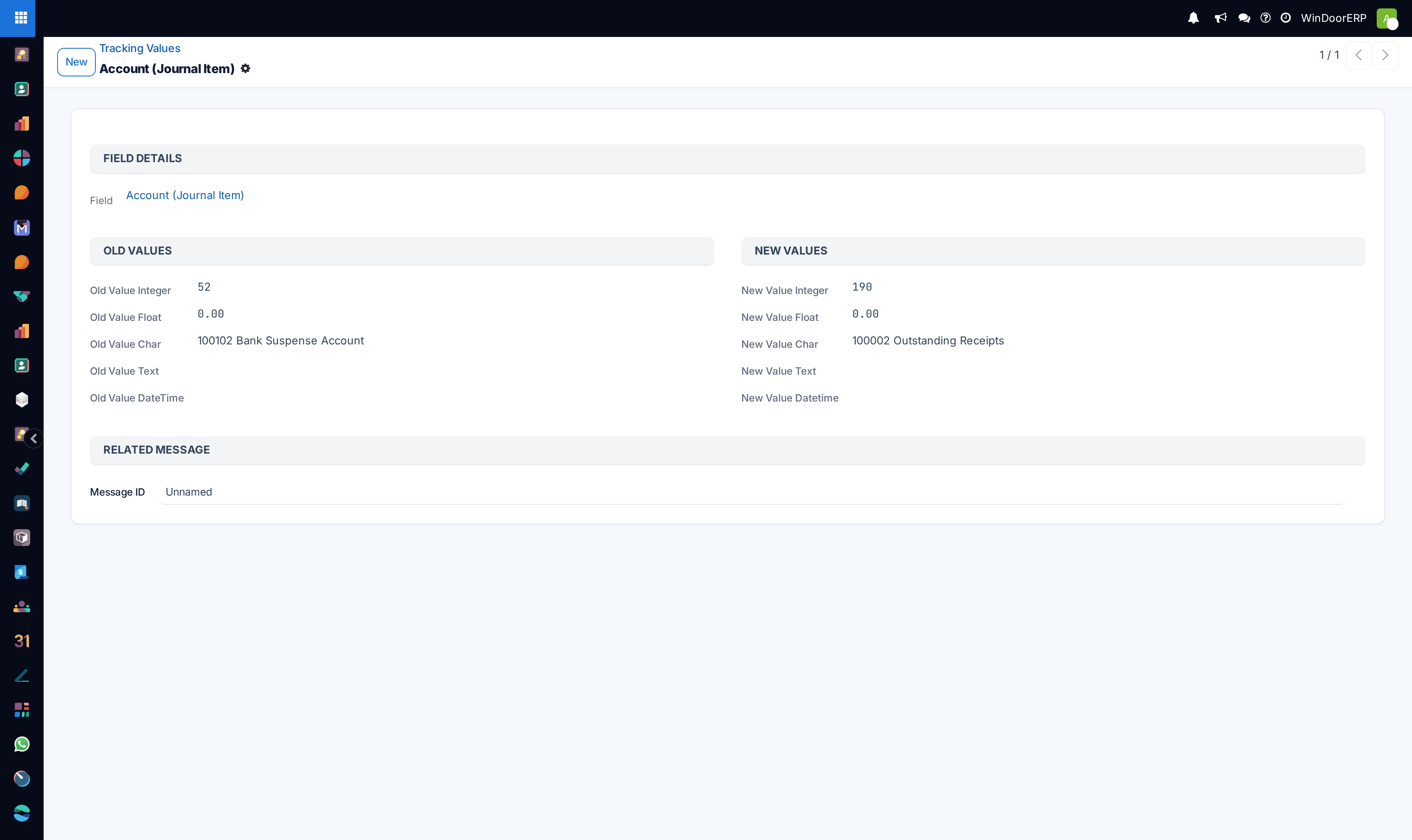
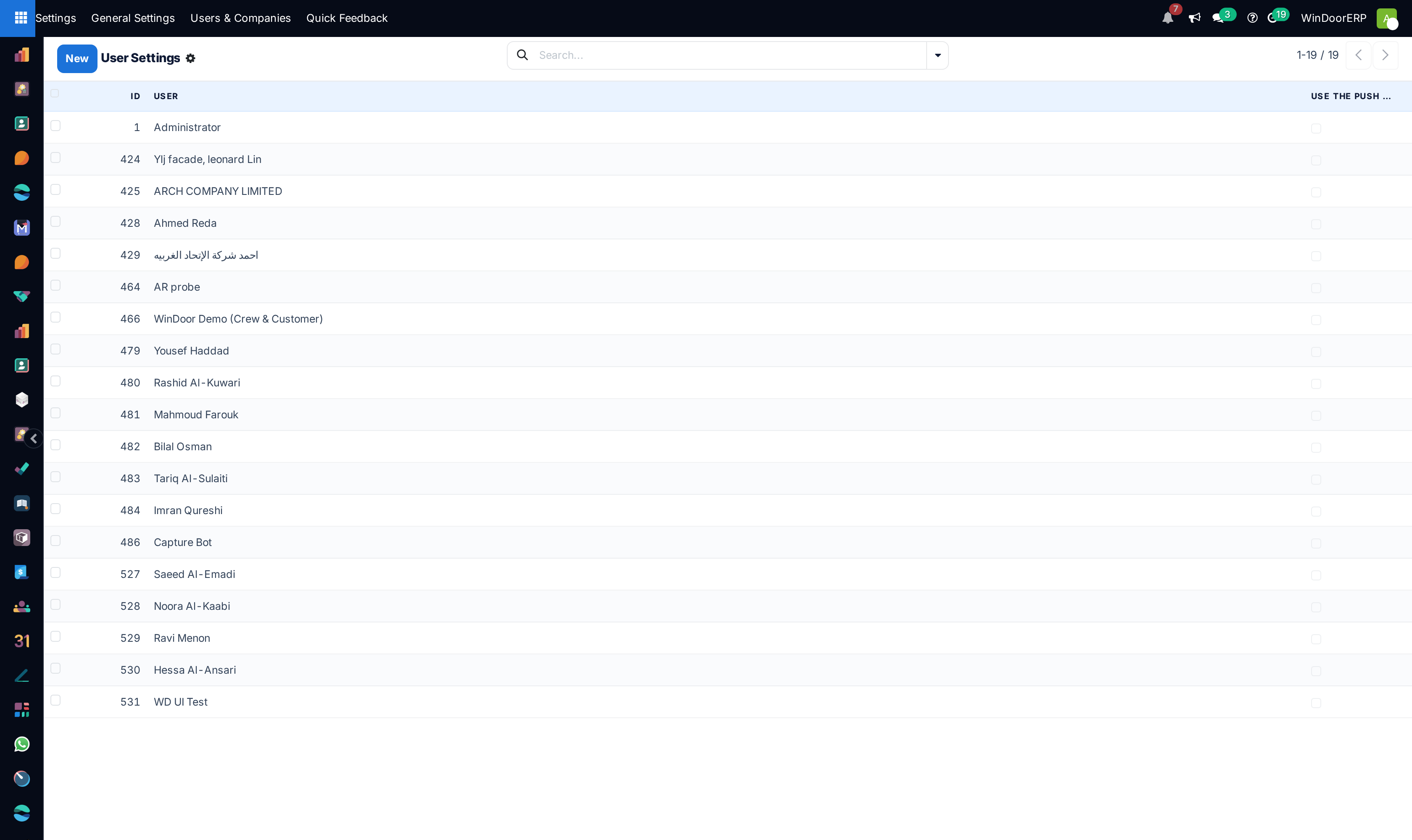
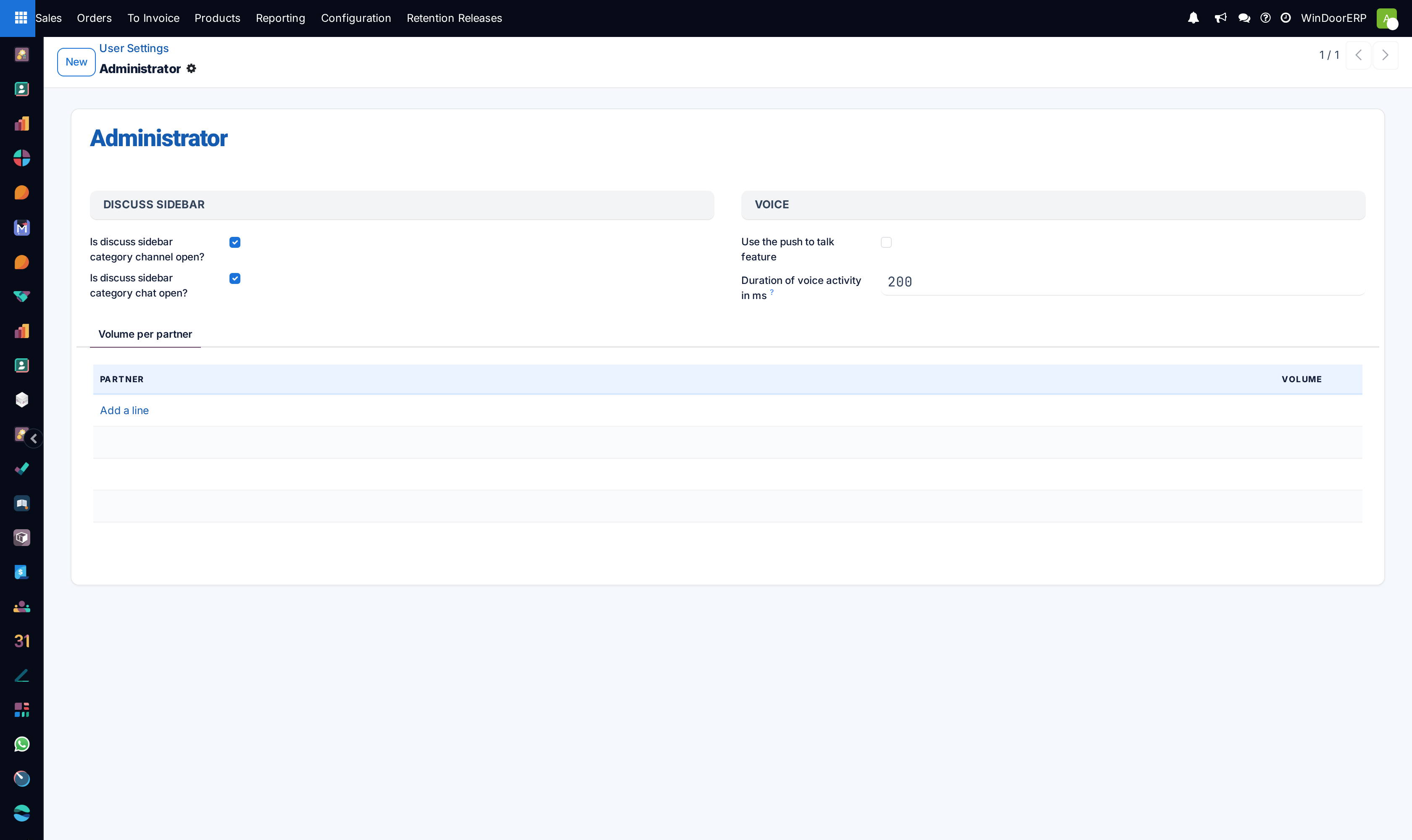
Audit live chat communication logs under Discuss › Messages, Notifications, and Subtypes.
-
05
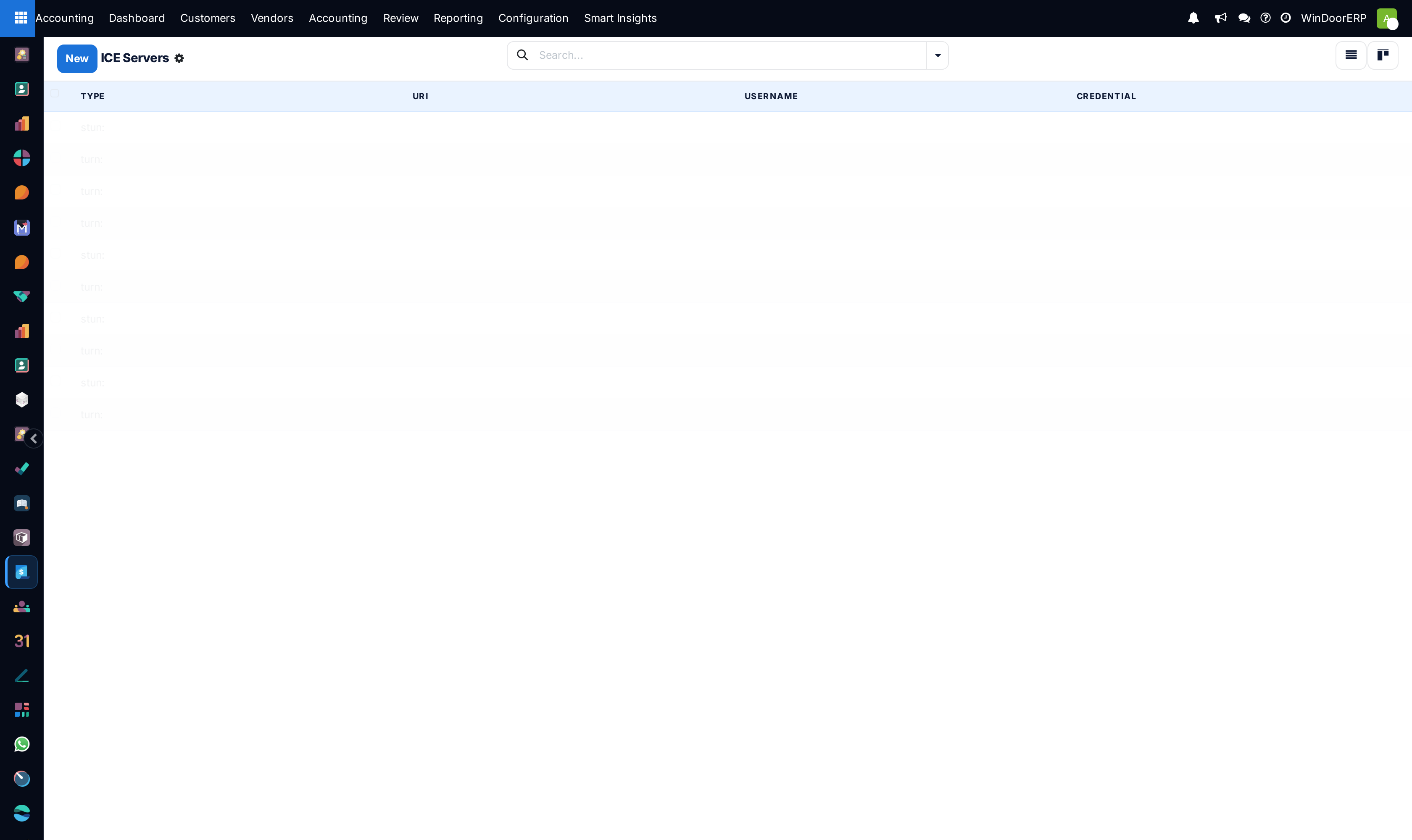
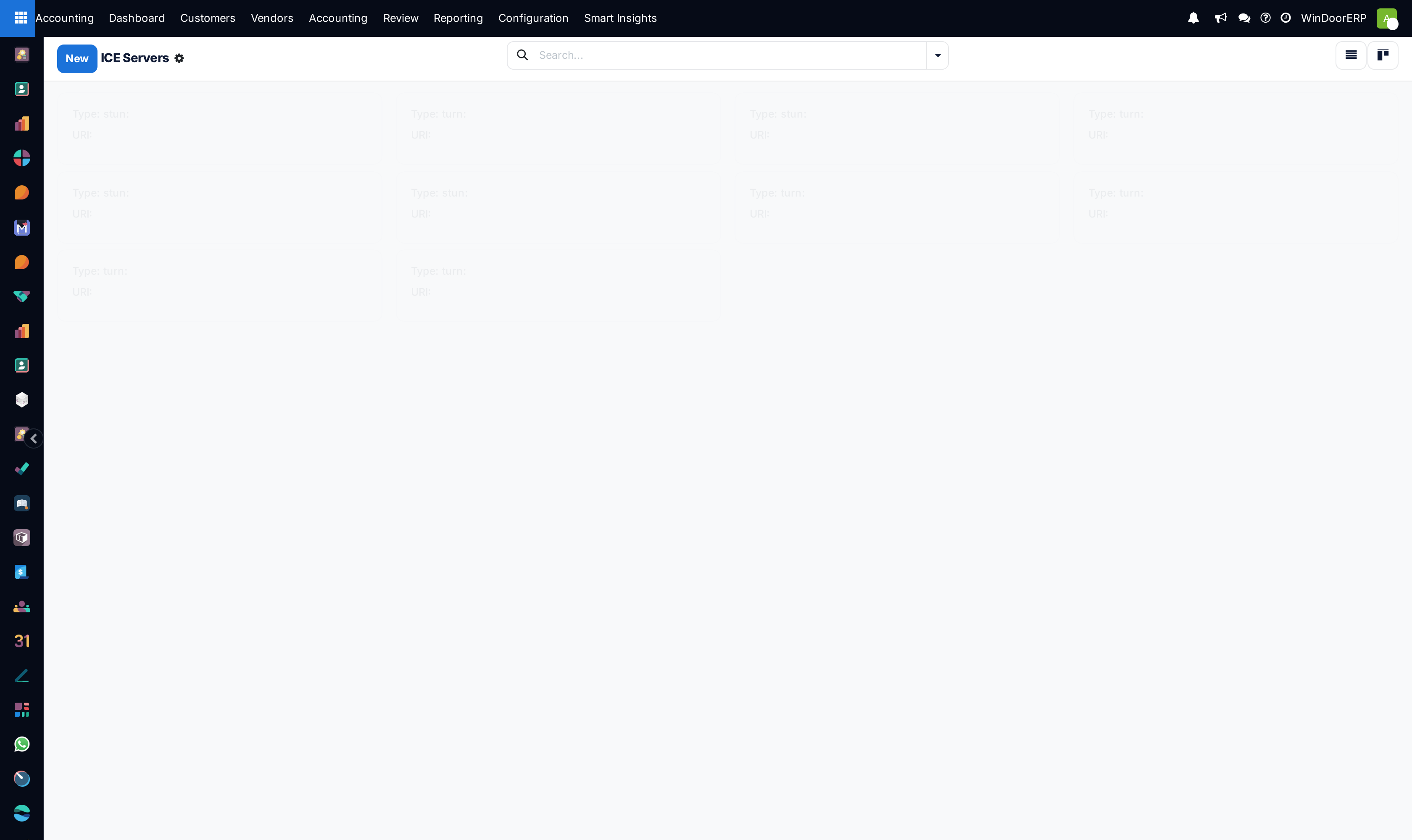
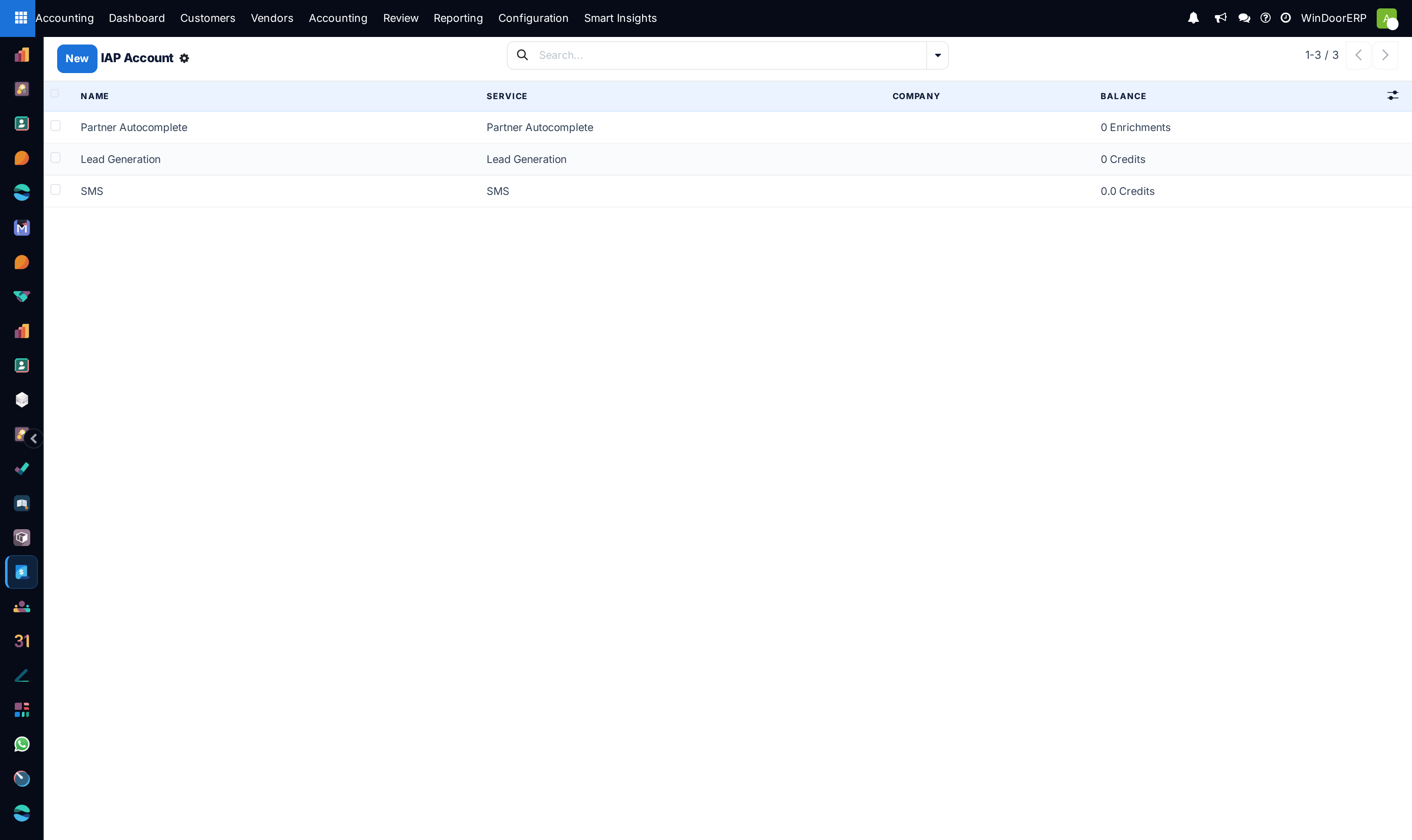
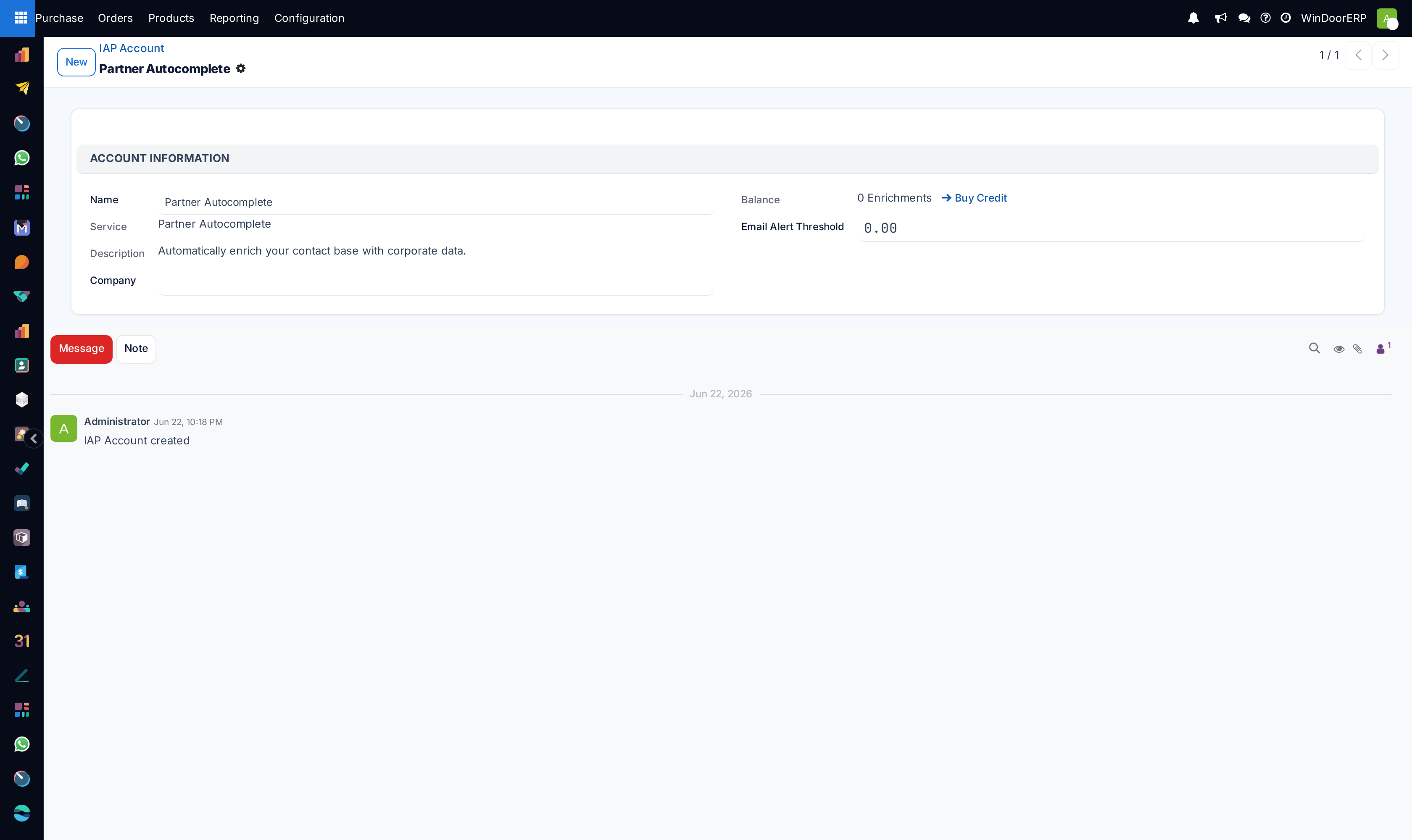
Configure WebRTC audio/video calling under Discuss › ICE Servers and monitor IAP Accounts.
Common mistakes
- Scheduling high-frequency resource-intensive cron actions during peak daytime factory operation hours.
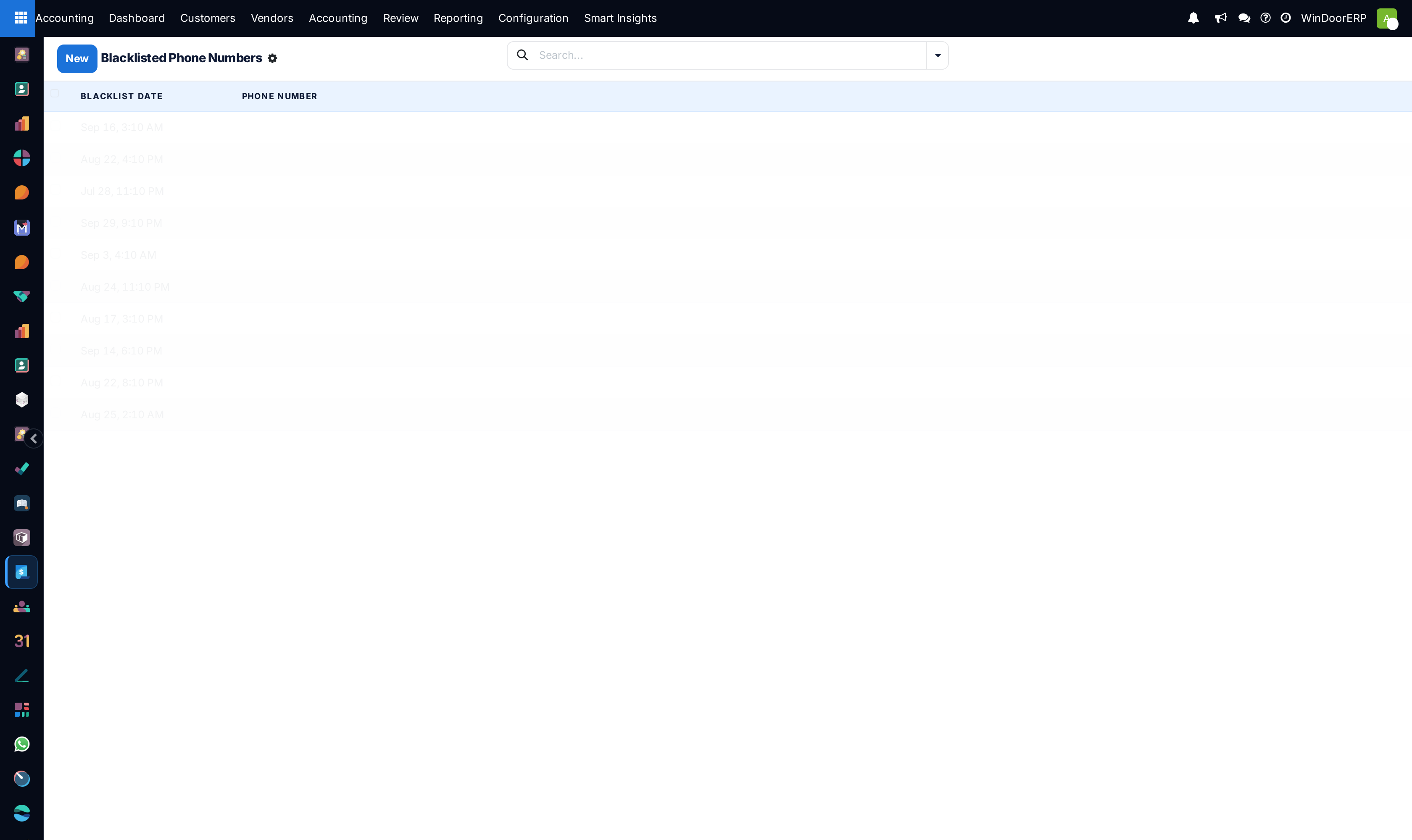
- Sending mass SMS campaigns without verifying phone blacklist suppression lists.
Checkpoint
You can list every scheduled job that is active and say what each one sends and to whom.