Decide who sees what
Access rights, record rules and devices
Why this step
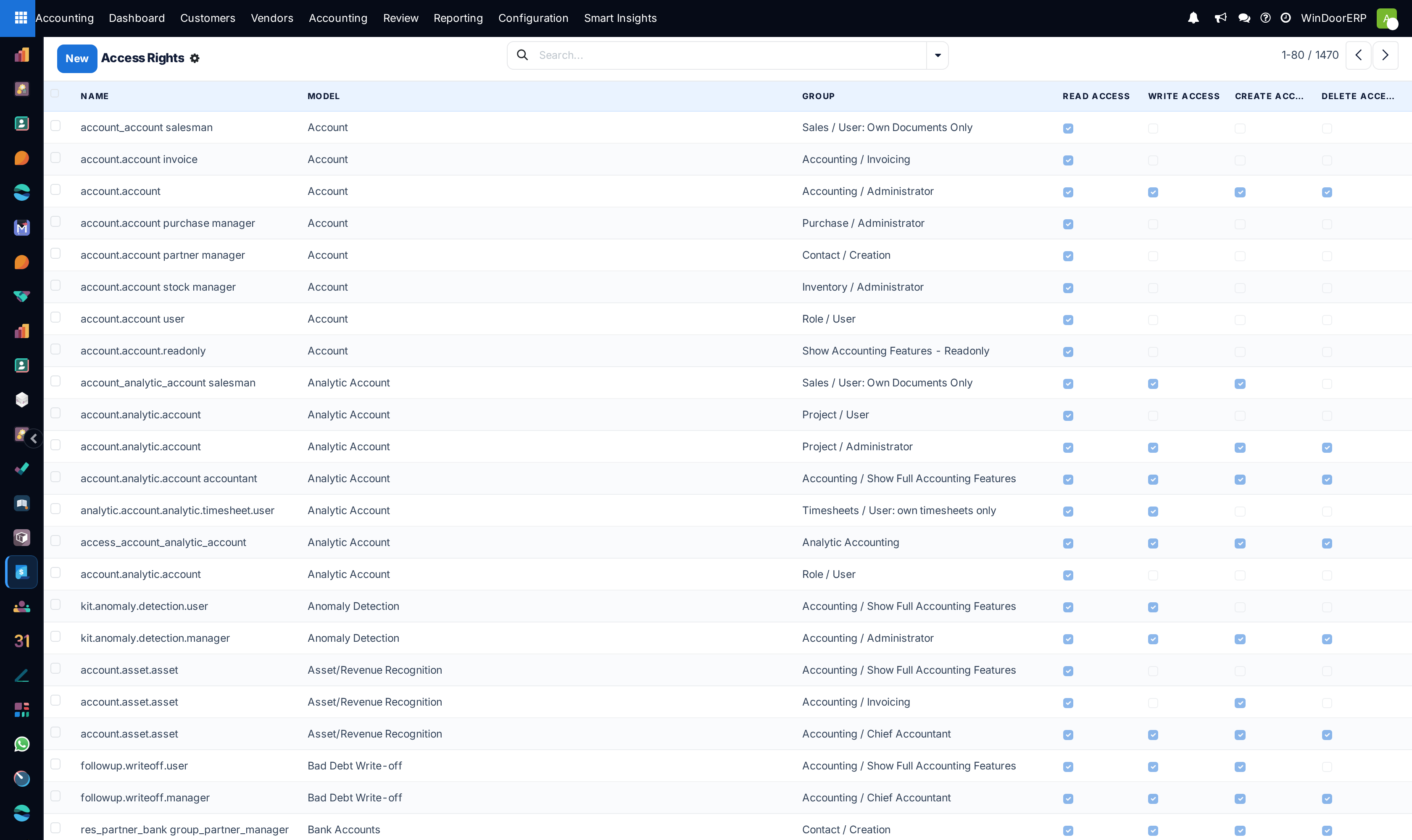
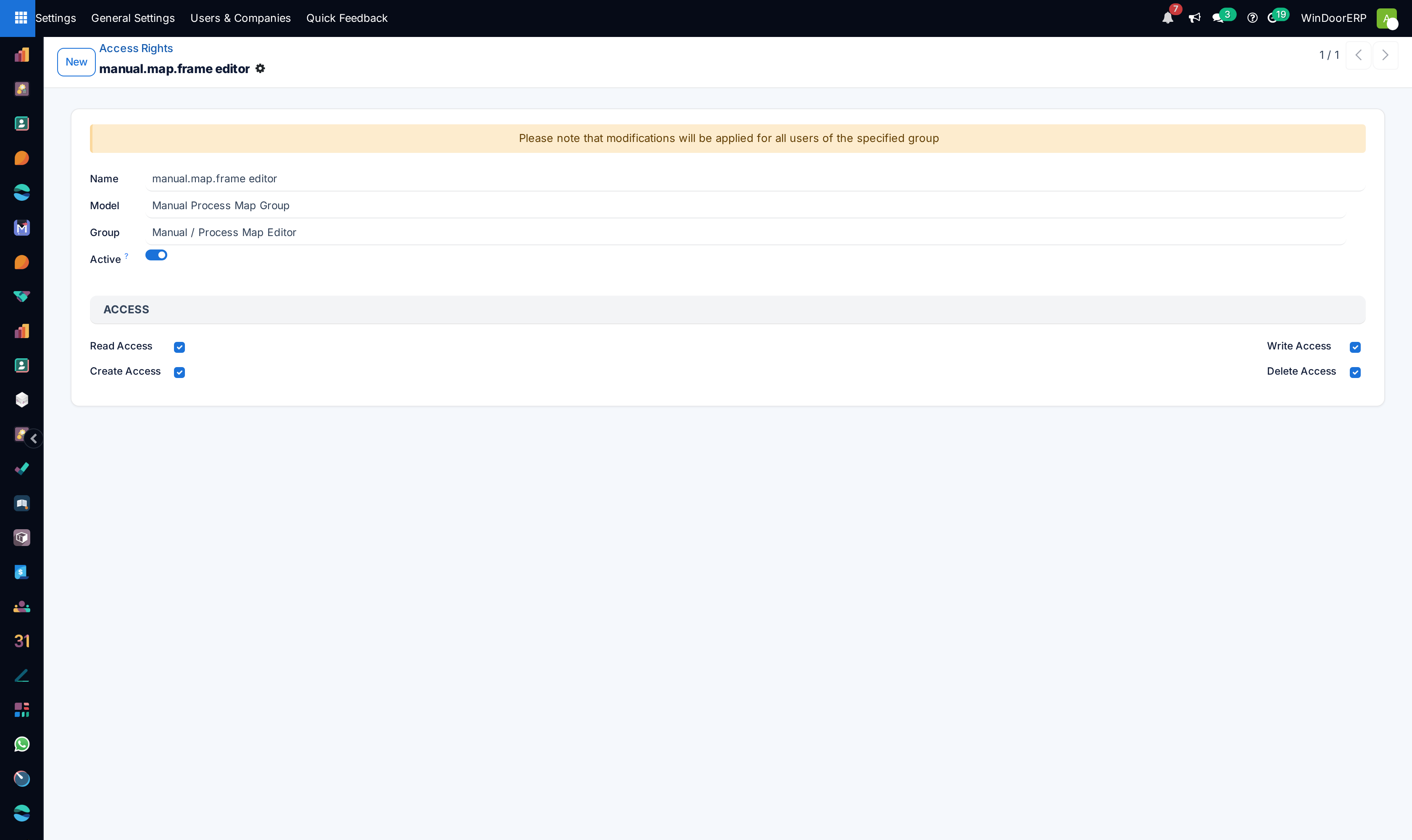
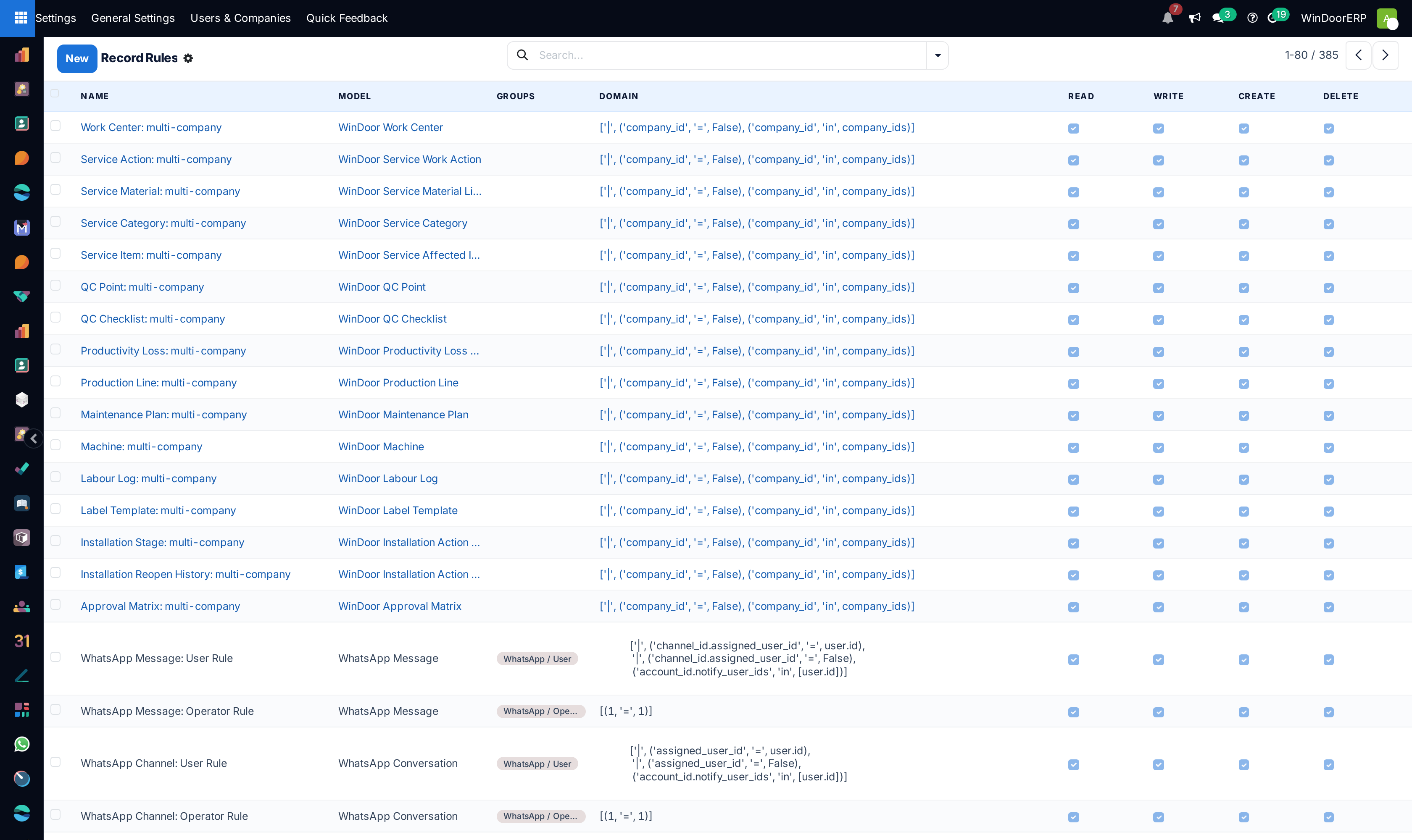
The most consequential screen in the system. Model access decides what a role can do; record rules decide which rows they do it to. A site foreman should see their own sites — not the margin on them, and not another contractor's.
What this does
Enforces enterprise cybersecurity and row-level data segregation through Model Access Rights (Create, Read, Update, Delete), dynamic domain Record Rules, active device session management, and GDPR privacy logs.
Before you start
- Security Administrator privileges.
Steps
Important
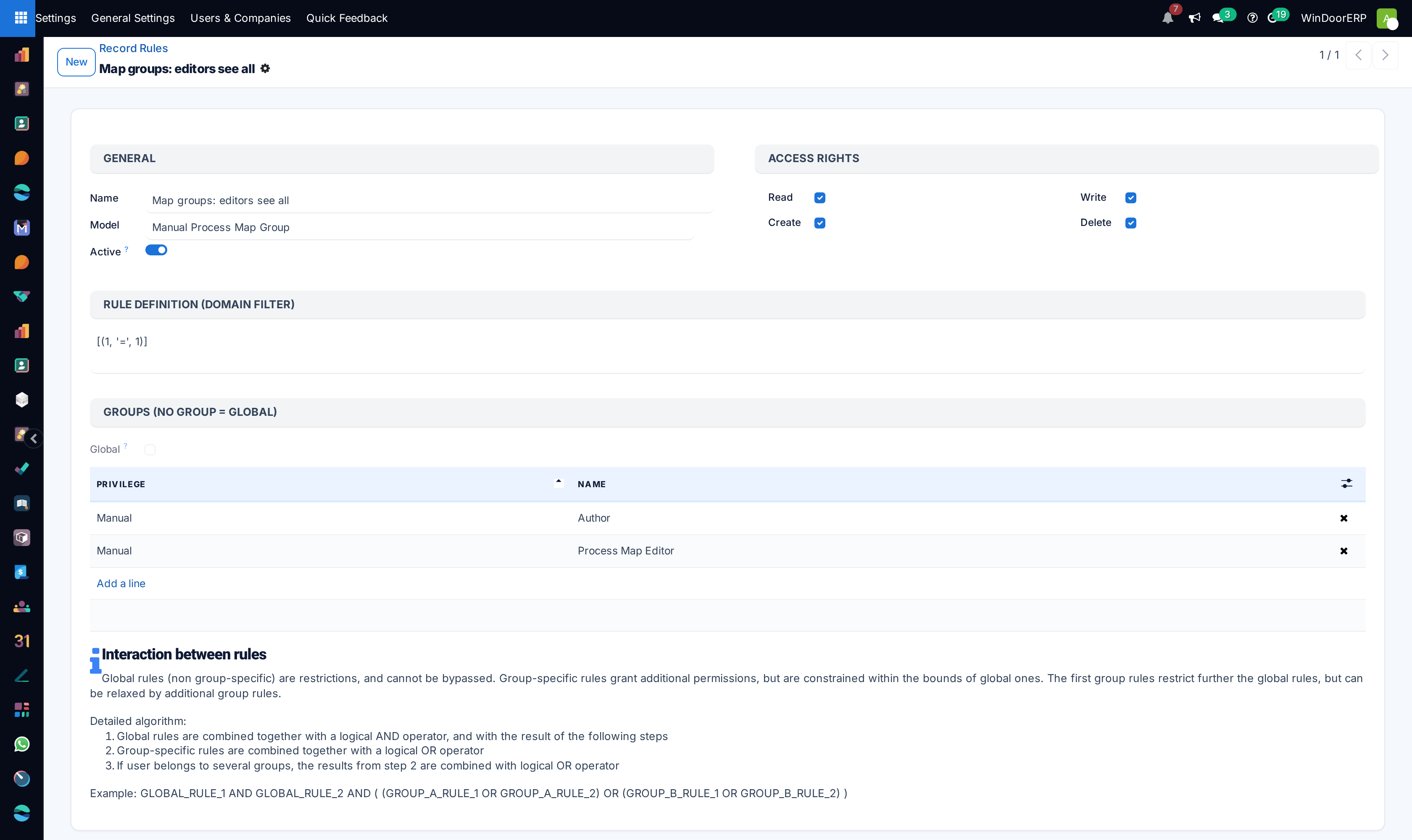
Global Record Rules apply across all user groups unconditionally, making them the safest method for multi-tenant data isolation.
-
01
Open Security › Access Rights to grant or revoke model CRUD permissions per group.
-
02
Build domain filters in Security › Record Rules to isolate records by sales team or branch.
-
03
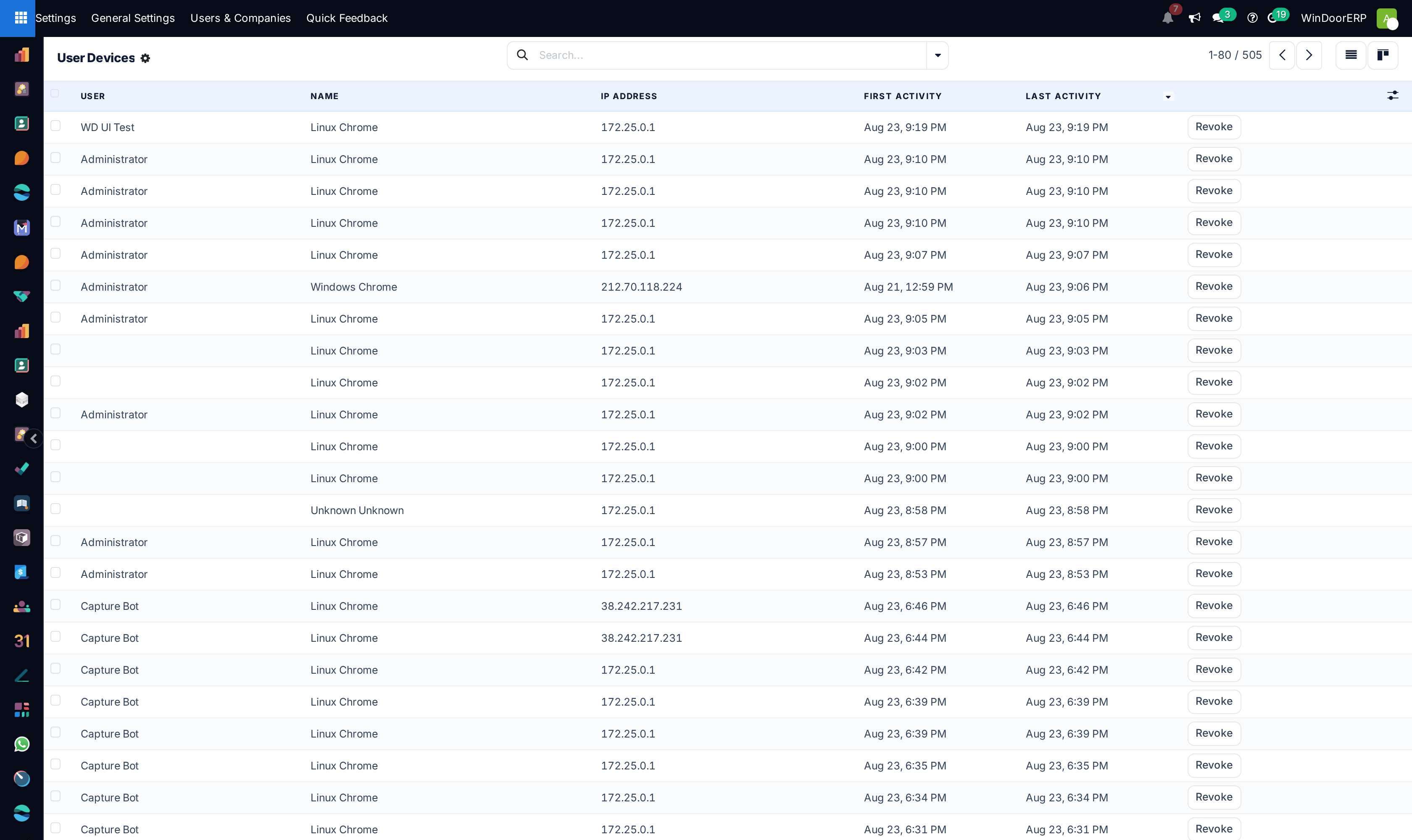
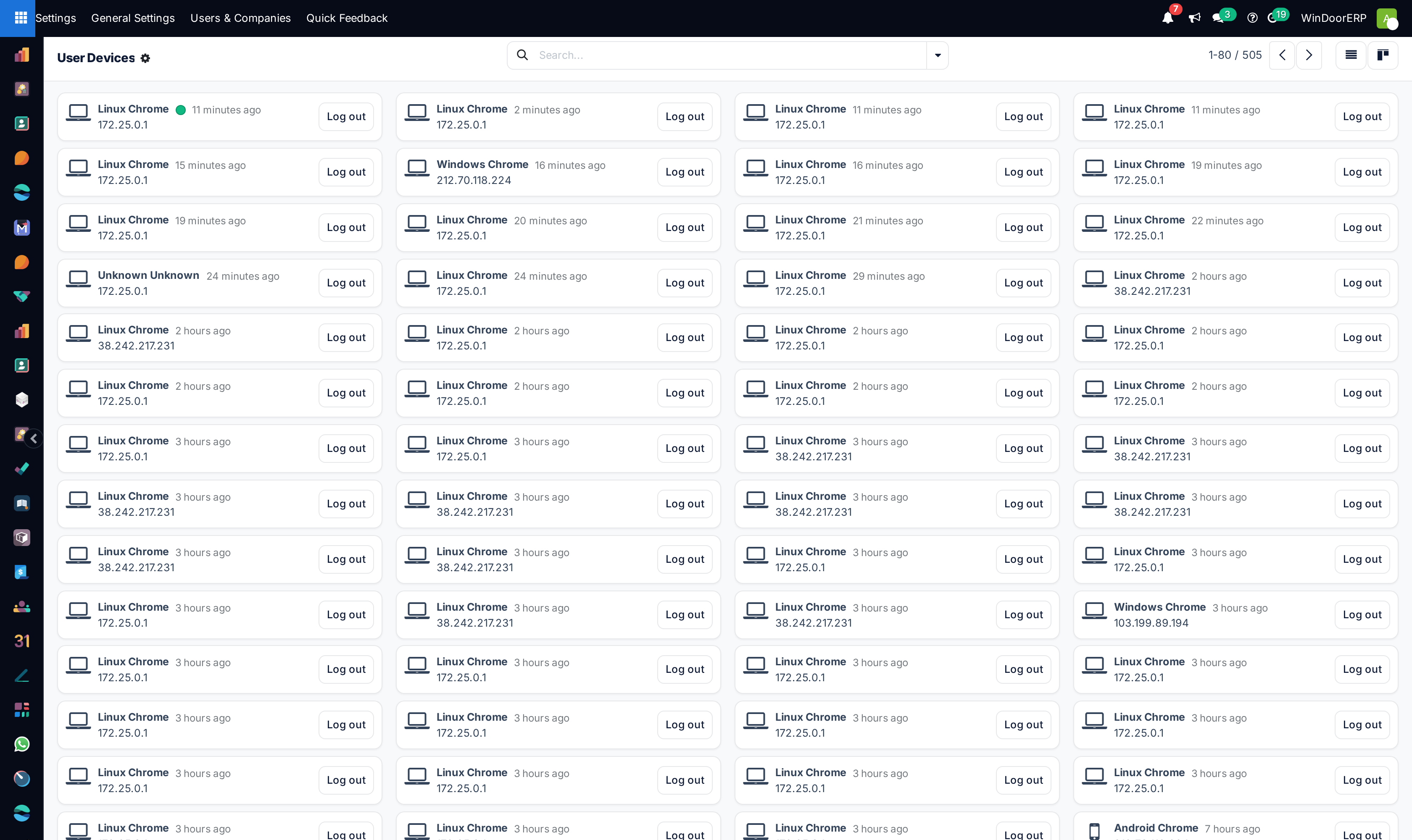
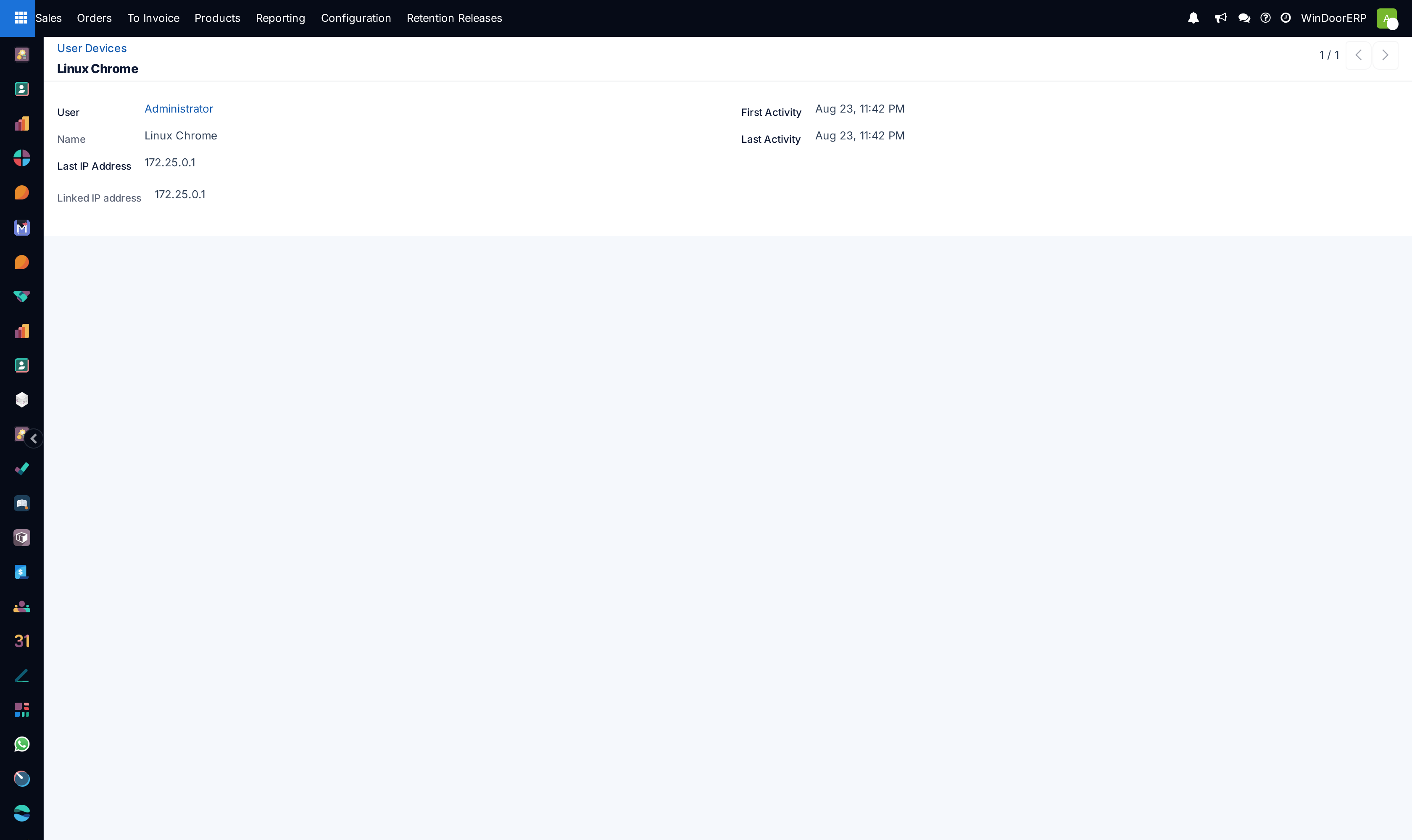
Audit active mobile and web login sessions under Security › User Devices.
-
04
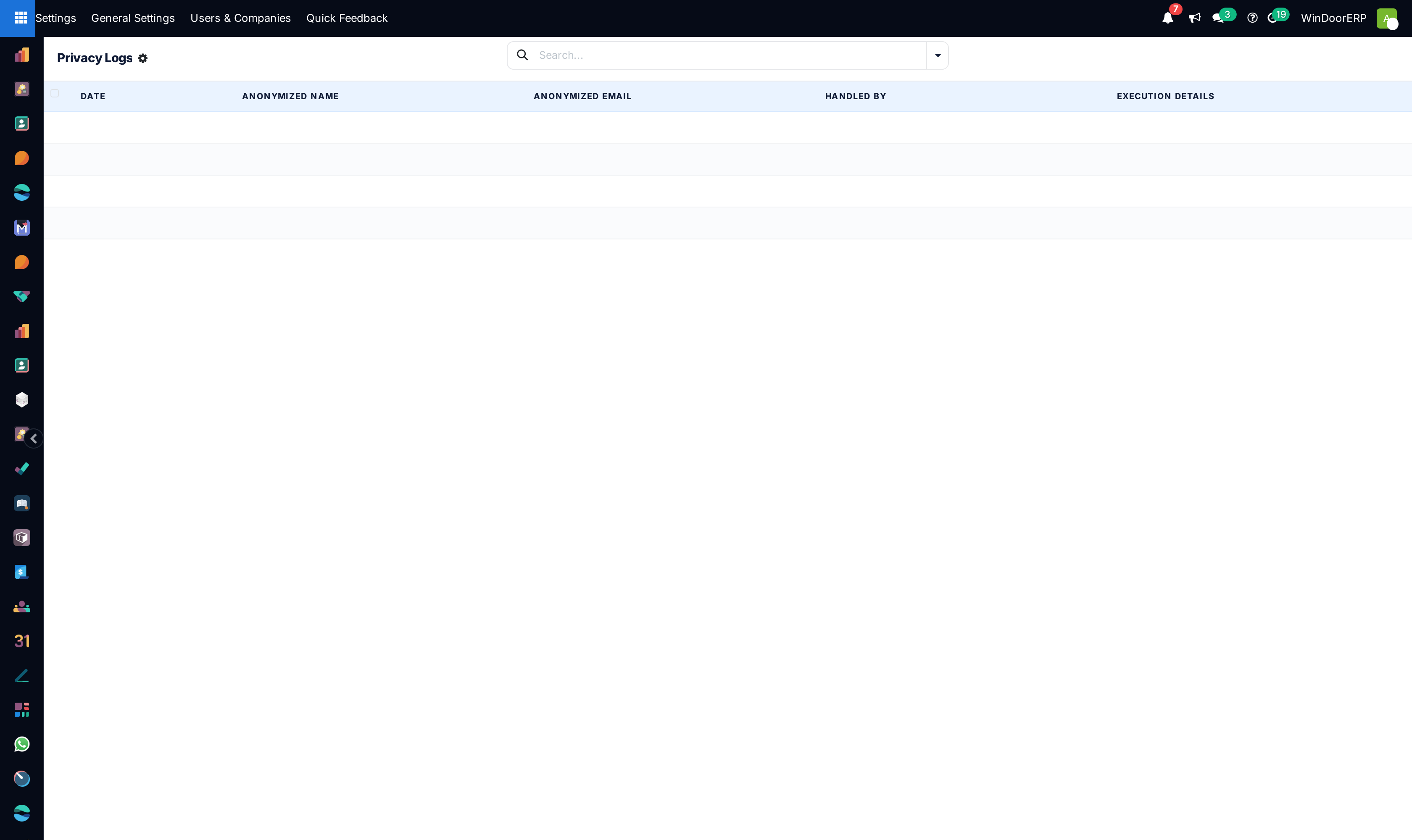
Review compliance telemetry in Privacy › Privacy Logs.
Common mistakes
- Leaving sensitive accounting journals unprotected without explicit group access restrictions.
- Writing record rule domain filters with heavy un-indexed SQL queries that slow down page loads.
Checkpoint
A test login for each role sees exactly what that role should, and nothing beyond it.