Understand what is underneath
Models, fields, sequences and parameters
Why this step
Not for daily use — for the day someone asks why a reference jumped, or where a custom field came from. Knowing how to read the structure is what turns a mystery into a five-minute answer.
What this does
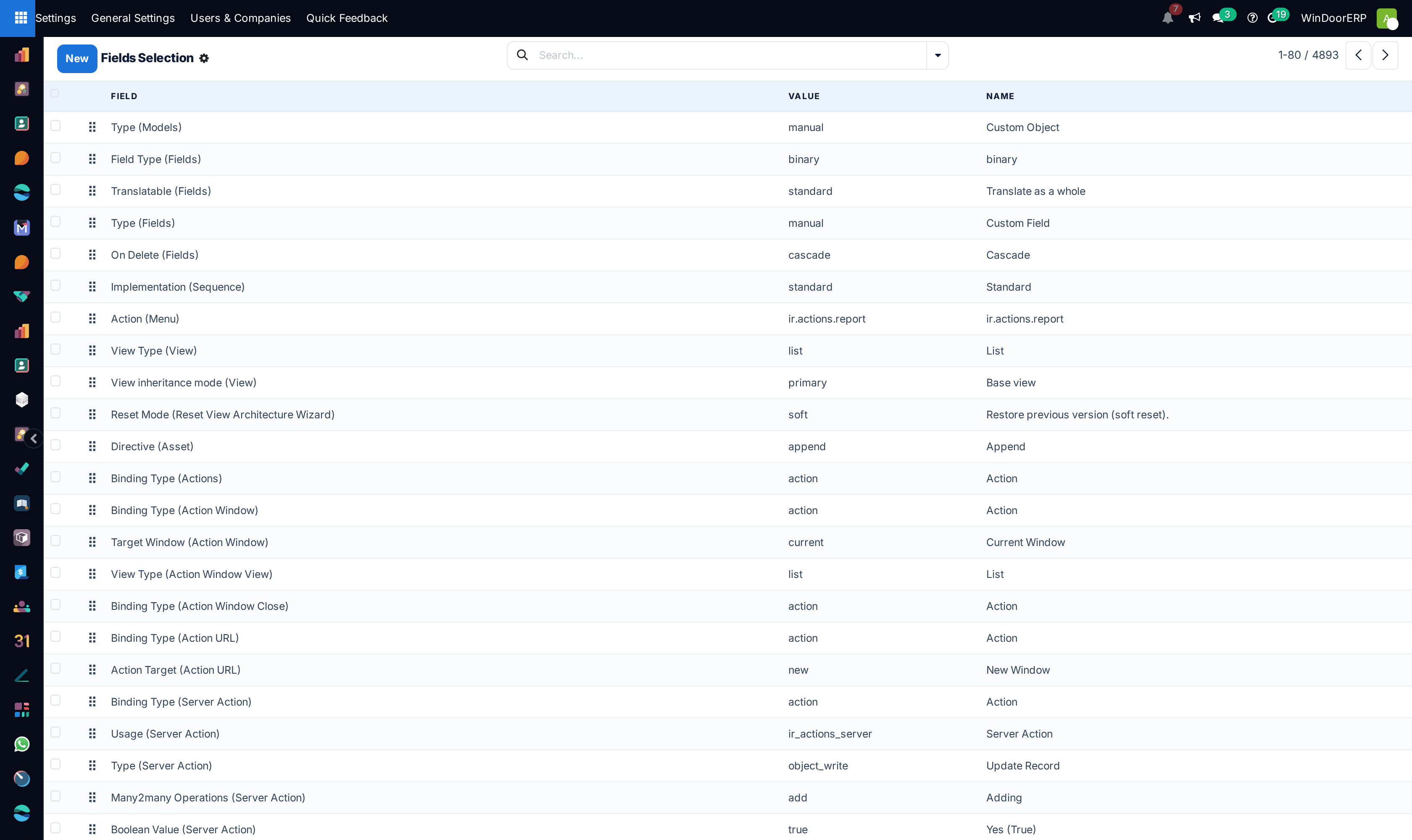
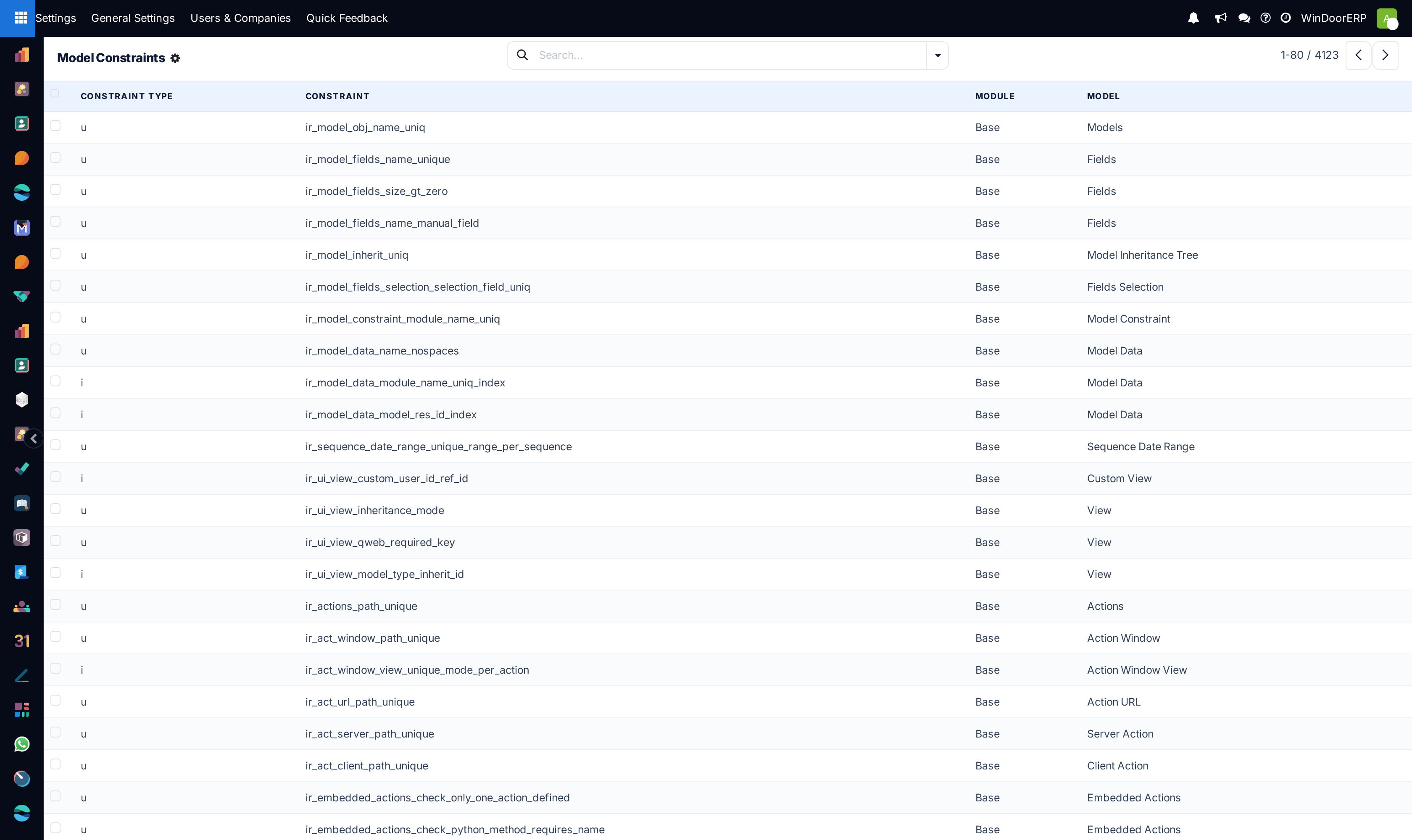
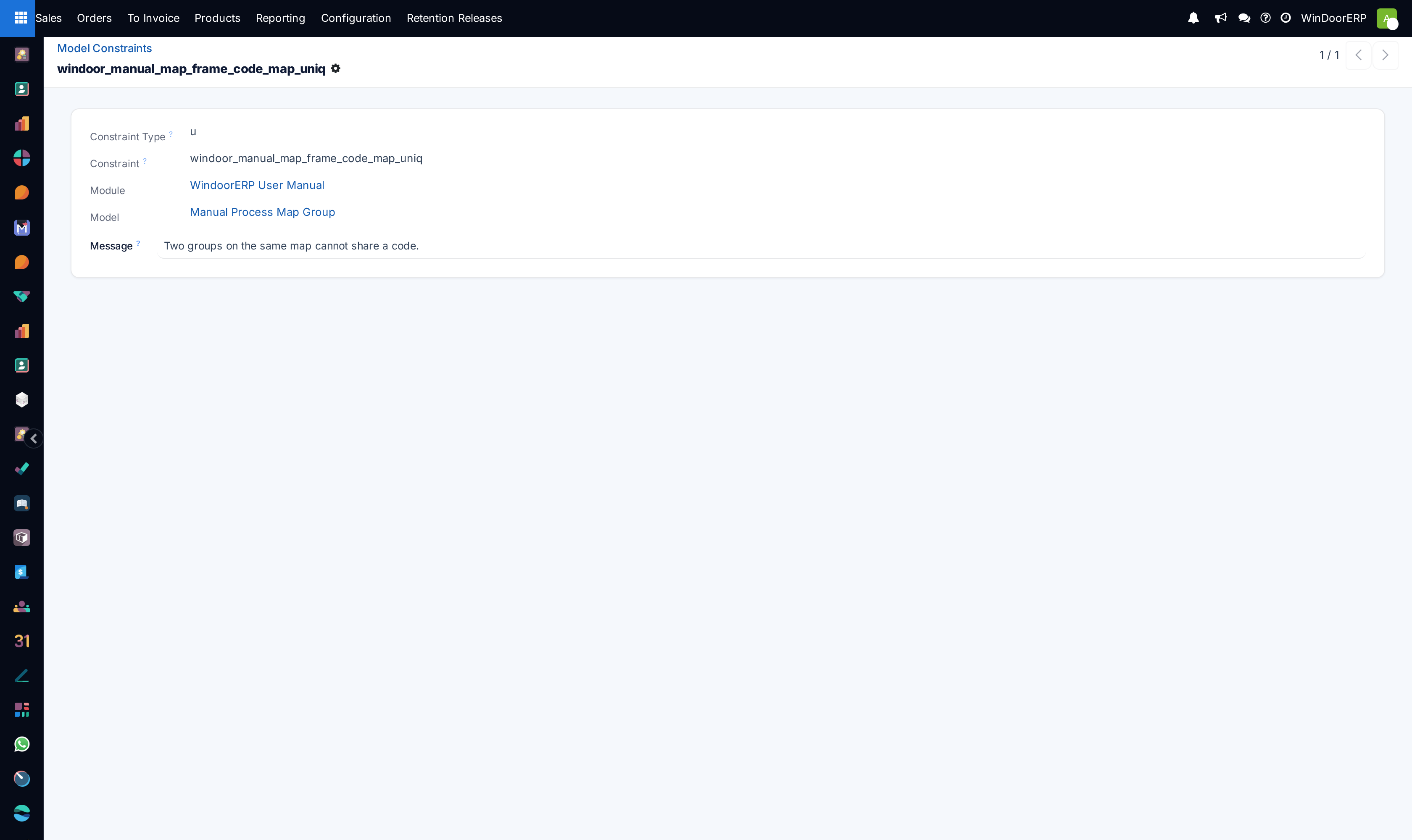
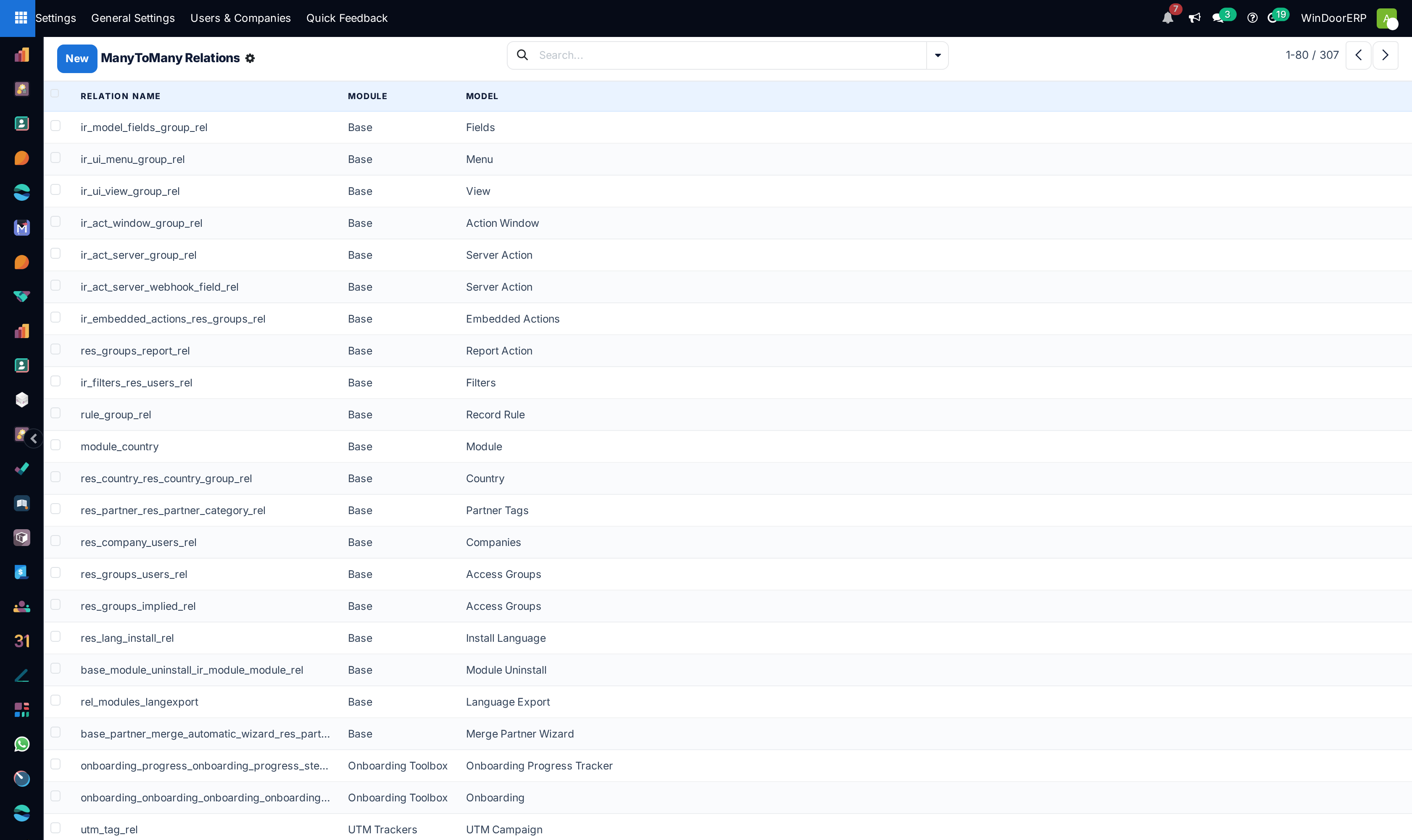
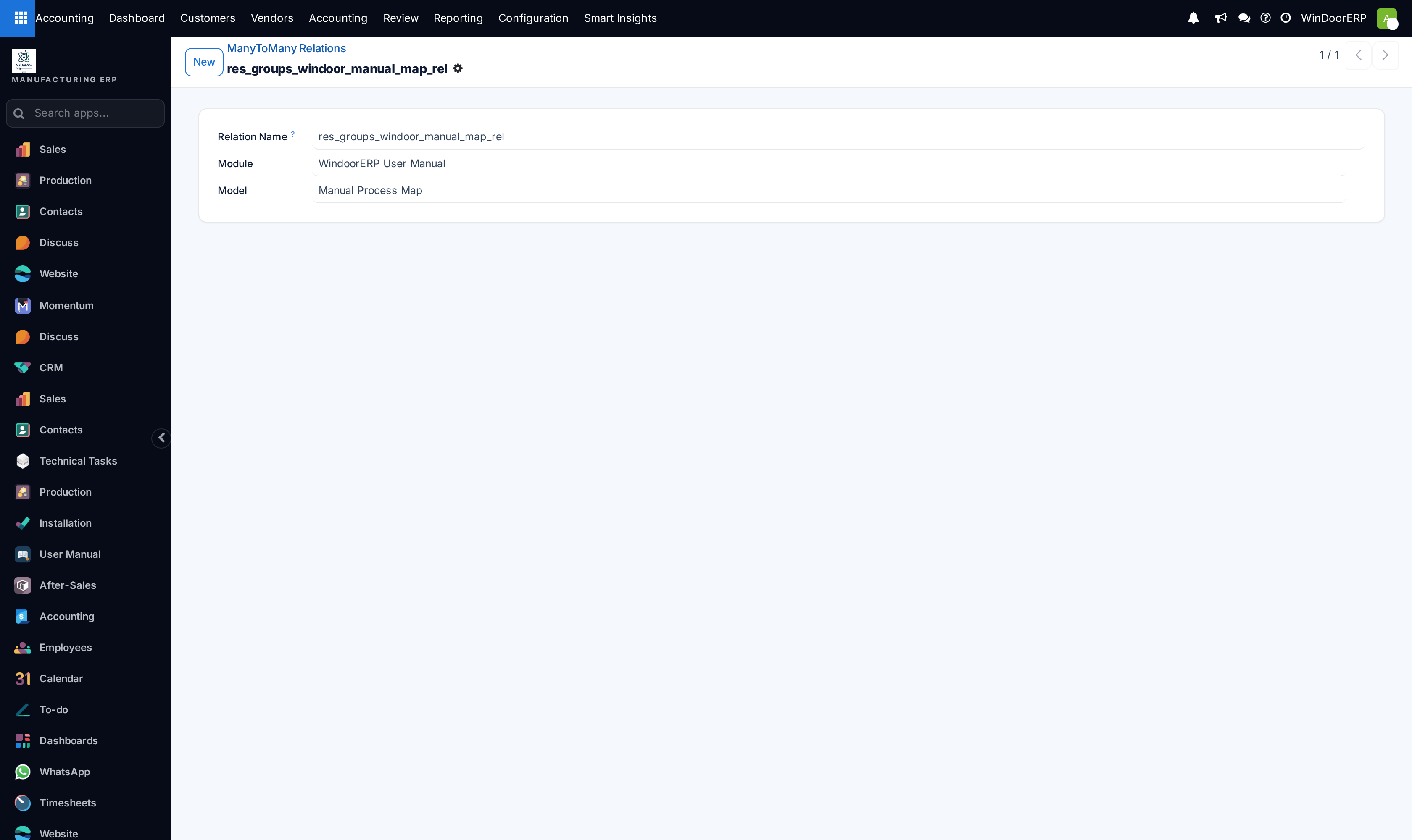
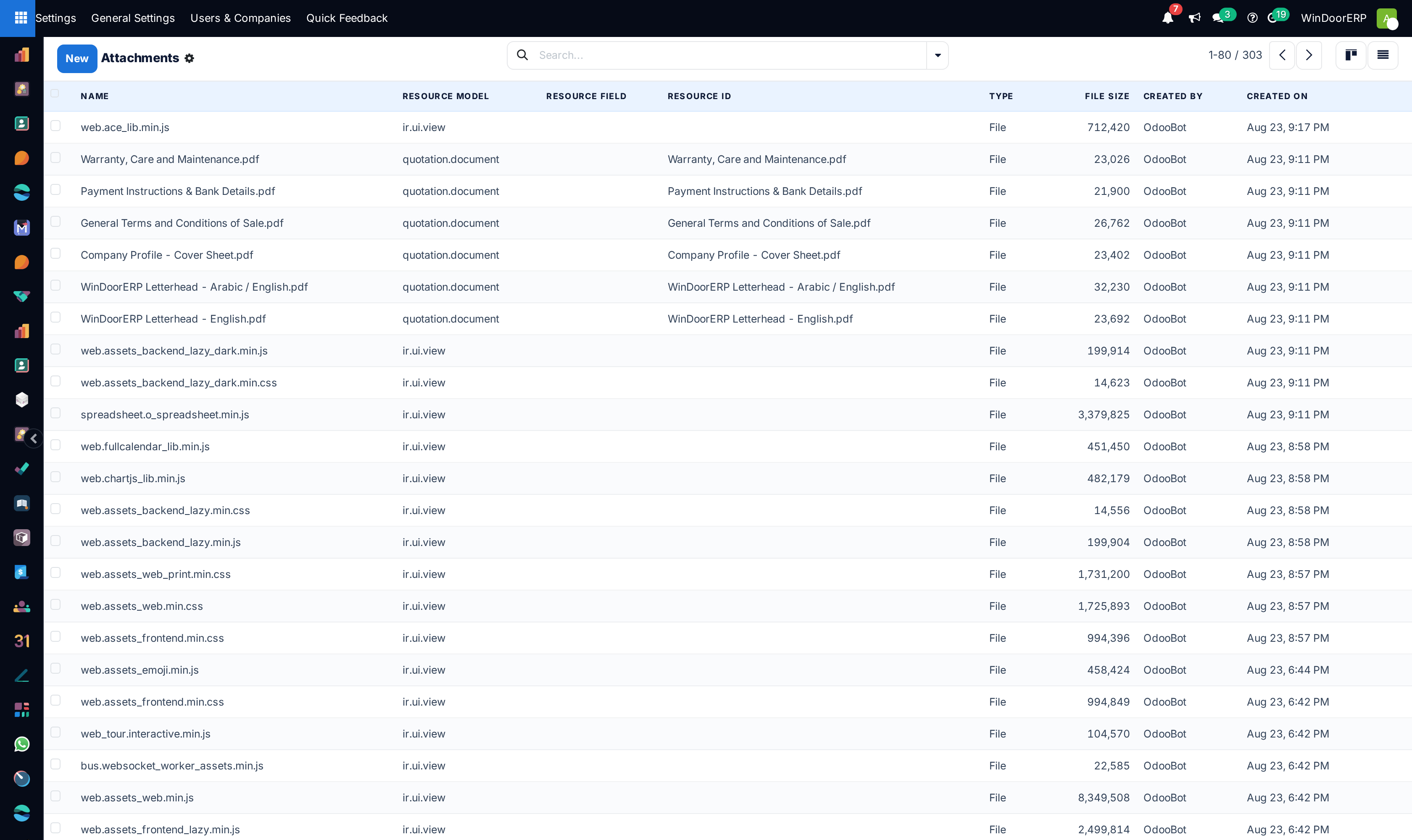
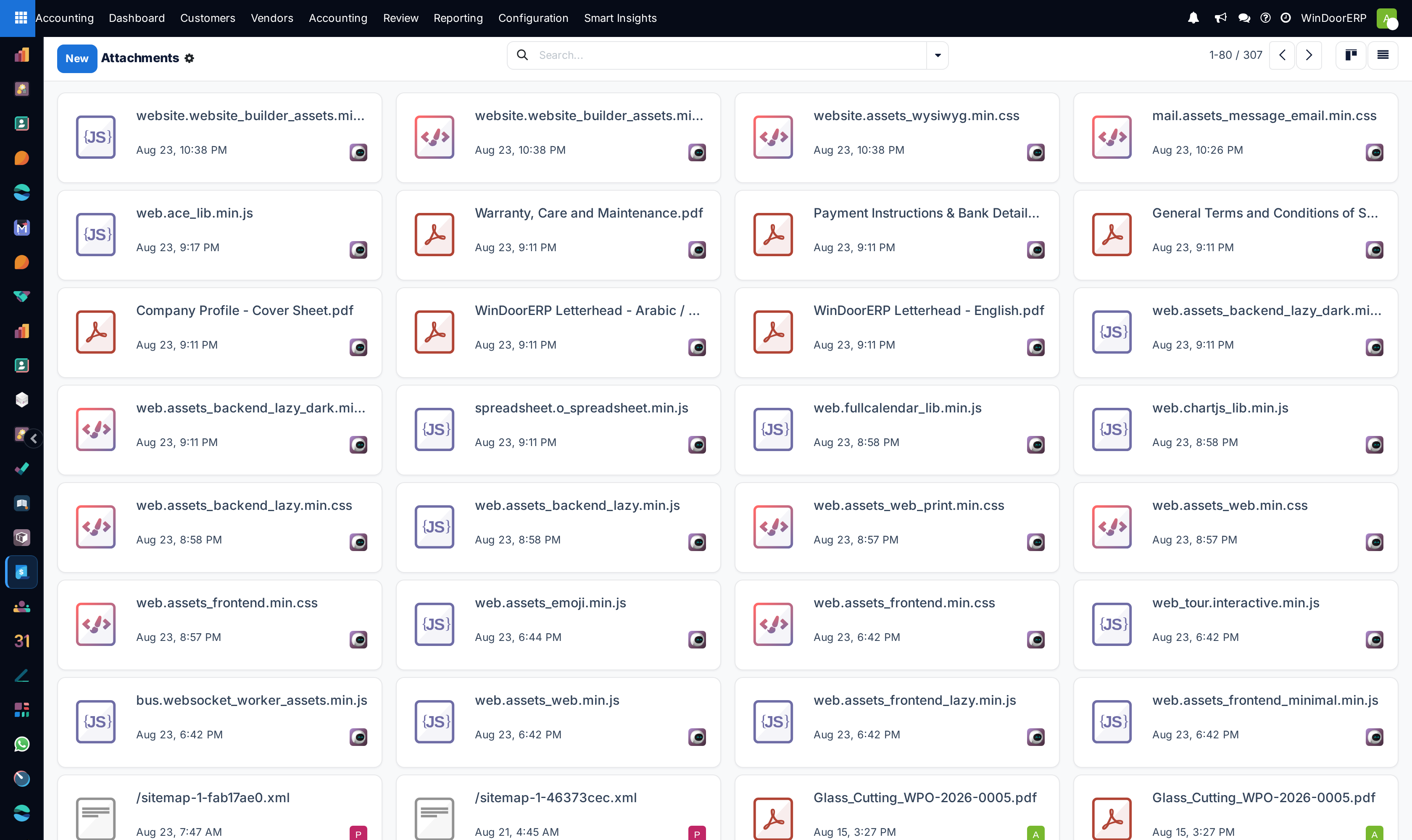
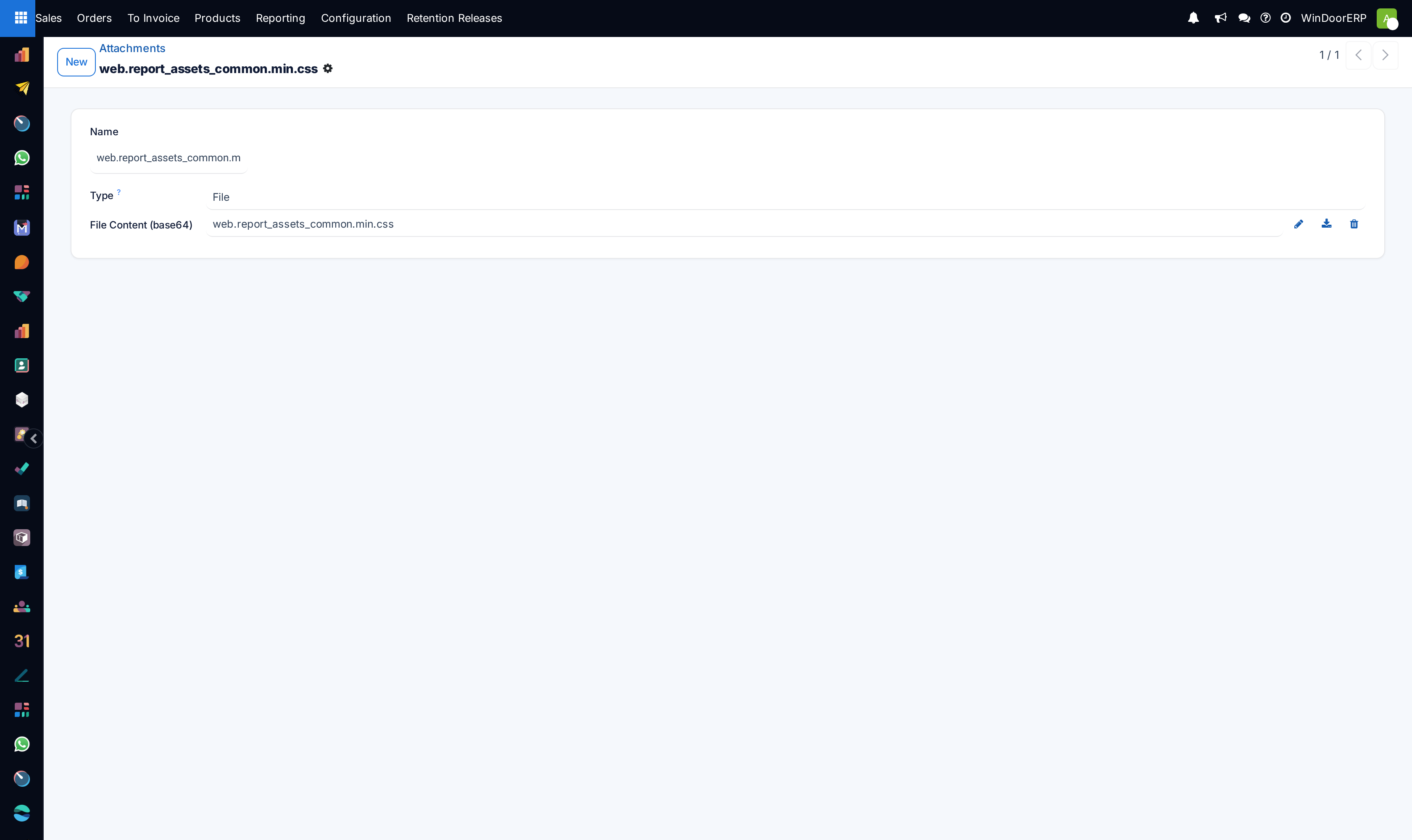
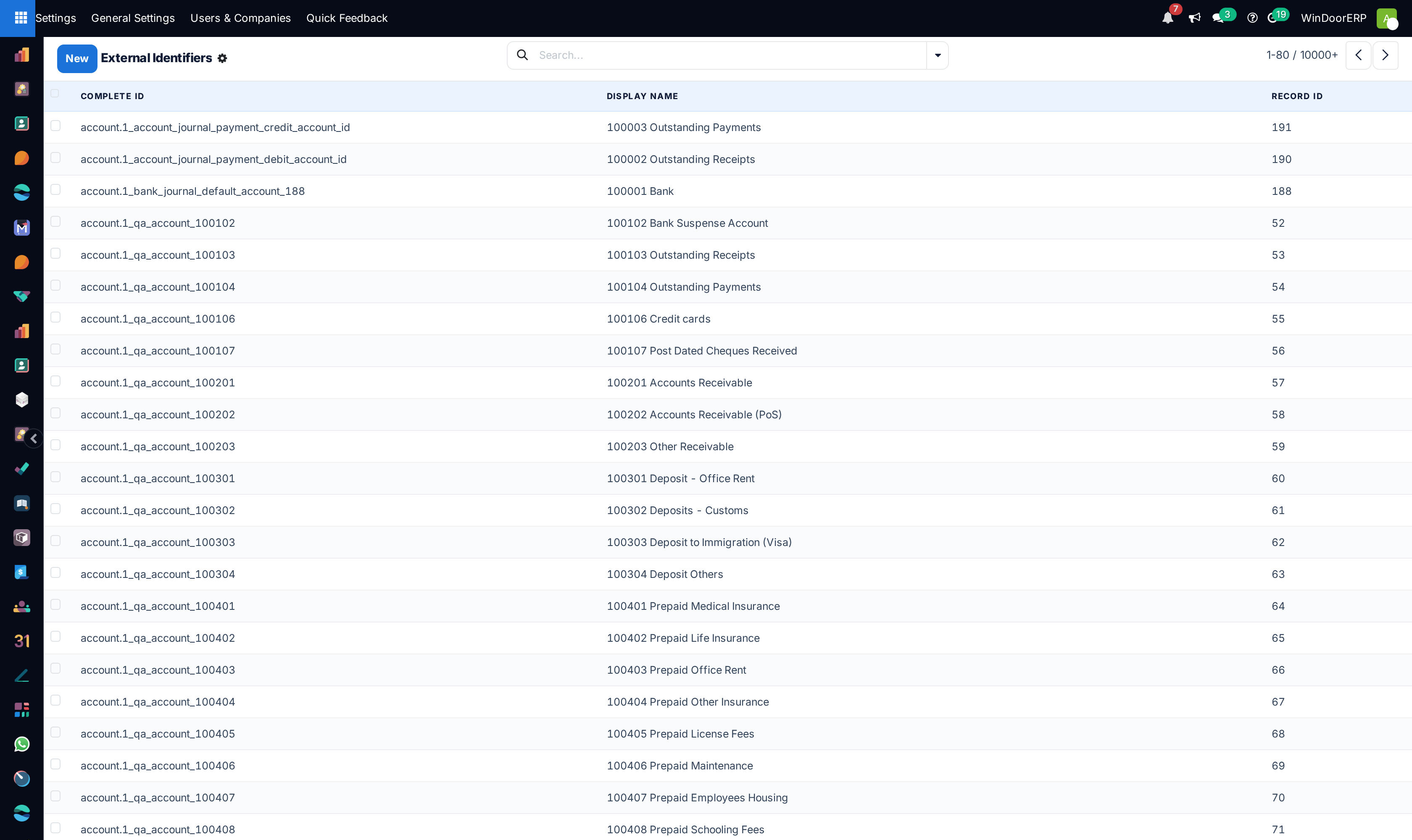
Provides low-level visibility into the PostgreSQL object relational model (ORM), schema constraints, document attachments, decimal rounding rules, system parameters, and sequence numbering generators.
Before you start
- Technical Developer / Superuser mode.
Steps
Important
Always test sequence prefix formatting changes in development to prevent numbering collision gaps in official ZATCA tax invoices.
-
01
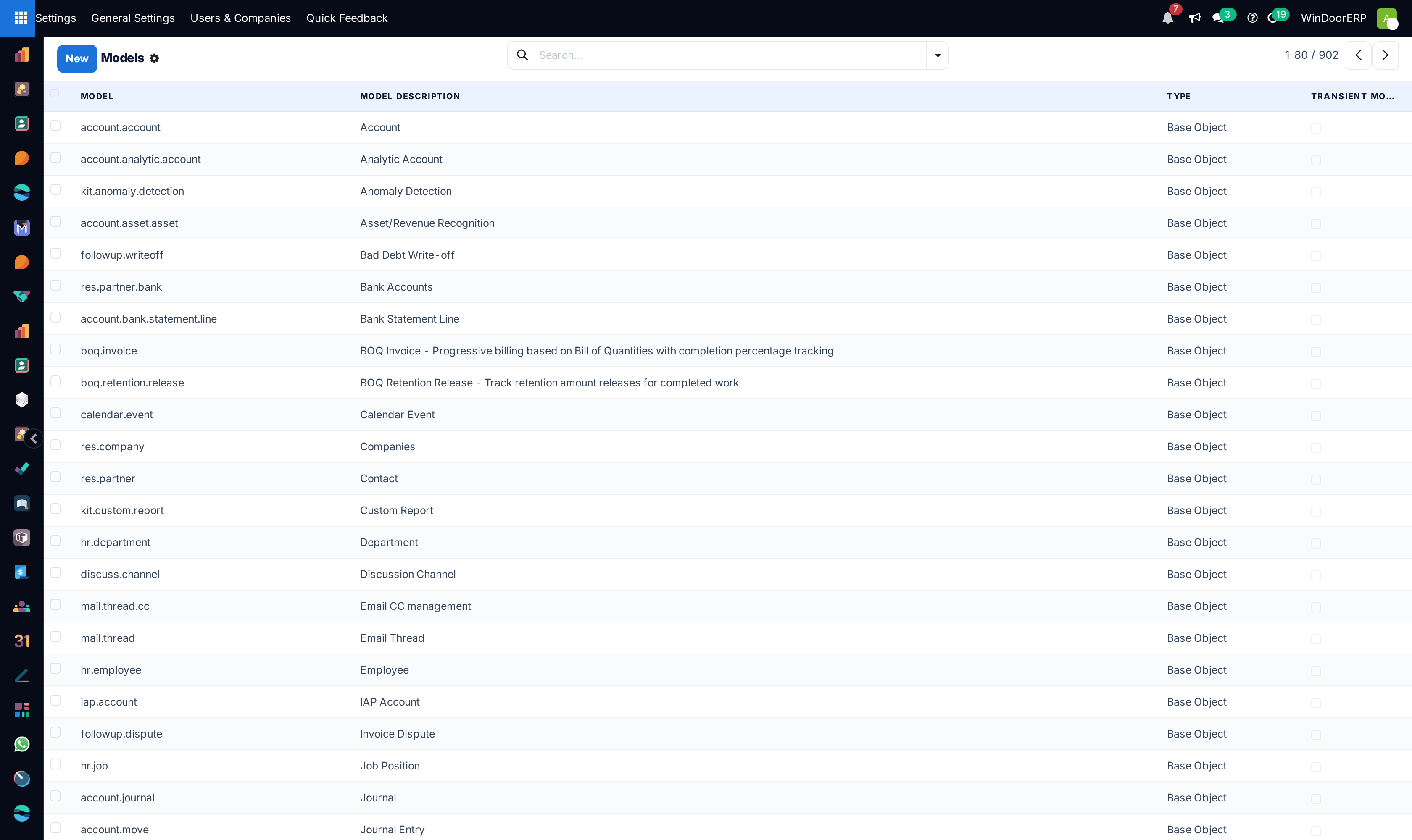
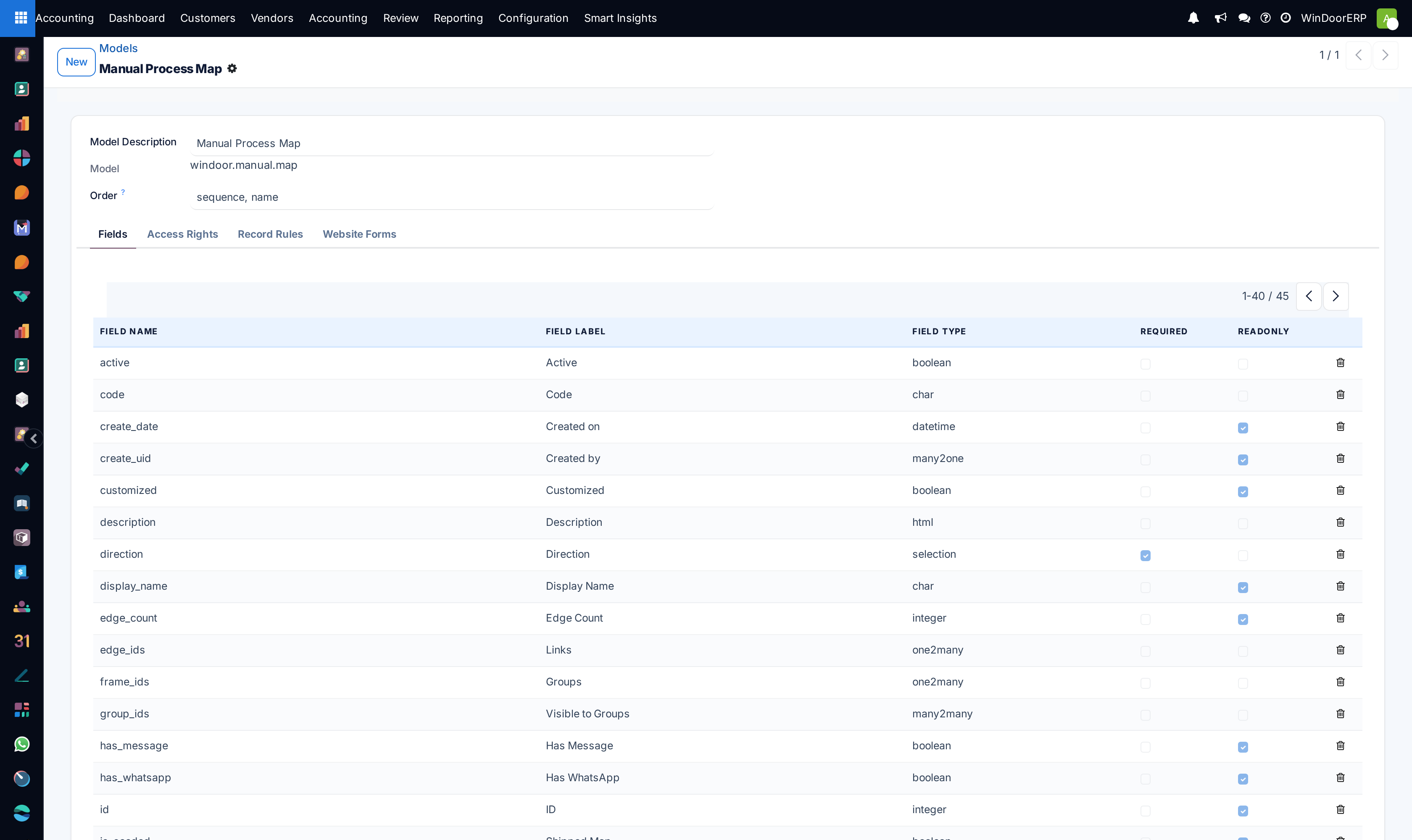
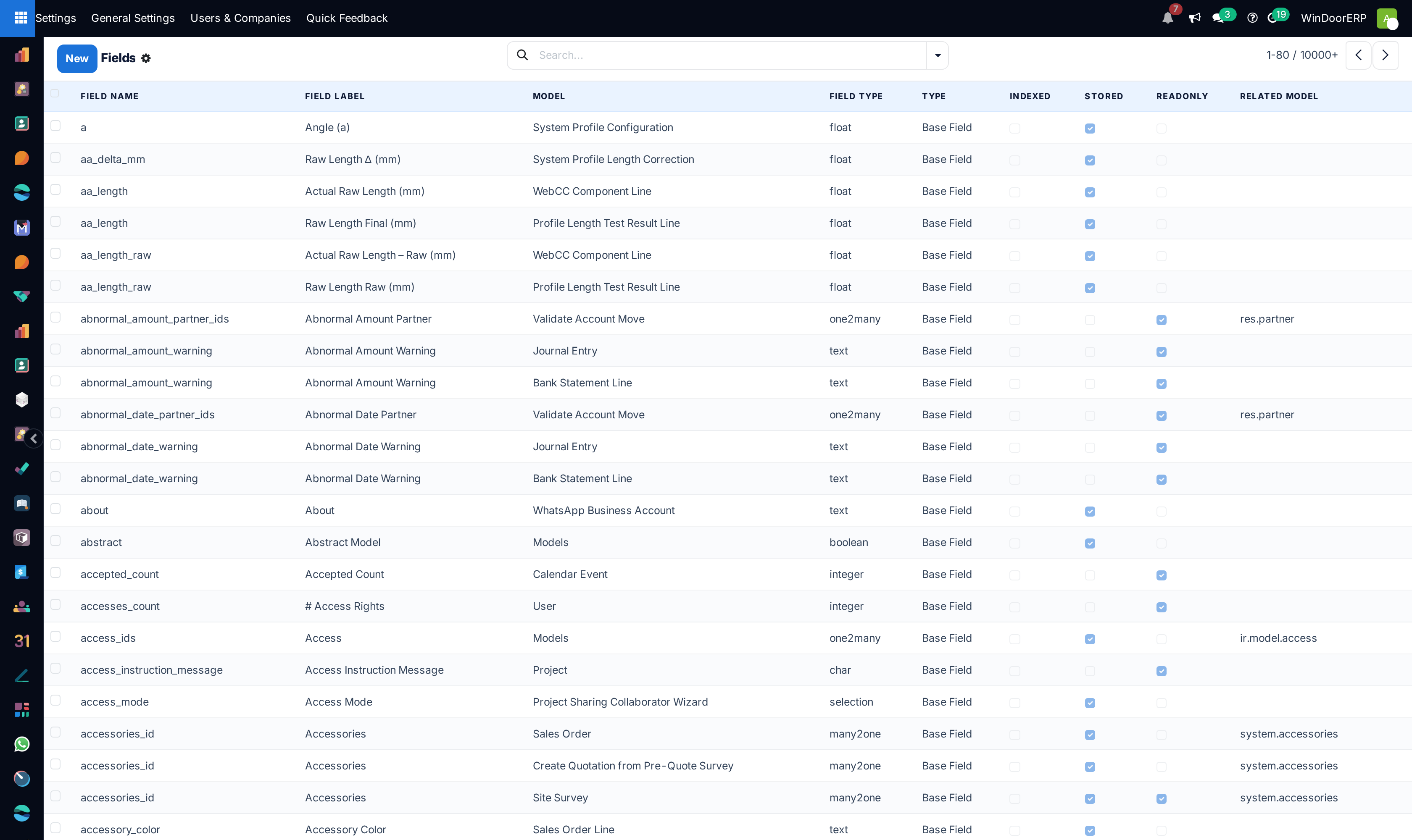
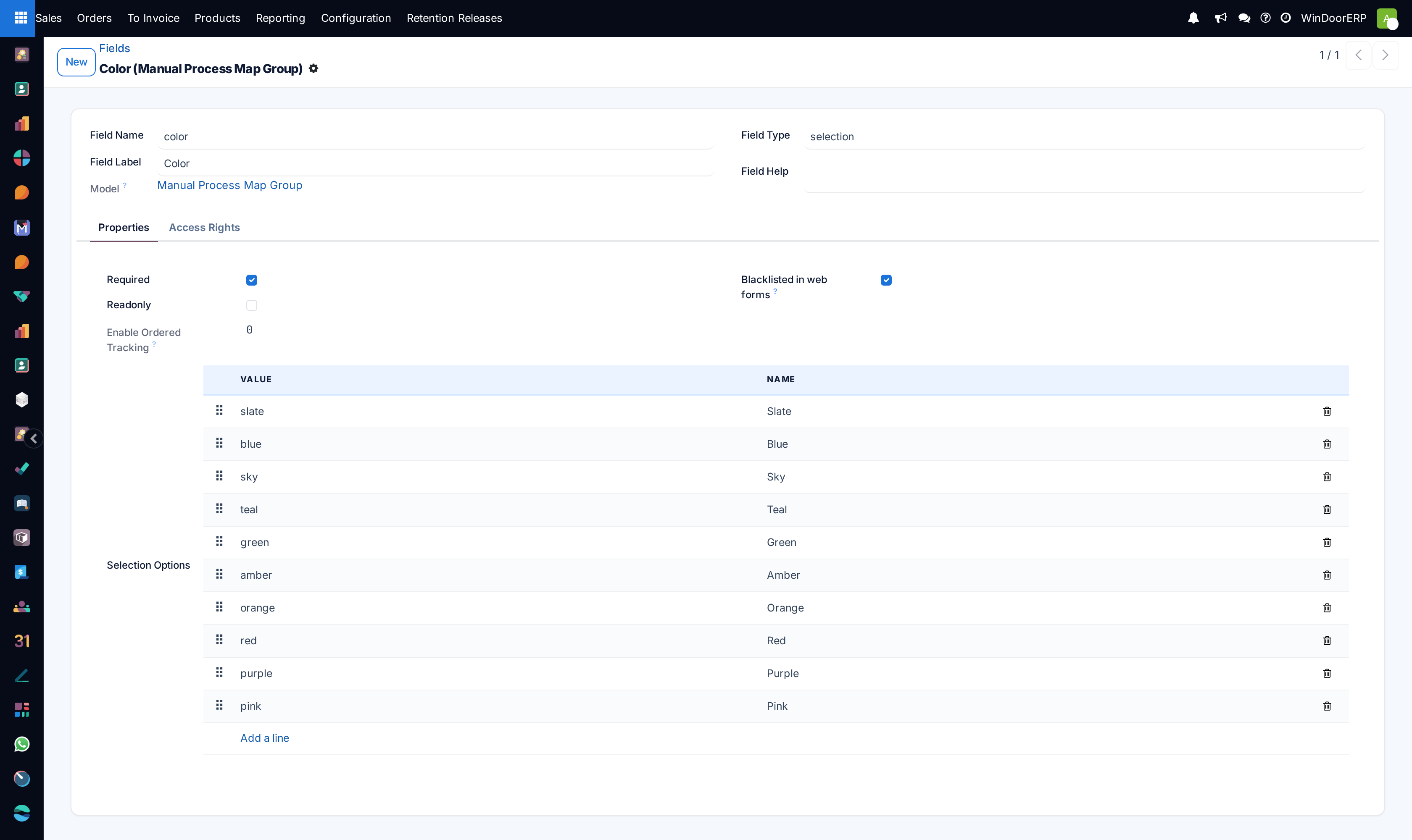
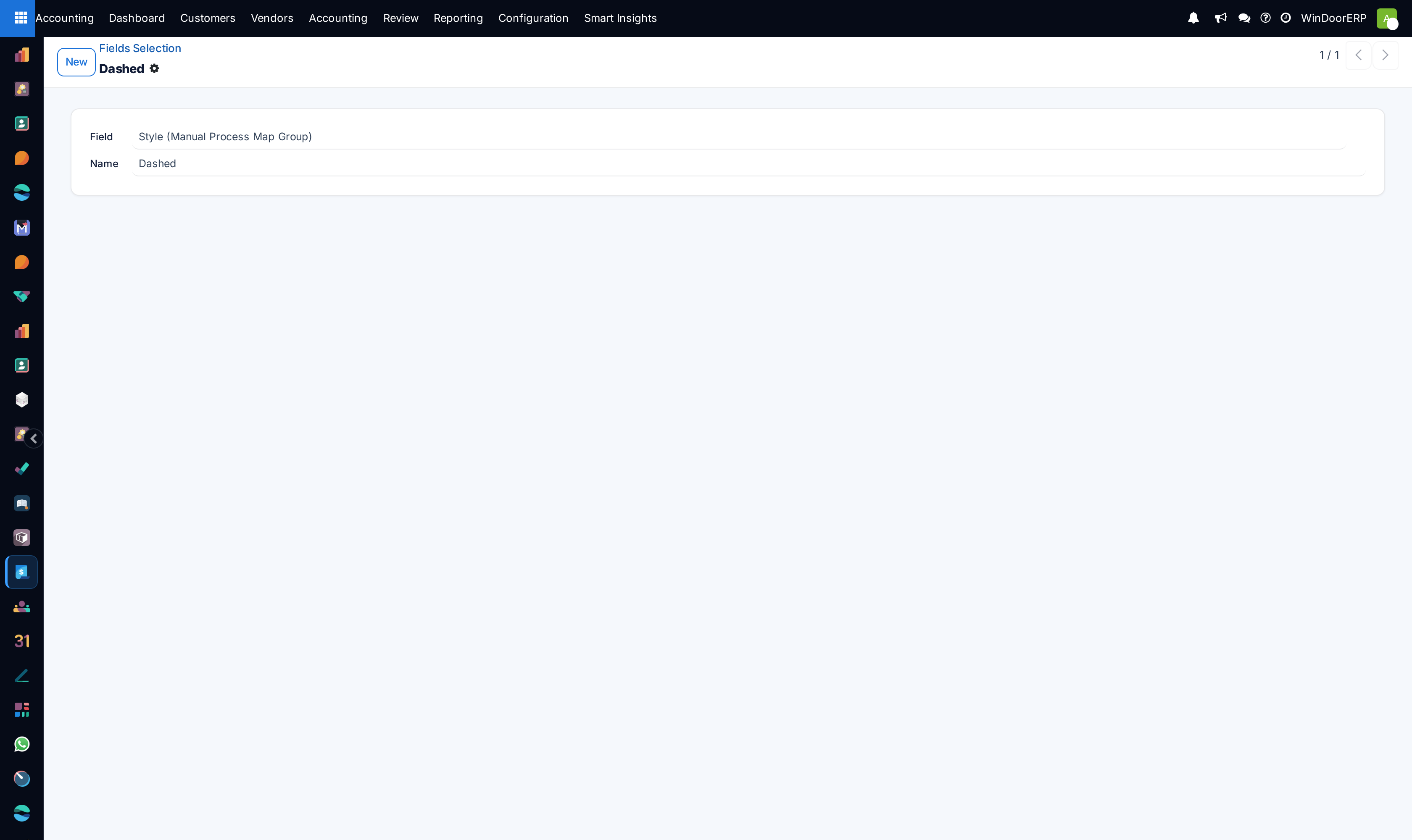
Open Settings › Technical › Database Structure › Models to inspect data tables and custom x_ fields.
-
02
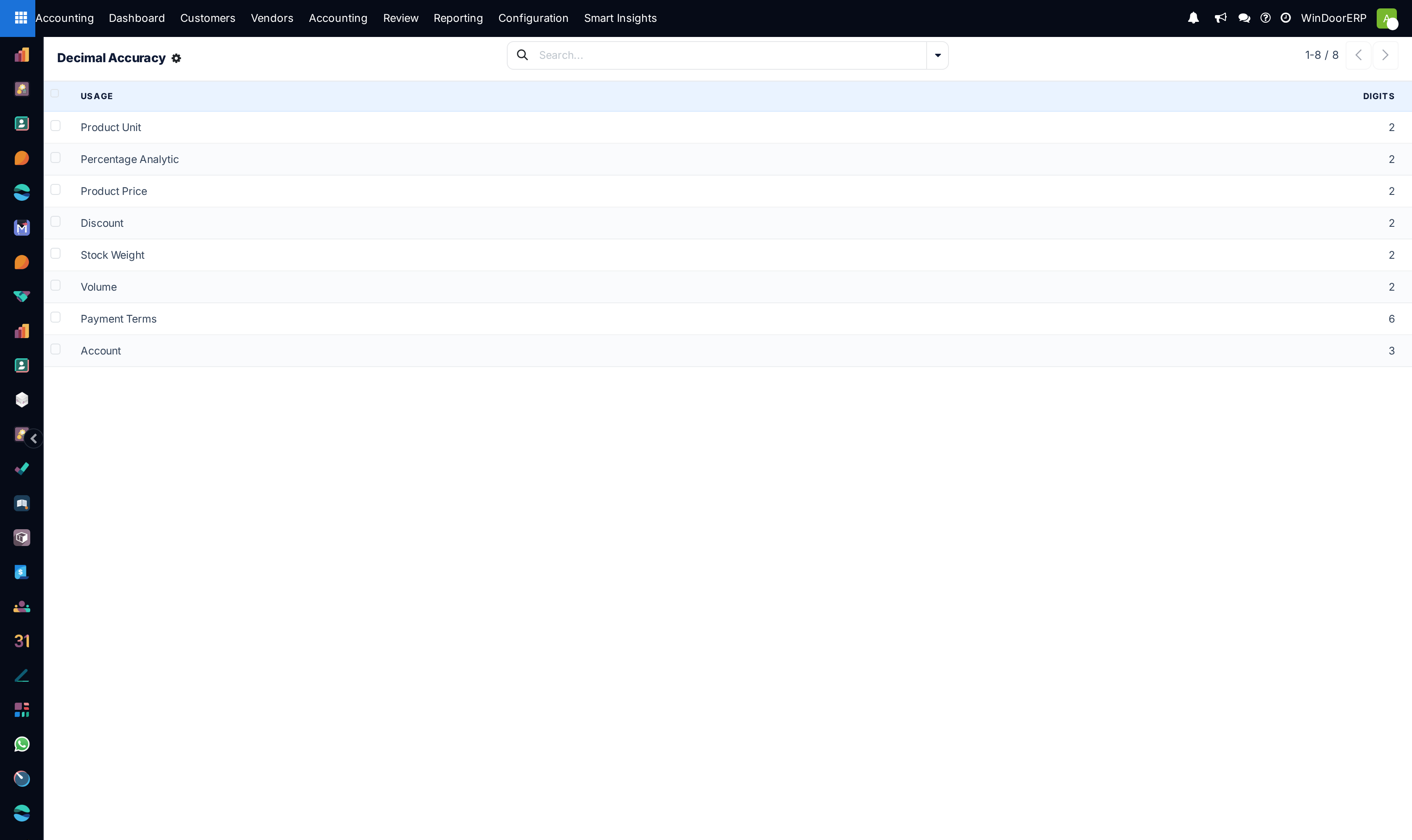
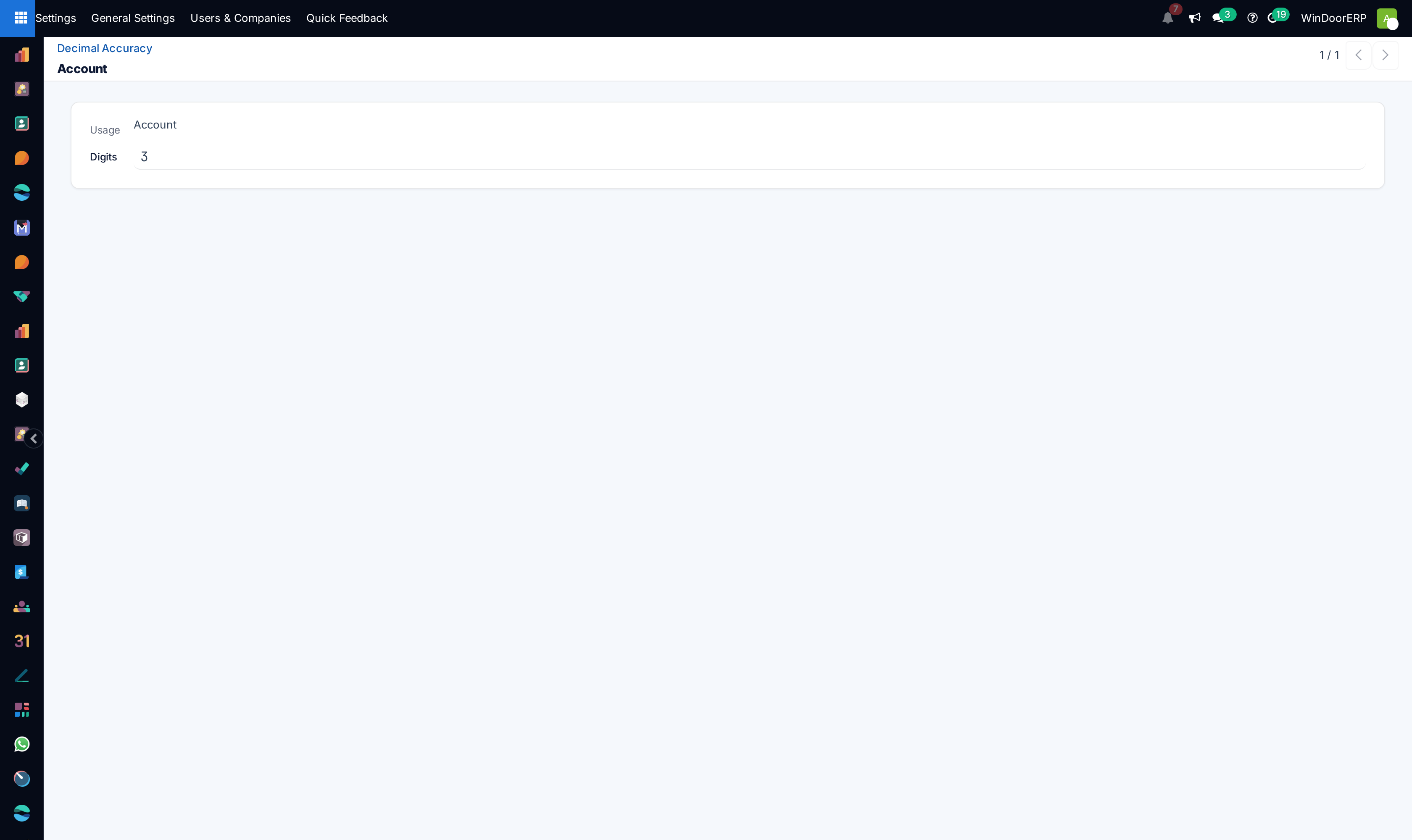
Adjust pricing and quantity precision in Decimal Accuracy (e.g. 3 decimals for aluminum weight).
-
03
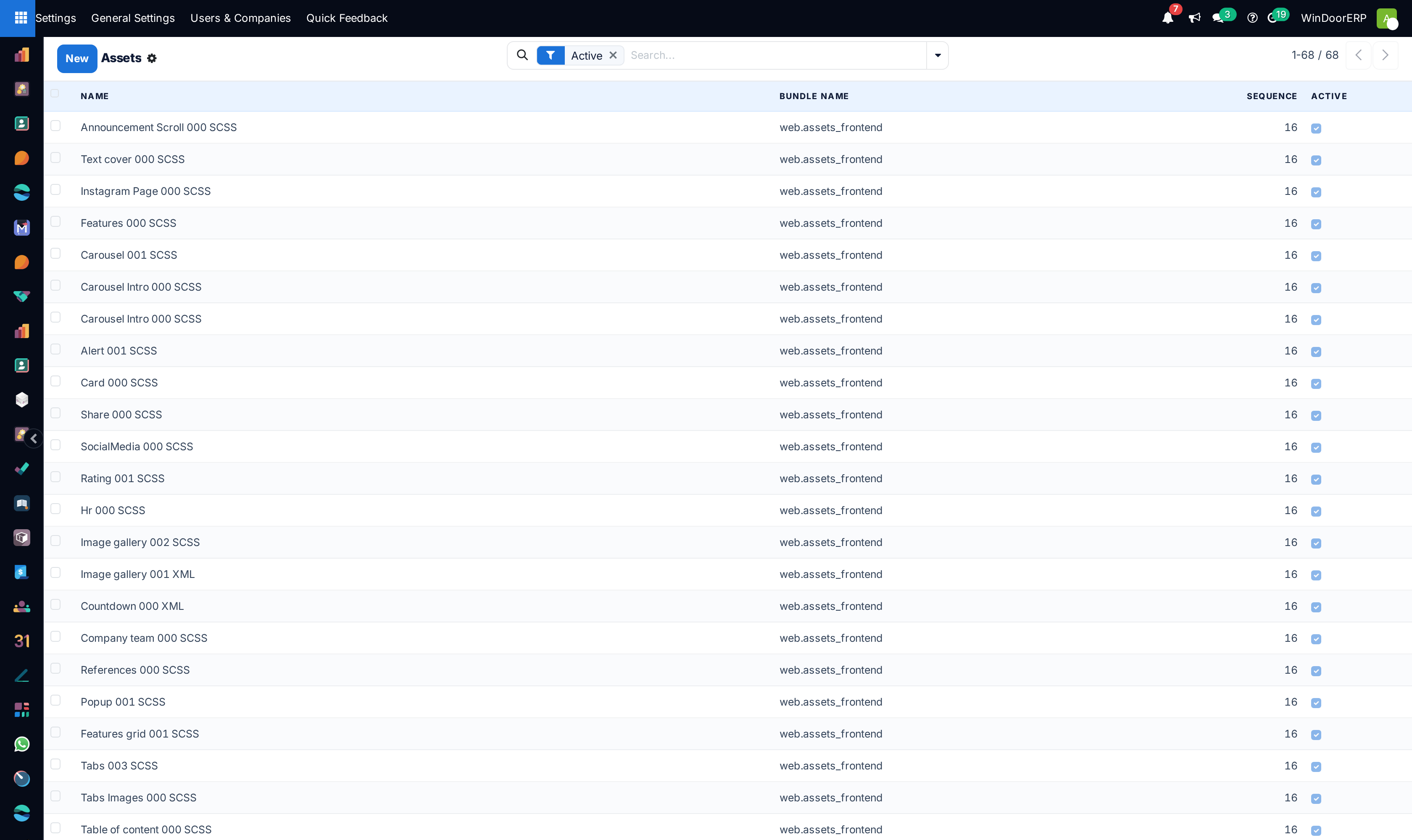
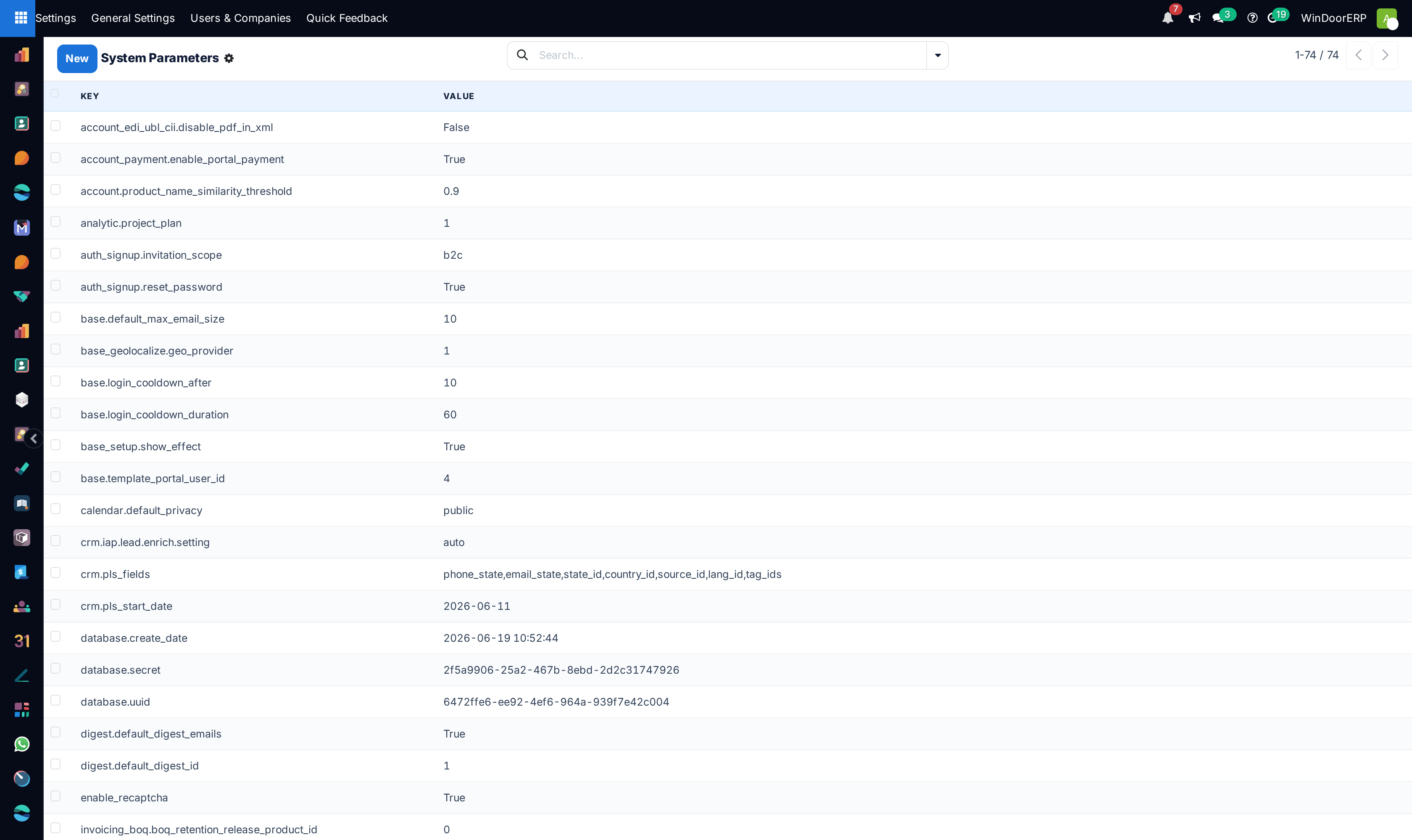
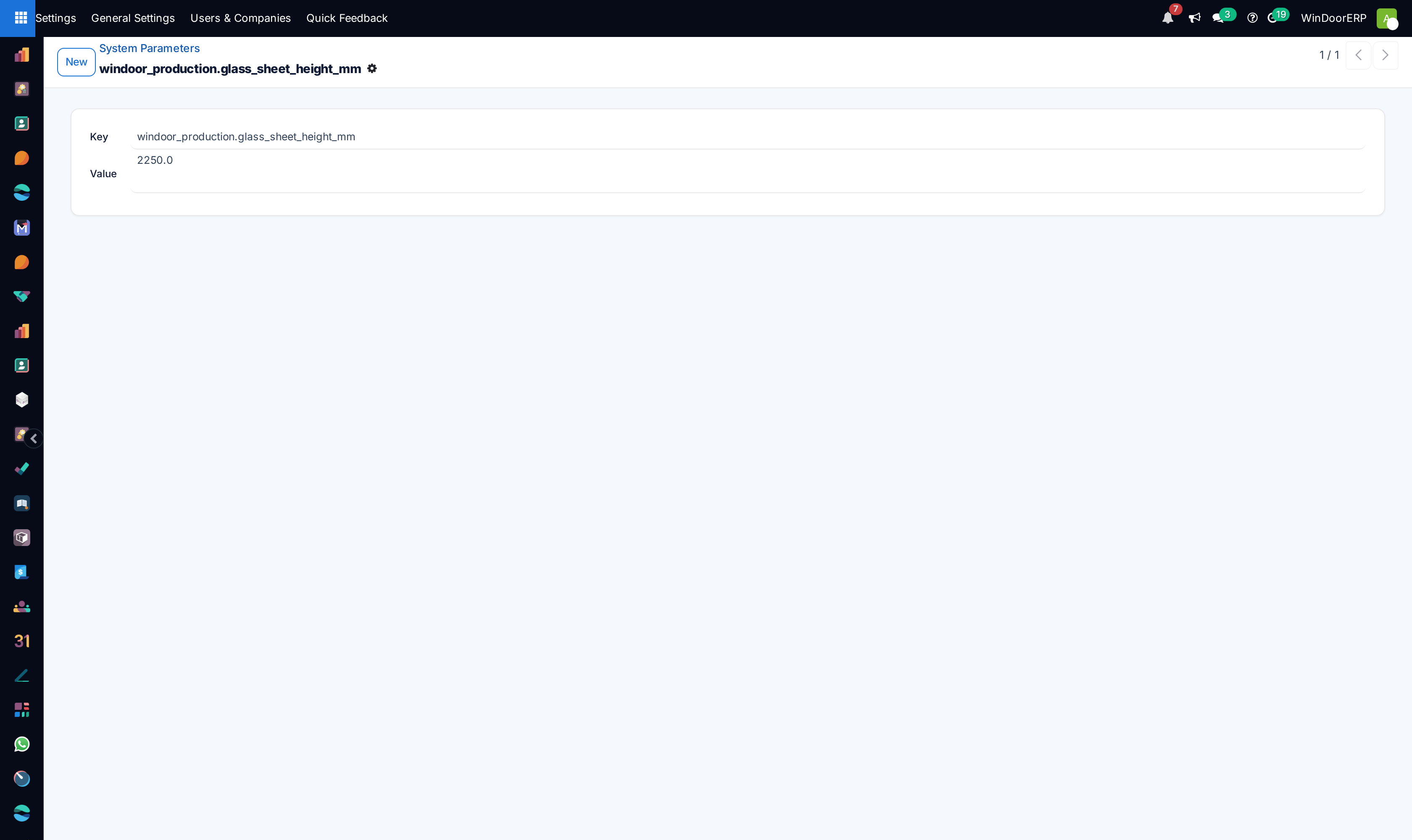
Configure global environment keys under Parameters › System Parameters.
-
04
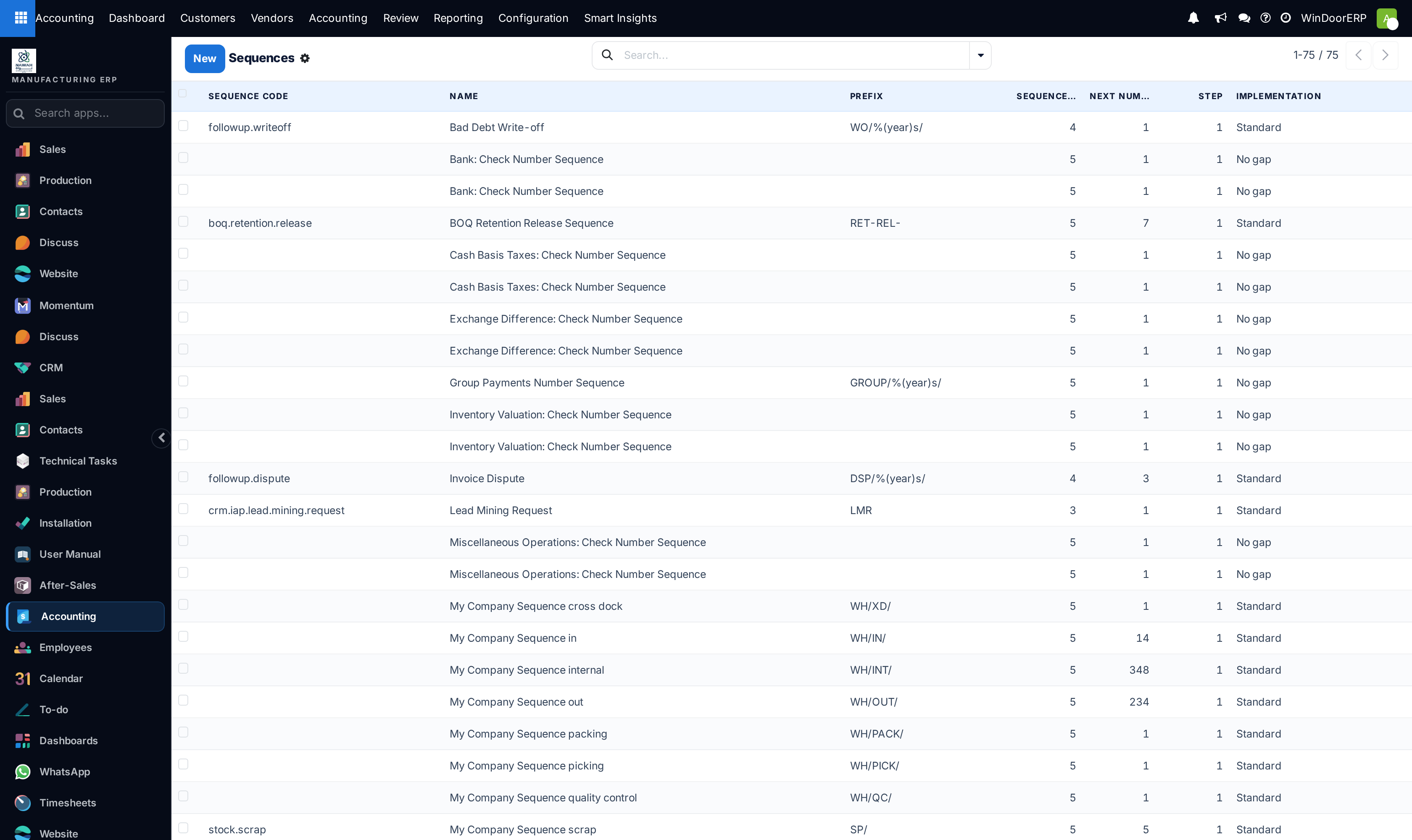
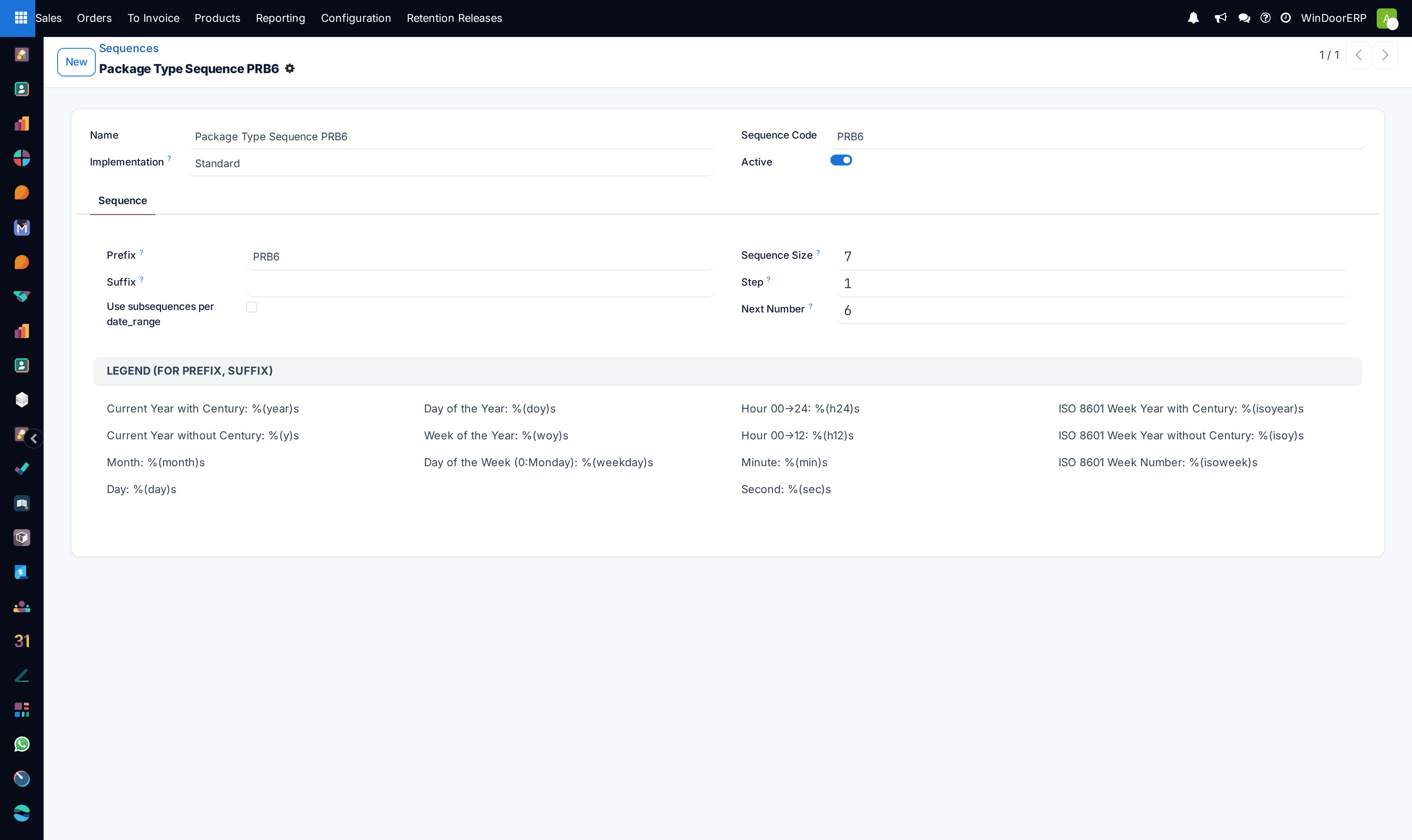
Manage document numbering prefix formats under Sequences & Identifiers › Sequences.
Common mistakes
- Deleting core database fields directly from the UI instead of uninstalling dependent modules.
- Changing system parameters without understanding their underlying server cache effects.
Checkpoint
You can trace an unexpected number back to the field and sequence that produced it.