Close the books
Journal entries, analytics and locking
Why this step
The adjustments an accountant makes by hand, the analytic dimensions they make them against, and the lock that stops last quarter changing after it was reported.
What this does
Records adjusting journal entries, distributes revenues and direct job costs across multi-dimension project analytic plans (Project, System Series, Elevation), and enforces fiscal period lock dates.
Before you start
- Chart of accounts and analytic plans established.
Steps
Important
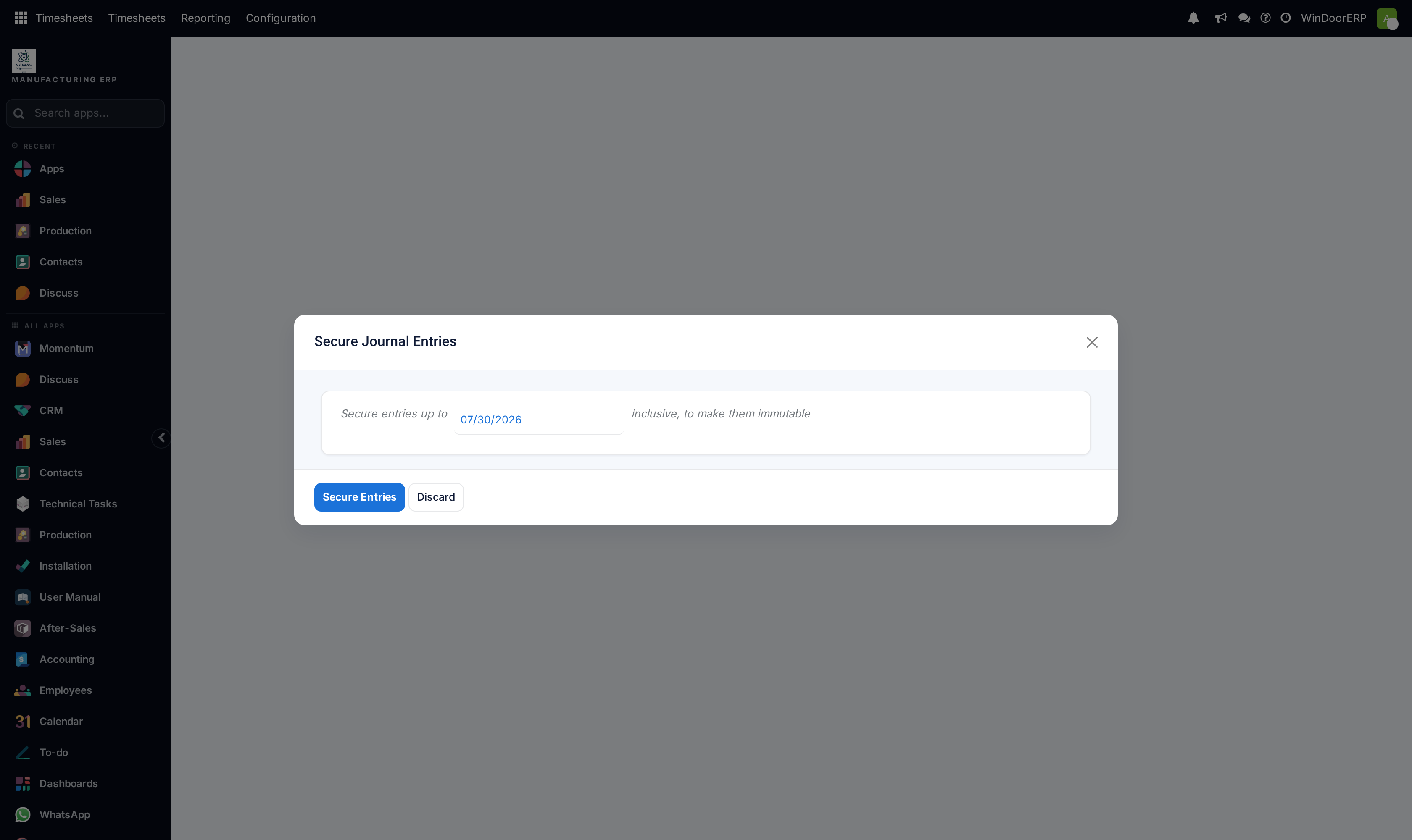
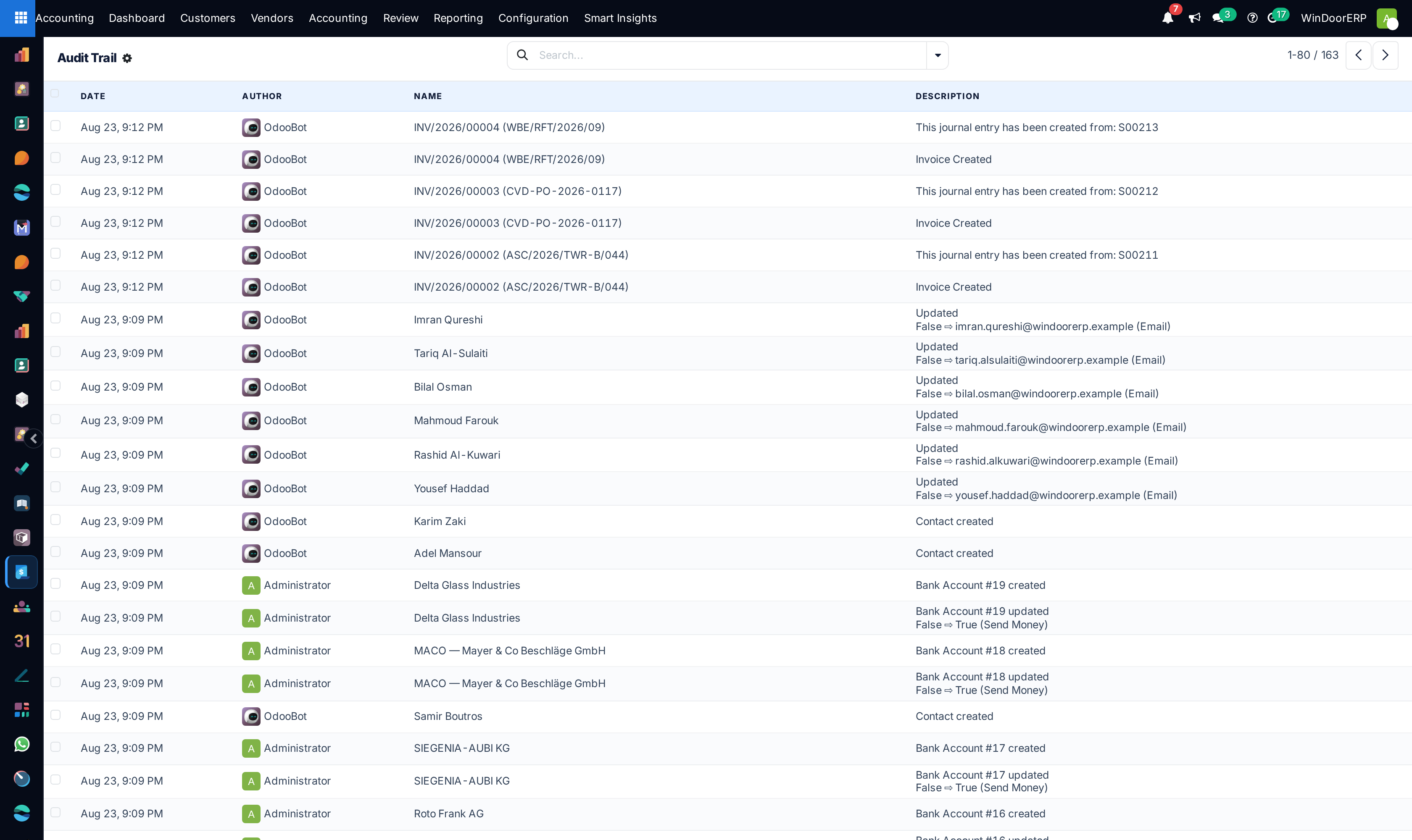
Period Lock Dates prevent unauthorized back-dated modifications to finalized quarterly VAT and audited financial statements.
-
01
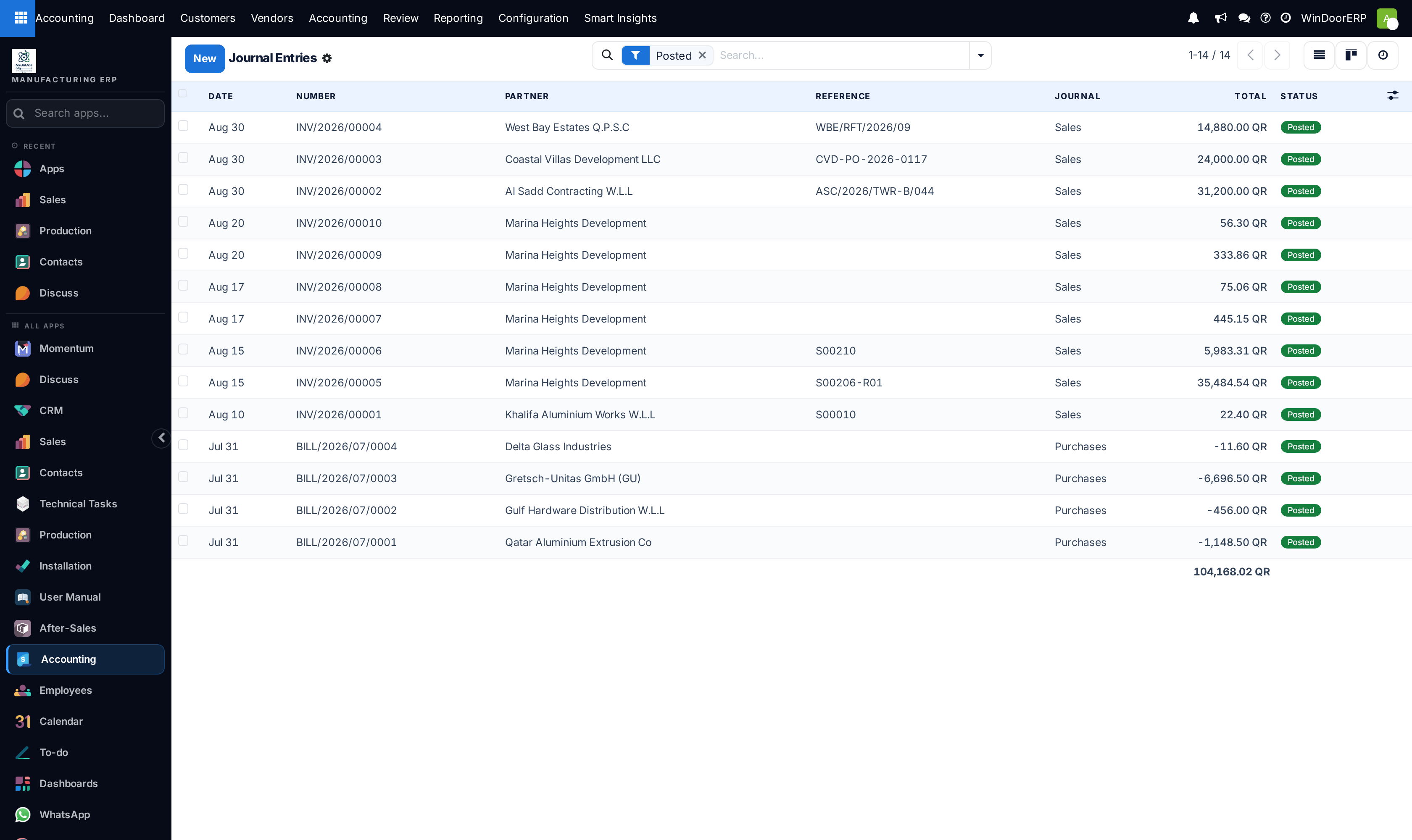
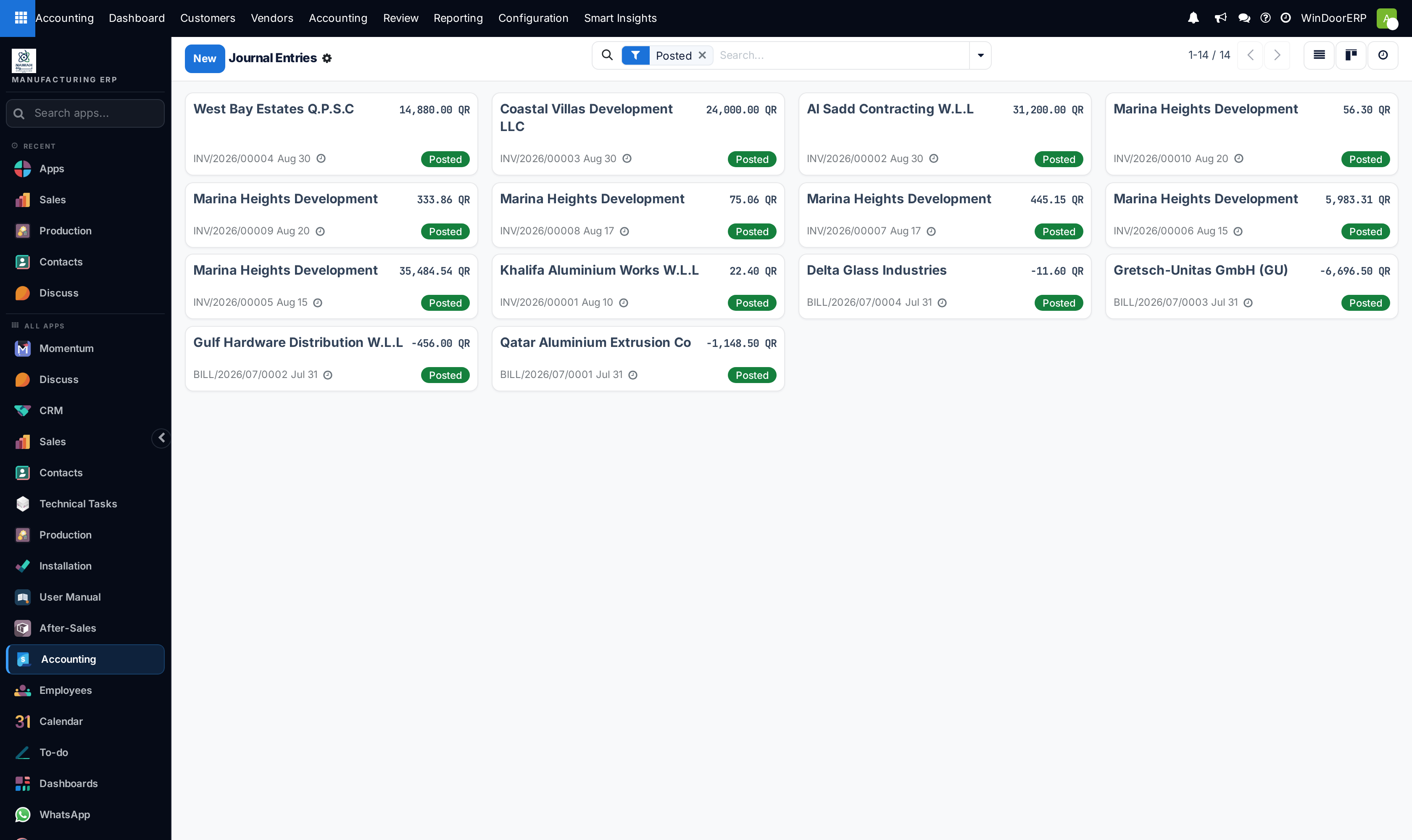
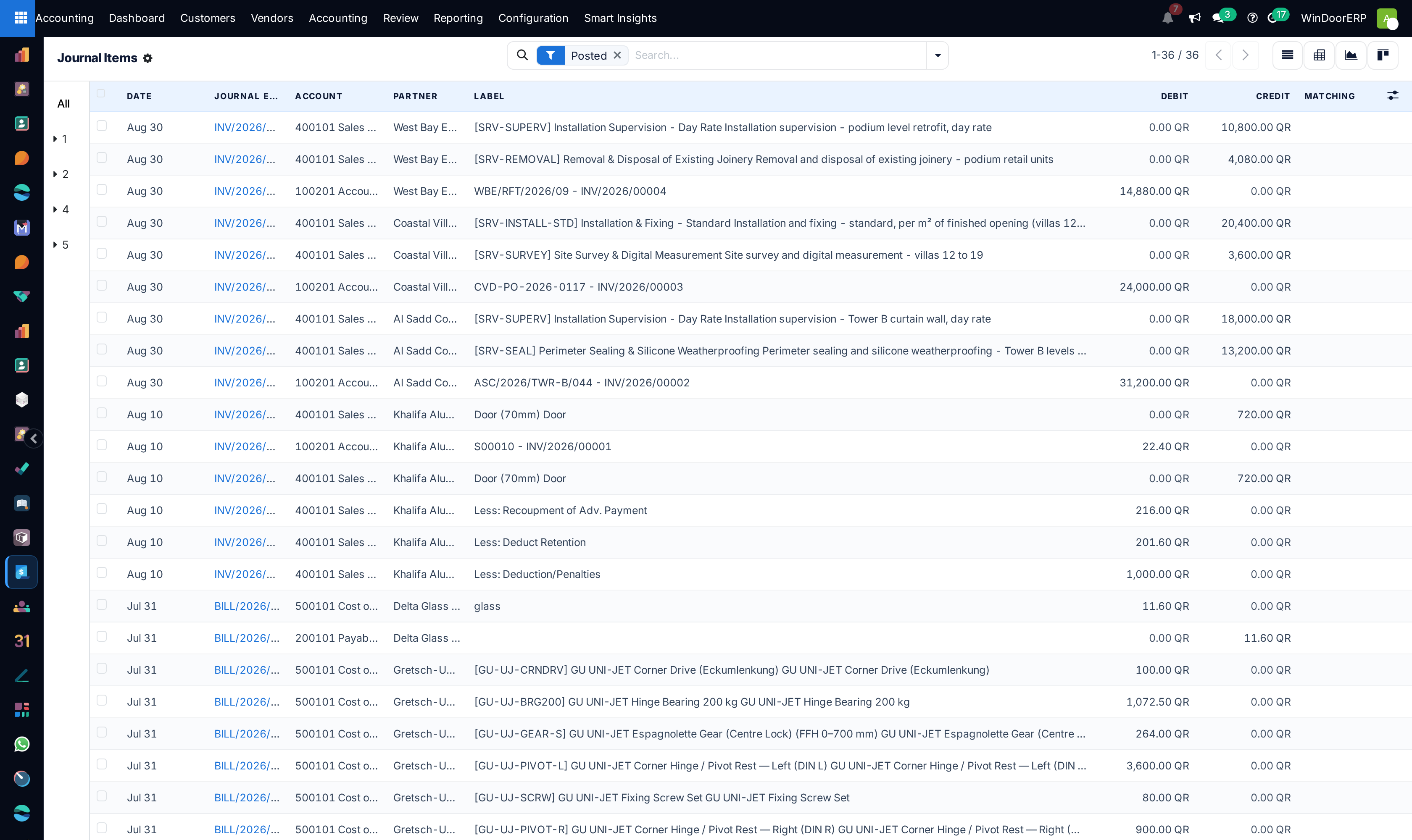
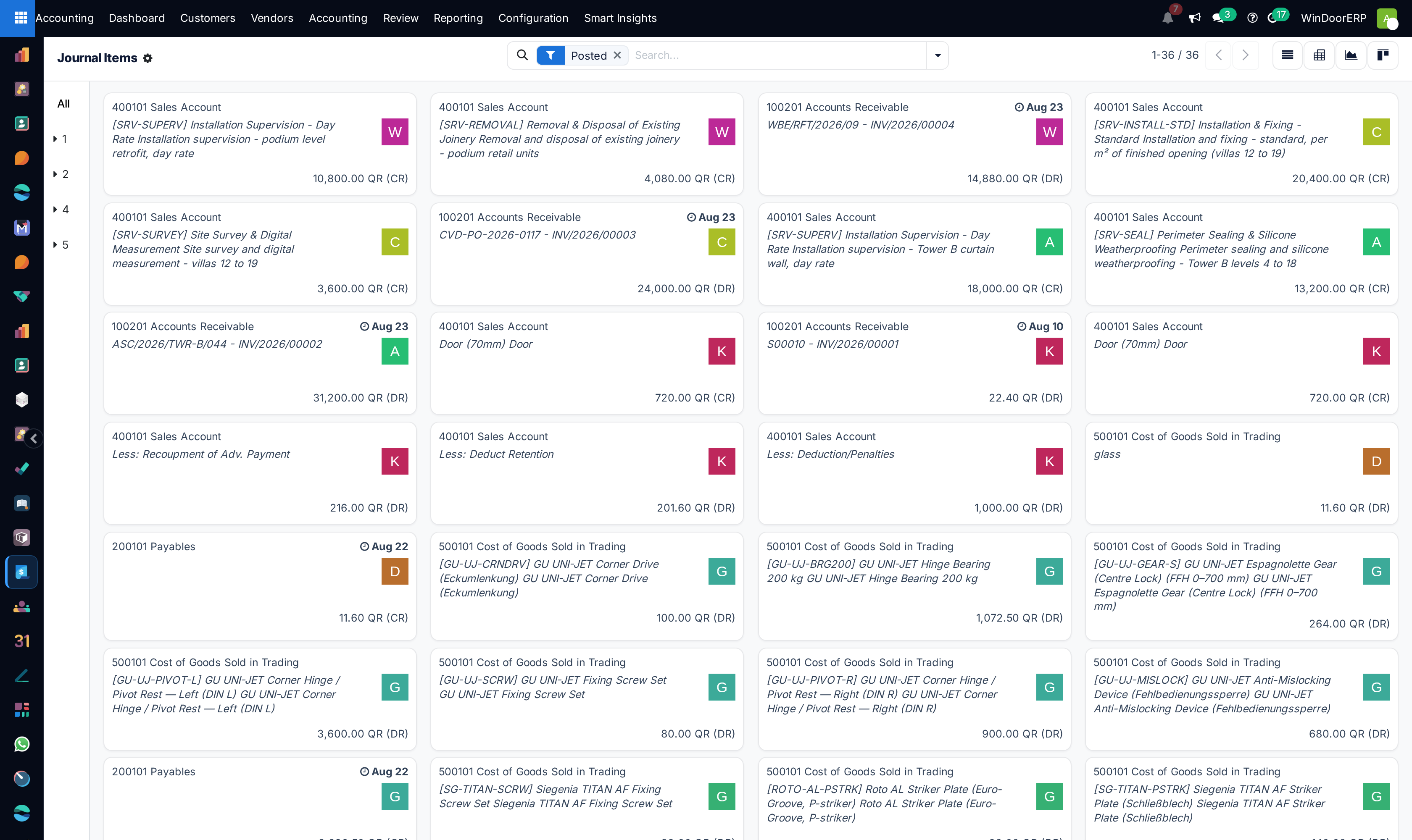
Open Accounting › Accounting › Journal Entries and click New.
-
02
Select the Journal (Miscellaneous Operations, Exchange Difference), Entry Date, and Reference.
-
03
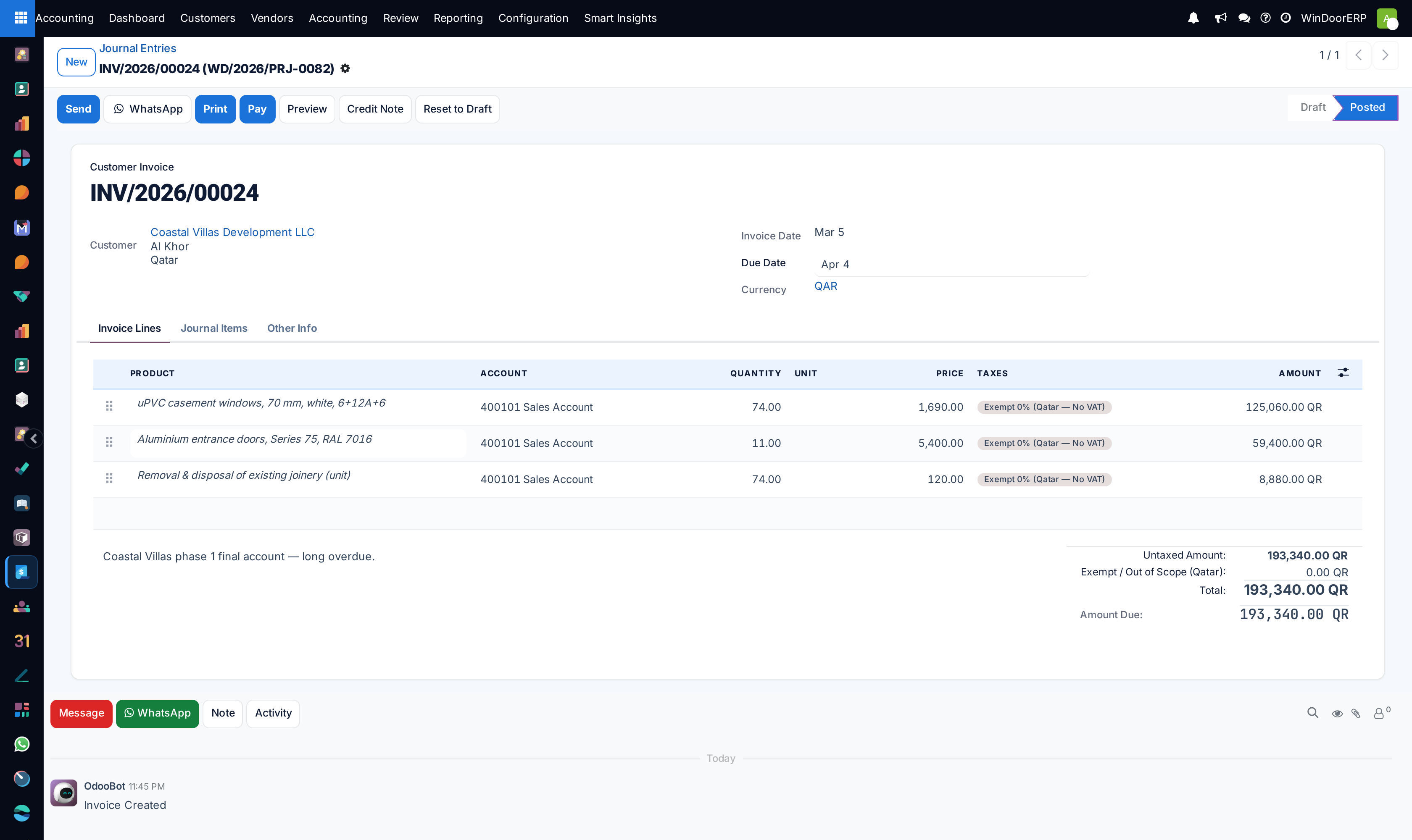
Add debit and credit lines ensuring total debits equal total credits.
-
04
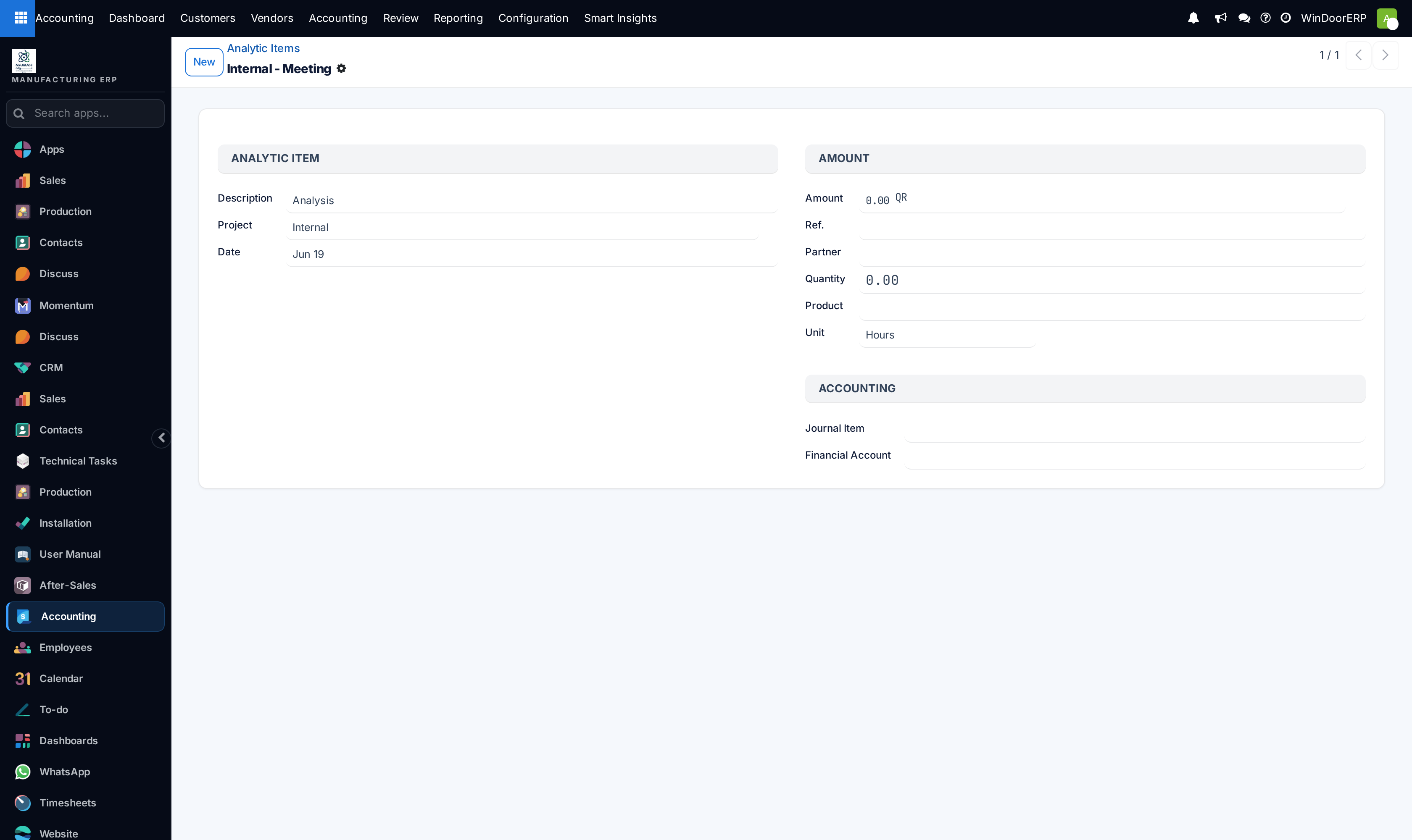
Assign Analytic Accounts to route costs directly to active project contracts.
-
05
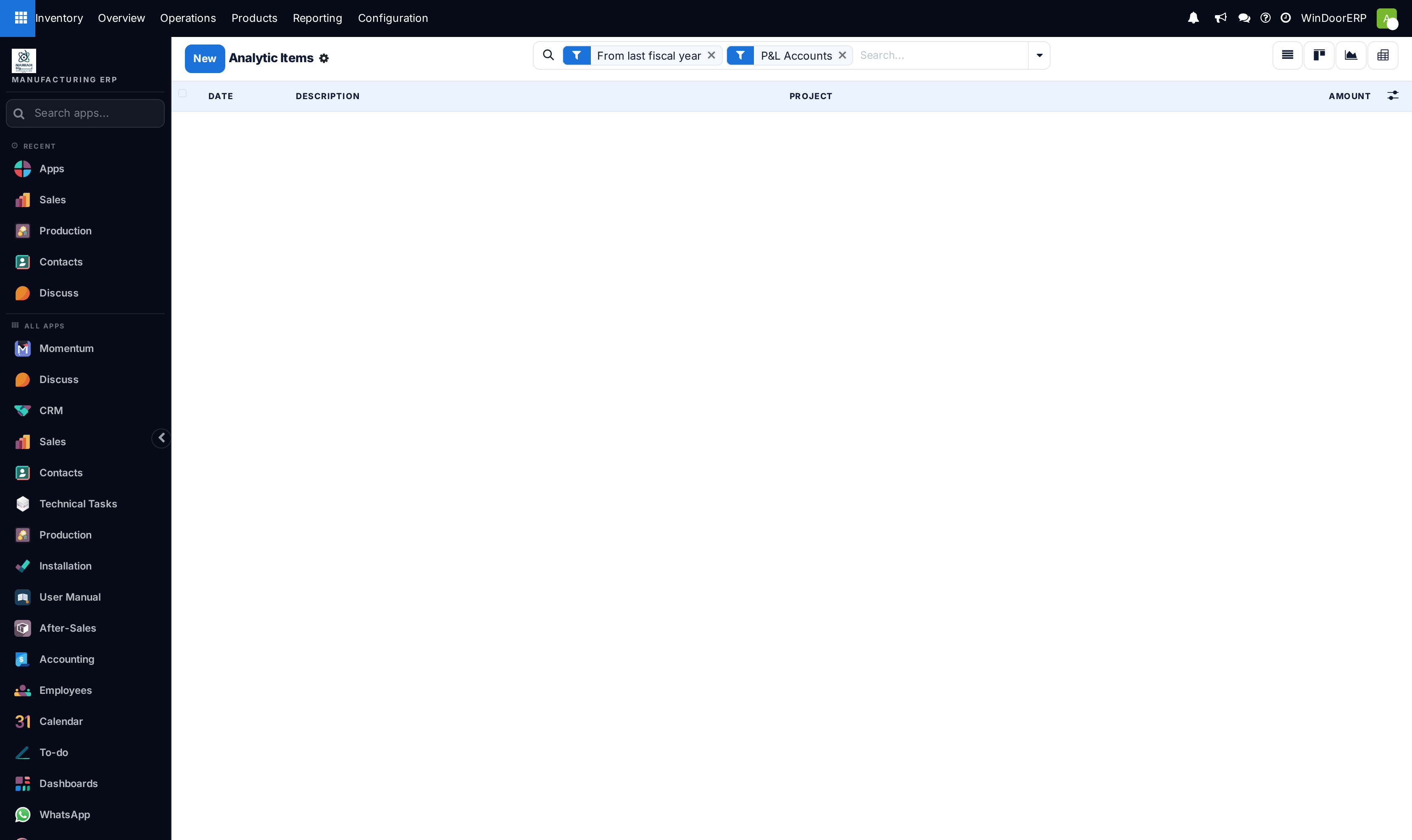
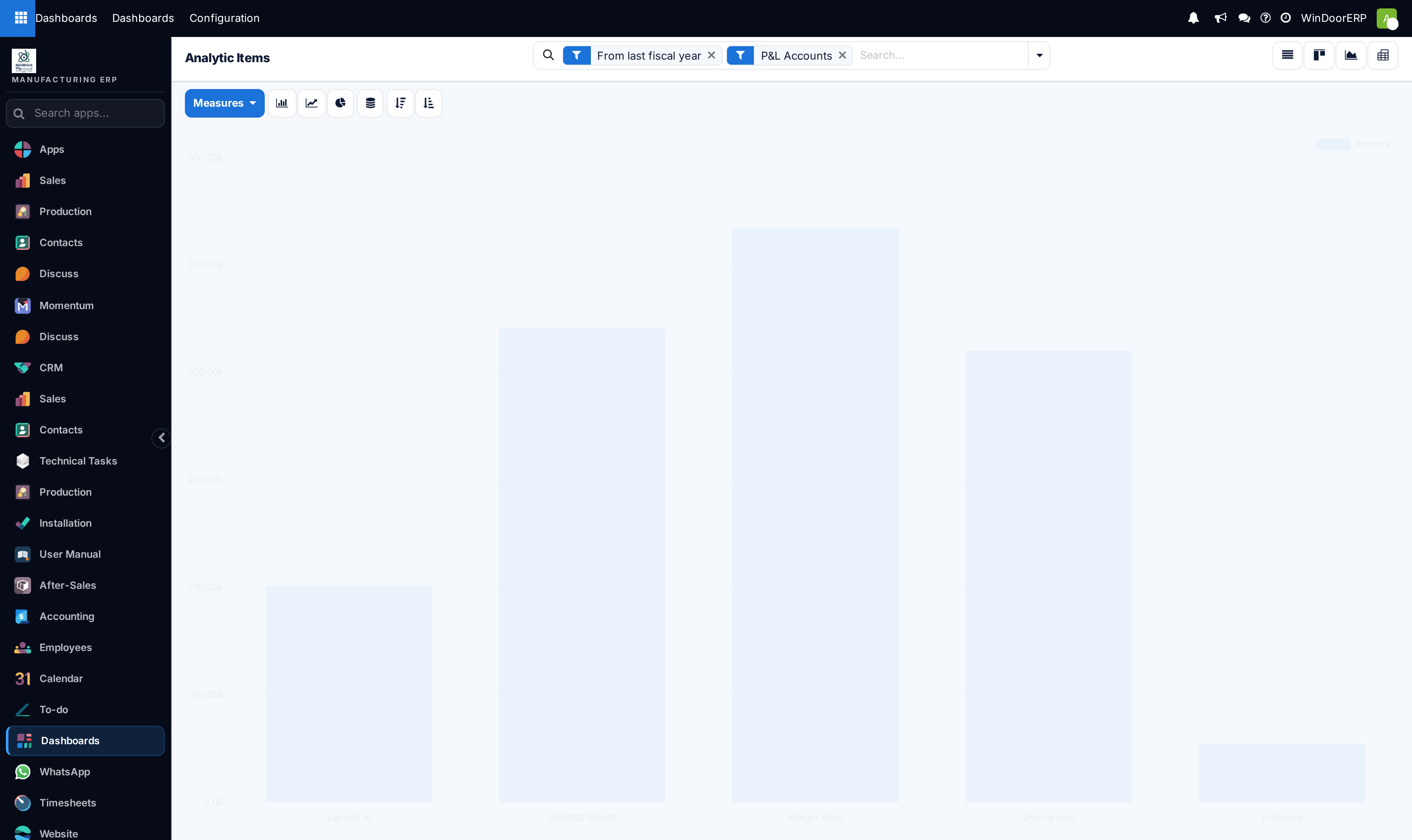
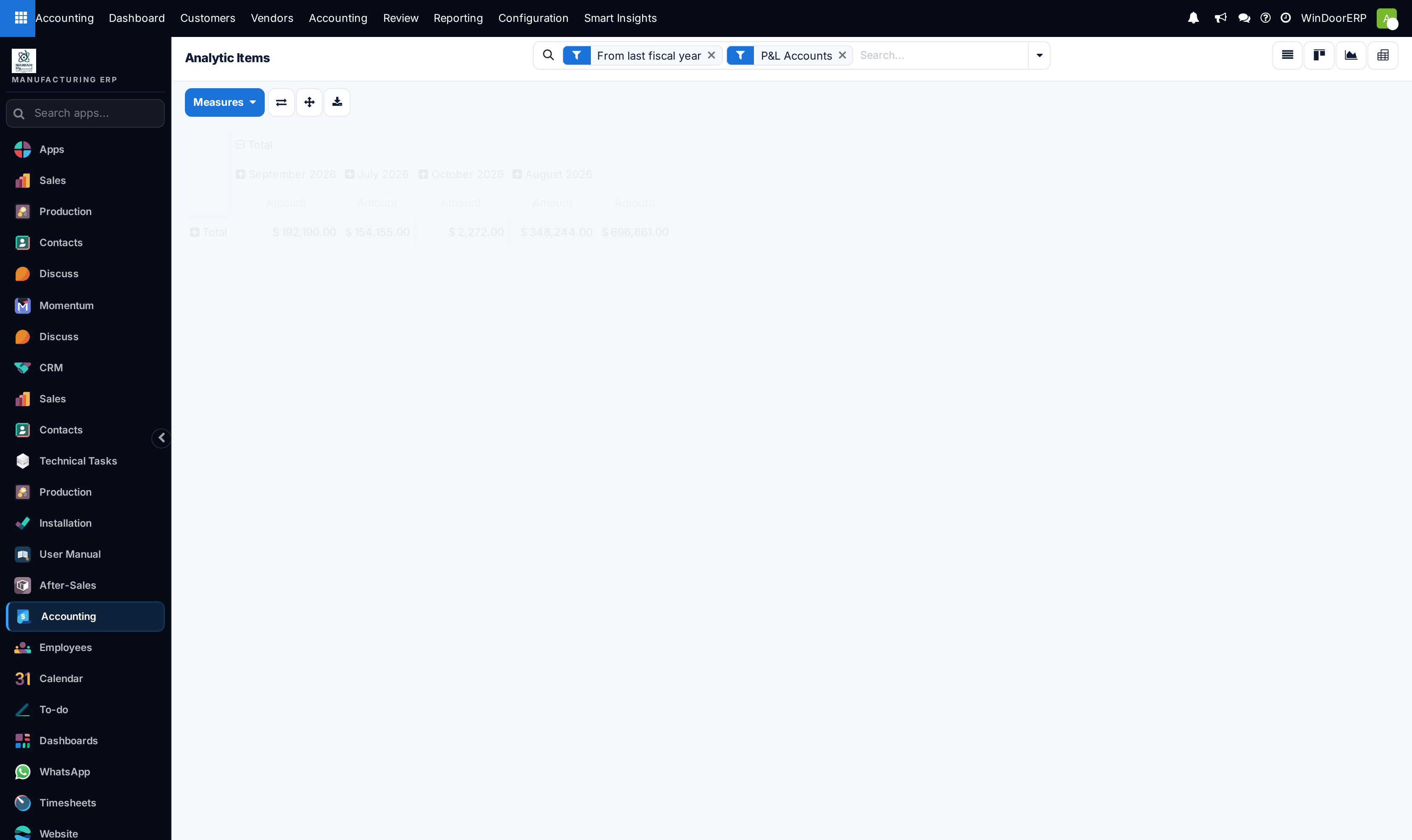
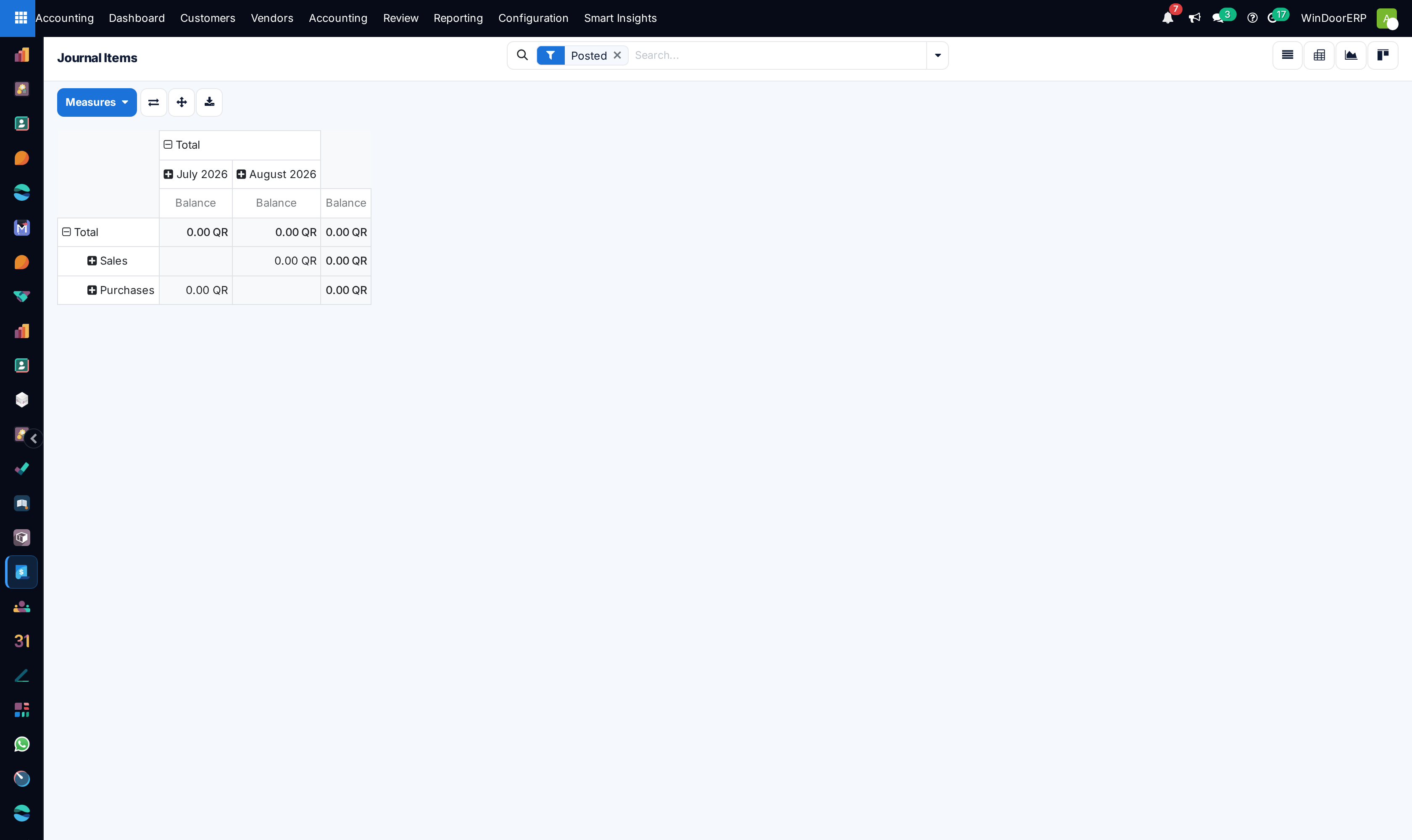
Open Analytic Items to inspect real-time profit and loss distribution across projects.
-
06
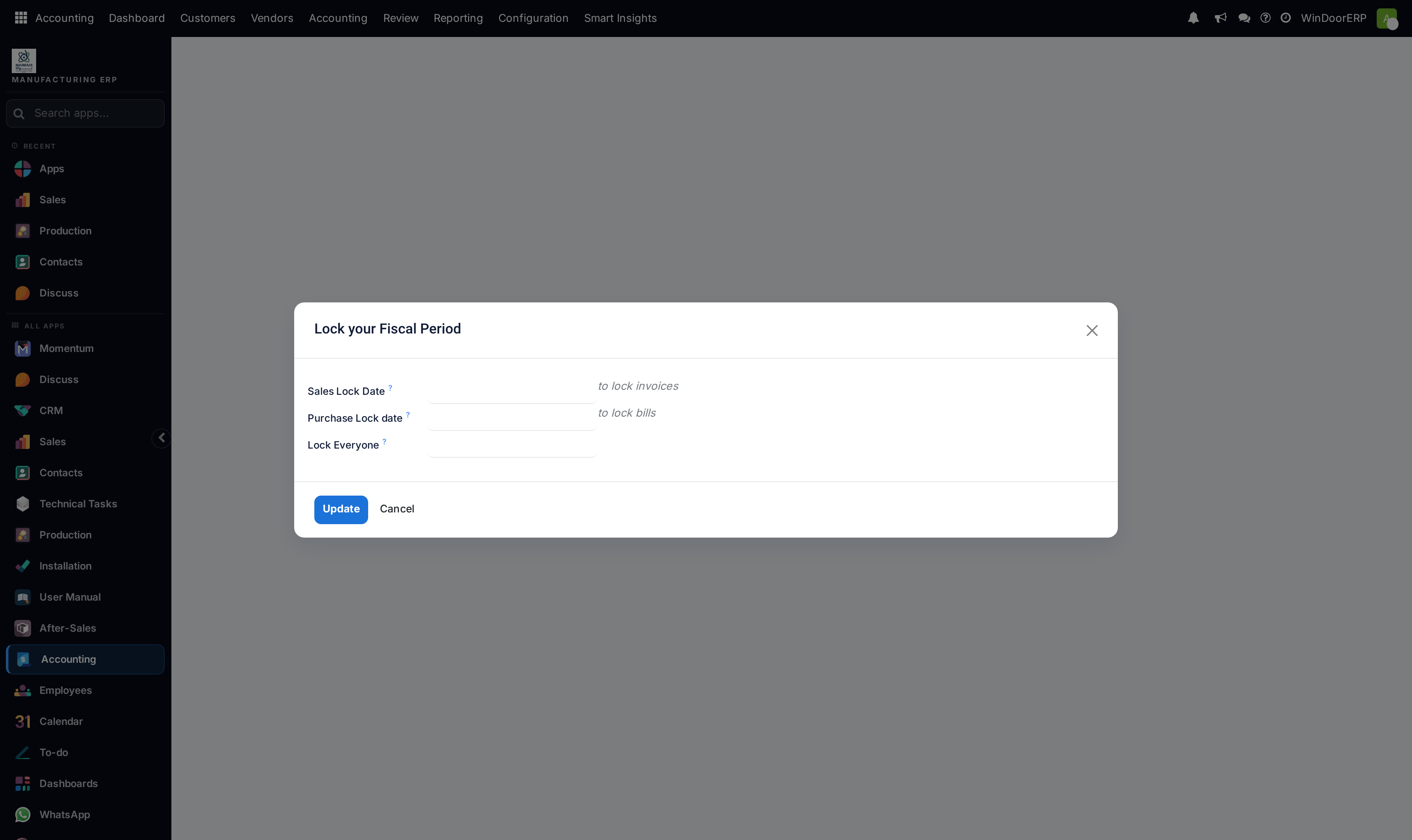
Under Accounting Actions › Lock Dates, lock non-adviser and all fiscal years to protect audited financial periods.
Common mistakes
- Posting adjusting journal entries without assigning project analytic cost distribution tags.
- Leaving previous fiscal years unlocked during active audit reviews.
Checkpoint
A closed period cannot be posted into, and you know who may unlock it.