Close the books
Depreciate the machines and vehicles
Why this step
The double-head saw, the CNC router and the delivery trucks are assets, not expenses. Register them so depreciation posts itself and the balance sheet stops flattering you.
What this does
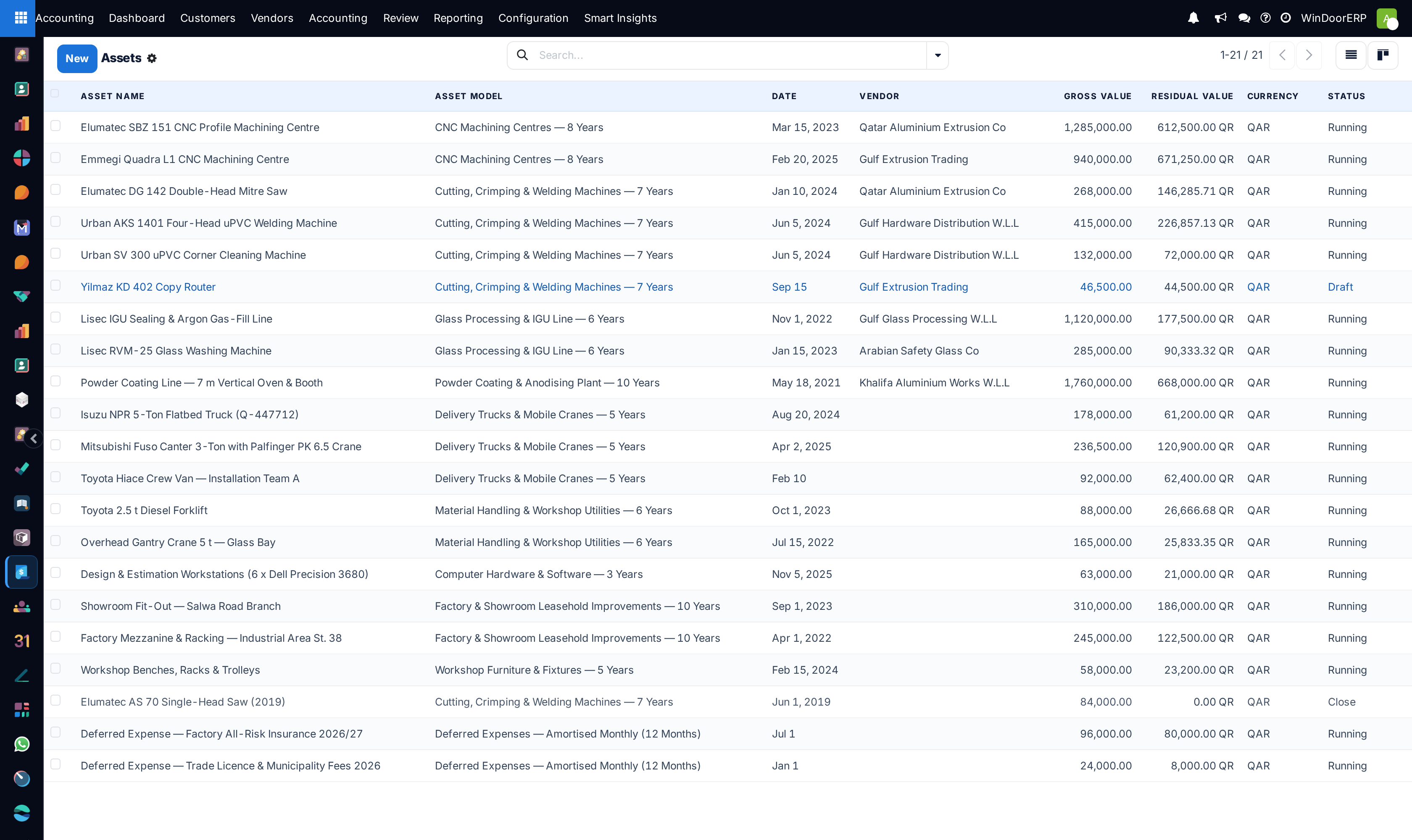
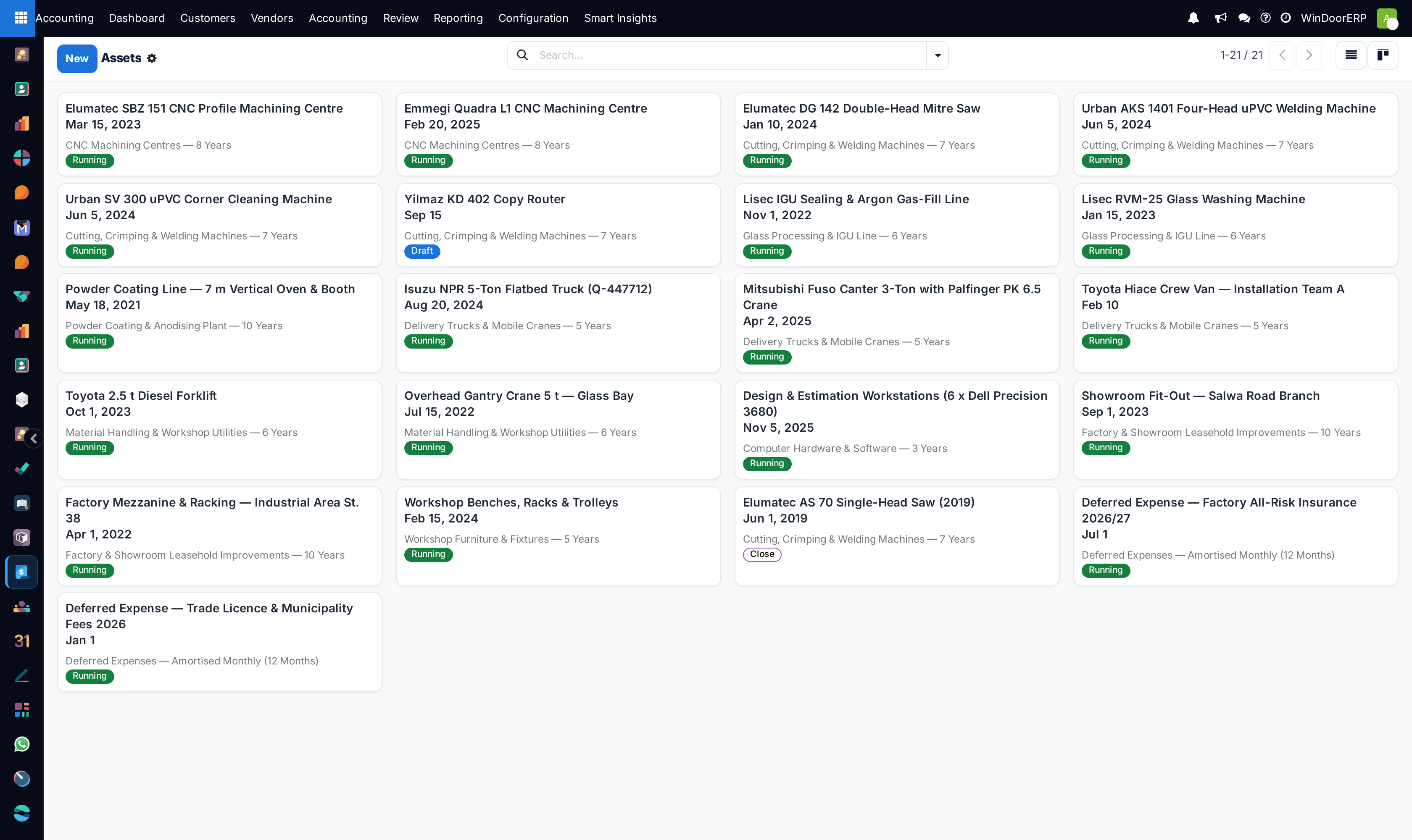
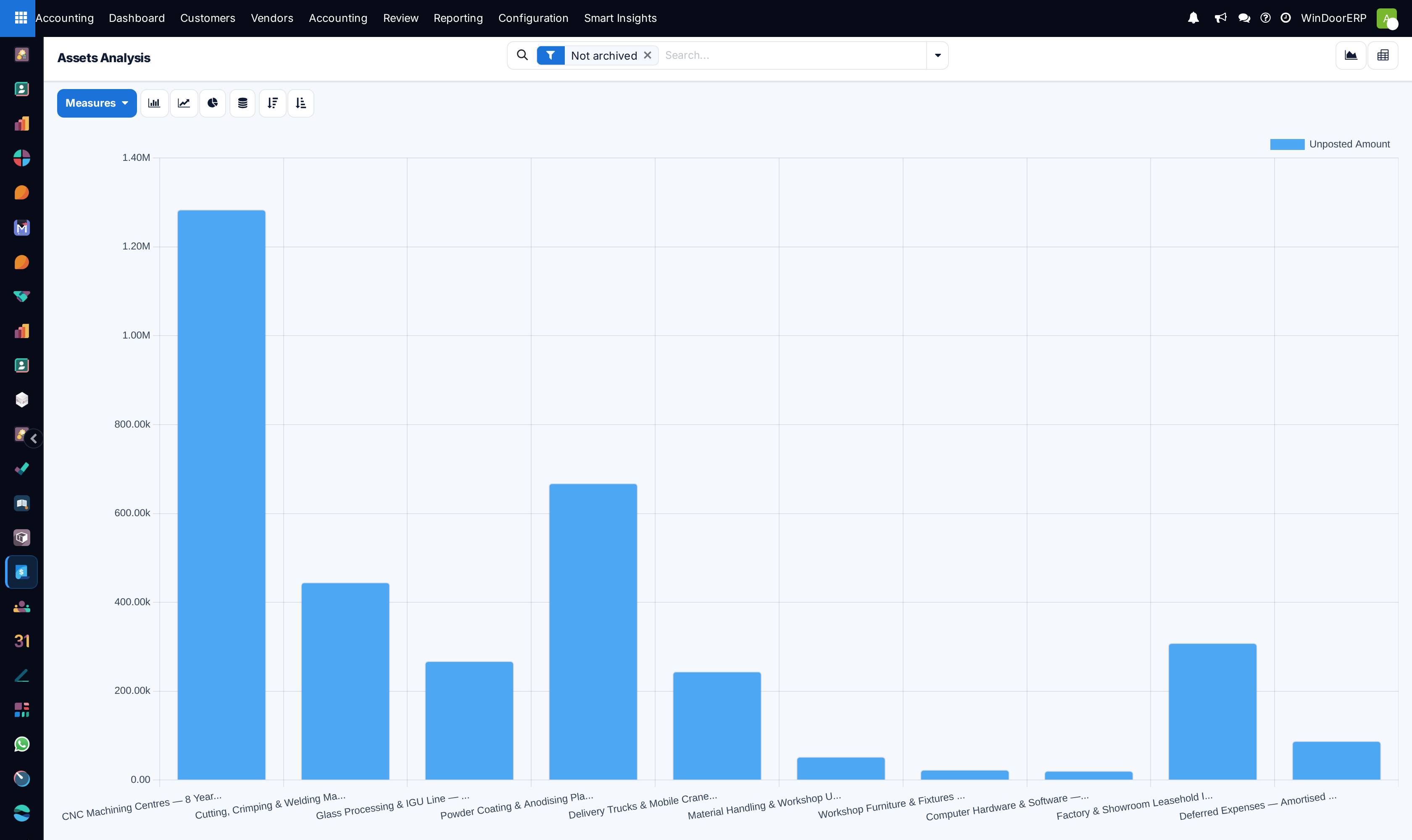
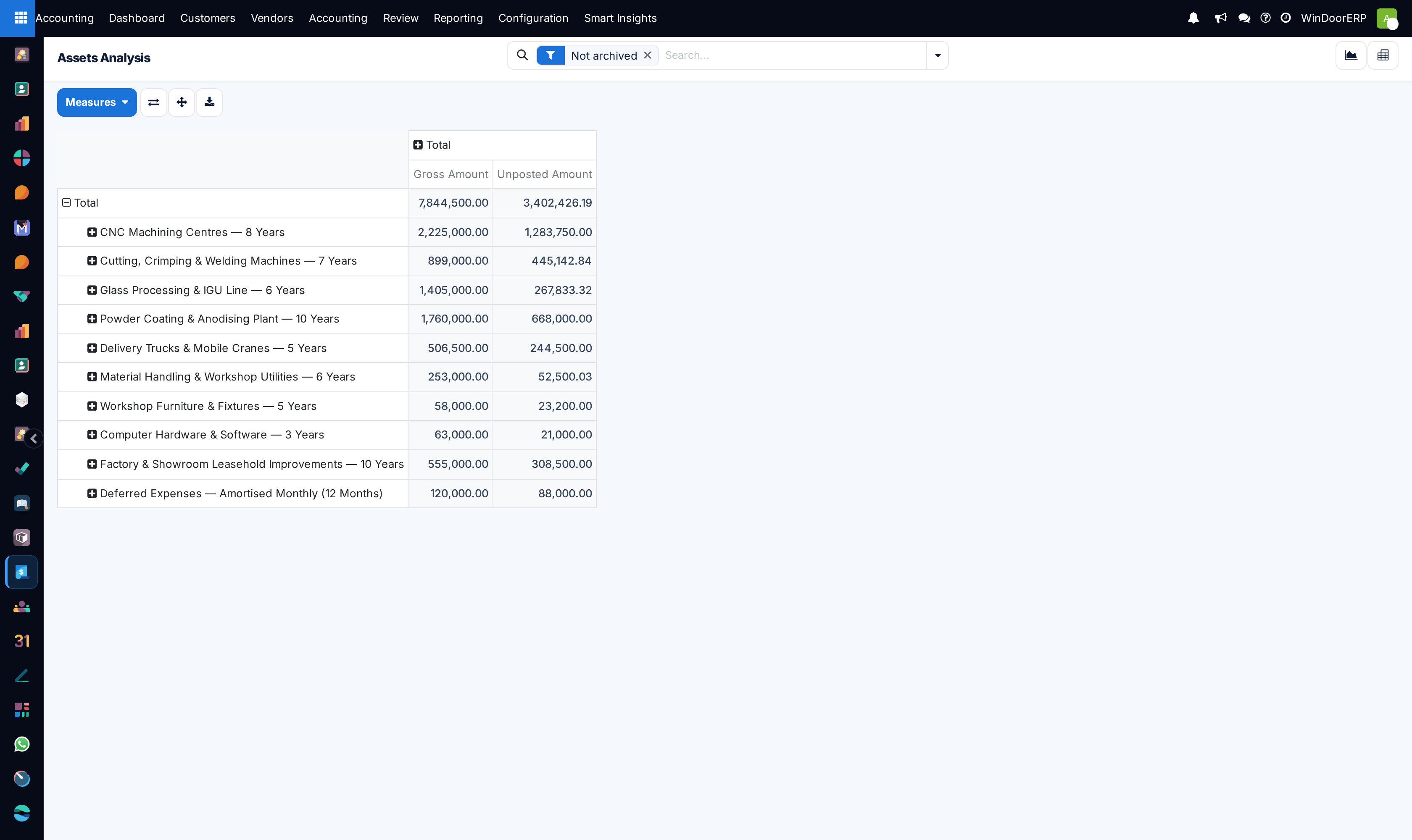
Tracks high-value manufacturing machinery (CNC machining centers, double-mitre saws, corner crimpers), installation delivery trucks, and automates monthly straight-line depreciation journal entries.
Before you start
- Asset Types and Depreciation Accounts configured.
Steps
Important
Capitalize installation tooling additions and major factory overhauls into existing asset records to adjust remaining asset book values automatically.
-
01
Open Accounting › Accounting › Management › Assets and click New.
-
02
Specify the Asset Name (e.g. 4-Axis CNC Machining Center), Original Value, and Acquisition Date.
-
03
Select the Asset Type (Factory Machinery 10-Yr, Vehicles 5-Yr) and Depreciation Method (Straight Line, Degressive).
-
04
Click Compute Depreciation to generate the multi-year monthly amortization schedule.
-
05
Click Confirm to activate automated monthly depreciation posting to the general ledger.
Common mistakes
- Expensing heavy capital CNC machinery directly as general period maintenance.
- Selling or disposing of equipment without recording formal asset disposal journal entries.
Checkpoint
Each major machine has an asset record and depreciates automatically each period.