Let the floor sign in
Give operators a badge, not a password
Why this step
Nobody types an email address wearing gloves. PIN badges and multi-user station logins are how a shared terminal still knows who did the work.
What this does
Controls secure operator access to touchscreen shop floor terminals using contactless RFID badges and 4-digit security PINs.
Before you start
- Employee records linked to manufacturing operators.
Steps

Important
Never share operator PINs across team members; individual logins ensure full quality accountability for every corner crimp and silicone seal.
-
01
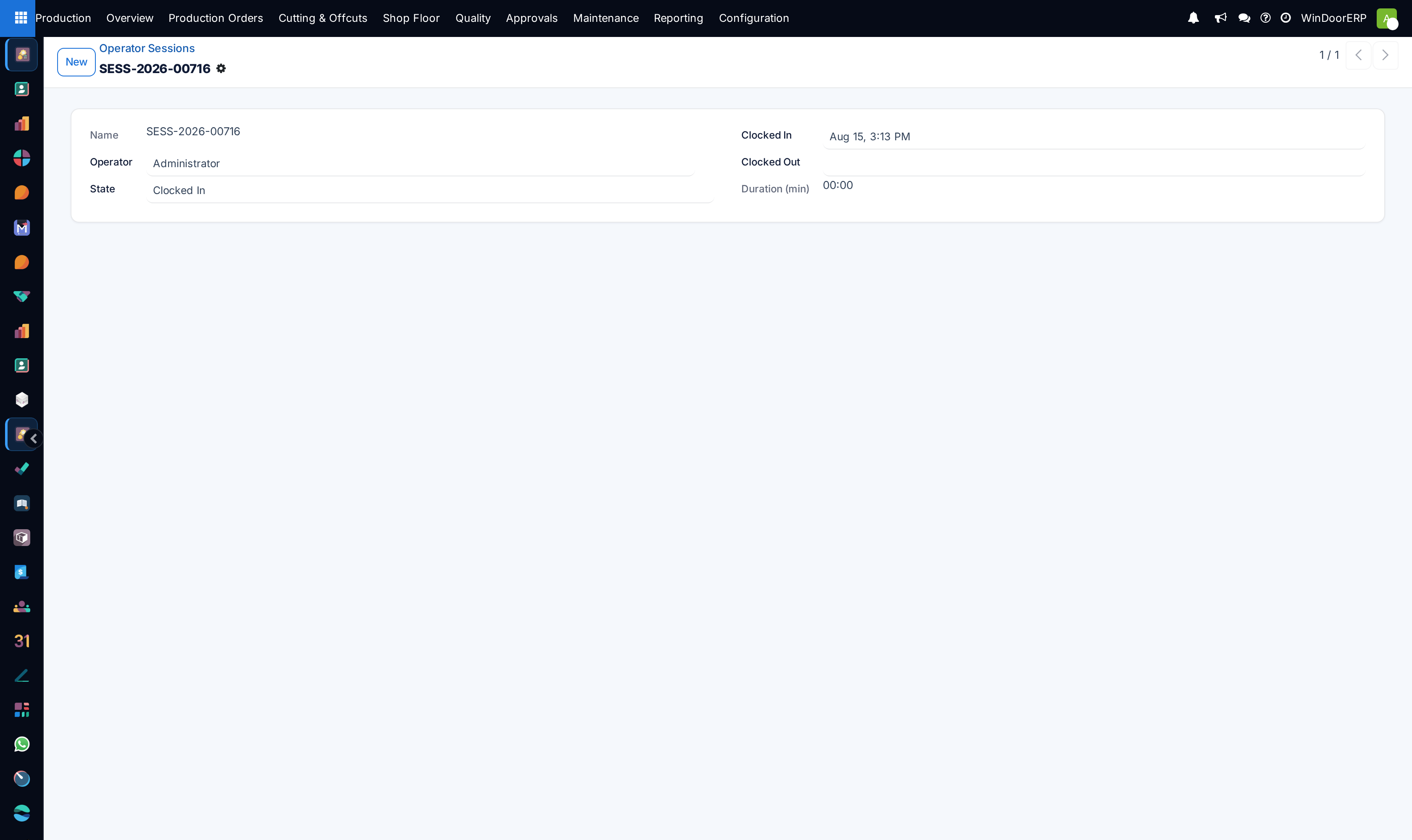
Open Production › Shop Floor › Operator Sessions to see currently active station logins.
-
02
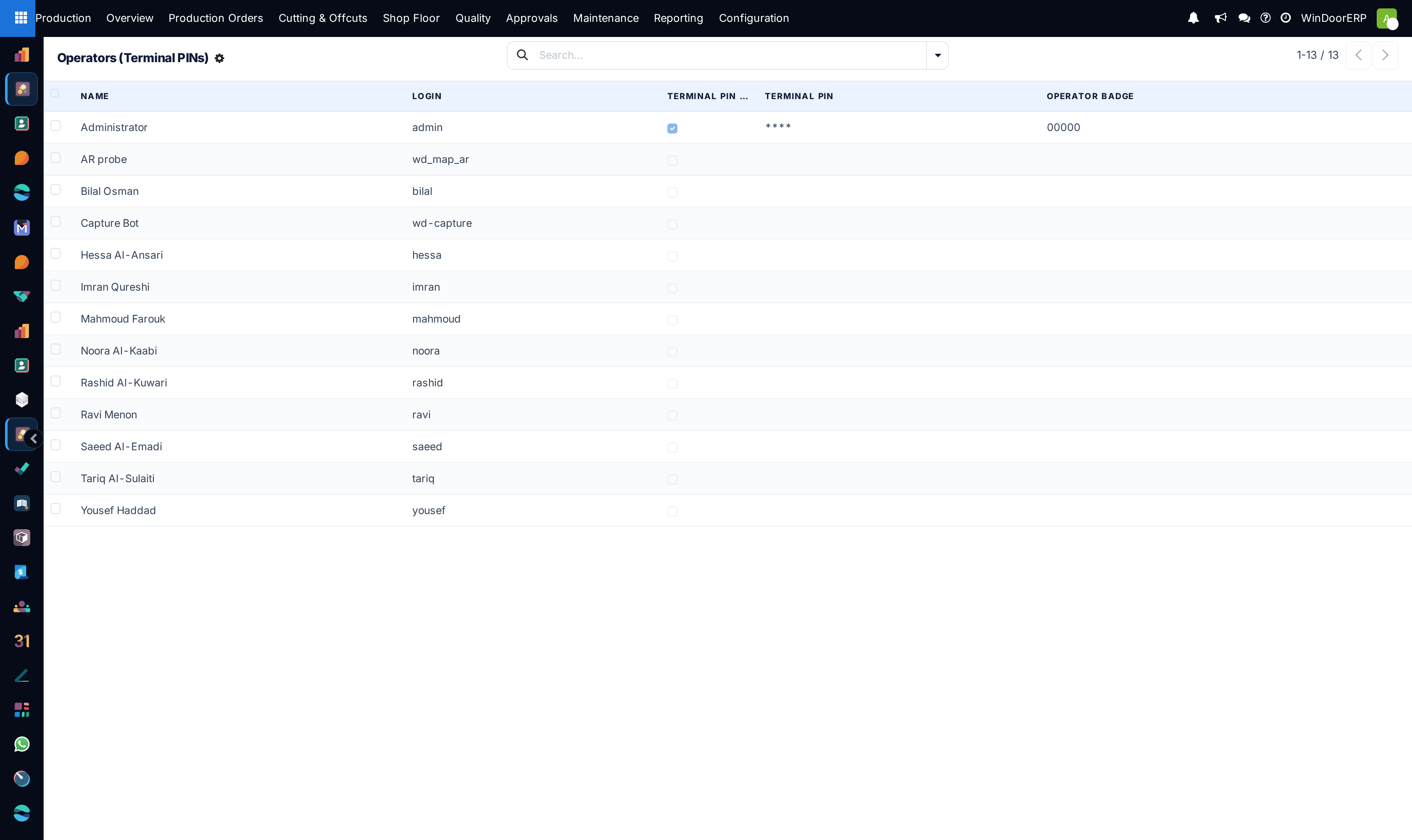
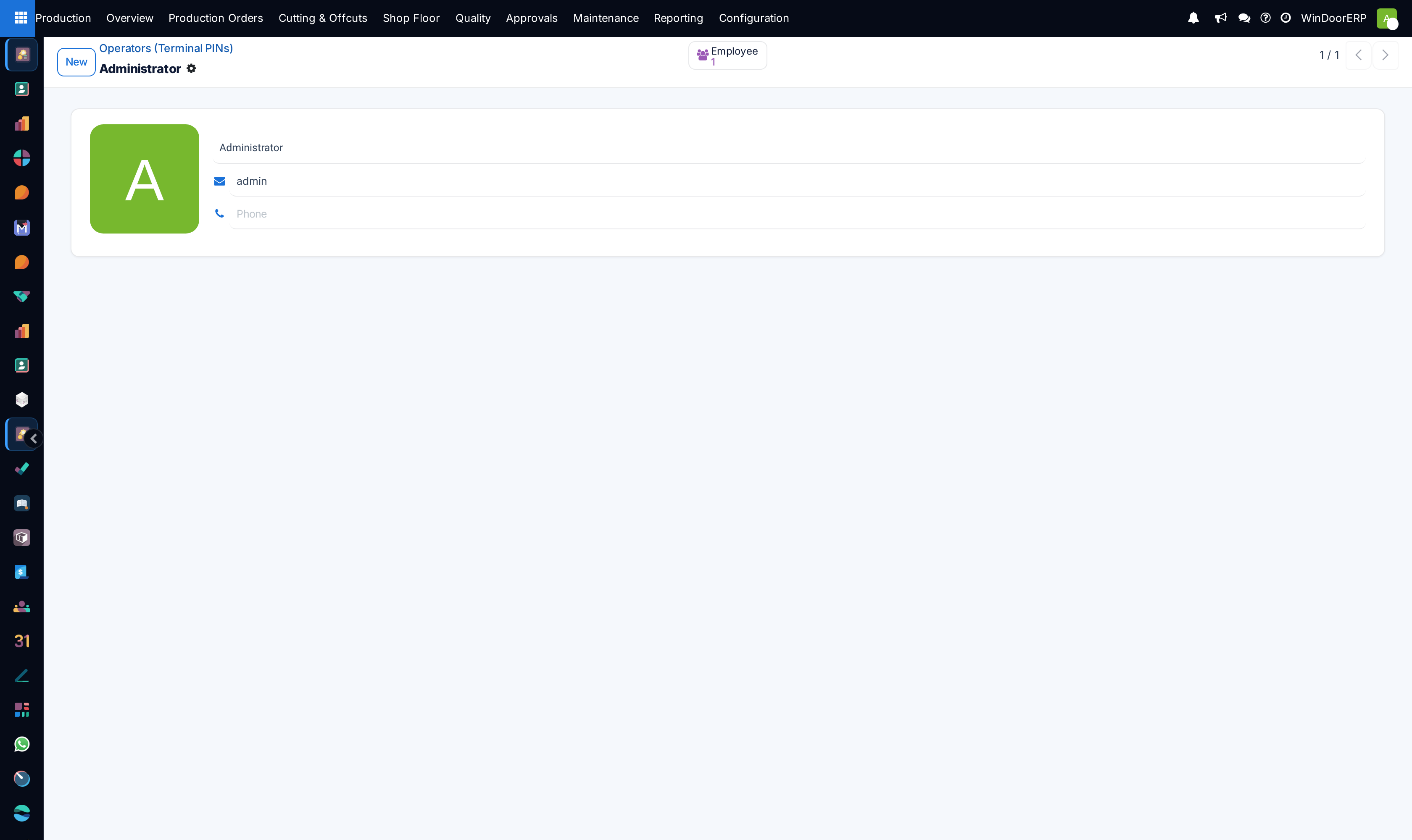
Navigate to Operators PINs to set or reset confidential 4-digit terminal access codes.
-
03
Assign operator barcode cards for fast contactless scanner check-ins.
-
04
Monitor session durations and auto-logout inactive stations after idle timeout limits.
Common mistakes
- Leaving operator terminals logged in during overnight factory closures.
- Setting simple repetitive PINs (e.g. '1111') that compromise operational integrity.
Checkpoint
Two operators can use the same terminal in a shift and each one's work is recorded against them.