Create the technical office
Build the drafting teams and request types
Why this step
Start by admitting the technical office exists: drafting units, calculation units, the types of request they receive, and the stages a request moves through. Everything later in this path is queued against these.
What this does
Configures core engineering operational entities including multidisciplinary technical teams, stage progression rules, request classifications, custom survey templates, and automated notification triggers.
Before you start
- System Administrator or Technical Director permissions.
Steps
Important
Configuring distinct email notification templates for Consultant Submittals versus Client Quotation Drawings ensures professional bilingual presentation.
-
01
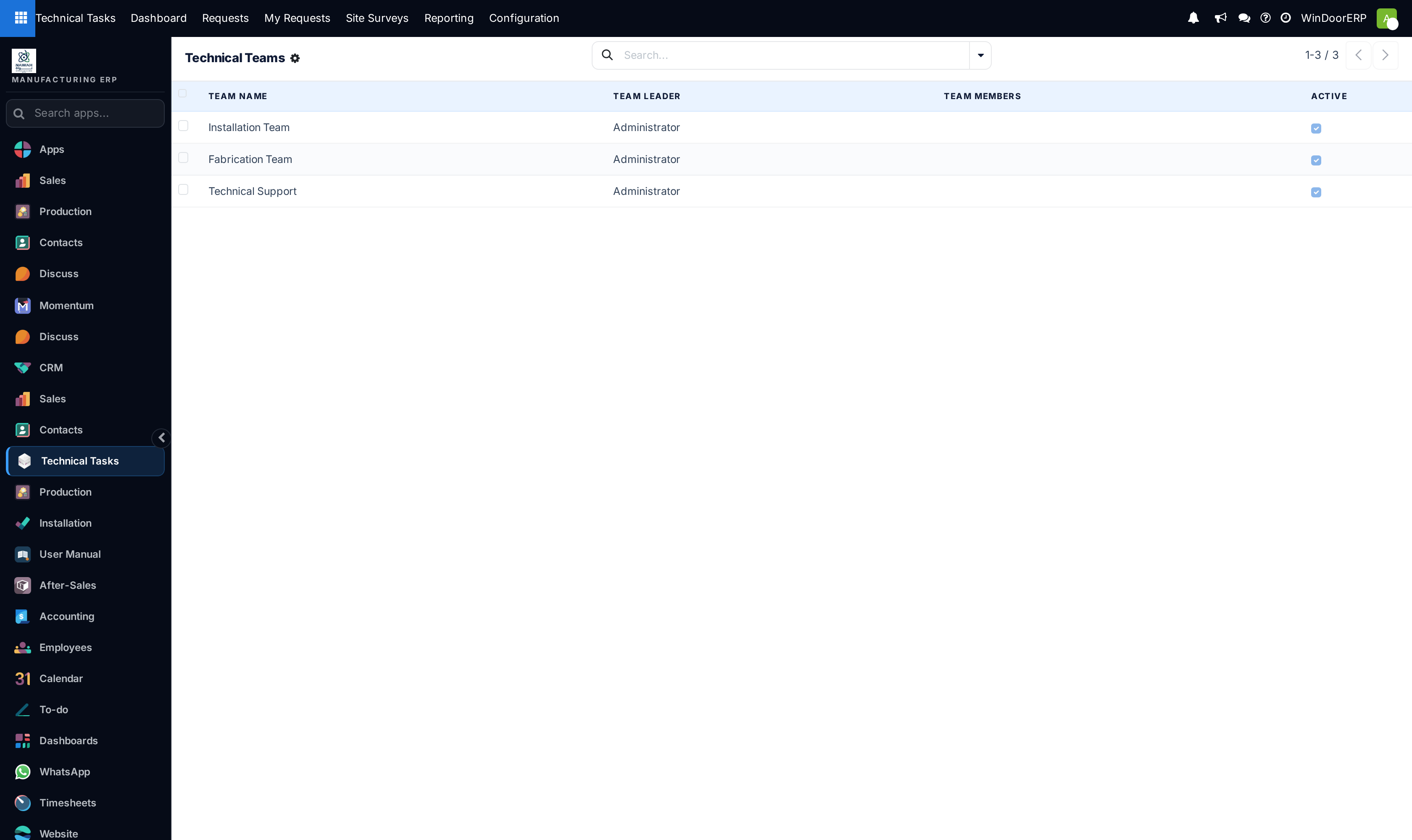
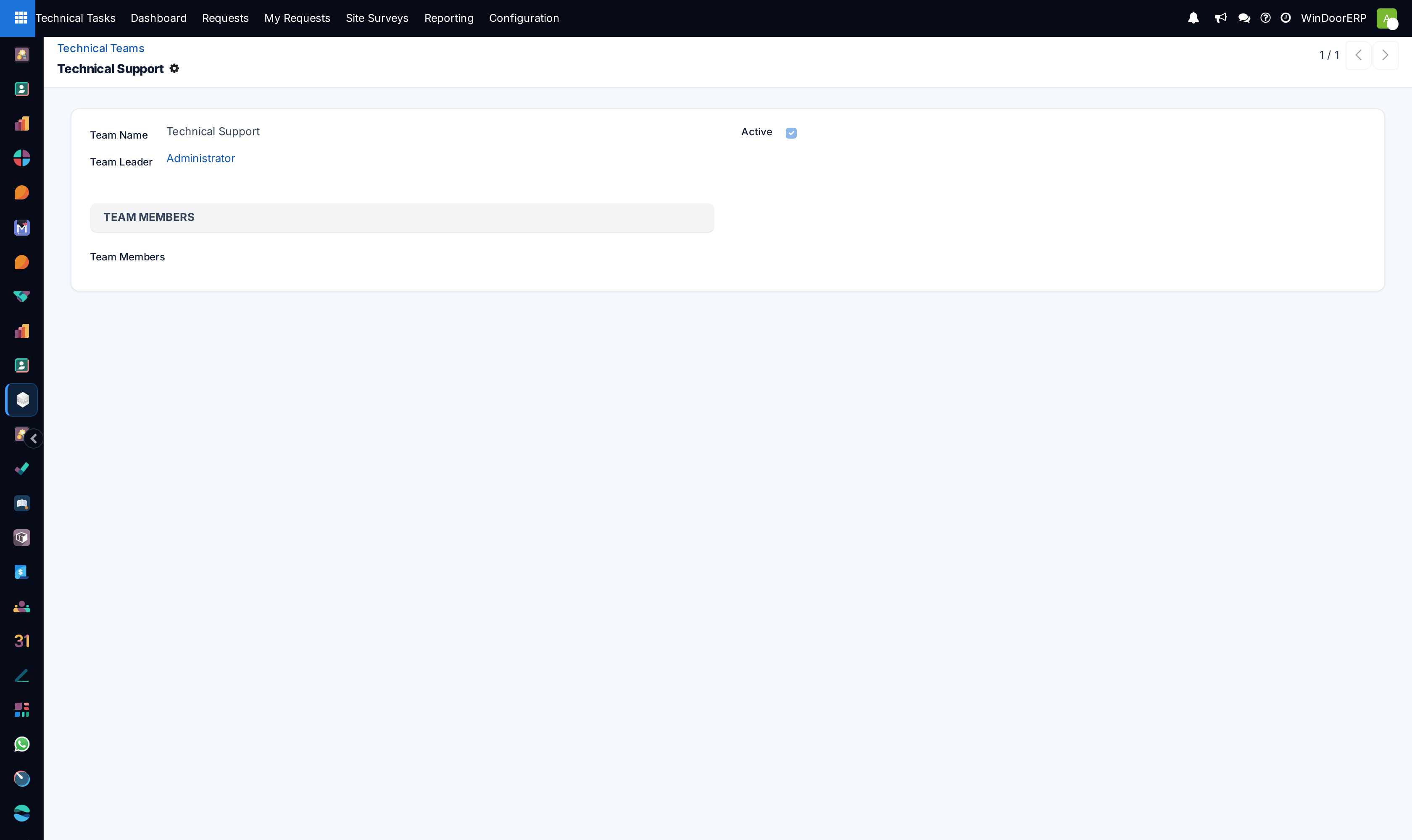
Go to Technical Tasks › Configuration › Technical Teams to create drafting and calculation units.
-
02
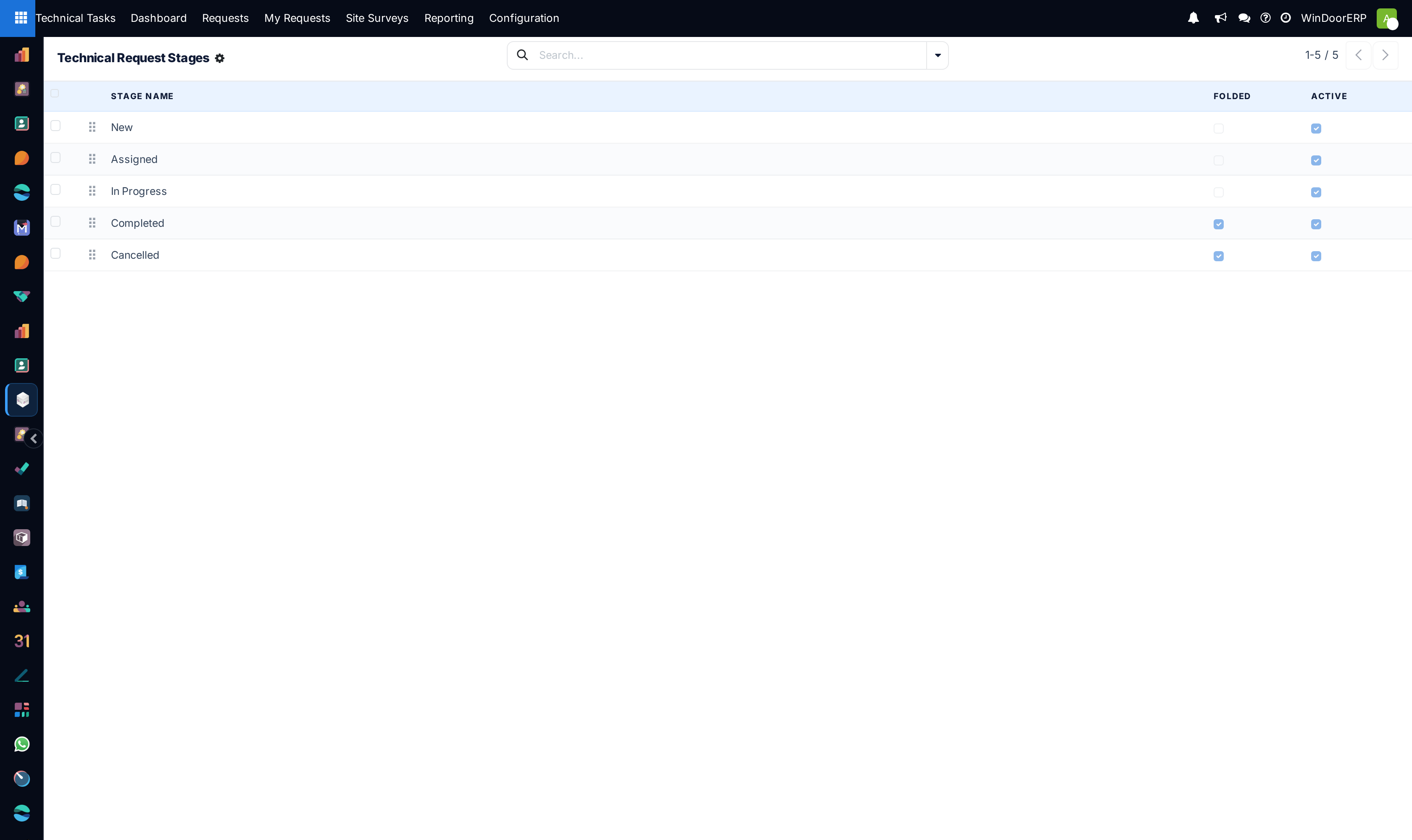
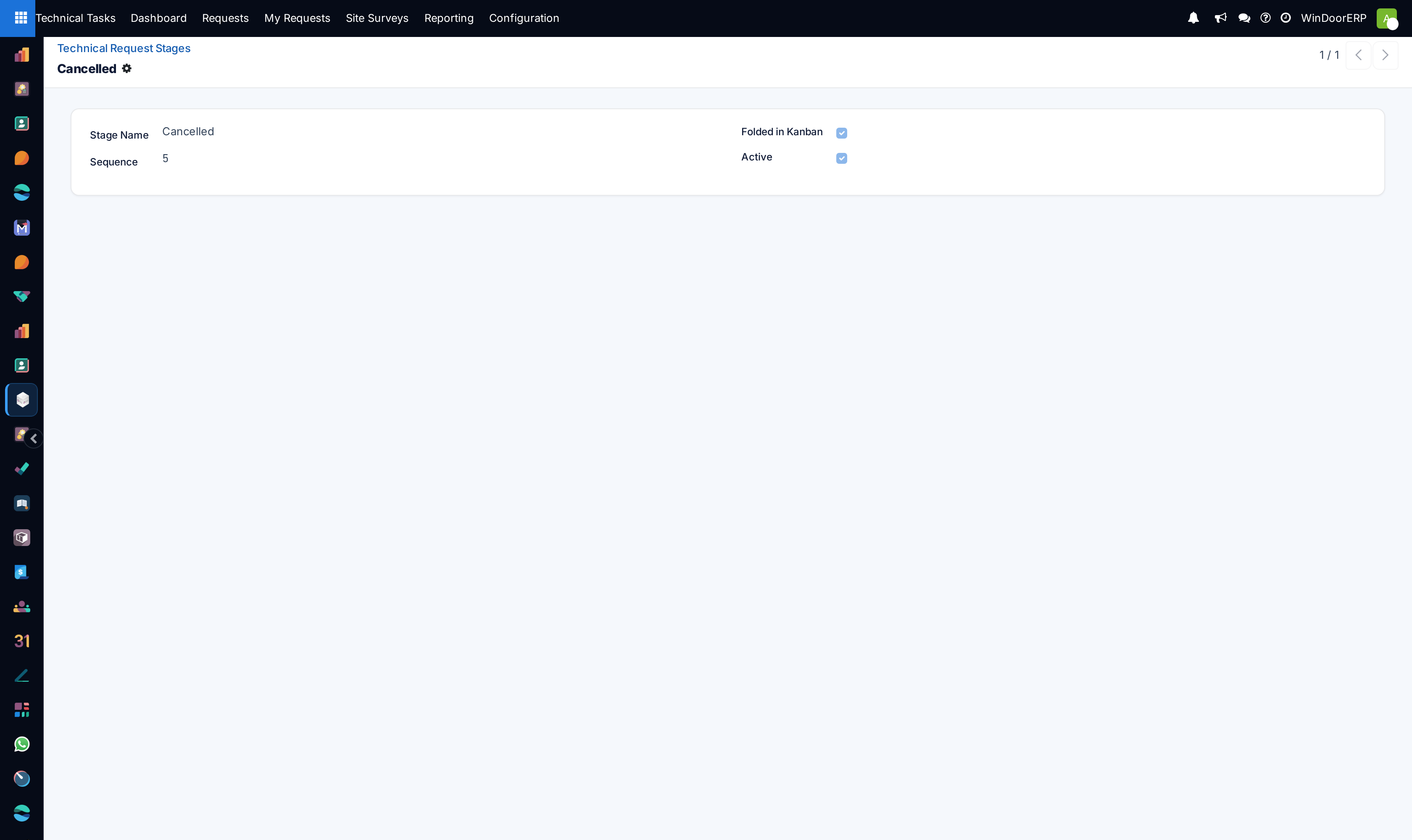
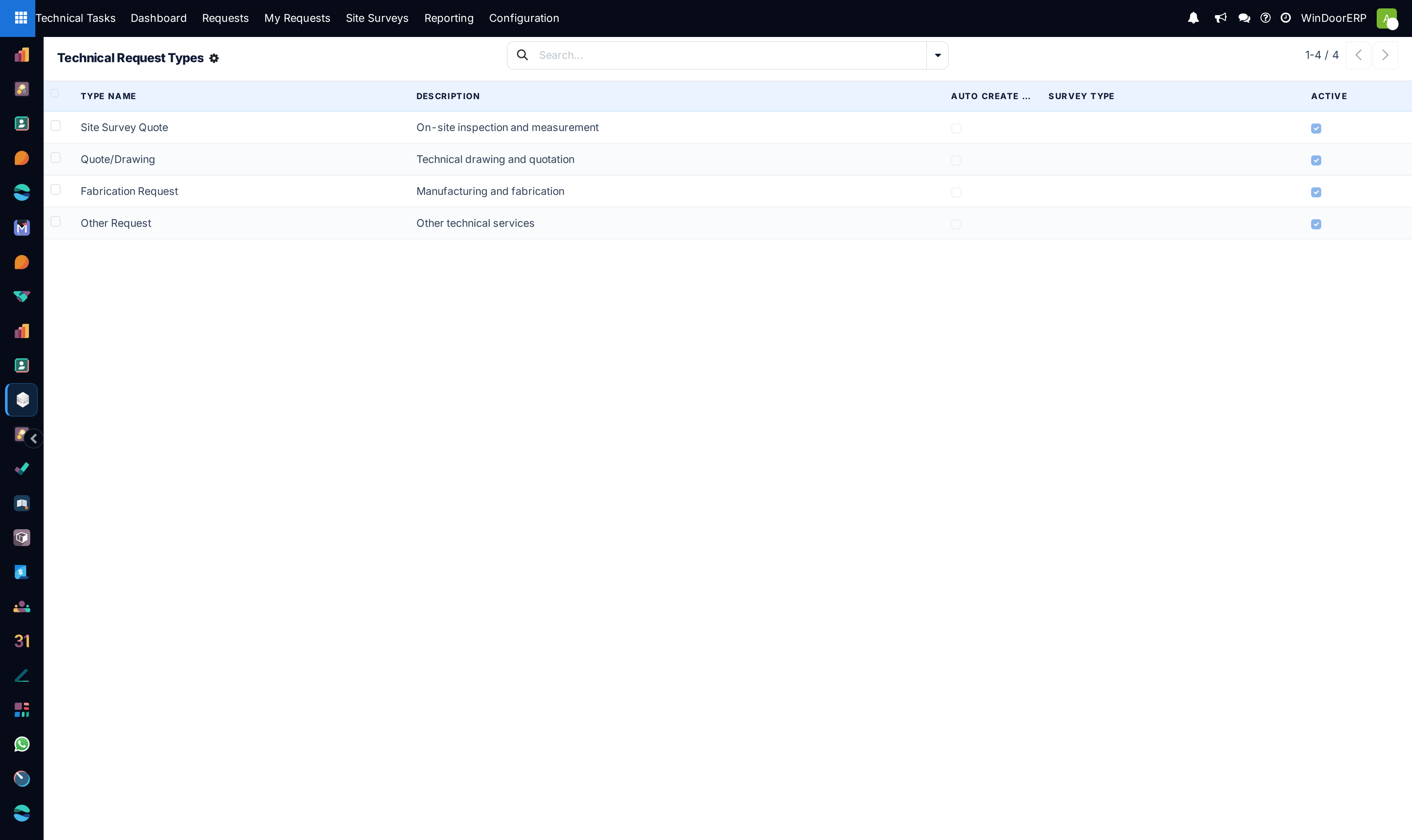
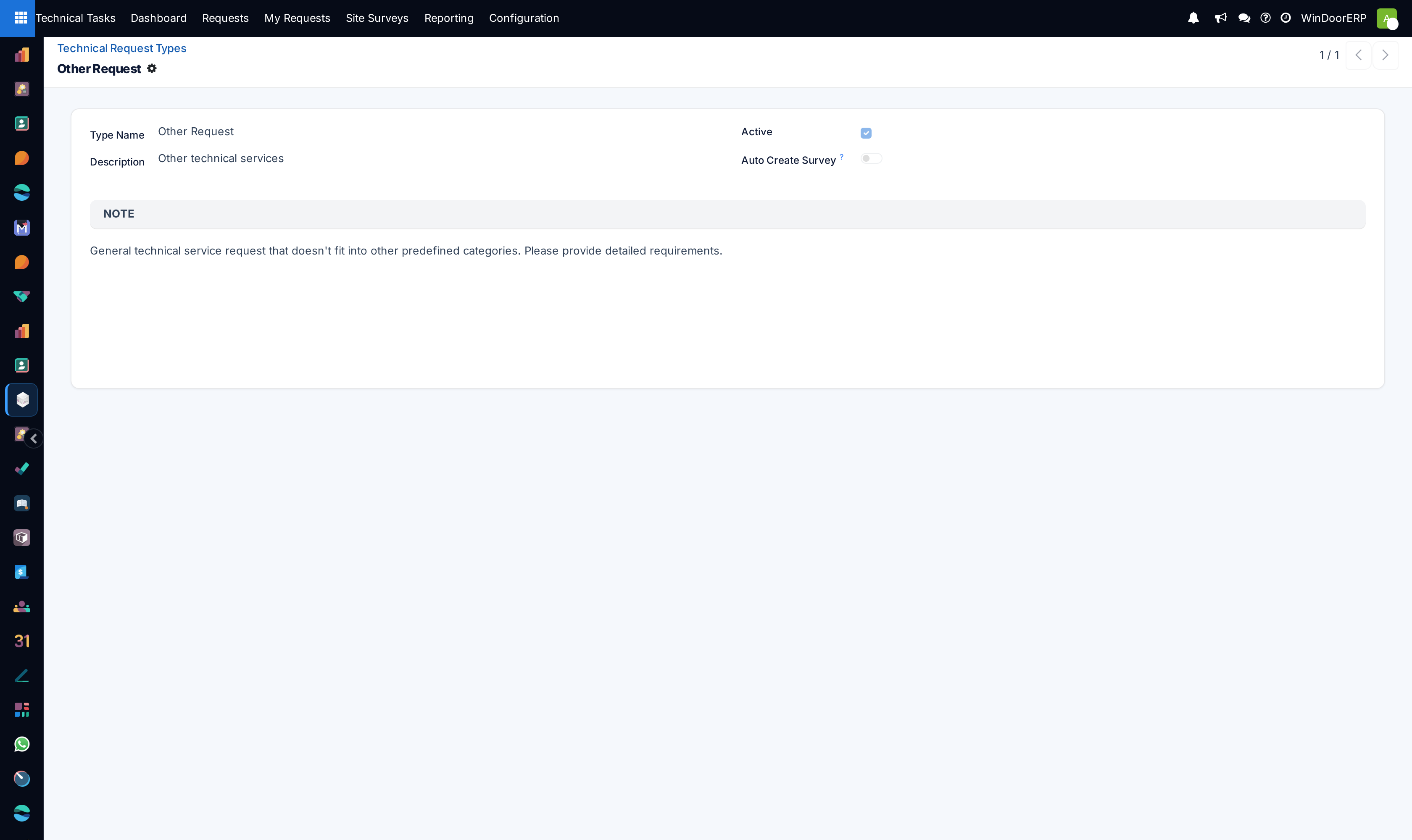
Open Technical Request Stages and Technical Request Types to structure workflow rules.
-
03
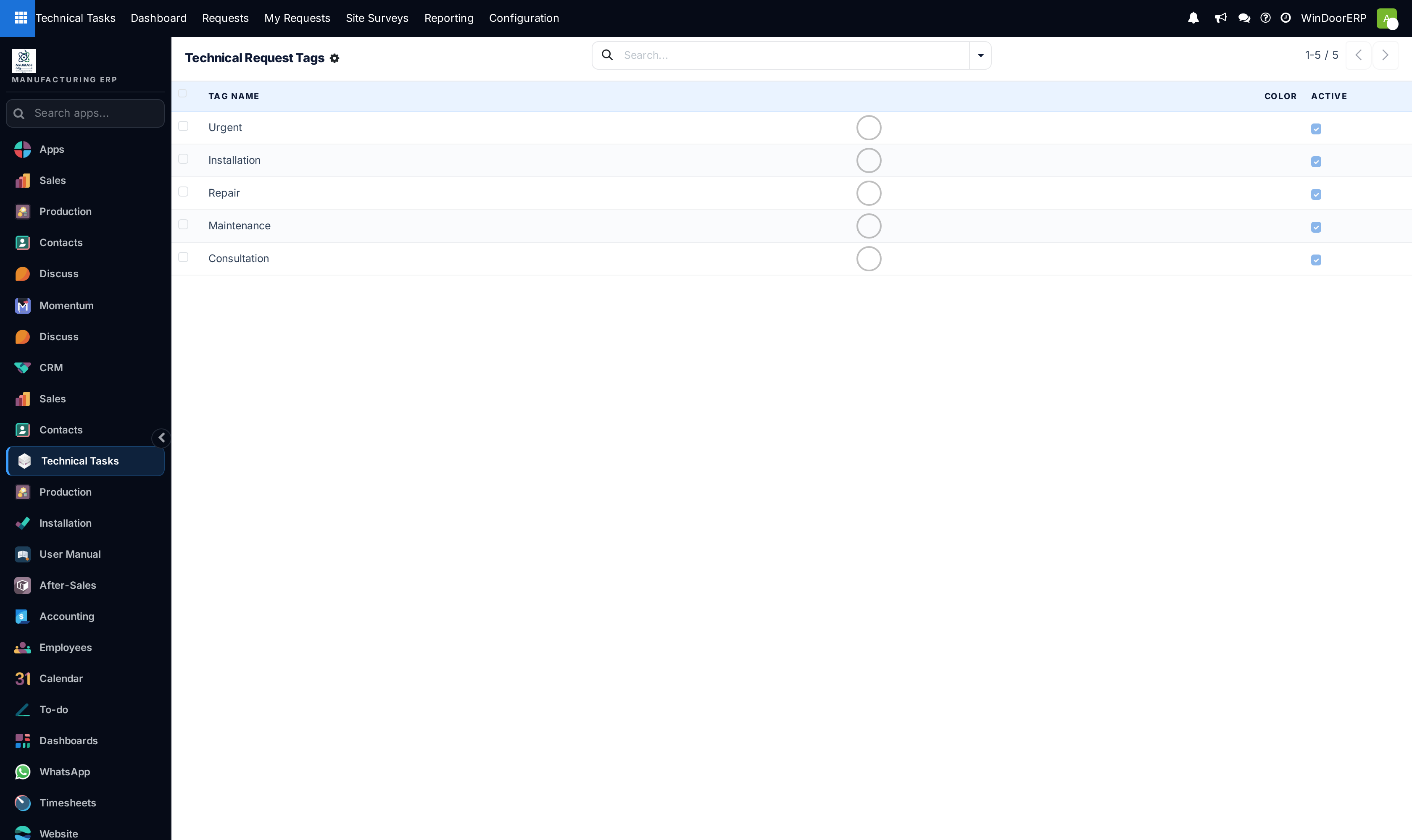
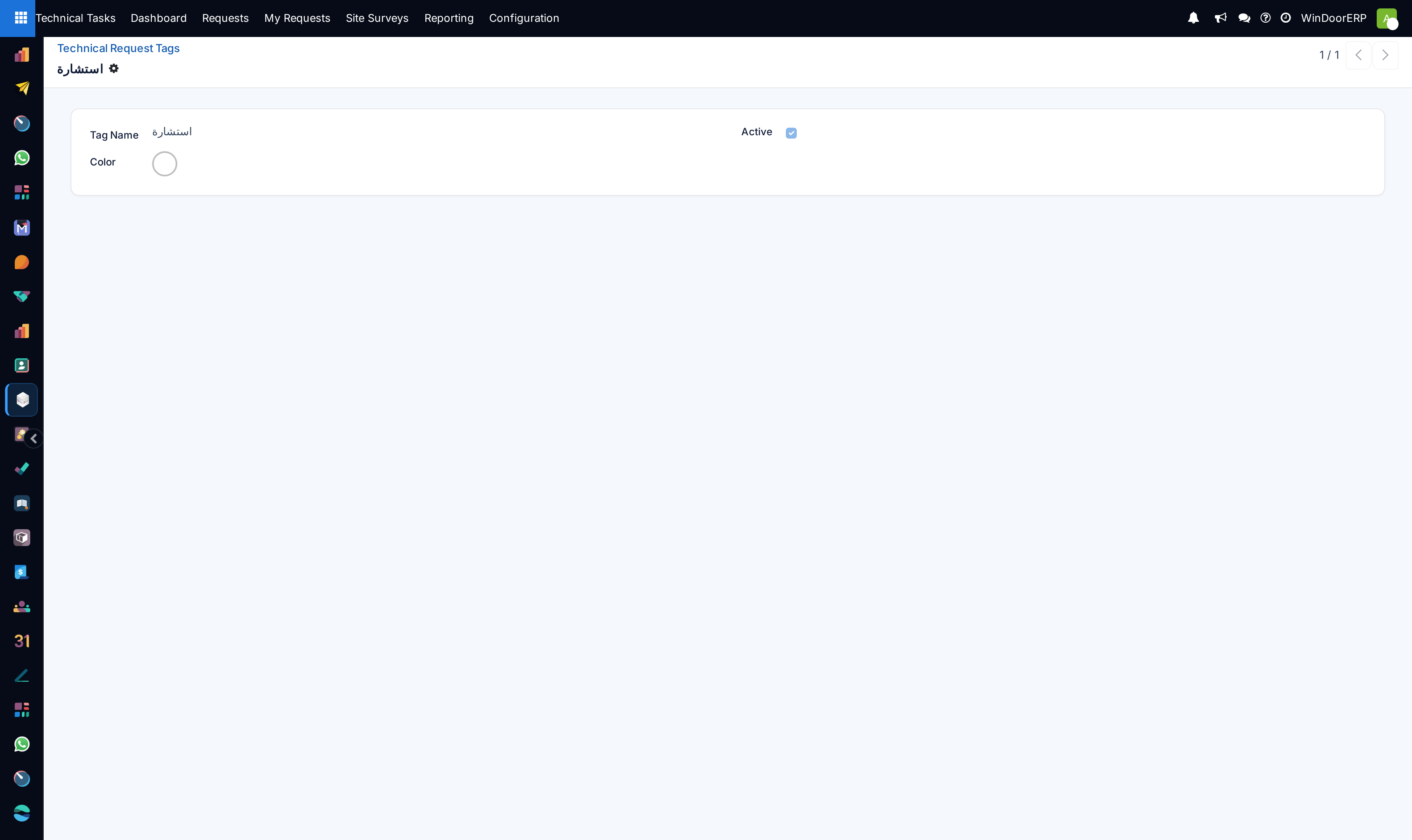
Navigate to Technical Request Tags to standardize drawing categorizations (e.g. Structural Facade, Folding Door).
-
04
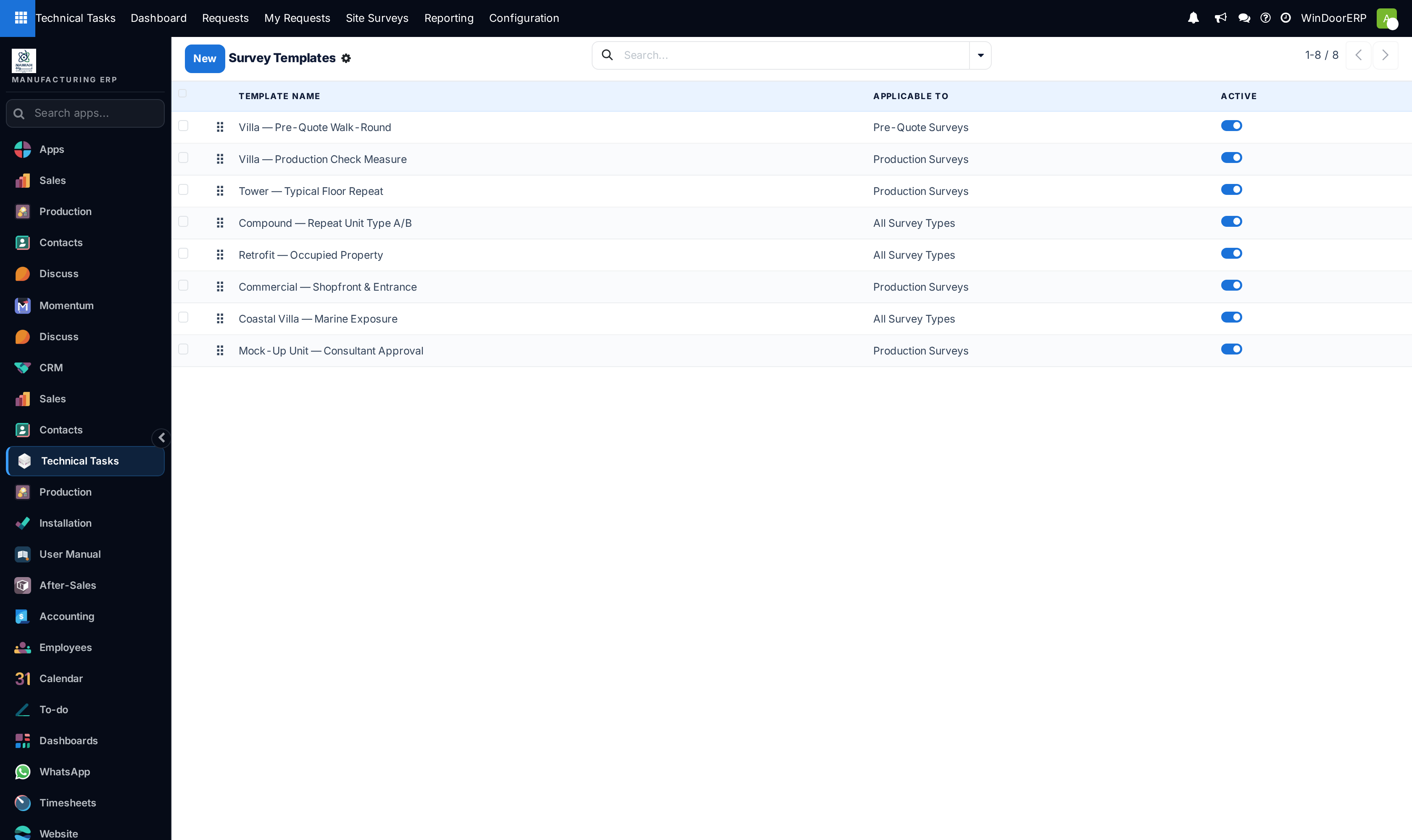
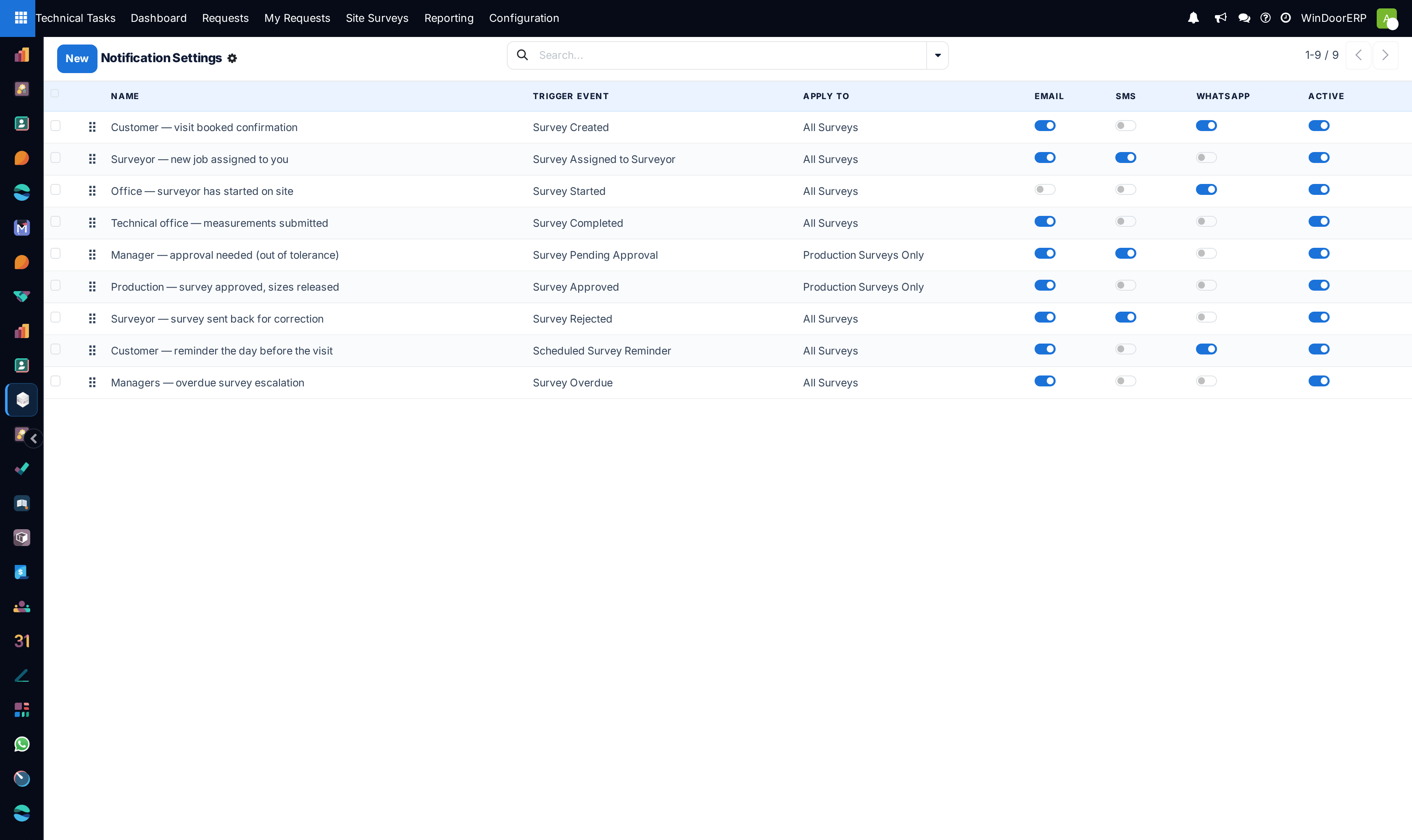
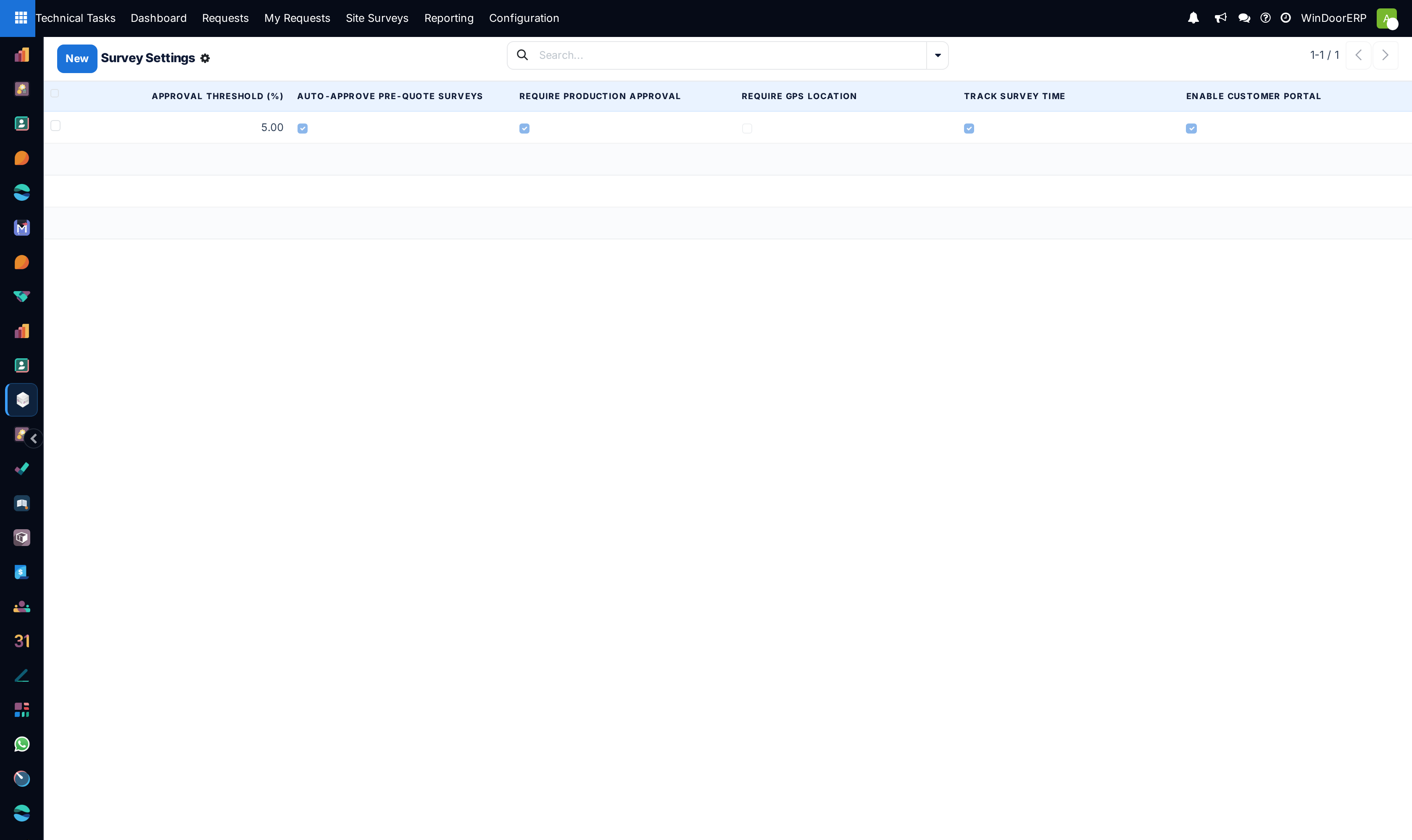
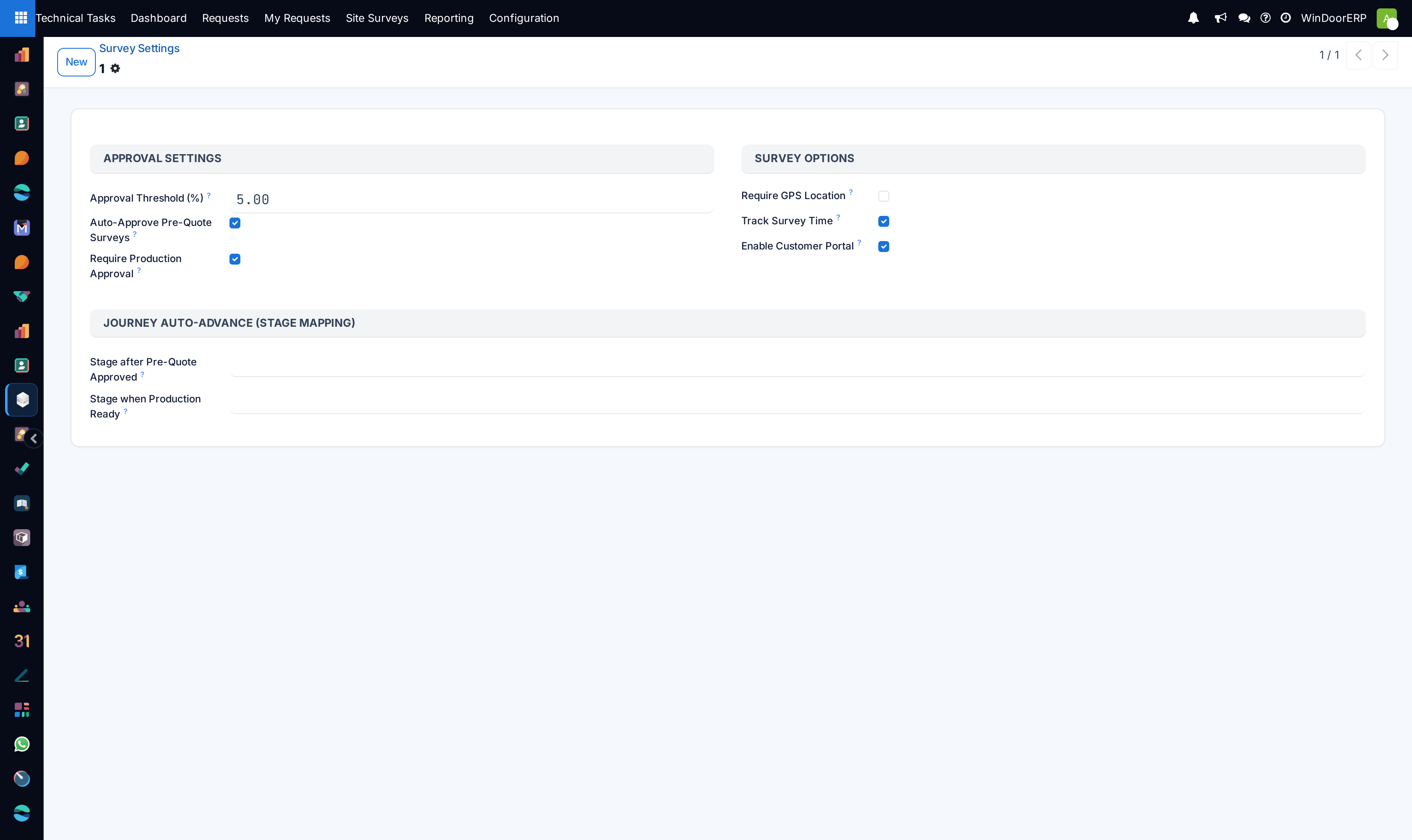
Go to Site Surveys › Configuration › Survey Templates and Notification Settings to automate site survey notifications.
Common mistakes
- Deleting active technical request stages while open tickets are assigned to them.
- Leaving technical teams without assigned team leader approvers.
Checkpoint
A technical request can be raised, typed, and lands in the queue of the right drafting team.