Shape how a contract runs
Template the project and its analytics
Why this step
A tower and a villa are different sizes of the same project shape. A template creates that shape in one click, and the analytic account attached to it is what later answers whether the job made money.
What this does
Maintains master project templates, default cost accounting analytical journals, billable timesheet policies, and portal collaborator sharing rules.
Before you start
- System Administrator privileges.
Steps
Important
Creating standardized project templates for Standard Villas versus Commercial Curtain Walls accelerates project setup time by over 80%.
-
01
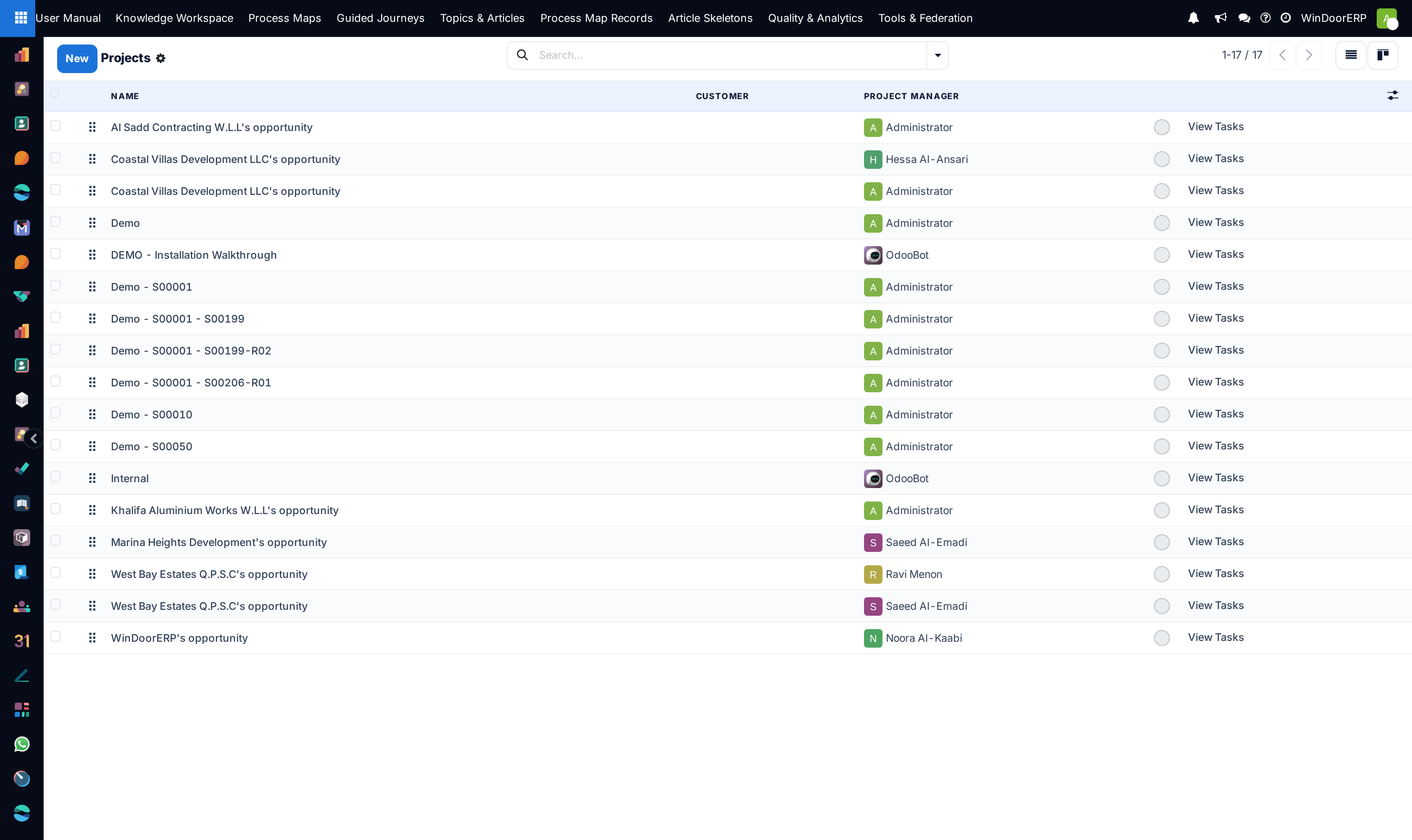
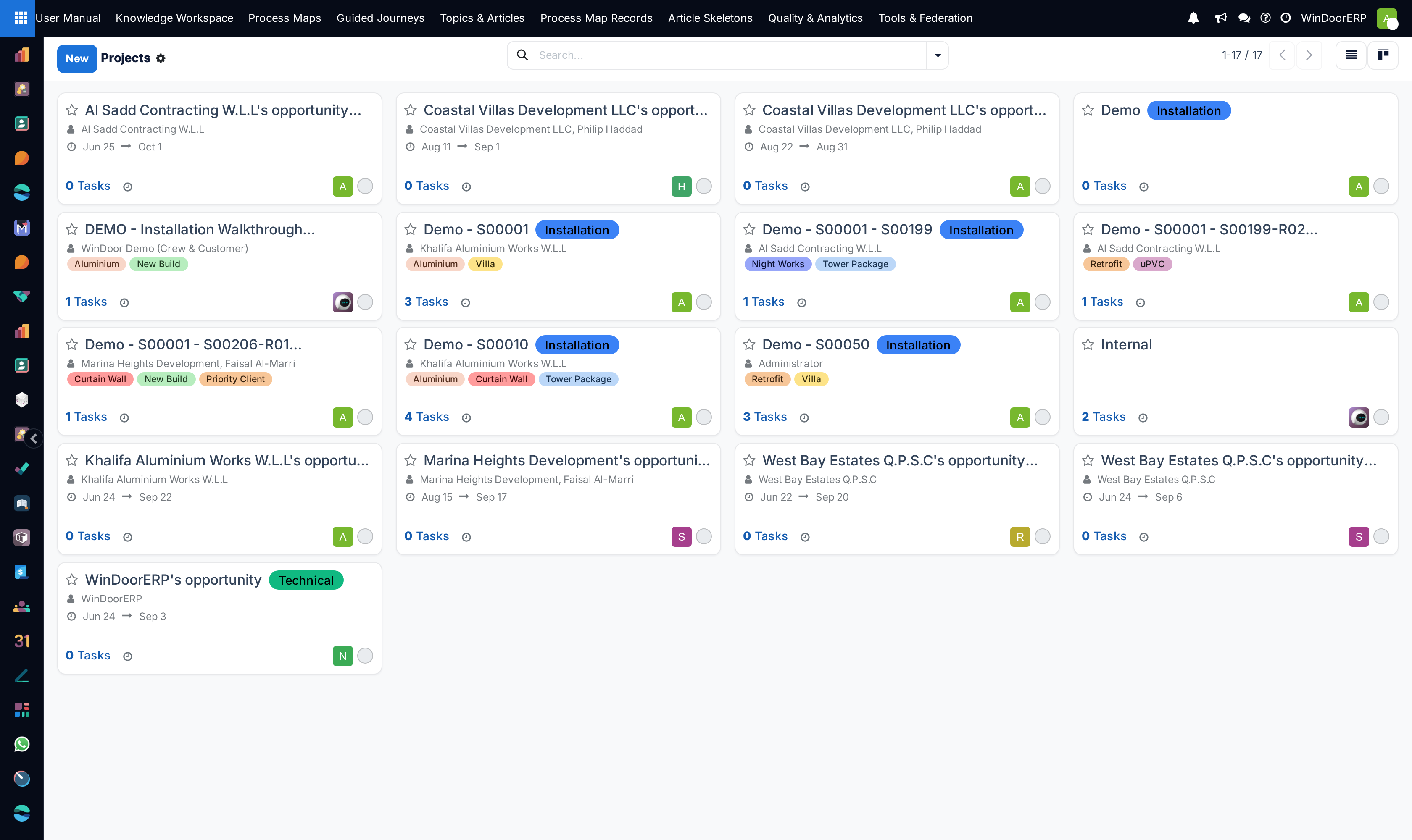
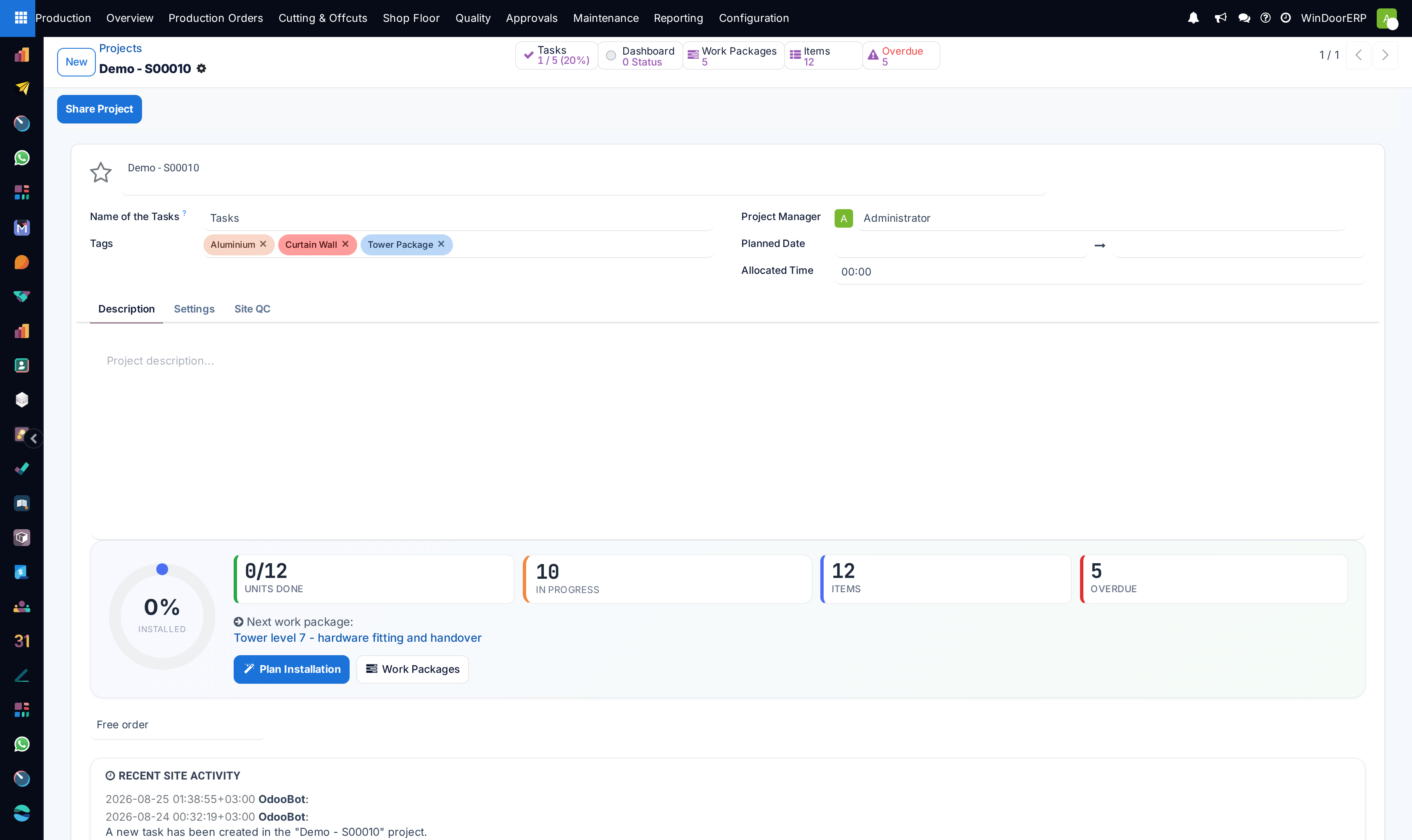
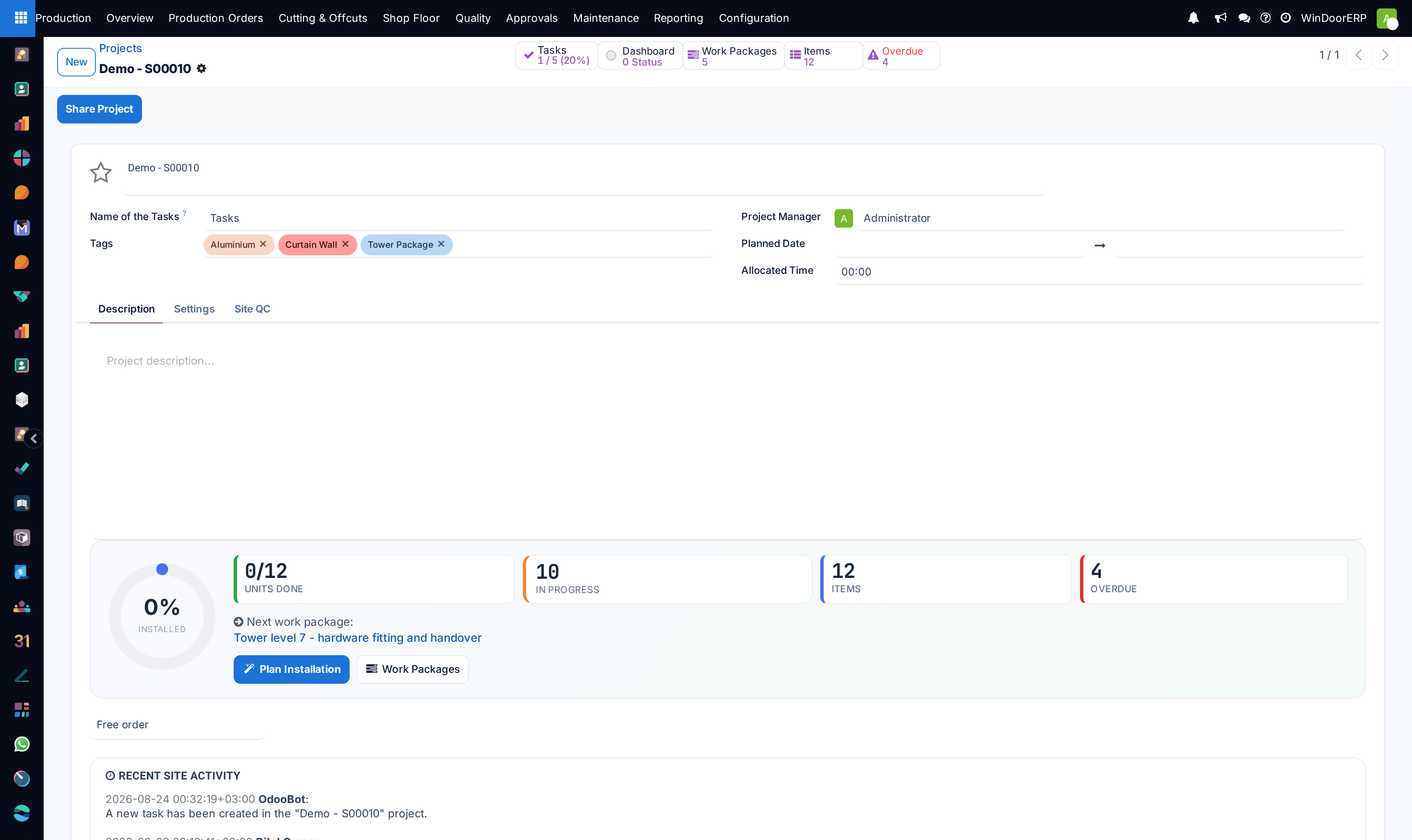
Navigate to Project › Configuration › Projects.
-
02
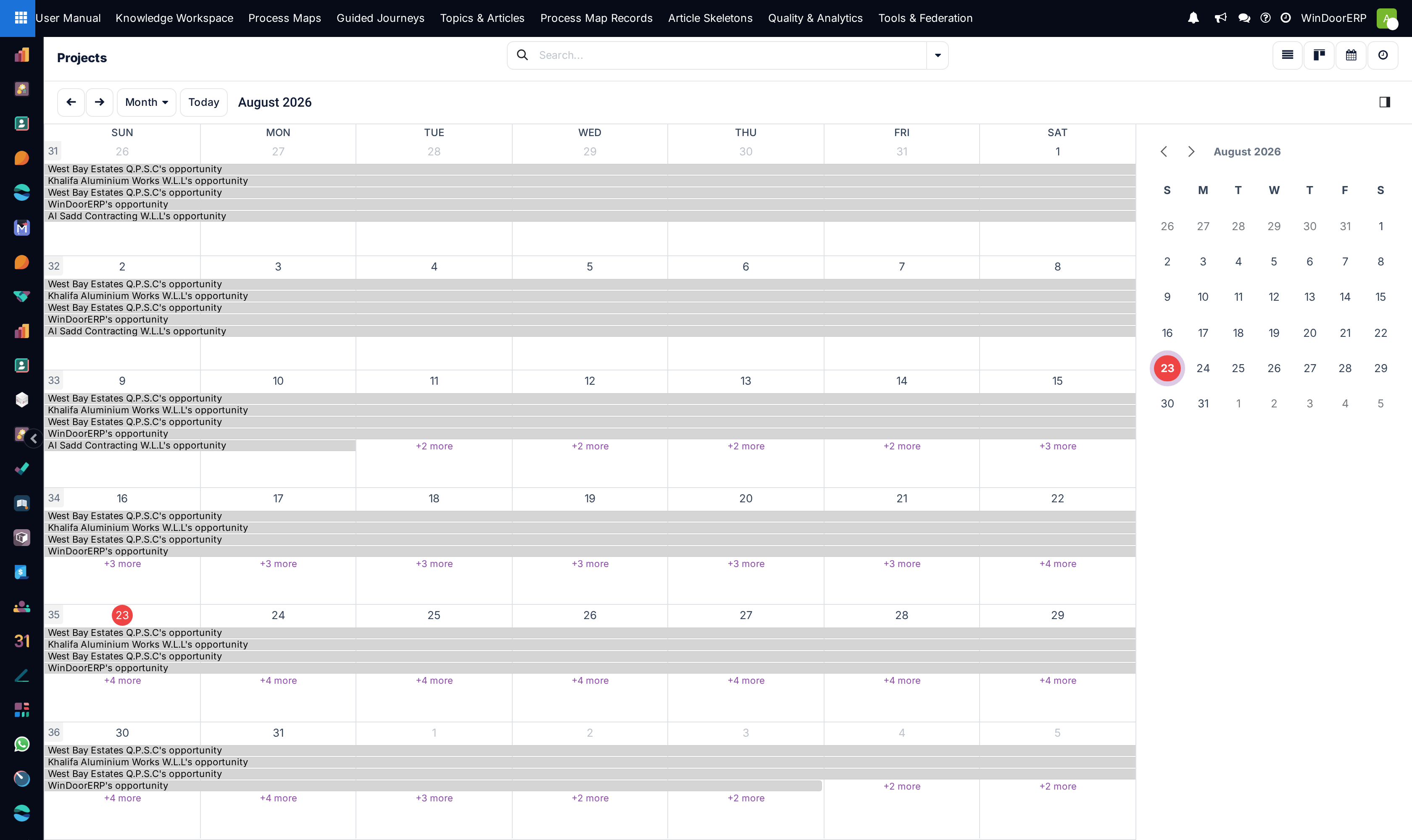
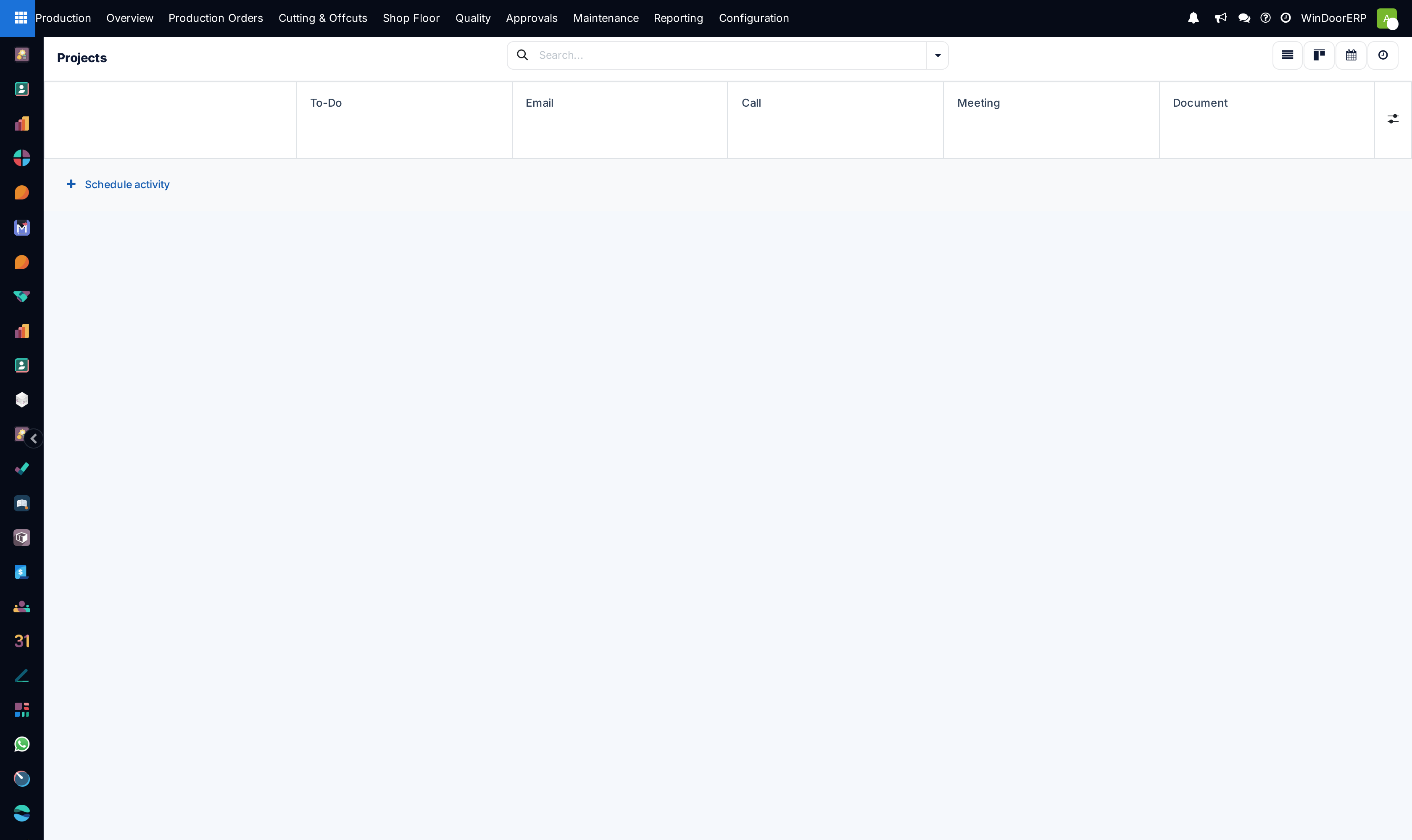
Review existing project blueprints across List, Kanban, Calendar, and Activity views.
-
03
Open any project template to configure default task sequences, milestone triggers, and billable task rates.
-
04
Set privacy controls (Invited Internal Users Only, All Internal Users, Invited Portal Users & Customers).
Common mistakes
- Modifying active project templates during live client bidding without versioning.
- Setting open portal visibility on confidential military or government palace project records.
Checkpoint
Creating a project from your template produces the standard task set and the right analytic account.