Create the technical office
Fix the surveyor's vocabulary
Why this step
The most underrated screen in WindoorERP. Finishes, fittings, floor levels, locations and site conditions become fixed lists, so "anodised" and "anodized" and "ANOD" stop being three different answers and a survey can actually be reported on.
What this does
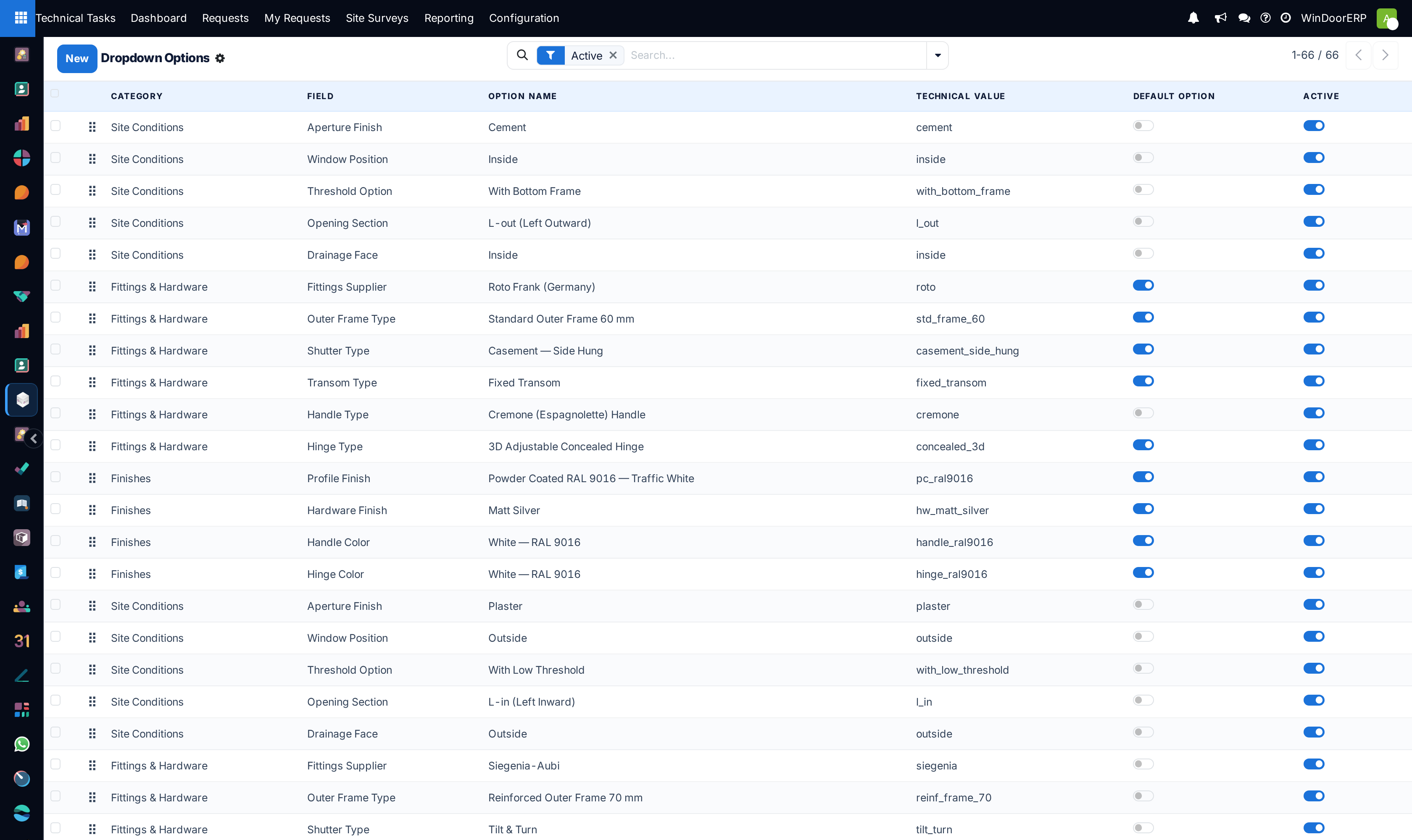
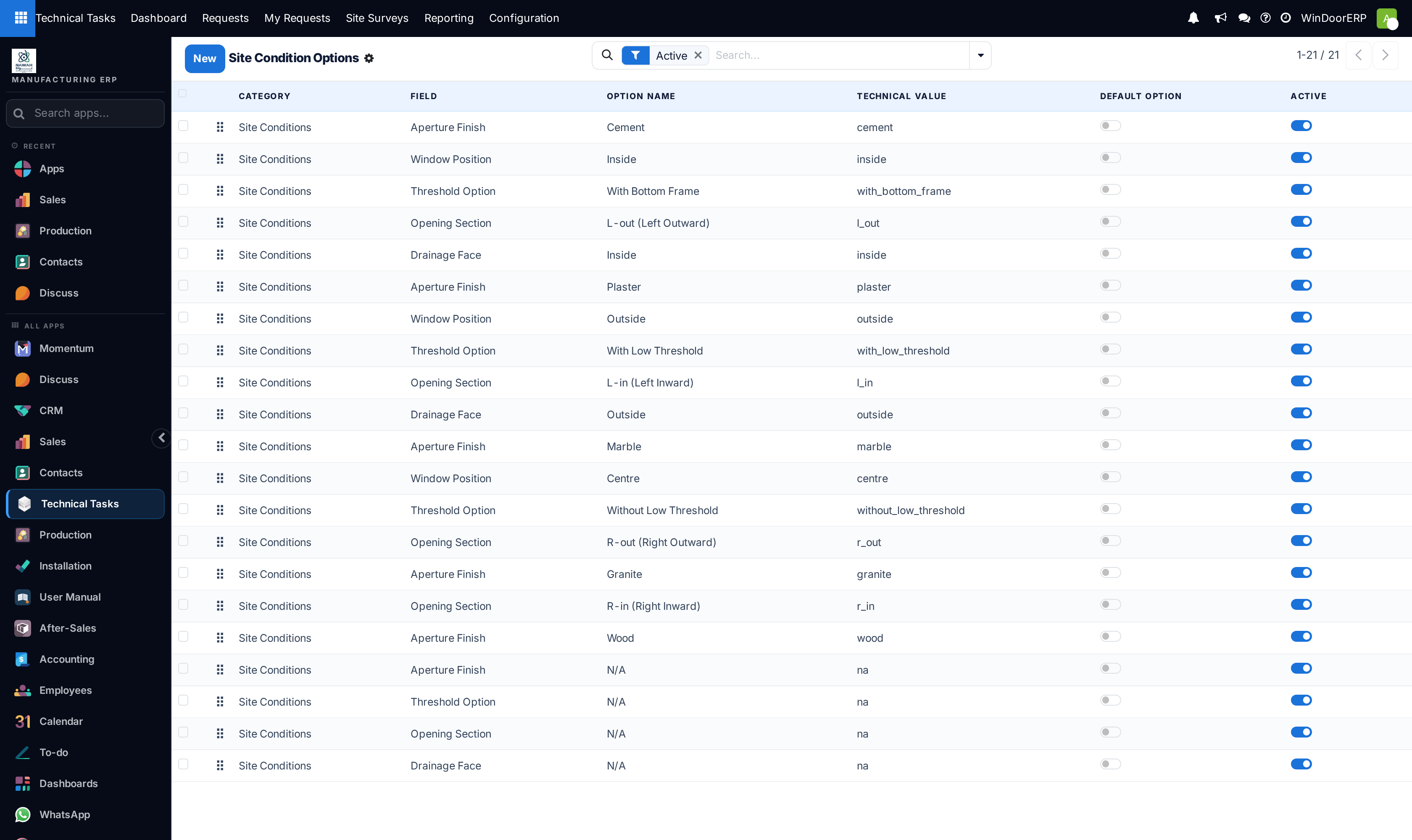
Maintains standardized master data dropdown lists used by surveyors on mobile tablets, guaranteeing unified terminology across finishes, fittings, building floor levels, room locations, and civil site readiness conditions.
Before you start
- System Administrator privileges.
Steps
Important
Standardizing dropdown master data eliminates spelling discrepancies and allows automated generation of accurate fabrication cutting orders directly from tablet survey inputs.
-
01
Navigate to Technical Tasks › Site Surveys › Configuration › Dropdown Options.
-
02
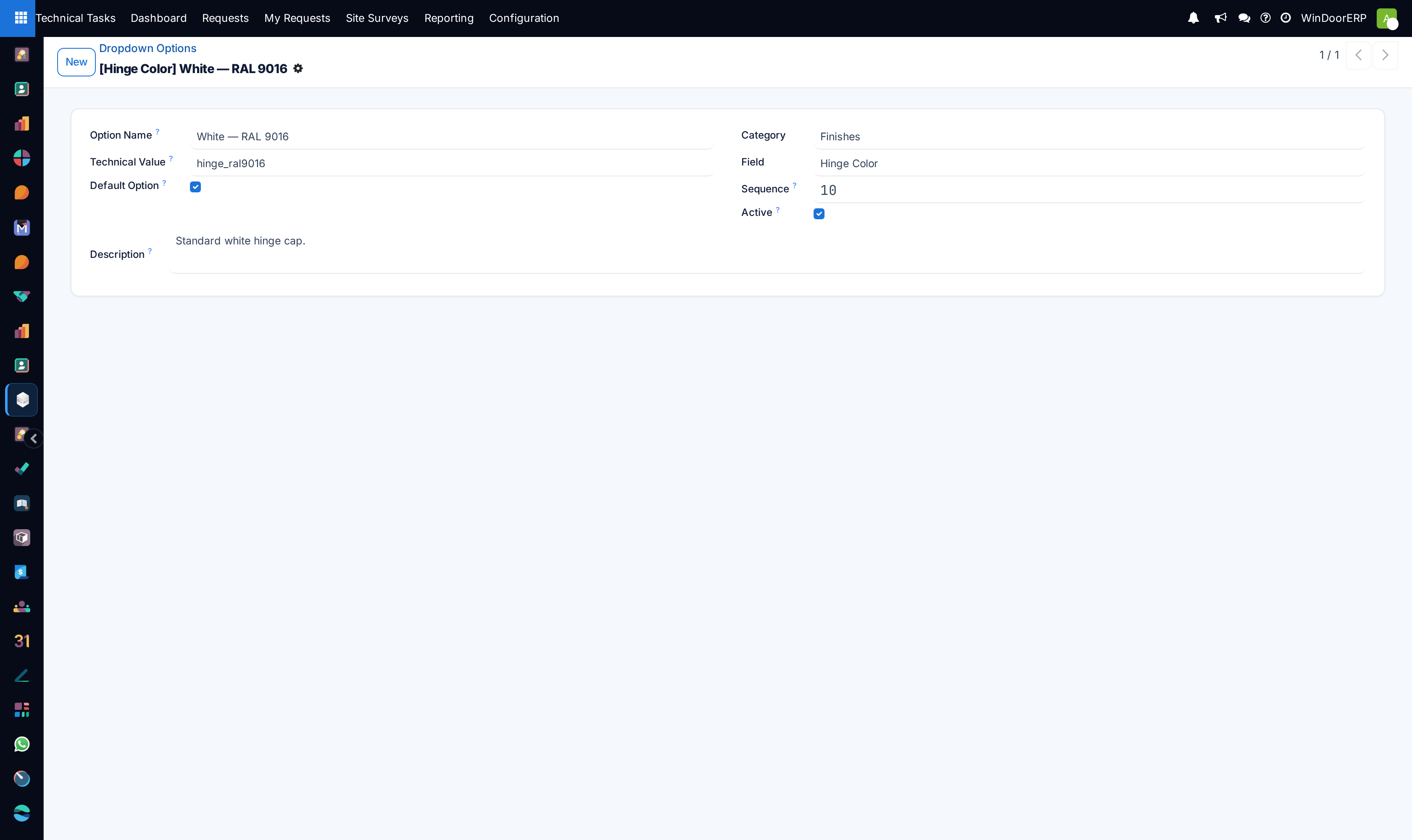
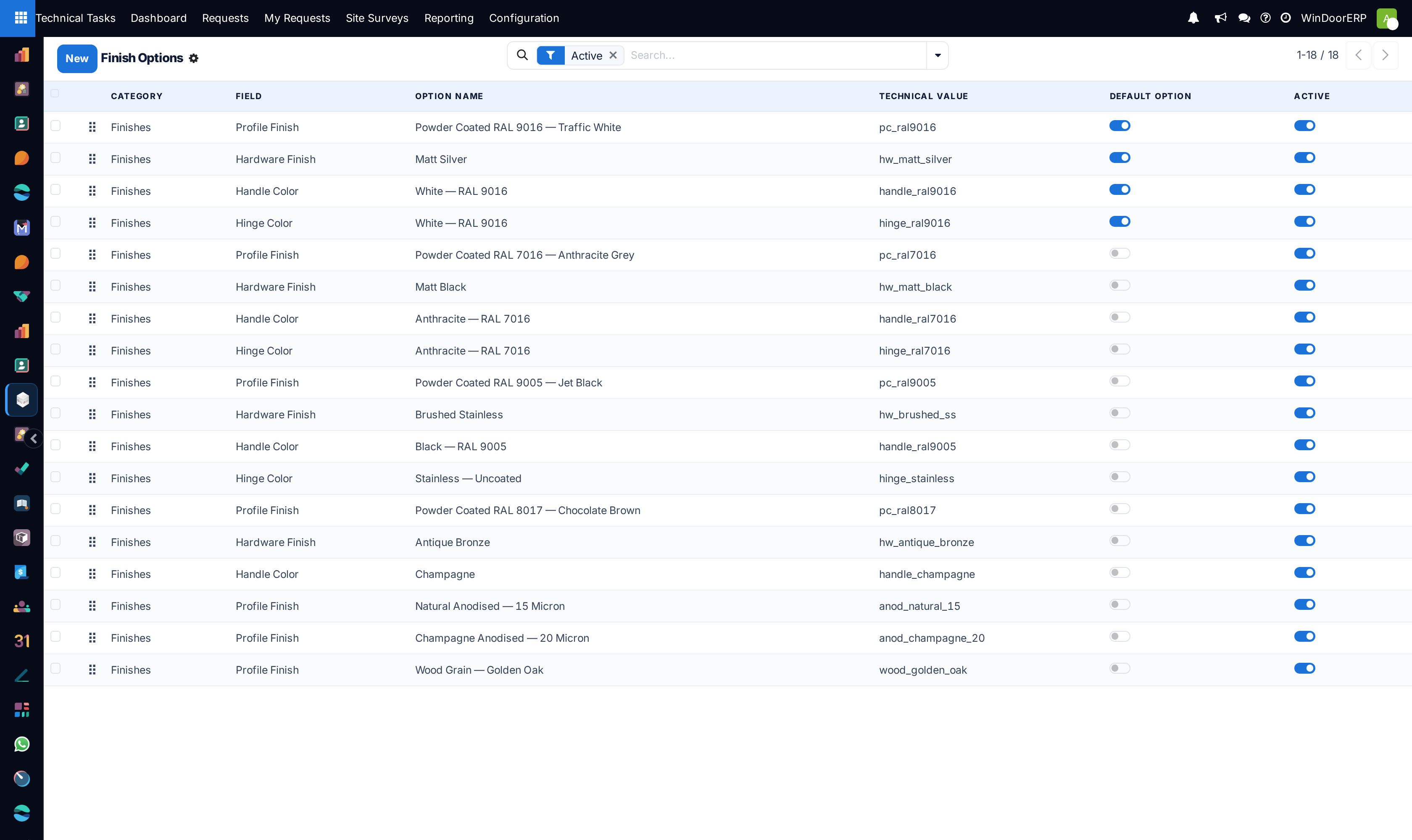
Configure Finishes (e.g. Anodized Bronze, RAL 7016 Matt, Wood-Grain Walnut).
-
03
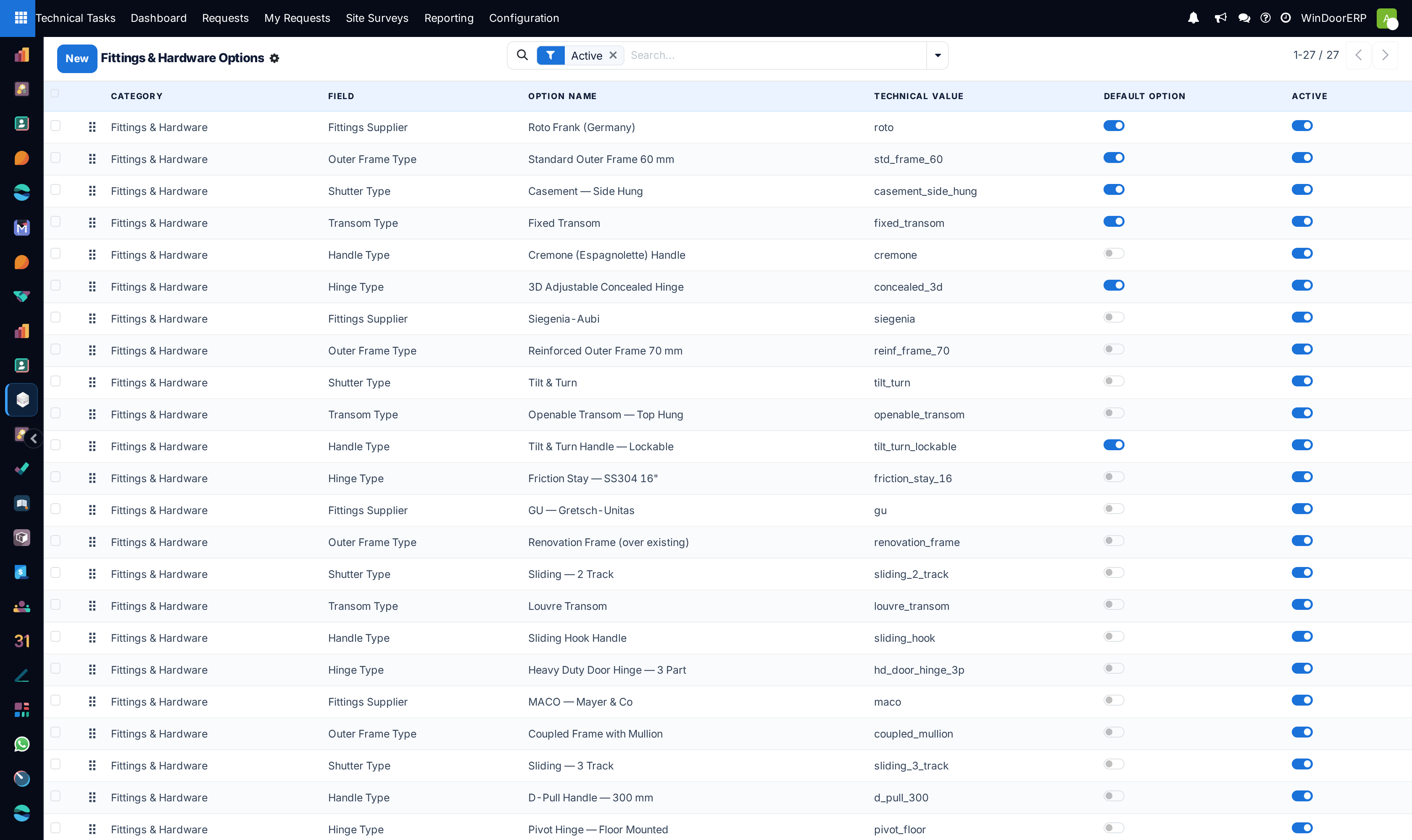
Configure Fittings (e.g. Concealed Hinges, Multipoint Espagnolette, Heavy Duty Rollers).
-
04
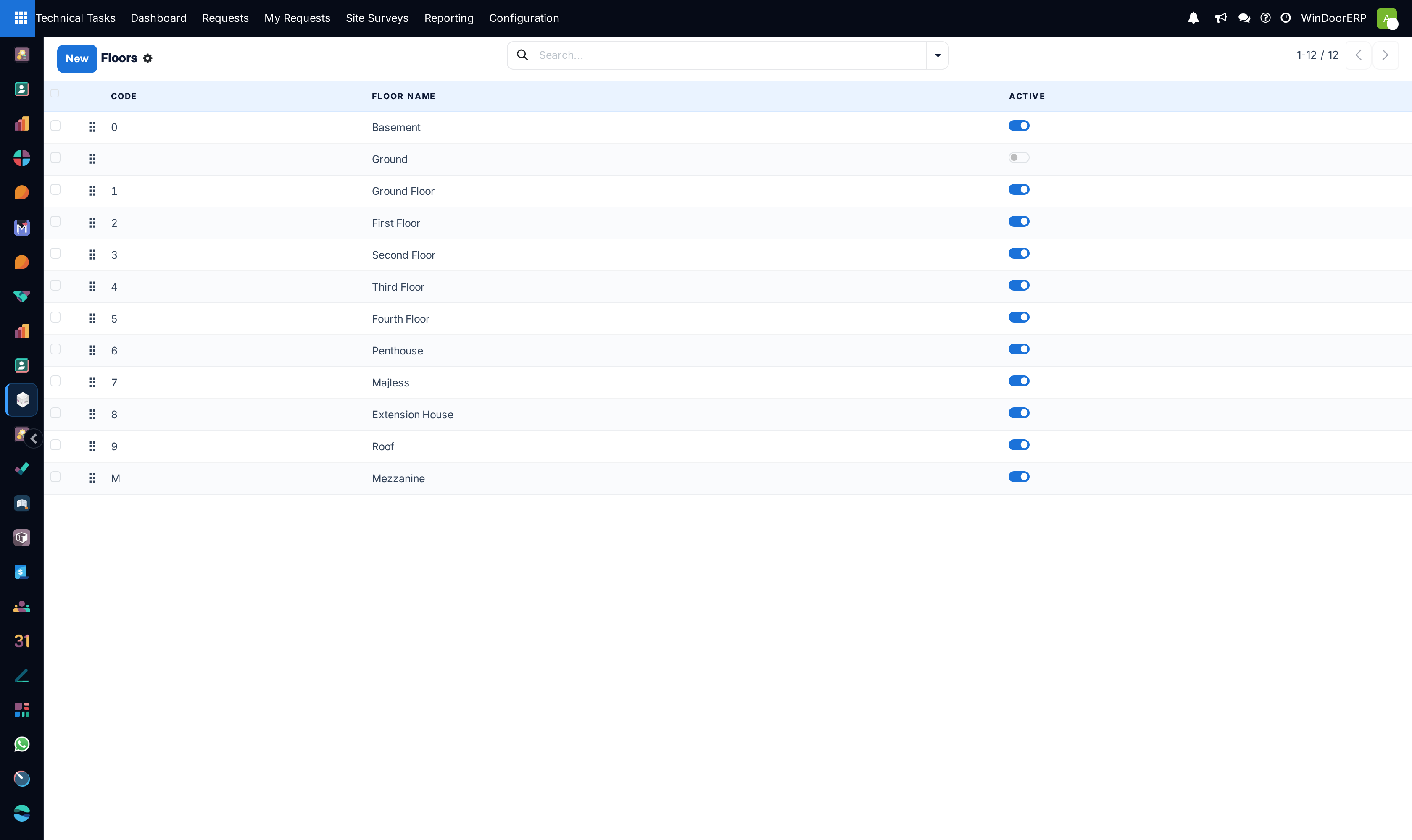
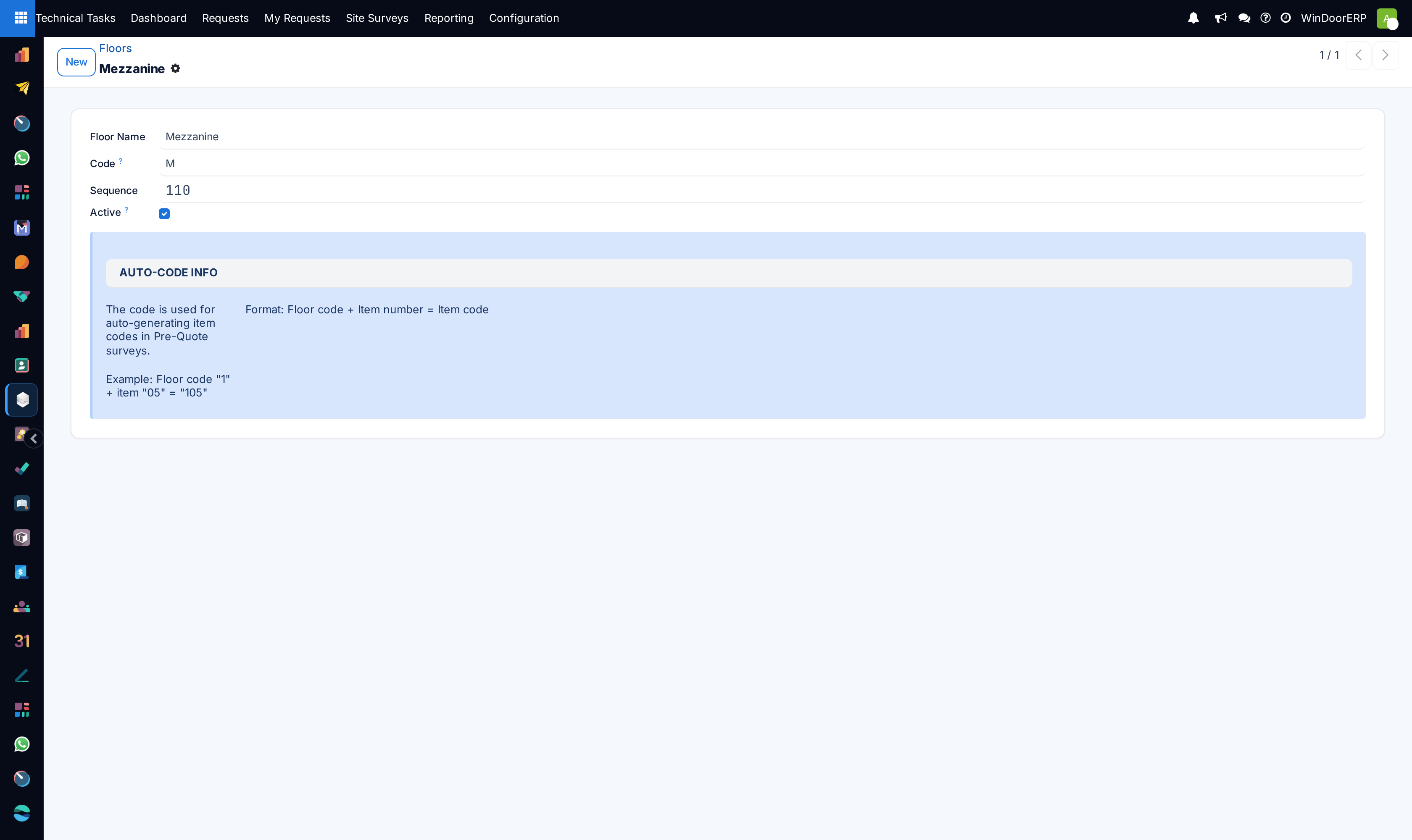
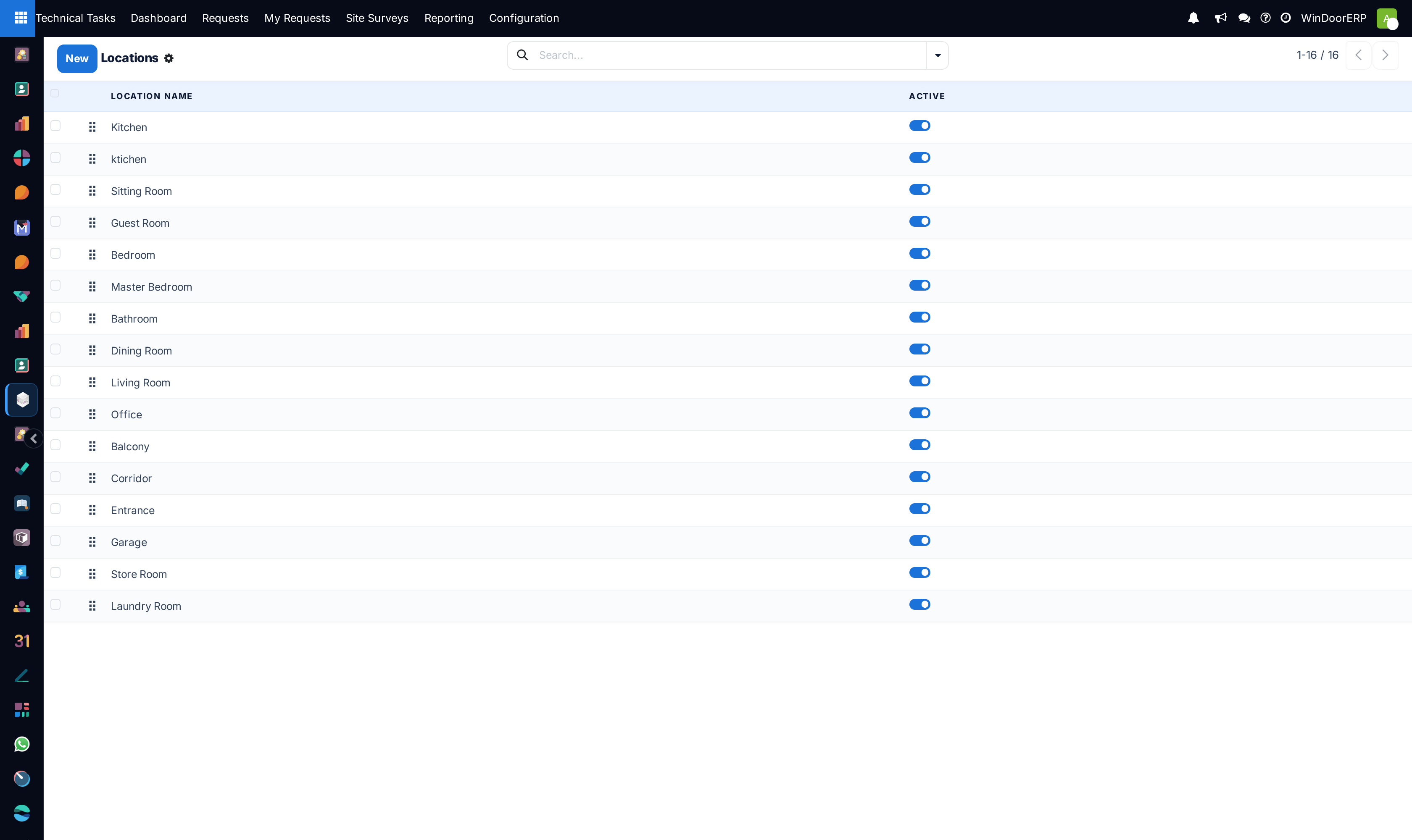
Maintain Floors (Basement, Ground Floor, First Floor, Penthouse Roof) and Locations (Living Room, Master Bed, Kitchen).
-
05
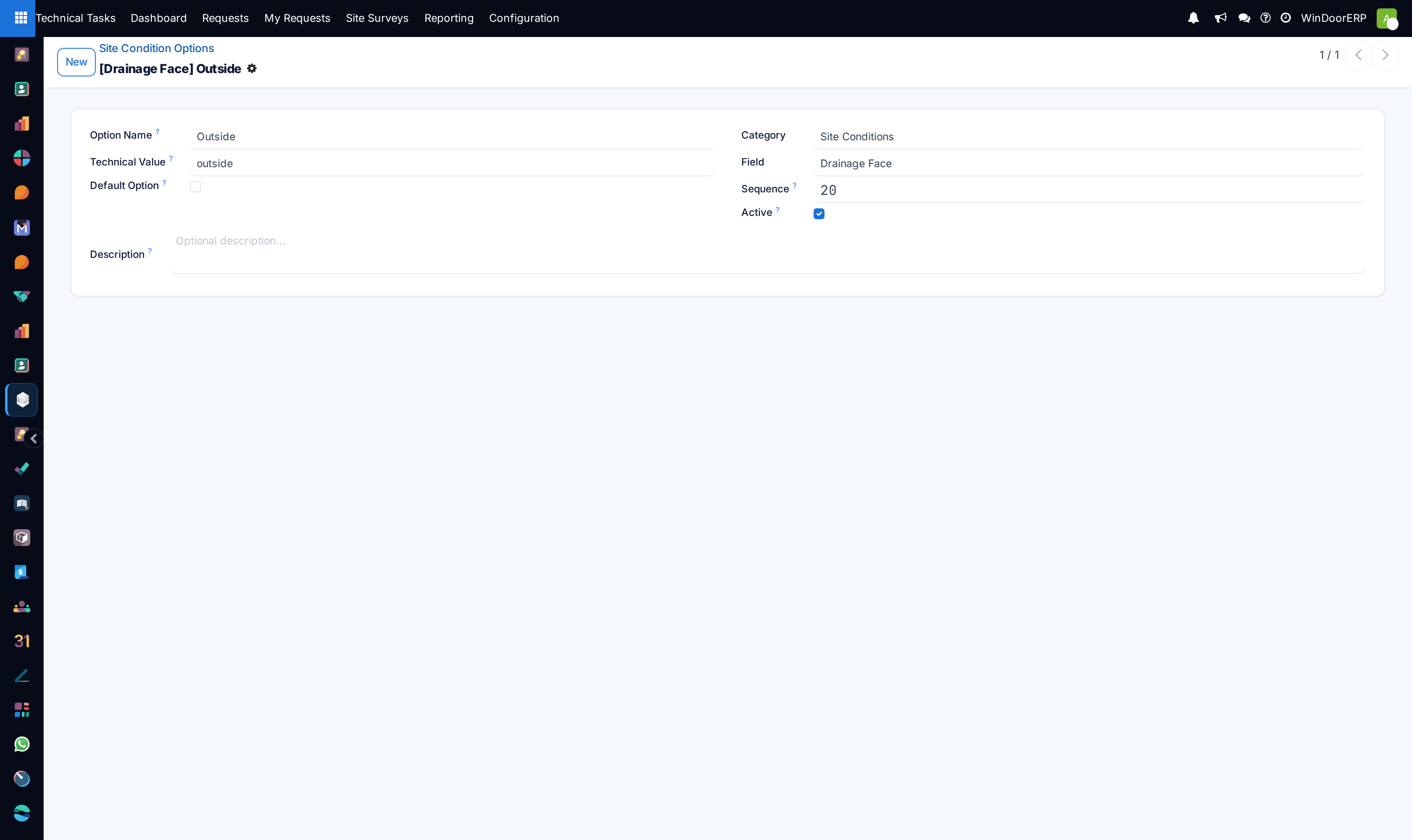
Define Site Conditions (Plaster Complete, Civil Blockwork Only, Sill Marble Fixed).
Common mistakes
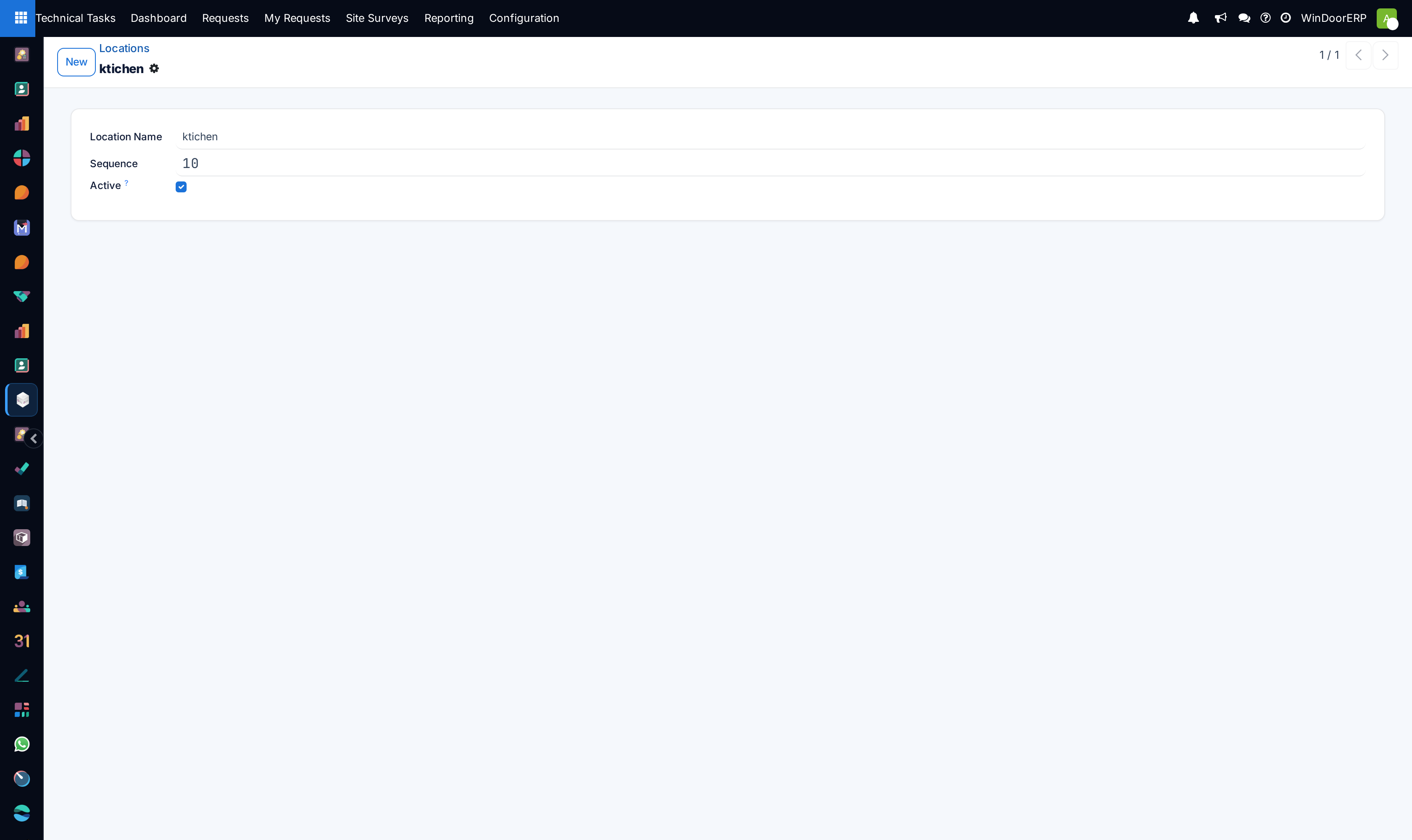
- Adding duplicate room location names with slight variations (e.g. 'Living Room' vs 'Living Rm'), creating messy analytical reports.
- Deleting site condition options currently referenced in historical survey records.
Checkpoint
Two surveyors on the same tower produce records you can group and compare without cleaning the text first.