Shape how a contract runs
Set project stages and roles
Why this step
A fenestration contract is not one task: it is a survey, a submittal, an approval, a release, a delivery and a handover, usually per floor or per elevation. Set the stages and the roles once, here.
What this does
Configures core project structures including multi-tier project stages, task workflow pipelines, project team roles (e.g. Lead Architect, QA Inspector), automated activity plans, and global settings.
Before you start
- System Administrator or Project Director privileges.
Steps




Important
Enabling Task Dependencies prevents site installation tasks from being scheduled before shop drawing consultant approval is logged.
-
01
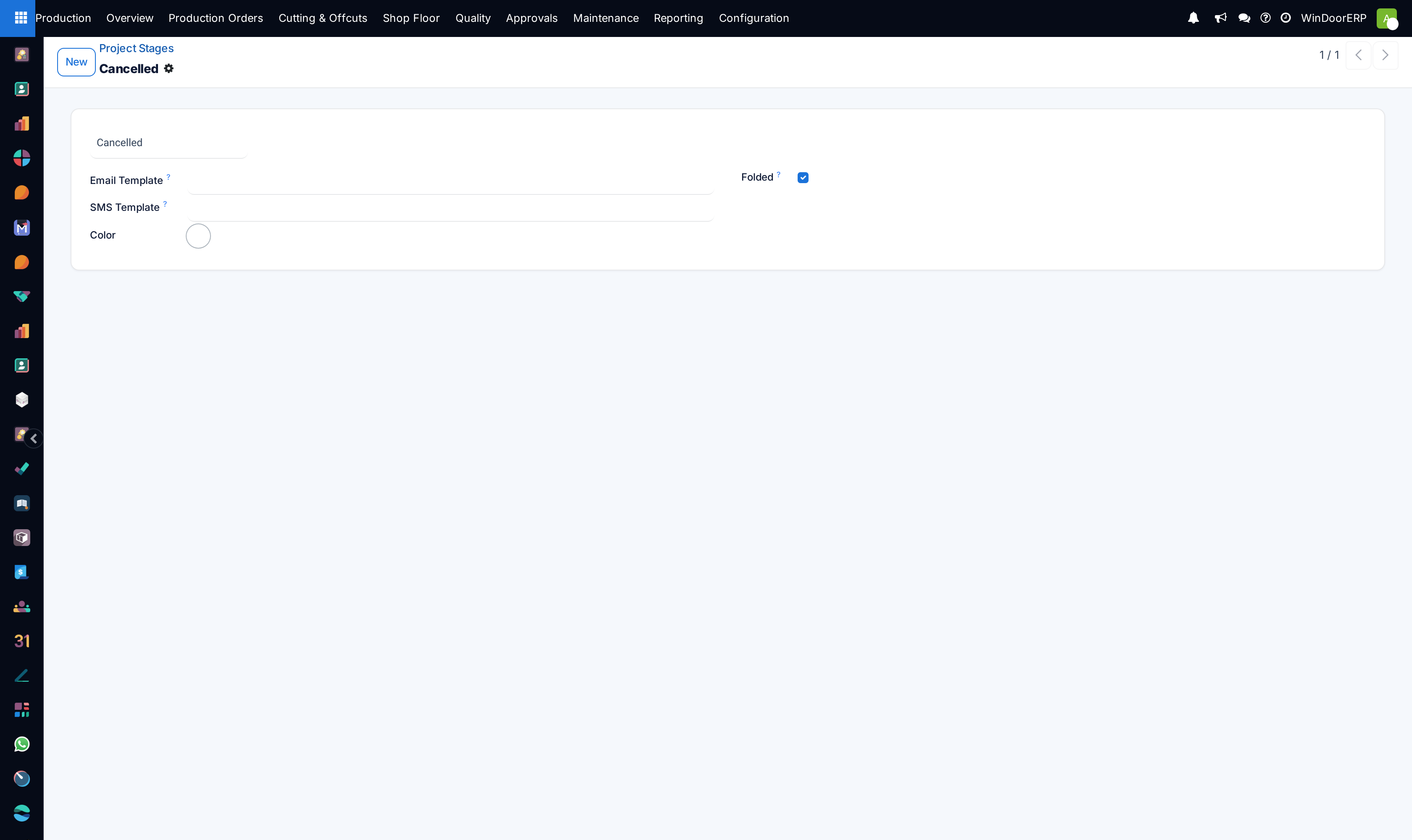
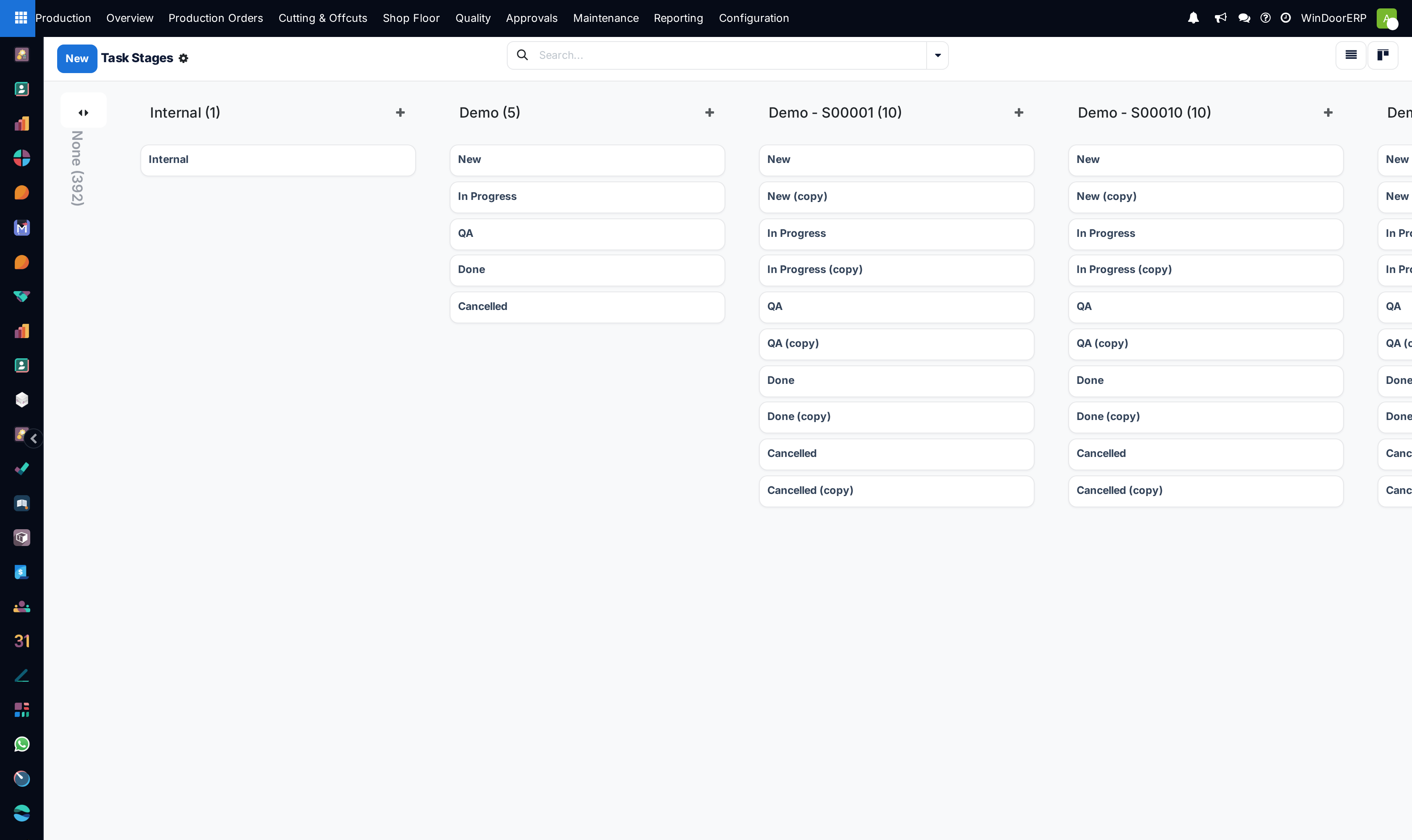
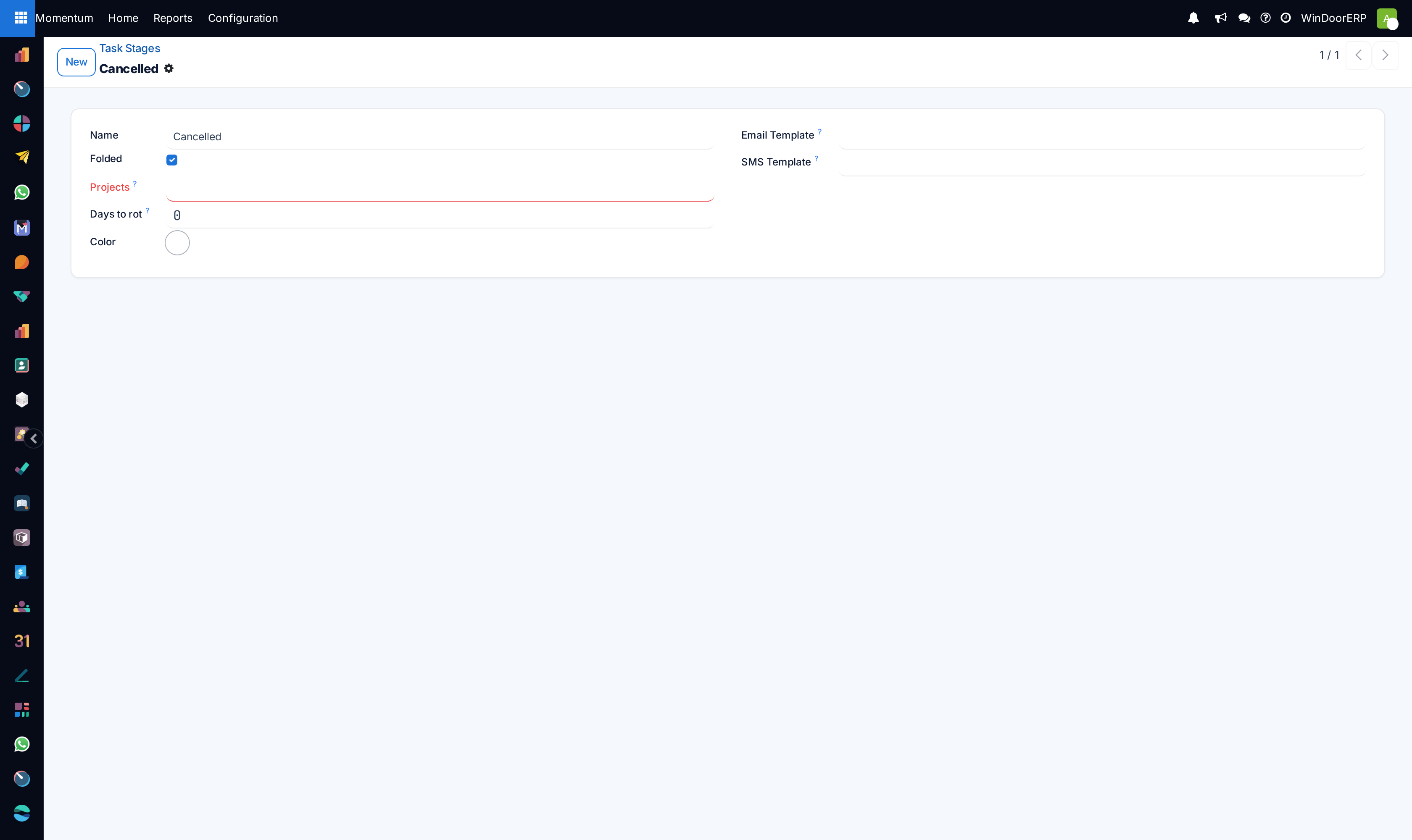
Go to Project › Configuration › Project Stages and Task Stages to customize stage pipelines.
-
02
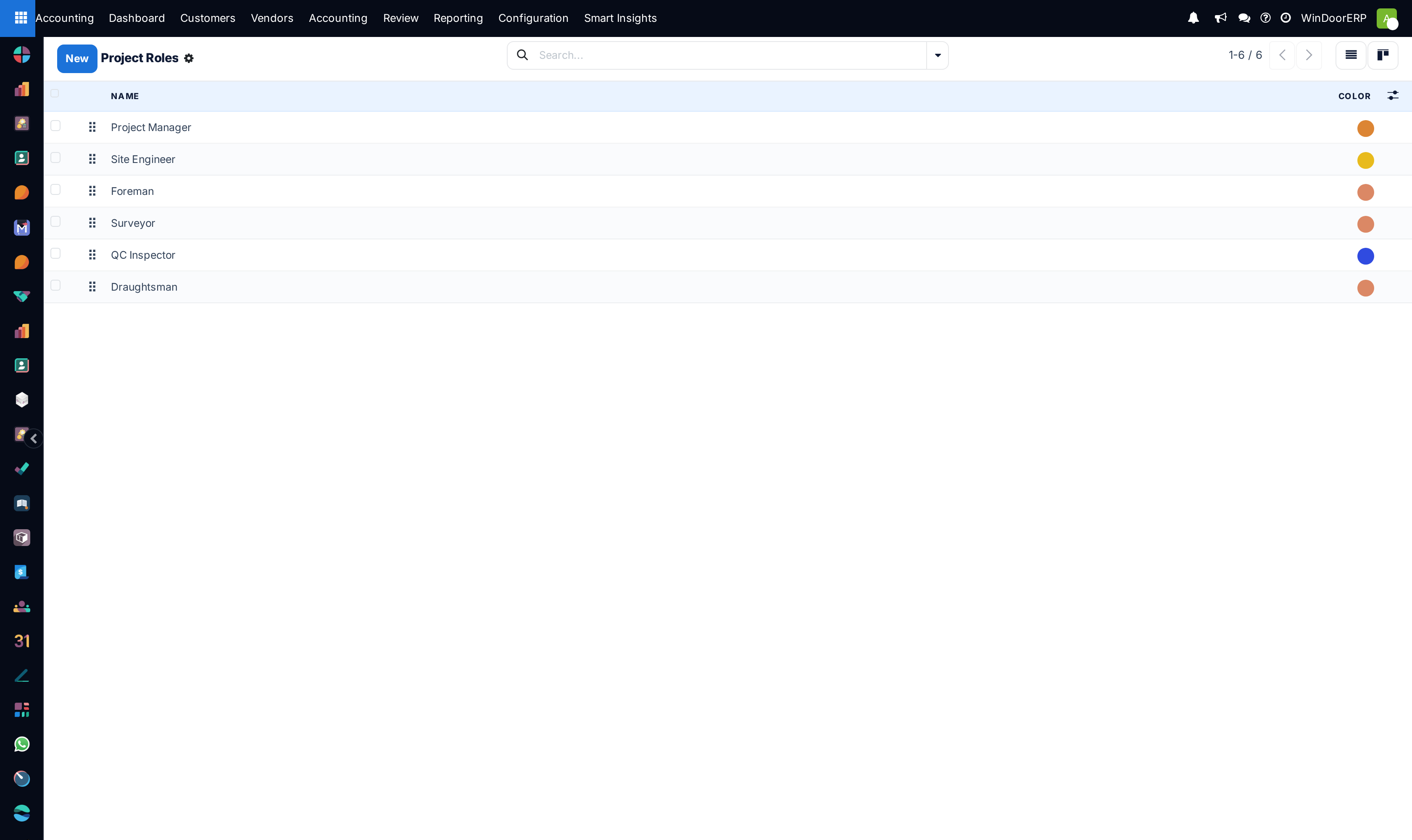
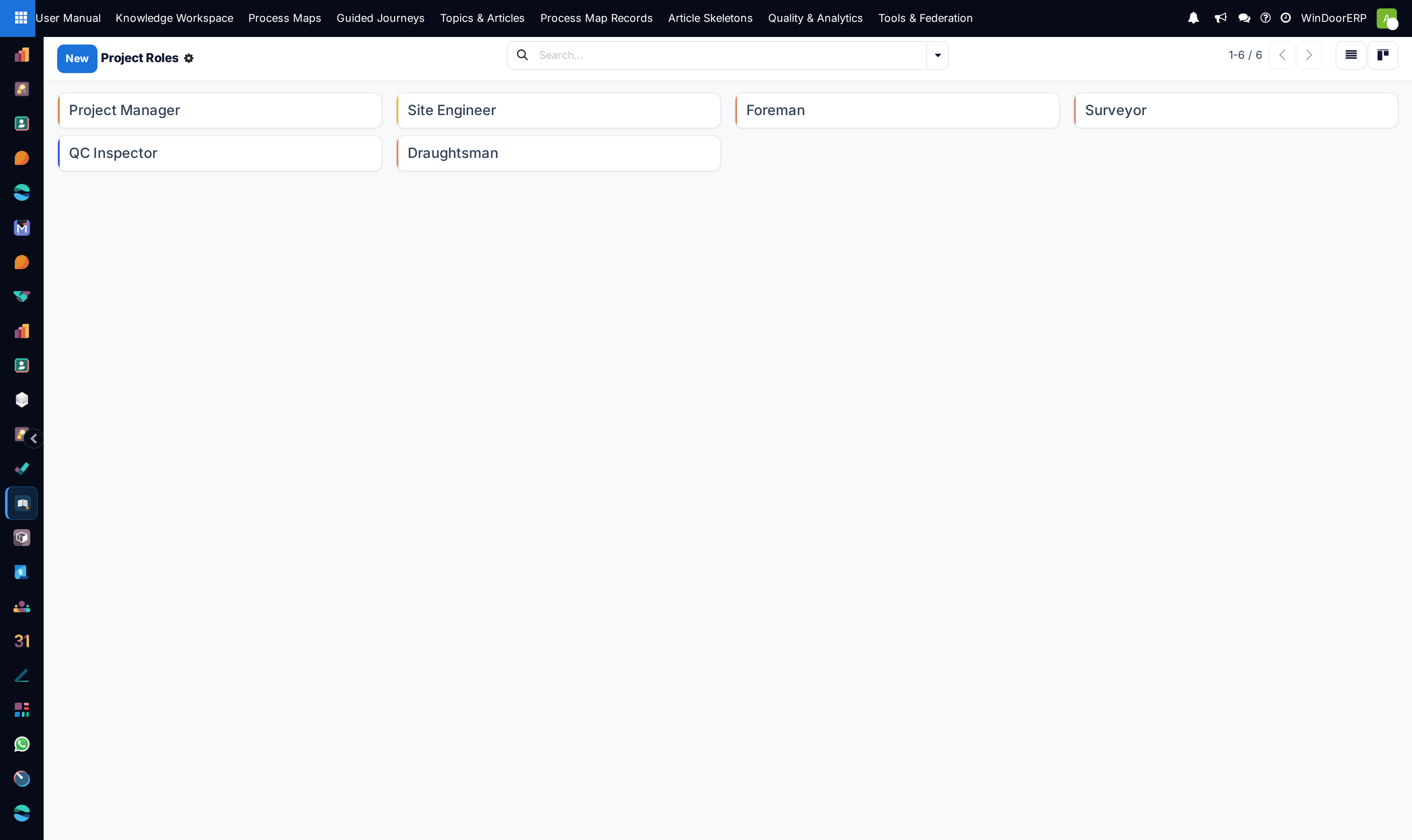
Navigate to Project Roles to define team assignments (Structural Engineer, Site Surveyor, Foreman).
-
03
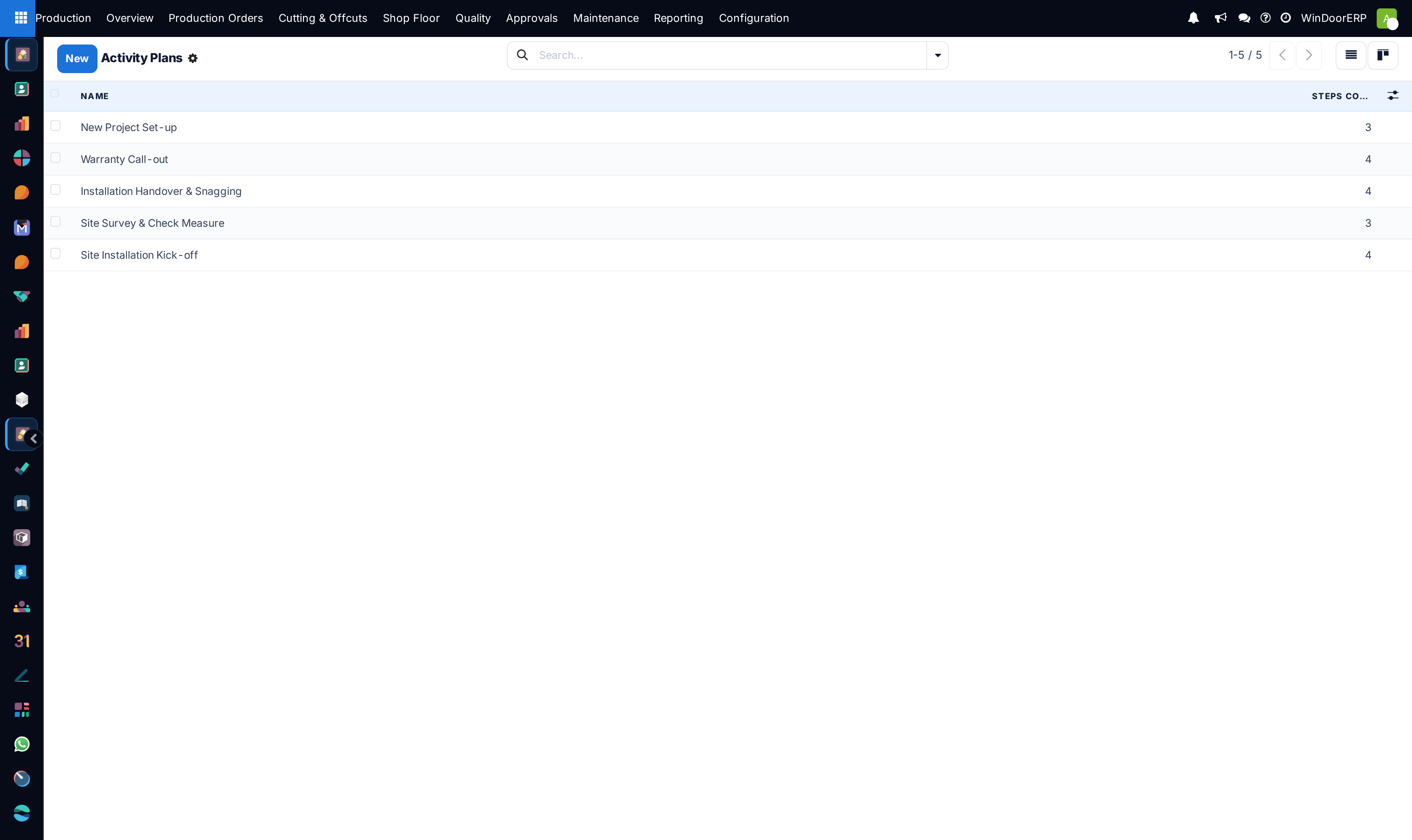
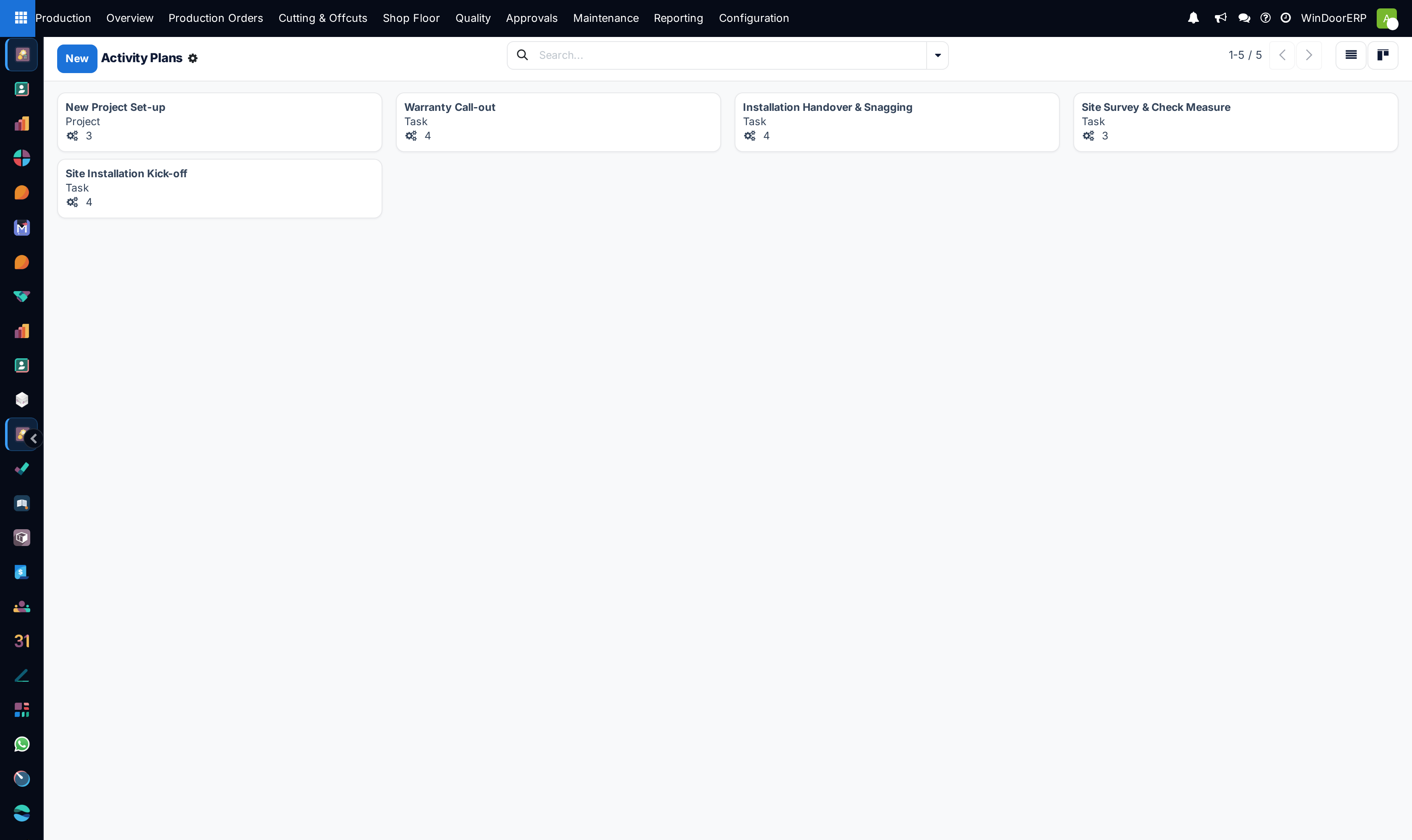
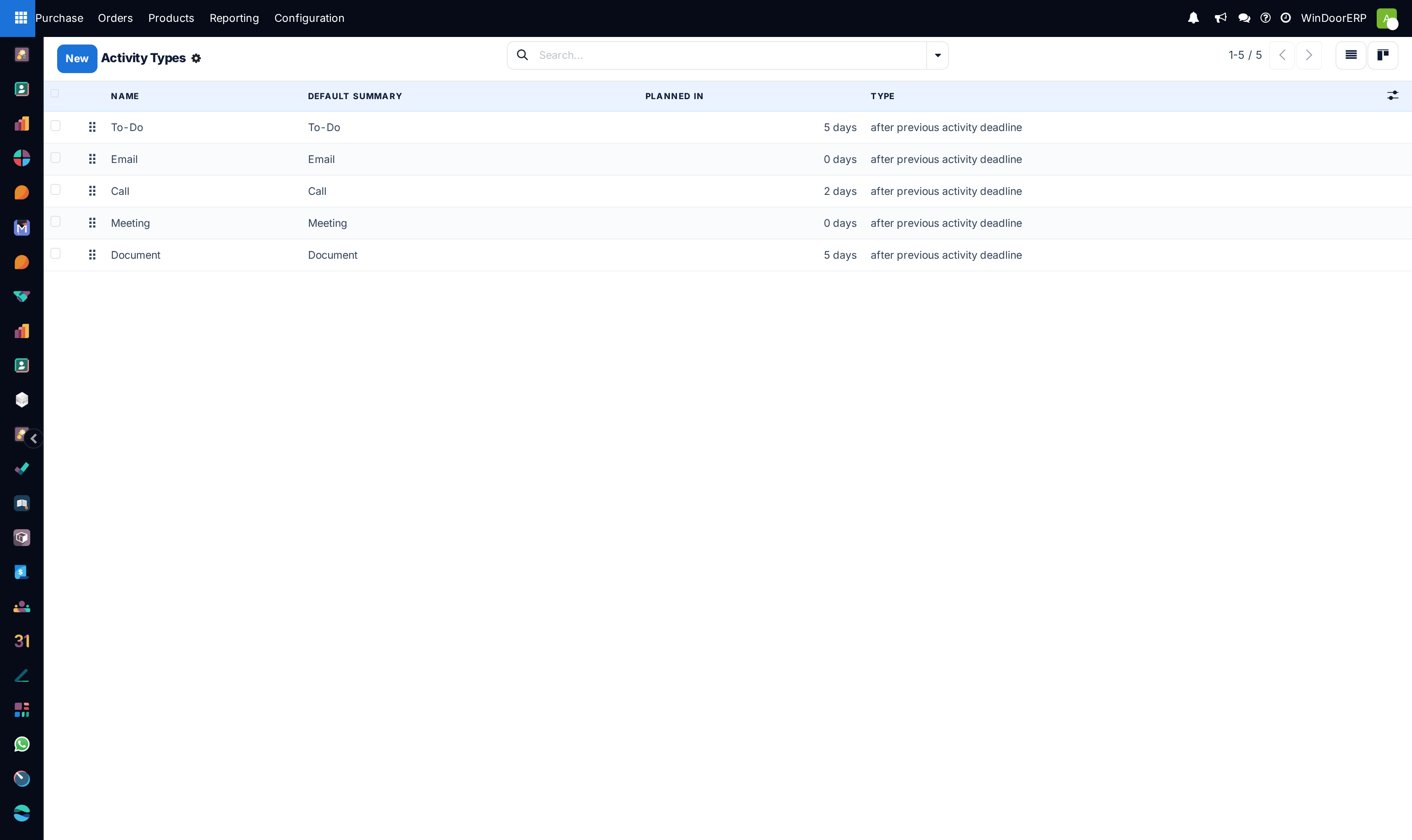
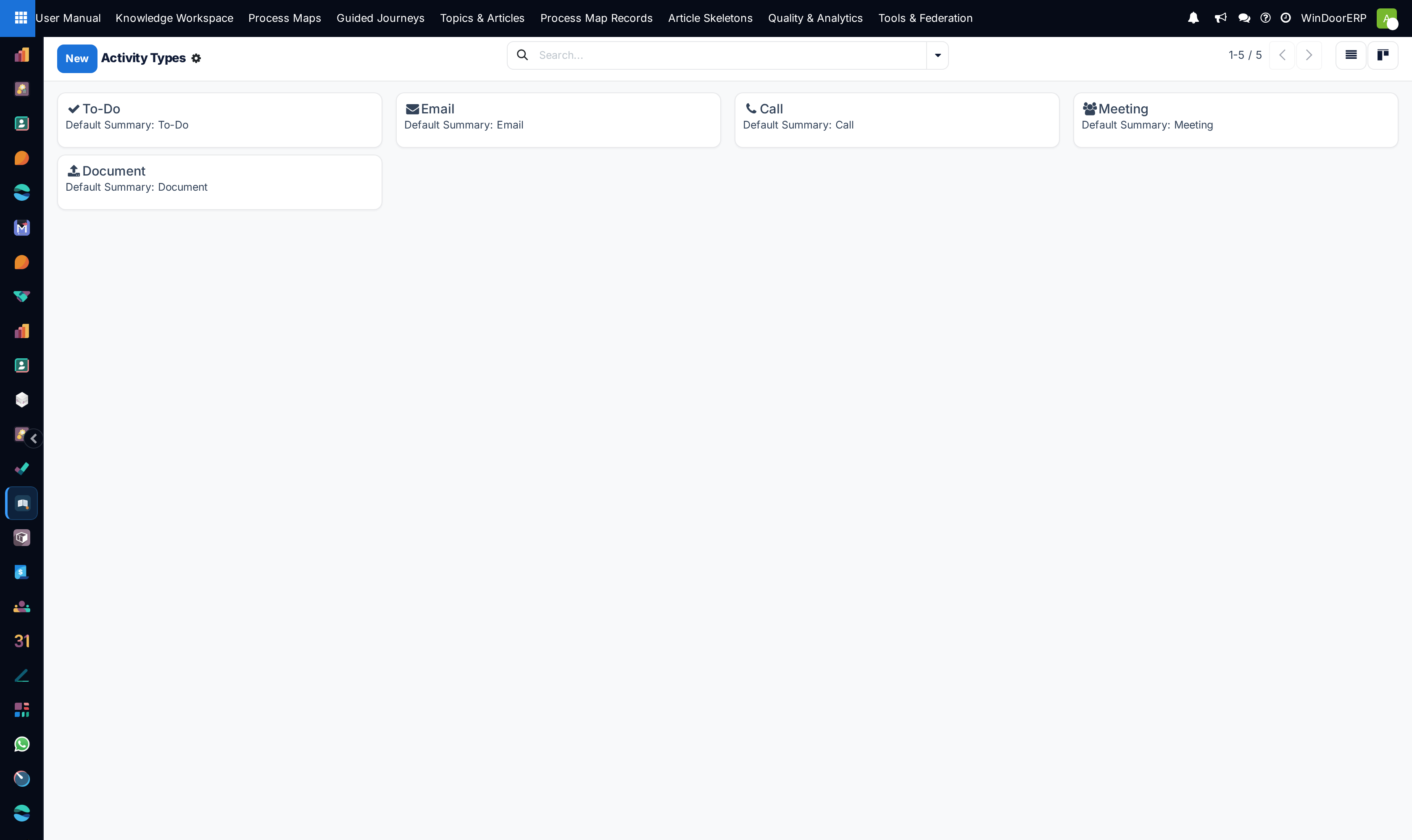
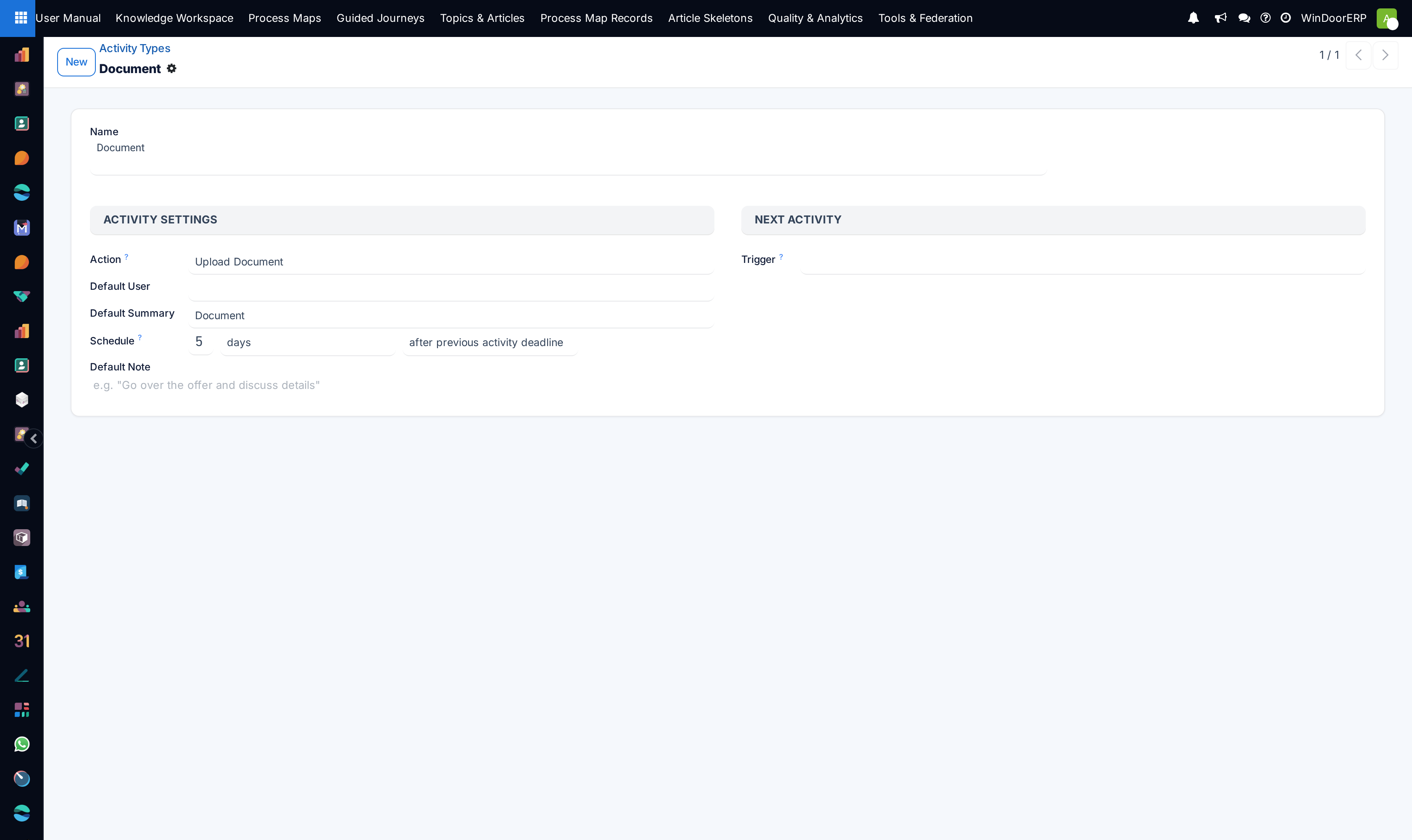
Open Activity Plans and Activity Types to standardize automated onboarding activities for new project contracts.
-
04
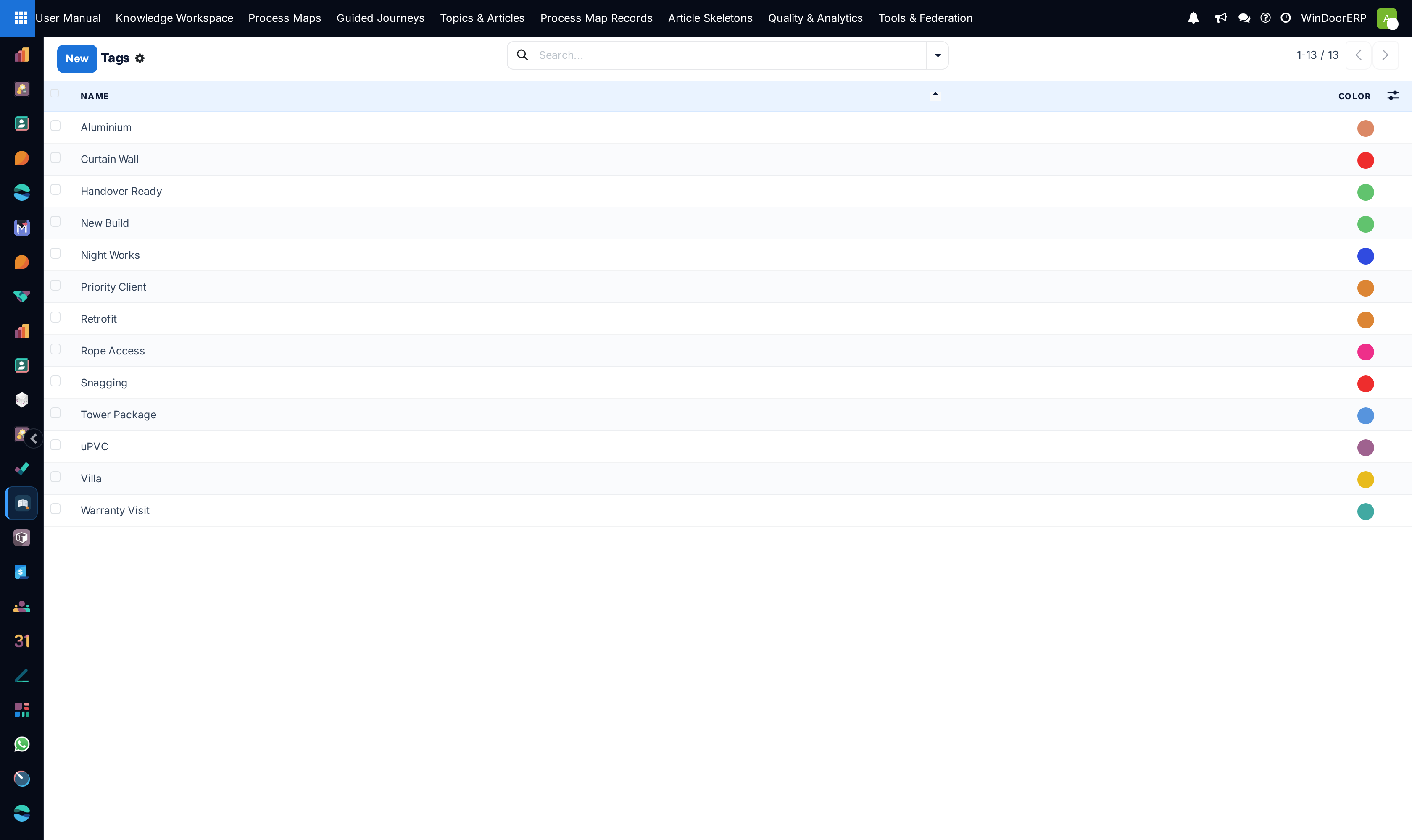
Navigate to Tags and Settings to configure timesheet validation rules and task dependency constraints.
Common mistakes
- Deleting active task stages with in-progress tasks assigned to them.
- Leaving project stages without automated status change email alerts to clients.
Checkpoint
A new project opens on your own stages, with the roles your contracts actually use.