Measure the building
Handle what comes back from site
Why this step
Observations the surveyor could not resolve, messages from the customer's engineer, and requests to come back. Give these a route now, or they will live in a WhatsApp thread nobody can search later.
What this does
Connects mobile surveyor tablets to the central engineering office, instantly synchronizing on-site obstacle reports, civil unreadiness alerts, client messages, and automated re-visit scheduling.
Before you start
- Surveyors equipped with connected mobile tablets running the WindoorERP field app.
Steps
Important
When a surveyor logs 'Site Not Ready', the system automatically sends a formal notification to the main contractor, preventing unexcused project delivery delay penalties.
-
01
Open Technical Tasks › Site Surveys › Field Portal.
-
02
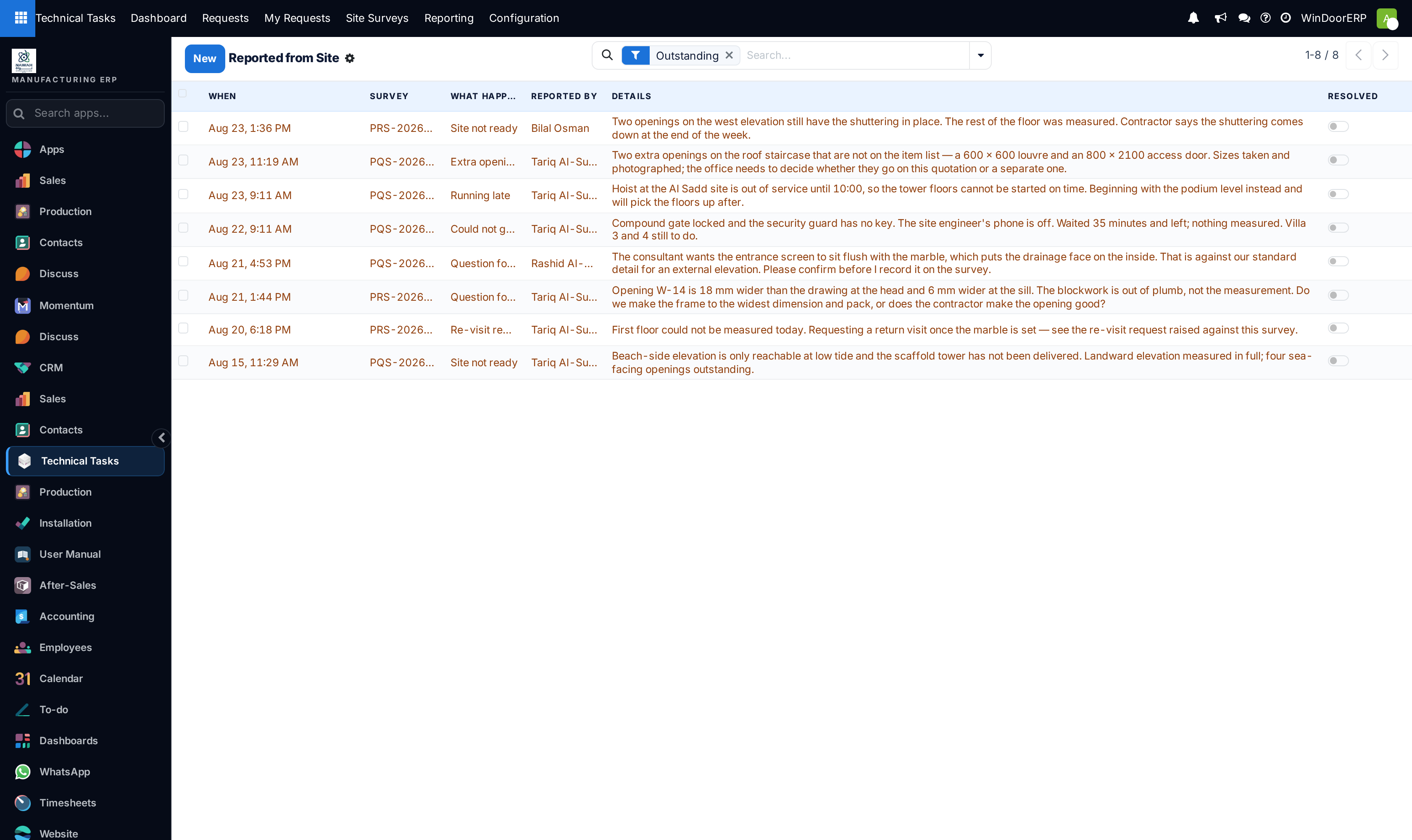
Review Reported from Site to inspect field alerts (e.g. Scaffolding Missing, Sill Plaster Incomplete, Electrical Conduit Obstruction).
-
03
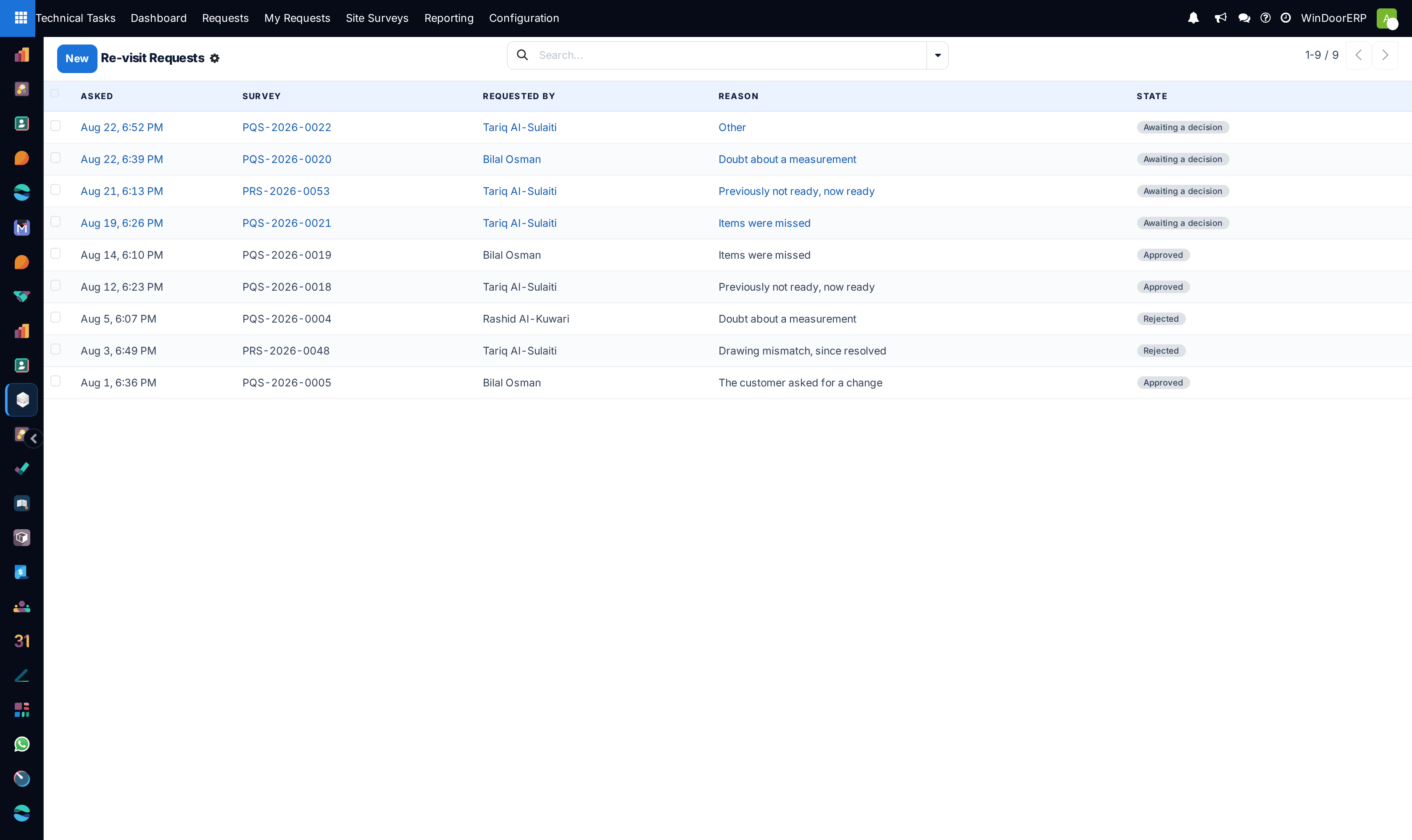
Check Re-Visit Requests when structural civil modifications require secondary site laser validation.
-
04
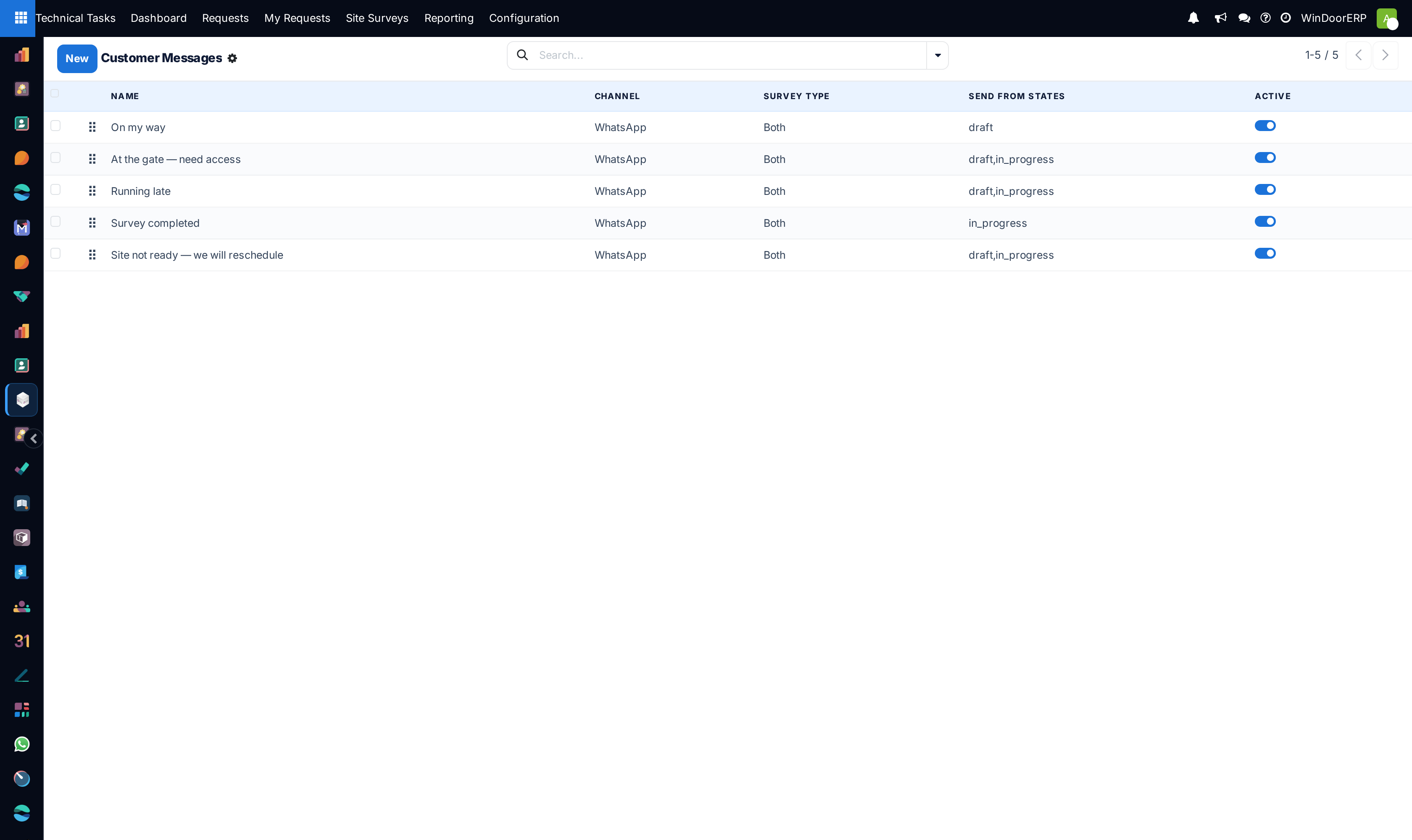
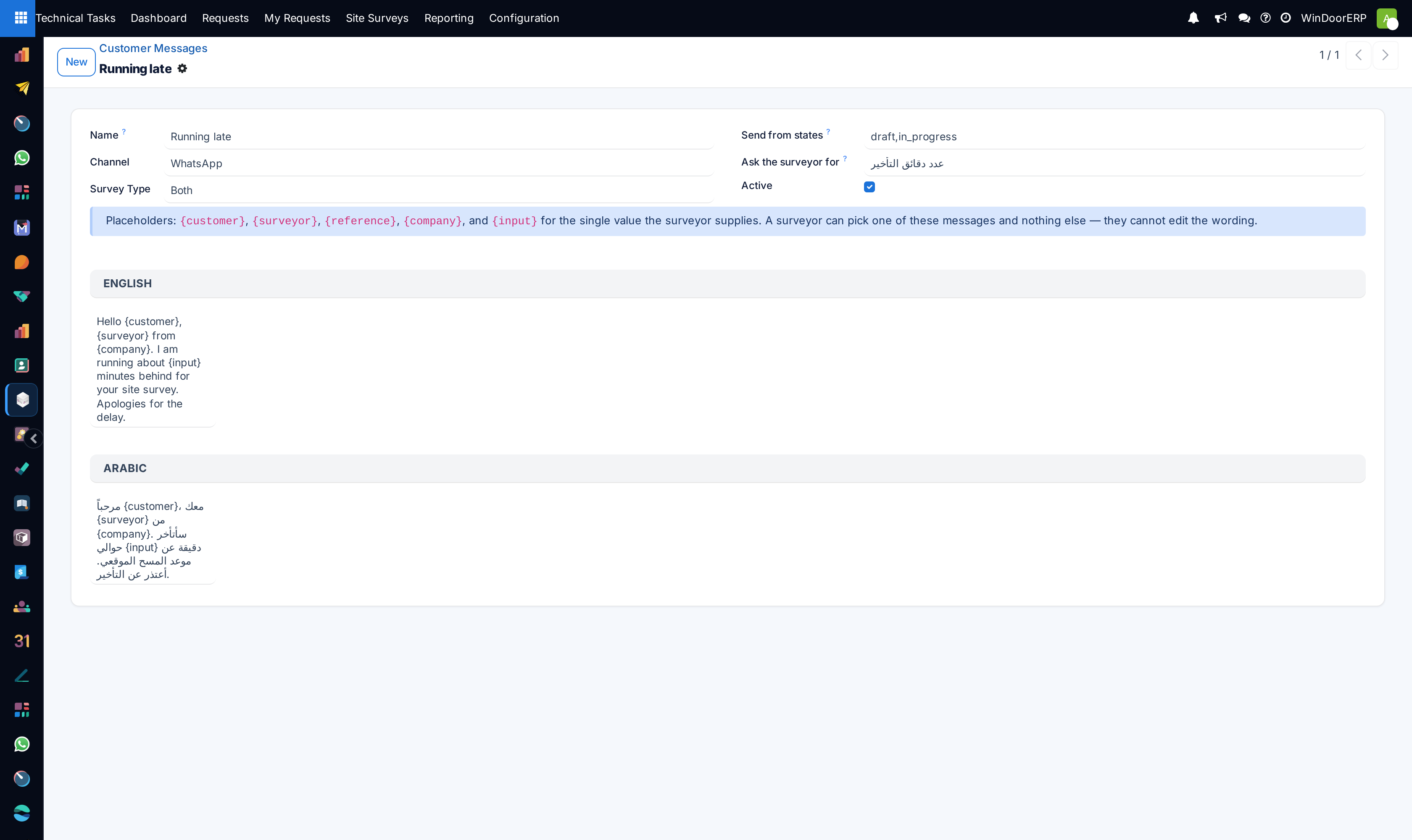
Review Customer Messages to answer client queries regarding threshold drops or blind box recesses.
Common mistakes
- Taking production dimensions while site civil masonry is still wet or unfinished.
- Failing to log re-visit reasons, losing track of extra survey technician travel costs.
Checkpoint
A re-visit request is raised against the survey rather than agreed verbally.