Configure the module
Set your own stages and tags
Why this step
Start with the vocabulary: the stages a site task moves through, the tags that classify a project, and the actions your crews can take. Every board and filter after this reads them back.
What this does
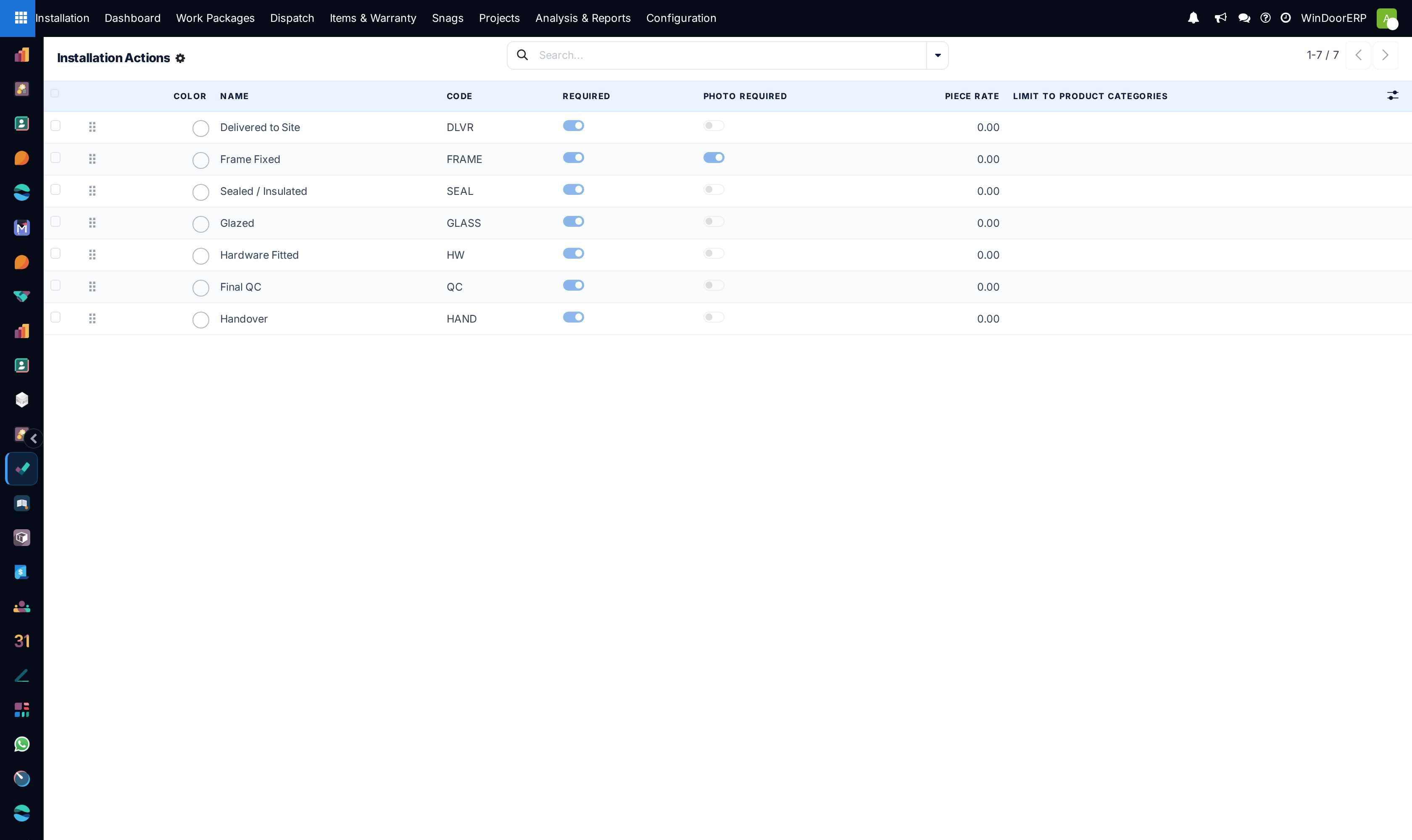
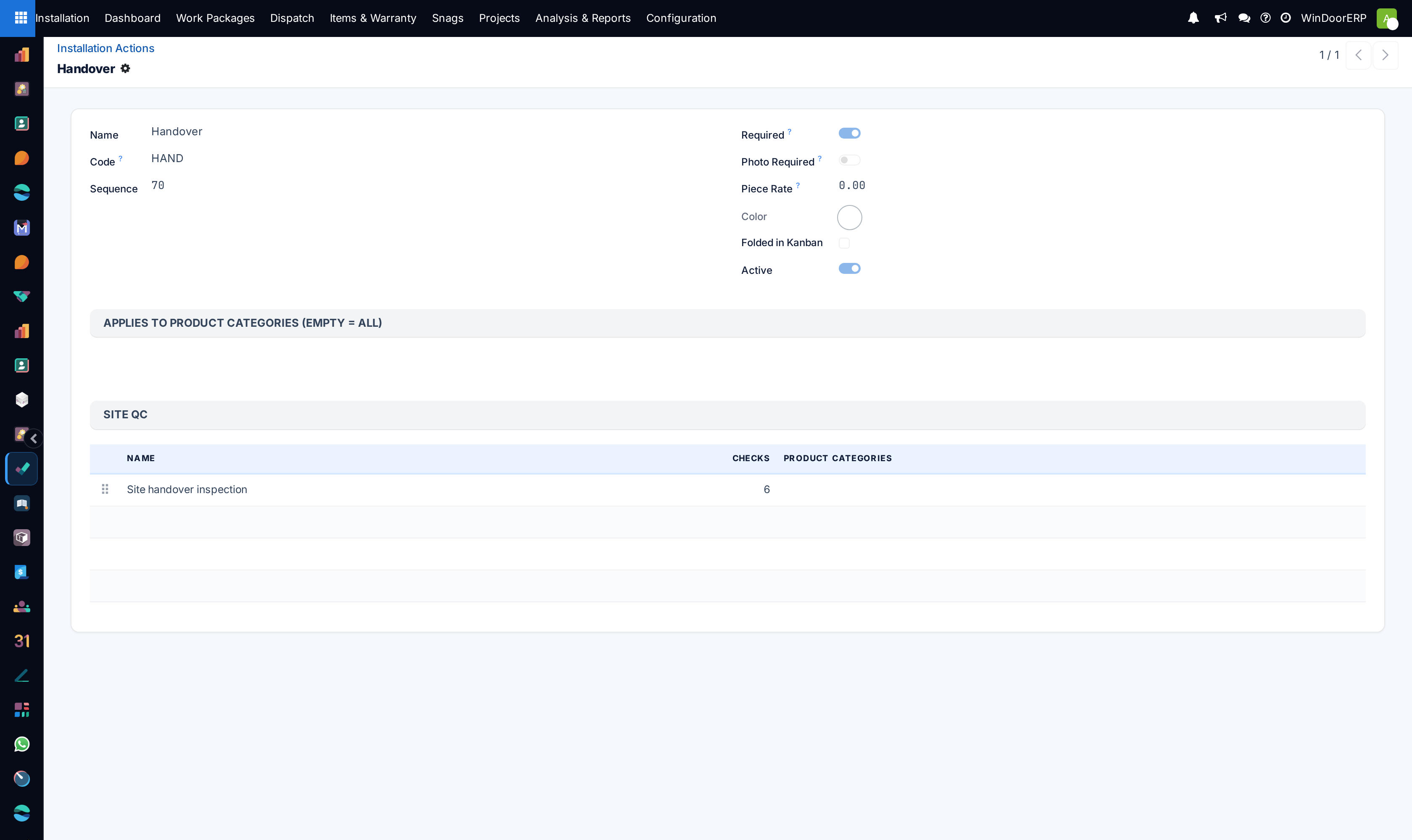
Configures standardized installation actions (e.g. Sub-frame fixing, Glazing, Silicone bead), custom project tags, workflow stage pipelines, and mobile telemetry settings.
Before you start
- Administrator credentials.
Steps


Important
Requiring mandatory GPS check-ins on mobile technician devices guarantees that timesheets are only logged when technicians are physically within the site perimeter.
-
01
Go to Installation › Configuration › Installation Actions to define standard site action catalog items.
-
02
Navigate to Project Tags to categorize projects (e.g. Commercial High-Rise, Private Villa, Government Palace).
-
03
Open Task Stages to customize stage progression rules (e.g. Anchoring › Glazing › Final Seal › QC Pass).
-
04
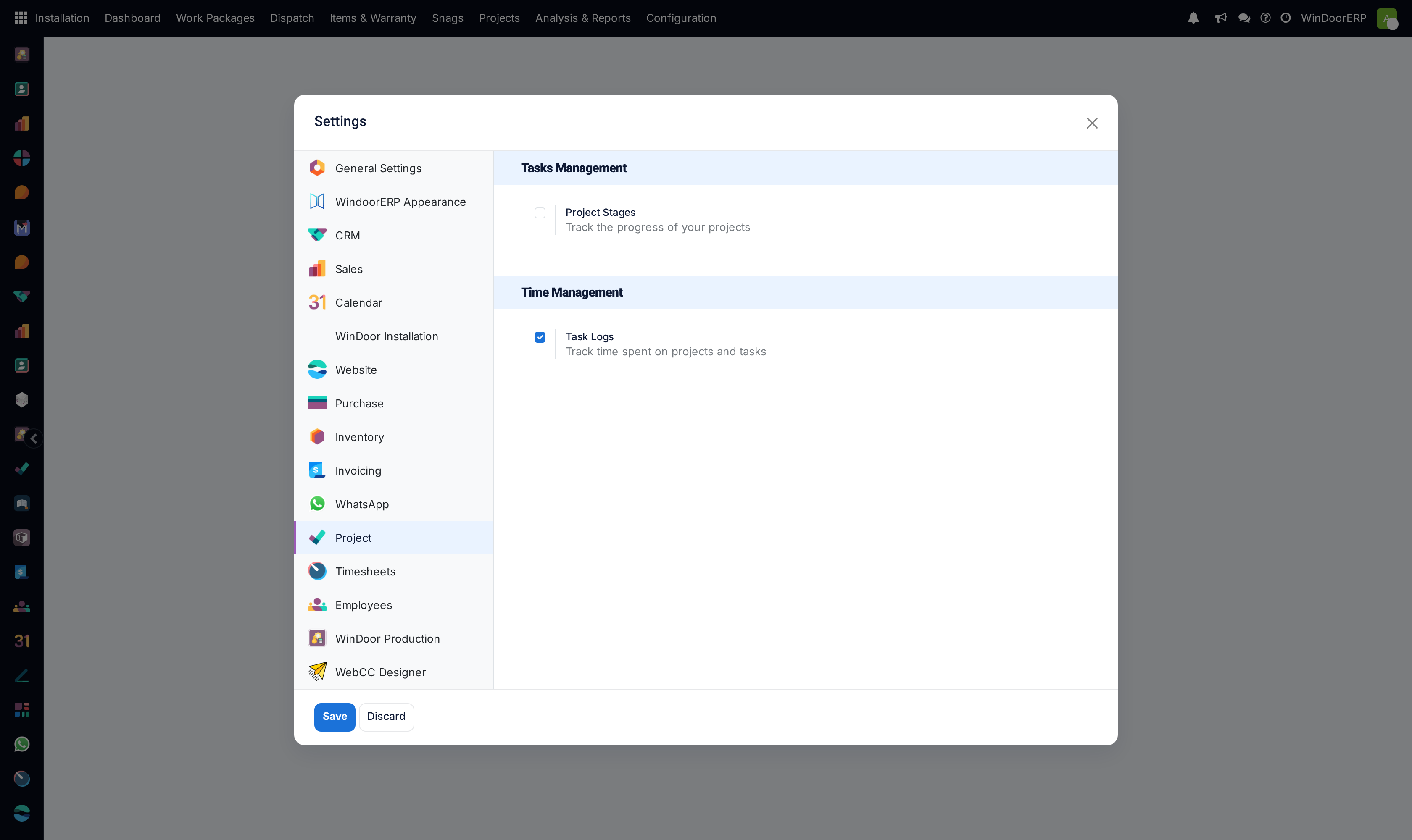
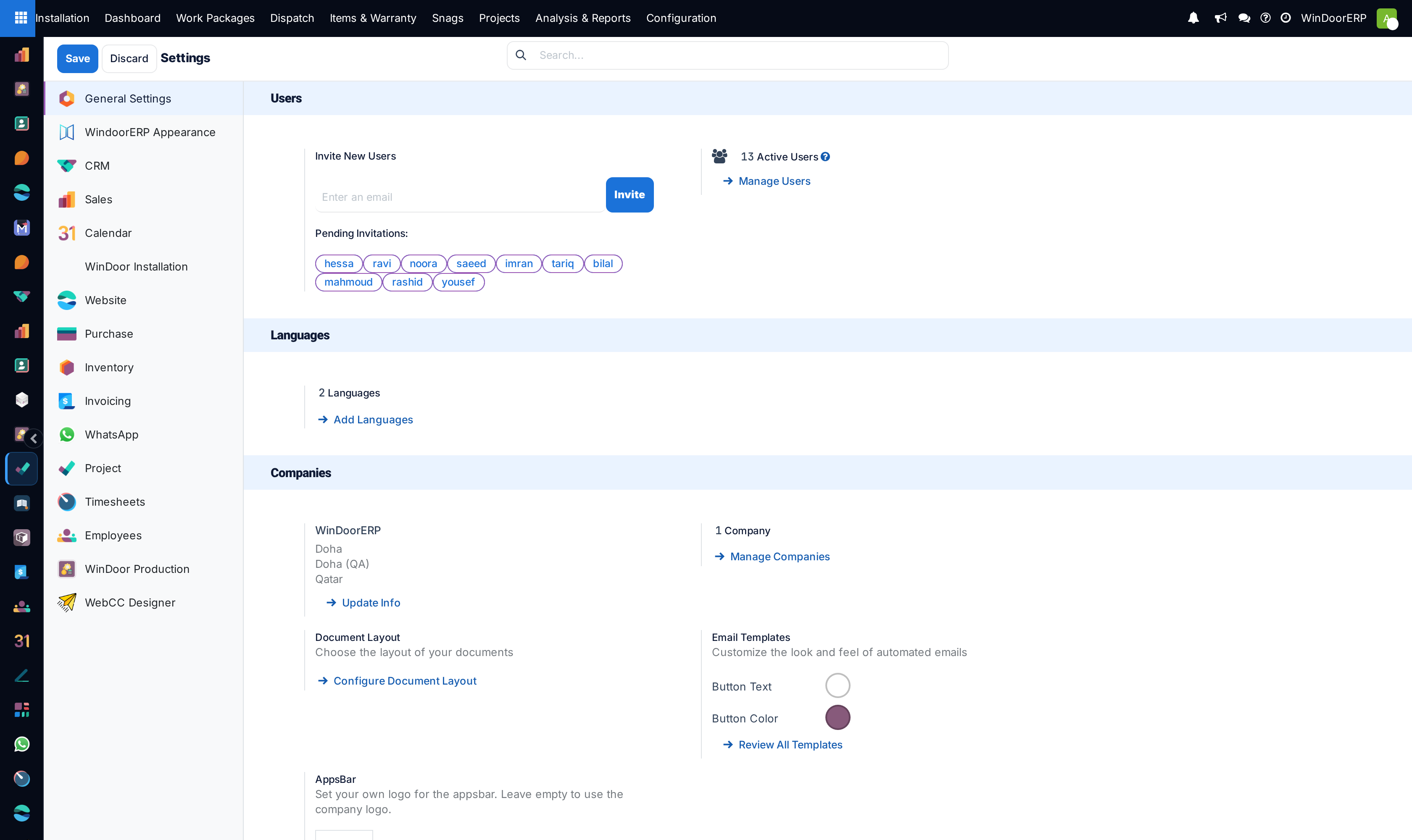
Open Settings to configure photo attachment mandates, GPS check-in thresholds, and customer digital signature policies.
Common mistakes
- Creating duplicate task stages with identical names, causing confusion on mobile kanban boards.
- Disabling photo upload requirements, leaving the company without proof of site waterproofing conditions.
Checkpoint
An installation project opens on your own stages, not the defaults.