Get crews to site
Dispatch crews and transport
Why this step
Routes, mobile crews and transport in one plan, so tomorrow's dispatch is a screen rather than a round of phone calls at seven in the morning.
What this does
Coordinates mobile installation crew vans, flatbed delivery trucks, and tower crane lifting slots to ensure coordinated on-site window deliveries.
Before you start
- Produced units packaged on delivery stillages with assigned truck capacities.
Steps
Important
Coordinate site crane offloading slots with the general contractor at least 72 hours in advance to avoid costly flatbed truck waiting demurrage.
-
01
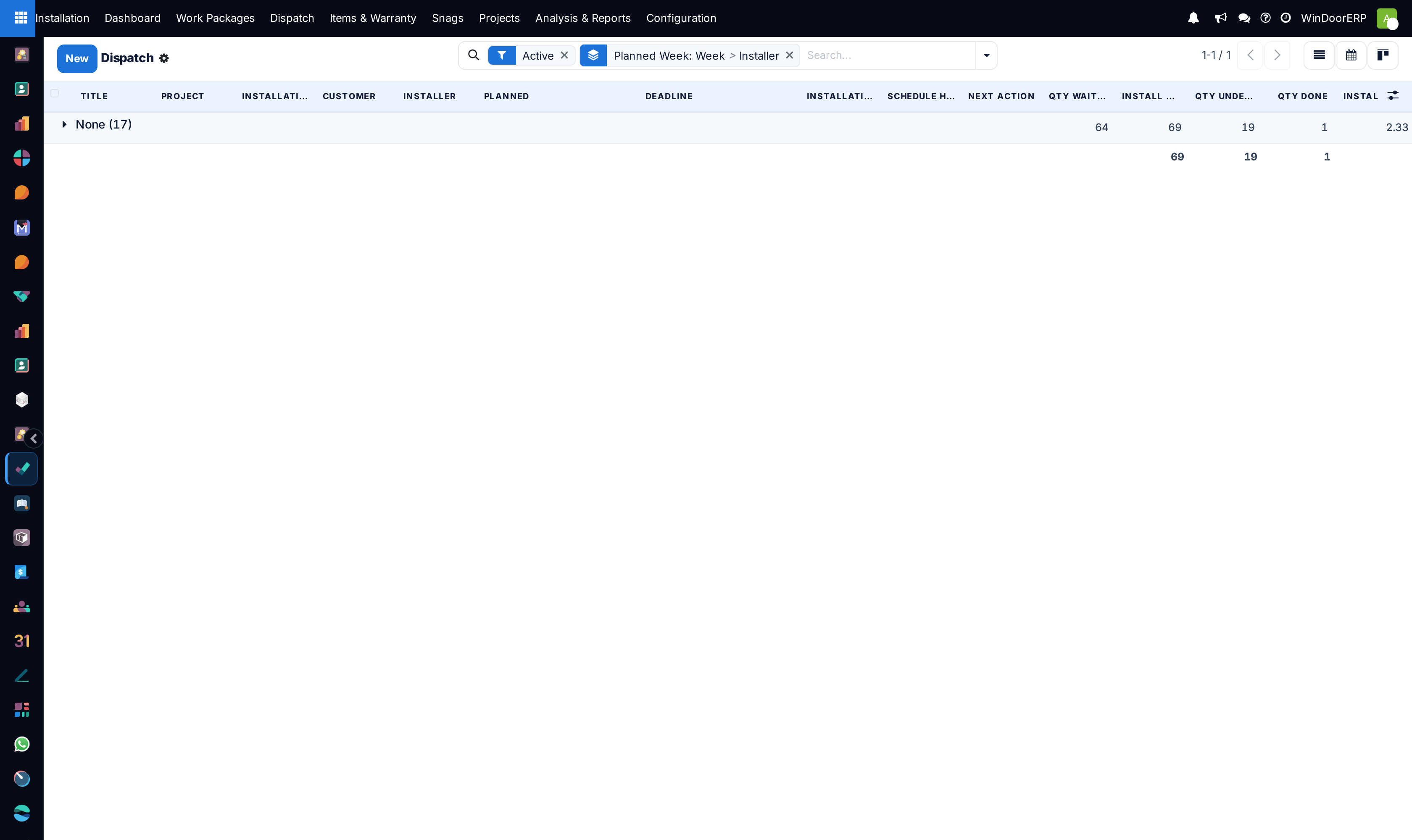
Open Installation › Dispatch.
-
02
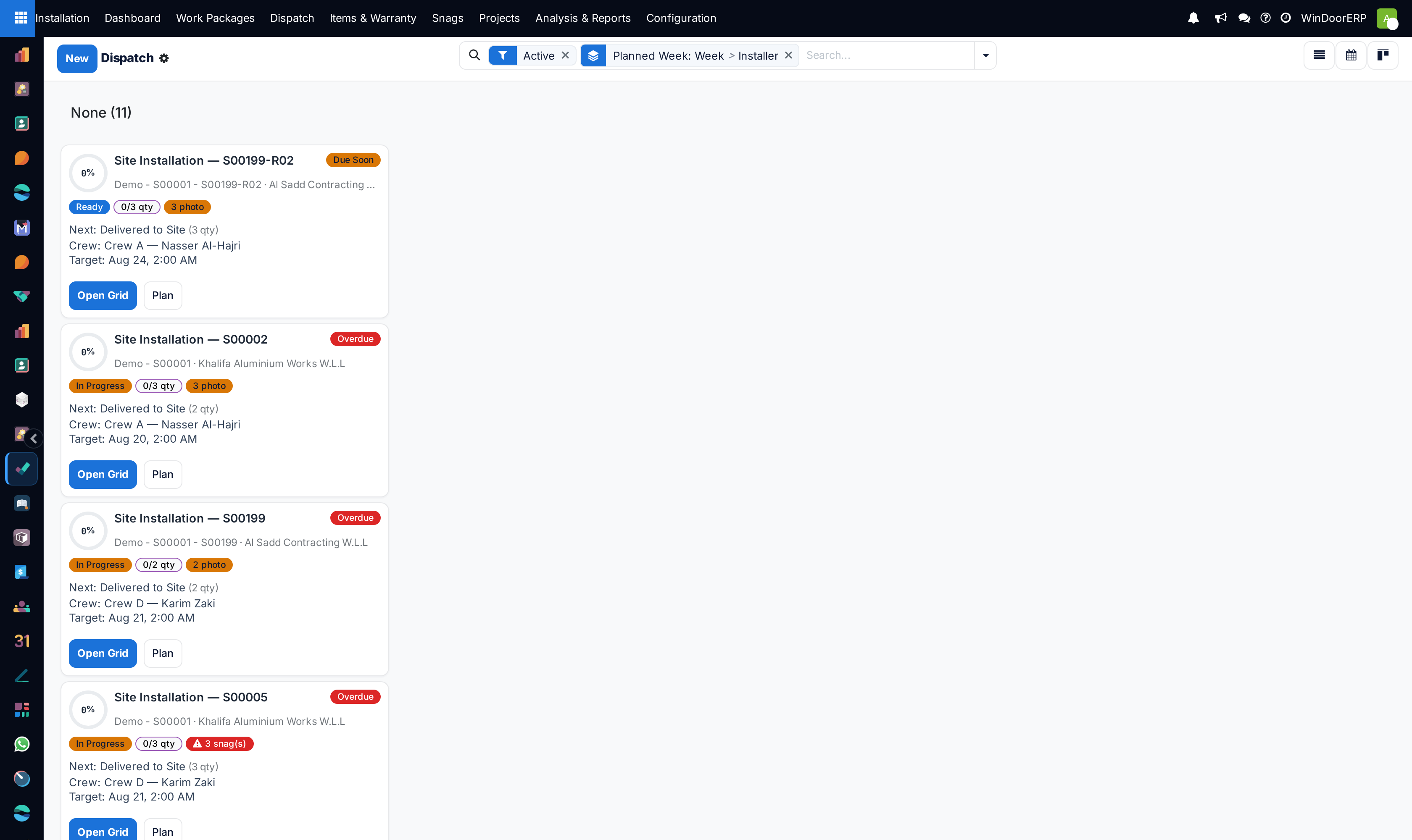
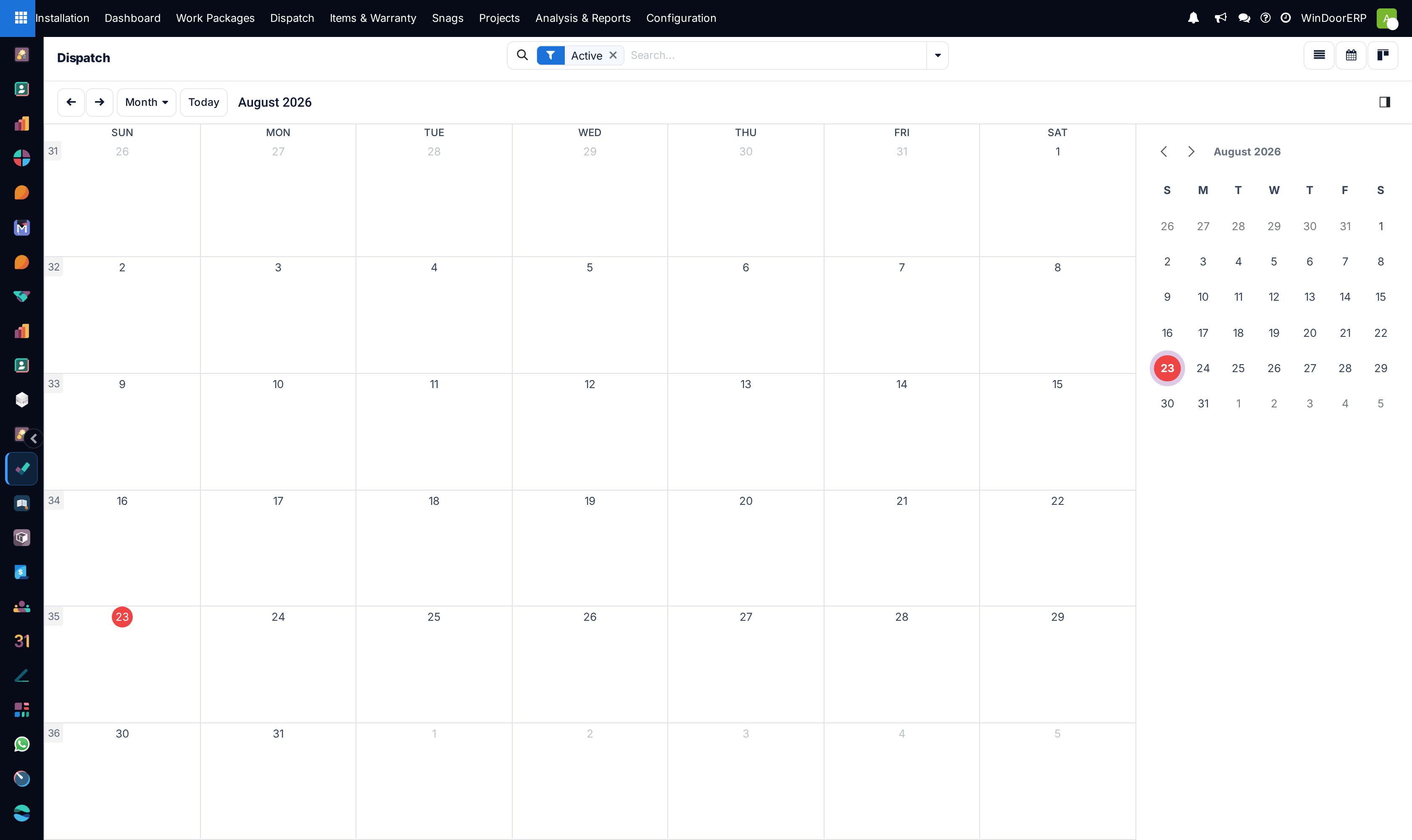
Use the Calendar or Kanban view to review upcoming installation visits.
-
03
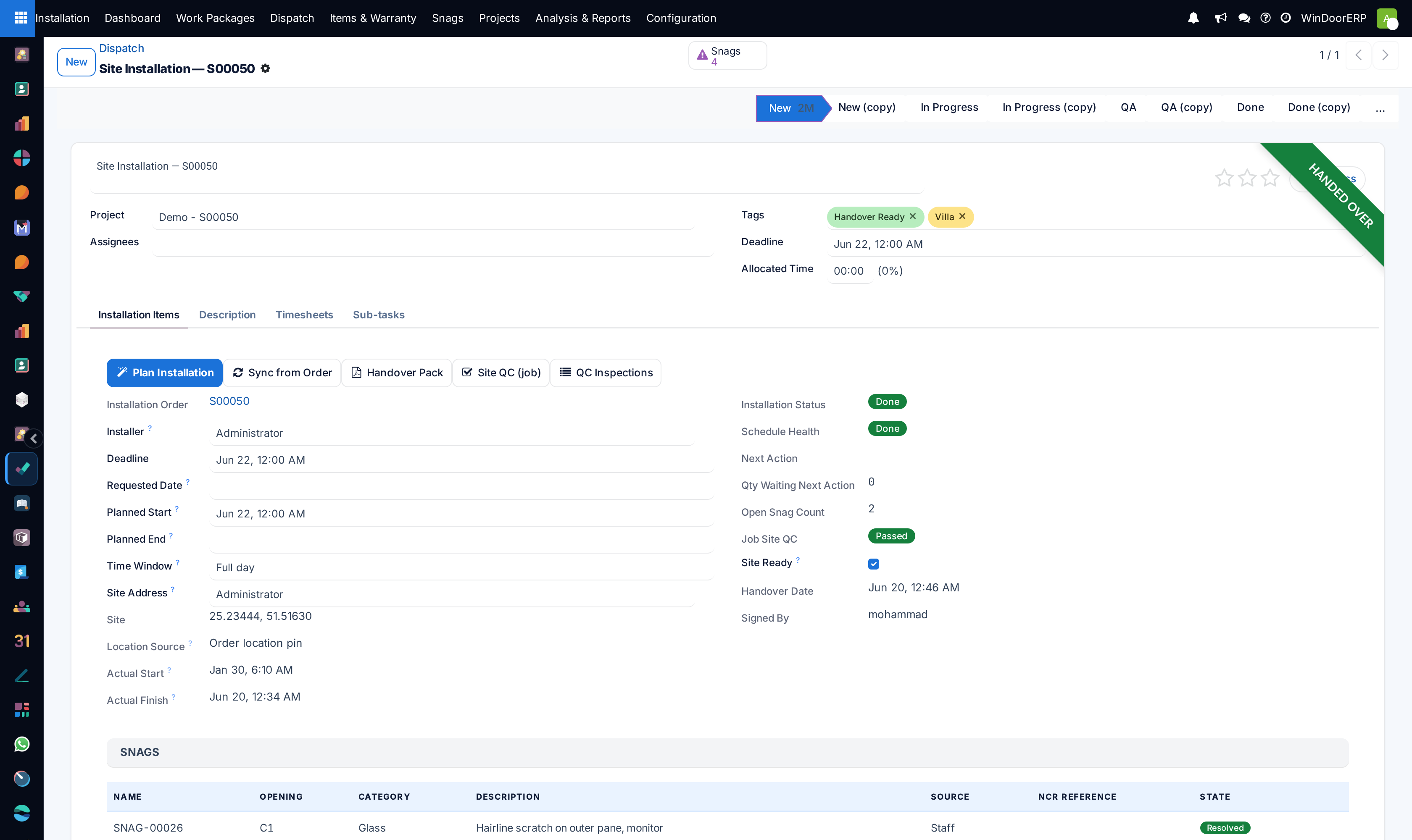
Assign Lead Installers, Apprentice Technicians, Delivery Vehicles, and specialized Lifting Equipment (e.g. Glass Vacuum Robot).
-
04
Generate the Mobile Crew Work Order and push coordinates directly to the field installer tablet app.
Common mistakes
- Dispatching heavy triple-glazed sliding units without verifying on-site elevator or staircase clearance dimensions.
- Failing to confirm site electrical power availability for field welding and rotary hammer tools.
Checkpoint
Tomorrow's dispatch shows which crew is at which site, with the transport assigned.