Decide how a price is reached
Configure the parametric price engines
Why this step
This is the part specific to fenestration: a window is not priced per unit, it is calculated from area and perimeter. Configure the engine once and every quotation line prices itself from its own dimensions.
What this does
Configures advanced mathematical pricing engines that calculate window and facade prices based on dynamic surface area (m²), frame perimeter (linear meters), glass weight, and hardware unit counts.
Before you start
- Parametric Estimation module installed.
Steps
Important
Minimum area thresholds protect fabrication labor costs on small, labor-intensive ventilation windows.
-
01
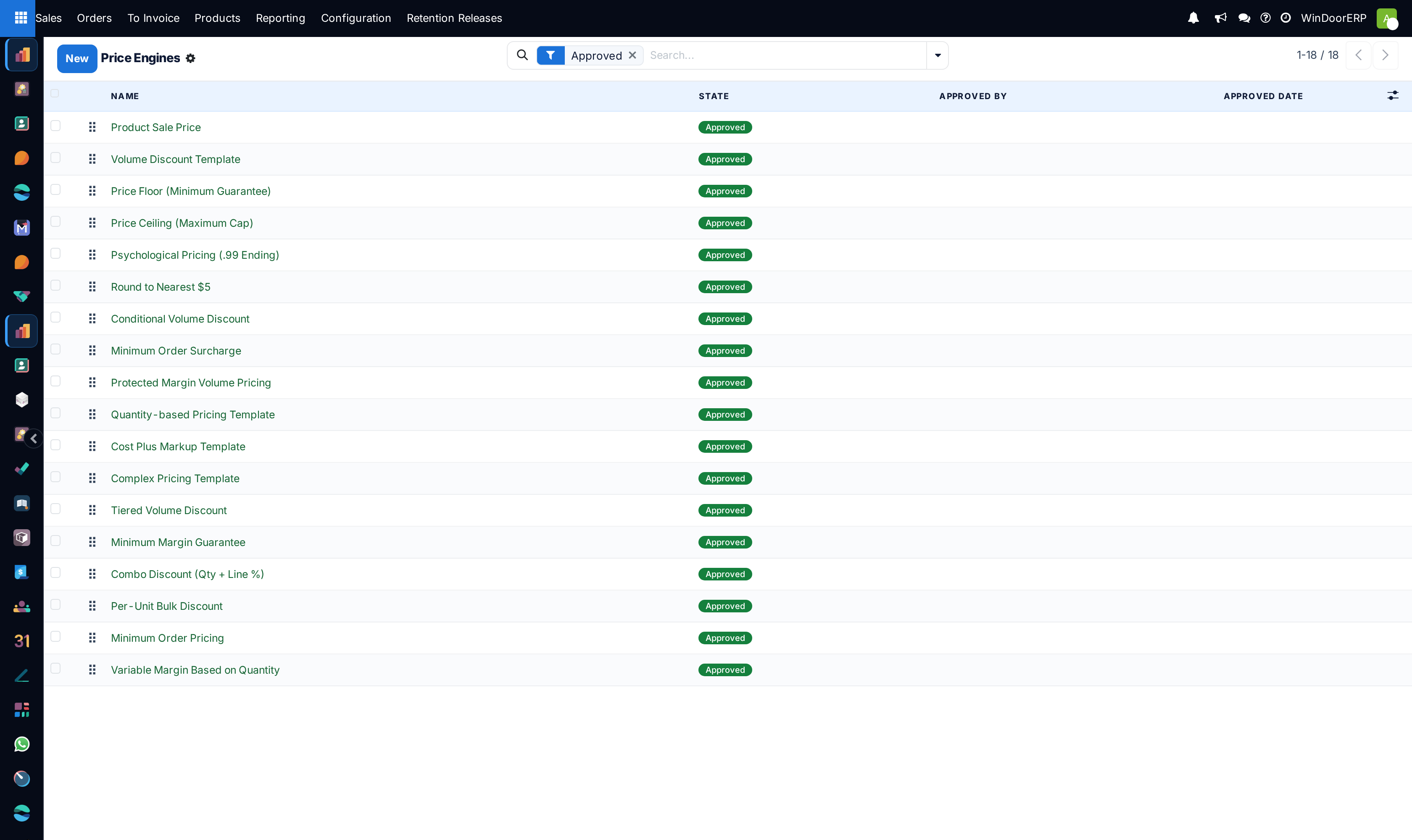
Open Sales › Configuration › Price Engines.
-
02
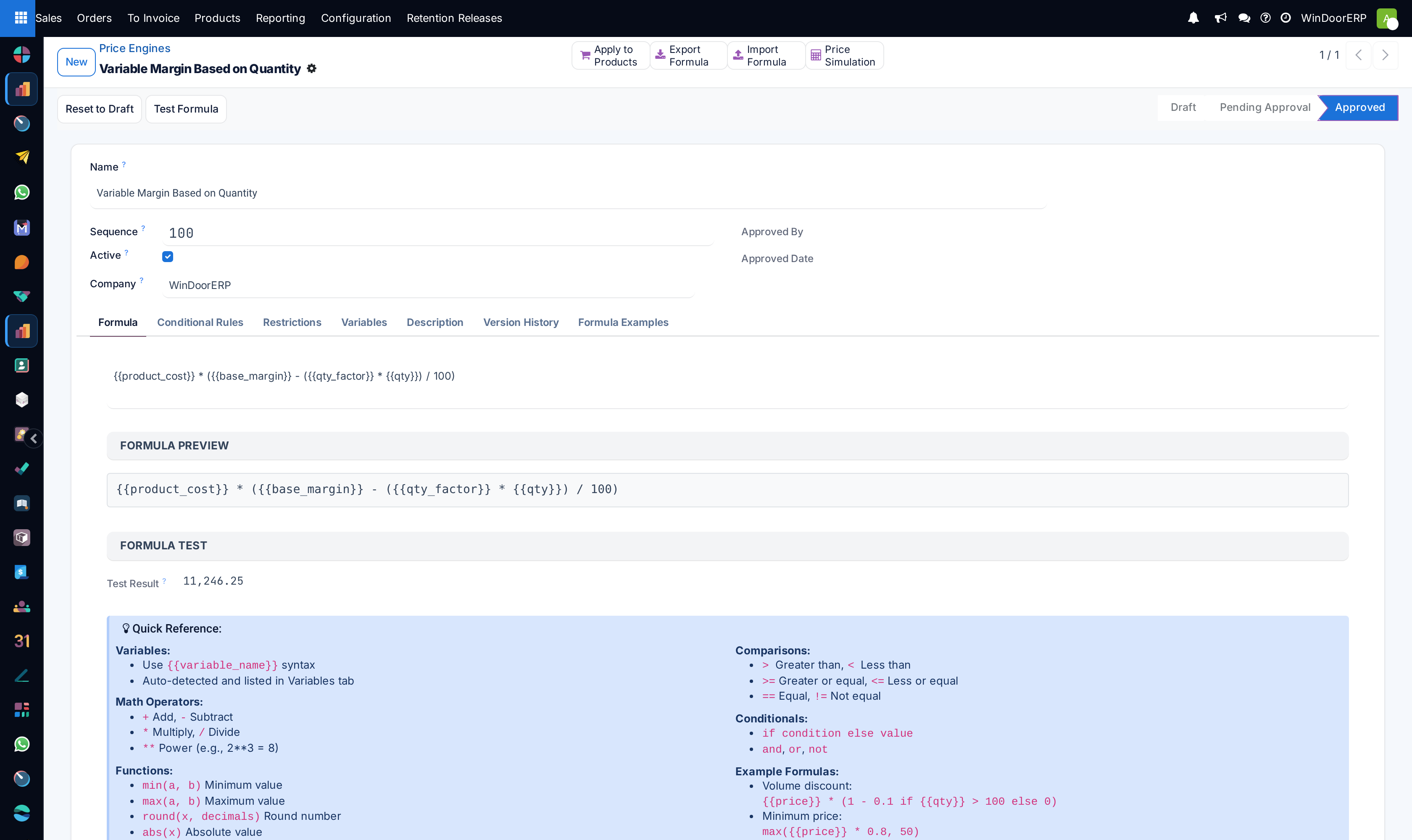
Define formula rules: link base extrusion profile rates ($/lm) with glass unit rates ($/m²).
-
03
Set minimum billing area thresholds (e.g. small bathroom windows < 1.0 m² billed at minimum 1.0 m² rate).
-
04
Bind the price engine to specific window system series (e.g. Structural Curtain Wall Series 50).
Common mistakes
- Not accounting for structural steel reinforcement weights in tall curtain wall elevation formulas.
- Leaving scrap percentage allowances at 0% inside custom price engine scripts.
Checkpoint
Changing the width of a window on a quotation changes its price without a manual override.