Make the follow-up automatic
Write the follow-up down once
Why this step
An activity plan is the follow-up your best salesperson does from memory, written down once and applied to everyone. Onboarding a project stops depending on who picked it up.
What this does
Enables sales operations managers to design standardized sequences of activities (e.g., 'Residential Villa Project Plan': Phone Discovery -> Site Survey -> CAD Elevation Review -> Proposal Follow-up) triggered with a single click.
Before you start
- CRM Manager or Administrator privileges.
Steps
Important
Activity Plans eliminate forgotten steps, guaranteeing that every customer inquiry receives identical rigorous engineering follow-up.
-
01
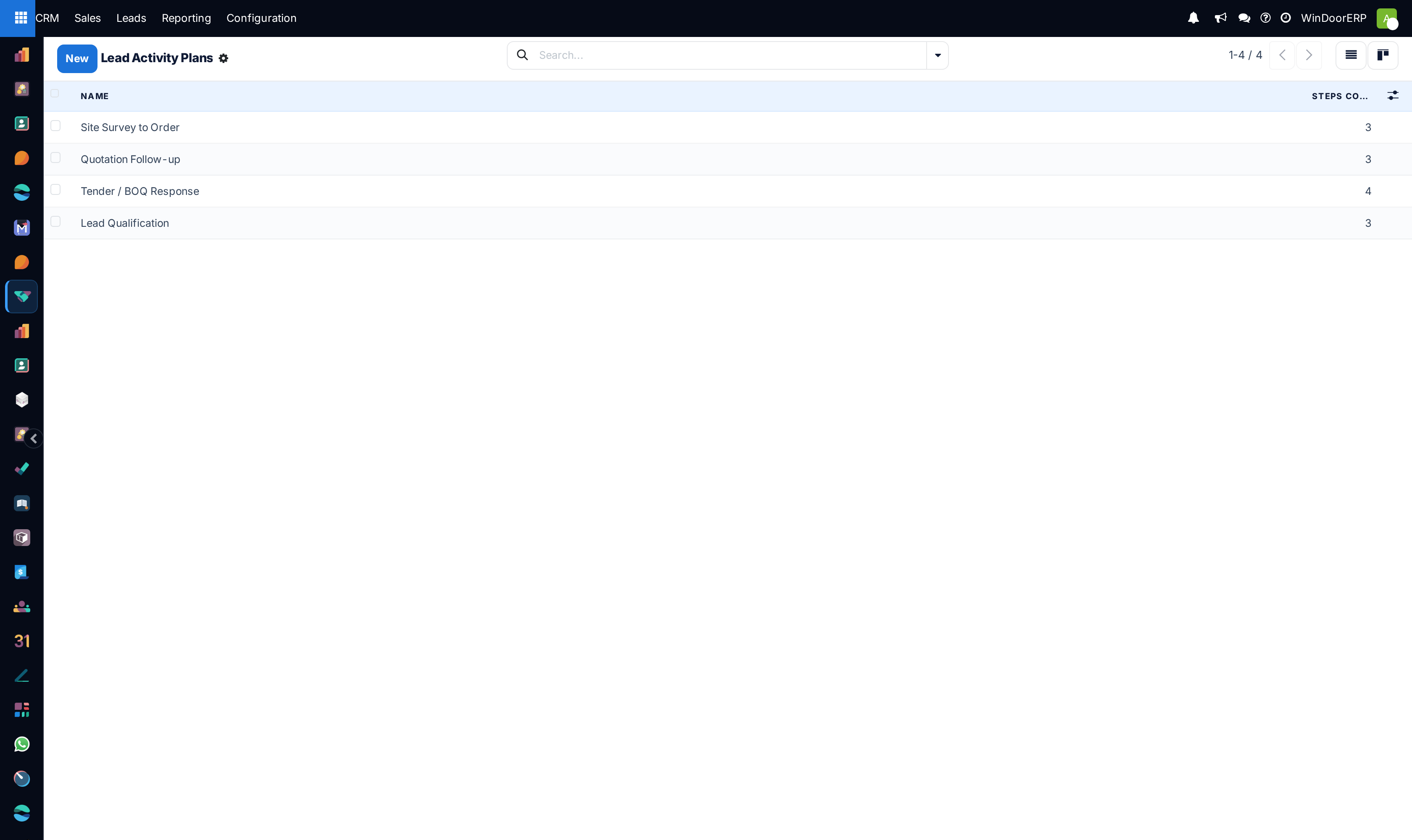
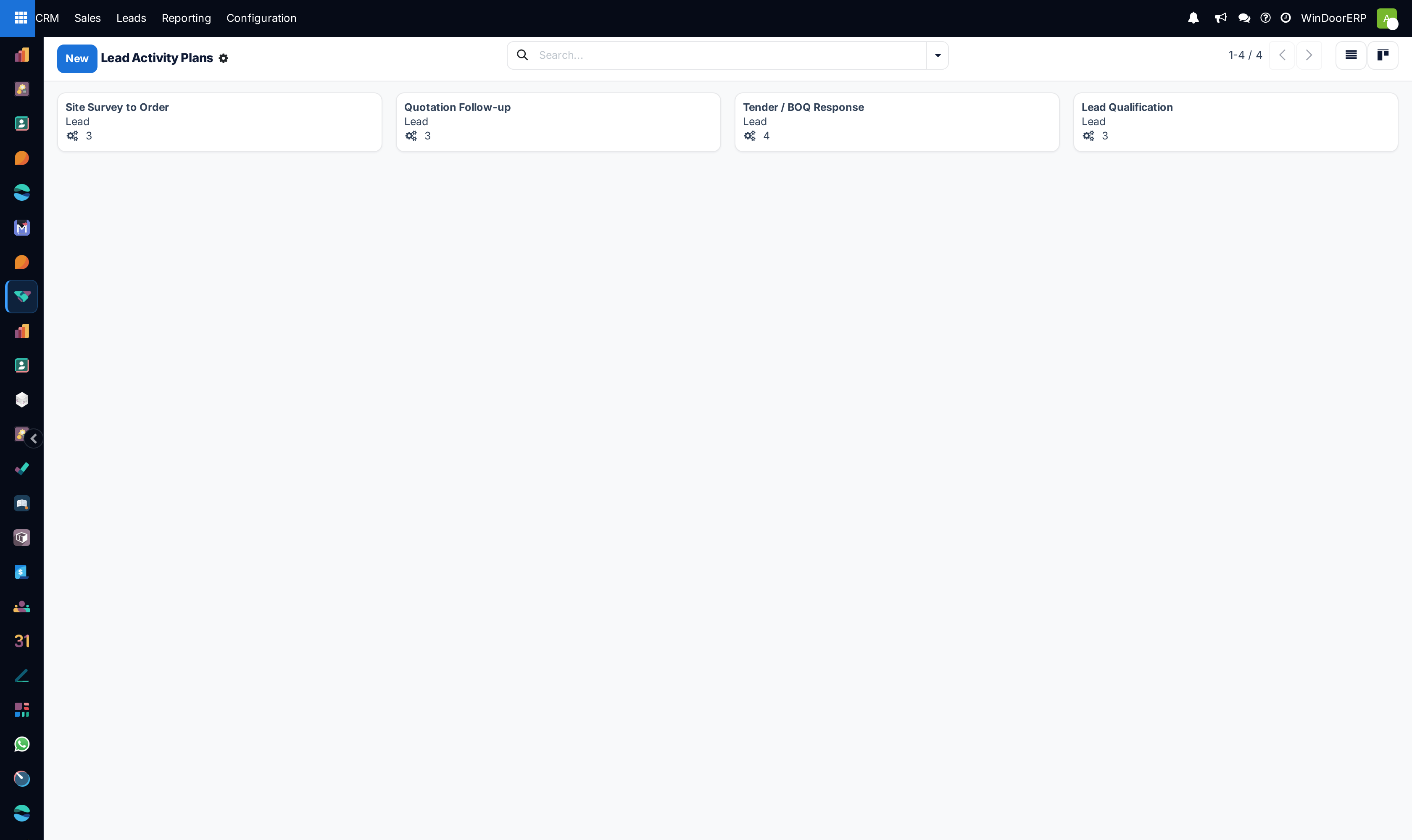
Navigate to CRM › Configuration › Activity Plans.
-
02
Click New to create a plan (e.g. Commercial Project Onboarding, Villa Infill Package Plan).
-
03
Set Model Binding to
crm.lead(Lead/Opportunity). -
04
Add sequenced plan steps: specify Activity Type, Summary, Responsible Person (e.g. Salesperson, Surveyor, or specific user), and Delay (e.g. +2 days after survey).
-
05
In any opportunity chatter, click Activities › Schedule an Activity, select the Plan, and click Launch Plan to schedule all sequential tasks automatically.
Common mistakes
- Setting unrealistic short deadlines on complex structural facade engineering review steps.
- Creating monolithic plans with excessive steps that overwhelm sales engineers.
Checkpoint
Applying the plan to an opportunity schedules the whole follow-up sequence in one click.